Facebook cover photo maker from a text prompt
Describe your page, the line of text and the style, and the bot draws a wide banner you can use as a Facebook cover. No design app and no template hunting. The image comes back in the chat in 1–2 minutes.
- 2 credits per image
- Result in 1–2 minutes
- No sign-up
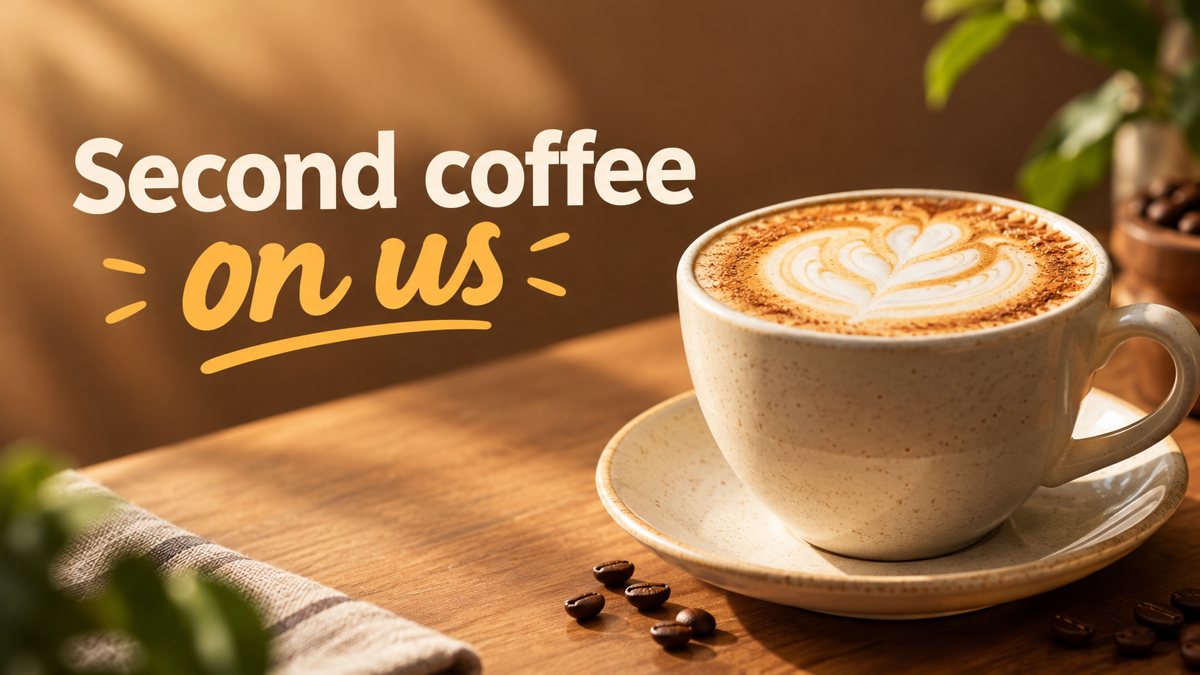 Made by the bot
In short: Make a Facebook cover photo from a text description in Telegram. Wide 16:9 image with your short text, 3 credits per banner, 15 free credits to start.
- Where: the VisuMate bot in Telegram, no app or sign-up.
- Cost: 2 credits per image, 7 images free, then packs from 49 Telegram Stars.
- Time: 1 to 2 minutes per image, rerun with a new instruction at the same price.
When you need this
- Your business page still shows a default gray cover or an old photo.
- You need a new cover for a sale or event and have no designer on call.
- Templates in free editors all look alike and you want a scene that matches your business.
How to do it
- 1
Open the bot through the button on this page and press Start. Choose the banner scenario if it is not already open.
- 2
Describe what the cover should show, for example: a cozy bookshop window at dusk, warm light, the words 'Open Late on Fridays' in the left third. Add the page name if it should appear.
- 3
The banner comes back in the chat in 1–2 minutes (3 credits). Read the text letter by letter, then download it or rerun with a shorter line.
Try it on your own photo: 7 images are free, no sign-up.
Make it in TelegramWhat size the cover is shown at
The bot returns a 16:9 image. Facebook shows page covers at about 820×312 on desktop and crops them differently on phones, so treat that size as a guideline and check the preview before you save. Put the important part of the scene in the middle and keep text away from the borders. If the crop cuts a word, rerun with the text moved toward the center or shortened to fewer words.
What to put on a business cover
A cover has one job: tell a visitor what the page is. A scene from your line of work, a product close-up or a seasonal theme does that better than a block of text. Name the business type and one visual detail in your prompt. If you add a line of text, make it a short promise or an hours note. Phone numbers and long addresses tend to come out with typos, so leave those in the page info section.
Tips
- Facebook crops covers differently on phone and desktop, so keep the text away from the edges.
- Ask for empty space on one side of the image so your profile picture does not hide the words.
- Use five words or fewer for the text on the image. Short lines are spelled correctly more often.
- Save the 16:9 result and crop it in the Facebook editor if the preview cuts something.
Questions and answers
Can I put my logo on the cover?
The bot does not place a logo exactly. You can send it as a reference and the result is approximate, so add the real logo in the Facebook editor if it must be exact.
How many credits does a cover cost?
A 16:9 banner costs 3 credits. New users get 15 free credits on first launch.
Will the text be spelled correctly?
Short captions usually come out well. Longer phrases sometimes have misspelled letters, so read every word before you upload.
Can I write the prompt in English?
Yes. The bot replies in English, and the link from this page opens the right mode.
More in "Banners and stories"
- Facebook ad image without a designerCreate a Facebook ad image from a plain-English brief in Telegram. Wide 16:9 banner with your headline, 3...
- YouTube thumbnail from a text promptMake a YouTube thumbnail from a description in Telegram. 16:9 image with a short bold title, 3 credits per...
- YouTube channel art bannerCreate a YouTube channel art banner from a description in Telegram. 16:9 image with a short tagline, 3...
- Website hero banner with AIGenerate a website hero banner from a text brief in Telegram. 16:9 image with room for your headline, 3...
- Christmas sale bannerMake a Christmas sale banner from a text brief in Telegram. Wide 16:9 image with your holiday offer, 3...