YouTube channel art banner
Describe your channel topic, the tone and a short tagline, and the bot draws a wide image you can crop for channel art. Keep the main content in the center so it survives crops on TV, desktop and phone.
- 2 credits per image
- Result in 1–2 minutes
- No sign-up
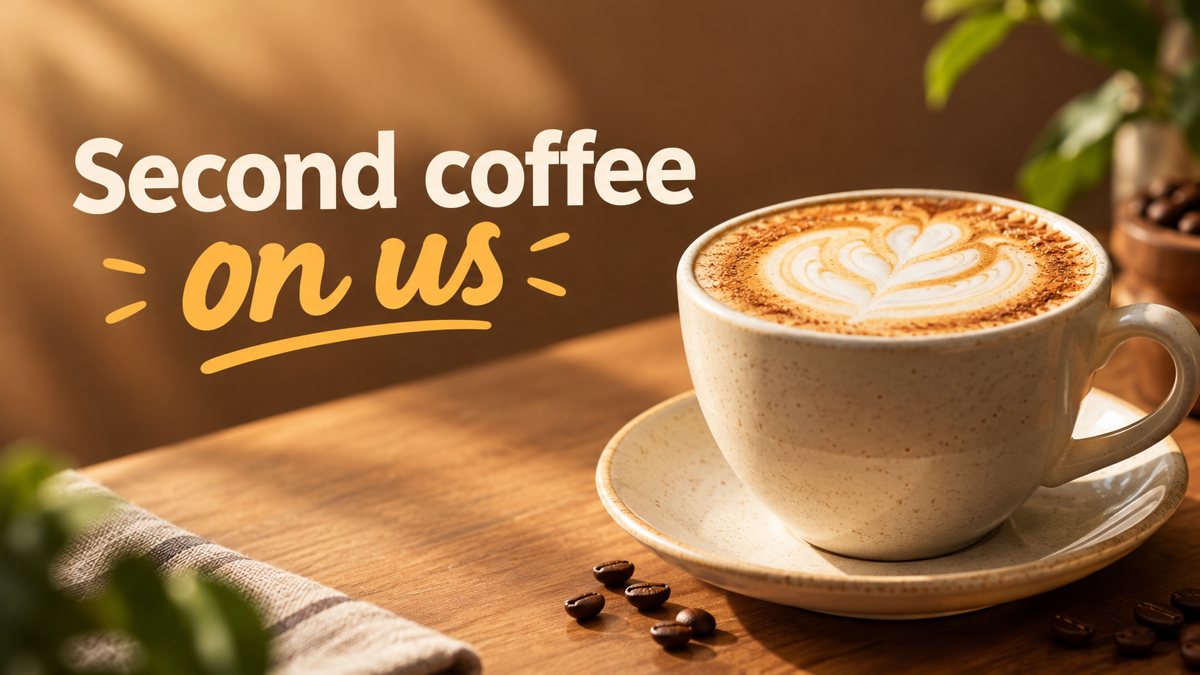 Made by the bot
In short: Create a YouTube channel art banner from a description in Telegram. 16:9 image with a short tagline, 3 credits per run, 15 free credits for new users.
- Where: the VisuMate bot in Telegram, no app or sign-up.
- Cost: 2 credits per image, 7 images free, then packs from 49 Telegram Stars.
- Time: 1 to 2 minutes per image, rerun with a new instruction at the same price.
When you need this
- Your channel top is empty and new visitors do not see what you cover.
- You rebranded the channel and need fresh art.
- The old art is a photo with unreadable text.
How to do it
- 1
Open the bot through the button on this page and press Start. Choose the banner scenario if it is not already open.
- 2
Describe it: a woodworking channel, a workbench with hand tools and curled shavings, warm light, text 'Build Slow' in the center.
- 3
The banner comes back in the chat in 1–2 minutes (3 credits). Read the text letter by letter, then download it or rerun with a shorter line.
Try it on your own photo: 7 images are free, no sign-up.
Make it in TelegramThe safe area
YouTube channel art is displayed differently across devices, and the safe area in the middle is what everyone sees. Ask for a symmetrical scene with the subject in the center and calm sides. After generating, crop and upload, then check the preview. If words get cut, rerun with the tagline smaller and nearer the center. Sketch the center area in your head as a square and put everything important there.
What the art should say
A visitor wants to know what you make, how often and for whom. The art can show the topic and a short tagline. The schedule and links belong in the description. Keep the style close to your thumbnails so the channel looks coherent. Avoid claims about results, and proofread the tagline before upload. Refresh the art once or twice a year when your topics shift.
Tips
- YouTube shows only a safe area in the middle on phones, so center the subject and text.
- Keep tagline text to three words.
- Add the upload schedule in the channel description, not the art.
- Check the preview in YouTube Studio on TV, desktop and mobile.
Questions and answers
What size is the result?
16:9. YouTube channel art has its own recommended size, so crop and check the preview.
Can I add my logo?
Add it afterward. The bot does not place logos exactly.
Can I get matching thumbnails?
Use the same style words in the banner prompt.
Cost?
3 credits per run, 15 free credits for new users.
More in "Banners and stories"
- Facebook cover photo maker from a text promptMake a Facebook cover photo from a text description in Telegram. Wide 16:9 image with your short text, 3...
- Facebook ad image without a designerCreate a Facebook ad image from a plain-English brief in Telegram. Wide 16:9 banner with your headline, 3...
- Free banner maker alternativeA different way to make a banner: describe it in Telegram instead of editing templates. 3 credits per...
- Barbershop booking storyMake a barbershop booking story from a text brief in Telegram. Vertical 9:16 image with short text, 2...
- Holiday hours storyMake a holiday hours story from a text brief in Telegram. Vertical 9:16 notice image with a seasonal...