Free banner maker alternative
Free editors give you templates to edit. This bot starts from a text description and returns a finished 16:9 banner. It fits when you do not want to drag boxes or search for a layout.
- 2 credits per image
- Result in 1–2 minutes
- No sign-up
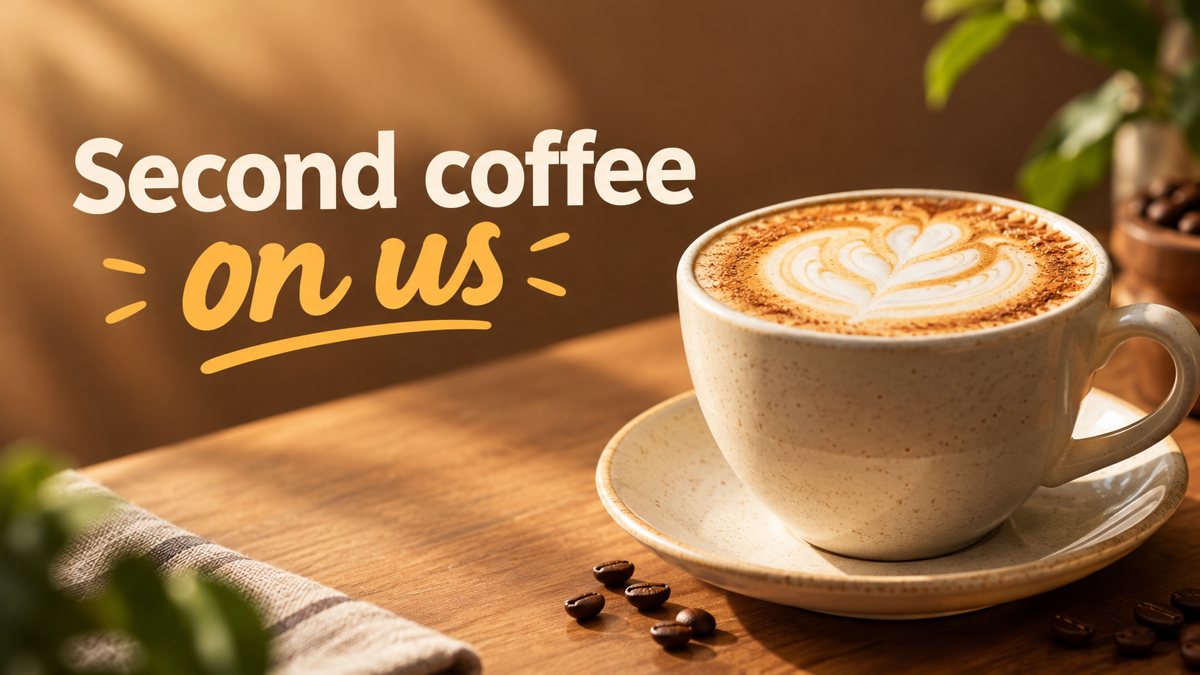 Made by the bot
In short: A different way to make a banner: describe it in Telegram instead of editing templates. 3 credits per banner, 15 free credits to start, no sign-up.
- Where: the VisuMate bot in Telegram, no app or sign-up.
- Cost: 2 credits per image, 7 images free, then packs from 49 Telegram Stars.
- Time: 1 to 2 minutes per image, rerun with a new instruction at the same price.
When you need this
- Template banners from free editors look similar to everyone else's.
- You do not want to create another account.
- Editing takes longer than describing the picture.
How to do it
- 1
Open the bot with the link on this page, press Start and pick the banner mode.
- 2
Describe the whole banner in one message: a dog groomer, a happy terrier in a bath with bubbles, bright blue background, text 'Spa Day for Dogs'.
- 3
In 1–2 minutes the 16:9 banner arrives in the chat for 3 credits. Proofread every word on it, then download it or run again.
Try it on your own photo: 7 images are free, no sign-up.
Make it in TelegramTemplates versus prompts
A template editor is good when you need a precise layout, exact fonts and brand assets. A prompt-based bot is good when you want a new scene quickly and you are fine with approximations. They work together: generate the background here, add logo and text in your editor. Both routes are legitimate, choose by the task. If you already have brand templates, use the bot only for new backgrounds.
What you give up
You lose control over placement and fonts. The bot does not place a logo exactly and the text may have errors. You gain speed and scenes that do not look like templates. For a fast result, keep the text to a few words and plan to proofread. No sign-up is needed: open Telegram, press Start and describe the banner. Most people mix the two approaches in practice.
Tips
- Start with what the banner is for, then the scene, then the words.
- The first 15 credits are free, which is five banners.
- If the style is off, change one thing at a time in the next prompt.
- Edit the final result in any editor if you need a logo or an exact font.
Questions and answers
Is there a free plan?
New users get 15 free credits, which covers five banners. After that credits are paid with Telegram Stars.
Do I need an account?
No sign-up outside Telegram.
Can I edit the result?
Download it and edit in any app.
What does a banner cost?
3 credits.
More in "Banners and stories"
- YouTube channel art bannerCreate a YouTube channel art banner from a description in Telegram. 16:9 image with a short tagline, 3...
- Facebook cover photo maker from a text promptMake a Facebook cover photo from a text description in Telegram. Wide 16:9 image with your short text, 3...
- Banner with text from a promptHow to get a banner with readable text from a plain prompt in Telegram. Short words, clear layout,...
- Nail studio story template ideasMake nail studio Instagram stories from a short brief in Telegram. Vertical 9:16 for new designs and...
- We are hiring storyMake a we are hiring story from a short brief in Telegram. Vertical 9:16 job announcement image, 2 credits...