See yourself as a king or queen
You send a photo and get a royal coronation portrait in the style of a classic oil painting. You wear a jeweled crown and an ermine trimmed velvet robe and sit before a gilded throne with heavy curtains. Your face stays recognizable.
- 2 credits per image
- Result in 1–2 minutes
- No sign-up
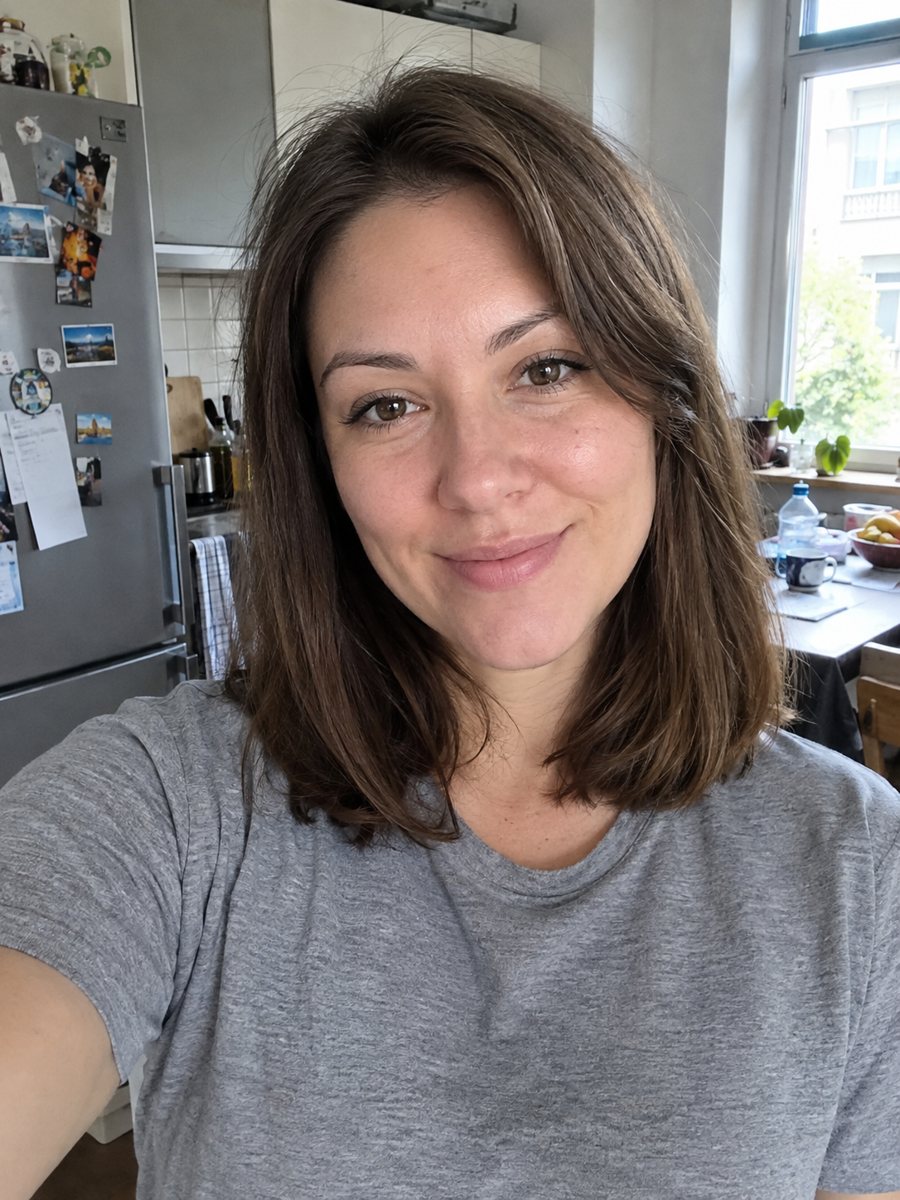
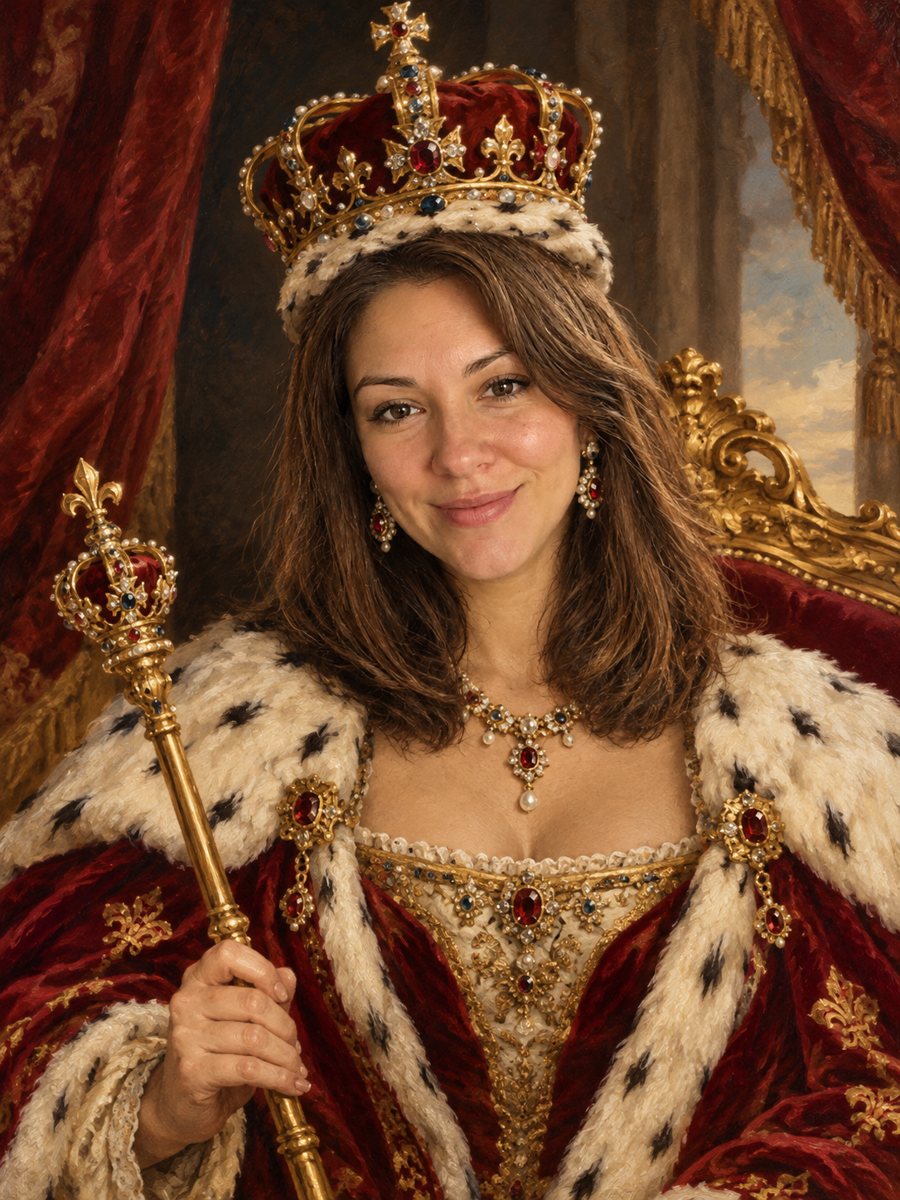 BeforeAfter
In short: Turn your photo into a royal coronation portrait with a jeweled crown, an ermine robe and a gilded throne. Ready prompt, 7 images free to try.
- Where: the VisuMate bot in Telegram, no app or sign-up.
- Cost: 2 credits per image, 7 images free, then packs from 49 Telegram Stars.
- Time: 1 to 2 minutes per image, rerun with a new instruction at the same price.
When you need this
- You want a funny, grand portrait for a birthday gift.
- A couple wants matching king and queen pictures for their wall.
- You need a regal avatar for a game or a chess club.
How to do it
- 1
Press the button. The bot opens with the royal portrait style selected.
- 2
Send a clear photo of your face, ideally as a file. In the caption you can say king or queen, or name a robe color.
- 3
In 1-2 minutes you get the portrait for 2 credits. Check that the face looks like you and rerun if not.
Try it on your own photo: 7 images are free, no sign-up.
Make it in TelegramThe prompt behind this style
Turn this photo into a royal coronation portrait. Keep the face recognizable. A jeweled crown, an ermine trimmed velvet robe, a gilded throne and heavy curtains behind, classic oil painting style. Vertical 3:4, no text.
The coronation look
The picture imitates a classic oil painting of a monarch. A jeweled crown sits on your head, an ermine trimmed velvet robe falls over your shoulders, and a gilded throne and heavy curtains stand behind you. The format is vertical 3:4 with no text. People hang it as a funny wall portrait, give it as a present or use it for a birthday invitation.
Getting the face right
Painterly style softens skin and shifts proportions slightly, so a sharp, front-facing source helps. The AI keeps eyes, face shape and hair color as far as possible. If the result looks like a stranger, rerun with another photo, which costs 2 credits. Mention king or queen in the caption, because the prompt covers both. Send the photo as a file so Telegram does not compress it.
Expectations
Crown, robe and throne are invented designs and do not copy a real monarchy. Jewels are decorative and no coat of arms with text appears. The painting is a digital image. For a large print, check the resolution at the size you want. A hat or heavy hair may blend with the crown, so choose a photo with a clear head.
Tips
- Say king or queen in the caption to steer the crown and robe.
- A calm, confident expression suits the portrait.
- Take the photo with even light and no hat.
- Make two portraits for a couple, one photo each.
- Print on matte paper for an oil painting effect.
Questions and answers
Is it a king or a queen?
Write king or queen in the caption. Without it the AI picks from your photo.
Can I add a coat of arms?
The image has no text. Add a symbol in an editor.
Can I print it?
Yes, as a vertical 3:4 image. Check the quality at your size.
Does it work for pets?
A royal pet portrait style fits animals better.
What does it cost?
2 credits per image.
More in "Photo styles"
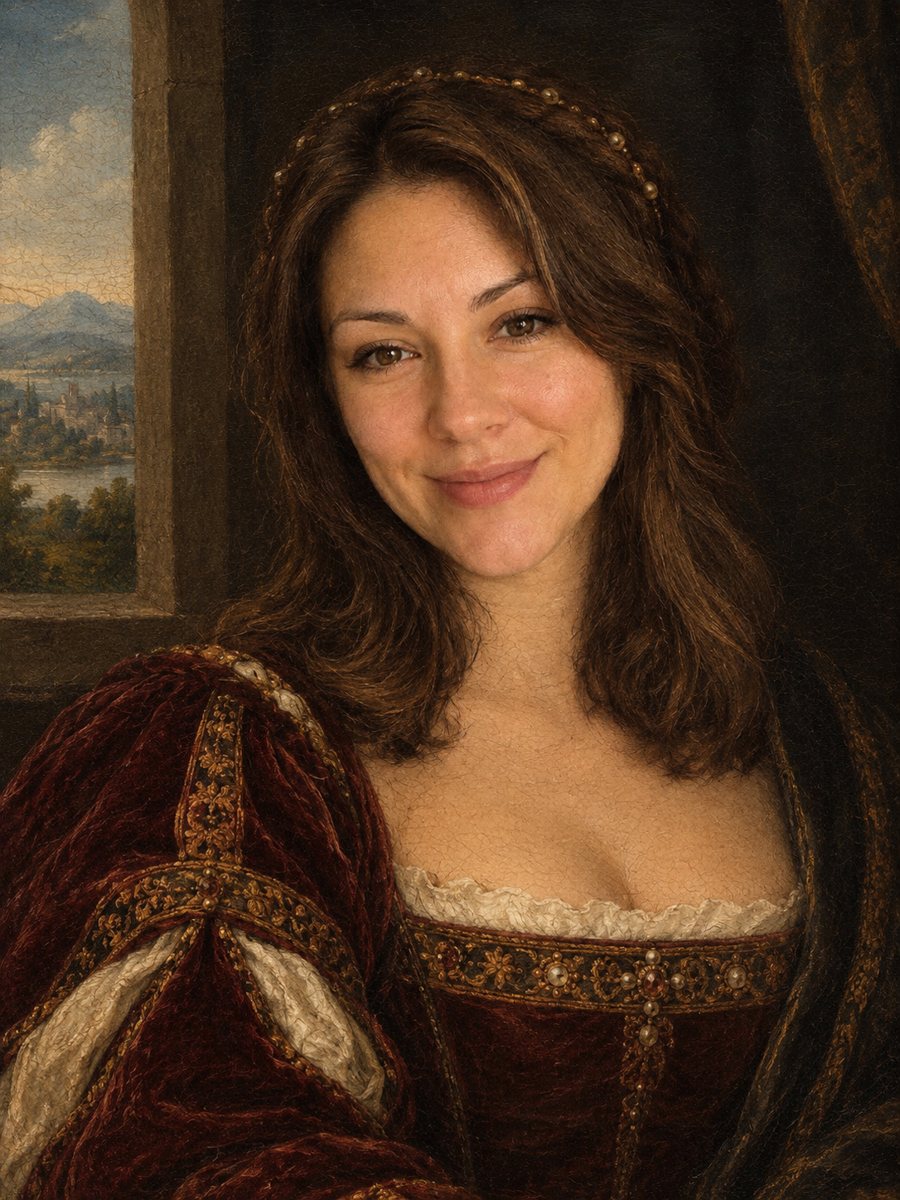 Turn your photo into a Renaissance paintingRepaint your photo as an early 1500s Renaissance portrait with period clothing and soft sfumato. Ready...
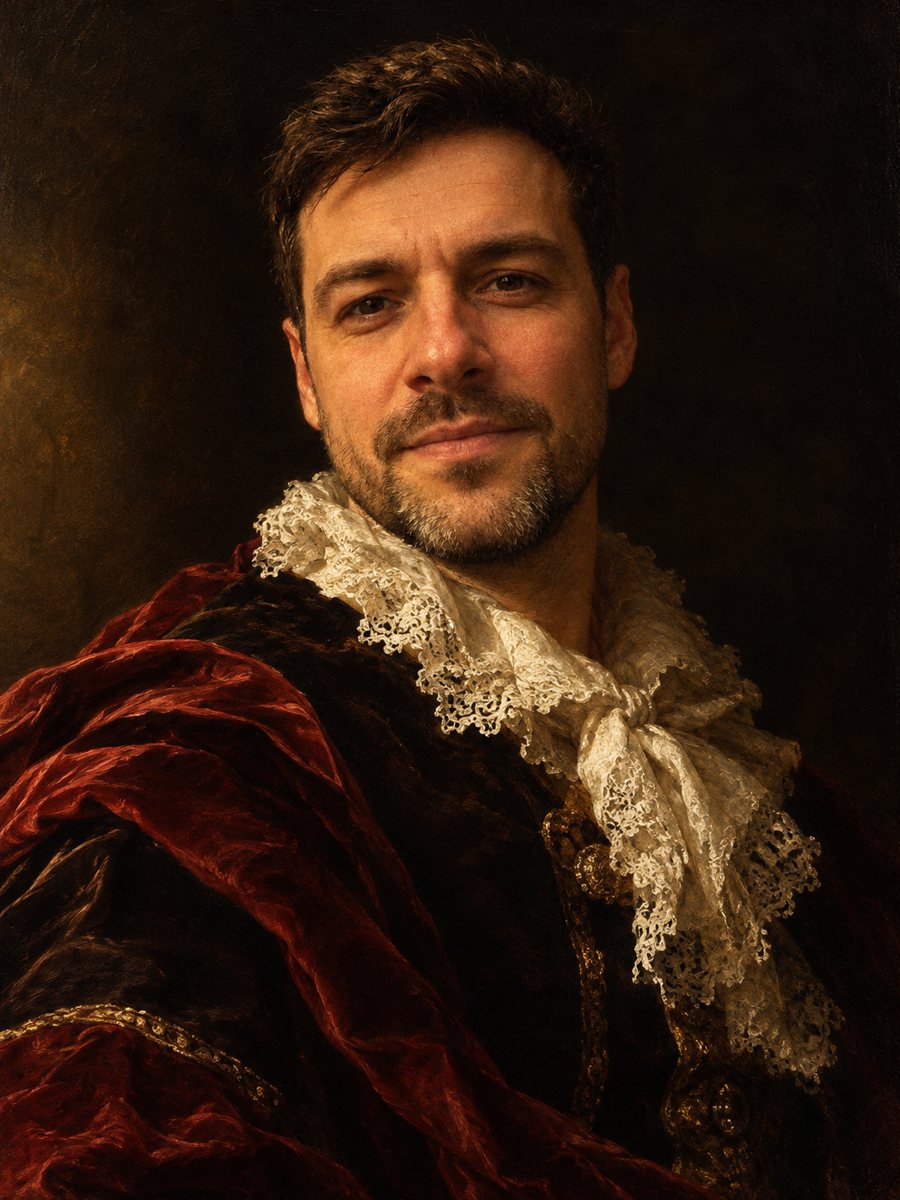 Turn your photo into a baroque oil paintingRepaint your photo as a 17th century baroque oil portrait with dramatic side light, velvet and lace. Copy...
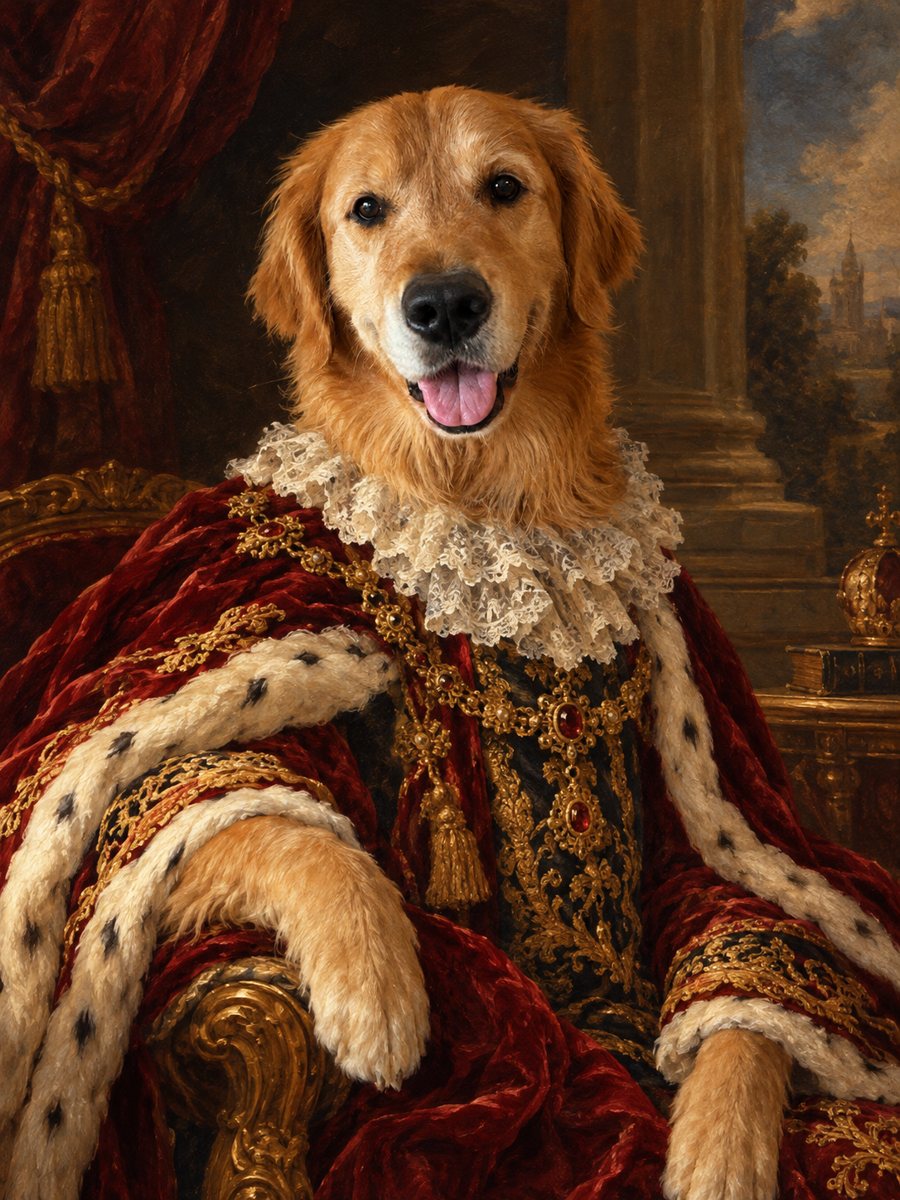 Turn your pet into a royal oil portraitTurn your dog or cat into a regal 18th century oil portrait with velvet robe and lace collar. Ready prompt...
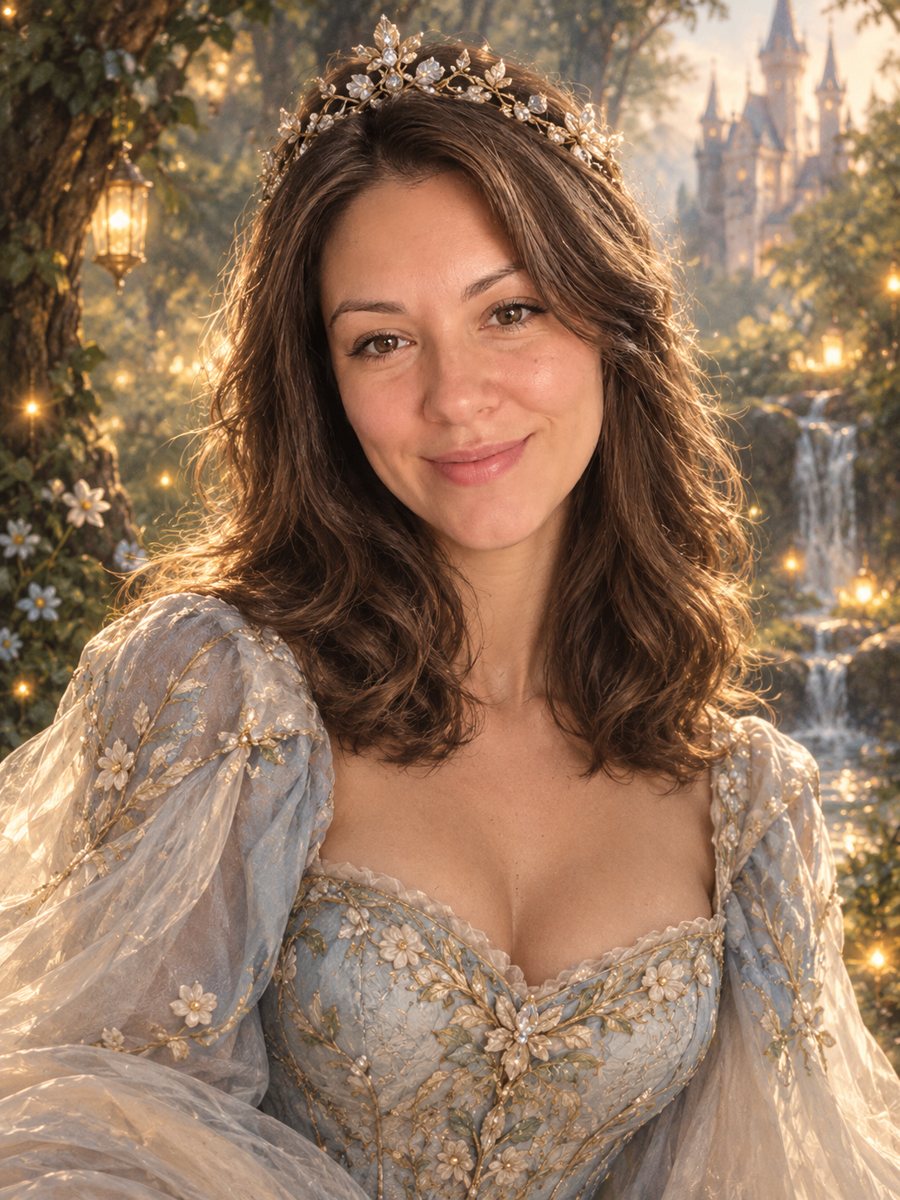 Turn your photo into a fairy tale princess portraitTurn a photo into a fairy tale princess portrait with a gown, tiara and an enchanted forest. Copy the free...
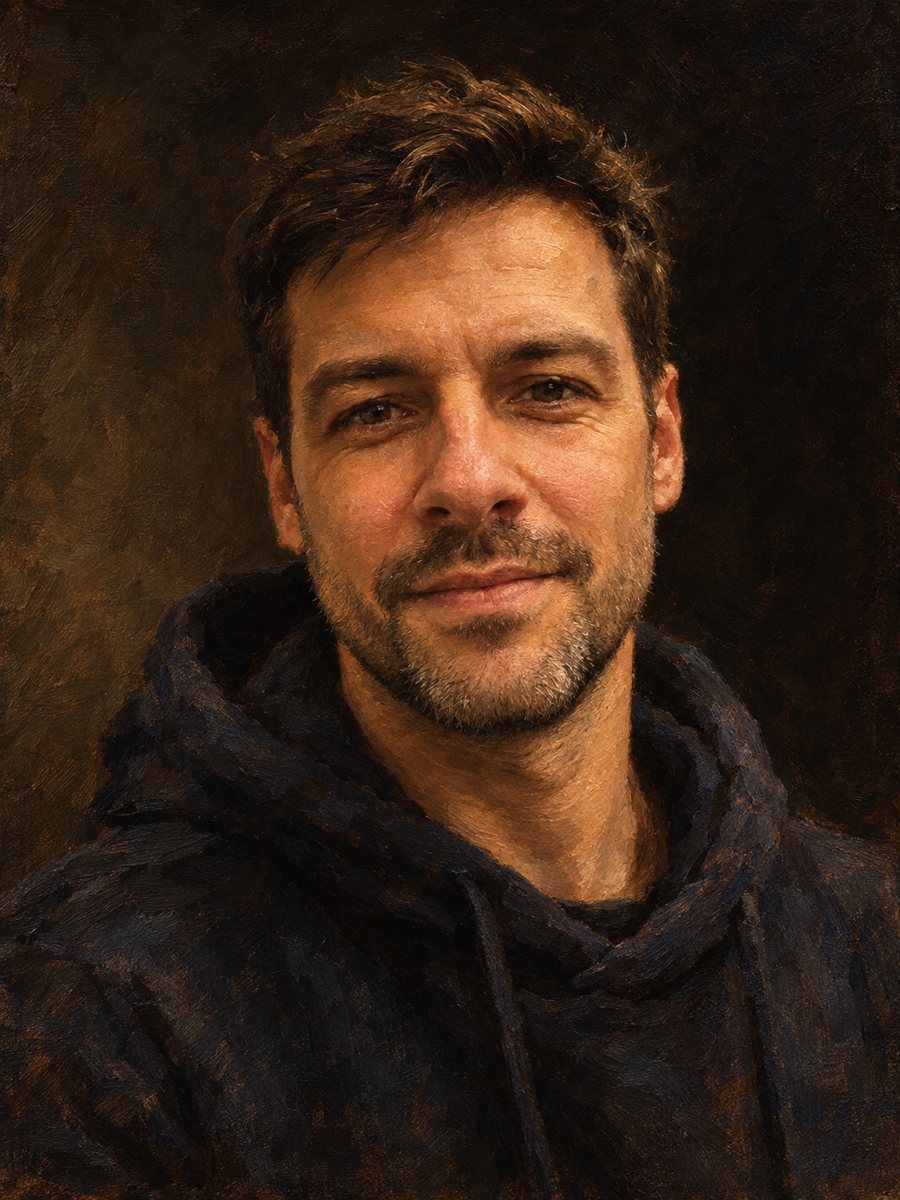 Make an oil painting portrait from a photoRepaint a photo as a classical oil portrait with brush strokes and dramatic light. Ready prompt, 2 credits...