Turn your photo into a baroque oil painting
Your photo is repainted as a 17th century oil portrait: a dark background, one strong light from the side, rich velvet and lace clothing and a warm glazed paint surface. Open the bot with the button, send a photo and wait about two minutes.
- 2 credits per image
- Result in 1–2 minutes
- No sign-up
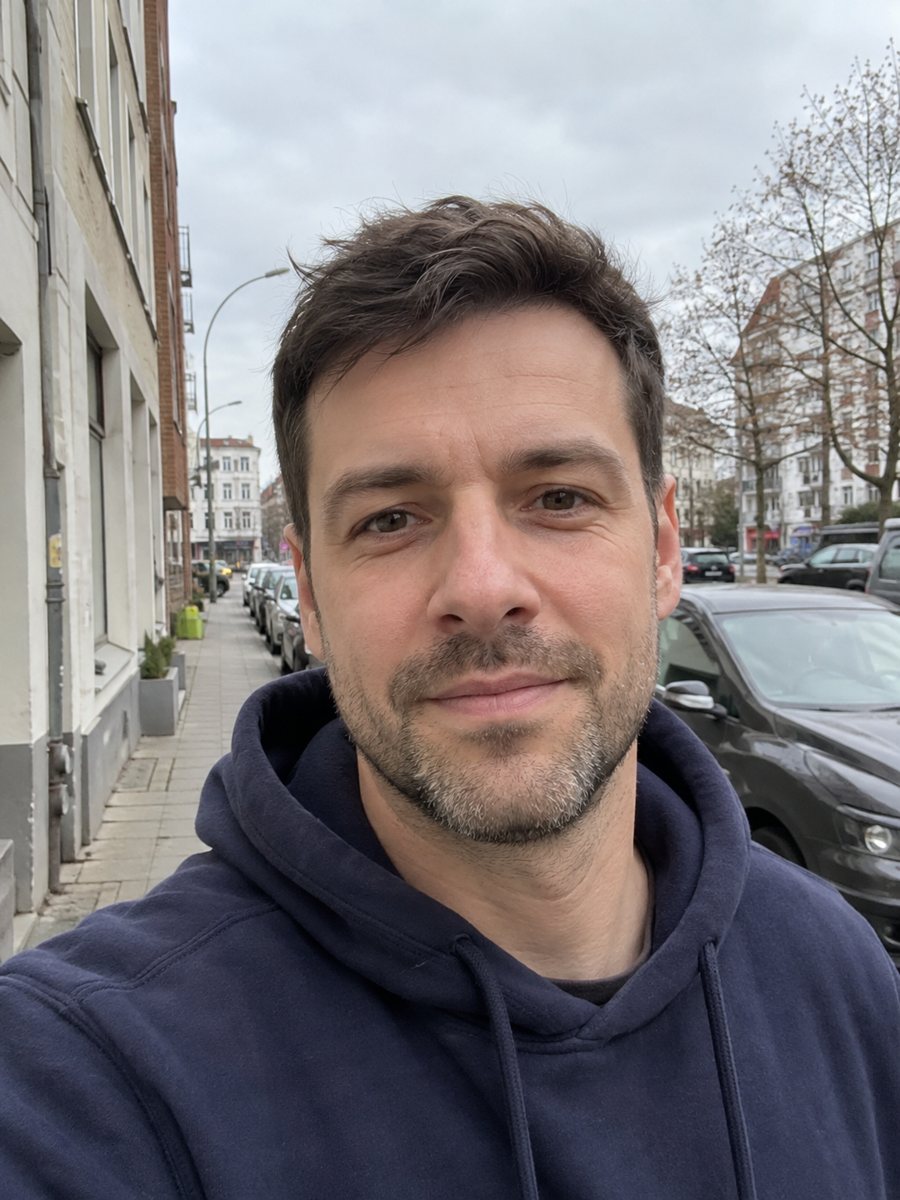
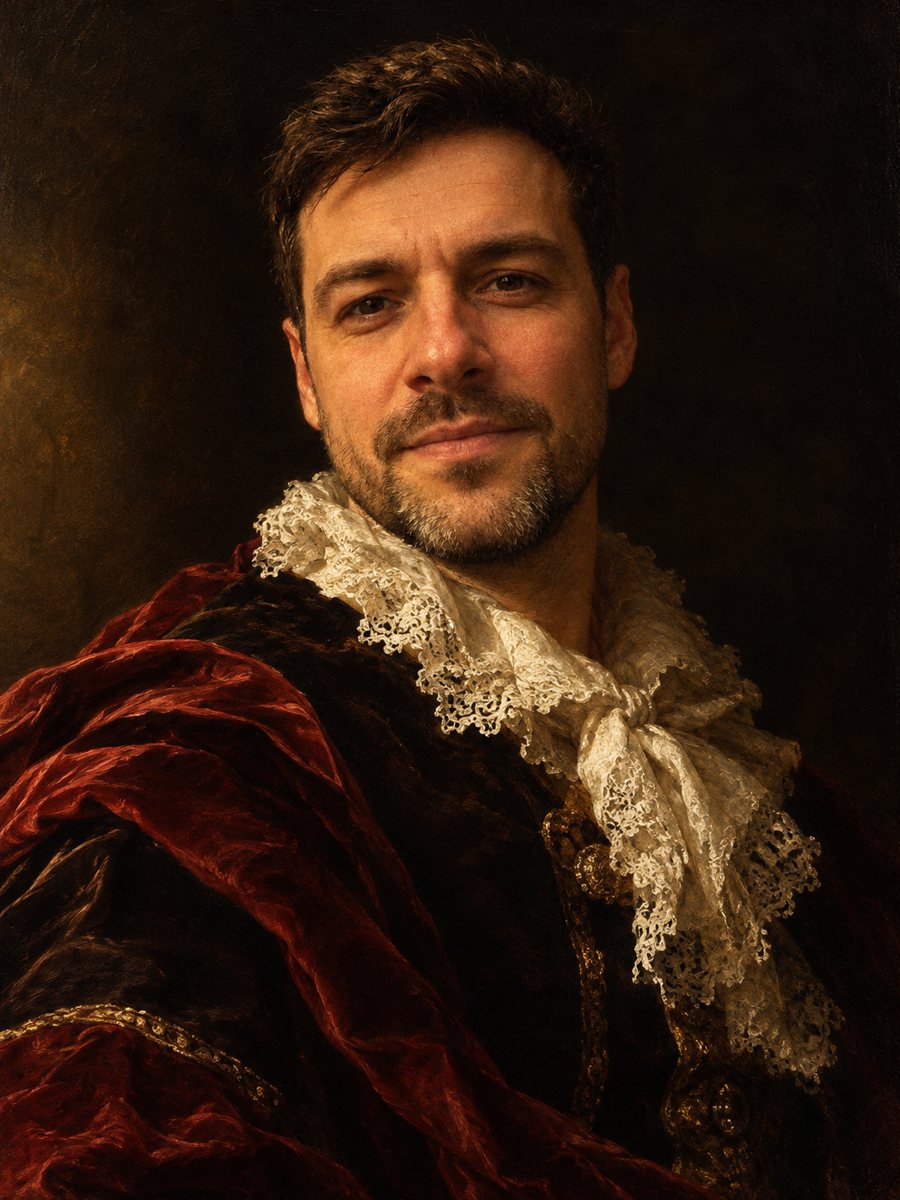 BeforeAfter
In short: Repaint your photo as a 17th century baroque oil portrait with dramatic side light, velvet and lace. Copy the prompt or use the bot, 7 images free.
- Where: the VisuMate bot in Telegram, no app or sign-up.
- Cost: 2 credits per image, 7 images free, then packs from 49 Telegram Stars.
- Time: 1 to 2 minutes per image, rerun with a new instruction at the same price.
When you need this
- You want a dramatic portrait for a study, a hallway or an author page.
- A museum themed party or a school art project needs a classical looking portrait.
- Your photo has good side light and you want to see how it feels as a painting.
How to do it
- 1
Press the button on this page. Telegram opens the bot with the baroque painting portrait style already selected, tap Start if it asks.
- 2
Attach a single photo as a document. Add wishes in plain English if you like, such as: dark red velvet, white lace collar.
- 3
The picture arrives in 1 to 2 minutes for 2 credits. Check the light on the cheek and the face, and run again if it looks off.
Try it on your own photo: 7 images are free, no sign-up.
Make it in TelegramThe prompt behind this style
Repaint this photo as a 17th century baroque oil portrait. Keep the face recognizable. Dramatic chiaroscuro lighting from one side, dark background, rich velvet and lace clothing, warm glazed oil paint texture. Vertical 3:4, no text.
The baroque look
Baroque painters used strong contrast between light and dark, called chiaroscuro. A single beam falls on the face and the rest sinks into shadow. The prompt asks for exactly this, plus a dark background, velvet and lace, and warm glazed oil texture. The mood is serious and theatrical. People hang such portraits in offices, use them for book author pages and print them as gifts.
Getting better light and detail
The side light is chosen by the AI, so a photo that already has a bright side and a shadow side gives it direction. Smiles often turn into calm expressions, which suits the genre. If the face comes out too dark, add a caption such as: more light on the face. The collar and fabric get most of the detail, so mention a color you prefer.
Honest expectations
This is a painted interpretation. Skin tones become warmer and details like moles or tattoos can disappear. Jewelry and lace patterns are invented. The likeness lives in the shape of the face and eyes, and sometimes the AI makes you look older or more formal. Rerun for 2 credits if the face drifts too far. When the image arrives, look at the light on the cheek first, since that is where drift shows up most.
Tips
- Side lighting in the source photo carries over into the dramatic contrast.
- Name the fabric color in the caption: burgundy, deep green or black.
- Keep your hands out of the frame, since AI hands in old paintings still go wrong sometimes.
- A dark background in the original helps the chiaroscuro stay deep.
- Ask for a more serious expression if your photo shows a wide smile.
Questions and answers
Will I look older?
Sometimes. The genre favors serious faces and richer skin tones. Rerun if it goes too far.
Can I add a wig or hat?
Ask for it in the caption, for example a feathered hat. Results vary.
Does it work for kids?
The style is adult and formal. Try it for fun, but check the face carefully.
Can I print it on canvas?
Yes, with enough resolution. Check the file size in the chat before printing.
Is there text on the painting?
No. The prompt asks for no text.
More in "Photo styles"
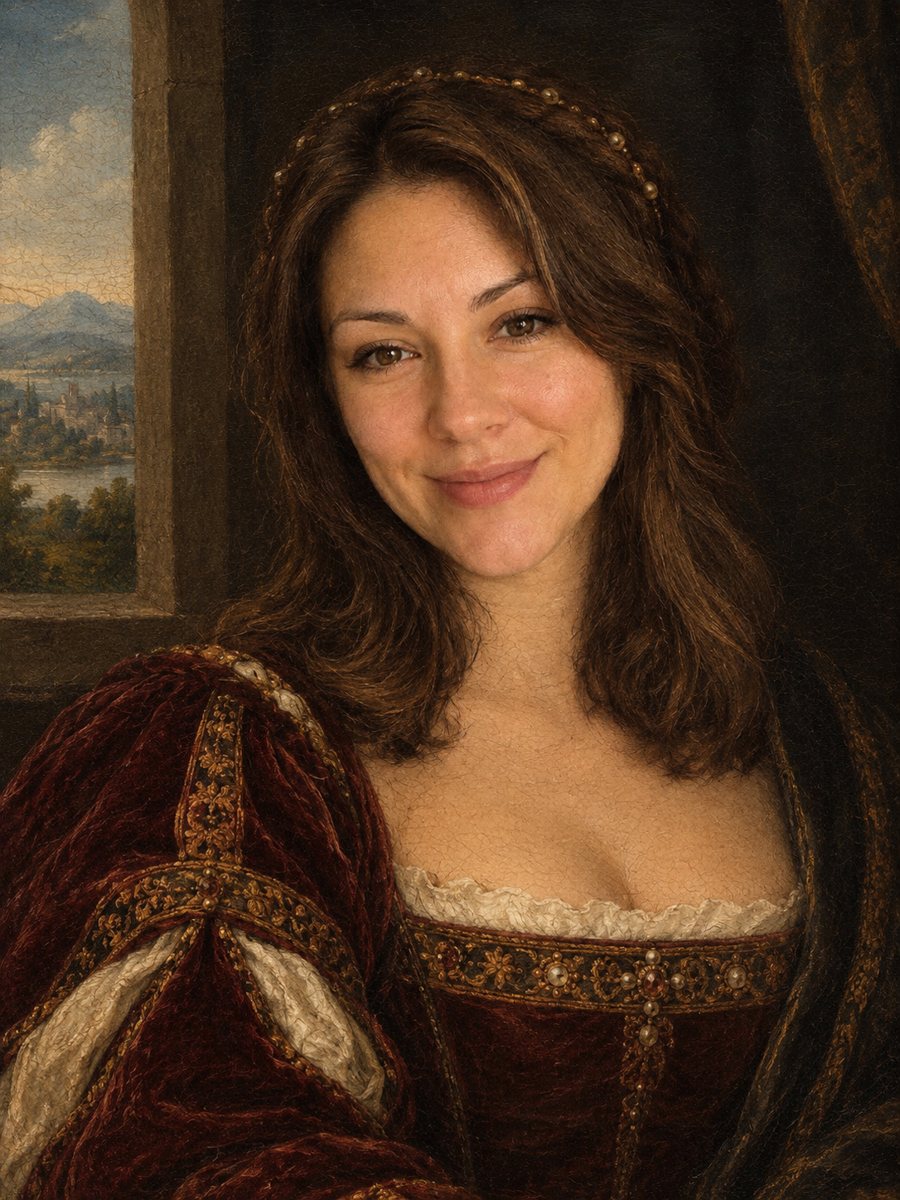 Turn your photo into a Renaissance paintingRepaint your photo as an early 1500s Renaissance portrait with period clothing and soft sfumato. Ready...
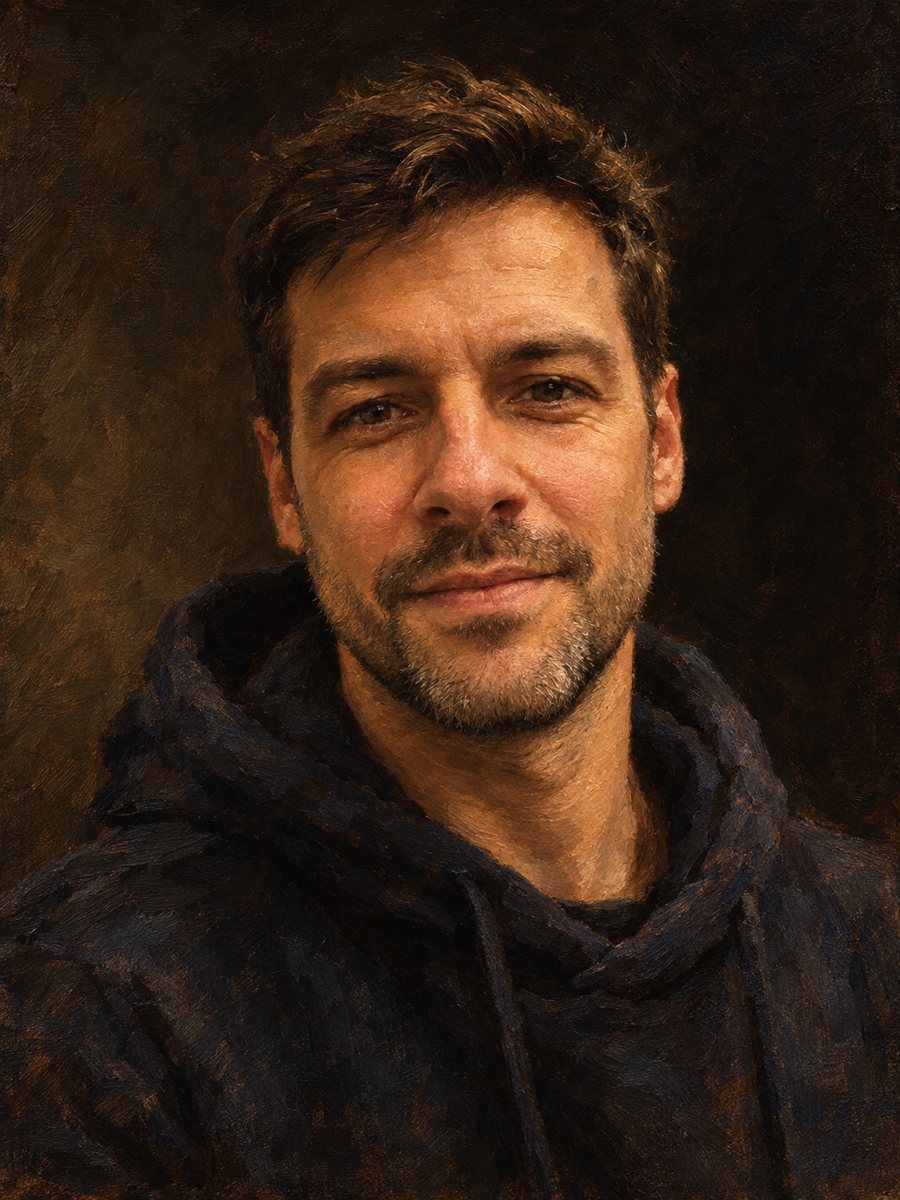 Make an oil painting portrait from a photoRepaint a photo as a classical oil portrait with brush strokes and dramatic light. Ready prompt, 2 credits...
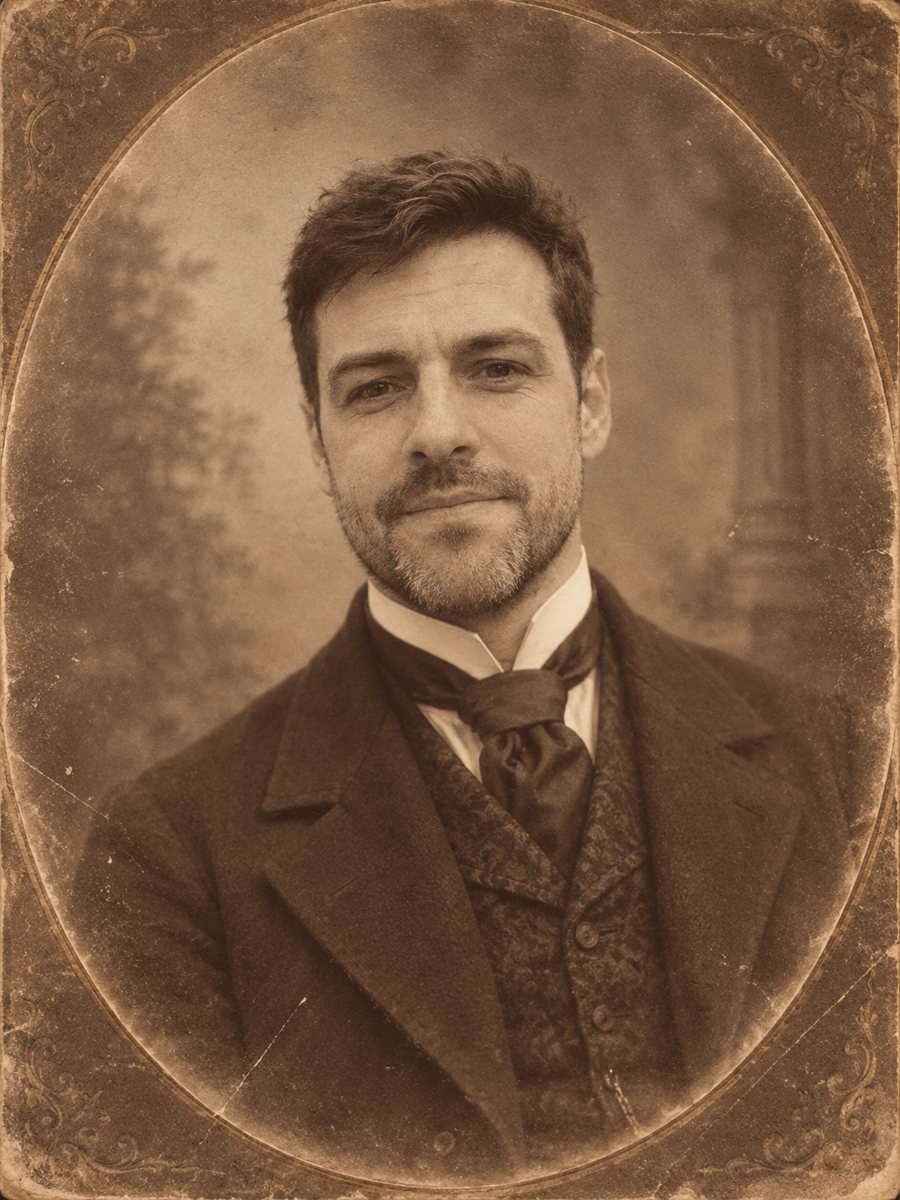 Pose for an 1880s Victorian studio photographSee yourself in an 1880s studio photograph with period clothing, sepia tones and an oval vignette. Copy...
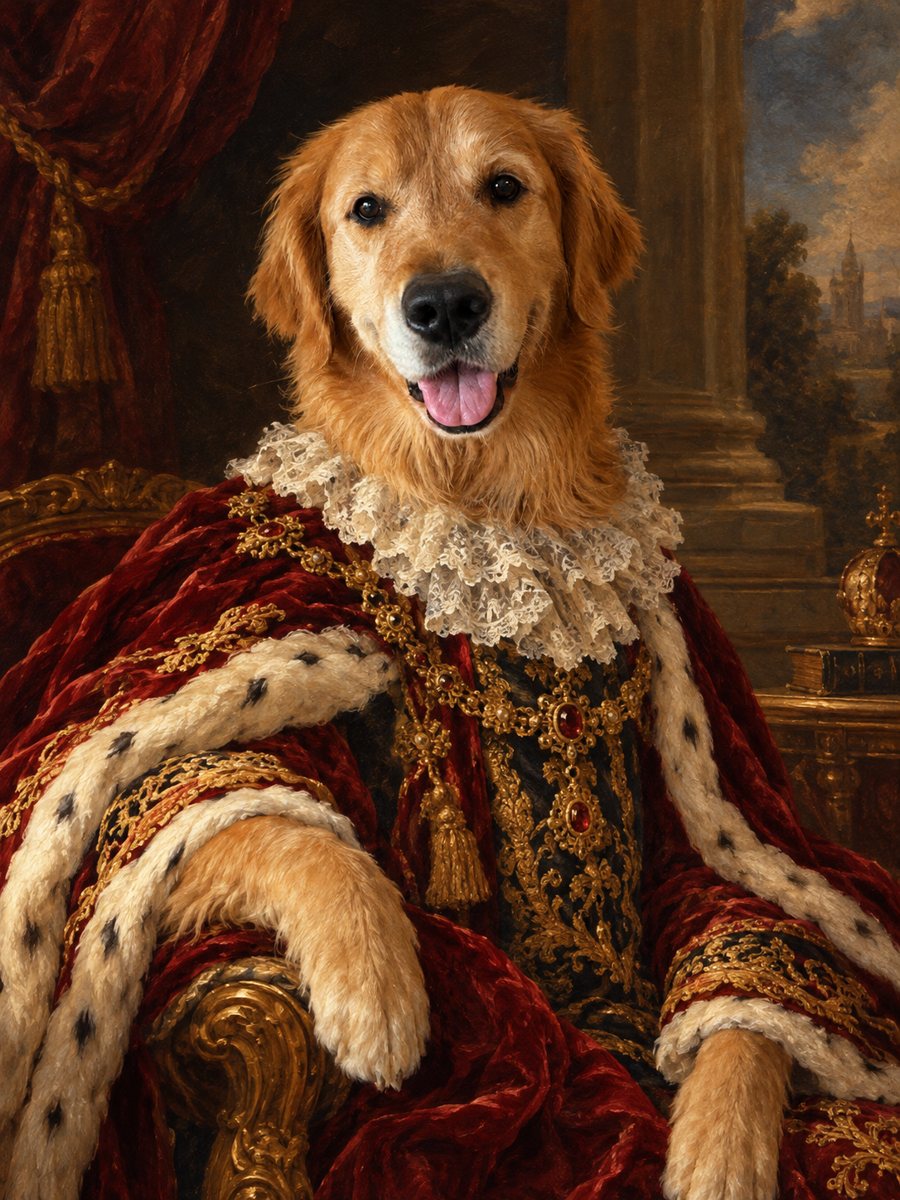 Turn your pet into a royal oil portraitTurn your dog or cat into a regal 18th century oil portrait with velvet robe and lace collar. Ready prompt...
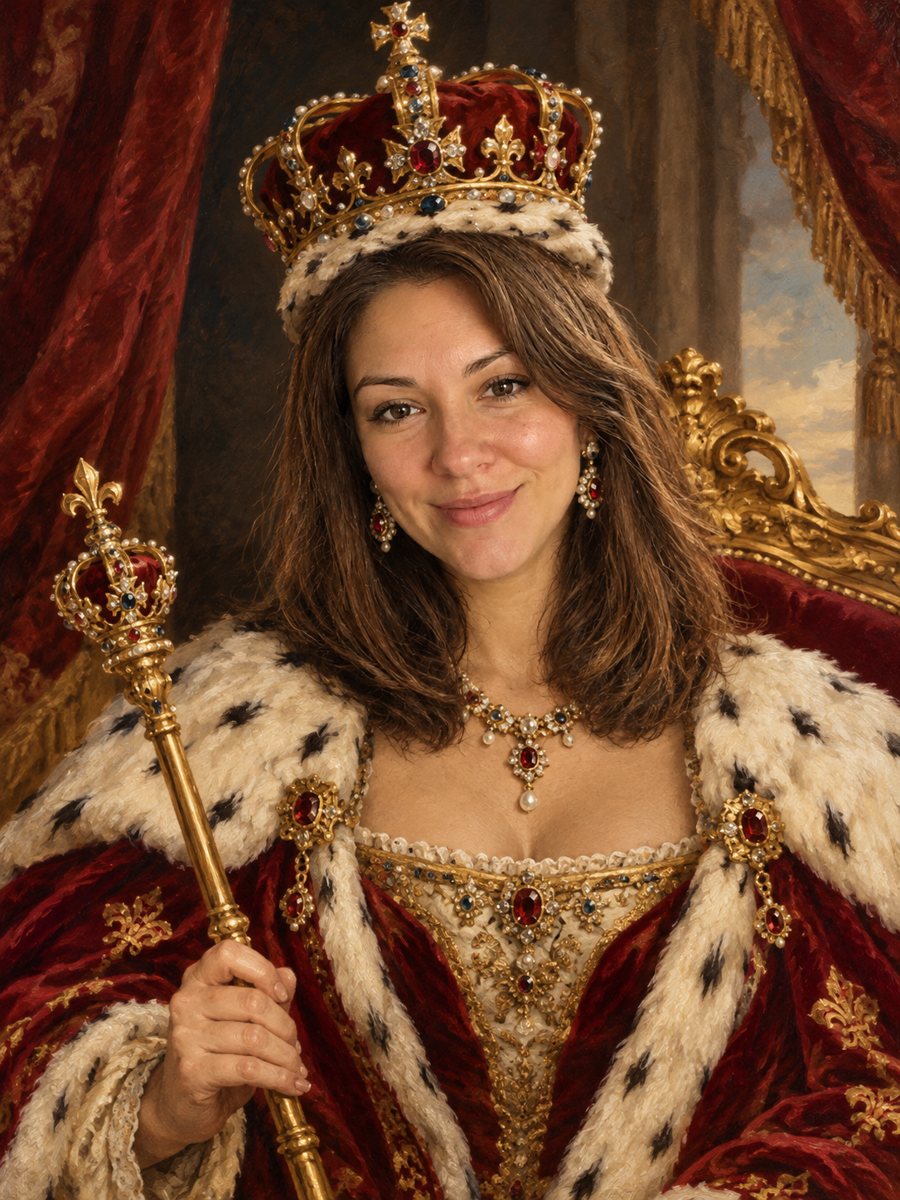 See yourself as a king or queenTurn your photo into a royal coronation portrait with a jeweled crown, an ermine robe and a gilded throne....