Turn your photo into a Renaissance painting
You are dressed in velvet, linen and embroidery that follow your original colors, set against a dark background with a landscape through a window. Soft sfumato shading and fine surface cracks complete the look. Send one photo and the style is ready.
- 2 credits per image
- Result in 1–2 minutes
- No sign-up
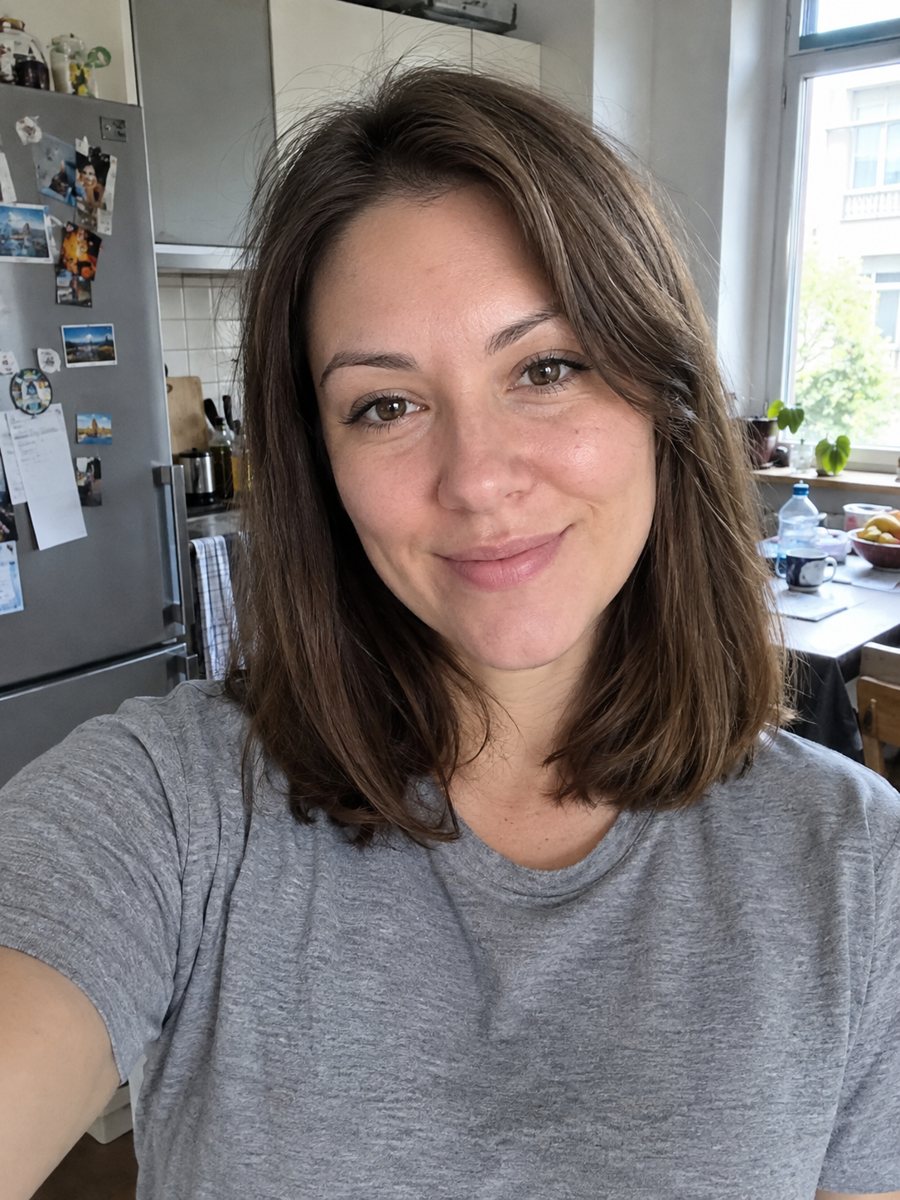
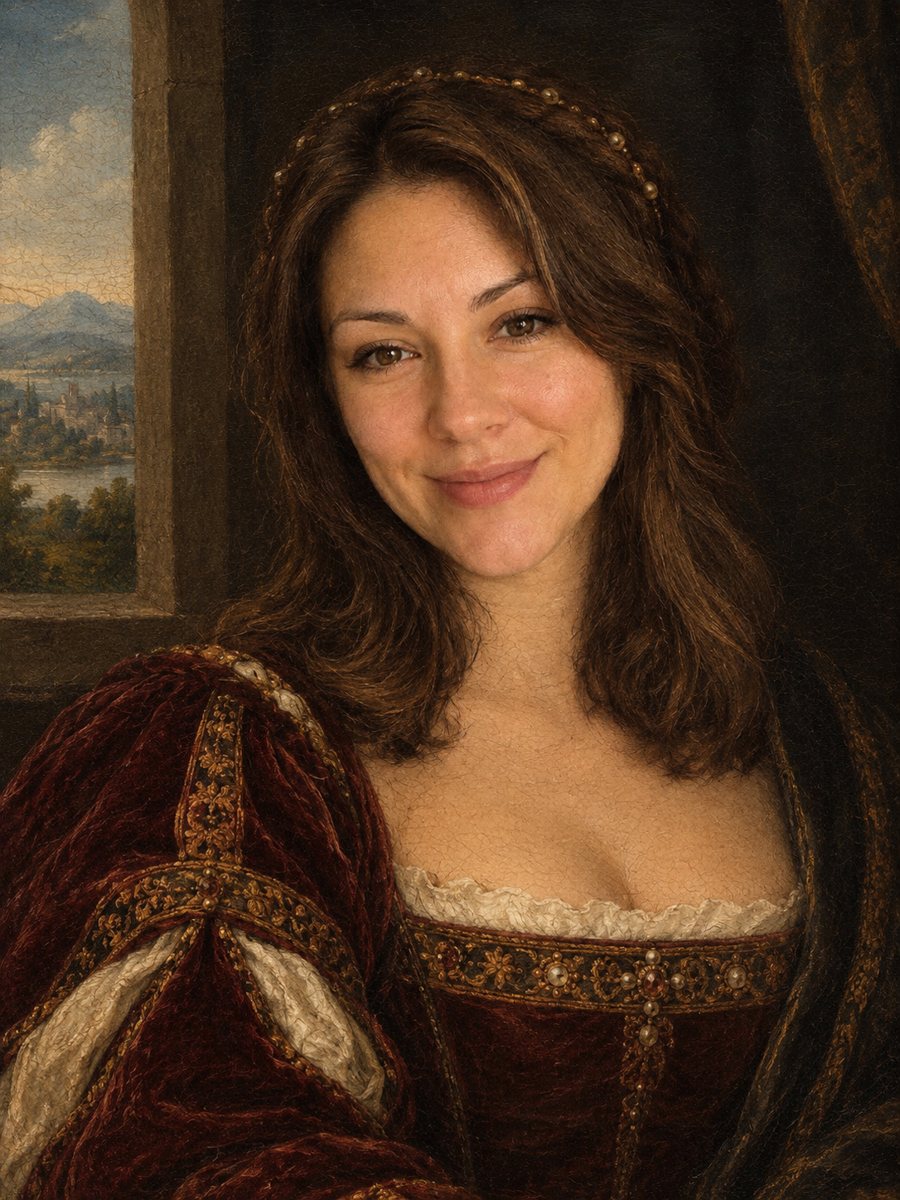 BeforeAfter
In short: Repaint your photo as an early 1500s Renaissance portrait with period clothing and soft sfumato. Ready prompt, 2 credits per image, 7 images free.
- Where: the VisuMate bot in Telegram, no app or sign-up.
- Cost: 2 credits per image, 7 images free, then packs from 49 Telegram Stars.
- Time: 1 to 2 minutes per image, rerun with a new instruction at the same price.
When you need this
- You want a fun historical portrait for a birthday or a themed event.
- A history or art teacher needs a gag portrait to open a lesson.
- A wall in your home needs something that looks like an old family portrait.
- You are curious how you would look in a painting from five centuries ago.
How to do it
- 1
Use the button above to open VisuMate in Telegram. The Renaissance style is preselected, so there is no menu to browse.
- 2
Pick one photo and send it as a document. If you want changes, write them in the caption: deep red velvet dress, window on the left.
- 3
Give it 1-2 minutes. The cost is 2 credits per image. Review the face, the fabric colors and the craquelure, and save the best one or try again.
Try it on your own photo: 7 images are free, no sign-up.
Make it in TelegramThe prompt behind this style
Repaint this photo as a Renaissance portrait from the early 1500s. Keep the face and expression recognizable. Dress the person in period clothing (velvet, linen, fine embroidery) that matches the original colors, dark background with a hint of landscape through a window, soft sfumato shading, egg tempera and oil look, fine craquelure on the surface. Vertical 3:4, no text, no frame.
A portrait from the early 1500s
The prompt asks for sfumato, the soft transition without hard lines made famous by Renaissance masters, together with an egg tempera and oil look and fine craquelure, the cracked pattern on old paint. Clothing becomes velvet, linen and embroidery, and the background is dark with a small landscape through a window. The composition is formal and still.
Making it look like you
Renaissance faces are idealized, so the AI may smooth skin and soften features. A front-facing photo with clear eyes and a neutral expression helps it keep your likeness. Hair is often restyled in a period way, which can change the overall impression, so mention long loose hair or tied back hair in the caption if you care about that.
Fun ways to use it
Use it for invitations to costume parties, a surprising greeting card, a slide in a presentation or a gag portrait for a family wall. It is a stylized AI image, not a historical document, so details like jewelry and patterns are invented. A rerun gives a different costume and window view.
Tips
- A calm, straight-on pose suits the formal style.
- Mention a color for the clothes in the caption: the prompt follows your original colors by default.
- Avoid modern accessories in the photo like headphones or large logos.
- Soft window light gives a natural base for sfumato.
- If the face looks too young or old, rerun and add: keep my real age.
Questions and answers
Will I be dressed in my own clothes?
The prompt places you in period clothing that matches your original colors, so the palette carries over but the style changes.
Is it a real Renaissance painting?
No. It is an AI image in that style.
Can I add my pet or a second person?
The prompt targets one person. Groups are unpredictable.
Does it include a frame?
No. The prompt asks for no frame and no text.
What does it cost?
2 credits per image, 7 images free to start.
More in "Photo styles"
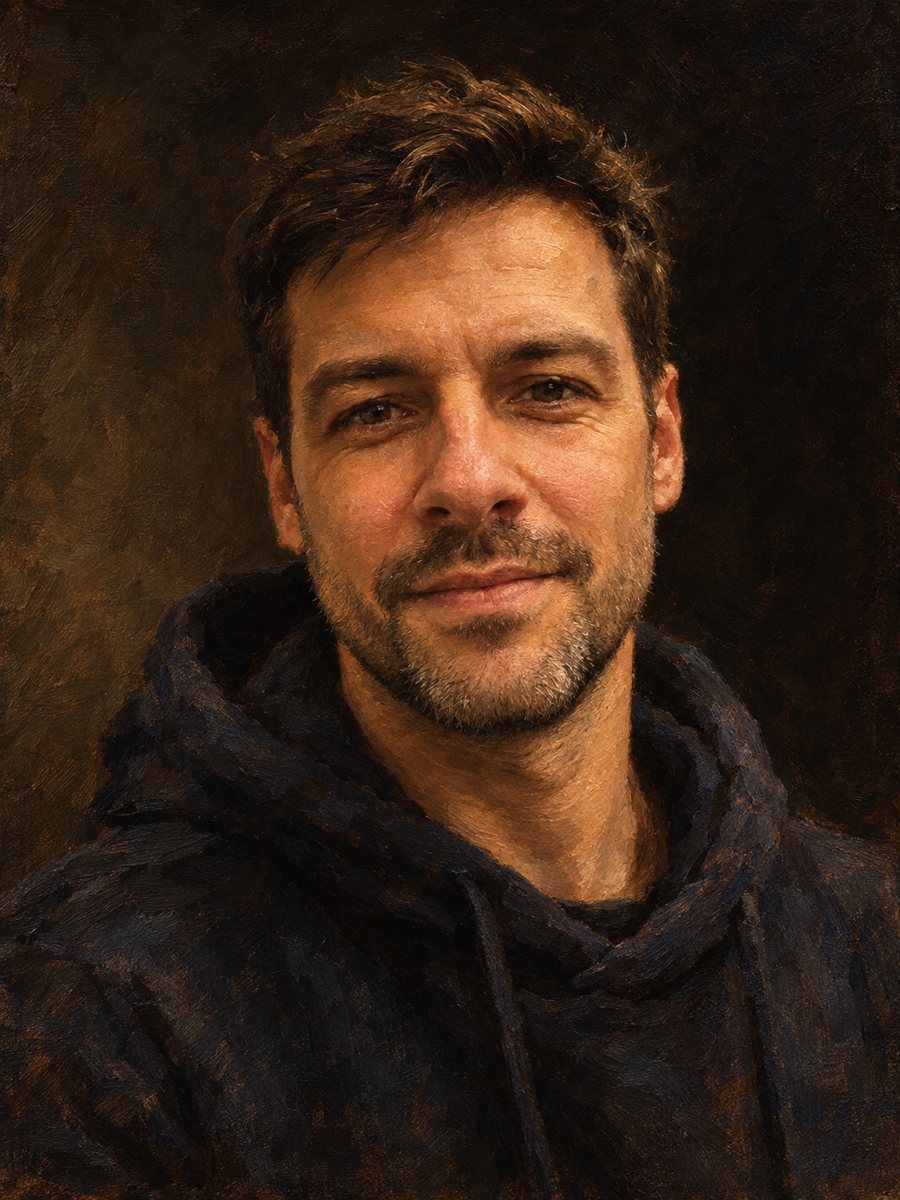 Make an oil painting portrait from a photoRepaint a photo as a classical oil portrait with brush strokes and dramatic light. Ready prompt, 2 credits...
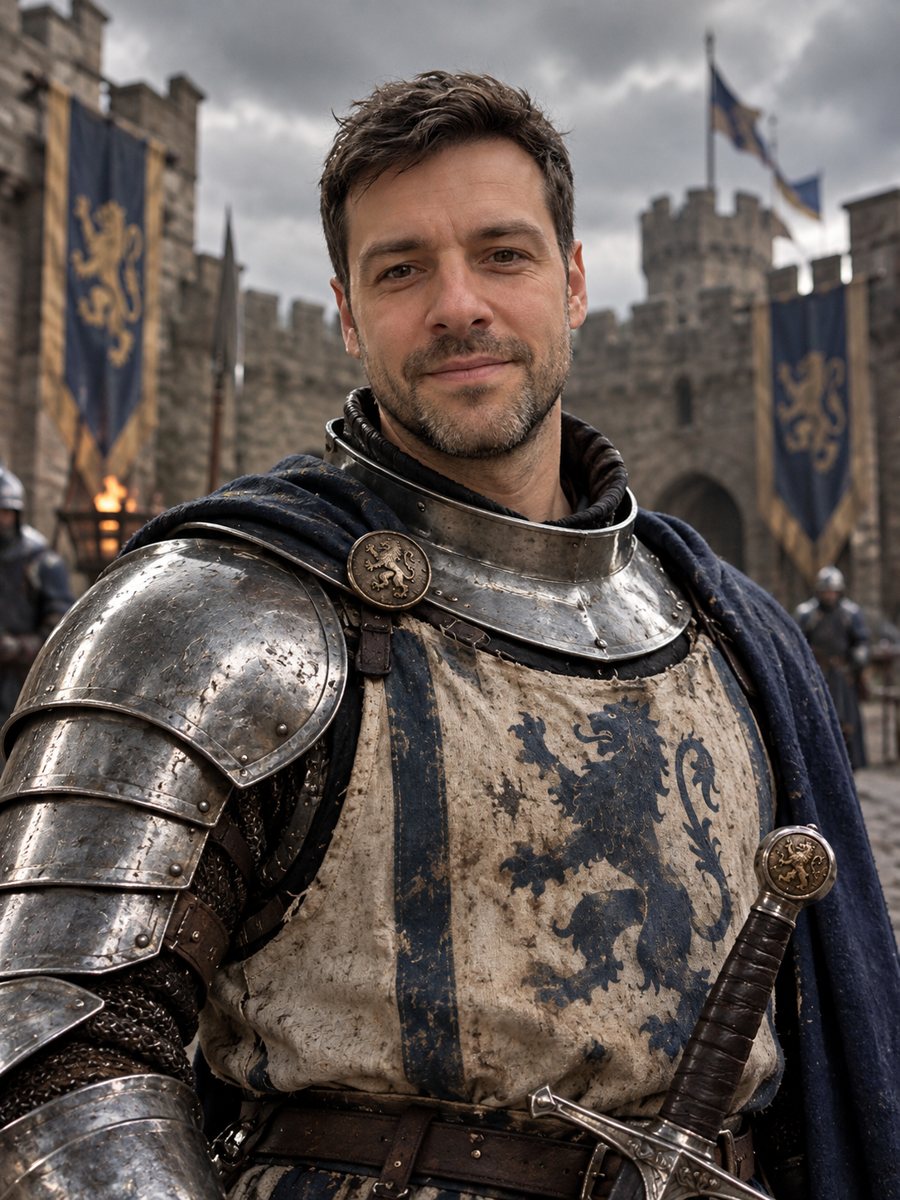 Turn yourself into a medieval knightTurn yourself into a medieval knight in steel armor in a castle courtyard. Copy the ready prompt or open...
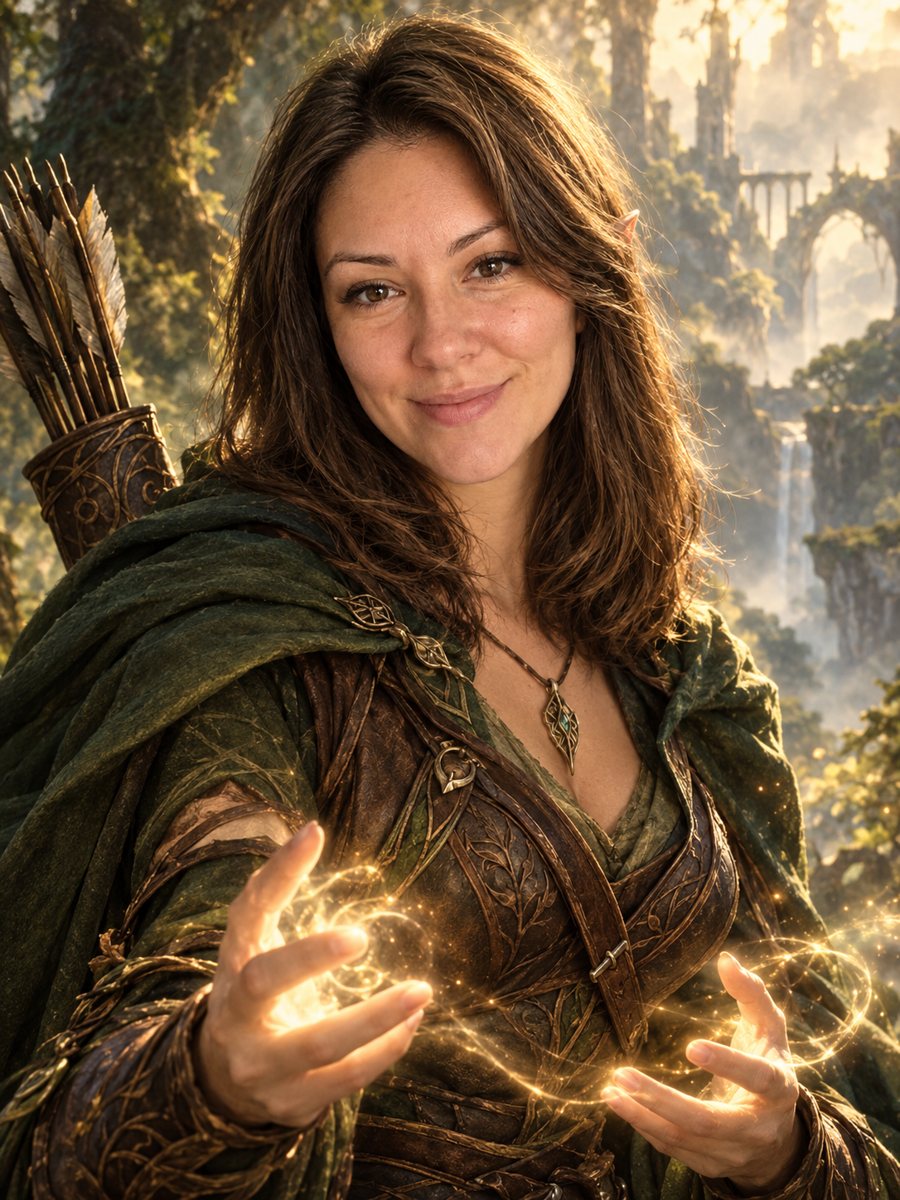 Turn your photo into a fantasy character portraitTurn your photo into an elven or ranger style fantasy novel cover portrait. Ready prompt, 2 credits per...
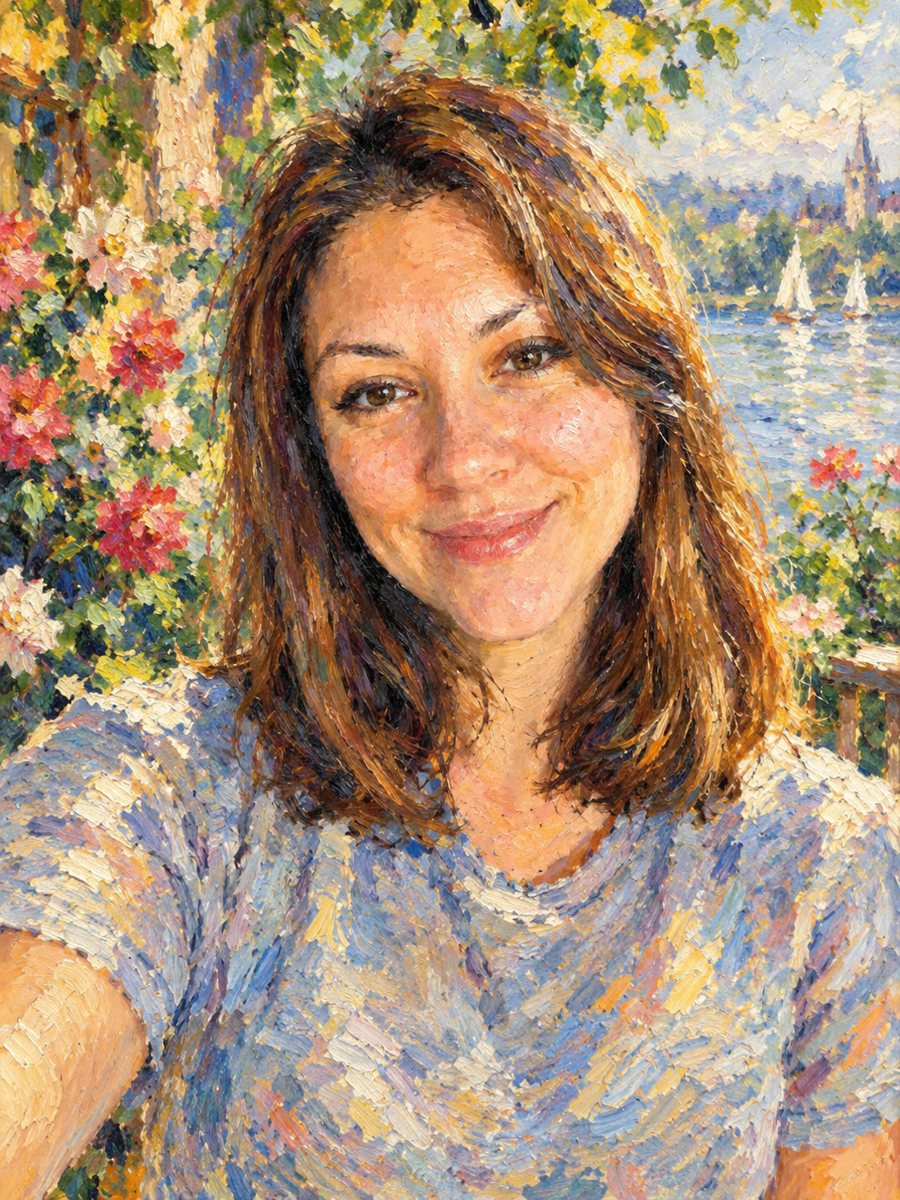 Turn your photo into an impressionist oil paintingRepaint a photo as an impressionist oil painting with visible brush strokes and dappled light. Ready...
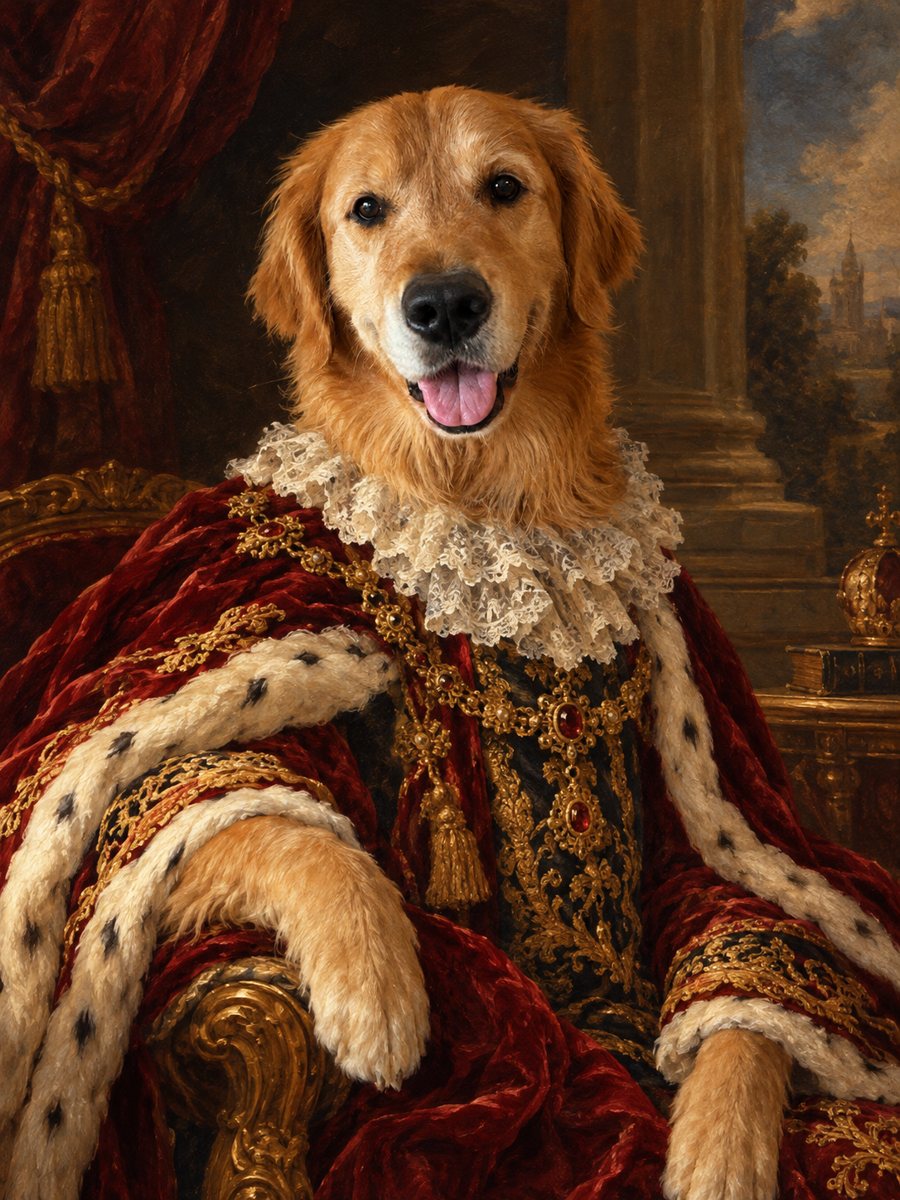 Turn your pet into a royal oil portraitTurn your dog or cat into a regal 18th century oil portrait with velvet robe and lace collar. Ready prompt...