A Xing profile photo for the German-speaking job market
In Germany, Austria and Switzerland a clear, serious but friendly photo is the norm on Xing and on resumes. Send a selfie, name your field, and the bot paints a tidy head and shoulders portrait against a light grey office wall.
- 2 credits per image
- Result in 1–2 minutes
- No sign-up
In short: Create a Xing profile photo with a neat business look, a light office backdrop and a friendly expression for DACH hiring and sales contacts. 7 images free.
- Where: the VisuMate bot in Telegram, no app or sign-up.
- Cost: 2 credits per image, 7 images free, then packs from 129 Telegram Stars.
- Time: 1 to 2 minutes per image, rerun with a new instruction at the same price.
- Credits never expire, there is no subscription and no auto-renew. You pay once for a pack inside Telegram with Stars.
When you need this
- Your profile shows a holiday snapshot and a recruiter just viewed it.
- A job application form asks for a Bewerbungsfoto.
- Your sales role needs a trustworthy first impression.
How to do it
- 1
Press the button to open @visumate_ai_bot in Telegram. No sign-up, and new users get 15 free credits, which is 7 images.
- 2
Send a front-facing photo as a file. In the caption write: 'head and shoulders portrait, dark blazer over a light shirt, plain light grey wall, composed friendly smile, shoulders slightly angled, soft even studio light, neat hair'.
- 3
In 1-2 minutes the portrait arrives for 2 credits. Check the collar line and the shoulders, which should look symmetrical and tidy.
Try it on your own photo: 7 images are free, no sign-up.
Make it in TelegramConventional on purpose
The expectations here lean formal. A plain wall, a jacket and a composed smile signal reliability, while a flashy backdrop looks out of place. Keep the angle slightly turned and the eyes on the lens. If the portrait feels too stern, rerun with 'warmer smile, relaxed shoulders, same plain wall'. Hair should look like your real day-to-day, since interviewers meet you in person soon after.
Applications and sales
Use the portrait on Xing, in a German-language resume and in an email signature. In some countries, photos on applications are customary and in others they are discouraged, so check local practice for each employer. Keep wording in your own hands: degrees, employers and languages belong in text. A second casual version suits a freelancer page, while the formal one stays for corporate applications.
Tips
- Pick a dark blazer and a light shirt.
- Keep the wall plain light grey.
- Ask for a composed smile.
- Order a vertical crop.
Questions and answers
Is a photo expected in Germany?
It is common, but practice varies. Check the employer's instructions.
Does it suit LinkedIn too?
Yes. See the LinkedIn headshot page for an international look.
What does it cost?
2 credits per image. New users get 15 free credits, so 7 images cost nothing. After that packs start at 129 Telegram Stars, about $2.6 and credits do not expire.
Does the bot work in English?
Yes. It picks up your Telegram language on first launch. You can switch it any time with /lang.
What the bot does not do
- Works from one photo. Likeness depends on the photo you send, and some styles change features more than others.
- Does not make video or animation.
- Does not output a transparent PNG.
- Does not retouch passport or ID photos.
More in "Photo styles"
 Make a LinkedIn headshot from a selfieTurn a casual selfie into a professional LinkedIn headshot with a blazer and a soft studio backdrop. Ready...
 Create a CV photo from a selfieTurn a selfie into a neutral CV photo with a light gray background, smart casual top and even light. Copy...
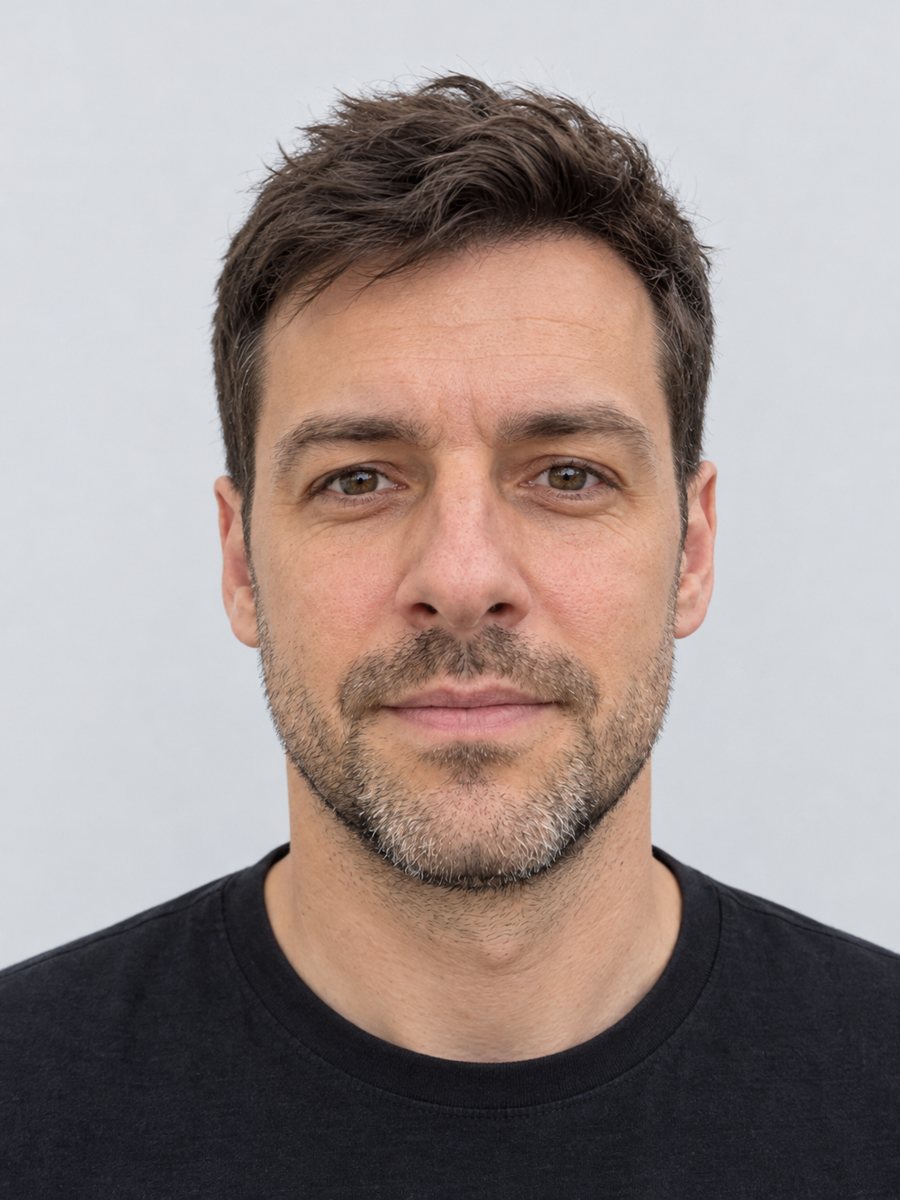 Make a clean ID-style portrait preview from a selfieMake a clean ID-style portrait preview from a selfie: gray backdrop, even light, neutral face. A style...
 Create a professional headshot from your photoMake a polished headshot with a light gray backdrop, soft studio light and natural retouching. Ready...