Turn your photo into a low poly portrait
The style builds your face from flat triangles, with finer ones around the eyes and mouth, over a clean two-tone background. Open the bot with the button, send a portrait and you get a geometric version in a couple of minutes.
- 2 credits per image
- Result in 1–2 minutes
- No sign-up
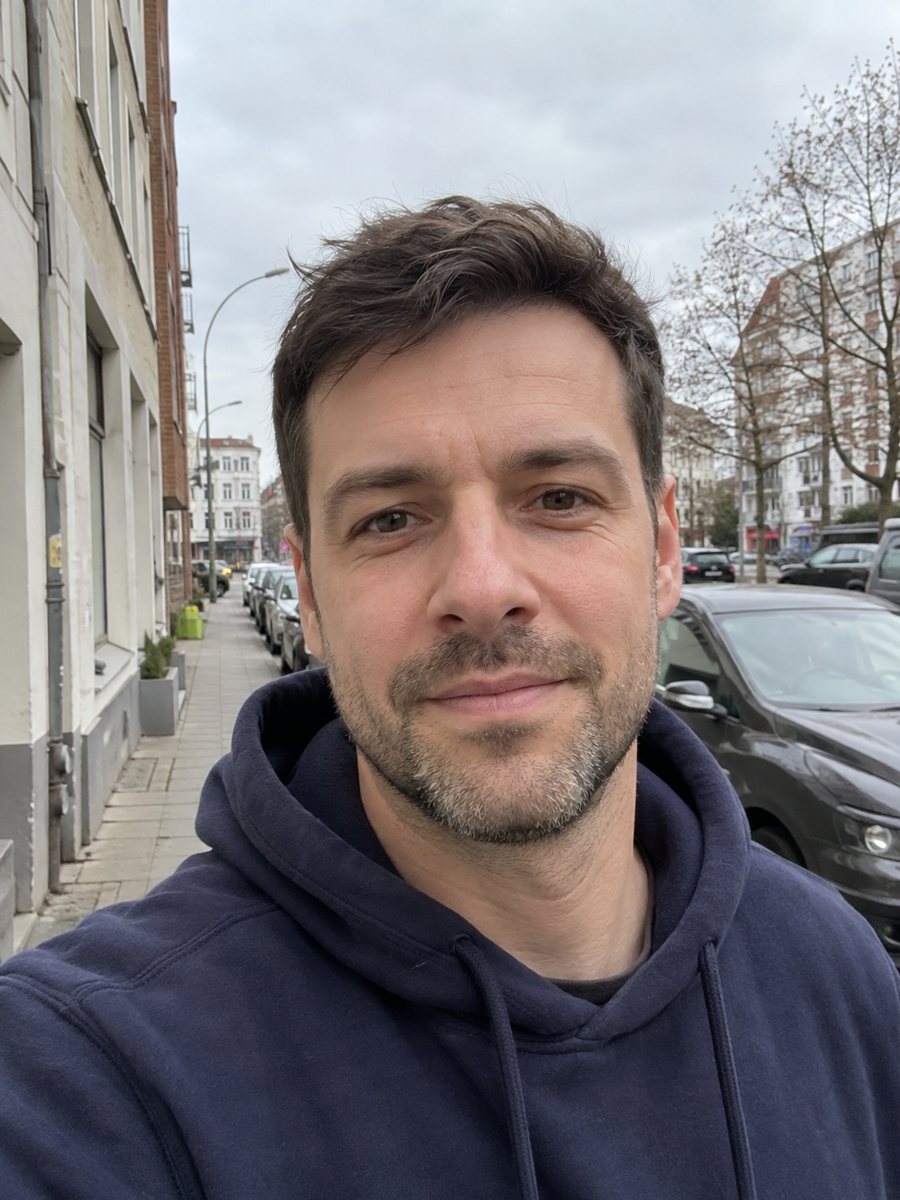
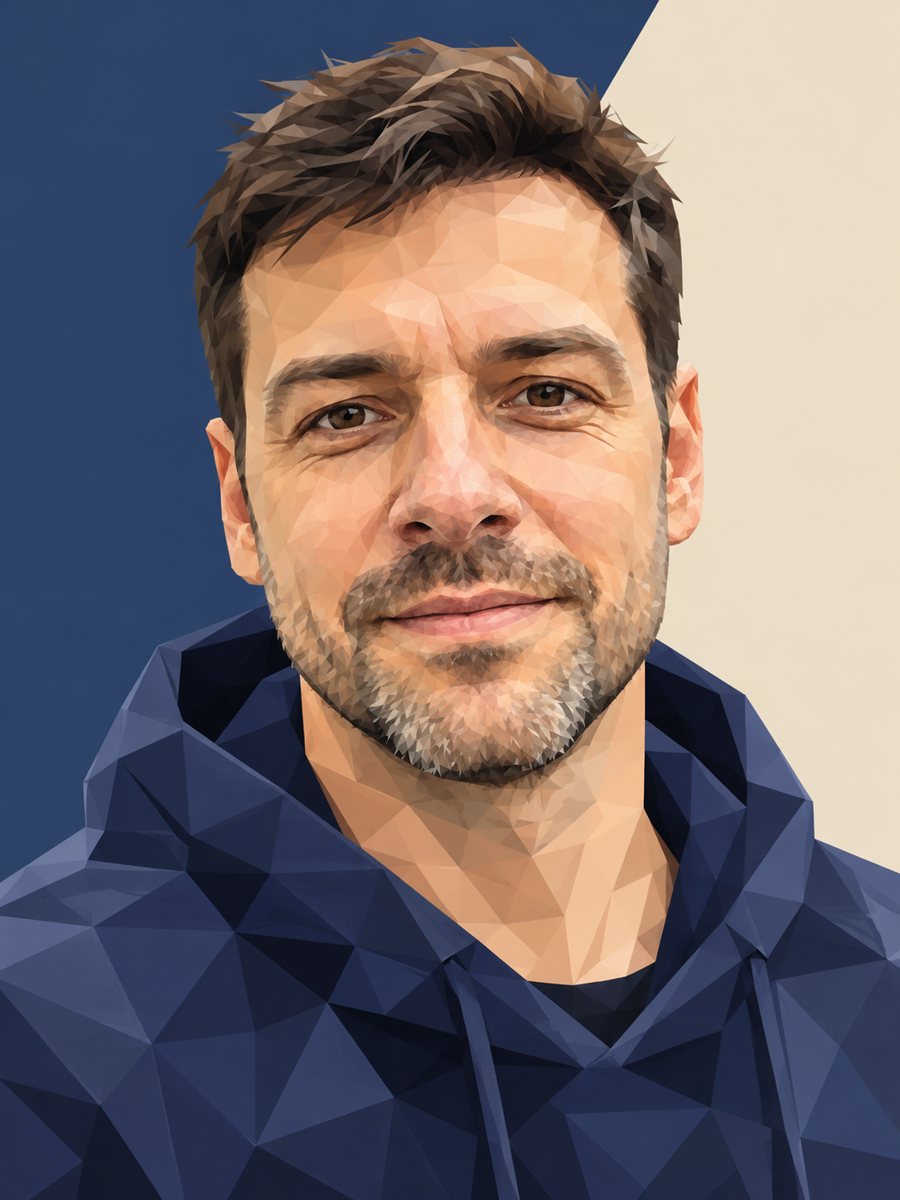 BeforeAfter
In short: Convert a portrait into a low poly triangle image with smooth gradients and a clean two-tone background. Ready prompt and Telegram bot, 7 images free.
- Where: the VisuMate bot in Telegram, no app or sign-up.
- Cost: 2 credits per image, 7 images free, then packs from 49 Telegram Stars.
- Time: 1 to 2 minutes per image, rerun with a new instruction at the same price.
When you need this
- You need a modern avatar for a tech profile, a team page or a podcast.
- You like the geometric look but vector tools take hours.
- A gift for a designer friend who likes sharp graphic styles.
How to do it
- 1
Press the button on this page. The bot opens with the low poly style selected.
- 2
Send one portrait as a file. In the caption you can name the background colors, for example: teal and dark gray.
- 3
After 1-2 minutes you get the image for 2 credits. Check the eyes and mouth for shape, and rerun if they look distorted.
Try it on your own photo: 7 images are free, no sign-up.
Make it in TelegramThe prompt behind this style
Convert this photo into a low poly geometric portrait. Keep the face and hairstyle recognizable. The whole image built from flat triangles of varying size, smaller triangles around the eyes and mouth, smooth gradient between facets, clean two-tone background. Vertical 3:4, no text.
Where this style fits and how to keep the likeness
Low poly has a clean tech feel, so people use it for developer profiles, conference speaker photos, gaming avatars and cover images. The facets reduce skin detail, which can be flattering. The background stays simple with two tones and a soft gradient, so the portrait works well as a banner or a wallpaper once you crop it. Because the face is made of triangles, small features like a nose shape or smile line depend on how the AI places the facets. A sharp, evenly lit photo gives the model clear edges. Avoid sunglasses and strong filters. If the result feels too coarse, add smaller triangles in the caption wishes. If it feels too soft, ask for sharper edges. Each rerun costs 2 credits.
Limits
This is a raster image, not a vector file. You cannot scale it up without losing quality, and it is not an editable design. For large prints, check the resolution of the file you receive and use a print shop that can preview it. Text is not added to the image. A tight crop of the finished image makes a good square avatar, since the triangle pattern holds its shape at small sizes.
Tips
- Choose a photo with strong light contrast, triangles follow shadows.
- Mention two colors for the background to control the palette.
- Front-facing portraits keep facial proportions better than profiles.
- Plain clothing gives cleaner facets.
- Run it twice and pick the version with the nicest eyes.
Questions and answers
Can I get a vector file?
No. The bot returns an image. Vectorizing needs a separate tool.
Does it work with a full-body photo?
The prompt is built for portraits. Full-body photos will make the face tiny and less recognizable.
Can I change the colors?
Yes, write colors in the caption, for example: purple and orange.
What is the image format?
Vertical 3:4, ready for a phone wallpaper or a frame.
How much does it cost?
2 credits per image, with 15 free credits for new users.
Does the bot work in English?
Yes. It picks up your Telegram language on first launch and replies in English. You can switch the language any time with /lang.
More in "Photo styles"
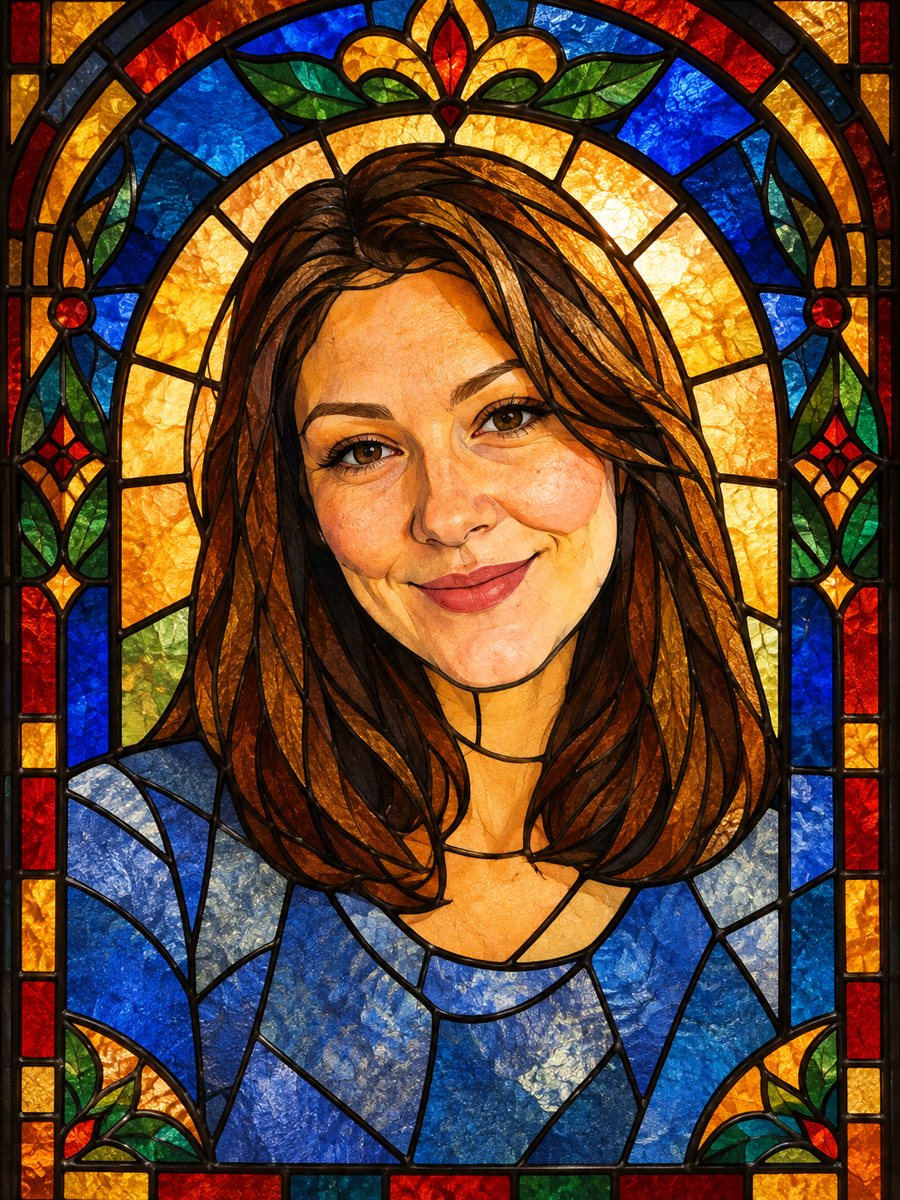 Turn your photo into a stained glass portraitTurn a portrait into a stained glass window with lead lines and jewel colors. Copy the ready prompt or...
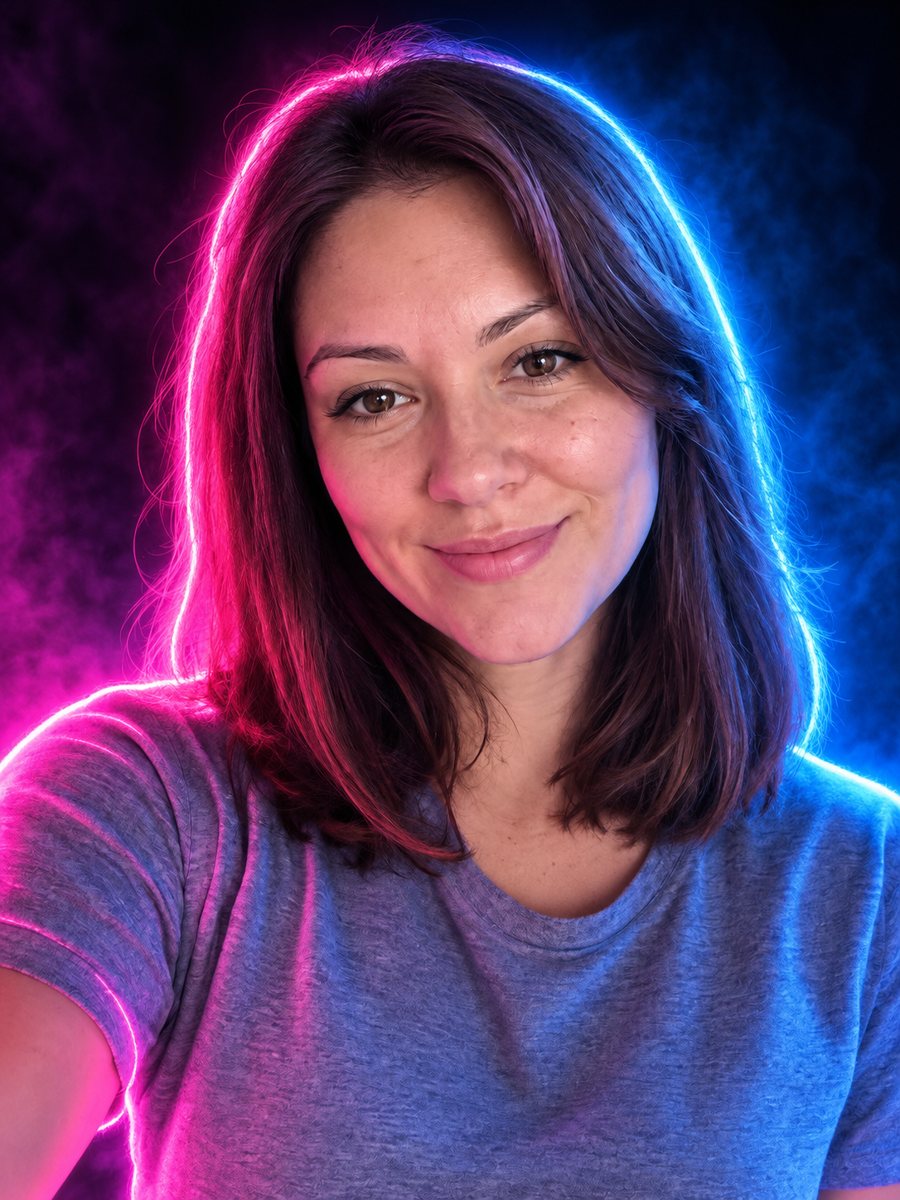 Turn your photo into a neon glow portraitTurn a portrait into a neon sign style image with pink and blue glowing outlines on a dark background....
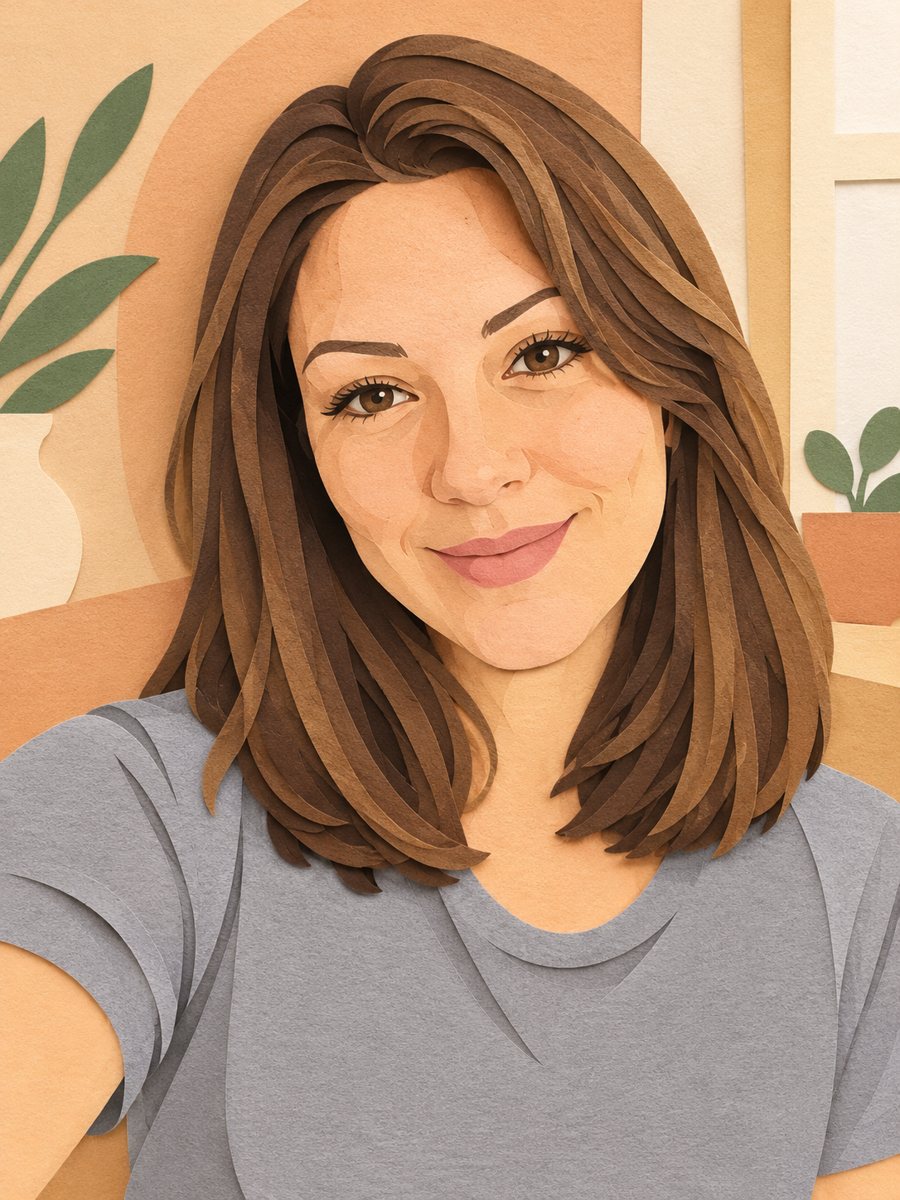 Turn your photo into a paper cut art portraitTurn a photo into layered paper cut art with soft shadows and a warm pastel palette. Copy the ready prompt...
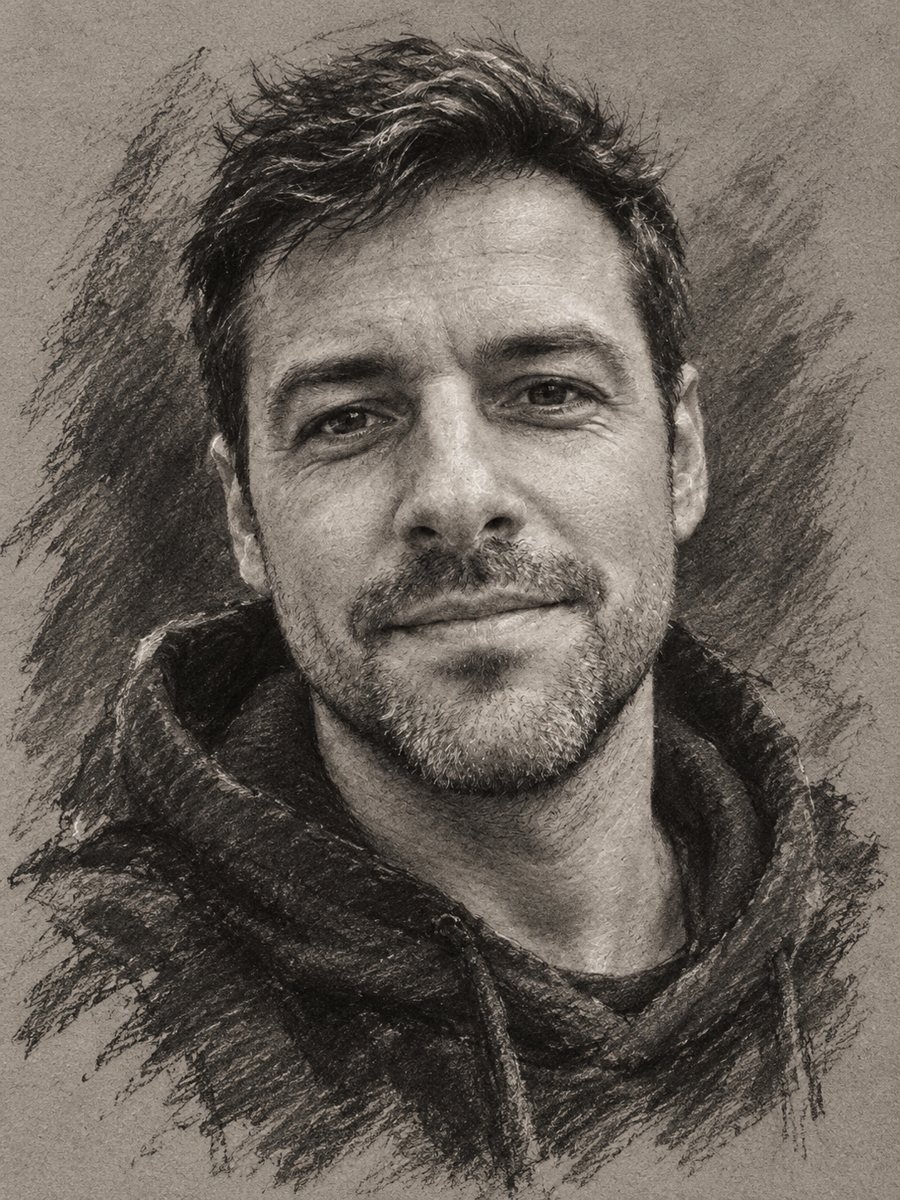 Turn your photo into a charcoal drawingConvert a portrait into an expressive charcoal sketch on gray paper with chalk highlights. Copy the ready...