Turn your photo into a neon glow portrait
The style traces your outline with glowing pink and electric blue tubes against a dark haze, and casts colored light on your skin and hair. Open the bot with the button, send a portrait and get the result in a couple of minutes.
- 2 credits per image
- Result in 1–2 minutes
- No sign-up
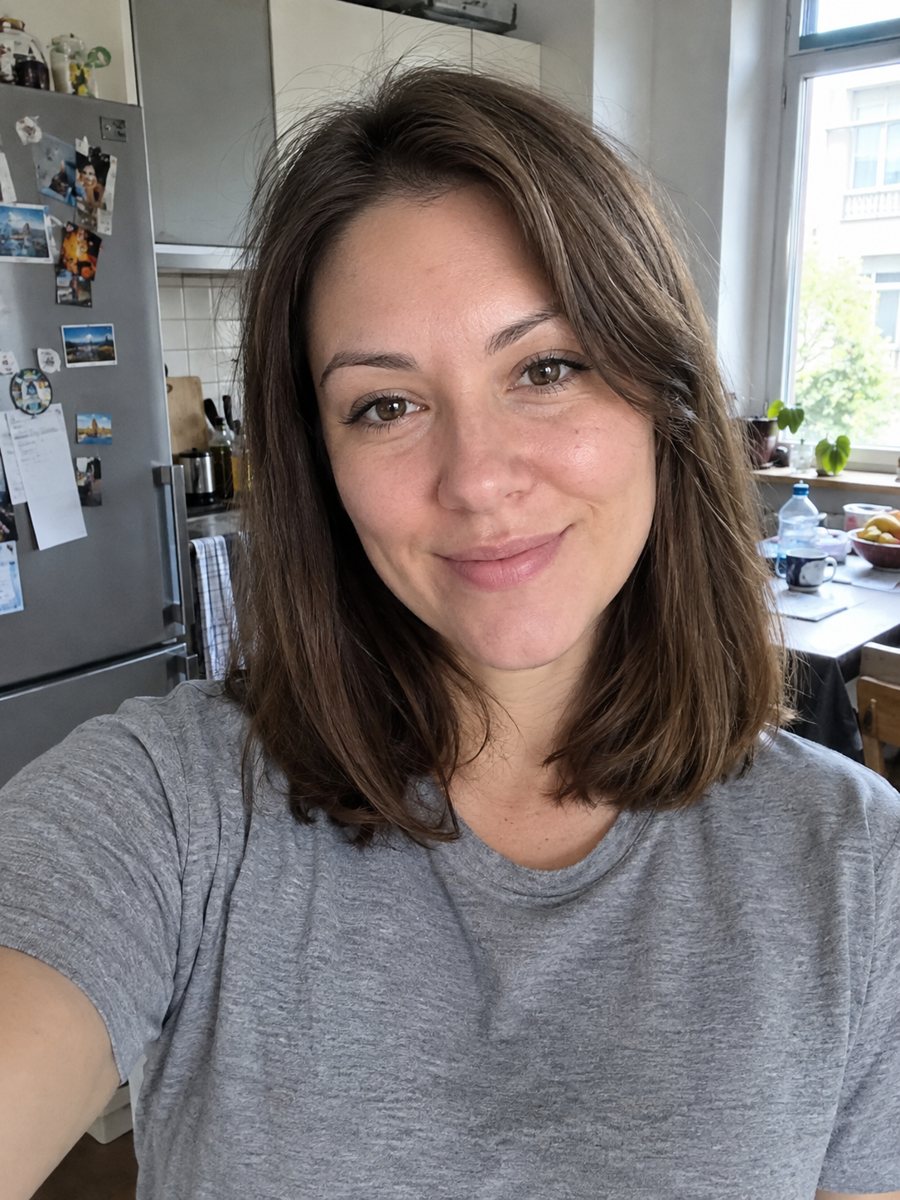
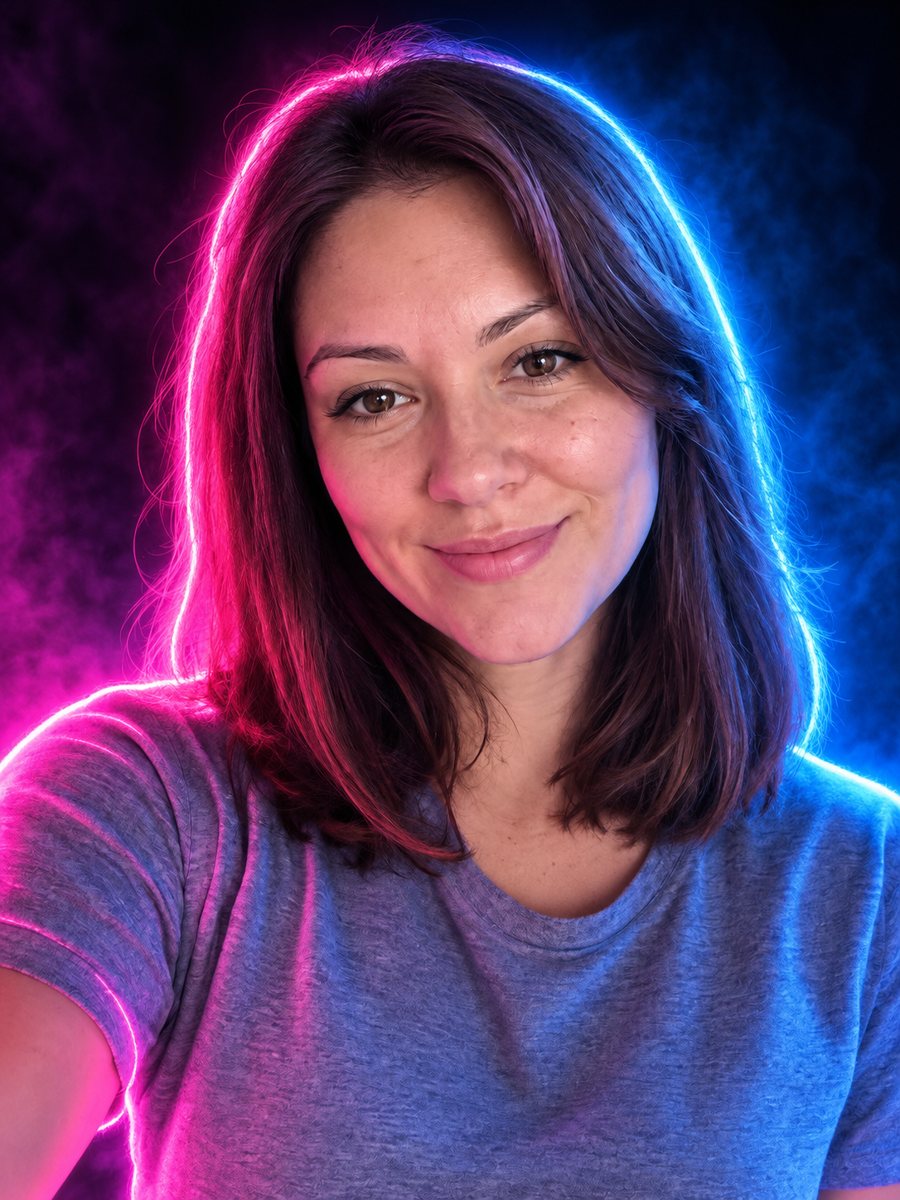 BeforeAfter
In short: Turn a portrait into a neon sign style image with pink and blue glowing outlines on a dark background. Ready prompt and Telegram bot, 7 images free.
- Where: the VisuMate bot in Telegram, no app or sign-up.
- Cost: 2 credits per image, 7 images free, then packs from 49 Telegram Stars.
- Time: 1 to 2 minutes per image, rerun with a new instruction at the same price.
When you need this
- You need a striking avatar for a stream, a music page or a gaming profile.
- You want a party poster with your face in club lighting.
- Your photo is dull and you want the same face with drama.
How to do it
- 1
Open the bot with the button. The neon portrait style is selected.
- 2
Send one portrait as a file. In the caption you can set the neon colors, for example: purple and green, or only red.
- 3
After 1-2 minutes the image arrives for 2 credits. Check the hairstyle and face shape, and run again if the glow hides the features.
Try it on your own photo: 7 images are free, no sign-up.
Make it in TelegramThe prompt behind this style
Turn this photo into a neon glow portrait. Keep the face and hairstyle recognizable. Dark background, the outline of the person traced with glowing neon tubes in pink and electric blue, colored light reflecting on the skin and hair, slight haze, photoreal rendering. Vertical 3:4, no text.
What you get
The result is a photoreal portrait with neon tubes drawing the contour, as if you stood in front of a night club sign. Colored light falls on cheeks and hair, and a slight haze softens the dark background. People use it for album covers, Twitch avatars, event posters and bold wallpapers. It suits portraits with character better than soft family photos.
Control the look and limits
Neon colors strongly tint the skin. If you want natural skin tones, write that in the caption. If you want a stronger cyberpunk feel, ask for more haze and reflections. Different color pairs change the mood completely: pink and blue feel retro, red alone feels dramatic, green feels sci-fi. Run a few versions, since each costs 2 credits and they differ a lot. The face lives in heavy shadow, so small details disappear and the likeness may weaken. A front-facing photo with open eyes holds best. The image has no text, because AI neon lettering often misspells words. If you want a neon name, add it later in a graphic editor.
Tips
- A dark or plain background in the source helps the neon outline stand out.
- Mention two glow colors to avoid a random mix.
- Photos with hair silhouette visible get a cleaner neon outline.
- Ask for a subtle glow if the face looks too colored.
- Sunglasses can look great here, the glass reflects the neon.
Questions and answers
Does it add neon text?
No. The prompt asks for no text. Letters drawn by AI are often wrong.
Is the face still recognizable?
Usually yes, but heavy color can change how the face reads. Rerun or ask for natural skin tones.
Can I use it as a profile picture?
Yes. The image is vertical 3:4, so crop it to a square for most apps.
Does it work for pets?
The prompt targets people. A pet may work, but results vary.
How much does it cost?
2 credits per image, 7 images free for new users.
Does the bot work in English?
Yes. It picks up your Telegram language on first launch and replies in English. You can switch the language any time with /lang.
More in "Photo styles"
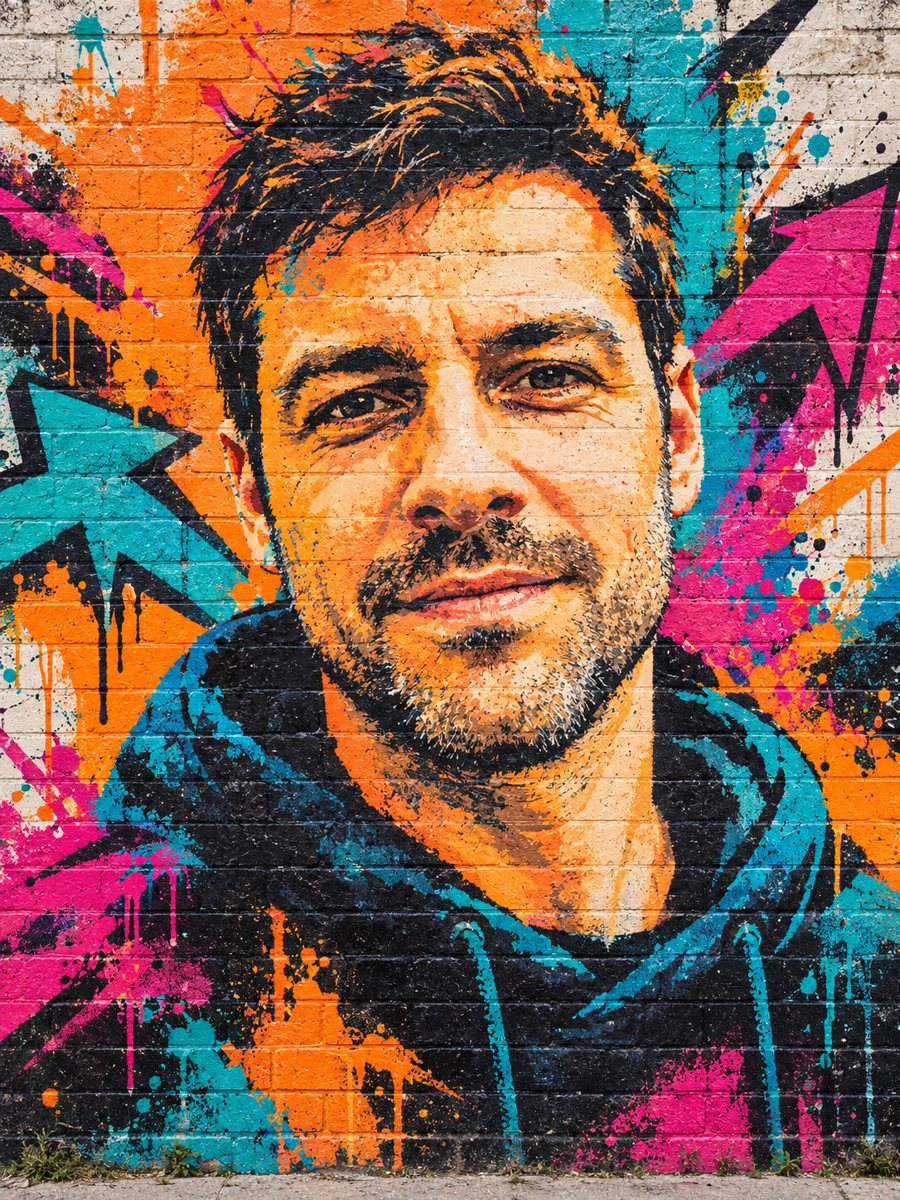 Turn your photo into a graffiti street art muralPaint your photo as a big graffiti mural on a brick wall with spray texture and vivid colors. Copy the...
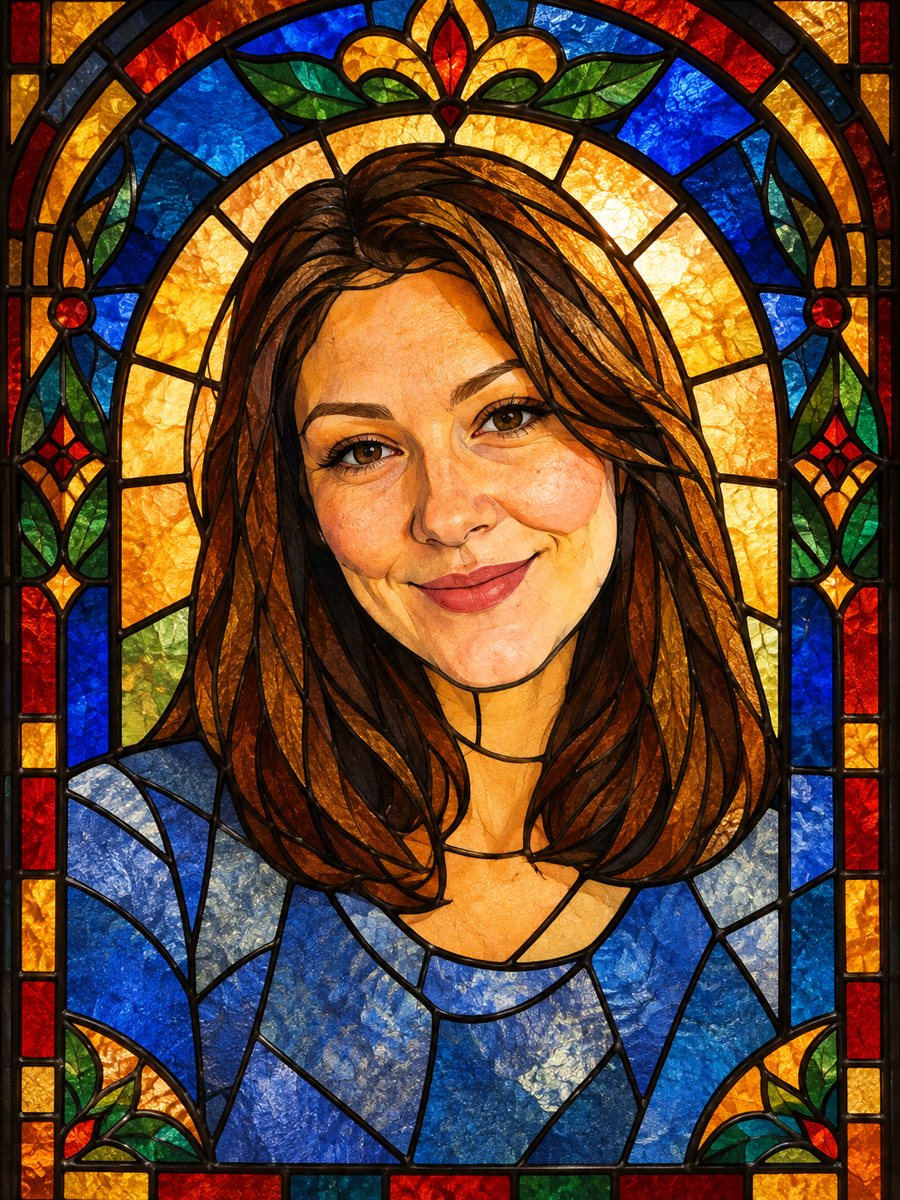 Turn your photo into a stained glass portraitTurn a portrait into a stained glass window with lead lines and jewel colors. Copy the ready prompt or...
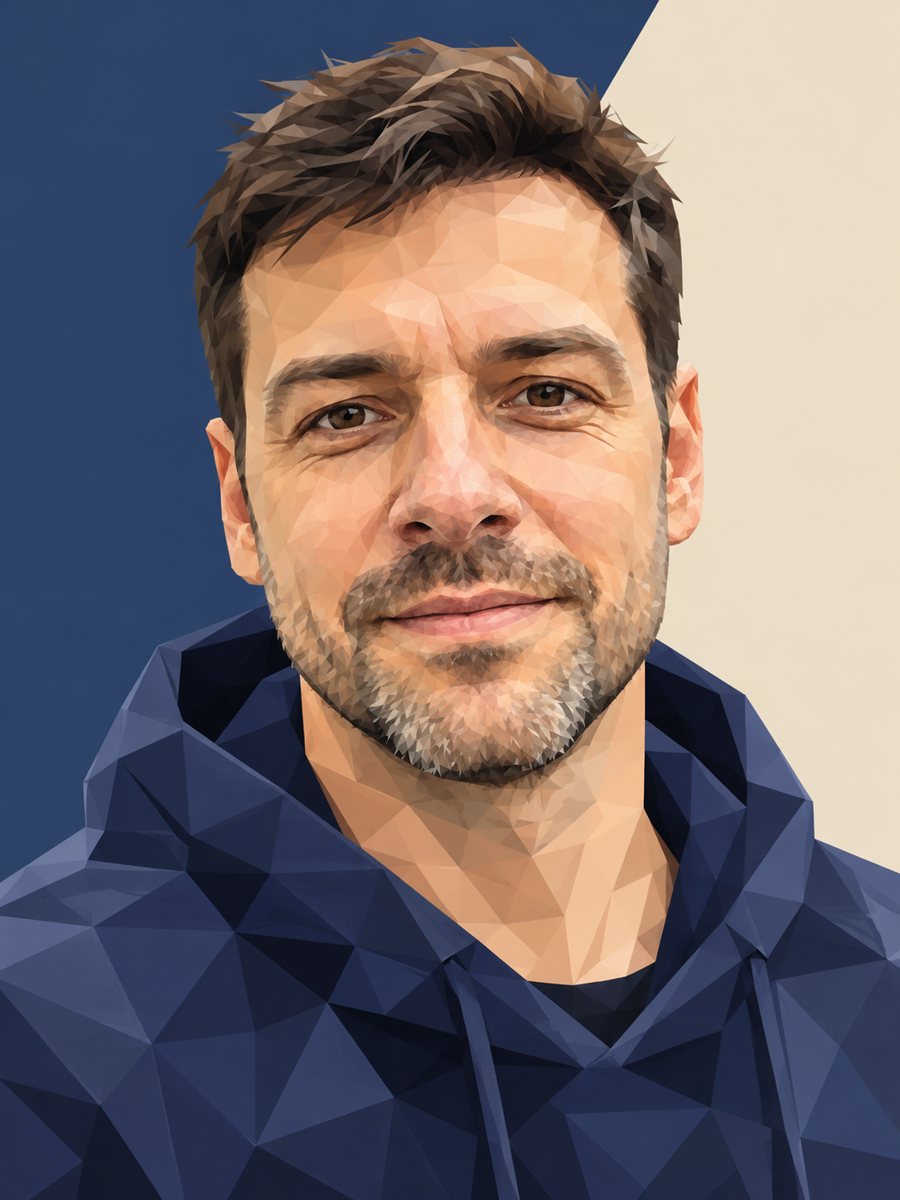 Turn your photo into a low poly portraitConvert a portrait into a low poly triangle image with smooth gradients and a clean two-tone background....
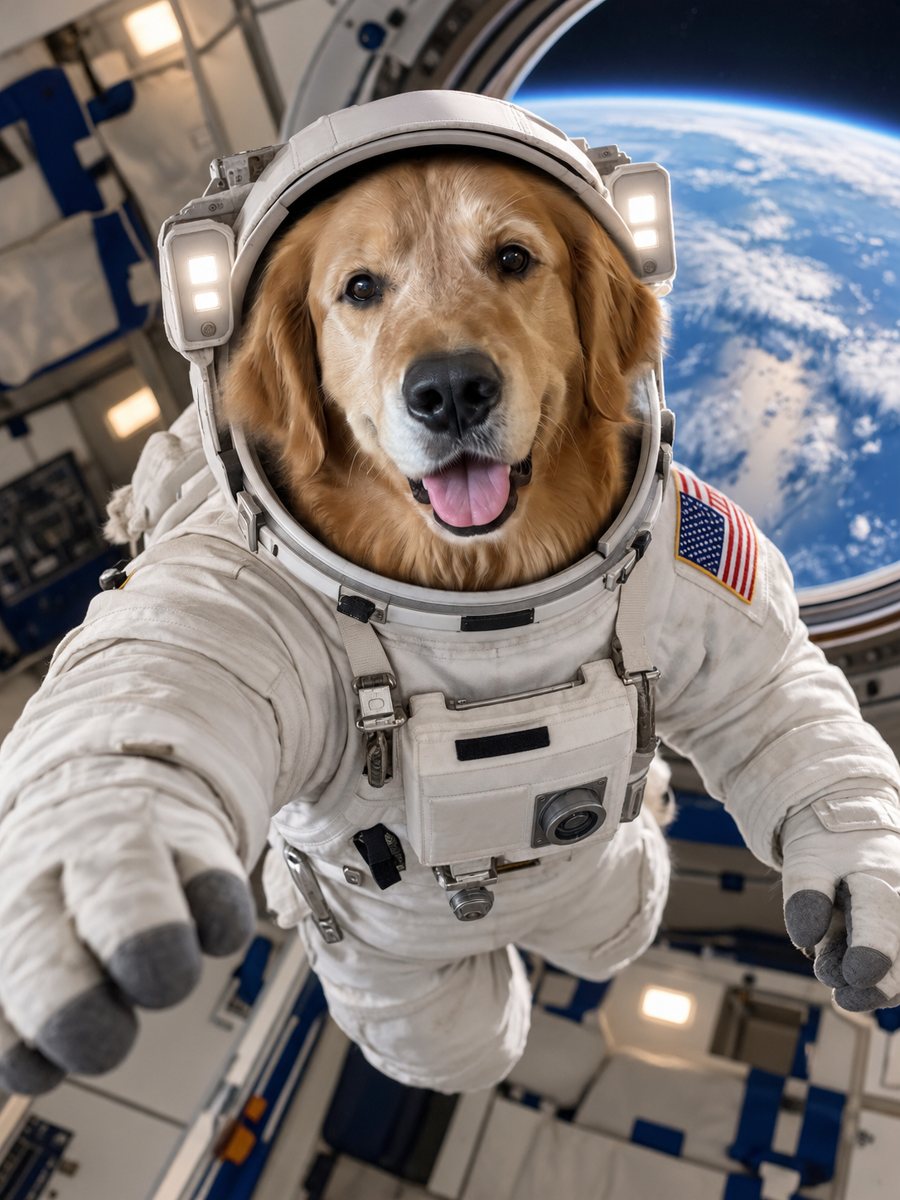 Turn your pet into an astronautPut your dog or cat in a realistic astronaut suit inside a spacecraft with Earth in the window. Copy the...