Turn your photo into a Roman style mosaic portrait
Your photo becomes a mosaic of thousands of small tiles in earth tones with a few gold and blue accents, visible grout and a simple border. Open the bot with the button, send a photo and the style is applied.
- 2 credits per image
- Result in 1–2 minutes
- No sign-up

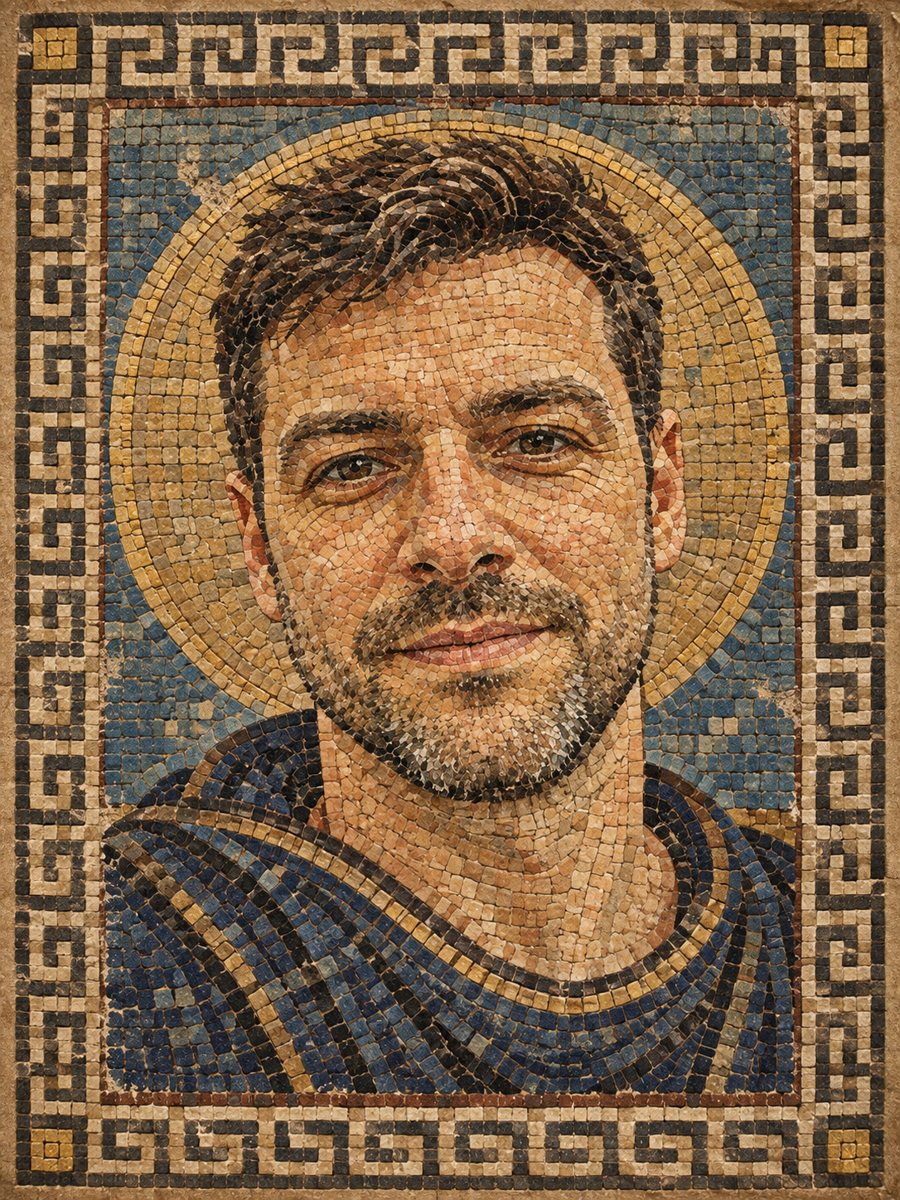 BeforeAfter
In short: Turn a photo into an ancient Roman style mosaic made of small stone and glass tiles. Ready prompt and Telegram bot, 7 images free to try.
- Where: the VisuMate bot in Telegram, no app or sign-up.
- Cost: 2 credits per image, 7 images free, then packs from 49 Telegram Stars.
- Time: 1 to 2 minutes per image, rerun with a new instruction at the same price.
When you need this
- You want a piece that looks like it came from an old villa floor.
- A history fan or a teacher needs a fun themed portrait.
- A plain avatar feels boring and you want texture.
How to do it
- 1
Open the bot with the button. The mosaic preset is already selected.
- 2
Send one portrait as a file. In the caption you can add a wish, for example: more gold, blue border.
- 3
In 1-2 minutes you get the picture for 2 credits. Check the face outline and eyes, and rerun if the tiles ruined the likeness.
Try it on your own photo: 7 images are free, no sign-up.
Make it in TelegramThe prompt behind this style
Turn this photo into an ancient Roman style mosaic. Keep the face recognizable. Thousands of small square stone and glass tiles in natural earth tones with a few gold and blue accents, visible grout lines, slightly weathered surface, simple geometric border. Vertical 3:4, no text.
What it looks like
The picture shows small square tiles of stone and glass, with grout lines between them and a slightly weathered surface, like an old floor or wall. The palette stays earthy: ochre, terracotta, olive and gray, plus a few gold and blue pieces. The face is built from small color steps, so shading looks like a pixel grid made of stone.
Getting a better result and expectations
Mosaic needs a clear face, because every tile is a flat color. Send a front-facing, evenly lit photo and avoid shadows across the eyes. If the result looks too coarse, ask for smaller tiles. If it looks too clean, ask for more wear. Each rerun costs 2 credits. People use mosaic portraits for themed gifts, school projects, restaurant decor ideas and unusual profile pictures. This is an AI image of a mosaic, not a design for real tiles. Tile counts and colors are not planned for manufacturing. The prompt asks for a simple geometric border and no text. Save the image as a file from the chat and print it on matte paper for the best match with the stone look.
Tips
- Large faces in the frame survive the tile pattern better.
- Strong contrast between face and background helps.
- Mention more gold or more blue to adjust accents.
- Simple hairstyles stay readable in tiles.
- Do not expect fine details like freckles.
Questions and answers
Can I order a real mosaic from this?
The image is only an illustration. A mosaic studio would need to redraw it with real tile colors.
Does it include text or Latin words?
No. The prompt asks for no text.
Does it work for women and kids?
Yes, though results vary. Check the likeness.
What is the format?
Vertical 3:4.
How many free tries?
7 images with the 15 free starting credits.
Is the bot available in English?
The bot replies in English. You can switch the language any time with /lang. English captions work, and the link from this page opens this style directly.
More in "Photo styles"
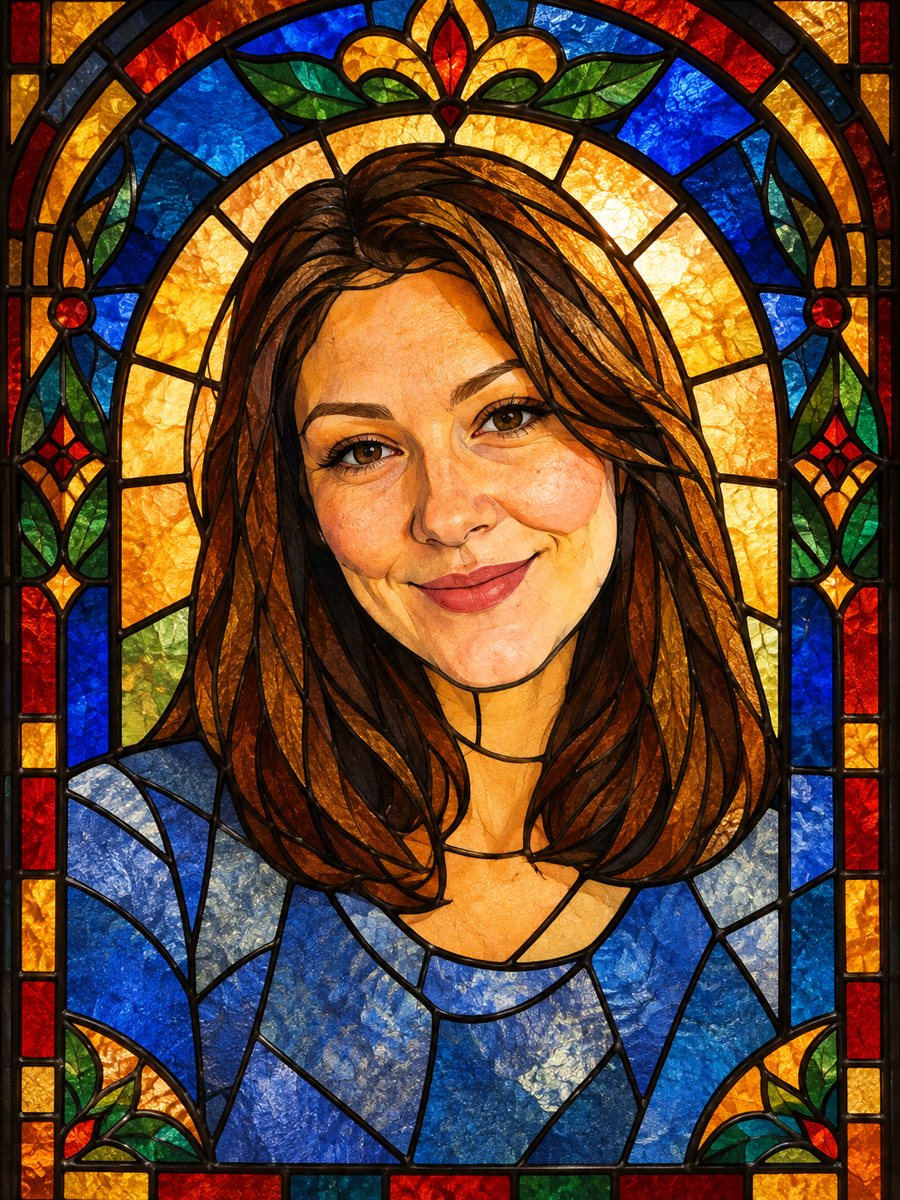 Turn your photo into a stained glass portraitTurn a portrait into a stained glass window with lead lines and jewel colors. Copy the ready prompt or...
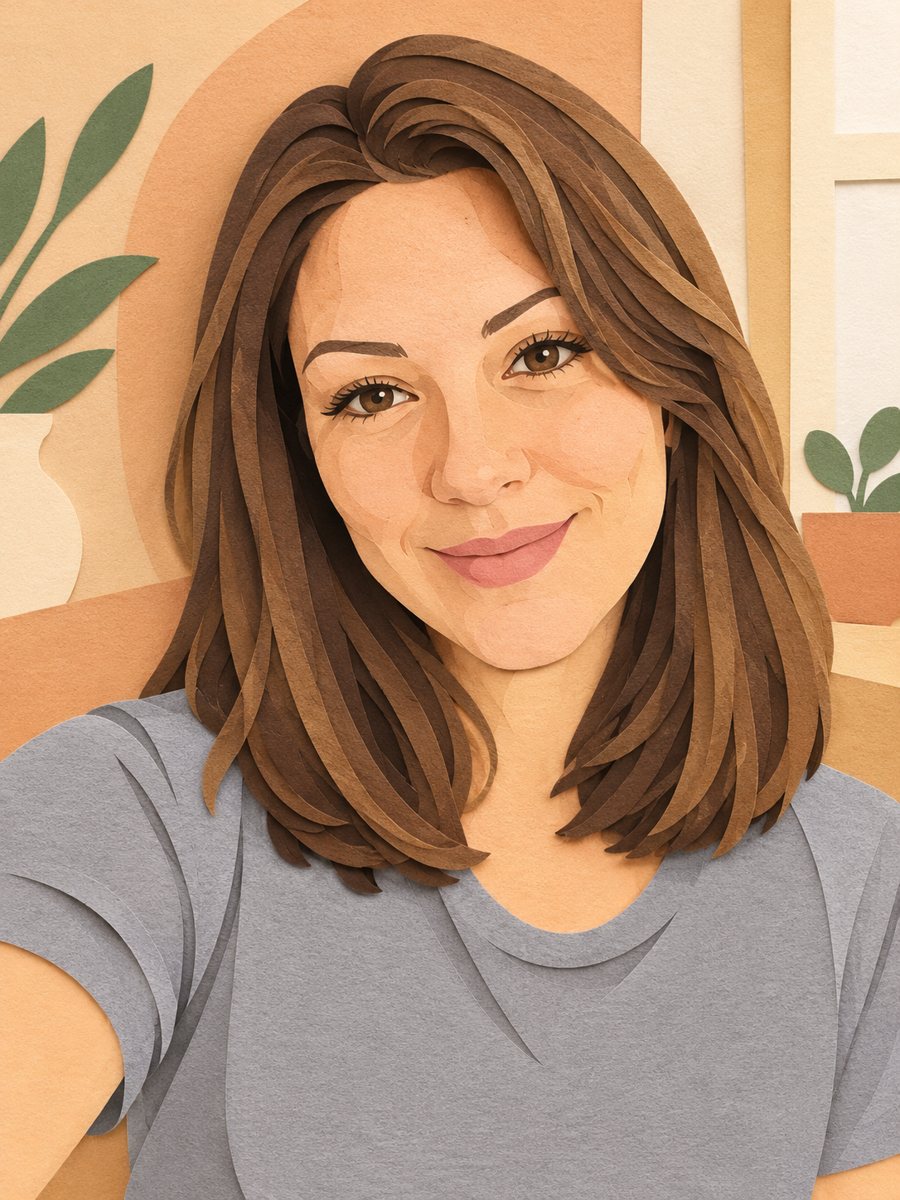 Turn your photo into a paper cut art portraitTurn a photo into layered paper cut art with soft shadows and a warm pastel palette. Copy the ready prompt...
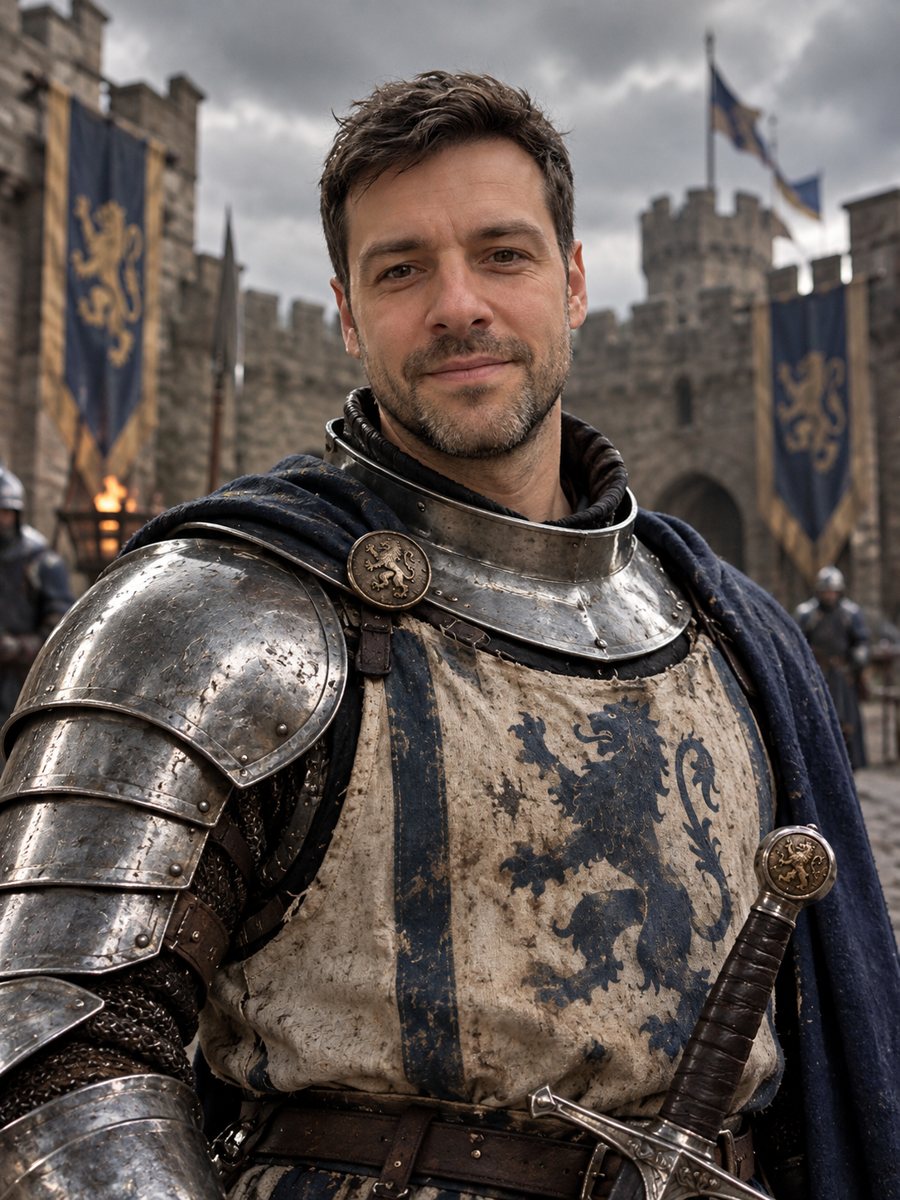 Turn yourself into a medieval knightTurn yourself into a medieval knight in steel armor in a castle courtyard. Copy the ready prompt or open...
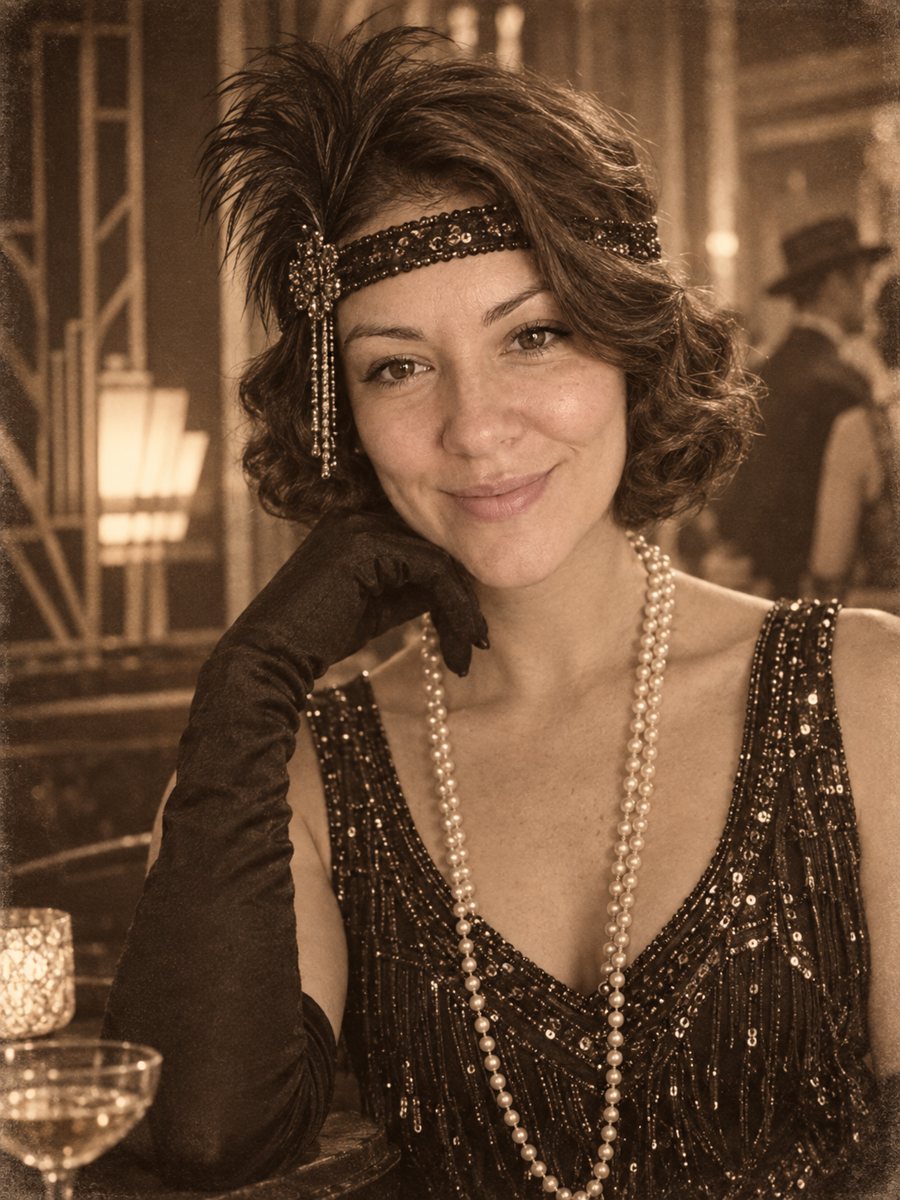 Put yourself in a 1920s photoPlace yourself in the 1920s with period clothes, an art deco interior and a sepia photo look. Copy the...