A work chat picture your team will recognize
In a remote team your picture is the only face others see all week. It sits in a small square next to your messages. A close, bright, friendly crop is all it needs. Send a selfie and the bot cleans the light, the background and the framing.
- 2 credits per image
- Result in 1–2 minutes
- No sign-up
In short: Make a friendly Slack or Teams profile picture from a selfie, clean enough to read at tiny size in work chats. Telegram bot, 7 images free for new users.
- Where: the VisuMate bot in Telegram, no app or sign-up.
- Cost: 2 credits per image, 7 images free, then packs from 49 Telegram Stars.
- Time: 1 to 2 minutes per image, rerun with a new instruction at the same price.
- Credits never expire, there is no subscription and no auto-renew. You pay once for a pack inside Telegram with Stars.
When you need this
- Your current picture is a logo, and new colleagues cannot place you.
- The old photo shows a beach, a hat and sunglasses.
- You are joining a new company tomorrow.
How to do it
- 1
Press the button to open @visumate_ai_bot in Telegram. No sign-up, and new users get 15 free credits, which is 7 images.
- 2
Send a selfie as a file. In the caption write: 'head and shoulders, soft window light, plain light green wall, relaxed smile, face large in the frame'.
- 3
In 1-2 minutes the picture arrives for 2 credits. Look at it at the size of a chat avatar.
Try it on your own photo: 7 images are free, no sign-up.
Make it in TelegramSmall square, big face
Chat apps show your picture at roughly the size of a fingertip. Wide scenes lose the face. Ask for 'head and shoulders, face fills half the frame' and the result stays recognizable. Bright, even light matters more than any style. If you work with colleagues from many countries, a clear smiling face helps them place you before the first call.
One picture everywhere
Use the same picture across work tools so people connect your name with the face. Update it when you change your hair or grow a beard, otherwise the first video call feels like meeting a stranger. Save the original selfie as well, in case a platform asks for an unedited version for access badges or ID checks. It also saves new teammates the small effort of guessing who is behind a username.
Tips
- Keep the face large and in the middle of a square crop.
- Plain backgrounds stay readable at small size.
- Use the same picture on Slack, Teams, GitHub and email.
- Choose a smile that looks like your normal self.
Questions and answers
Can I use a cartoon instead?
Yes. See the cartoon avatar page for a friendly drawn version.
Is it fine for a formal company?
Pick plain clothes and a neutral background. Many teams like that.
What does it cost?
2 credits per image. New users get 15 free credits, so 7 images cost nothing. After that packs start at 49 Telegram Stars and credits do not expire.
Does the bot work in English?
Yes. It picks up your Telegram language on first launch. You can switch it any time with /lang.
What the bot does not do
- Works from one photo. Likeness depends on the photo you send, and some styles change features more than others.
- Does not make video or animation.
- Does not output a transparent PNG.
- Does not retouch passport or ID photos.
More in "Photo styles"
 Upgrade your profile photo without changing youImprove a social media profile picture: fix exposure and white balance, blur a messy background to a warm...
- AI profile picture makerMake a profile picture for Instagram, LinkedIn, Discord or Telegram from any selfie. Clean light, your...
 Create a CV photo from a selfieTurn a selfie into a neutral CV photo with a light gray background, smart casual top and even light. Copy...
 Create a conference speaker headshot from a photoTurn a photo into a conference speaker headshot with a blazer, a dark studio gradient and rim light. Copy...
- A St. Patrick's Day card made from your photoTurn a photo into a St. Patrick's Day card with clover, gold coins and green hills, and leave room for a...
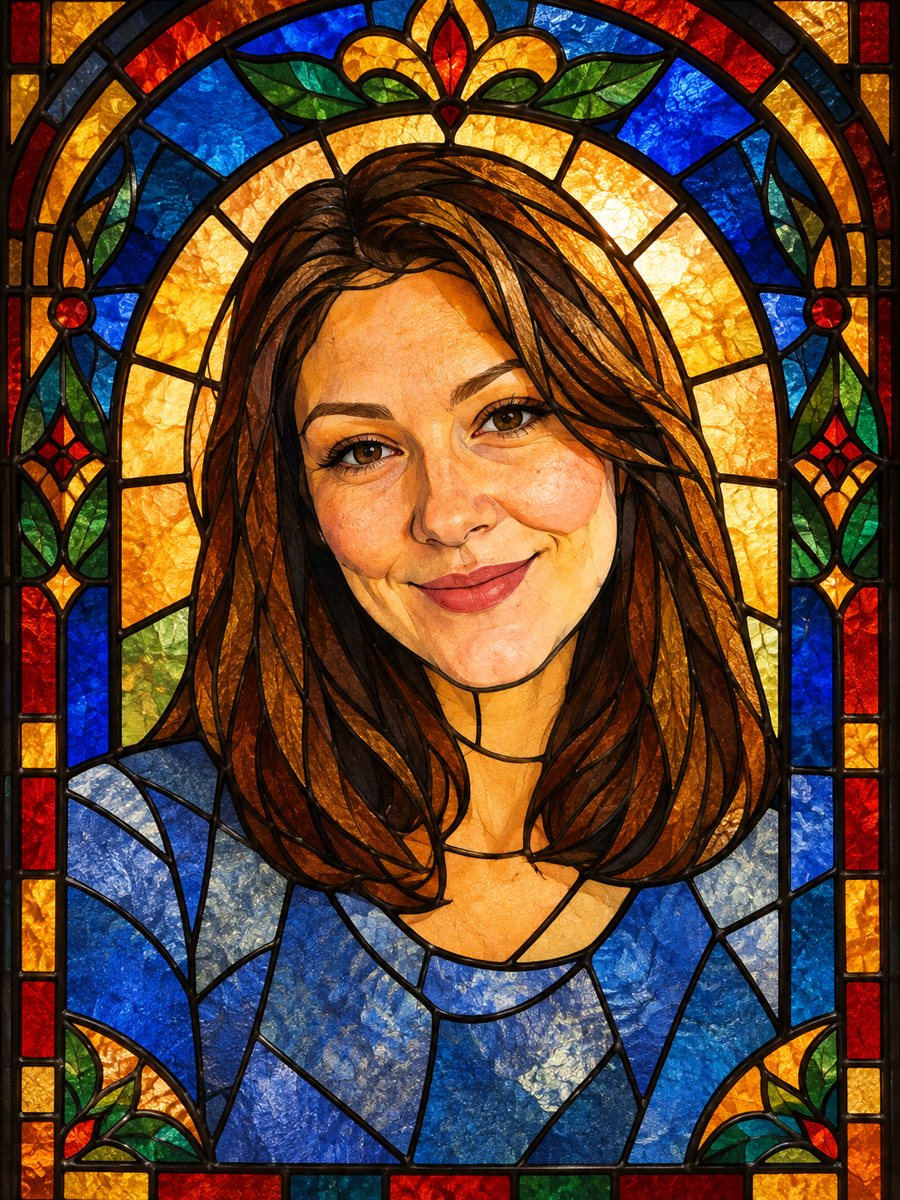 Turn your photo into a stained glass portraitTurn a portrait into a stained glass window with lead lines and jewel colors. Copy the ready prompt or...