Turn your photo into a pointillism painting
You get a portrait built from thousands of small dots of pure color that blend when you step back, with bright complementary tones and a visible canvas texture. Press the button, send a photo and the bot repaints it in the pointillist technique.
- 2 credits per image
- Result in 1–2 minutes
- No sign-up
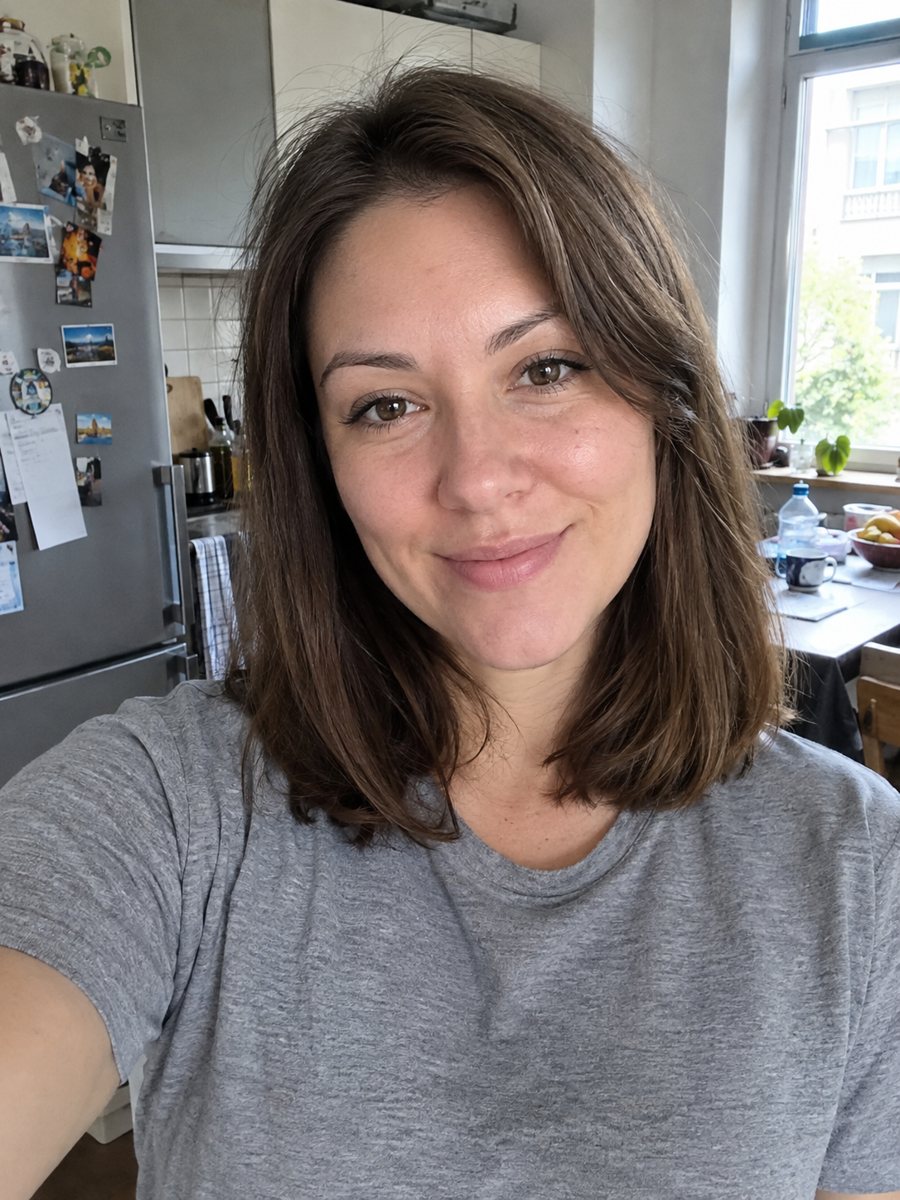
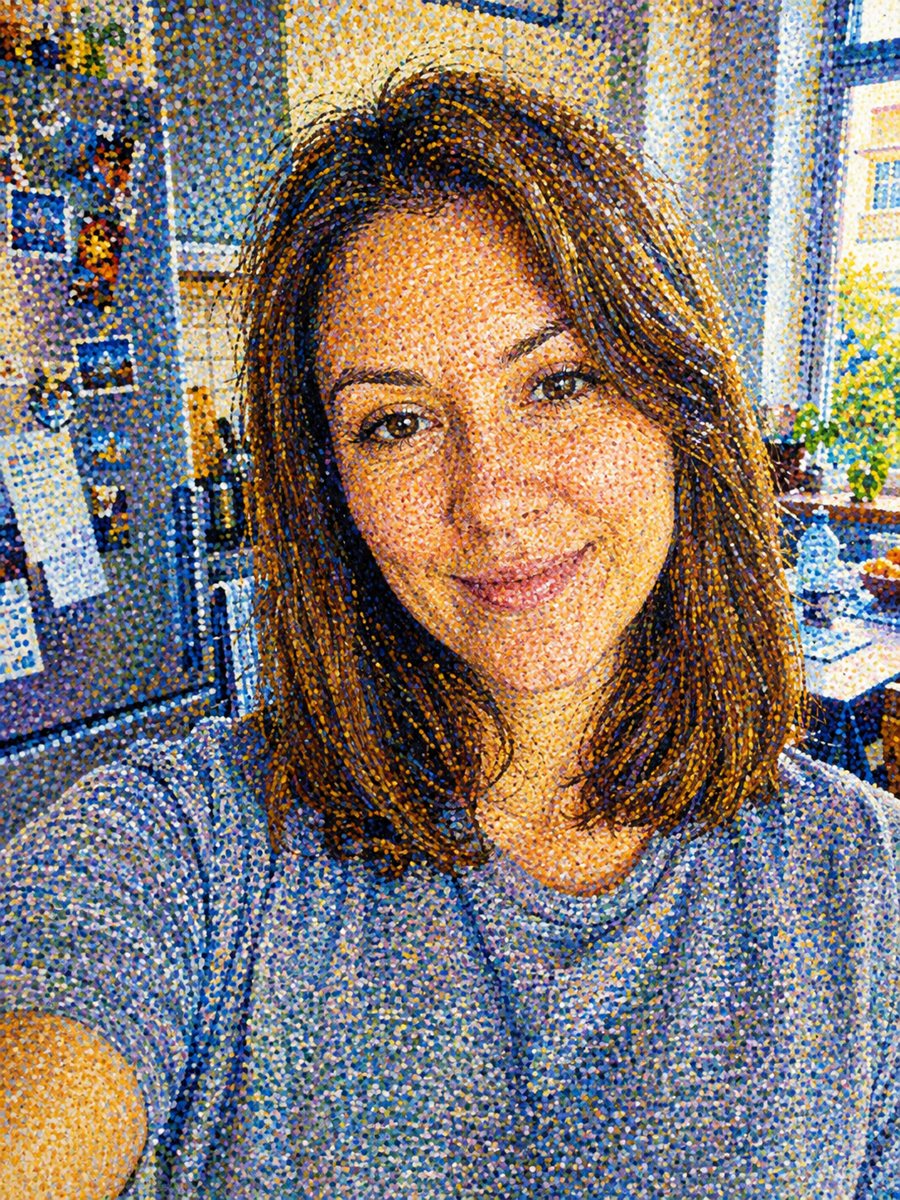 BeforeAfter
In short: Repaint your photo in pointillism with thousands of tiny dots of pure color on canvas. Copy the free prompt or open the Telegram bot, 7 images free.
- Where: the VisuMate bot in Telegram, no app or sign-up.
- Cost: 2 credits per image, 7 images free, then packs from 49 Telegram Stars.
- Time: 1 to 2 minutes per image, rerun with a new instruction at the same price.
When you need this
- You want a print that looks hand painted and has real texture up close.
- An art class project needs a quick example of how dots of color form a face.
- You are tired of smooth filters and want a rough, dotted surface.
How to do it
- 1
Use the button on this page to open the bot. The pointillism portrait style is preselected, so there is nothing to pick.
- 2
Send one photo as a file, so Telegram does not compress it. You can add a caption, for example: more orange and blue, fine dots.
- 3
Wait 1 to 2 minutes. The result costs 2 credits. Look closely at the size of the dots, then rerun if needed for another 2 credits.
Try it on your own photo: 7 images are free, no sign-up.
Make it in TelegramThe prompt behind this style
Repaint this photo in the pointillism technique. Keep the face recognizable. Thousands of small distinct dots of pure color that blend at a distance, bright complementary colors, a visible canvas texture. Vertical 3:4, no text.
How pointillism works
Pointillist painters placed small dots of pure color side by side instead of mixing paint. From a distance the eye blends the dots into smooth shapes with a glowing quality. The prompt asks for the same effect with complementary colors and a canvas texture. Faces become soft color fields built from orange, blue, green and pink dots. The style suits posters, gifts and wall prints.
Improving the result
Dot size changes the feel. Small dots keep the likeness, large dots feel more abstract. Say so in the caption. The AI follows the lighting of the photo, so a face with visible highlights and shadows turns into clear color zones. Dark flat backgrounds can look heavy, so ask for a lighter or colored background if you want more glow.
Limits
Dots are placed by the AI and may repeat patterns or blur at the edges. Eyes and mouths can lose sharpness when dots get large. The result is not a scan of a real painting, only an image in that technique. Fine facial details such as freckles merge into the dot field. Rerun for 2 credits if the likeness suffers.
Tips
- Bright photos with clear colors turn into the liveliest dot paintings.
- Ask for fine dots for detail or large dots for a bolder look.
- Mention a pair of complementary colors, such as orange and blue.
- Keep the background simple so dots do not fight with the face.
- View the picture at full size and then zoom out to see the blend.
Questions and answers
Is it a copy of Seurat?
No. It uses the technique and creates a new image.
Can I print it large?
Yes. Dots print well, but check the resolution of the file you receive.
Can I choose the colors?
Yes. Mention them in the caption.
Does it work in black and white?
You can ask for black dots on white, but the prompt favors bright colors.
Will it add a signature?
No. The prompt asks for no text.
More in "Photo styles"
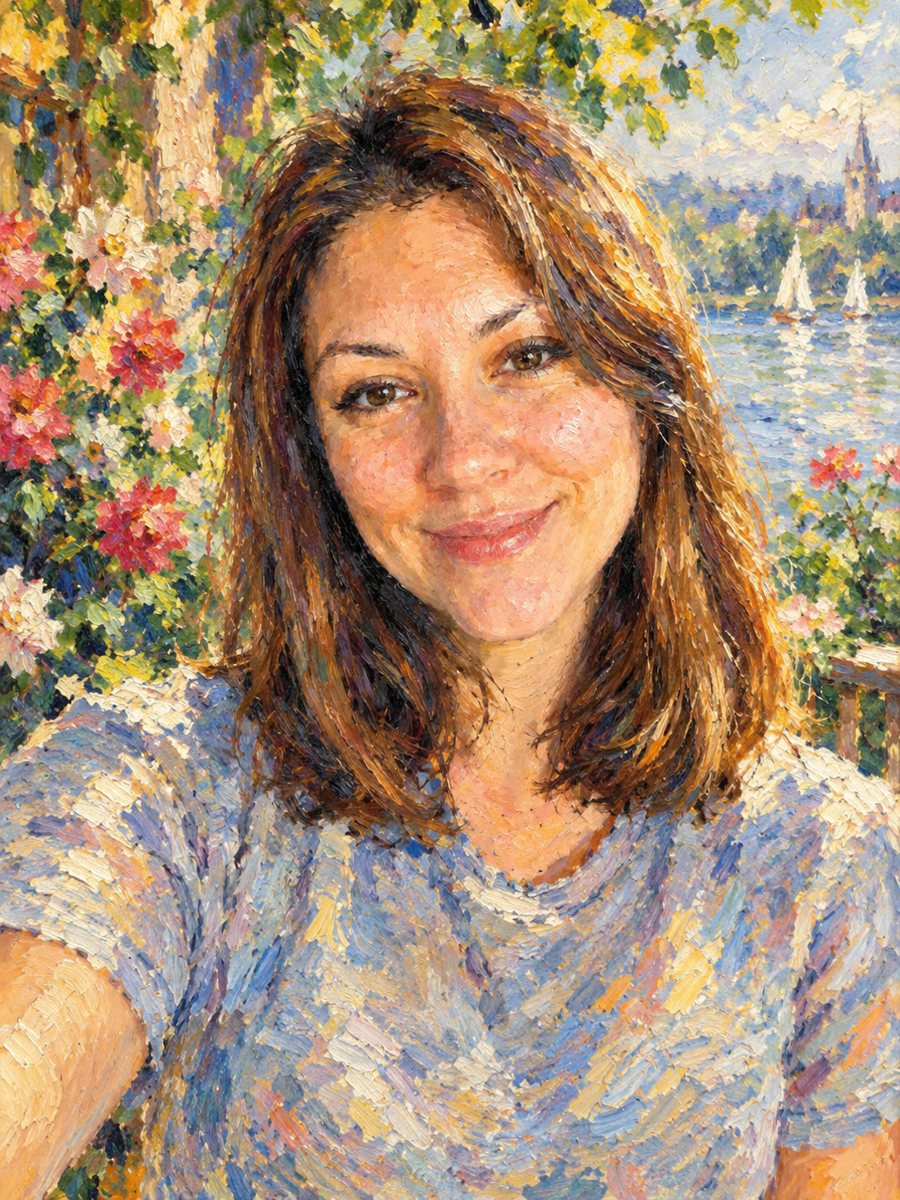 Turn your photo into an impressionist oil paintingRepaint a photo as an impressionist oil painting with visible brush strokes and dappled light. Ready...
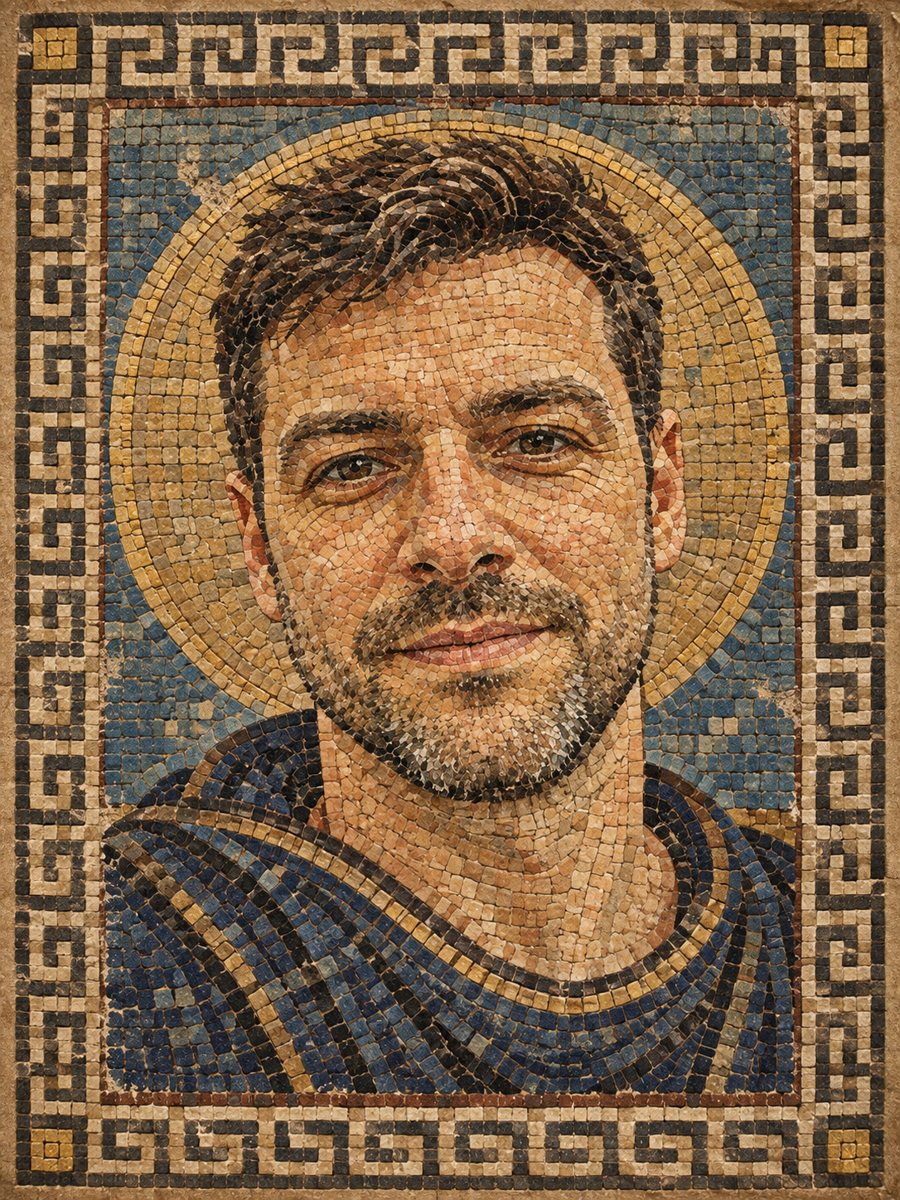 Turn your photo into a Roman style mosaic portraitTurn a photo into an ancient Roman style mosaic made of small stone and glass tiles. Ready prompt and...
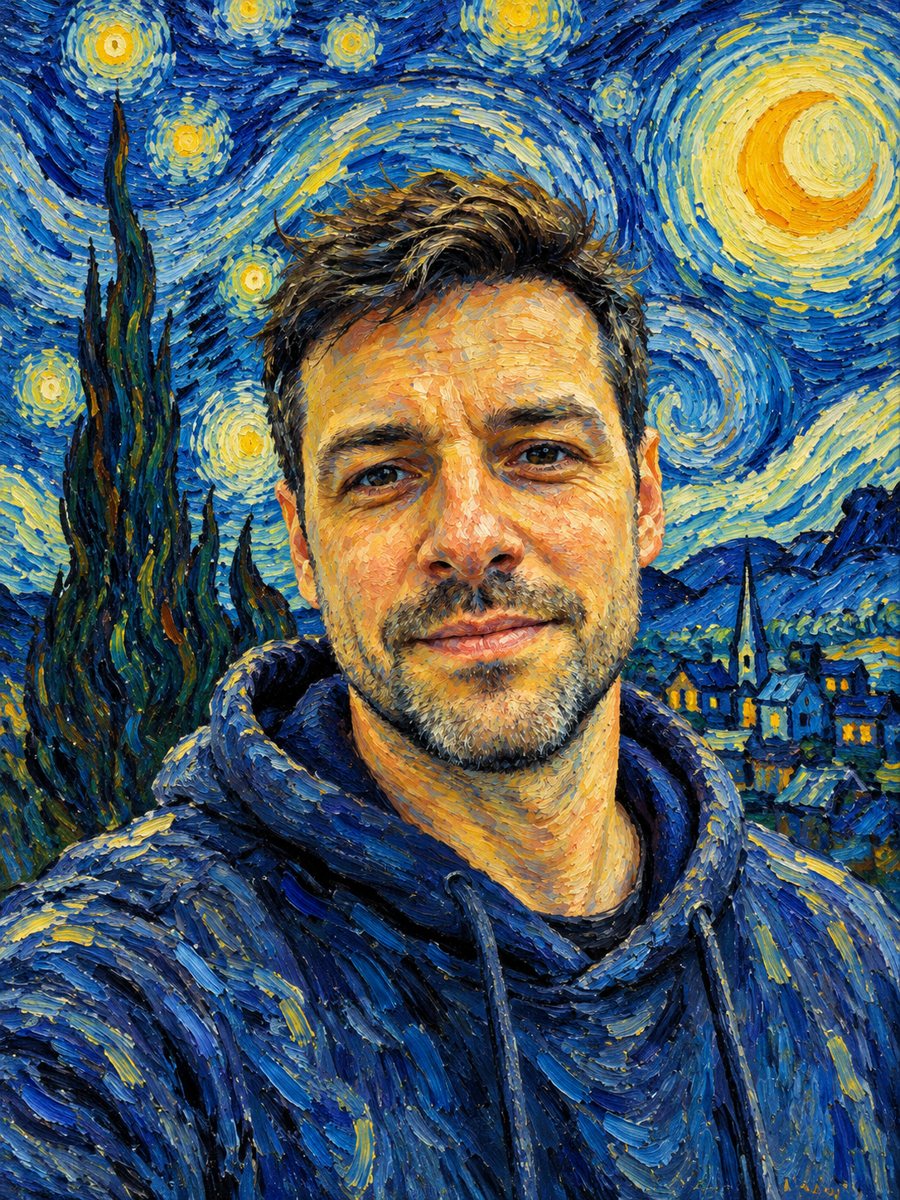 See yourself painted with swirling Van Gogh brushstrokesRepaint your photo with thick swirling brushstrokes and a starry sky. Copy the ready Van Gogh style prompt...
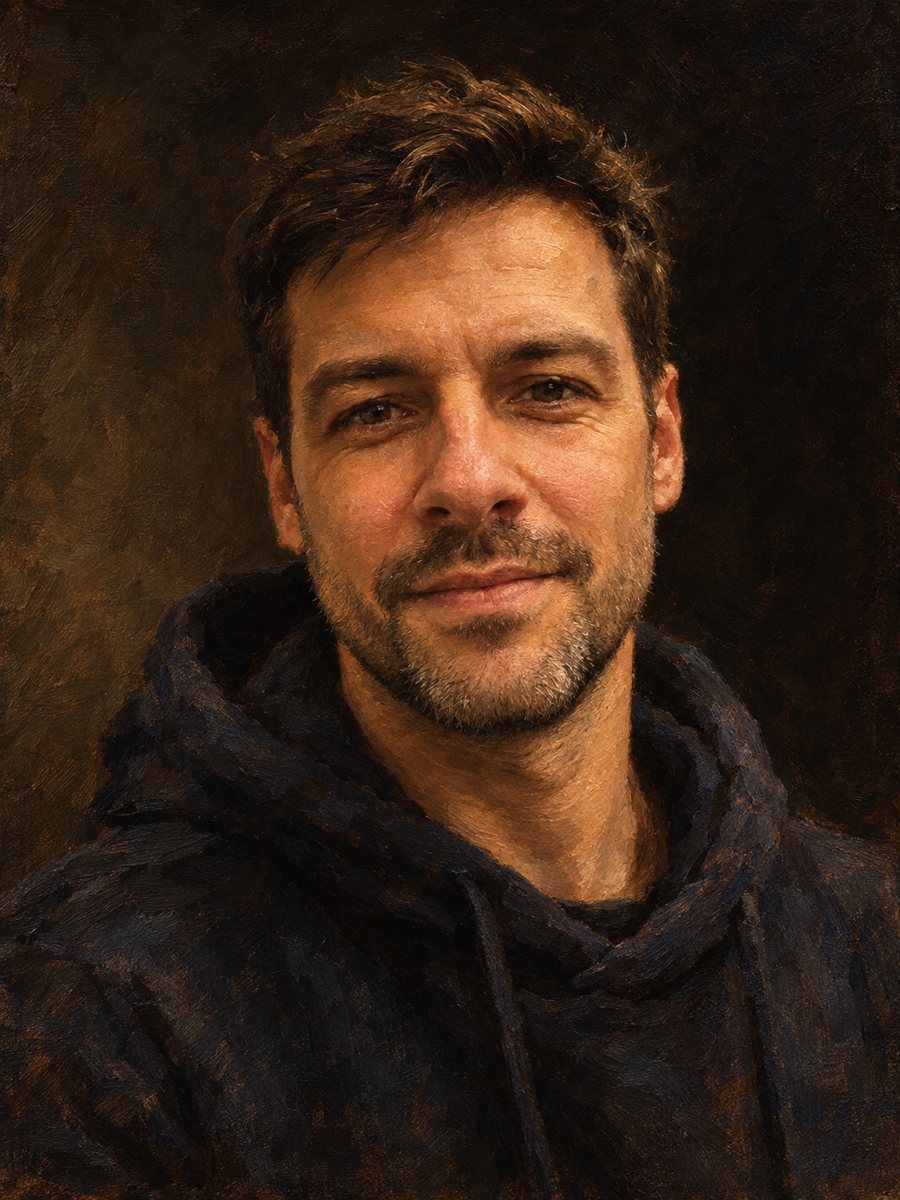 Make an oil painting portrait from a photoRepaint a photo as a classical oil portrait with brush strokes and dramatic light. Ready prompt, 2 credits...
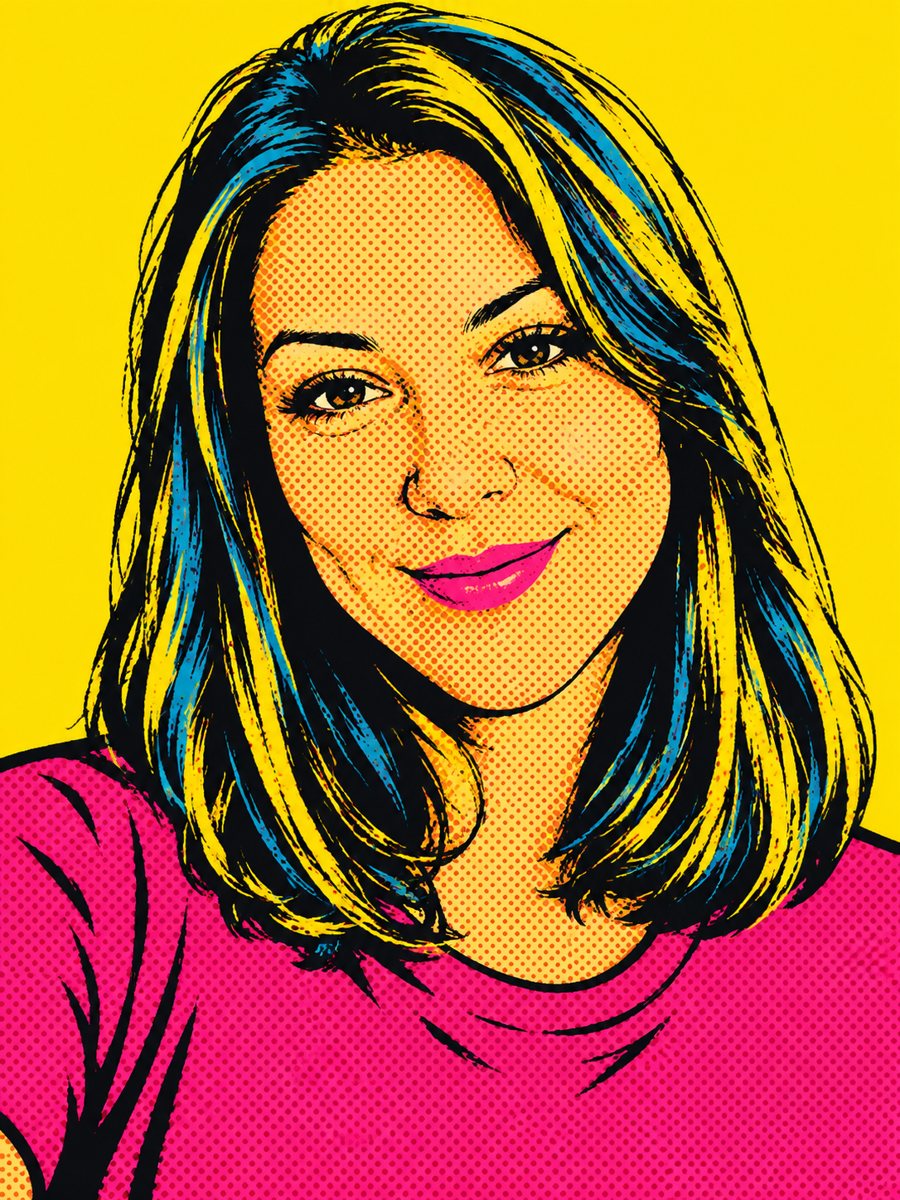 Create a pop art portrait from your photoMake a 1960s silkscreen pop art portrait from your photo with bold flat colors and halftone dots. Ready...