See yourself painted with swirling Van Gogh brushstrokes
Your photo comes back as an oil painting with thick, swirling strokes, vivid blues and yellows, and a starry sky behind you. The face and hairstyle stay recognizable. Open the bot with the button and send one photo, or copy the prompt into another image AI.
- 2 credits per image
- Result in 1–2 minutes
- No sign-up
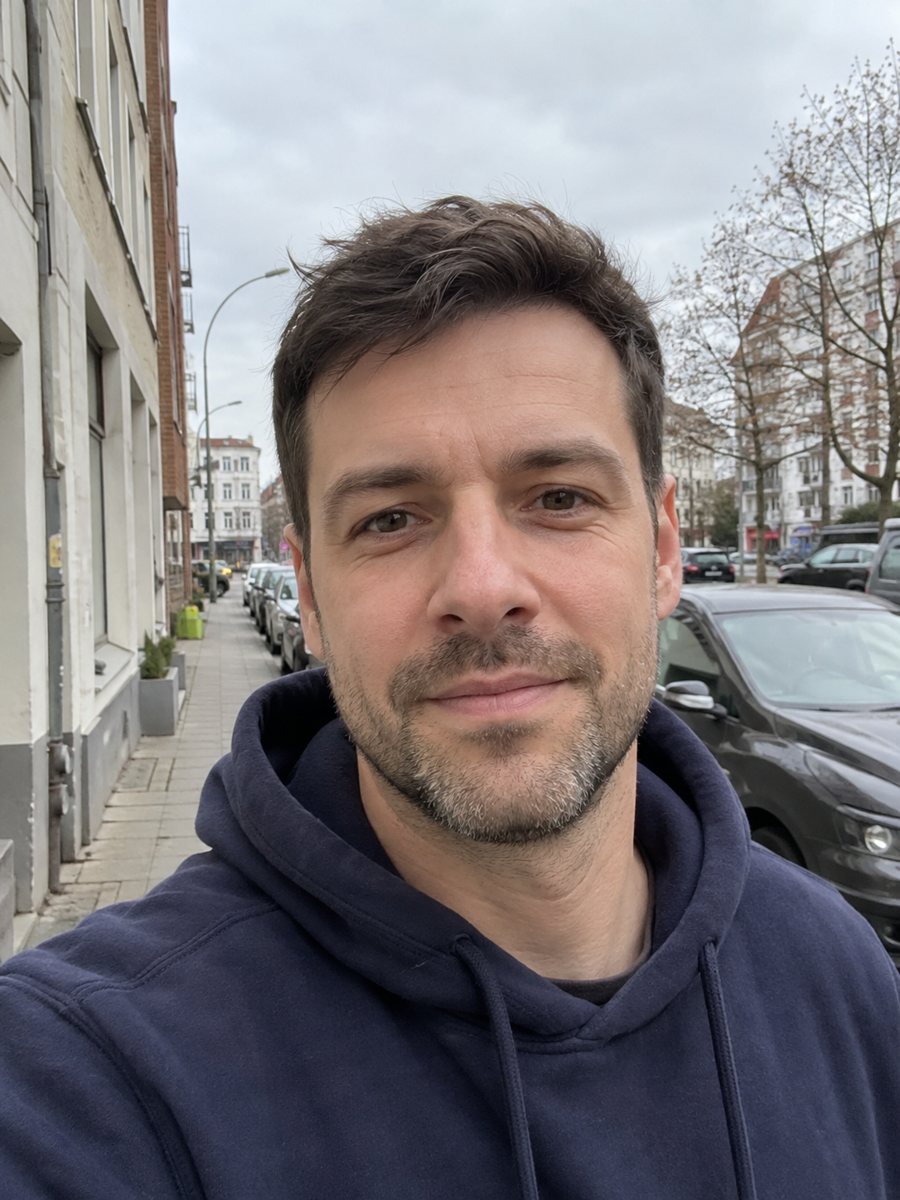
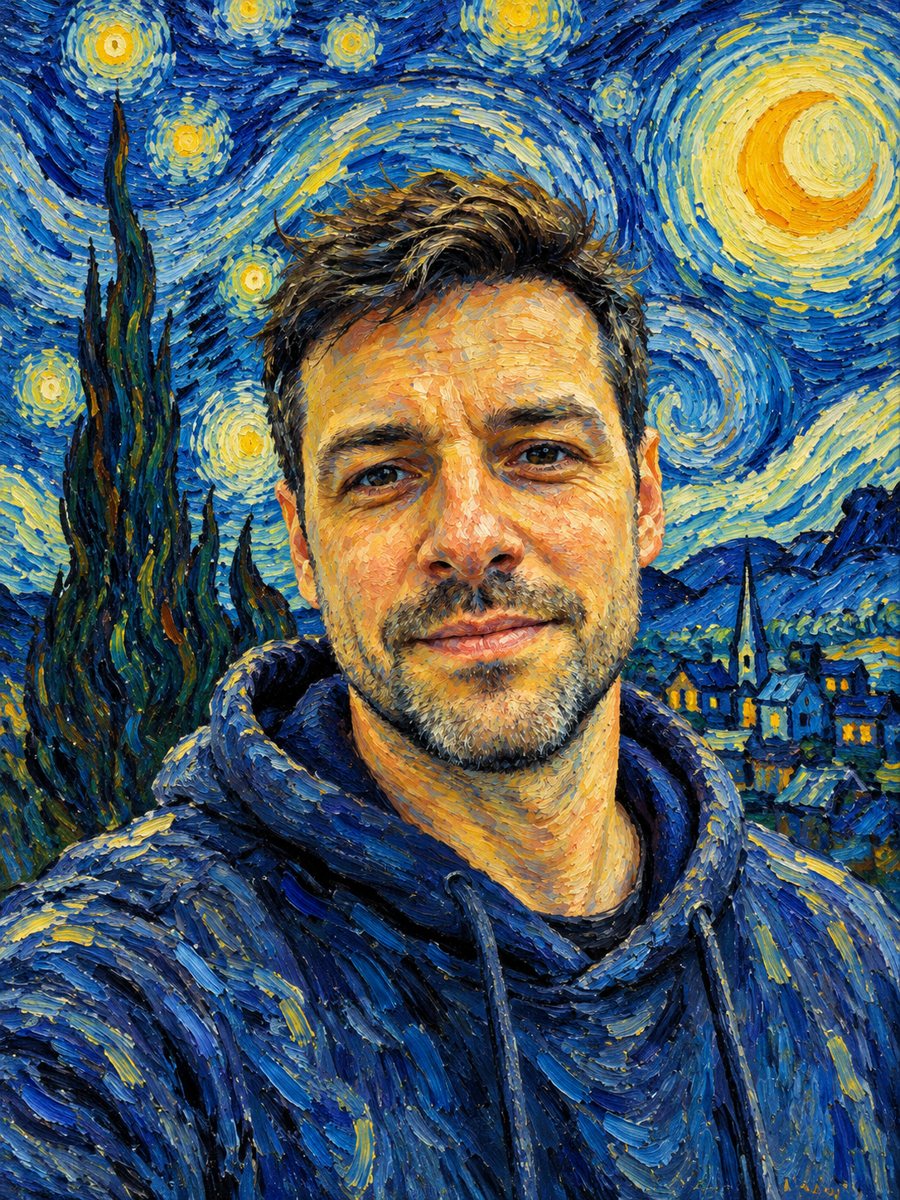 BeforeAfter
In short: Repaint your photo with thick swirling brushstrokes and a starry sky. Copy the ready Van Gogh style prompt or open the Telegram bot, 7 images free.
- Where: the VisuMate bot in Telegram, no app or sign-up.
- Cost: 2 credits per image, 7 images free, then packs from 49 Telegram Stars.
- Time: 1 to 2 minutes per image, rerun with a new instruction at the same price.
When you need this
- You want a portrait for the wall that looks like a museum painting instead of a filter.
- A gift for an art lover needs something more personal than a poster of a famous canvas.
- Your usual painting filters only blur the photo and never show visible brush texture.
How to do it
- 1
Tap the button on this page. Telegram opens the bot with the Van Gogh style already chosen, press Start if it asks.
- 2
Send one photo as a file. In the caption you can write, for example: keep the green scarf, more yellow in the sky.
- 3
Wait 1-2 minutes, 2 credits are used. Check that your eyes and mouth still read clearly under the strokes, then rerun if they got lost.
Try it on your own photo: 7 images are free, no sign-up.
Make it in TelegramThe prompt behind this style
Repaint this photo in the style of Vincent van Gogh. Keep the face, hairstyle and expression recognizable. Thick swirling impasto brushstrokes, vivid blues and yellows, a starry swirling background, visible texture of oil paint. Vertical 3:4 portrait, no text.
What the Van Gogh look gives you
The prompt asks for thick impasto brushstrokes, visible oil paint texture and a swirling night sky in saturated blue and yellow. The AI repaints skin and clothing as short directional strokes, so the picture feels hand painted even at full size. It borrows the mood of post-impressionist painting and does not copy any single canvas. The frame is vertical 3:4, which suits a framed print or a phone wallpaper. Hair often becomes a flowing mass of curved strokes, which is part of the charm.
Keeping the face readable
Heavy paint can swallow small features. To protect likeness, send a sharp photo where your eyes are open and lit. Skip sunglasses and deep shadows under a hat brim, because the AI will paint them as dark blocks. If the first result looks too abstract, add a caption asking for a clearer face with softer strokes on the skin. Compare the original and the result side by side, and run again if the nose or mouth shifted. Each rerun draws fresh strokes, so two runs can look quite different.
Tips
- Pick a photo with a plain background. A busy room turns into noisy swirls around the face.
- Faces with strong light on one side keep their shape better under thick paint.
- Ask for a color split in the caption, such as night blue background and warm yellow highlights.
- Zoom in before printing. Stroke texture looks best on a large print, and fine detail can look soft on a small one.
- If the sky takes over the face, rerun with the caption: calmer background, face in focus.
Questions and answers
Is this a real Van Gogh painting?
No. It is a new image made in the manner of his brushwork and palette. The bot has no link to any museum or estate.
Will the sky always be starry?
The prompt asks for a starry swirling background. You can ask for a different background in the caption, though the AI may still add swirls.
Can I use a group photo?
A single person works best. In a group the AI may merge faces or paint some of them less clearly.
Can I print the result on canvas?
You can download the image and take it to a print shop. Check the sharpness at full size first, since the bot does not print anything.
Do I need to know how to write prompts?
No. The style is built in and the button applies it. Captions are optional.
Does the bot work in English?
Yes. It picks up your Telegram language on first launch and replies in English. You can switch the language any time with /lang.
More in "Photo styles"
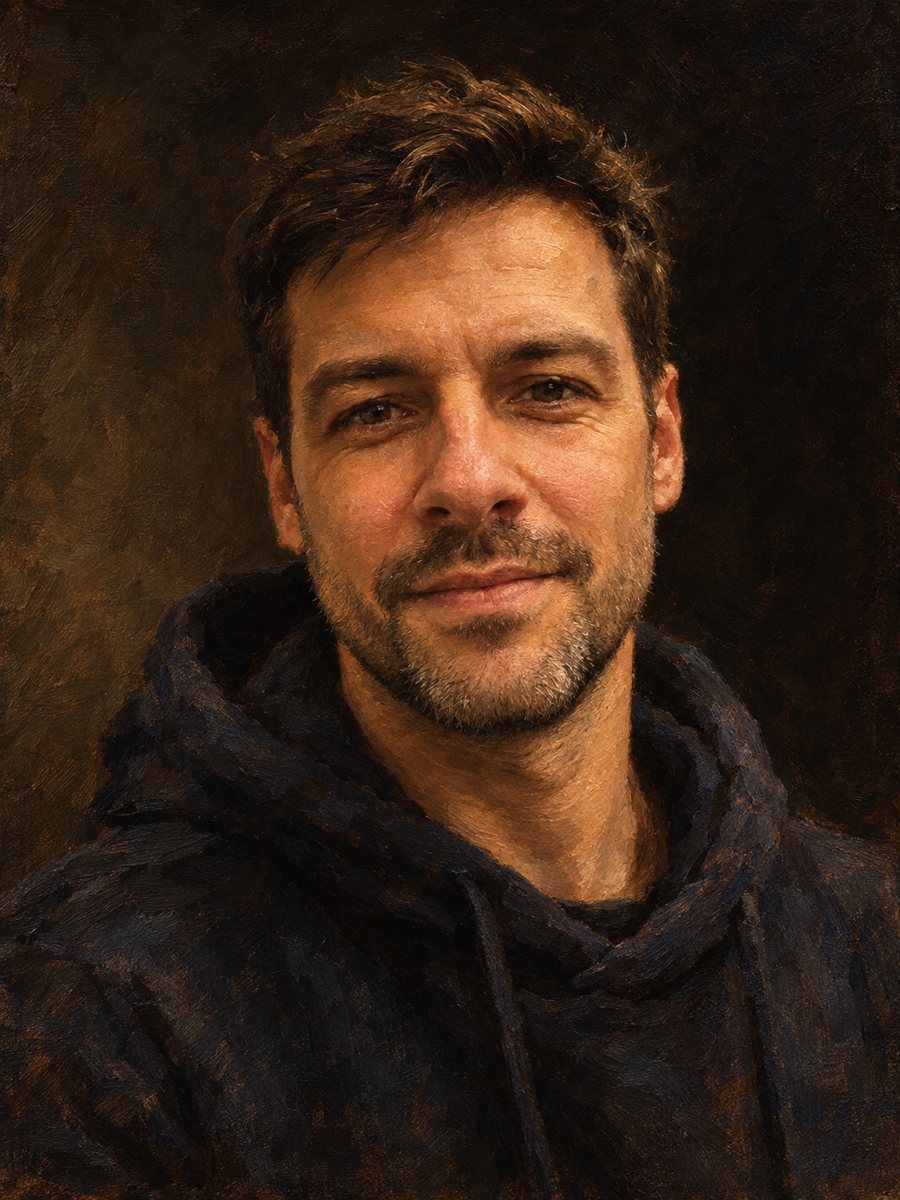 Make an oil painting portrait from a photoRepaint a photo as a classical oil portrait with brush strokes and dramatic light. Ready prompt, 2 credits...
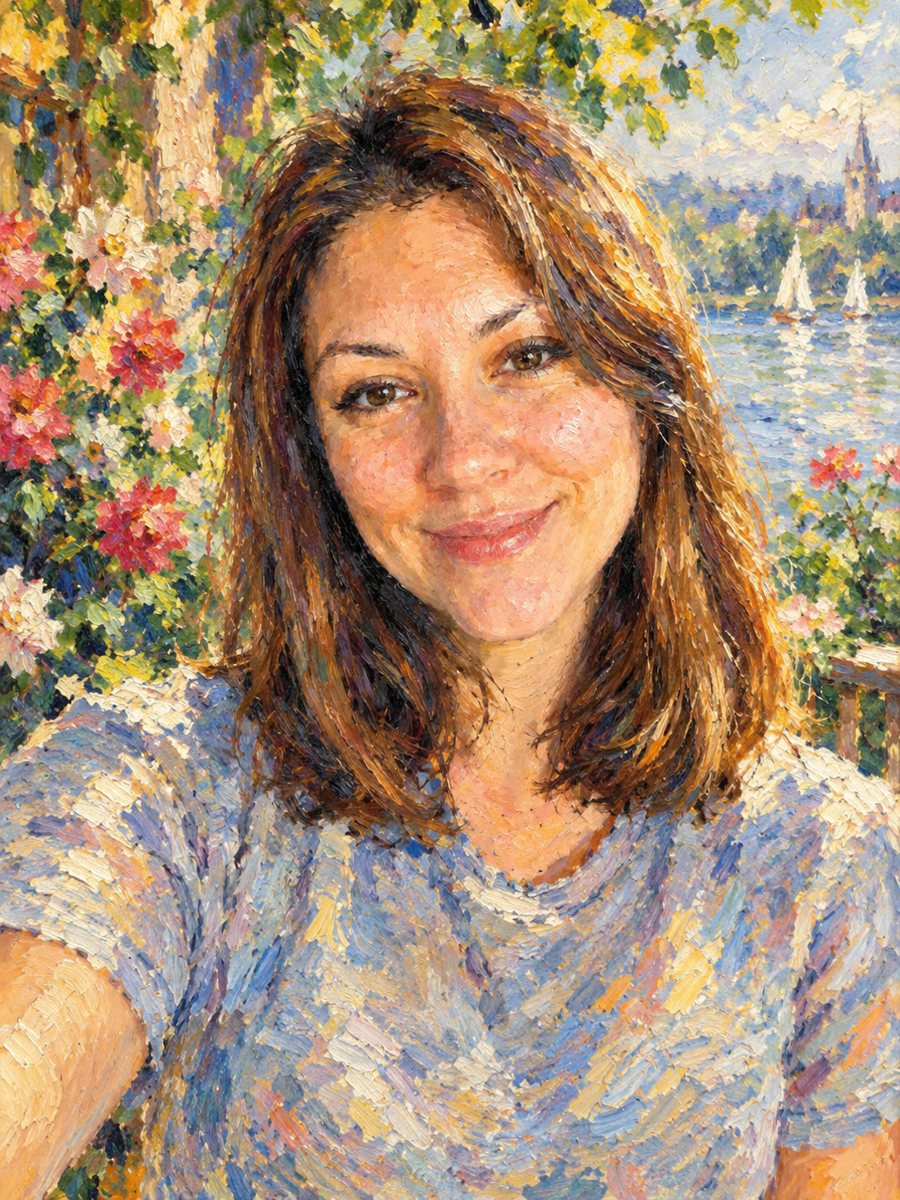 Turn your photo into an impressionist oil paintingRepaint a photo as an impressionist oil painting with visible brush strokes and dappled light. Ready...
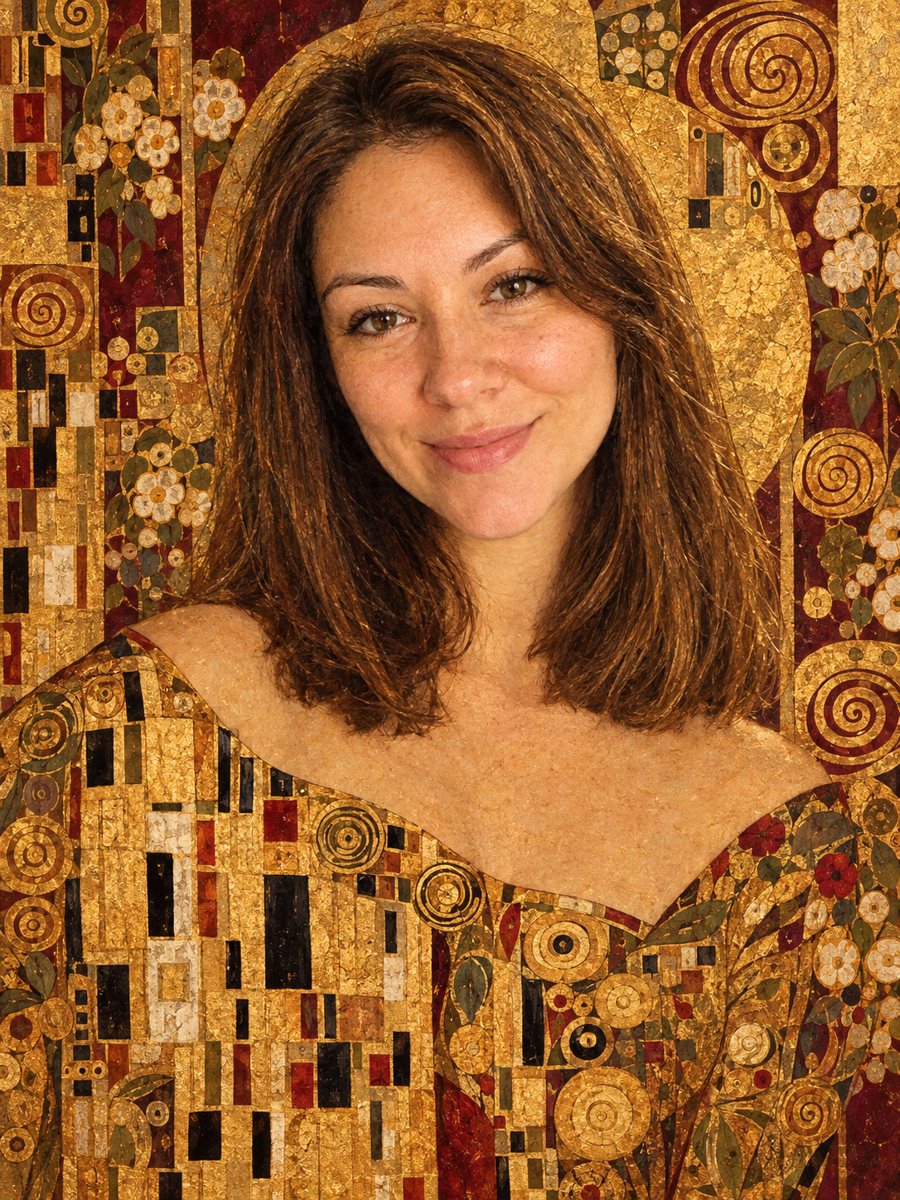 Turn your photo into a gold leaf portrait inspired by KlimtGet a gold leaf portrait with mosaic patterns and a burgundy palette in the style of Gustav Klimt. Copy...
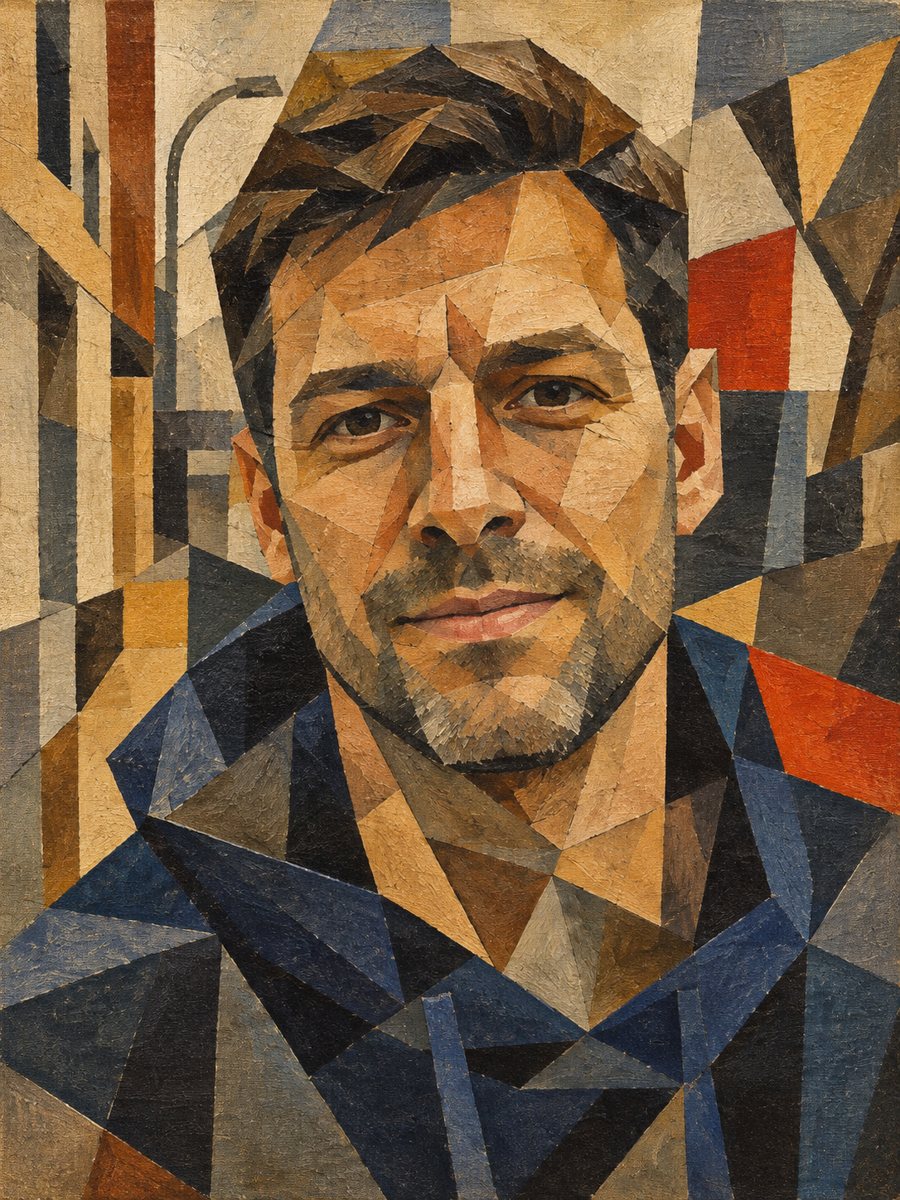 Make a cubist painting out of your photoBreak your photo into overlapping angular planes in earthy tones, like an early 20th century cubist...