Create a pop art portrait from your photo
Your face becomes a bold silkscreen print: flat colors, thick outlines, halftone dots and a single-color background. The face stays recognizable. Open the bot from the button and send one photo.
- 2 credits per image
- Result in 1–2 minutes
- No sign-up
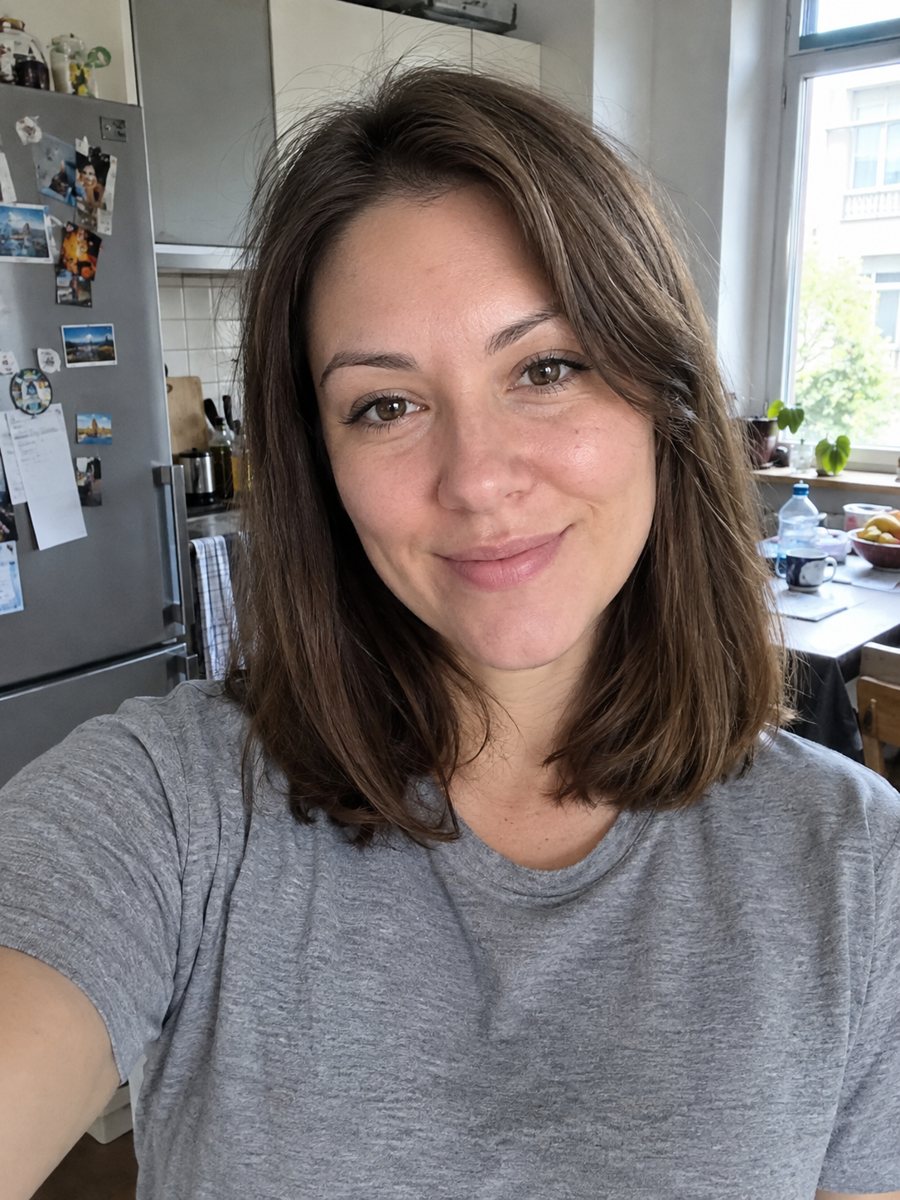
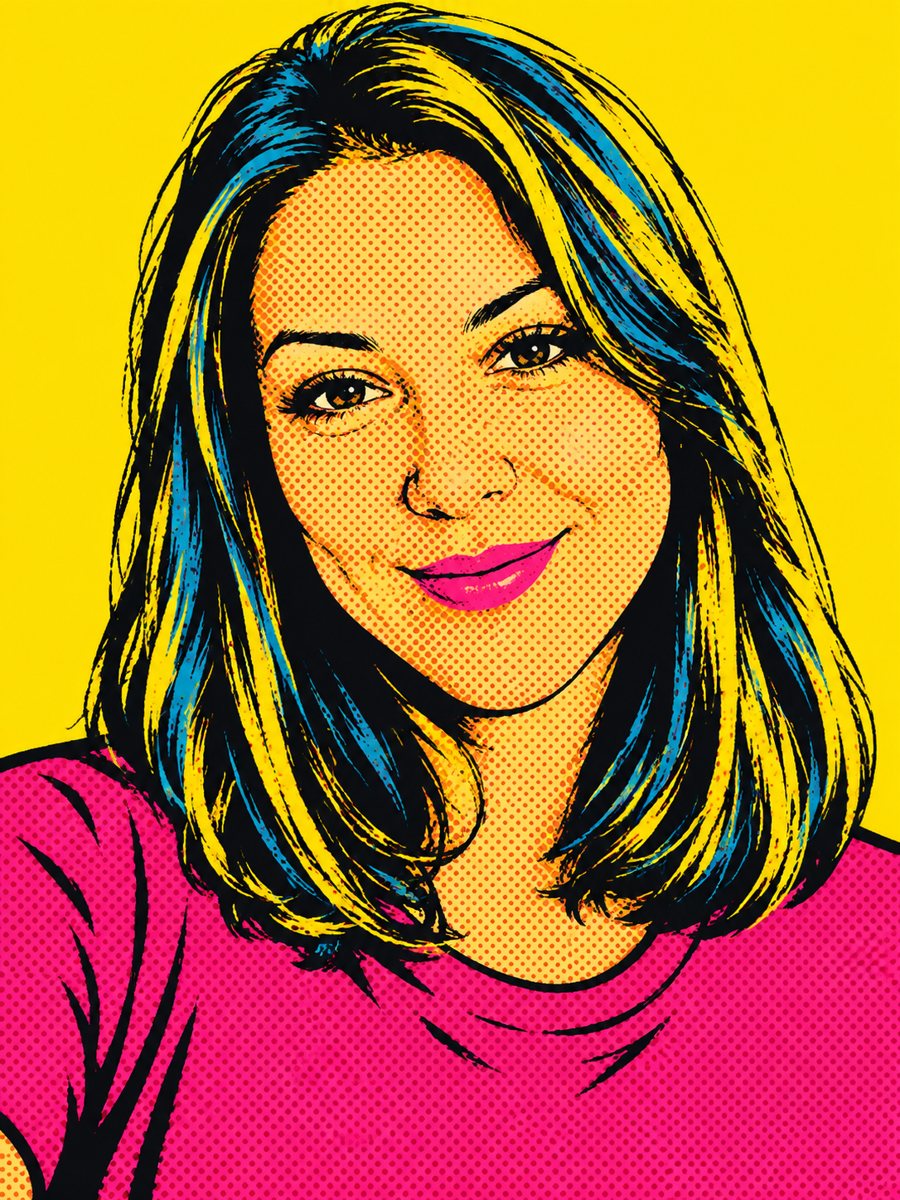 BeforeAfter
In short: Make a 1960s silkscreen pop art portrait from your photo with bold flat colors and halftone dots. Ready prompt, 2 credits per image, 7 free.
- Where: the VisuMate bot in Telegram, no app or sign-up.
- Cost: 2 credits per image, 7 images free, then packs from 49 Telegram Stars.
- Time: 1 to 2 minutes per image, rerun with a new instruction at the same price.
When you need this
- You want a loud poster for a wall that is not another stock print.
- A band, shop or podcast needs a graphic portrait for merch.
- You are planning a party with a retro theme and want invitations with faces.
- A gift for a friend with a sense of humor.
How to do it
- 1
Use the button above to open VisuMate in Telegram. The pop art style is preselected, so there is no menu to browse.
- 2
Pick one photo and send it as a document. If you want changes, write them in the caption: yellow background, magenta hair.
- 3
Give it 1-2 minutes. The cost is 2 credits per image. Review the face outline, hair color and background color, and save the best one or try again.
Try it on your own photo: 7 images are free, no sign-up.
Make it in TelegramThe prompt behind this style
Turn this photo into a 1960s pop art portrait in the style of silkscreen prints. Keep the face recognizable. Flat bold colors, high contrast, halftone dots, thick black outlines, bright complementary color blocks (magenta, yellow, cyan), a clean single-color background. Vertical 3:4, no text.
Silkscreen look explained
Pop art from the 1960s uses a few flat inks, a hard black outline and halftone dots that mimic printing. The prompt asks for bright complementary blocks: magenta, yellow and cyan, with a single-color backdrop. Skin tones become unnatural but readable colors, which is part of the style. Shadows turn into solid shapes instead of gradients.
Photo and caption advice
Use a sharp, front-lit portrait. Low light photos lose their shape when the AI flattens them into color blocks. In the caption, you can pick the palette: red and teal, purple and orange, or black and yellow. If glasses reflect light, expect the lenses to turn into flat color. Beards and curly hair simplify into bold masses, so the silhouette matters more than detail.
Where people use it
Pop art portraits fit posters, t-shirts, album covers, cafe walls and social avatars. Run several versions of one photo and compare, since color combinations change the mood a lot. The result is an inspired look, not a licensed artwork of any famous artist. Check the face against your photo before printing on merchandise.
Tips
- High contrast photos with a clear face outline give the cleanest pop art.
- Name the background and hair colors in the caption to get a specific palette.
- Smiles read well in pop art, closed mouths look more serious.
- Plain light backgrounds in the source help the AI separate the head.
- For a four-panel look, run the same photo four times with different color captions.
Questions and answers
Is this the style of a famous artist?
It is a general pop art look from the 1960s, not a copy of anyone's work.
Can I keep my natural colors?
Add natural skin tones to the caption, but the style leans on bold unnatural colors.
Can I make four panels in one image?
The prompt makes one portrait. Run it a few times and combine the results yourself.
Can I use it on merchandise?
It is your own photo transformed by AI. Check the terms of the print service you use.
What does one image cost?
2 credits, with 7 images free at the start.
More in "Photo styles"
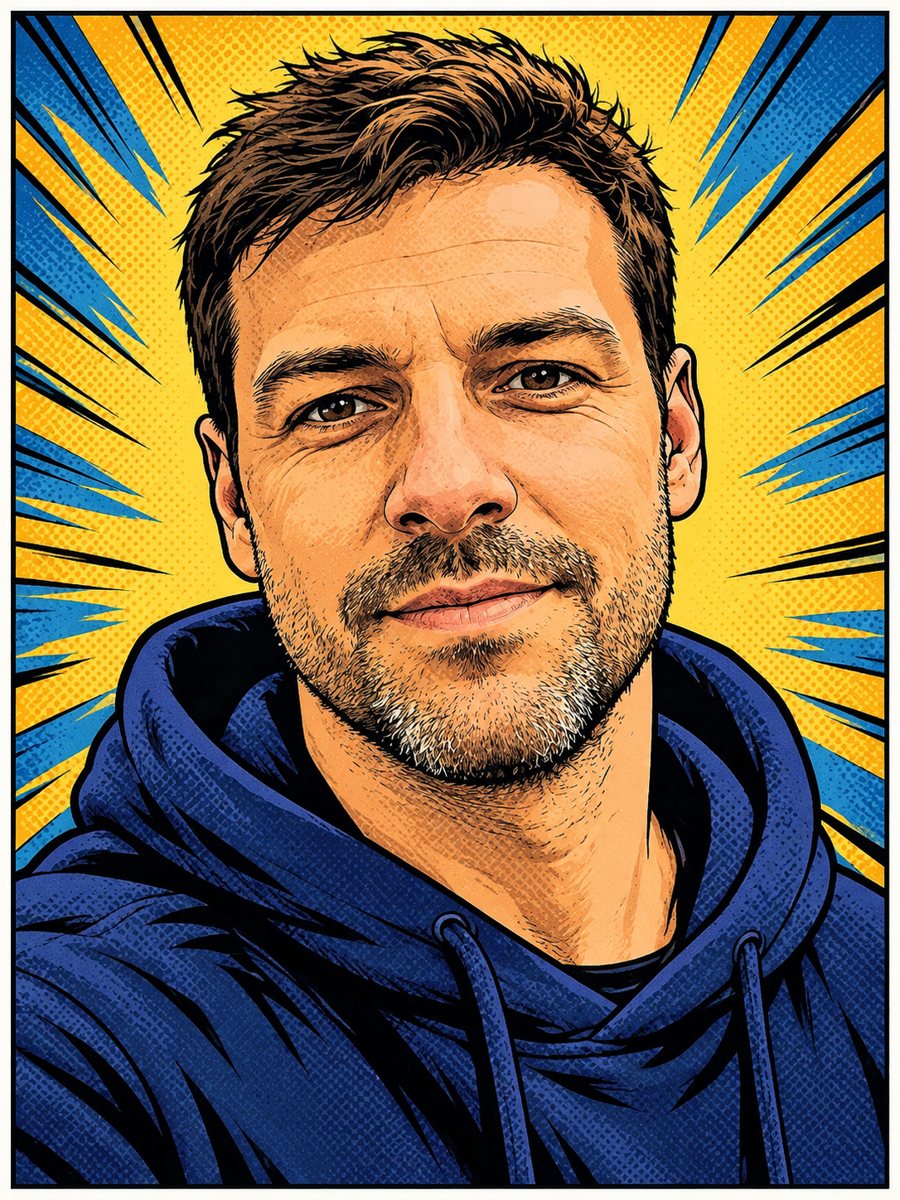 Turn your photo into a comic book panelRedraw your photo as an American comic book panel with bold ink outlines and halftone shading. Copy the...
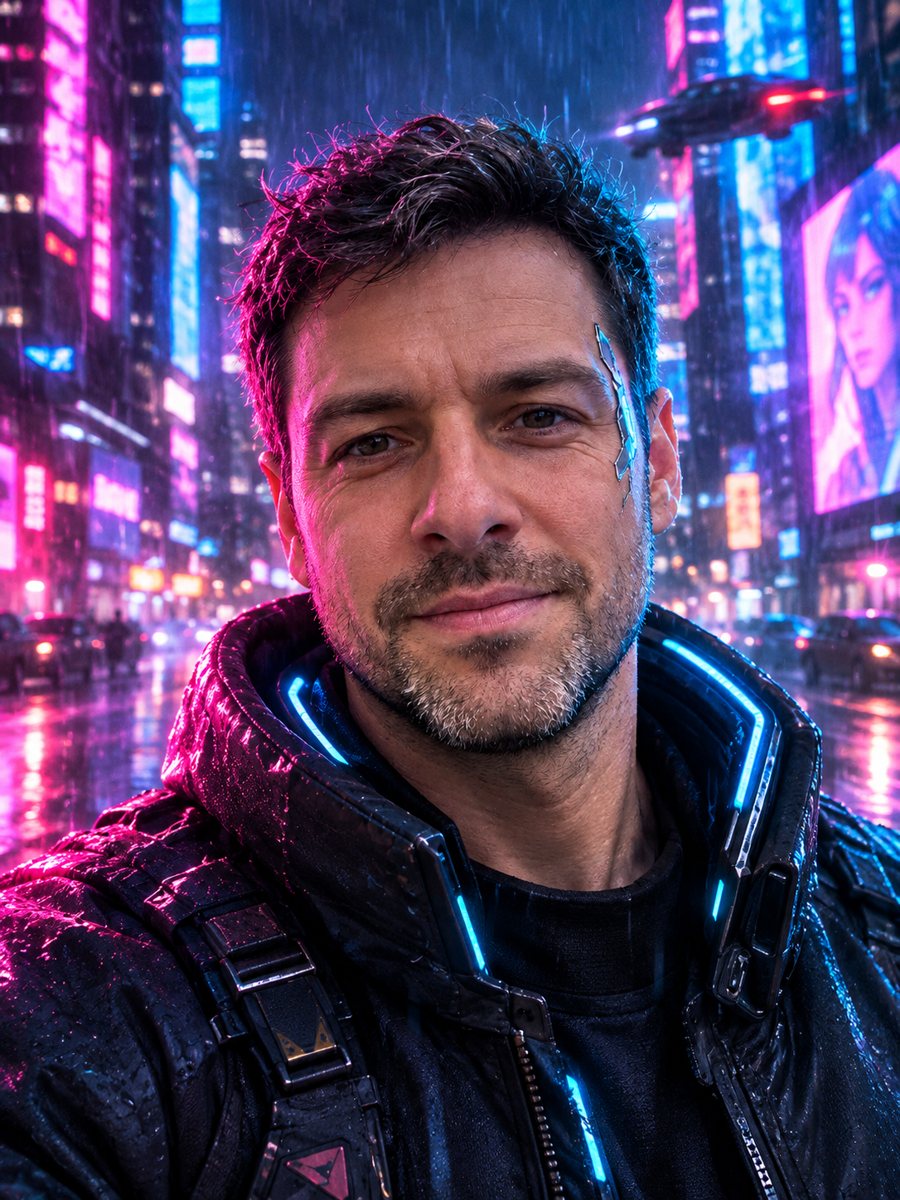 Turn your photo into a cyberpunk portraitTurn a photo into a neon-lit cyberpunk character in a rainy night city. Ready prompt, 2 credits per image,...
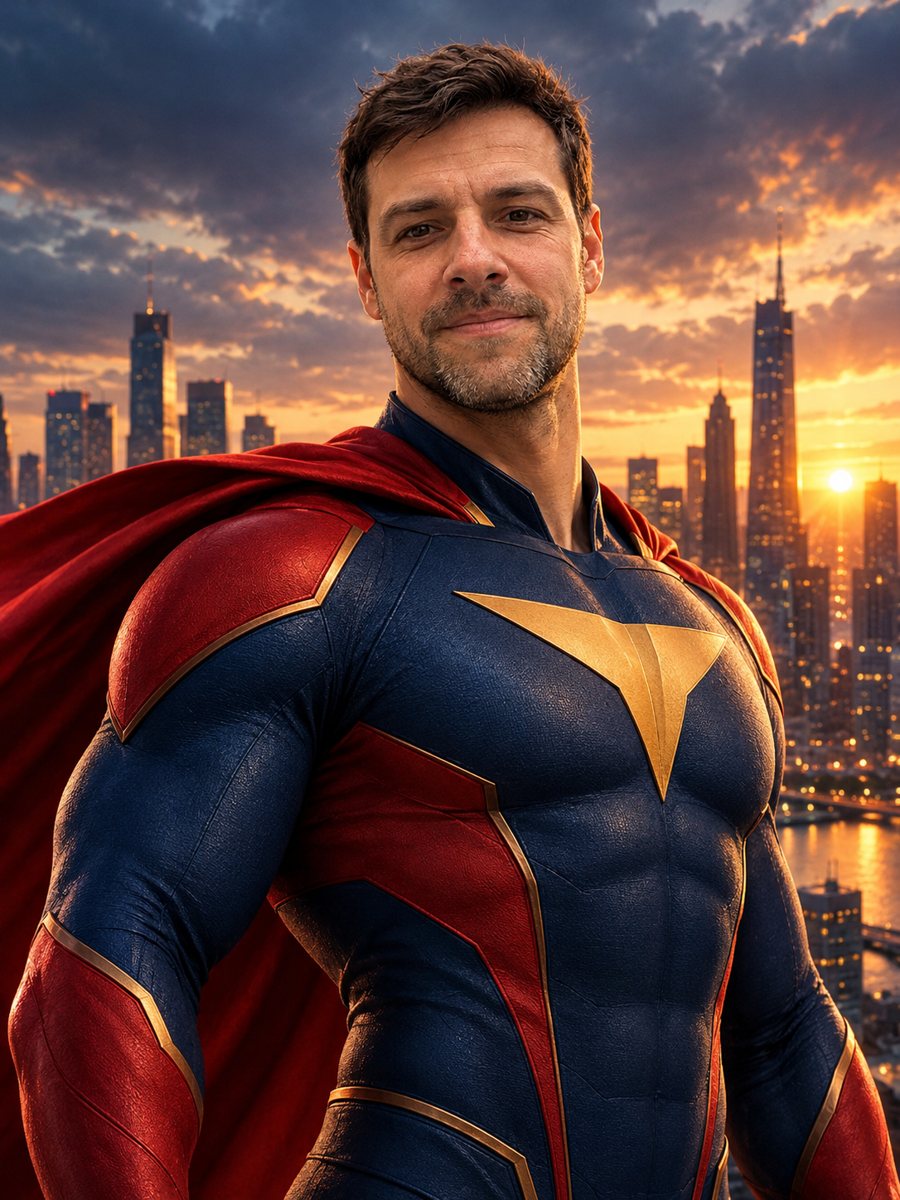 Turn yourself into a superheroTurn yourself into an original superhero with a two-color suit, emblem and cape against a city skyline....
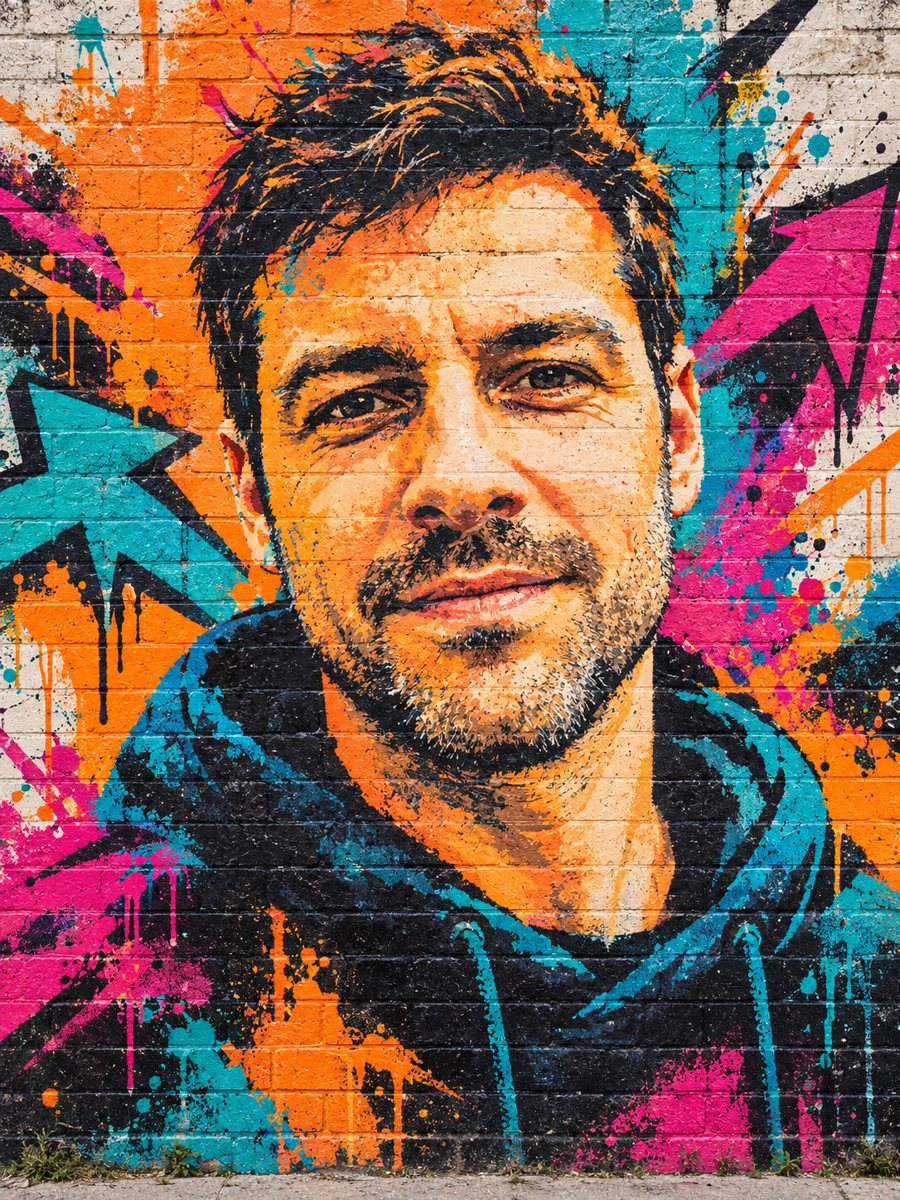 Turn your photo into a graffiti street art muralPaint your photo as a big graffiti mural on a brick wall with spray texture and vivid colors. Copy the...
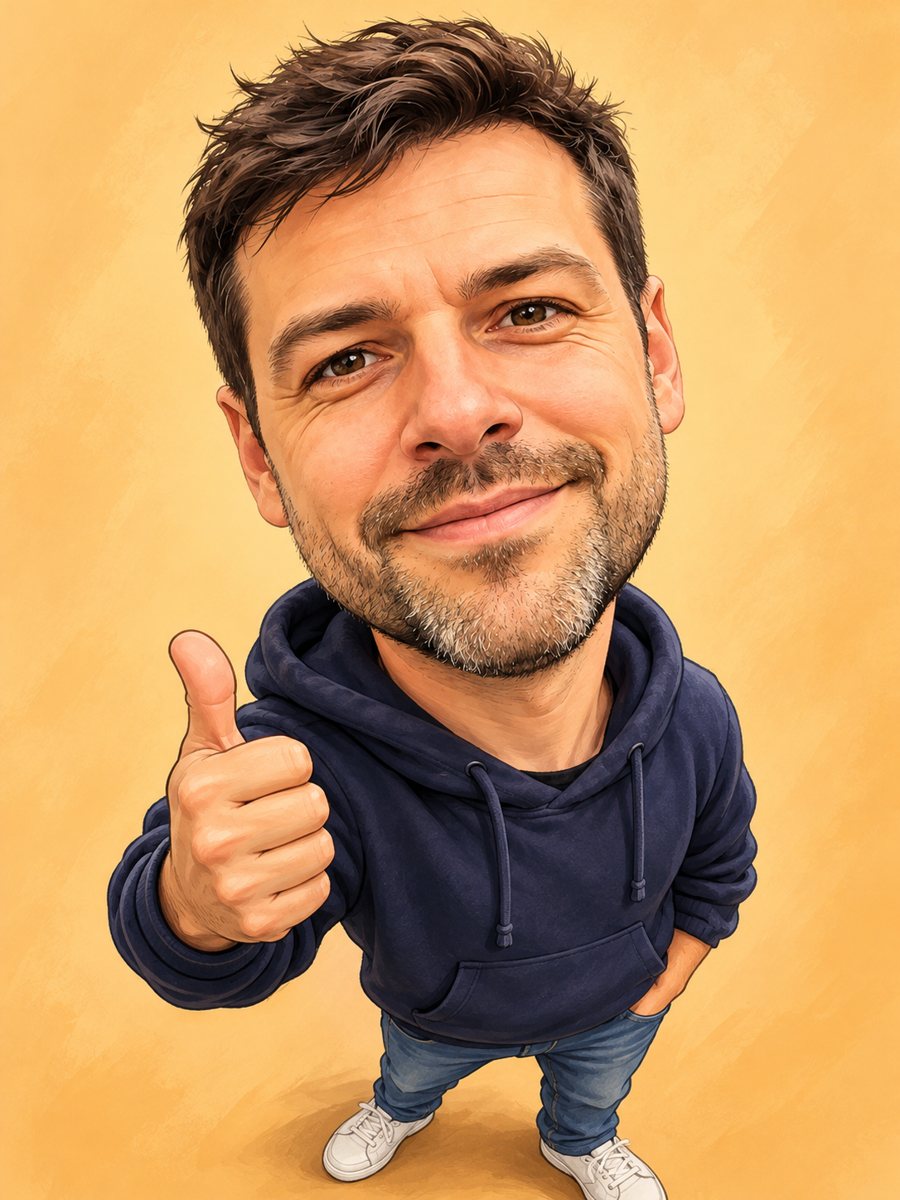 Turn your photo into a friendly caricatureDraw a friendly caricature of yourself or a friend with a big head, a big smile and a small body. Copy the...