Make a pixel art portrait from your photo
Your photo becomes a 16-bit character portrait like those from 1990s video games, with visible square pixels and a palette of about 32 colors. Hair color and outfit stay recognizable. Send one photo.
- 2 credits per image
- Result in 1–2 minutes
- No sign-up
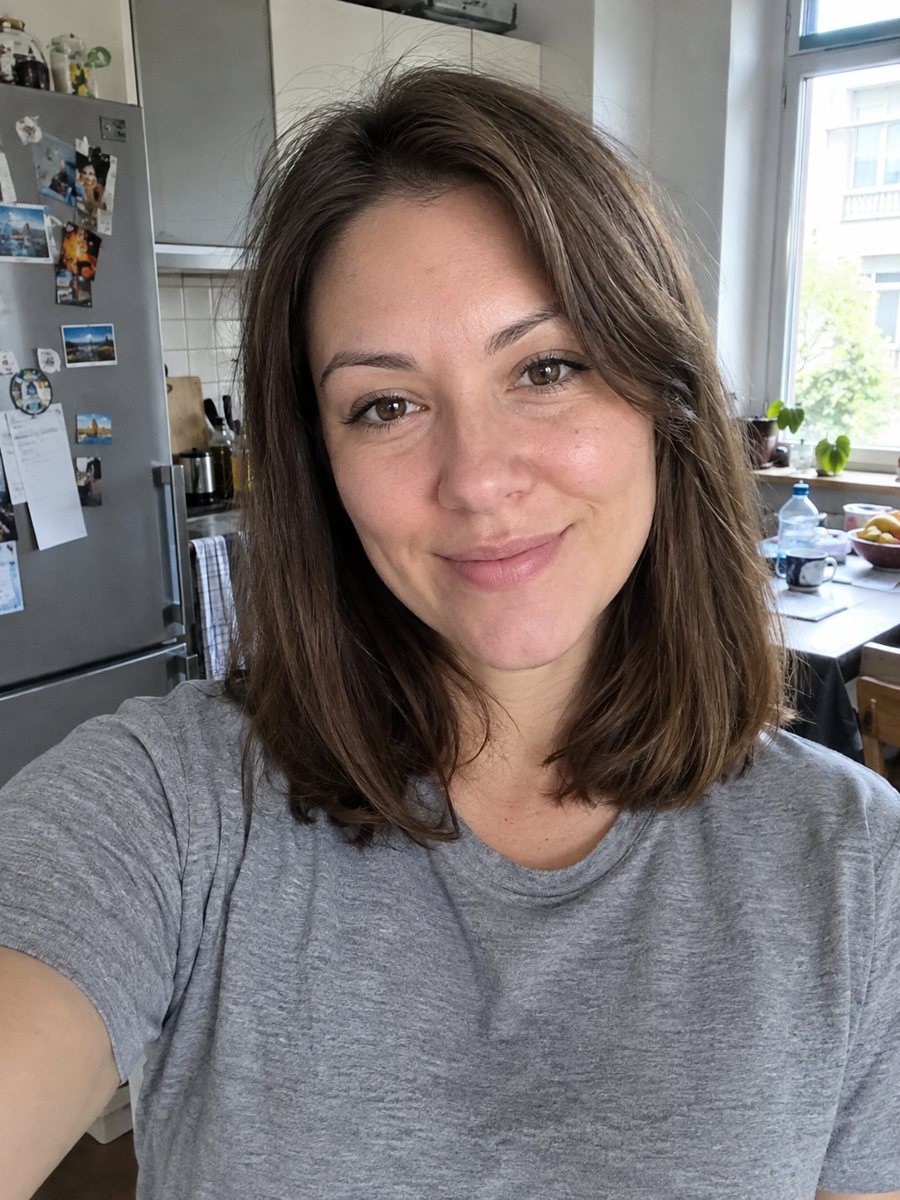
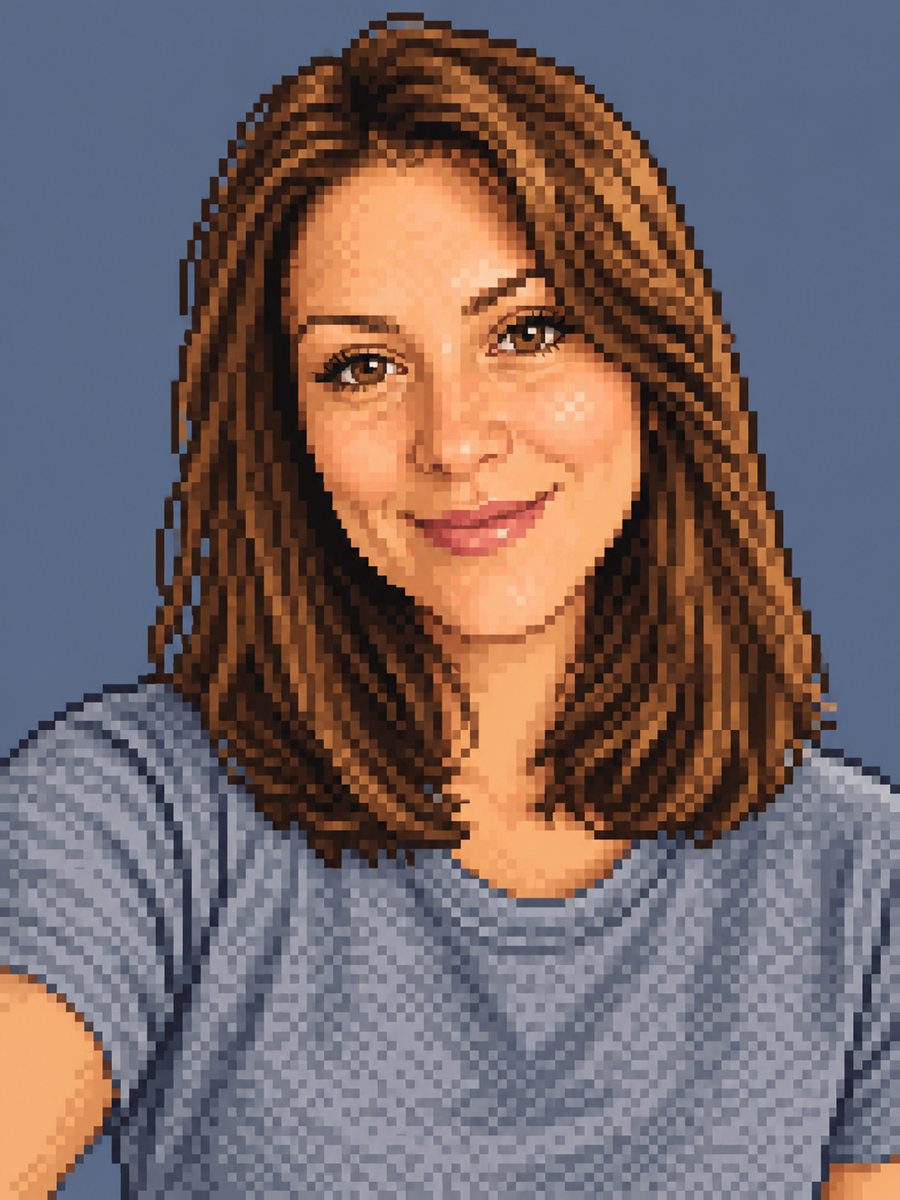 BeforeAfter
In short: Convert a photo into 16-bit pixel art with a limited palette and clean dithering. Ready prompt, 2 credits per image, 7 images free in Telegram.
- Where: the VisuMate bot in Telegram, no app or sign-up.
- Cost: 2 credits per image, 7 images free, then packs from 49 Telegram Stars.
- Time: 1 to 2 minutes per image, rerun with a new instruction at the same price.
When you need this
- You want a retro avatar for a game server, a stream or a forum.
- A pixel portrait is the perfect gift for a gamer friend.
- A game jam or indie project needs a character face fast.
- Pixel filters on phones lose the face and you want a drawn feel.
How to do it
- 1
Press the button to launch the bot. It opens with this style applied, you only need to add a photo.
- 2
Send one photo as a file (document) so Telegram does not compress it. Caption is optional, for example: blue shirt, simple green background.
- 3
The result arrives in the chat in 1-2 minutes for 2 credits. Look at the pixel grid, the hair color and the eye position. A second run costs the same 2 credits if you want another take.
Try it on your own photo: 7 images are free, no sign-up.
Make it in TelegramThe prompt behind this style
Convert this photo into 16-bit pixel art like a character portrait from a 1990s video game. Keep the face, hairstyle, hair color and outfit recognizable. Visible square pixels, limited palette of about 32 colors, clean dithering, simple flat background. Vertical 3:4, no text.
What 16-bit pixel art looks like
Early video game portraits used a small palette and hand-placed pixels, with dithering to fake gradients. The prompt asks for about 32 colors, visible squares and a simple flat background. Hair becomes a few shapes, and skin gets two or three tones of shade. The effect is chunky and charming rather than photographic.
Getting a sharp result
AI does not always produce a perfect pixel grid, so some pixels may look blended. A photo with clear shapes and good light helps it choose clean color blocks. Send a close crop of the head. Details like small earrings or thin frames may disappear at this resolution. You can downscale the result in an image editor to make the grid look tighter.
Ideas for the result
Use it as a Discord, Steam or Twitch avatar, a retro email signature image or a pixel greeting card. You can also print it small as a sticker. It is an AI imitation of pixel art, not hand-placed sprites, so game developers should treat it as a reference.
Tips
- Simple clothes with clear colors translate better into a limited palette.
- Pick a plain one-color background in the caption for a cleaner sprite look.
- Glasses, hats and beards survive as simple blocks.
- High resolution output can be shrunk by you later to get larger chunky pixels.
- If it looks too blurry, rerun and add: crisp pixels, no smoothing.
Questions and answers
Will the pixels be perfectly aligned?
Not always. The AI imitates pixel art, so edges can blend slightly.
Can I get a full-body sprite?
The prompt targets a portrait. For a full body, say so in the caption and expect more variation.
How many colors will it use?
The prompt asks for about 32. The exact count is approximate.
Can I animate it?
The bot makes still images only.
What does it cost?
2 credits per image, 7 images free at the start.
More in "Photo styles"
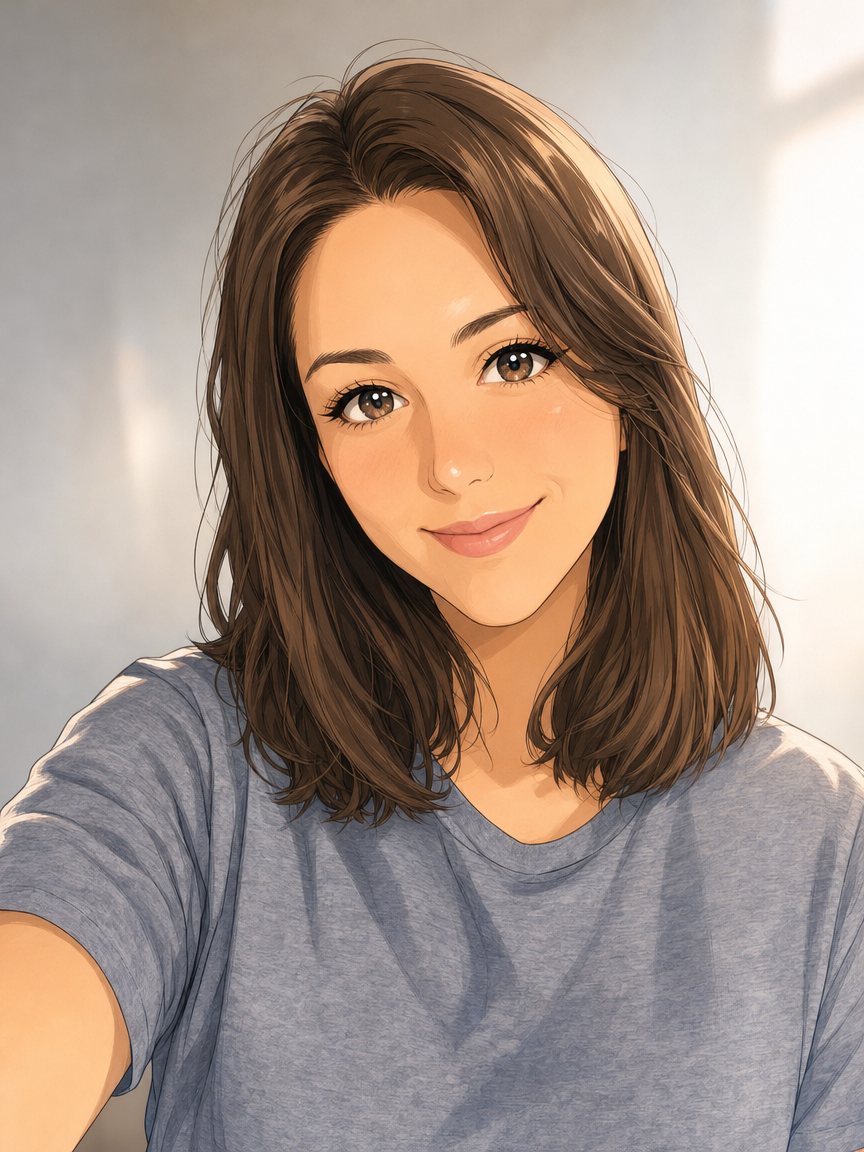 Make an anime portrait from your photoRedraw a photo as a polished anime illustration with clean line art and cel shading. Ready prompt, 2...
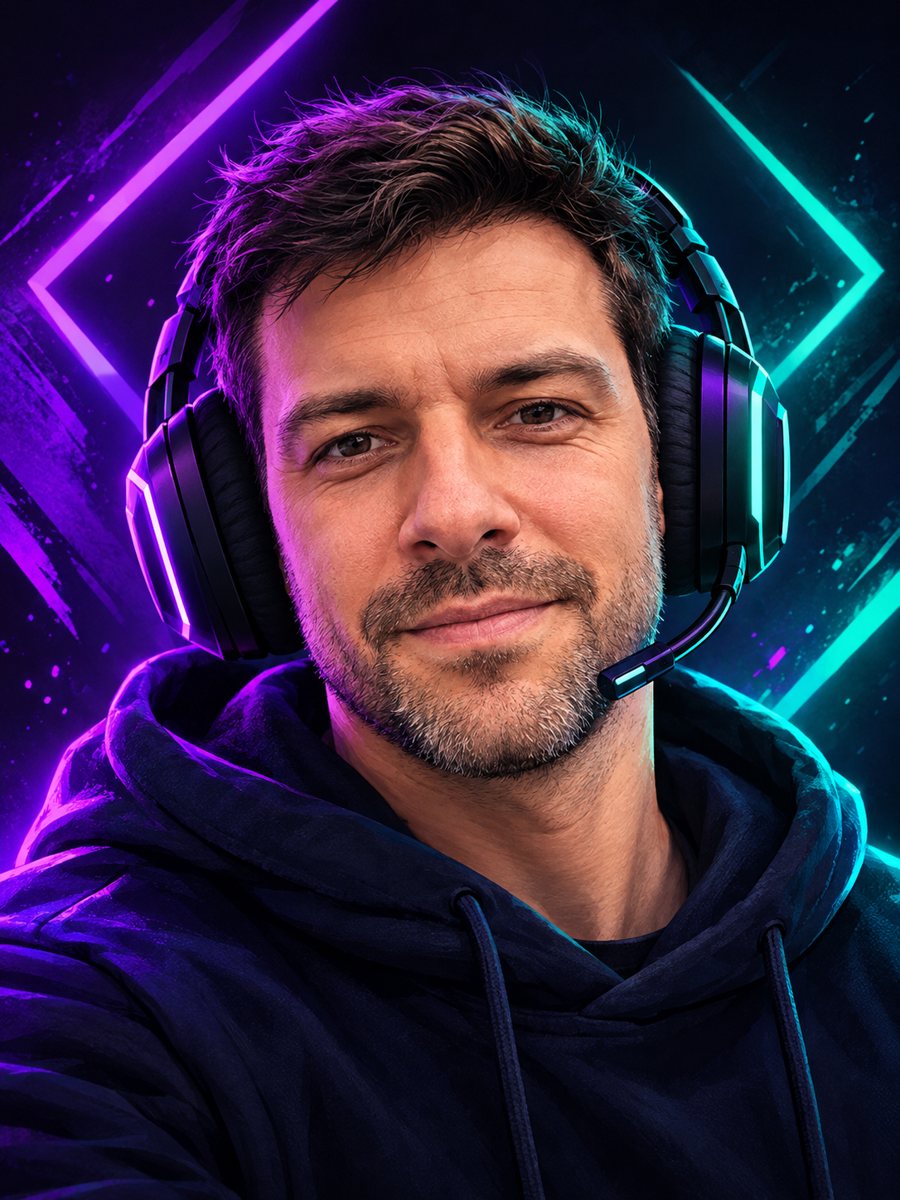 Make a gaming avatar from your photoTurn your photo into a bold gaming avatar with a headset, neon lighting and a dark background. Ready...
 Turn your photo into a 3D emoji avatarTurn your photo into a glossy 3D emoji avatar like a smartphone memoji, with big eyes and pastel...
 Make a cartoon avatar from your photoDraw a friendly cartoon avatar from your photo in clean vector style with a pastel circle background....
 Turn your photo into a low poly portraitConvert a portrait into a low poly triangle image with smooth gradients and a clean two-tone background....