Turn your photo into a Ghibli-style illustration
This style redraws your photo as a hand-painted scene from a Japanese animated film. You get soft gouache colors, gentle outlines and a green countryside with big clouds. Open the bot with the button, send one photo and the style is already applied.
- 2 credits per image
- Result in 1–2 minutes
- No sign-up
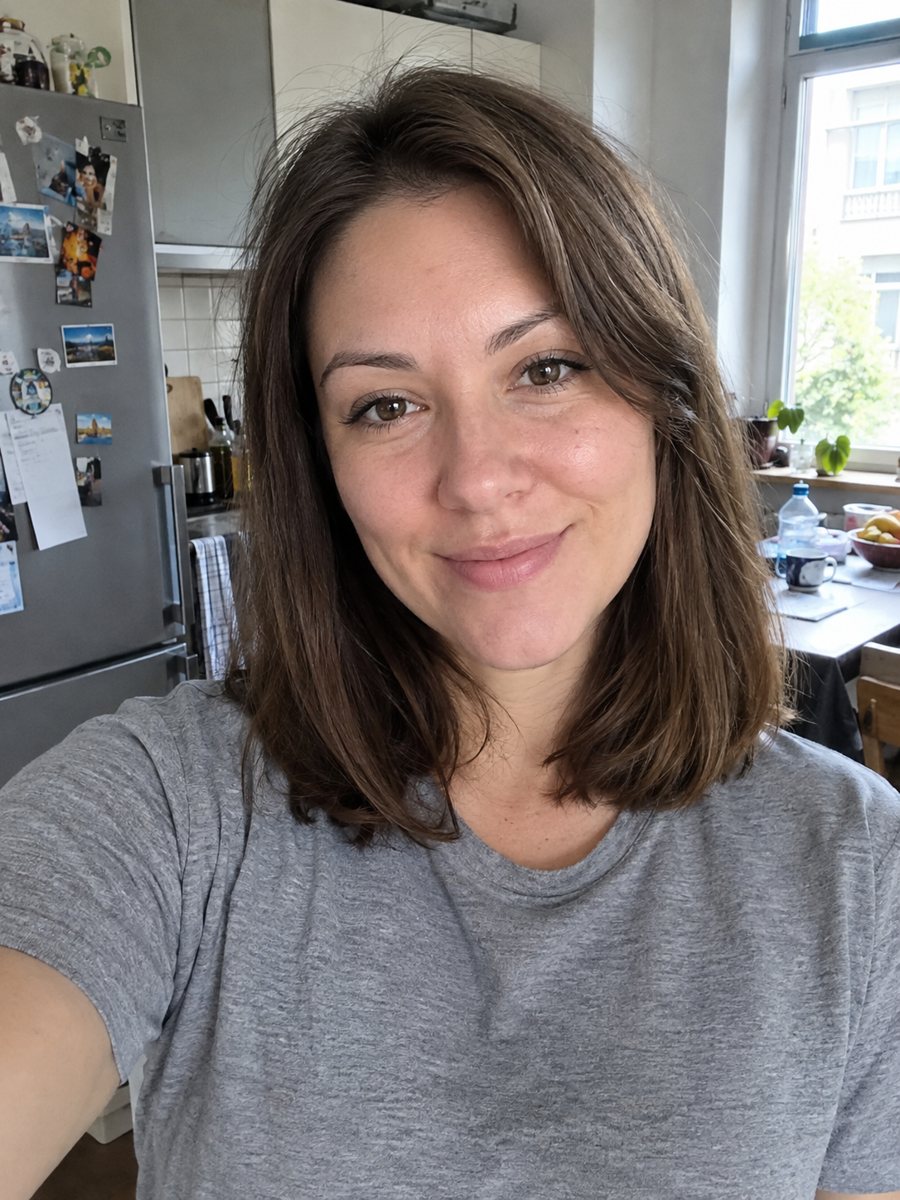
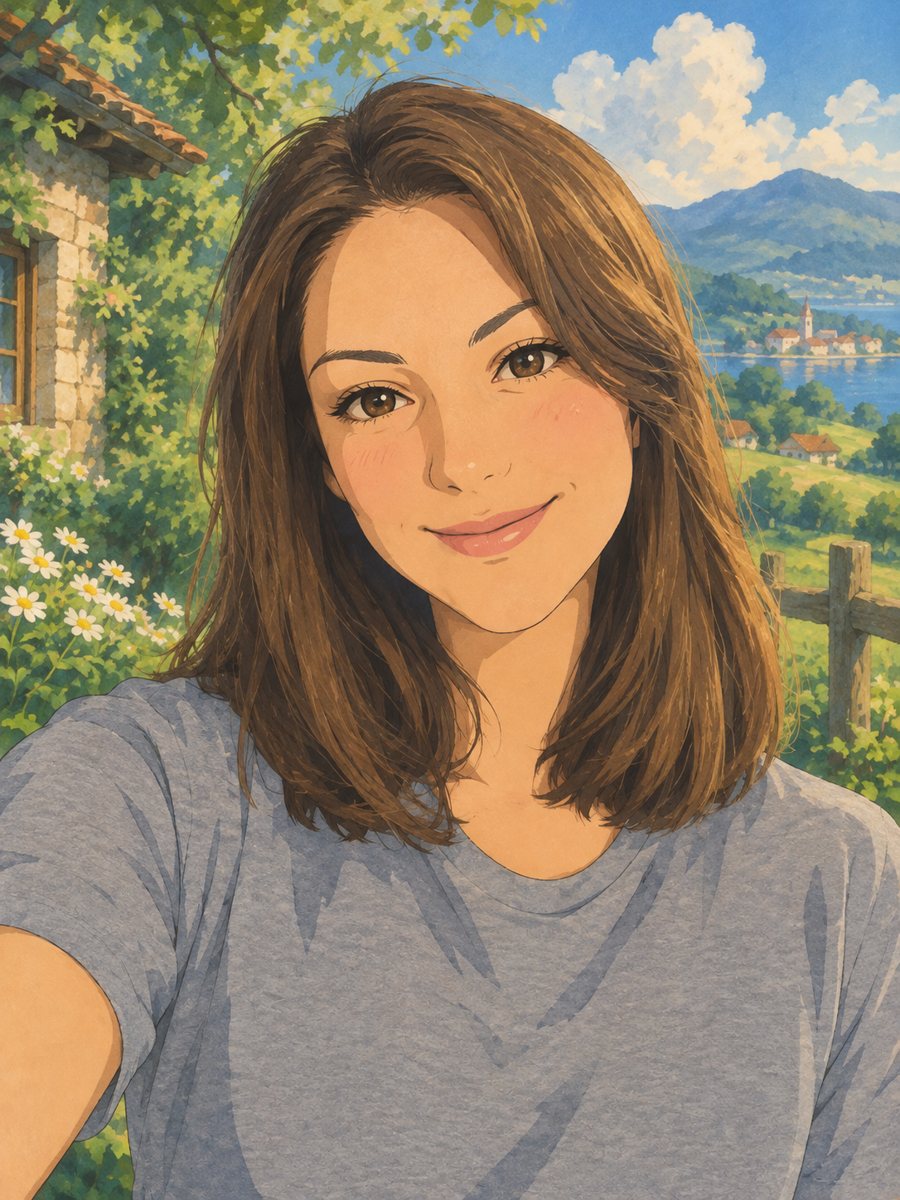 BeforeAfter
In short: Turn a photo into a hand-painted anime scene with soft colors and green hills. Copy the ready prompt or open the Telegram bot, 7 images free to try.
- Where: the VisuMate bot in Telegram, no app or sign-up.
- Cost: 2 credits per image, 7 images free, then packs from 49 Telegram Stars.
- Time: 1 to 2 minutes per image, rerun with a new instruction at the same price.
When you need this
- You want a profile picture that looks like a frame from a quiet animated movie.
- A friend's birthday is coming and a drawn portrait feels warmer than a plain photo.
- You tried a ghibli prompt in another app and the face came out as a stranger.
How to do it
- 1
Press the button on this page. The bot opens with the Ghibli-style preset already selected.
- 2
Send one photo of a person, best as a file (document) so Telegram does not compress it. Add wishes in the caption if you like, for example: pink dress, sea in the background.
- 3
Wait 1-2 minutes. The image costs 2 credits. Check that the face and hairstyle match, and run again if the likeness drifted.
Try it on your own photo: 7 images are free, no sign-up.
Make it in TelegramThe prompt behind this style
Redraw this photo as a hand-painted scene from a Japanese animated film in the style associated with Studio Ghibli. Keep the person's face, hairstyle and outfit recognizable. Soft gouache-like colors, gentle outlines, lush green countryside with fluffy clouds in the background, warm afternoon light, calm nostalgic mood. Vertical 3:4, no text.
What the picture looks like
The result looks like a still from a hand-painted animated film: flat soft colors, thin outlines, painted clouds and grass moving in the breeze. People use it for avatars, wall prints, birthday gifts and Telegram or Discord profile pictures. Backgrounds tend to be lush and green by default, which suits portraits taken outdoors. Indoor photos get a countryside backdrop anyway, unless you describe another scene in the caption.
Getting a closer likeness
Hairstyle and clothing carry most of the recognition in this style, because animated faces are simplified. Keep your photo sharp and send it without a hat or sunglasses. If you want your real outfit colors, say so in the caption. When the first result drifts, a rerun gives a different drawing for the same 2 credits, so two or three tries is a normal workflow. Group photos get less accurate than single portraits.
Prints and sharing
The image is vertical 3:4, which fits a standard photo frame and a phone wallpaper without cropping much. You can print it at home or at a print shop. The bot does not print or ship anything. For a gift, pick the version where the eyes look closest to the original and save it as a file from the chat.
Tips
- Use a photo where the face is lit evenly and looks at the camera.
- Waist-up shots work better than full-length ones, because the face keeps more detail.
- Name the season in the caption (autumn leaves, snow) to change the landscape.
- Skip heavy beauty filters on the source, the painting copies their smoothness.
- Single person photos give the closest likeness.
Questions and answers
Is this an official Studio Ghibli product?
No. The prompt asks for a look in the style associated with the studio. It is an inspired look made by AI, not an official product and not affiliated with the studio.
Can I use the prompt in another AI app?
Yes. Copy it from the box on this page and paste it into any image AI that accepts a photo. You will need to attach your picture there yourself.
Does it work with a pet or a group?
Pets and small groups can work, but this prompt is written for one person. For animals, see the pet cartoon page.
How many images can I make for free?
New users get 15 credits on first launch. One image costs 2 credits, so you can try 7 images.
Does the bot work in English?
Yes. It picks up your Telegram language on first launch and replies in English. You can switch the language any time with /lang.
More in "Photo styles"
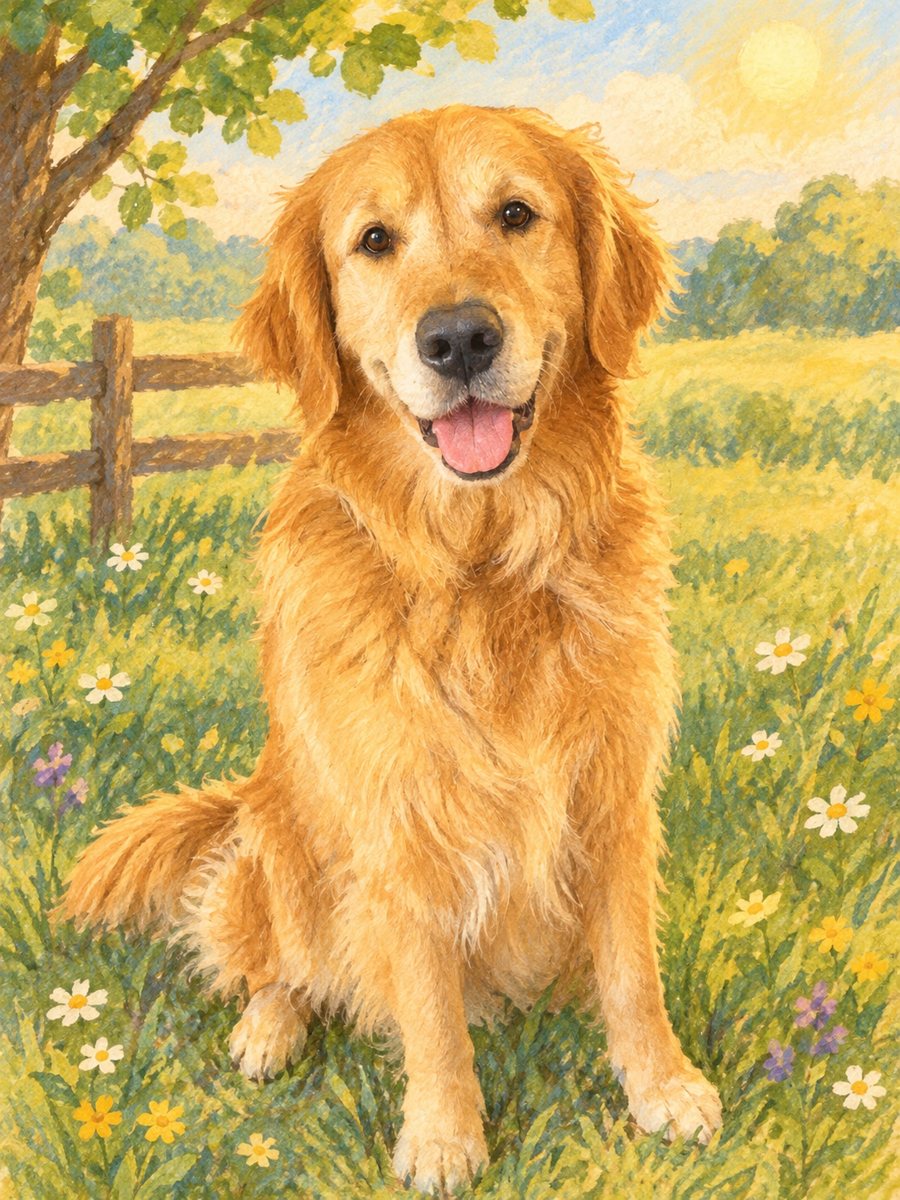 Turn a photo into a children's storybook illustrationMake a picture book illustration from a photo of a child, a pet or a toy with colored pencil texture....
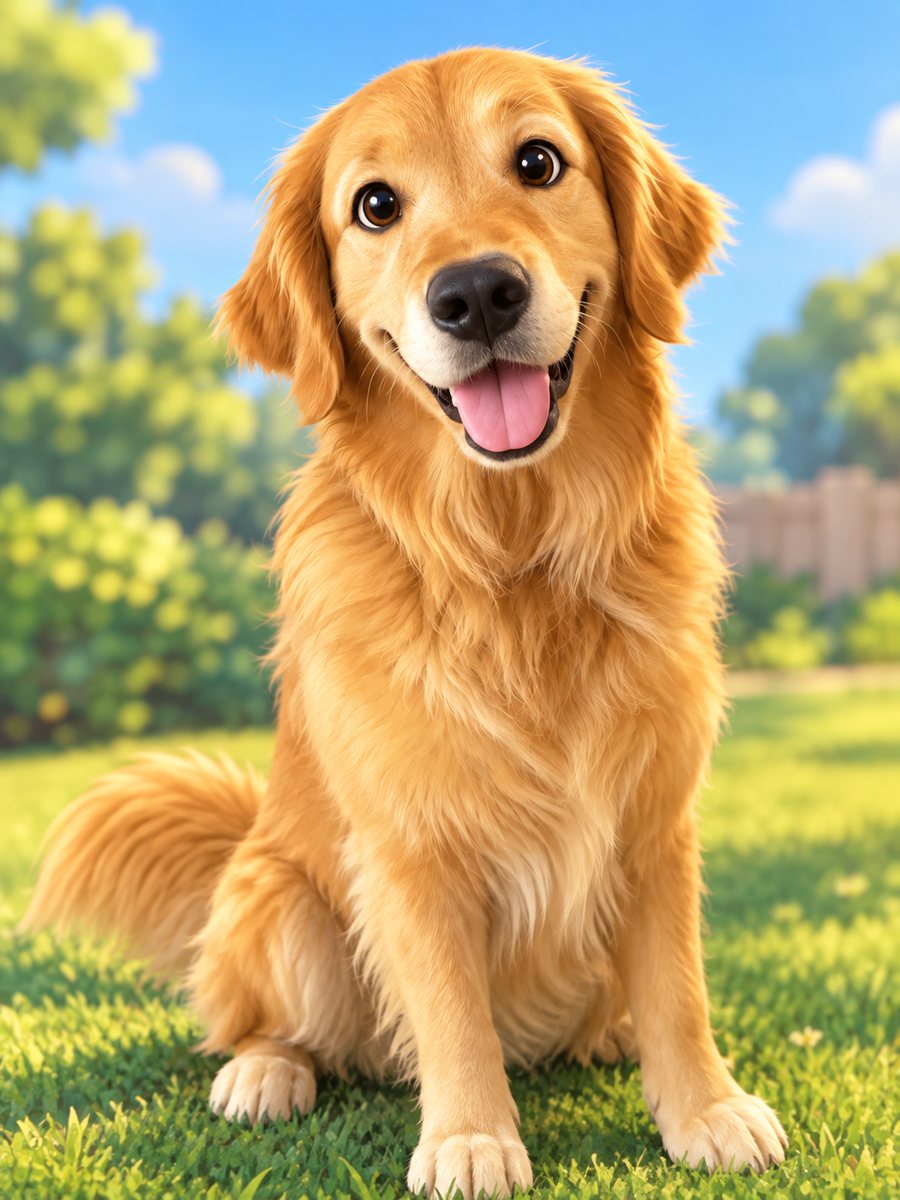 Turn your pet into a cartoon characterDraw your dog or cat as a cute animated movie character with big eyes and soft 3D shading. Ready prompt...
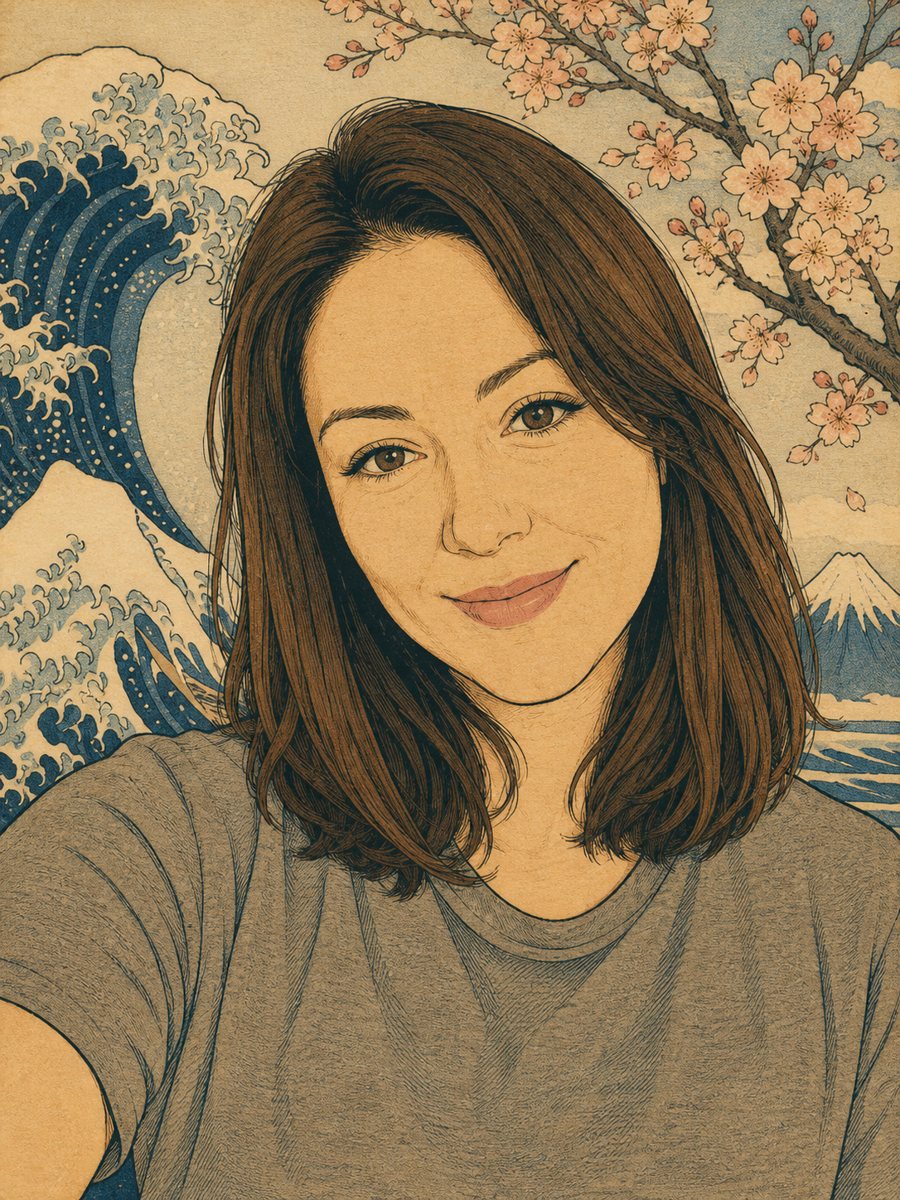 Turn your photo into a Japanese woodblock printRedraw a photo as an ukiyo-e woodblock print with indigo, ochre and cream colors. Copy the ready prompt or...
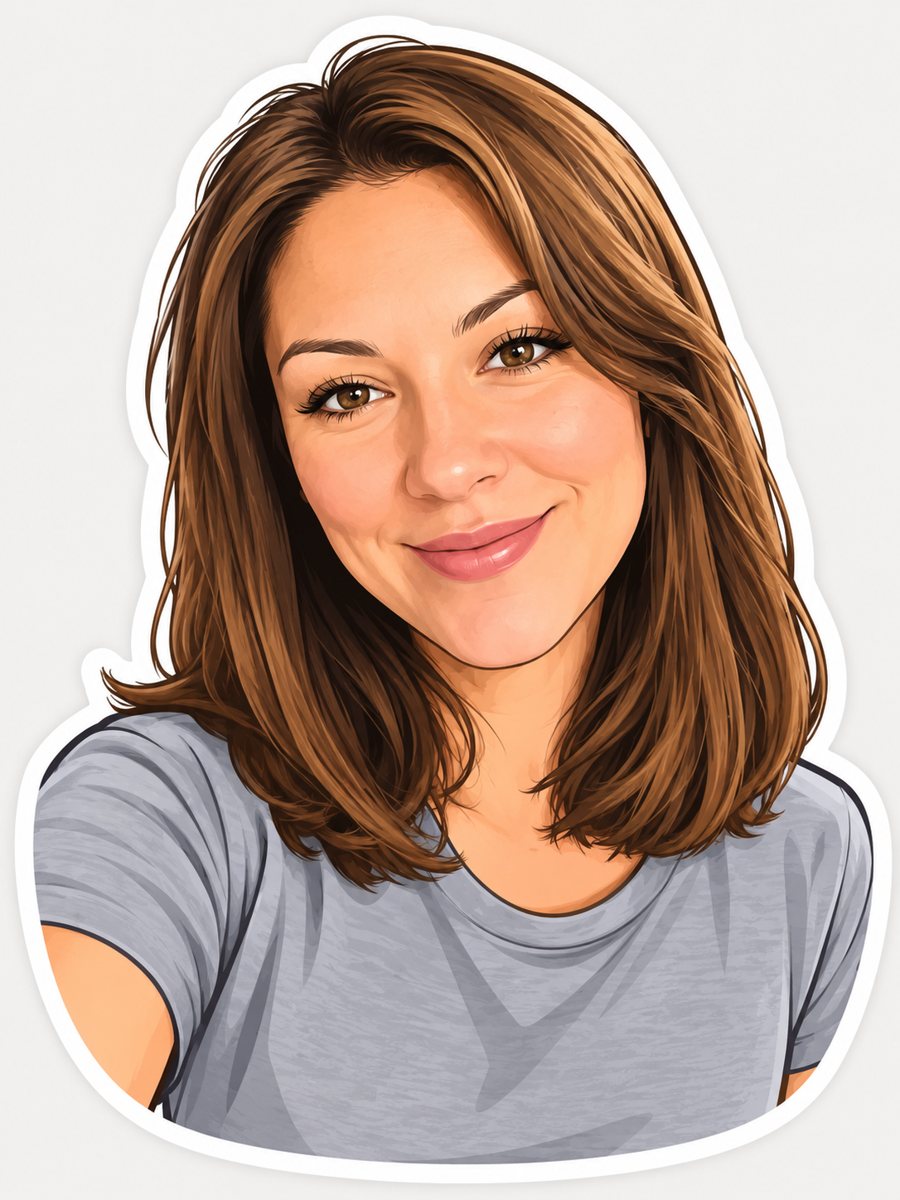 Turn your photo into a cartoon stickerTurn a photo into a cartoon sticker with a thick white outline and a cheerful expression. Copy the ready...