AI photo style prompts you can copy
Each style on this site comes with a prompt. Here are 10 of them to copy, and a short guide to how they are built. In the bot, paste the prompt into the caption of your photo.
- 2 credits per image
- Result in 1–2 minutes
- No sign-up
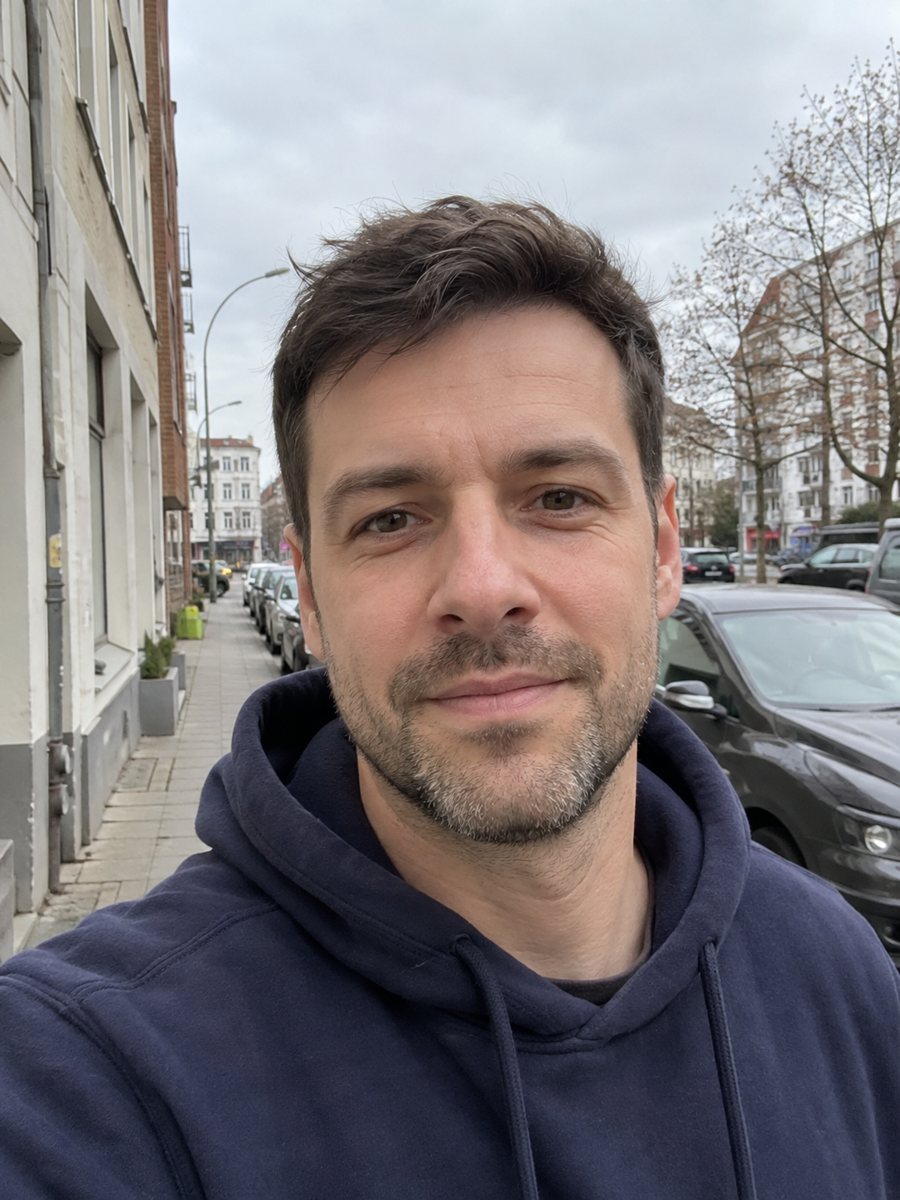
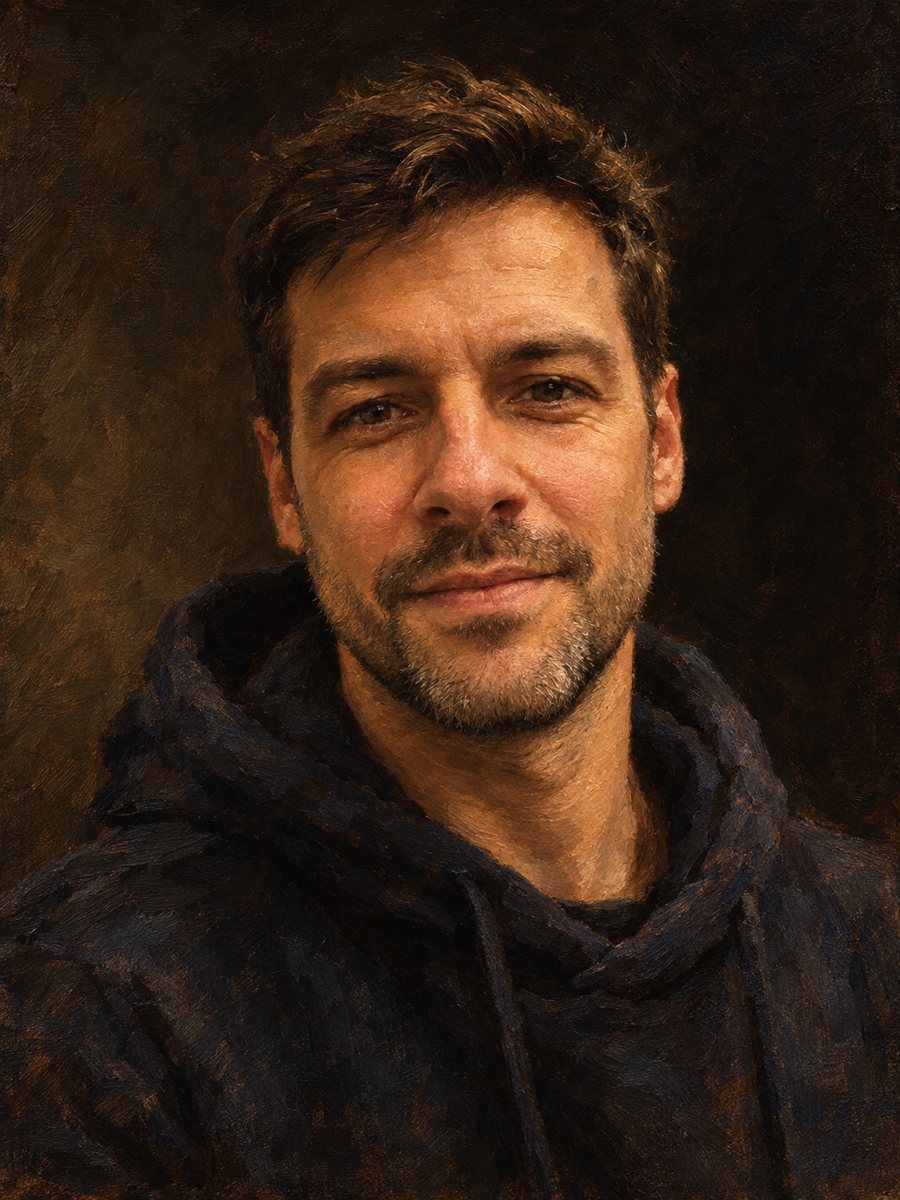 BeforeAfter
In short: Copy-ready AI photo style prompts for portraits: oil, watercolor, pencil, pop art, pixel art and more. Use them in the caption of your photo in Telegram.
- Where: the VisuMate bot in Telegram, no app or sign-up.
- Cost: 2 credits per image, 7 images free, then packs from 49 Telegram Stars.
- Time: 1 to 2 minutes per image, rerun with a new instruction at the same price.
When you need this
- You do not know how to describe a style so the AI keeps your face.
- Your own prompts give random results and waste credits.
- You want a starting point to edit instead of a blank page.
How to do it
- 1
Open the bot with the link on this page and press Start.
- 2
Send one photo as a file and paste a prompt from below into the caption. Change the details you want.
- 3
In 1–2 minutes the result arrives for 2 credits. Adjust one detail at a time and run again.
Try it on your own photo: 7 images are free, no sign-up.
Make it in TelegramHow a good style prompt is built
Most of these prompts have the same parts. First, the action and the style: 'Repaint this photo as...'. Second, what to keep: 'Keep the face, hairstyle and expression recognizable'. Third, the style words: brush strokes, line art, halftone dots, film grain. Fourth, the light and the background. Last, the format: 'Vertical 3:4, no text, no frame'. Keeping likeness first protects the face. Ending with no text avoids stray letters.
Painting and drawing prompts
Prompt: Repaint this photo as a classical oil painting on canvas. Keep the face, hairstyle, expression and clothing recognizable. Visible brush strokes, rich warm palette, dramatic chiaroscuro lighting, dark neutral background. Vertical 3:4, no text, no frame.
Prompt: Paint this photo as a loose watercolor portrait on textured cold-press paper. Keep the face, hairstyle and expression recognizable. Soft wet-on-wet washes, visible paper grain, color bleeding at the edges, white unpainted margins. Vertical 3:4, no text, no frame.
Prompt: Convert this photo into a realistic graphite pencil sketch on white drawing paper. Keep the face and expression accurate. Fine hatching and cross-hatching, soft smudged shading, subtle paper texture. Black and white only. Vertical 3:4, no text.
Prompt: Repaint this photo as an impressionist oil painting in the manner of late 19th century French painters. Keep the face and pose recognizable. Short visible brush strokes, vibrant complementary colors, dappled natural light. Vertical 3:4, no text, no frame.
Graphic and character prompts
Prompt: Turn this photo into a 1960s pop art portrait in the style of silkscreen prints. Keep the face recognizable. Flat bold colors, high contrast, halftone dots, thick black outlines, a clean single-color background. Vertical 3:4, no text.
Prompt: Convert this photo into 16-bit pixel art like a character portrait from a 1990s video game. Keep the face, hairstyle, hair color and outfit recognizable. Visible square pixels, limited palette, simple flat background. Vertical 3:4, no text.
Prompt: Redraw this photo as a high-quality anime illustration. Keep the person's face shape, hairstyle, hair color, expression and outfit recognizable. Clean line art, cel shading, soft gradient background. Vertical 3:4 portrait, no text.
Prompt: Turn this photo into a stained glass window. Keep the silhouette, hairstyle and face recognizable. Thick dark lead lines dividing the image into colored glass pieces, jewel tones, light shining through from behind. Vertical 3:4, no text.
Photo-look and card prompts
Prompt: Make this photo look like it was shot on 1970s color film. Keep the person, pose and background exactly as they are. Warm faded tones, soft contrast, visible film grain, gentle vignette. Vertical 3:4, no text, no border.
Prompt: Turn this pet photo into a cozy Christmas card scene. Keep the animal's face, fur color and markings exactly recognizable. Add a red knitted scarf, a decorated Christmas tree with warm lights in the background, soft bokeh. Vertical 3:4, no text.
Tips
- Change one thing per run, so you can see what each phrase does.
- Start every prompt by saying what to keep: the face, hairstyle, expression.
- End with the format and 'no text' so no random words appear.
- Use a sharp photo with the face large in the frame.
- AI may change details. The same prompt can give different results on each run.
Questions and answers
Where do I put the prompt?
In the caption of the photo you send to the bot.
Do I need to use exactly these words?
No. Change the clothes, colors and background to fit your photo.
Why does the face change sometimes?
It is AI. A rerun can fix it and costs the same 2 credits.
Can I write the prompt in another language?
The bot replies in English. You can switch the language any time with /lang.
How many tries are free?
7 images with the 15 starting credits.
More in "Photo styles"
- Make an oil painting portrait from a photoRepaint a photo as a classical oil portrait with brush strokes and dramatic light. Ready prompt, 2 credits...
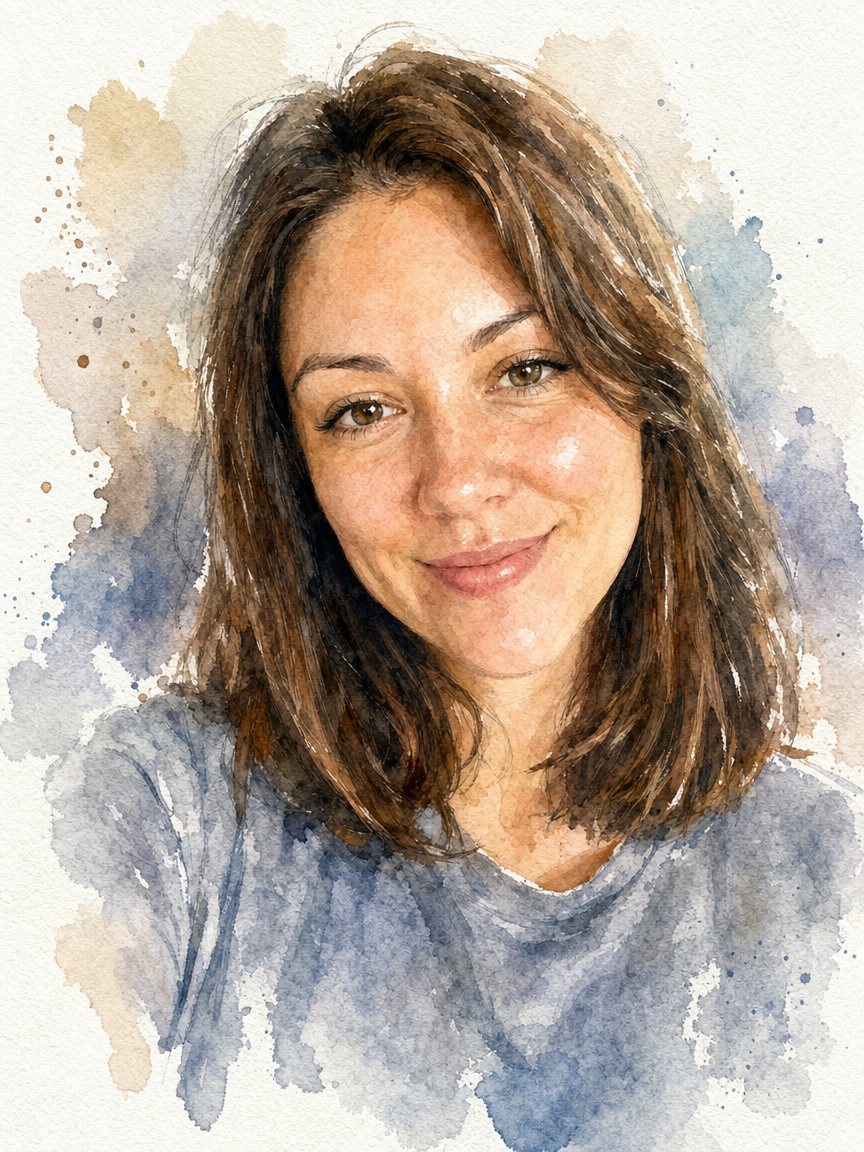 Turn a photo into a watercolor portraitPaint your photo as a loose watercolor portrait on textured paper. Copy the prompt or open the bot: 2...
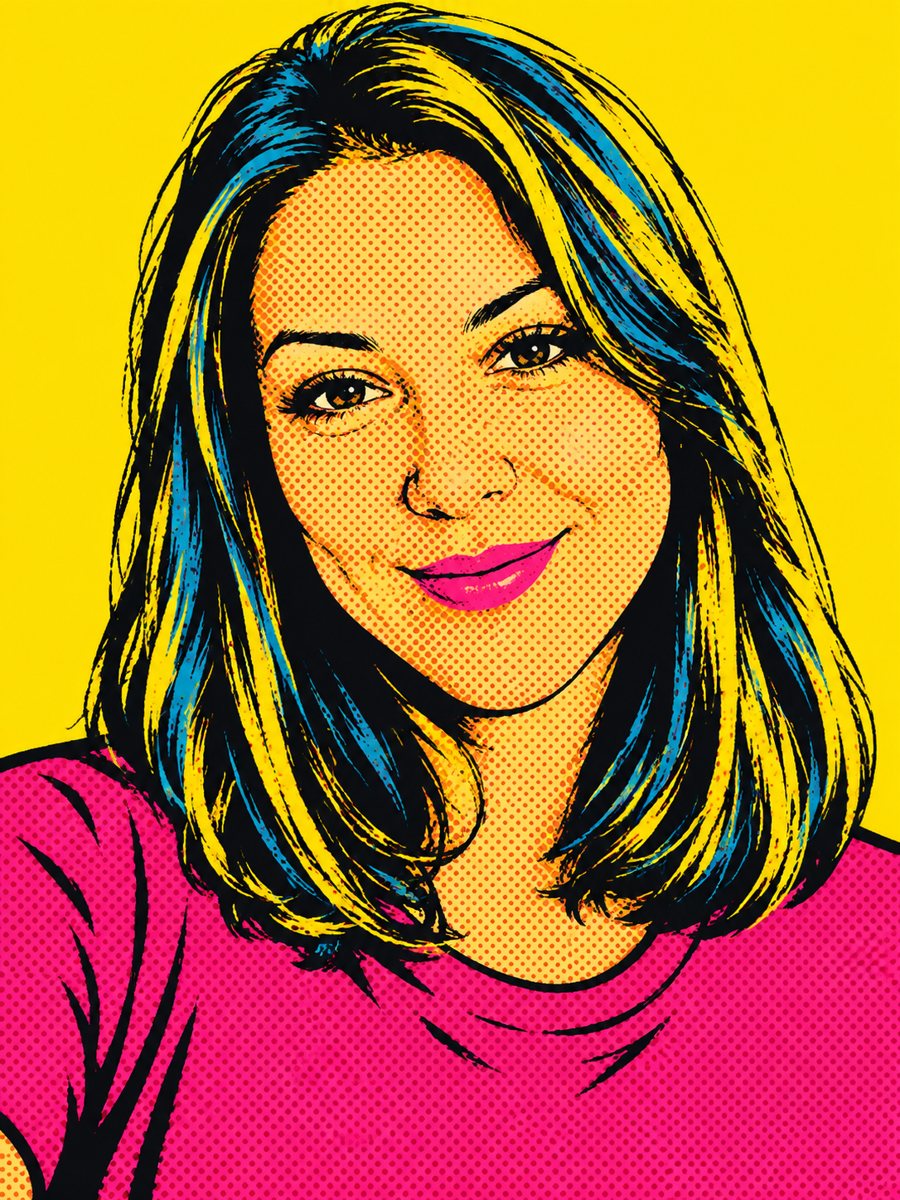 Create a pop art portrait from your photoMake a 1960s silkscreen pop art portrait from your photo with bold flat colors and halftone dots. Ready...
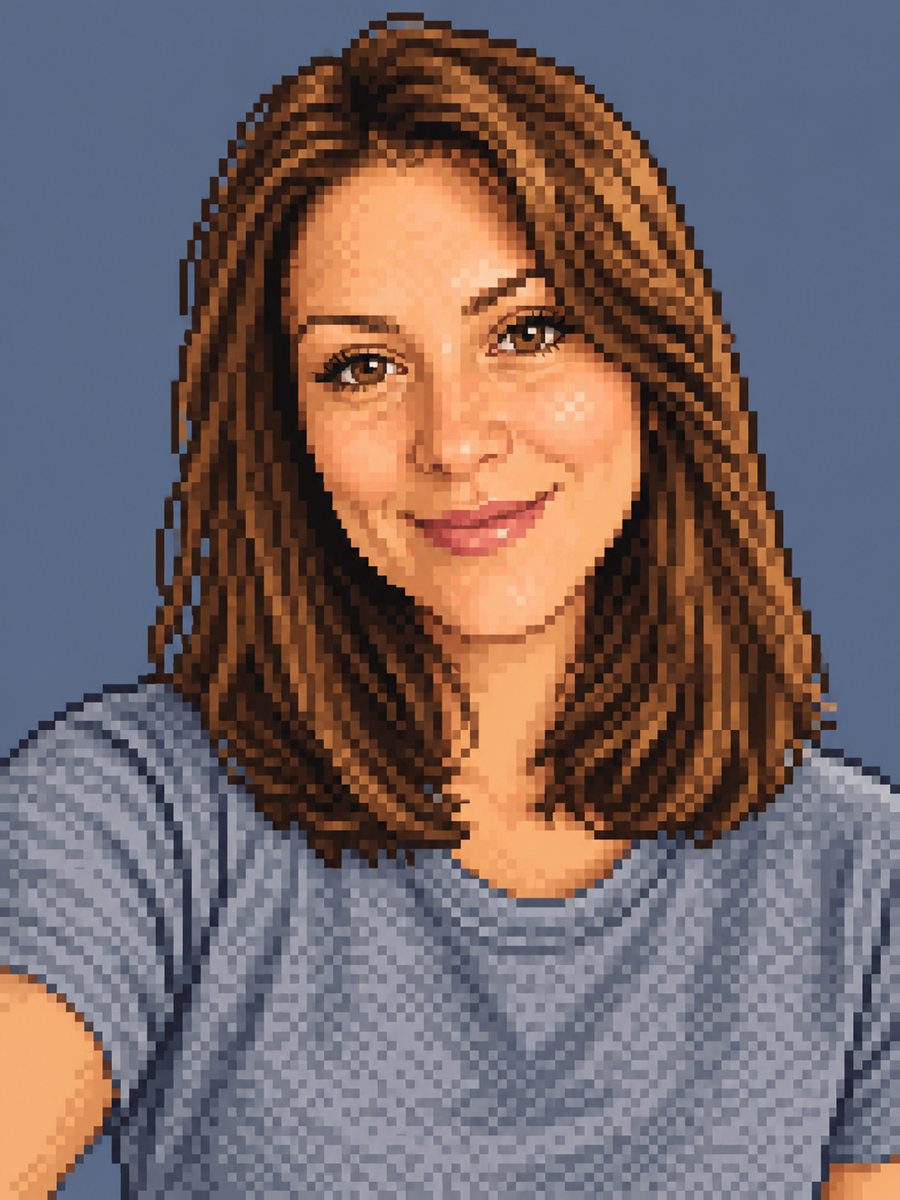 Make a pixel art portrait from your photoConvert a photo into 16-bit pixel art with a limited palette and clean dithering. Ready prompt, 2 credits...
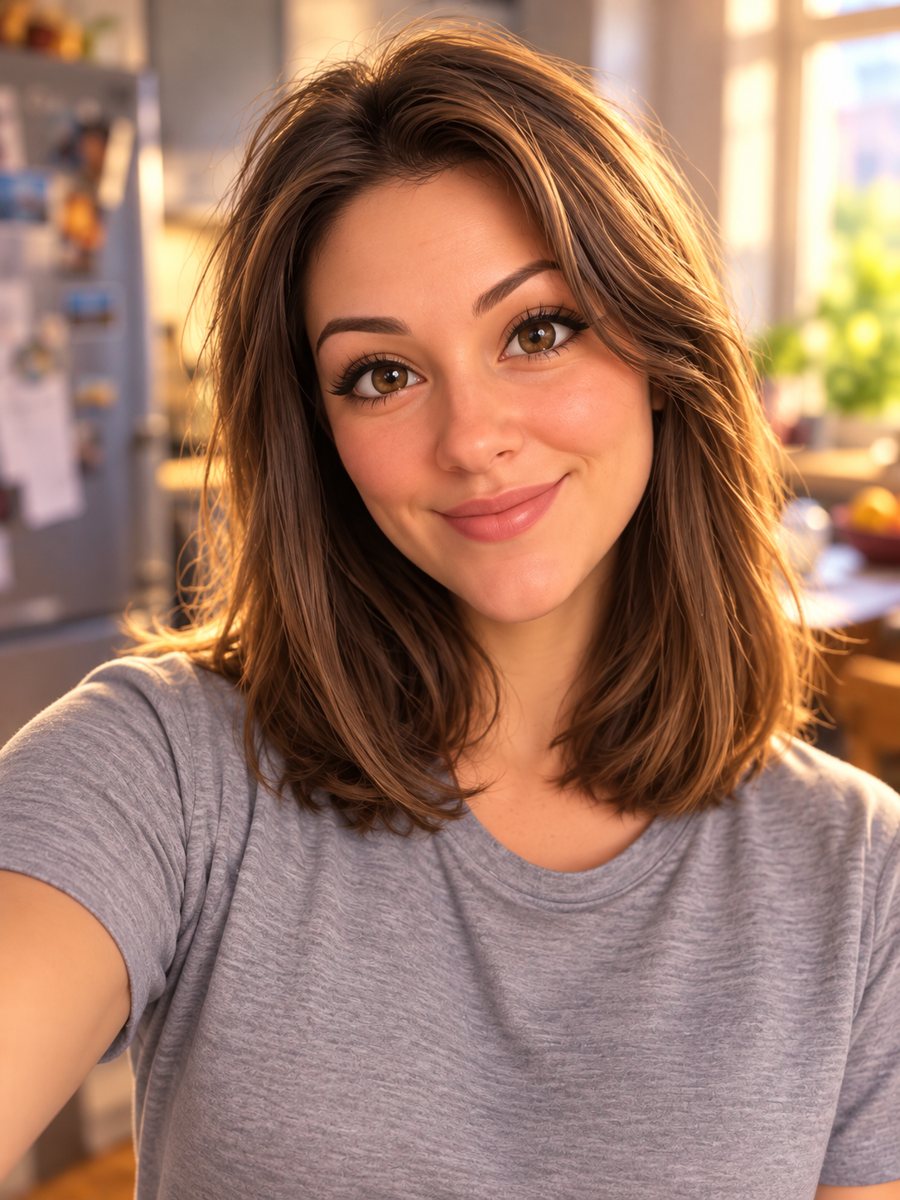 List of AI photo styles to try from a selfieA list of 165 AI photo styles you can apply to one selfie in Telegram: portraits, avatars, paintings,...