Make a timeless black and white profile portrait
The bot turns your photo into a black and white profile portrait with a rich tonal range, soft directional light, a slightly dark background, fine grain and a crop at the shoulders. Your face stays fully recognizable. Press the button and send one photo.
- 2 credits per image
- Result in 1–2 minutes
- No sign-up
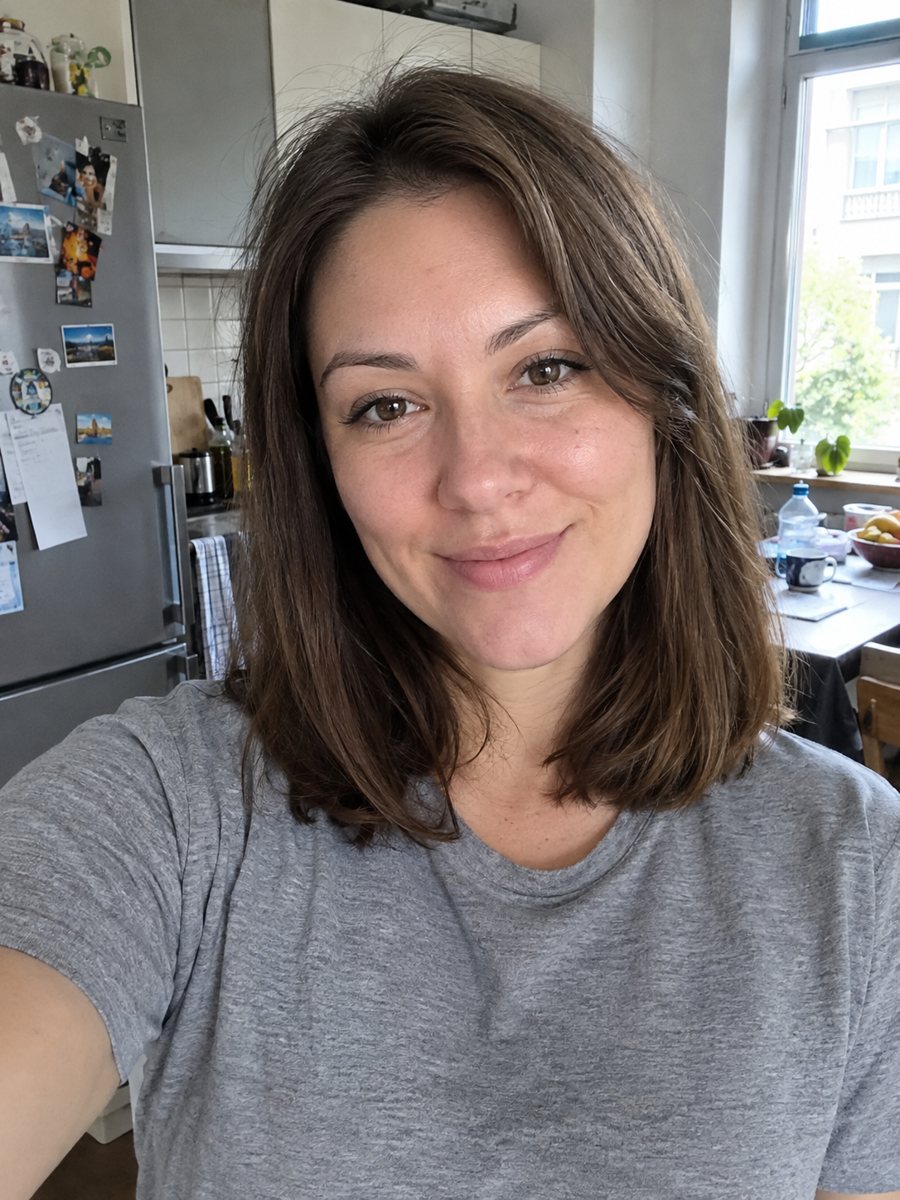
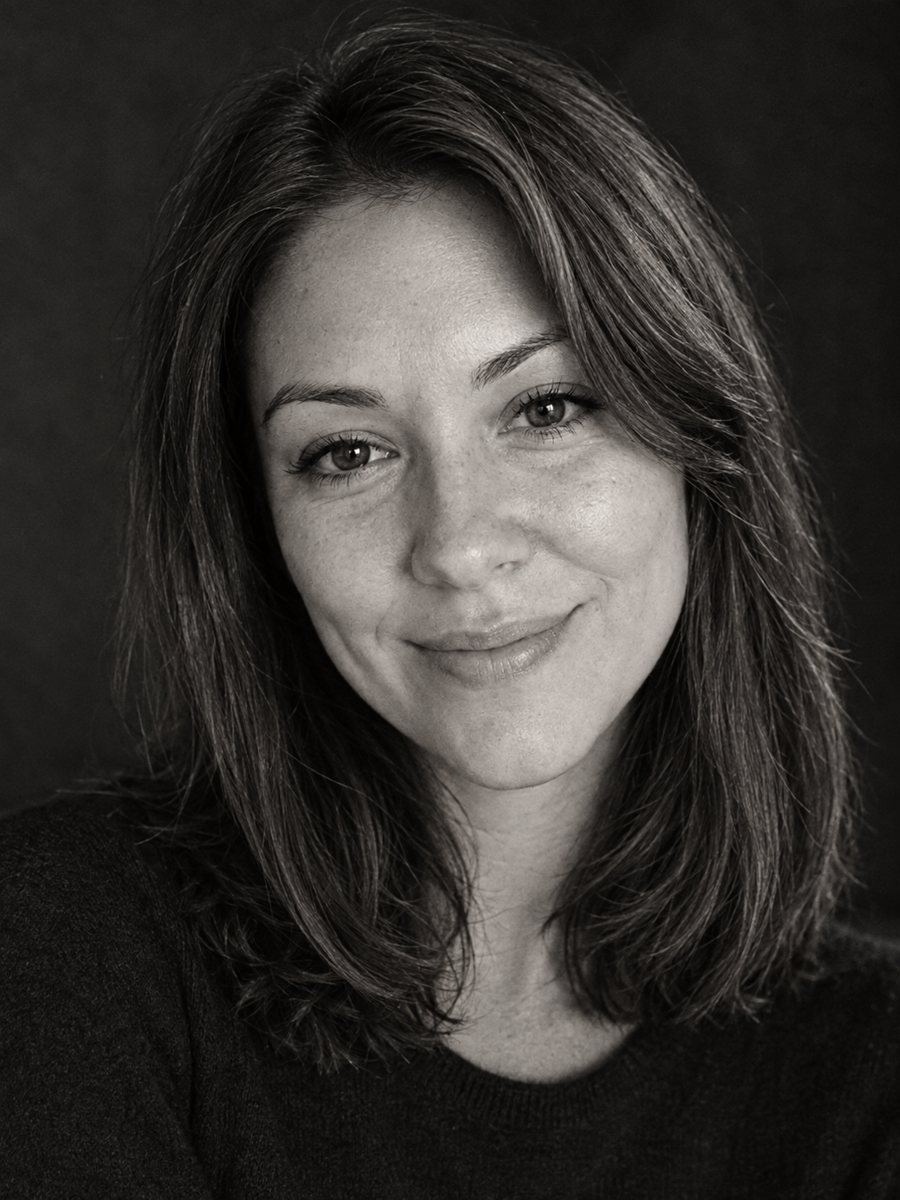 BeforeAfter
In short: Convert a photo into a timeless black and white profile portrait with rich tones and fine grain. Copy the ready prompt or open the Telegram bot, 7 free.
- Where: the VisuMate bot in Telegram, no app or sign-up.
- Cost: 2 credits per image, 7 images free, then packs from 49 Telegram Stars.
- Time: 1 to 2 minutes per image, rerun with a new instruction at the same price.
When you need this
- Your color photos clash with the look of your profile or portfolio.
- The background in your photo is cluttered and color makes it worse.
- A simple gray filter leaves flat, lifeless tones and a bright background.
How to do it
- 1
Press the button on this page. The bot opens with the black and white avatar style, tap Start if it asks.
- 2
Send one photo as a file. Add a caption like: more contrast, darker background, keep the beard.
- 3
In 1-2 minutes you get the portrait for 2 credits. Check how the shadows fall on your face, and rerun if details look muddy.
Try it on your own photo: 7 images are free, no sign-up.
Make it in TelegramThe prompt behind this style
Convert this photo into a timeless black and white profile portrait. Keep the face fully recognizable. Rich tonal range, soft directional light, slightly dark background, fine grain, cropped at the shoulders. Vertical 3:4, no text.
Tone is the whole picture
Without color, the image depends on light, contrast and texture. The prompt asks for a rich range from deep blacks to bright highlights, soft directional light, a slightly dark backdrop and a fine film-like grain. The frame is cropped at the shoulders, which suits profile slots. The AI rebuilds the lighting rather than just desaturating the photo, so a flat snapshot can end up with more depth than the original.
Choosing the right source
This style works with almost any portrait, and it helps when you want a consistent look across a team or a portfolio. Pick a photo where the eyes are sharp and lit. If skin looks too harsh, ask for softer contrast in the caption. If the image looks too dark, ask for a lighter background. Compare the face with your photo, since the AI may drift a little. For a more dramatic look with striped shadows, the film noir style is the next step.
Tips
- Photos with light from one side give more shape than flat frontal light.
- Ask for a darker or lighter background in the caption.
- Colorful clothing is converted to gray tones, so bright reds can turn very dark.
- Skip photos with heavy filters, since they leave odd bands in black and white.
- Square-crop the result around your face for most profile slots.
Questions and answers
Is it just a gray filter?
No. The AI redraws the lighting and tones, then outputs a black and white portrait with grain.
Can I get a lighter background?
Yes, say so in the caption. The default background is slightly dark.
Will it keep my face?
It aims for a fully recognizable face. A rerun costs the same 2 credits.
Does it add text?
No. The prompt asks for no text.
How many free images do I get?
New users get 15 credits, which is 7 images.
Does the bot work in English?
Yes. It picks up your Telegram language on first launch and replies in English. You can switch the language any time with /lang.
More in "Photo styles"
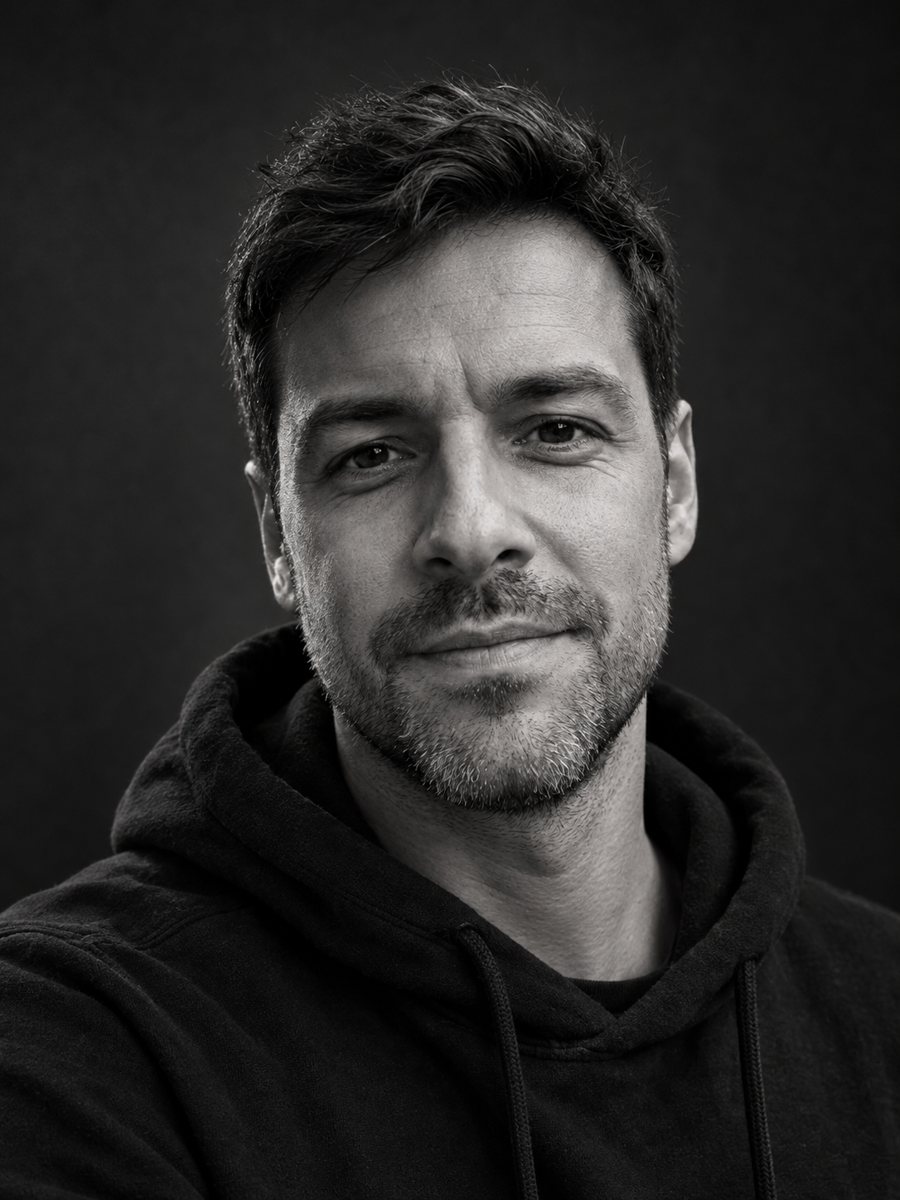 Make a black and white studio portrait from a photoTurn a casual photo into a dramatic black and white studio portrait with a dark backdrop and side light....
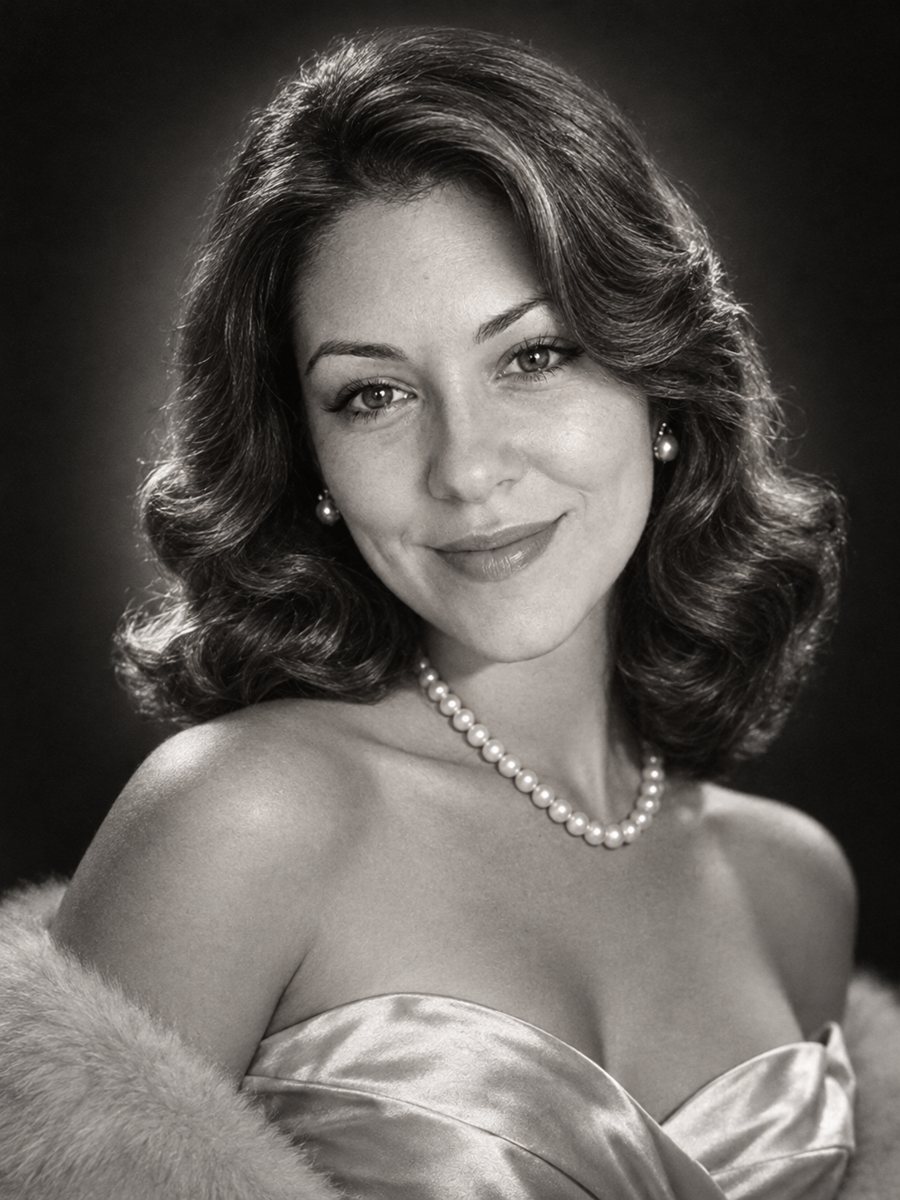 Get a 1950s Hollywood studio glamour portrait of yourselfGet a classic black and white studio portrait with butterfly lighting, styled waves and pearls. Copy the...
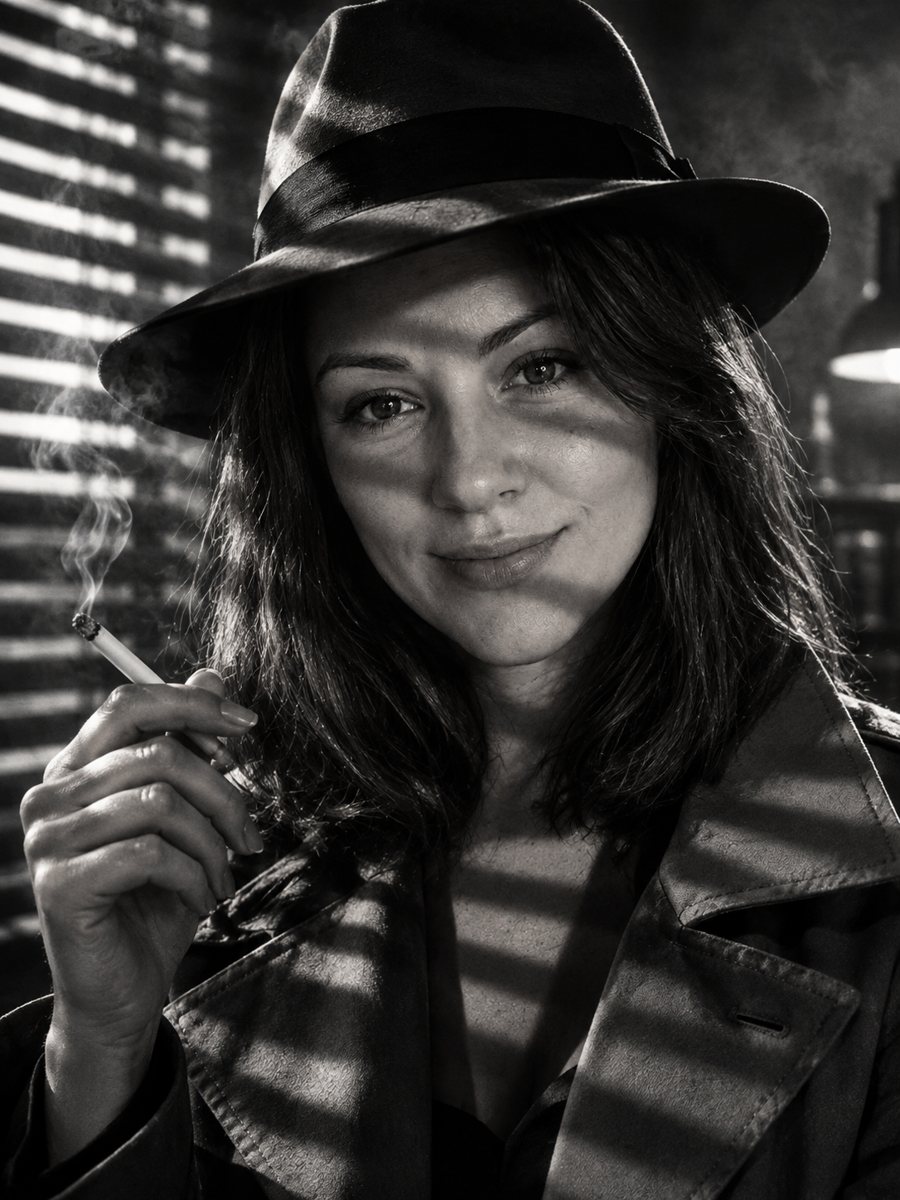 Star in your own 1940s film noir stillMake a 1940s film noir still of yourself with venetian blind shadows, smoke haze and a fedora. Copy the...
 Upgrade your profile photo without changing youImprove a social media profile picture: fix exposure and white balance, blur a messy background to a warm...