Turn your pet into an astronaut
The style dresses your pet in a white space suit with the visor open and floats it inside a spacecraft, with Earth visible through the window. Press the button, send a photo and the bot makes it in about two minutes.
- 2 credits per image
- Result in 1–2 minutes
- No sign-up
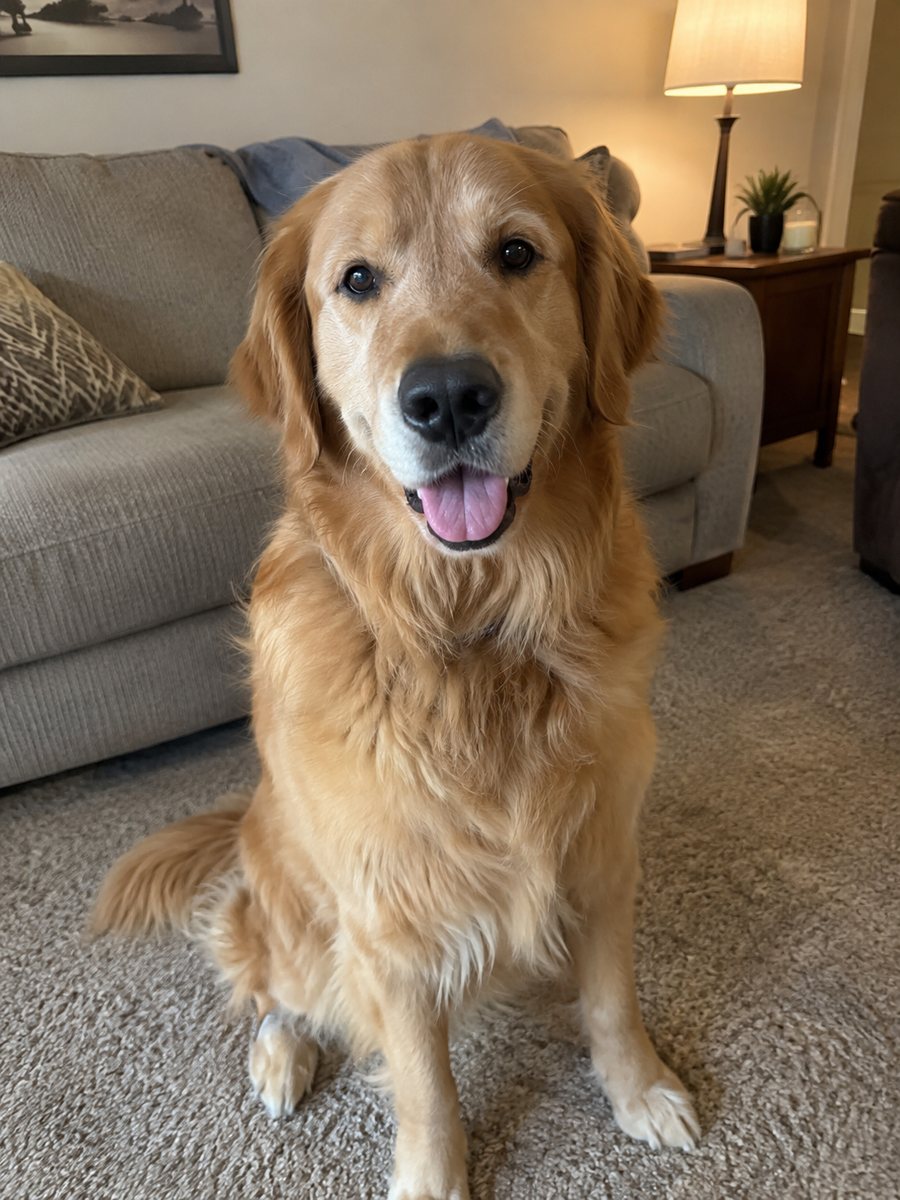
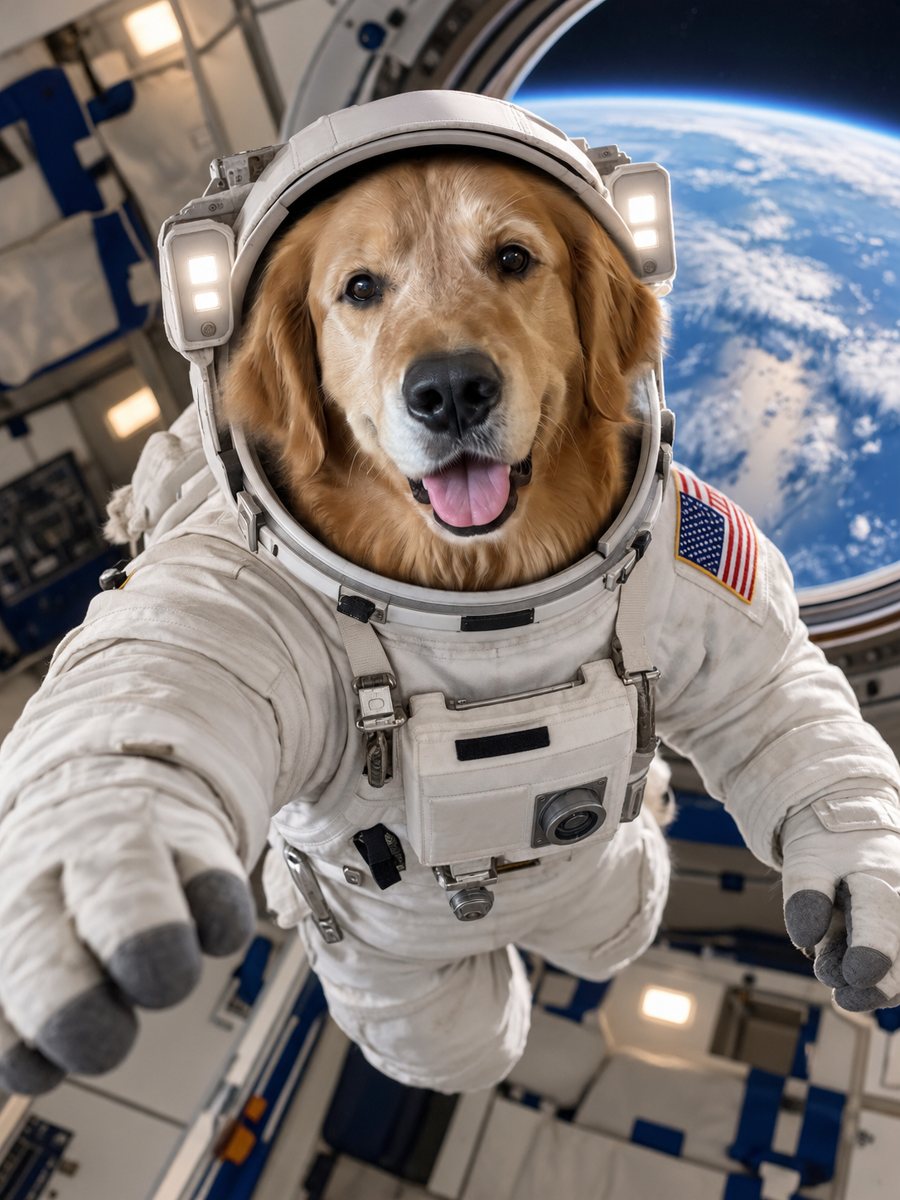 BeforeAfter
In short: Put your dog or cat in a realistic astronaut suit inside a spacecraft with Earth in the window. Copy the ready prompt or open the Telegram bot, 7 images free.
- Where: the VisuMate bot in Telegram, no app or sign-up.
- Cost: 2 credits per image, 7 images free, then packs from 49 Telegram Stars.
- Time: 1 to 2 minutes per image, rerun with a new instruction at the same price.
When you need this
- Your kid wants a space themed picture of the family dog.
- You need a funny image for a pet-themed birthday invite.
- You are making a poster for a science-loving friend with a cat.
How to do it
- 1
Open the bot with the button. The astronaut style is selected.
- 2
Send a sharp photo of one pet facing the camera, best as a file. In the caption you can add: mission patch, orange suit, moon window.
- 3
After 1-2 minutes you get the image for 2 credits. Check fur color, eyes and markings, and rerun if needed.
Try it on your own photo: 7 images are free, no sign-up.
Make it in TelegramThe prompt behind this style
Put the pet from this photo into a realistic white astronaut suit with the helmet visor open, floating inside a spacecraft with Earth visible through the window. Keep the animal's face, fur color and markings exactly recognizable. Photoreal, soft cabin lighting, cheerful mood. Vertical 3:4, no text.
What you get and getting the pet right
The image looks like a realistic photo from inside a spacecraft: a cheerful pet in a bulky white suit, a soft cabin glow and a blue Earth through a round window. It is playful, and the realism makes it funnier. Owners use it for posters, birthday cards, phone wallpapers and kids' room prints. Space suits cover most of the body, so the face carries the likeness. Eyes, nose color and ear shape are the checks. If your pet has patches, mention them in the caption. A rerun changes the pose and the spacecraft, and costs 2 credits. If the helmet hides too much, ask for the visor open and ears visible.
Ideas for use
Print it as a poster for a child's room, set it as a phone wallpaper, or make a mission patch style card in an editor. The image has no text, so you can add the pet's name and mission title yourself. The bot does not print anything. The result also works as a funny announcement picture, for example for a pet's birthday or for a family trip that starts with a rocket theme.
Tips
- A clear front face gives the helmet visor a natural fit.
- Short-haired and fluffy pets both work, but check the fur edges.
- Name the suit color if you do not want white.
- One pet per photo avoids mixed-up features.
- Add a toy or a treat in the caption for a funnier scene.
Questions and answers
Is the astronaut suit realistic?
It is meant to look like a real suit in a photo, though details can vary.
Can I change the planet or the ship?
Yes. Describe a different view in the caption.
Does it work for exotic pets?
It can, if the photo is sharp. Results vary.
Can I add a child in the picture?
The prompt targets one pet. Adding people may blur the likeness.
What is the free allowance?
15 credits at first launch, which is 7 images.
More in "Photo styles"
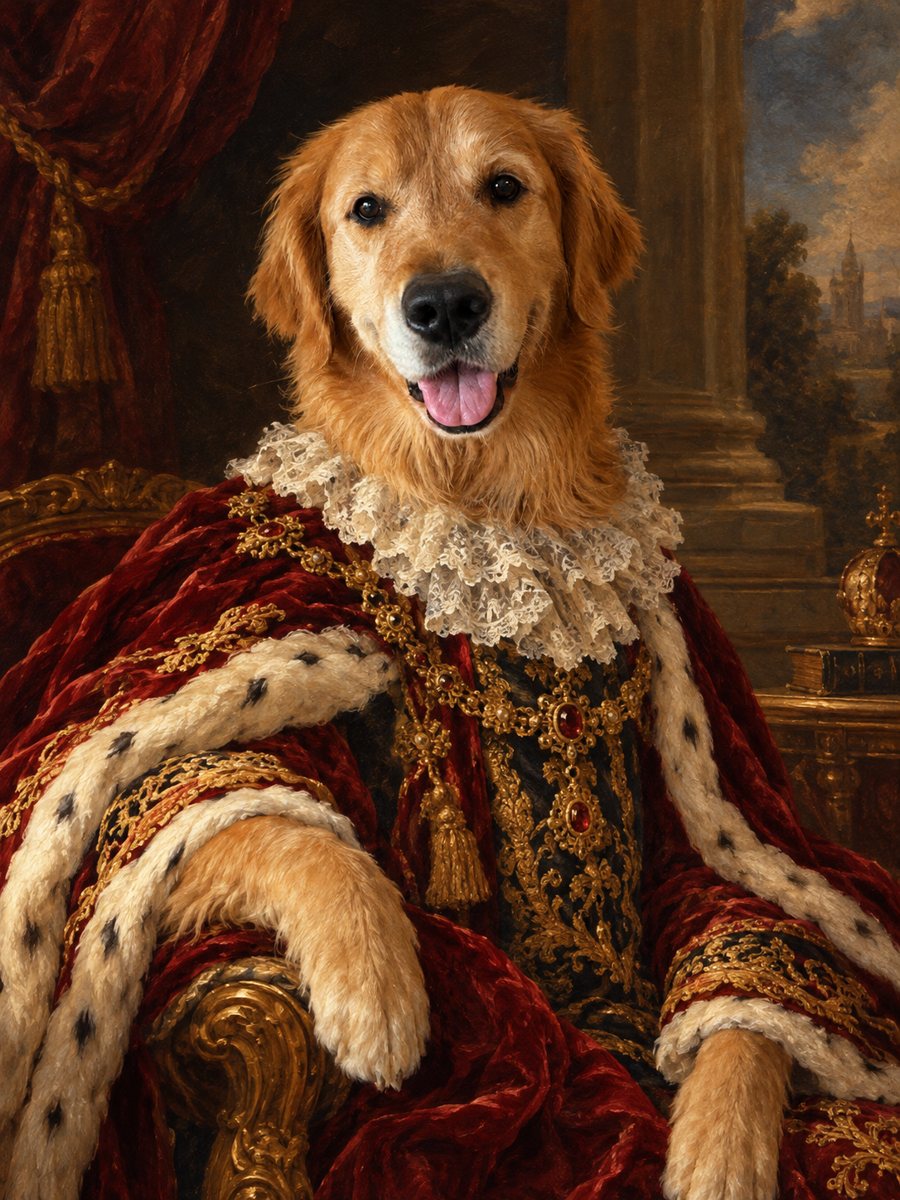 Turn your pet into a royal oil portraitTurn your dog or cat into a regal 18th century oil portrait with velvet robe and lace collar. Ready prompt...
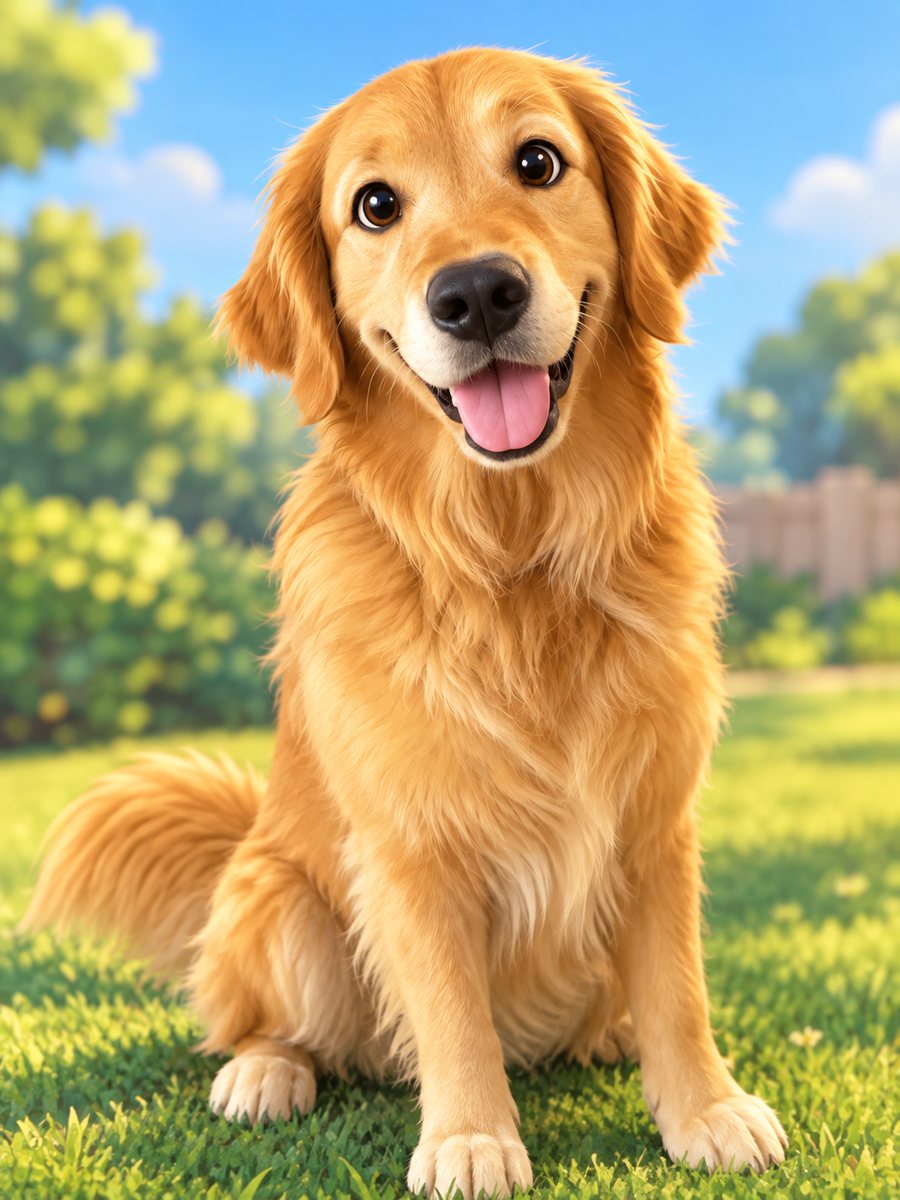 Turn your pet into a cartoon characterDraw your dog or cat as a cute animated movie character with big eyes and soft 3D shading. Ready prompt...
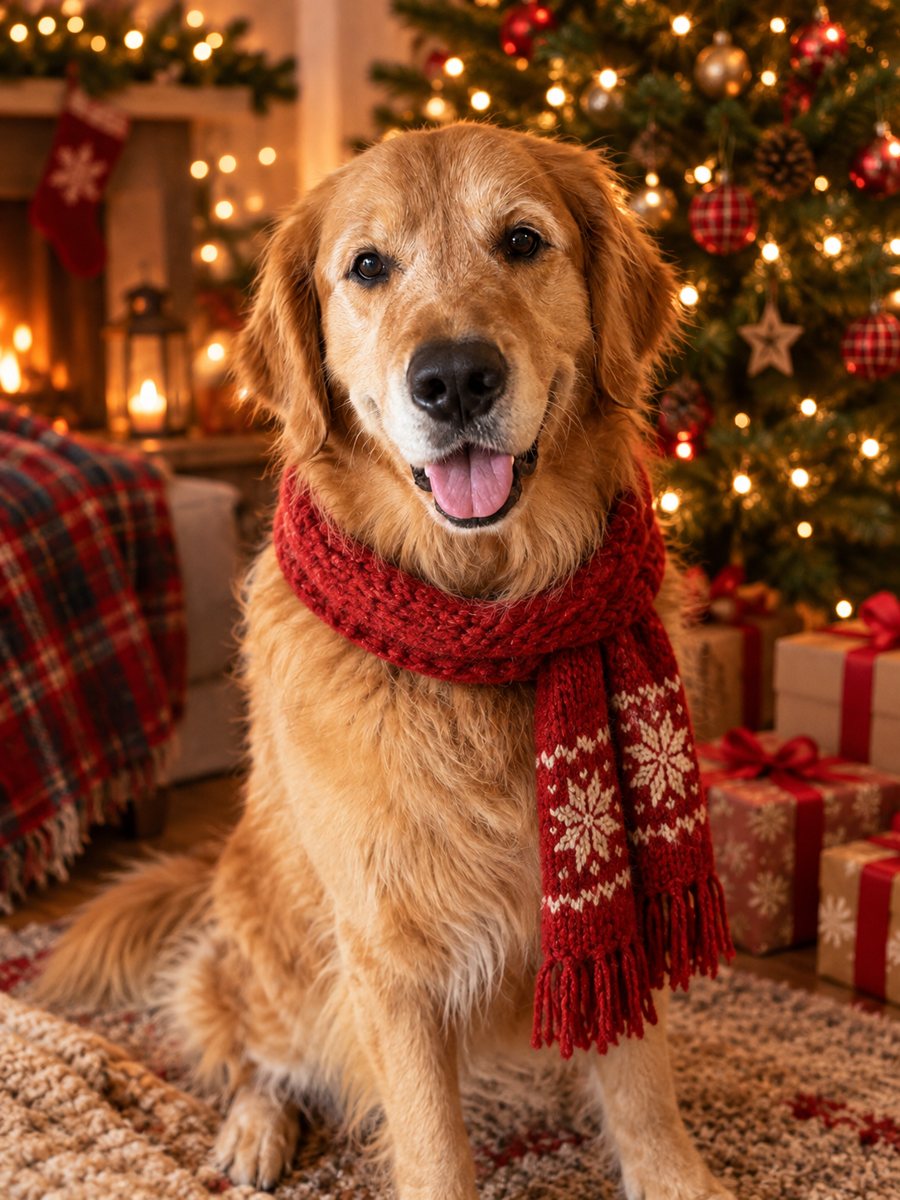 Turn your pet photo into a Christmas cardTurn your pet photo into a cozy Christmas card scene with a Santa hat and a tree with warm lights. Ready...
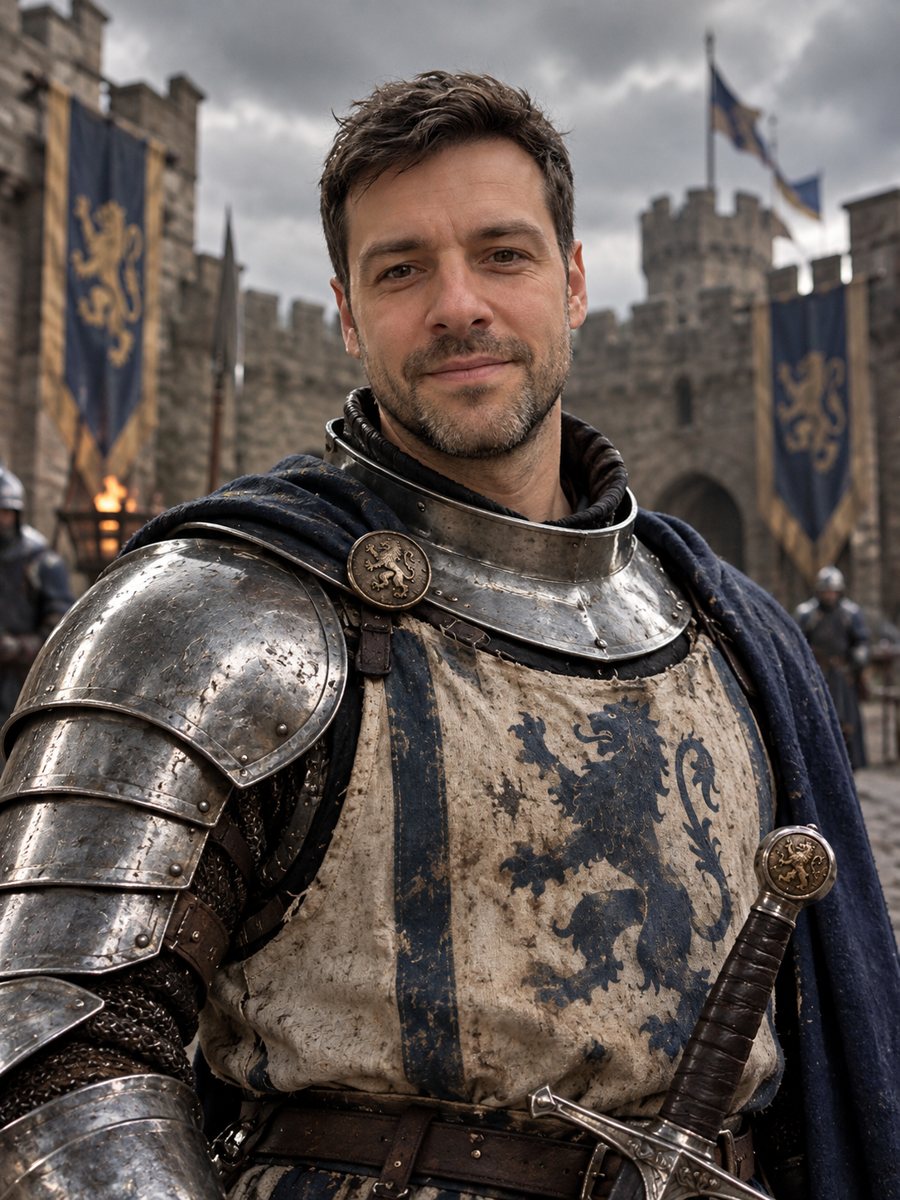 Turn yourself into a medieval knightTurn yourself into a medieval knight in steel armor in a castle courtyard. Copy the ready prompt or open...