Turn your photo into a graffiti street art mural
You get your face painted on a brick wall as a mural, with spray paint drips, stencil shading and orange, teal and magenta splashes. Press the button, send a photo and the bot does the rest.
- 2 credits per image
- Result in 1–2 minutes
- No sign-up
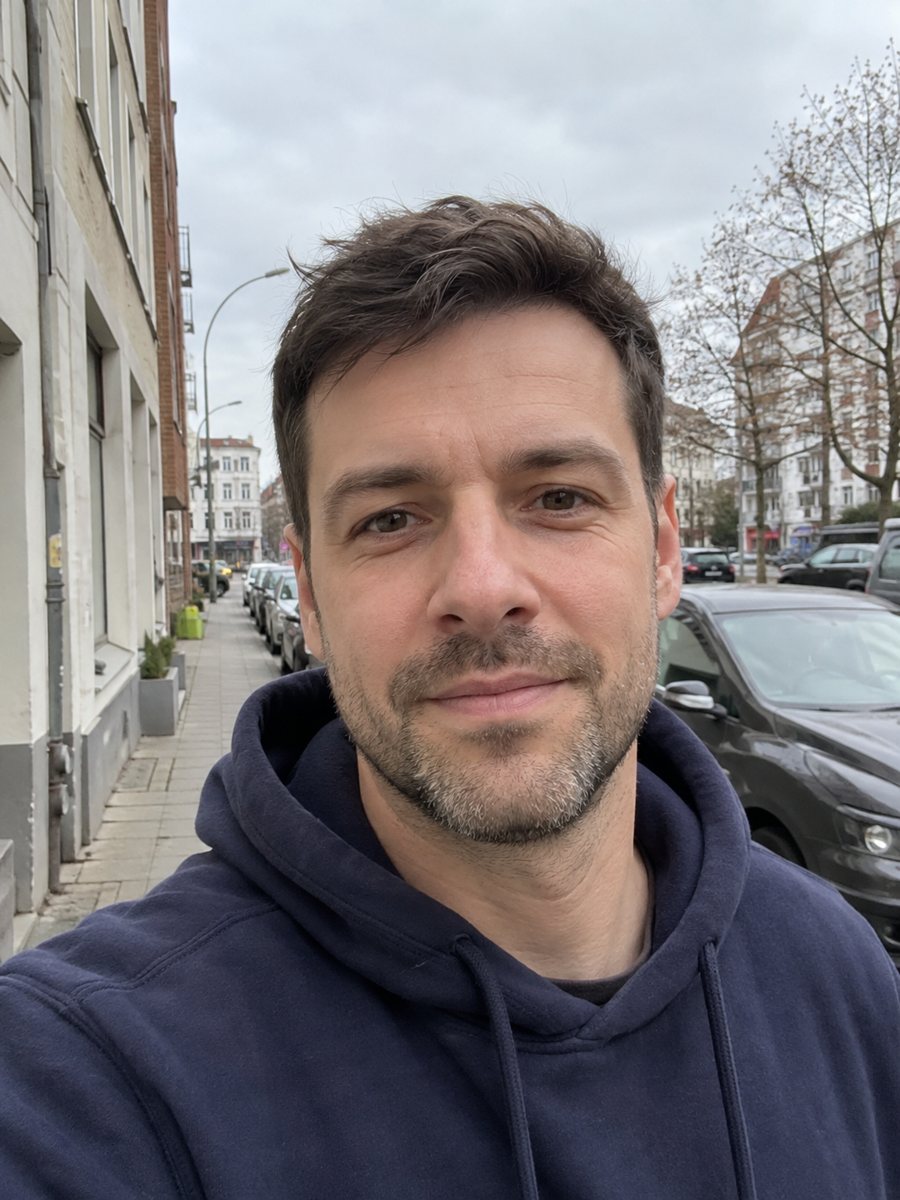
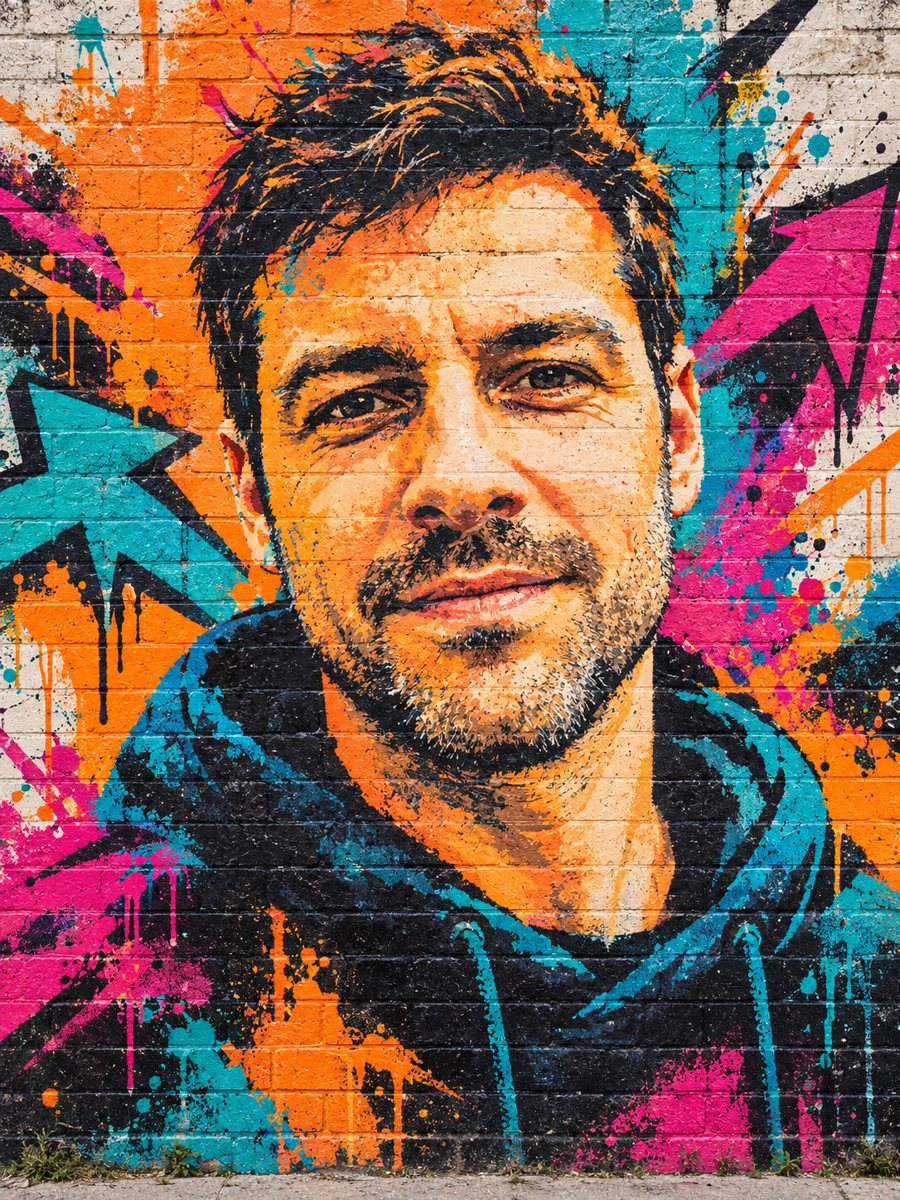 BeforeAfter
In short: Paint your photo as a big graffiti mural on a brick wall with spray texture and vivid colors. Copy the ready prompt or open the bot, 7 images free.
- Where: the VisuMate bot in Telegram, no app or sign-up.
- Cost: 2 credits per image, 7 images free, then packs from 49 Telegram Stars.
- Time: 1 to 2 minutes per image, rerun with a new instruction at the same price.
When you need this
- You want a bold avatar for a sports, music or skate page.
- A friend with a street style deserves a poster-like portrait.
- A normal photo looks flat next to your other content.
How to do it
- 1
Open the bot with the button. The graffiti style is selected.
- 2
Send one portrait as a file. In the caption you can add a color wish or a mood, for example: more yellow, calm look.
- 3
After 1-2 minutes the mural arrives for 2 credits. Check the face and expression, and rerun if the likeness is weak.
Try it on your own photo: 7 images are free, no sign-up.
Make it in TelegramThe prompt behind this style
Paint this photo as a large graffiti mural on a brick wall. Keep the face and expression recognizable. Spray paint texture with drips, bold stencil-like shading, vivid colors (orange, teal, magenta), abstract splashes and arrows around the portrait, photographed straight on in daylight. No letters or words. Vertical 3:4.
The look and likeness and expression
The picture looks like a photo of a large wall painting: drips under the lines, rough bricks, spray texture and stencil style shading. Bright color splashes and arrows surround the portrait. It works for gig posters, merch ideas, sports profiles and streetwear brand moodboards. The finish is more painterly than photoreal. Stencil shading simplifies skin into big tone areas, so the face needs strong light and shade in the source to survive. An open smile or a serious stare both work. If the face turns too stylized, ask in the caption for a more realistic mural. The prompt avoids letters and words on purpose, since AI graffiti lettering is often unreadable.
Using the result
Crop to a square for avatars or keep the vertical 3:4 for posters. The bot does not print posters. Check the sharpness before ordering a large print, since a big wall mural look can hide detail but also reveal blur. Mural style likes strong colors, so pick a photo where your skin and clothes are not too washed out, and the bright paint will frame them well.
Tips
- Strong expressions look best on a mural.
- Plain background photos help the AI separate the person.
- Name your three favorite colors in the caption.
- Avoid very small faces, a mural needs a large face.
- The image has no words, which avoids misspelled tags.
Questions and answers
Can it add my name as a tag?
No. The prompt asks for no letters or words. Add text later in an editor.
Is it a real mural?
No. It is an AI image that looks like a photographed mural.
Can I choose the colors?
Yes, in the caption.
Does it work for groups?
It is built for one person. Groups get less accurate.
How much does it cost?
2 credits per image. 15 credits are free at the start.
More in "Photo styles"
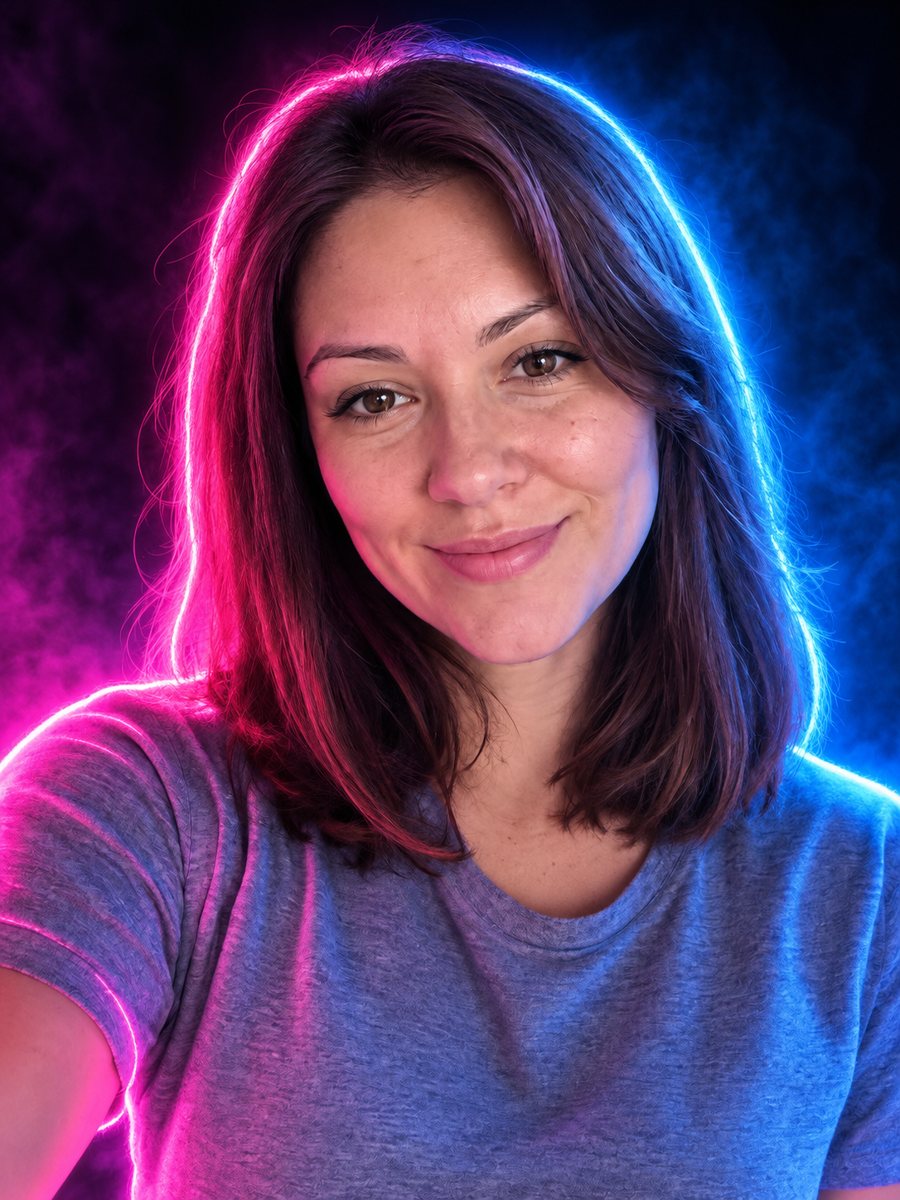 Turn your photo into a neon glow portraitTurn a portrait into a neon sign style image with pink and blue glowing outlines on a dark background....
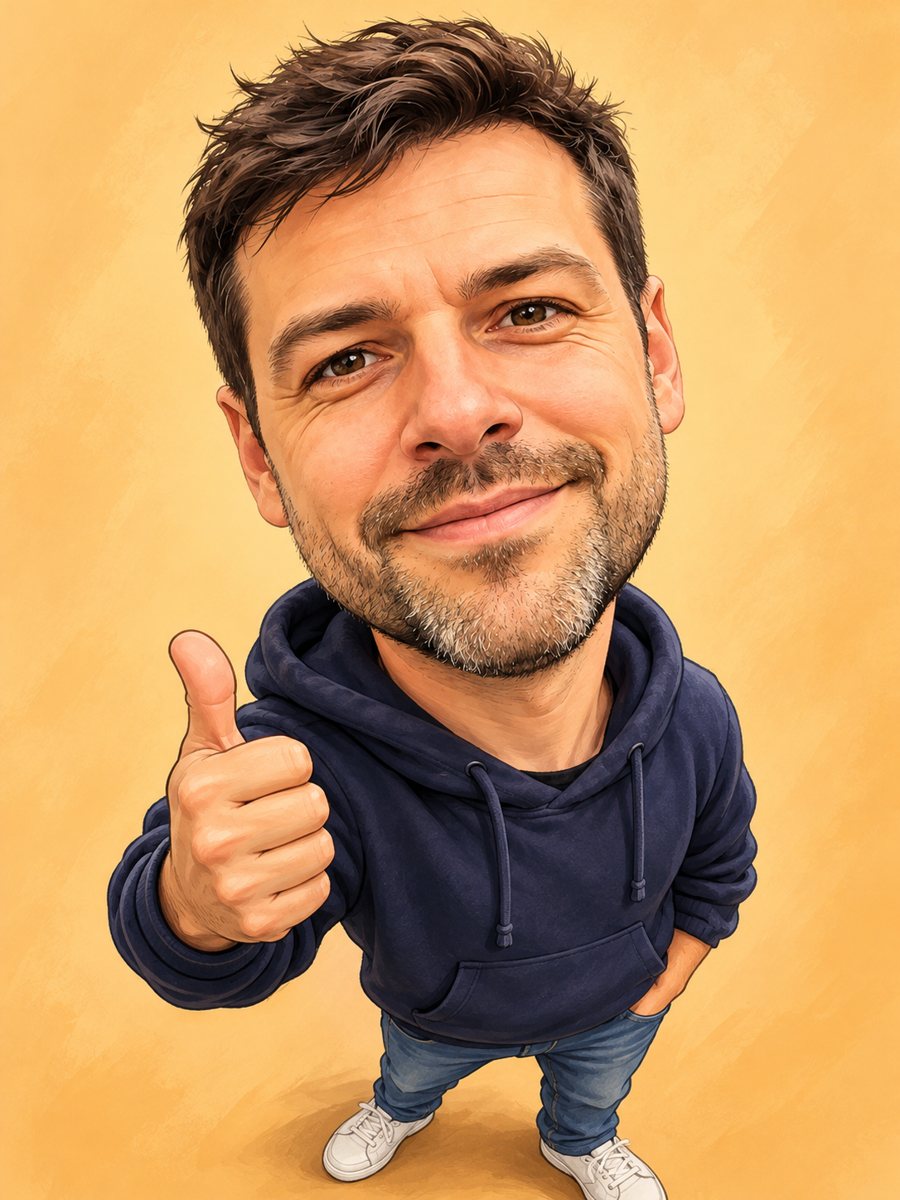 Turn your photo into a friendly caricatureDraw a friendly caricature of yourself or a friend with a big head, a big smile and a small body. Copy the...
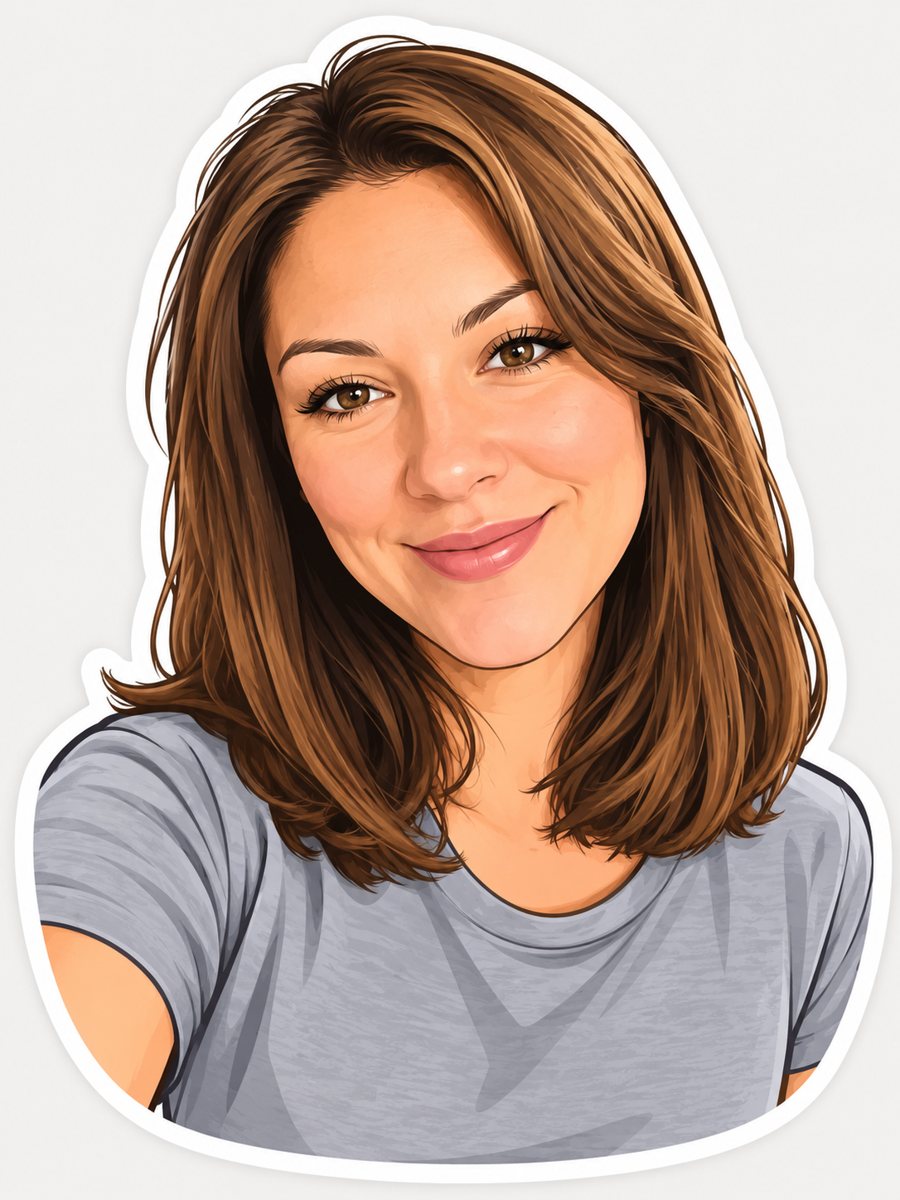 Turn your photo into a cartoon stickerTurn a photo into a cartoon sticker with a thick white outline and a cheerful expression. Copy the ready...
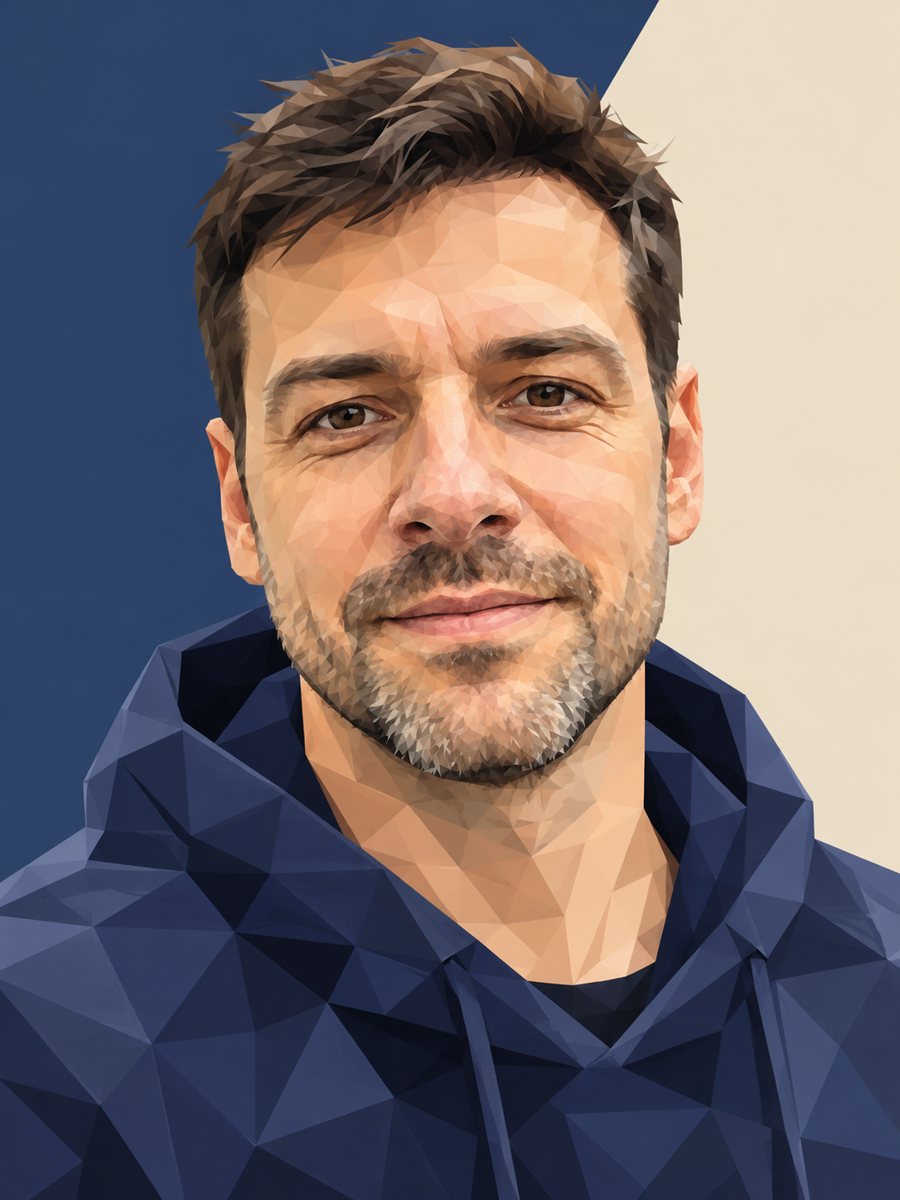 Turn your photo into a low poly portraitConvert a portrait into a low poly triangle image with smooth gradients and a clean two-tone background....