Create a musician press photo from a regular photo
You get an editorial press shot: moody studio light with a single colored gel, a dark textured backdrop, a leather jacket and a magazine feel. Your face stays recognizable. Press the button, send one photo and wait a minute or two.
- 2 credits per image
- Result in 1–2 minutes
- No sign-up
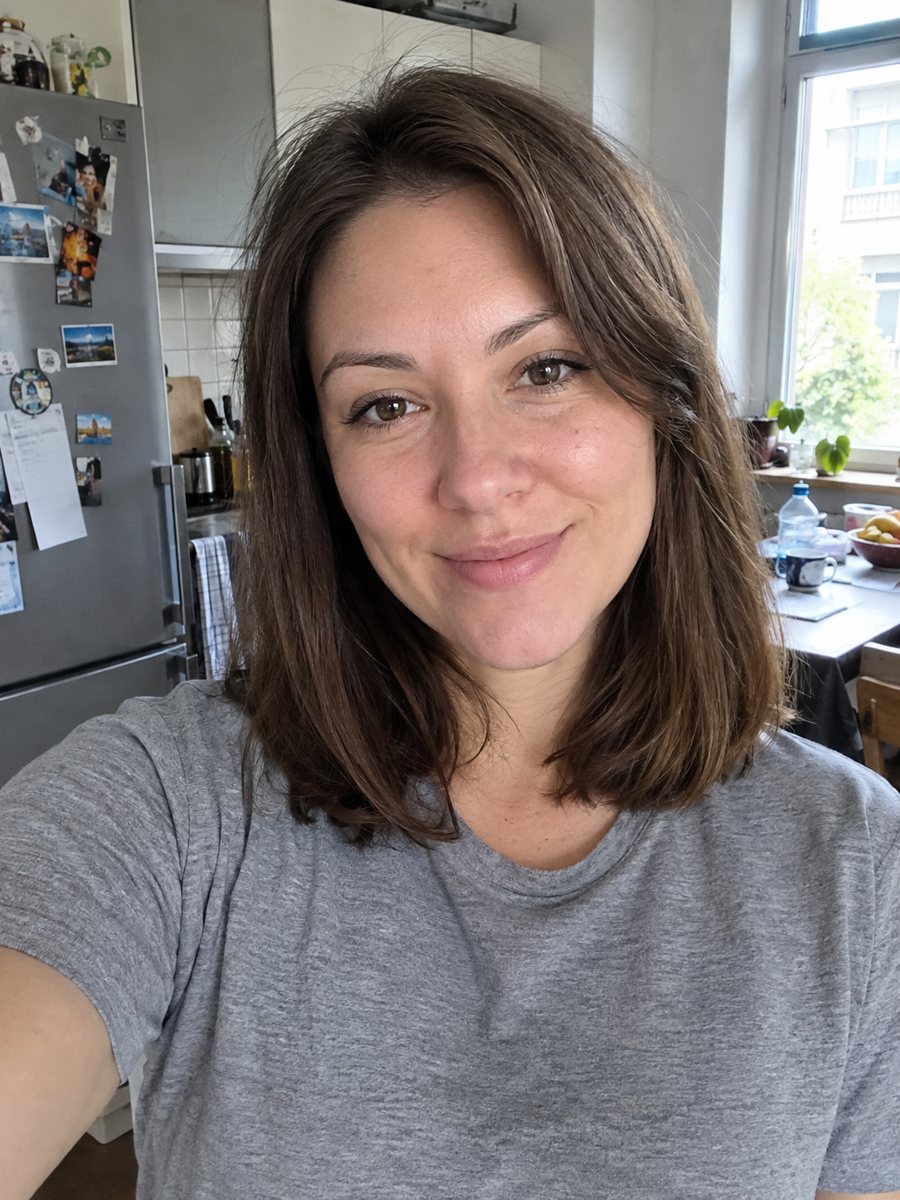
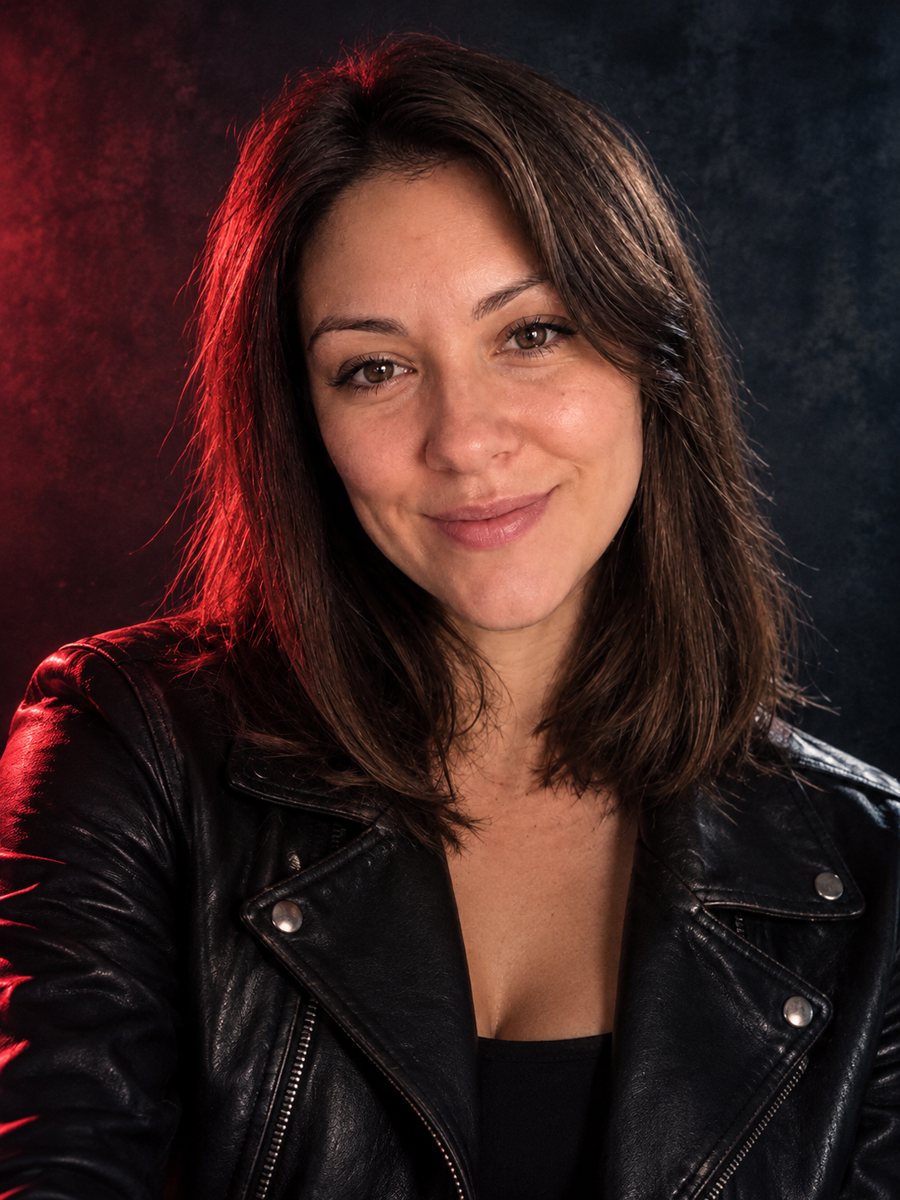 BeforeAfter
In short: Turn a photo into a moody musician press photo with colored gel light, a dark backdrop and a leather jacket. Copy the free prompt or open the Telegram bot.
- Where: the VisuMate bot in Telegram, no app or sign-up.
- Cost: 2 credits per image, 7 images free, then packs from 49 Telegram Stars.
- Time: 1 to 2 minutes per image, rerun with a new instruction at the same price.
When you need this
- Your new single needs a press photo for playlists and venues, and a shoot is not in the budget.
- A booking page or Bandcamp profile still uses a casual selfie.
- You want a consistent look across streaming profiles and posters.
How to do it
- 1
Tap the button above. The bot opens in Telegram with the musician press photo style chosen for you, press Start if needed.
- 2
Send your photo as a file. A short caption works, for example: blue gel light, black leather jacket.
- 3
In 1 to 2 minutes you get the image and 2 credits are used. Check the colored light on the face, and rerun if something drifted.
Try it on your own photo: 7 images are free, no sign-up.
Make it in TelegramThe prompt behind this style
Turn this photo into a musician press photo. Keep the face, features and expression exactly recognizable. Moody studio lighting with a single colored gel, a dark textured background, a leather jacket, magazine editorial feel, realistic photo. Vertical 3:4, no text.
The press photo style
Musicians often use one colored light on a dark background to create atmosphere. The prompt asks for moody studio light with a single gel, a dark textured backdrop, a leather jacket and a magazine editorial feel. The result suits streaming profiles, posters, venue pages and festival applications. It leaves the edges dark, so you can place names or logos in a design app.
Getting a better shot
Pick a gel color that matches your music or cover art. Cool blue feels distant and red feels intense. If the face is too dark, ask for more fill light. If the jacket is not your style, change it in the caption. Check the hands and any instrument, since AI often draws strings, keys and fingers incorrectly. Keep it simple with a head and shoulders frame.
Honest use
This is an AI generated image, not a real photo session. Booking agents, labels and media may expect real photos, so say it is AI generated if asked. A real session still gives more variety and live shots. Rerun for another 2 credits if the likeness or the lighting is off. When the image arrives, look at the colored light on the face first, since that is where drift shows up most.
Tips
- Name the gel color in the caption: blue, red, green or amber.
- A serious or slightly cool expression suits press photos.
- Send a photo where the face is evenly lit, so the colored light is added later.
- Mention your instrument as a clothing hint only, since props may look odd.
- Keep the picture dark and moody if you want a premium feel.
Questions and answers
Is it a real photo?
No. It is an AI generated image. Be open about it where booking or press requires a real photo.
Can I add my instrument?
Try it in the caption, but hands and strings may look wrong.
Can I change the jacket?
Yes. Ask for a denim jacket, a suit or a plain tee.
Will it add my band name?
No. The prompt asks for no text.
Does it work for a group?
The prompt is for one person. Make single portraits and combine them yourself.
Does the bot work in English?
Yes. It picks up your Telegram language on first launch and replies in English. You can switch the language any time with /lang.
More in "Photo styles"
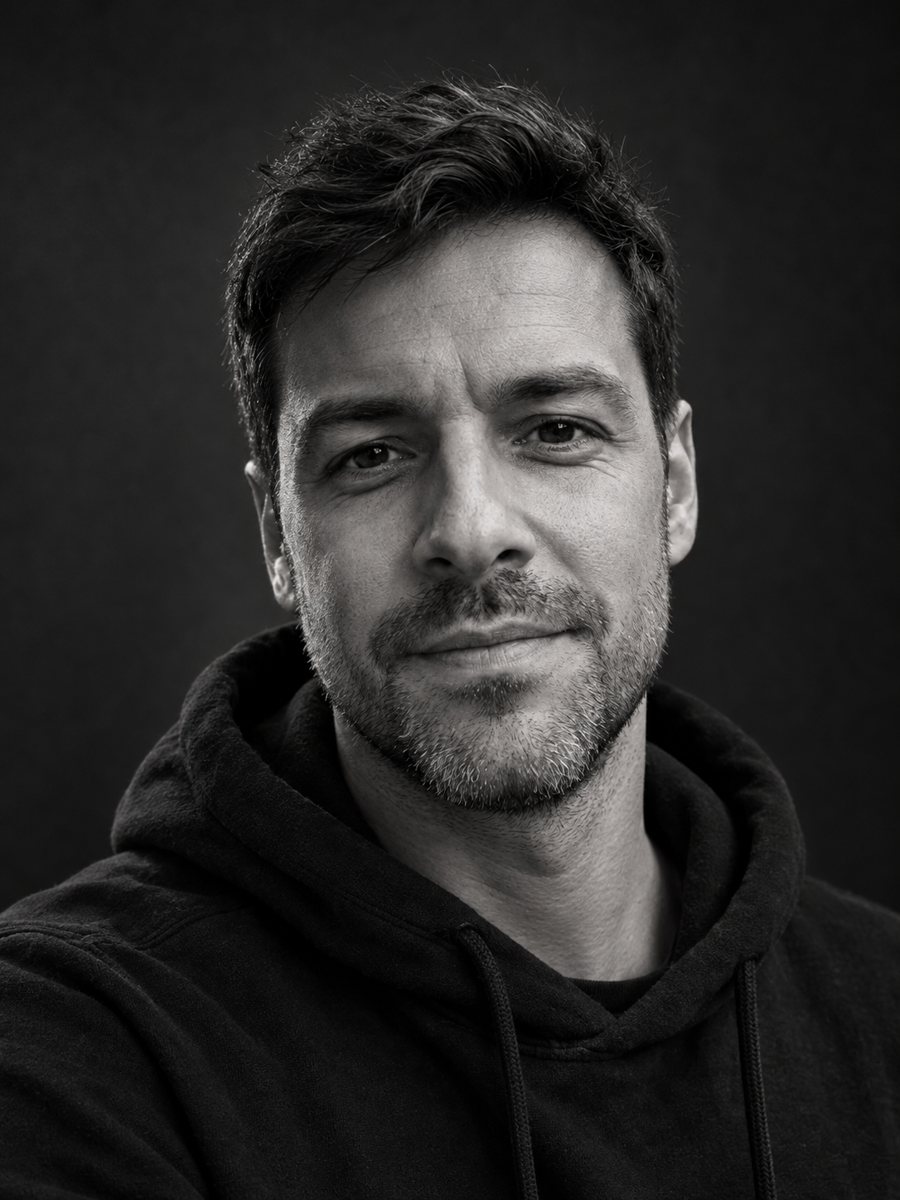 Make a black and white studio portrait from a photoTurn a casual photo into a dramatic black and white studio portrait with a dark backdrop and side light....
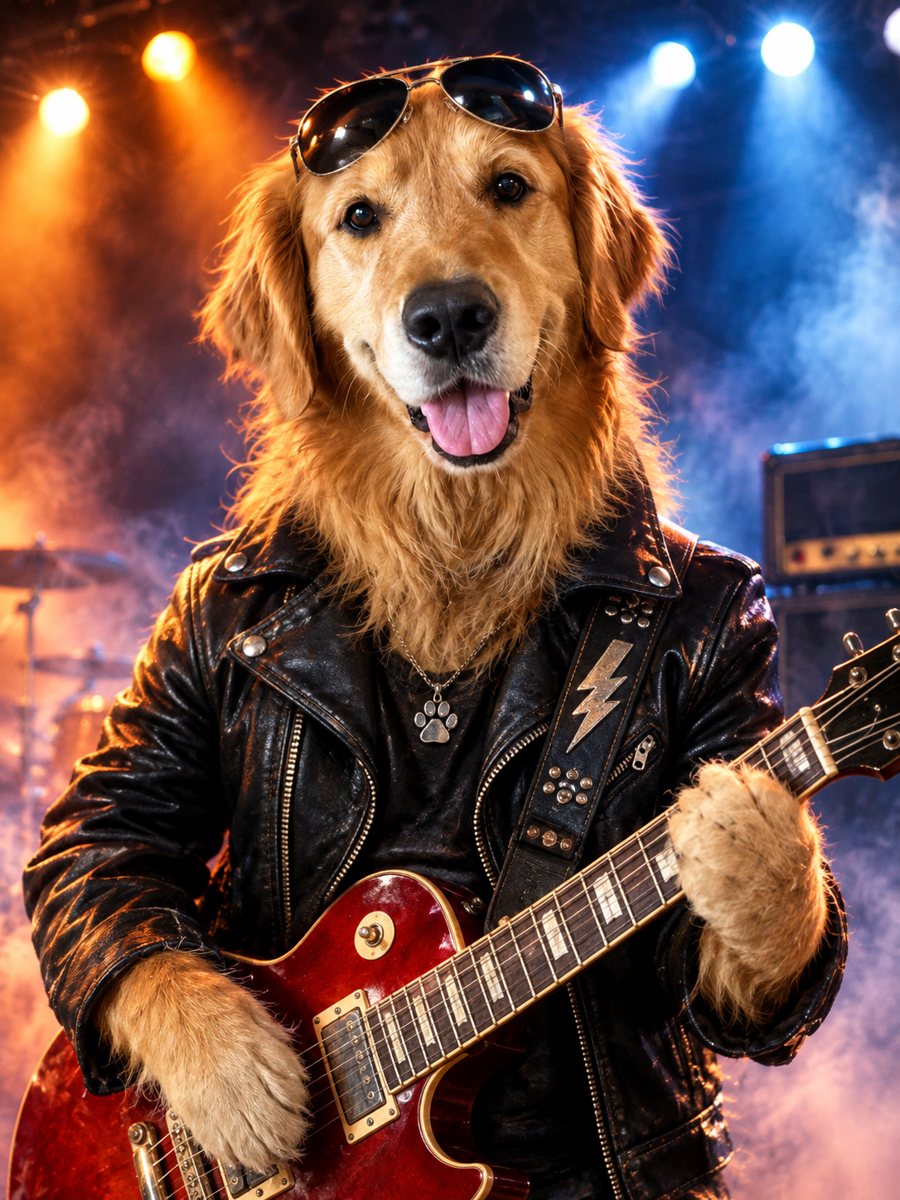 Turn your pet into a rock starTurn your dog or cat into a rock star with a leather jacket, sunglasses and a guitar on a smoky stage....
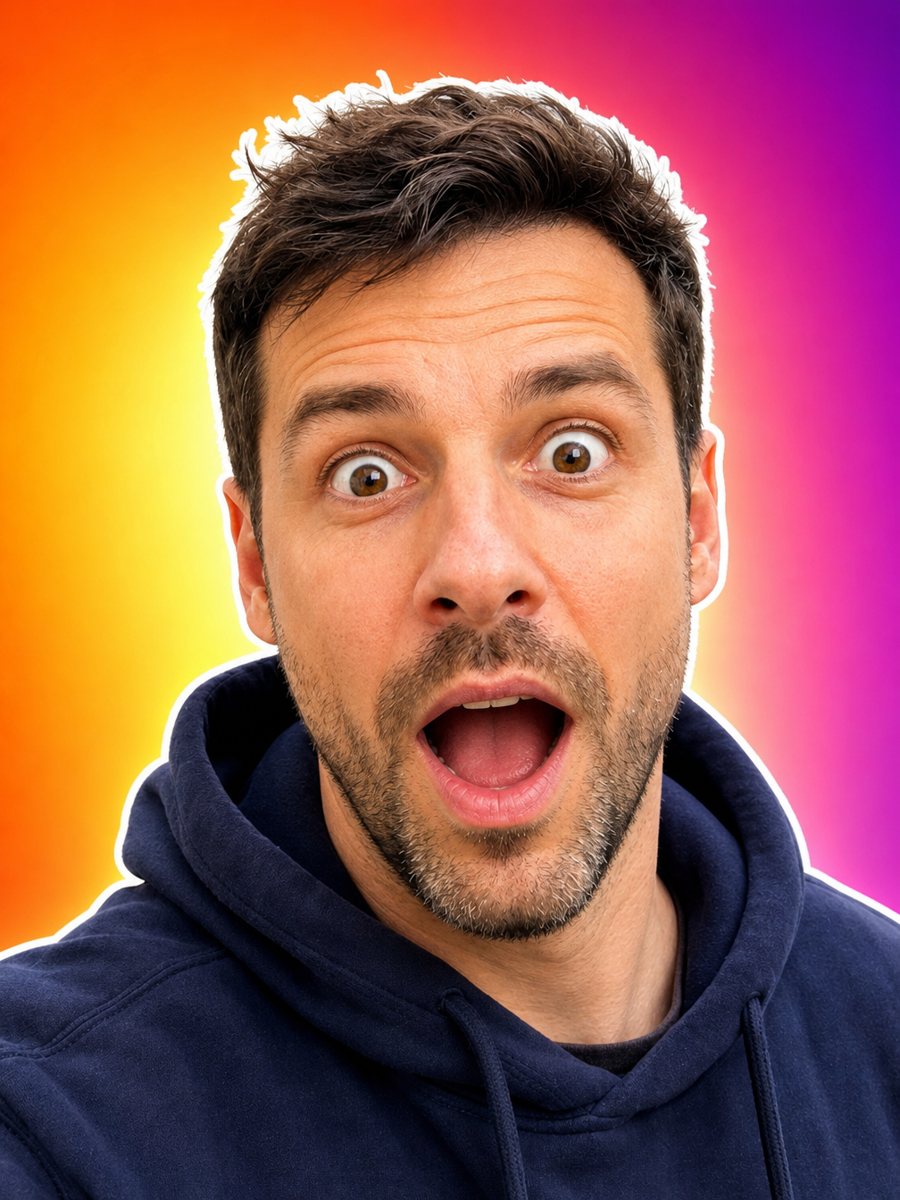 Make an expressive face for your video thumbnailTurn your photo into an expressive thumbnail portrait with a surprised face, white outline and bright...
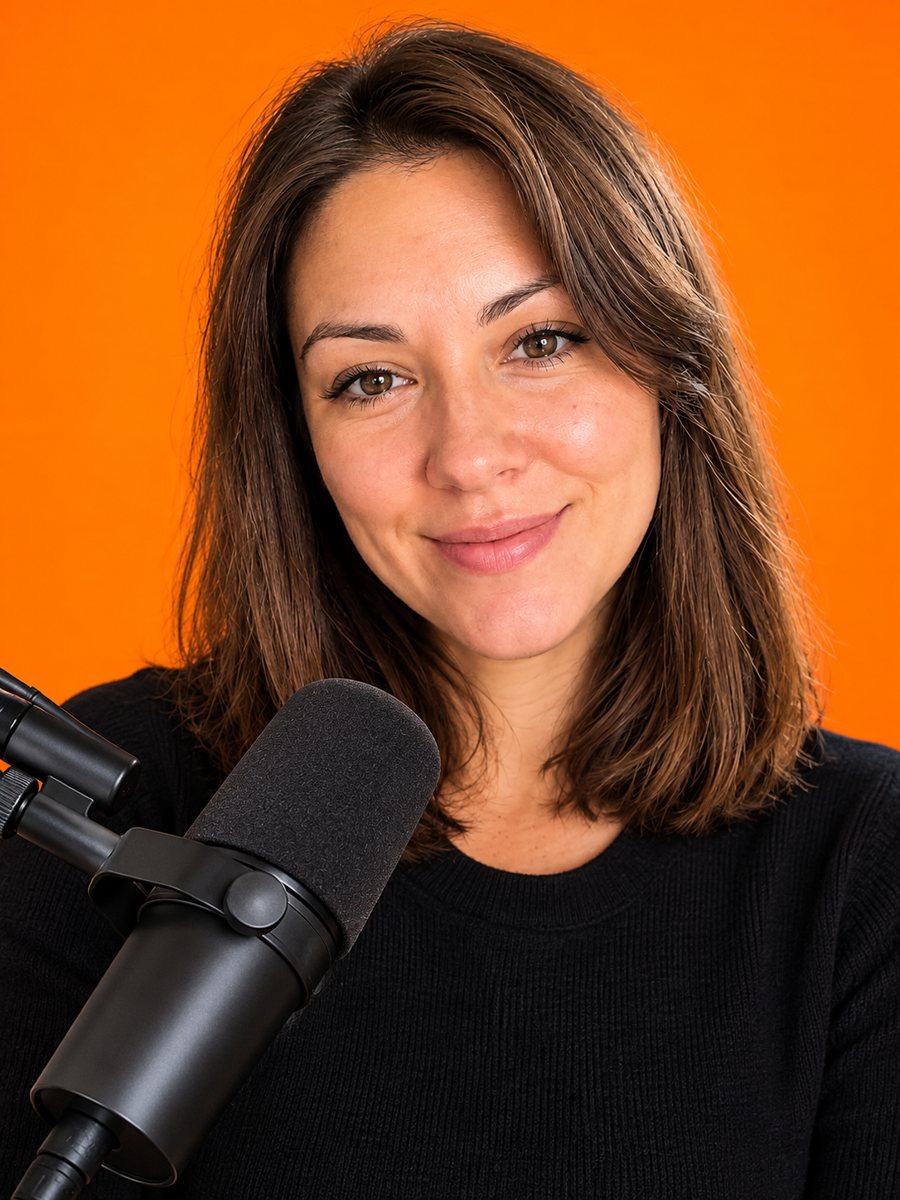 Create a podcast cover portrait from your photoTurn a photo into a podcast cover portrait with a warm orange backdrop and a studio microphone. Copy the...
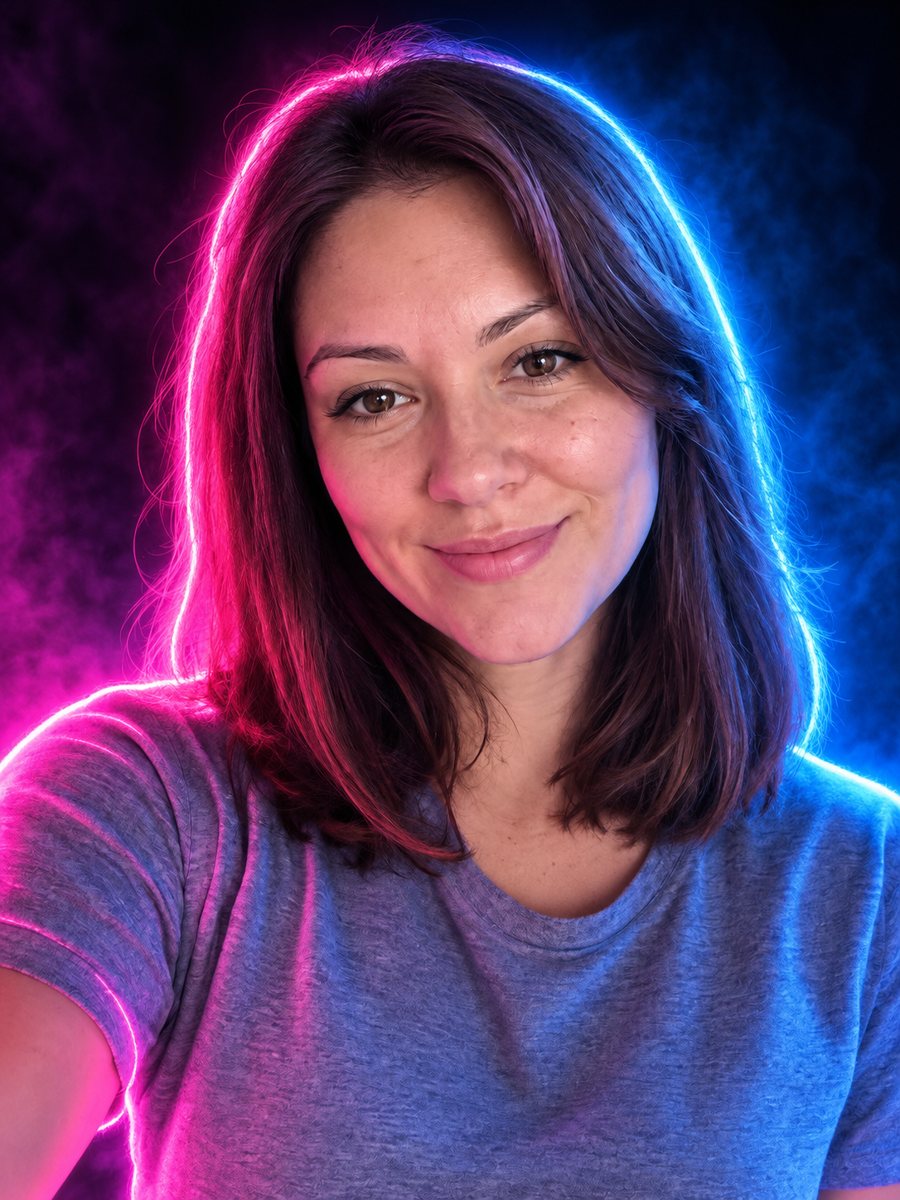 Turn your photo into a neon glow portraitTurn a portrait into a neon sign style image with pink and blue glowing outlines on a dark background....