Create a podcast cover portrait from your photo
You get a graphic host portrait for a podcast cover: a bold flat warm orange background, a studio microphone in the frame, punchy contrast and a clean look that reads at thumbnail size. Press the button and send one photo.
- 2 credits per image
- Result in 1–2 minutes
- No sign-up
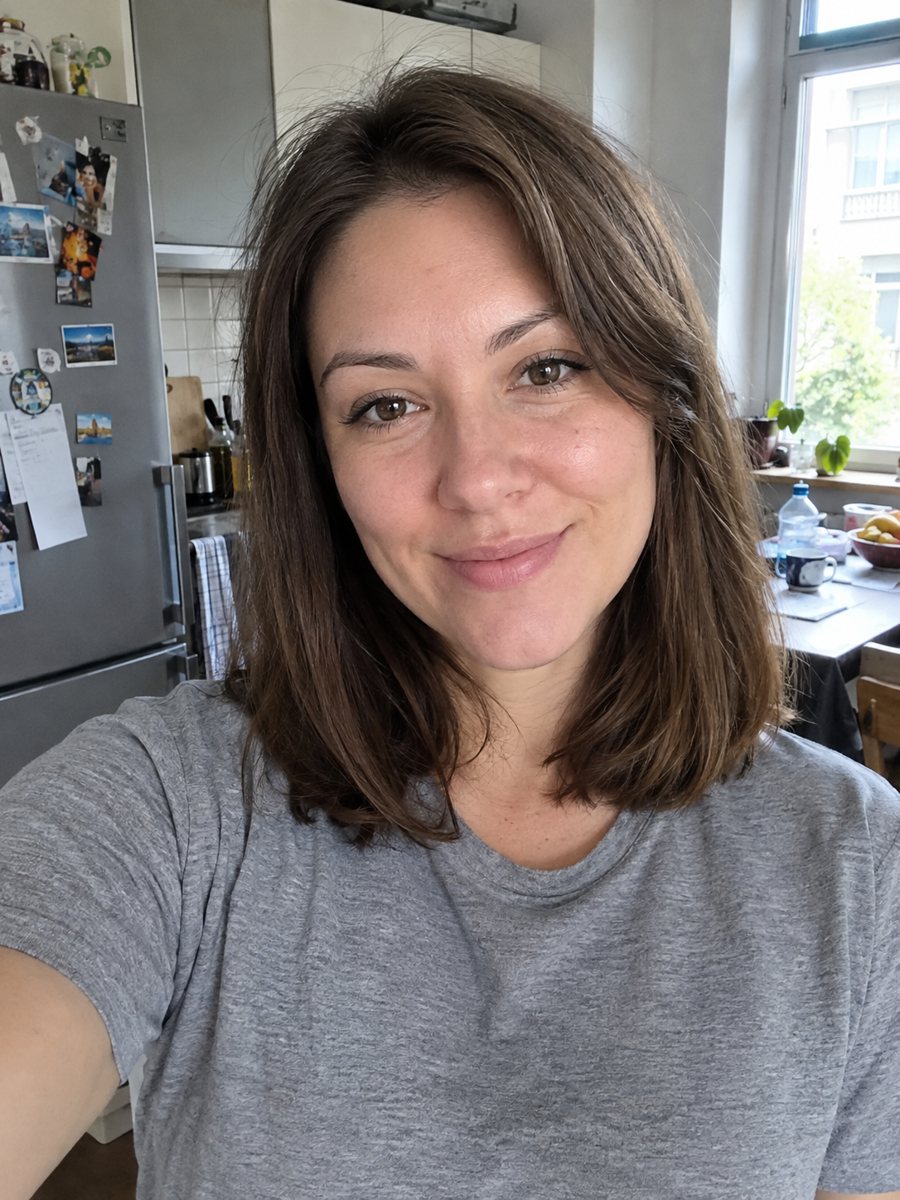
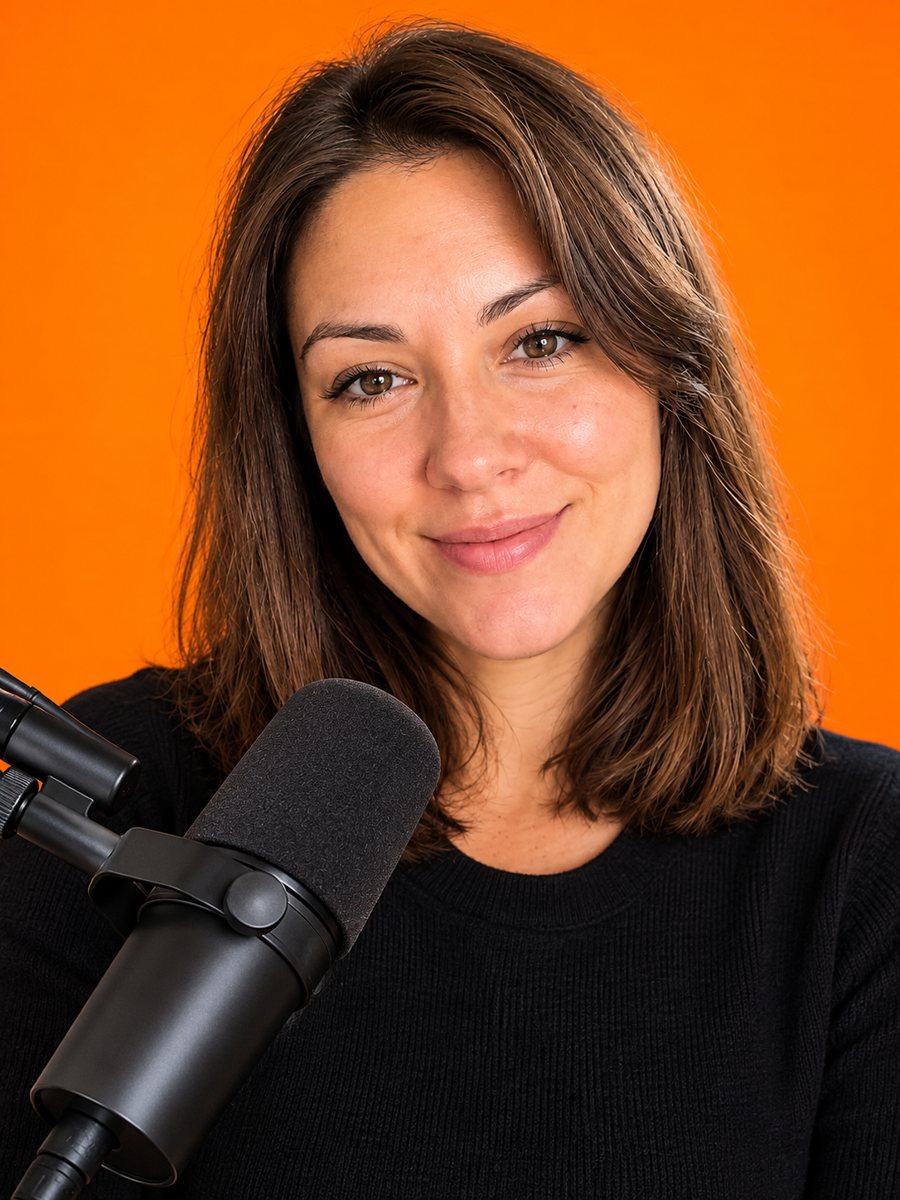 BeforeAfter
In short: Turn a photo into a podcast cover portrait with a warm orange backdrop and a studio microphone. Copy the free prompt or use the Telegram bot, 7 images free.
- Where: the VisuMate bot in Telegram, no app or sign-up.
- Cost: 2 credits per image, 7 images free, then packs from 49 Telegram Stars.
- Time: 1 to 2 minutes per image, rerun with a new instruction at the same price.
When you need this
- Your show launches and the cover needs your face in a style that works in a tiny square.
- The current cover is a cluttered photo that is hard to read in a podcast app.
- You want matching host portraits for a series with several hosts.
How to do it
- 1
Tap the button above. The bot opens in Telegram with the podcast cover portrait style chosen for you, press Start if needed.
- 2
Send your photo as a file. A short caption works, for example: teal background, headphones on.
- 3
In 1 to 2 minutes you get the image and 2 credits are used. Check the face at thumbnail size, and rerun if something drifted.
Try it on your own photo: 7 images are free, no sign-up.
Make it in TelegramThe prompt behind this style
Turn this photo into a podcast cover portrait. Keep the face, features and expression exactly recognizable. A bold flat colored background in warm orange, a studio microphone in the frame, punchy contrast, clean graphic look that reads at thumbnail size. Vertical 3:4, no text.
A cover that reads small
Podcast apps show covers at very small sizes, so the design needs strong shapes, flat color and a clear face. The prompt gives a bold orange background, a microphone and high contrast. There is no text, so you can place your title in any design app without clashing. The result is a vertical 3:4 portrait that you can crop to the square covers require.
Getting the best crop
Podcast directories require a square cover, often at least 1400 by 1400 pixels, but check the current rules of your platform. The bot returns a vertical image, so crop it and scale carefully. Keep the face in the upper part and leave room for the title. If the microphone covers your mouth, ask for it to sit lower. Warm colors stand out in lists, but you can pick your own.
Honest use
The portrait is an AI generated image based on your photo. Listeners often expect a real host, and some podcast platforms and sponsors may care about AI images, so be open about it where it matters. A real photo works better for live events and press. Rerun for 2 credits if the face or the microphone looks wrong. When the image arrives, look at the face at thumbnail size first, since that is where drift shows up most.
Tips
- Send a bright front-facing photo with a clear expression.
- Change the backdrop color in the caption to match your brand.
- Ask for headphones if you want the audio feel.
- Add your show title in a design app, since the image has no text.
- Test the cover at 150 pixels wide to see if the face still reads.
Questions and answers
Can I change the orange?
Yes. Ask for another color in the caption.
Will it add my podcast title?
No. Add text in a design tool.
What size is the cover?
The bot returns a vertical 3:4 image. Crop to the square your platform requires.
Is it a real photo?
No. It is an AI generated image.
Does it work for two hosts?
The prompt is for one person. Make two portraits and combine them.
Is the bot in English?
The bot replies in English, and the link from this page opens the right mode.
More in "Photo styles"
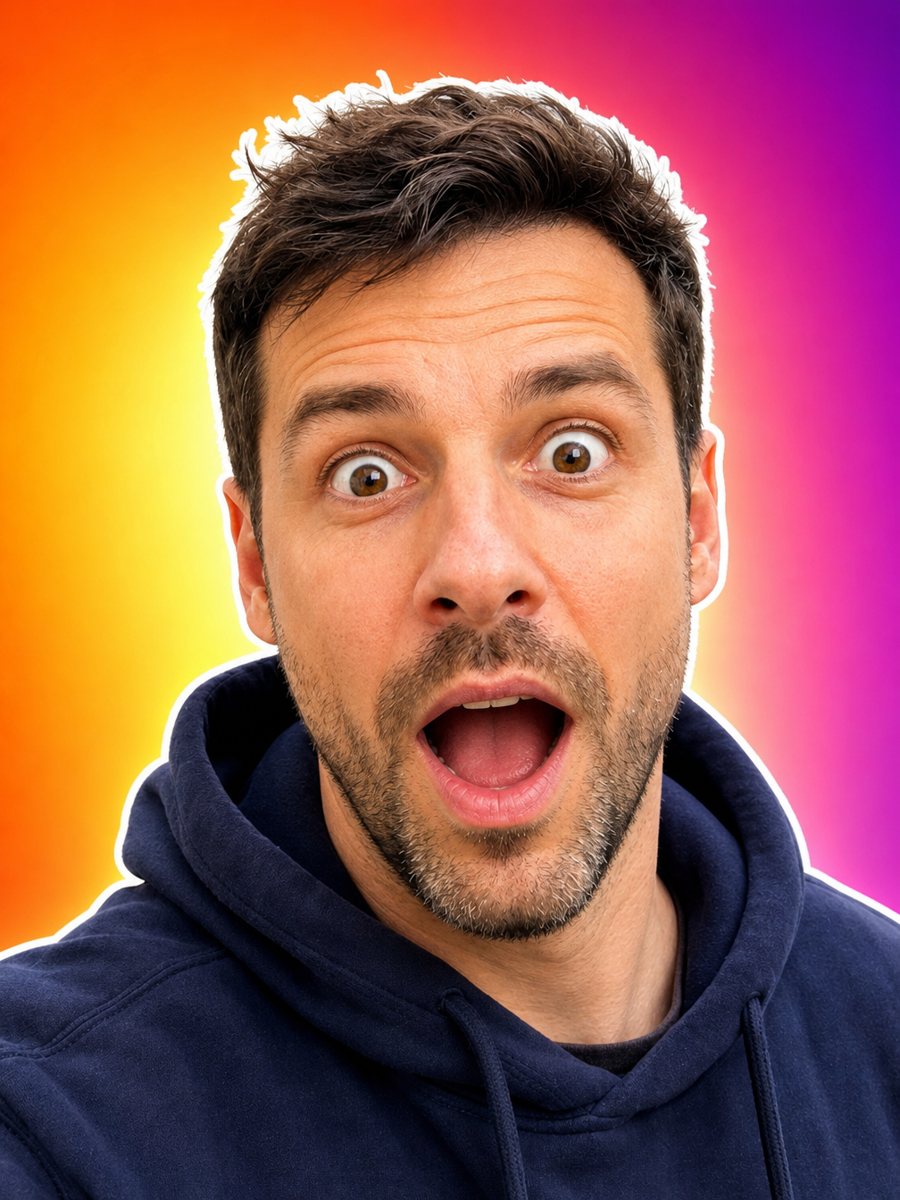 Make an expressive face for your video thumbnailTurn your photo into an expressive thumbnail portrait with a surprised face, white outline and bright...
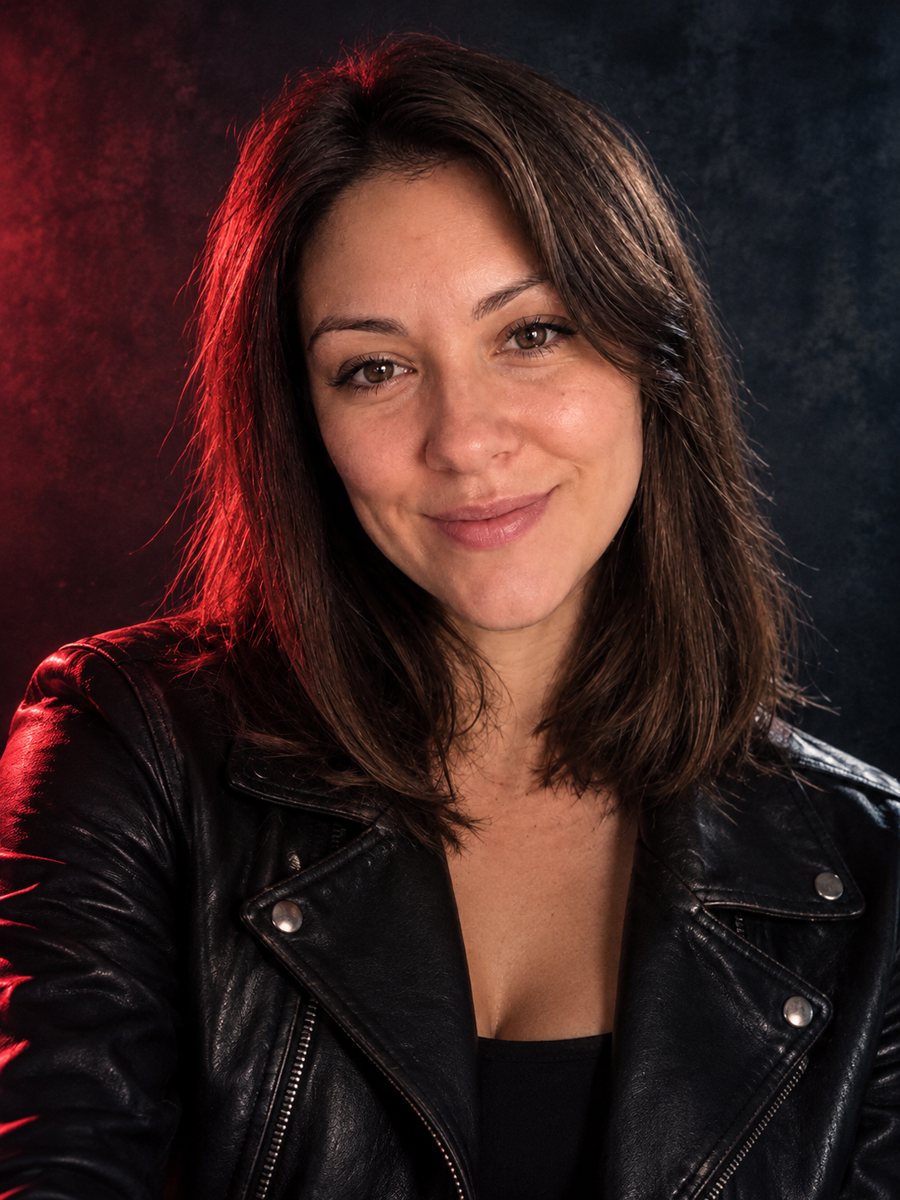 Create a musician press photo from a regular photoTurn a photo into a moody musician press photo with colored gel light, a dark backdrop and a leather...
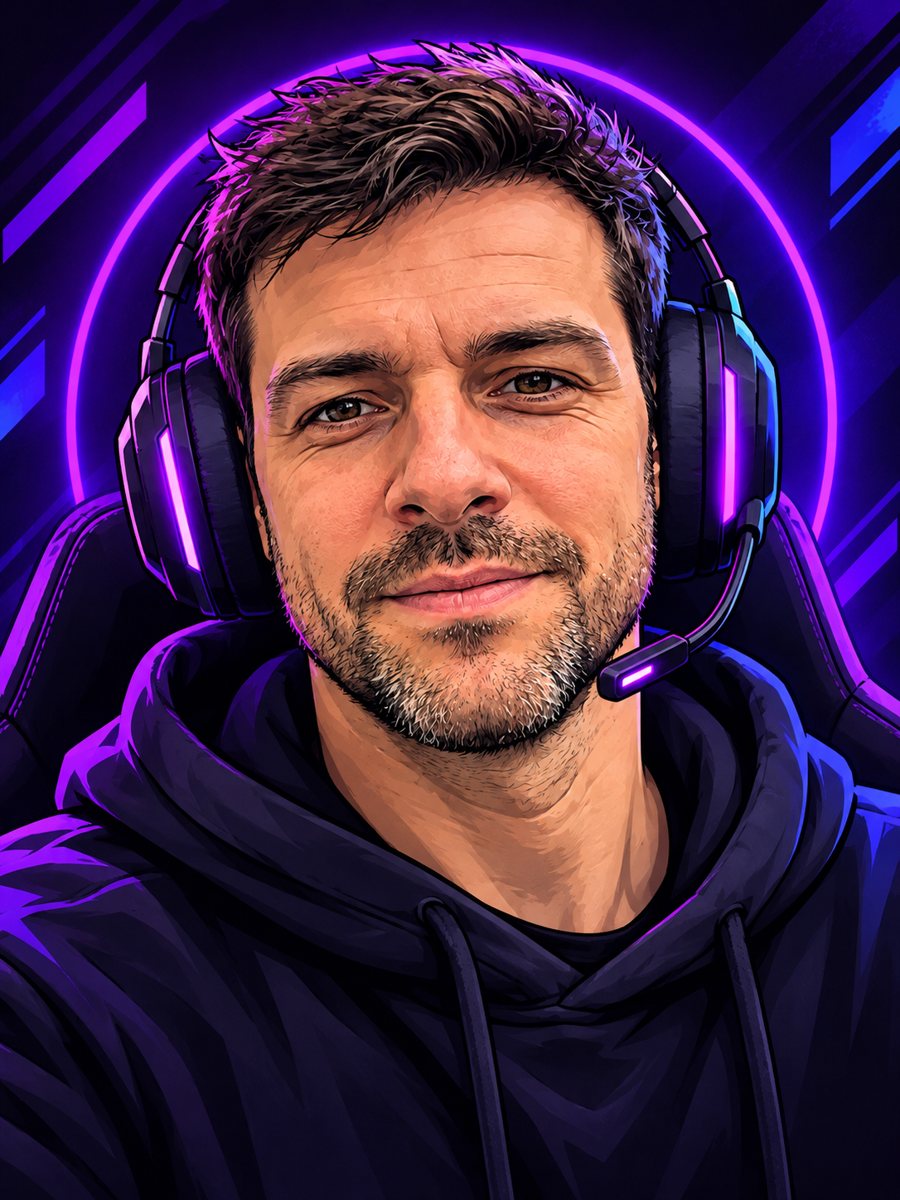 Create a cartoon streamer avatar from your photoTurn a photo into a bold cartoon streamer avatar with a headset and neon accents. Copy the ready prompt or...
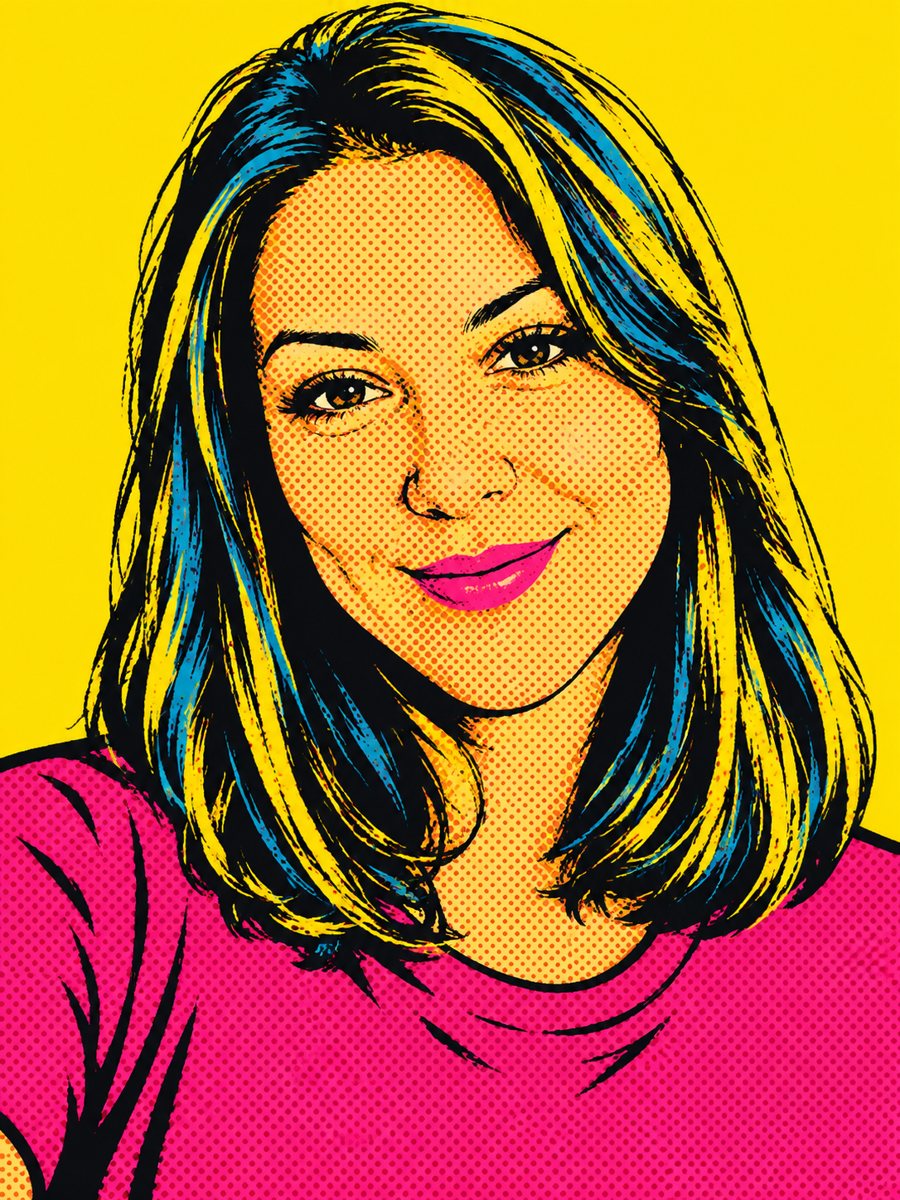 Create a pop art portrait from your photoMake a 1960s silkscreen pop art portrait from your photo with bold flat colors and halftone dots. Ready...
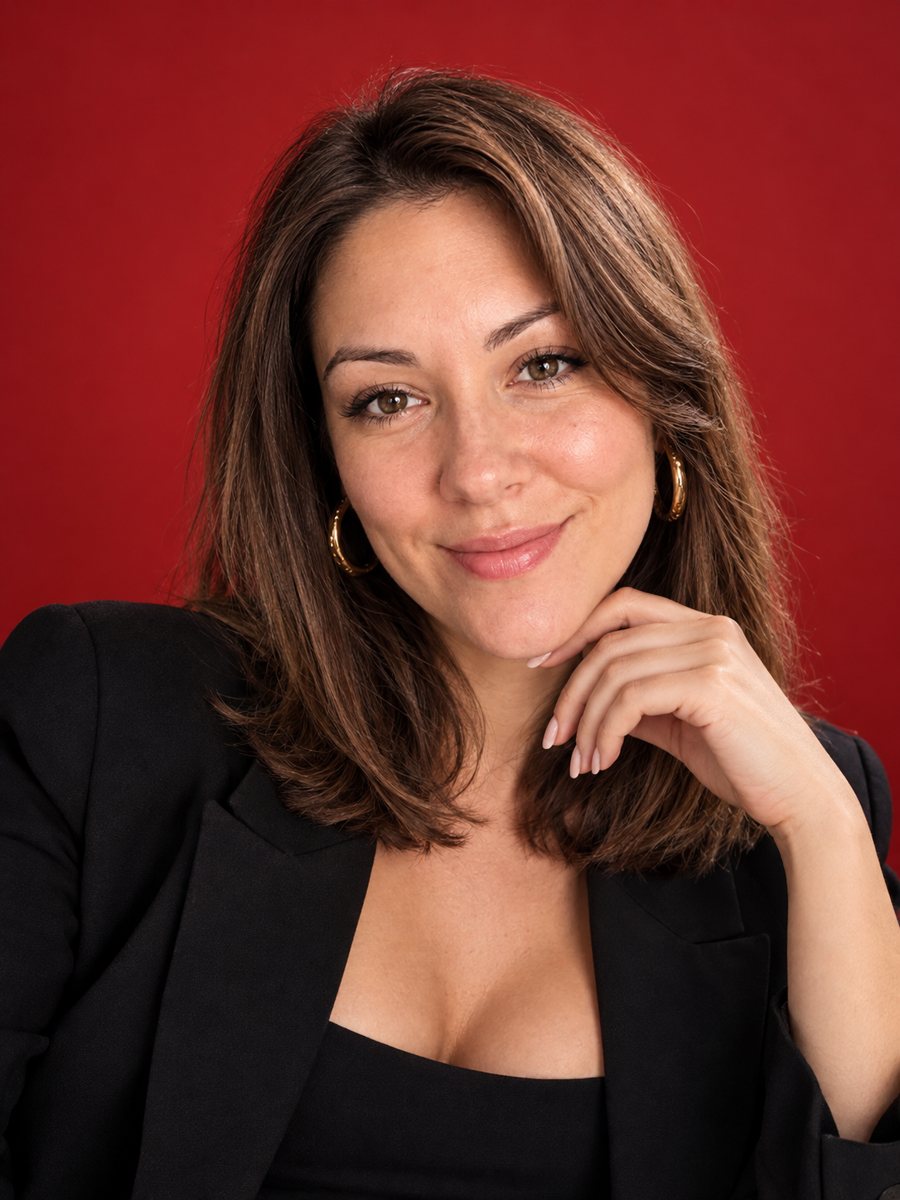 Put yourself on a glossy fashion magazine coverTurn a photo into a glossy fashion magazine cover portrait with space for a title. Copy the ready prompt...