Make an expressive face for your video thumbnail
The bot redraws your photo as a thumbnail-ready portrait: a wide-eyed, open-mouth surprised expression, saturated colors, a crisp cutout with a thin white outline and a bright gradient background. Your face stays recognizable. Press the button and send one photo.
- 2 credits per image
- Result in 1–2 minutes
- No sign-up
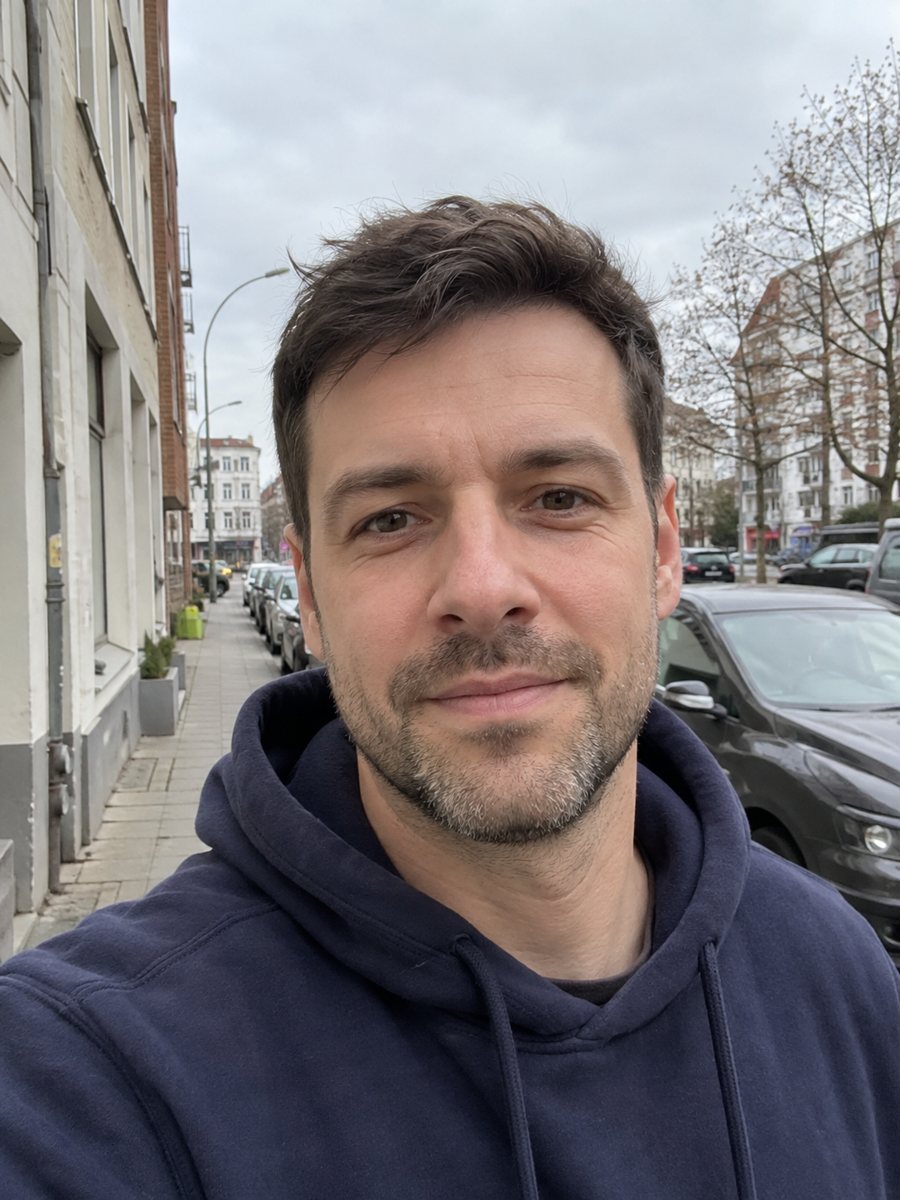
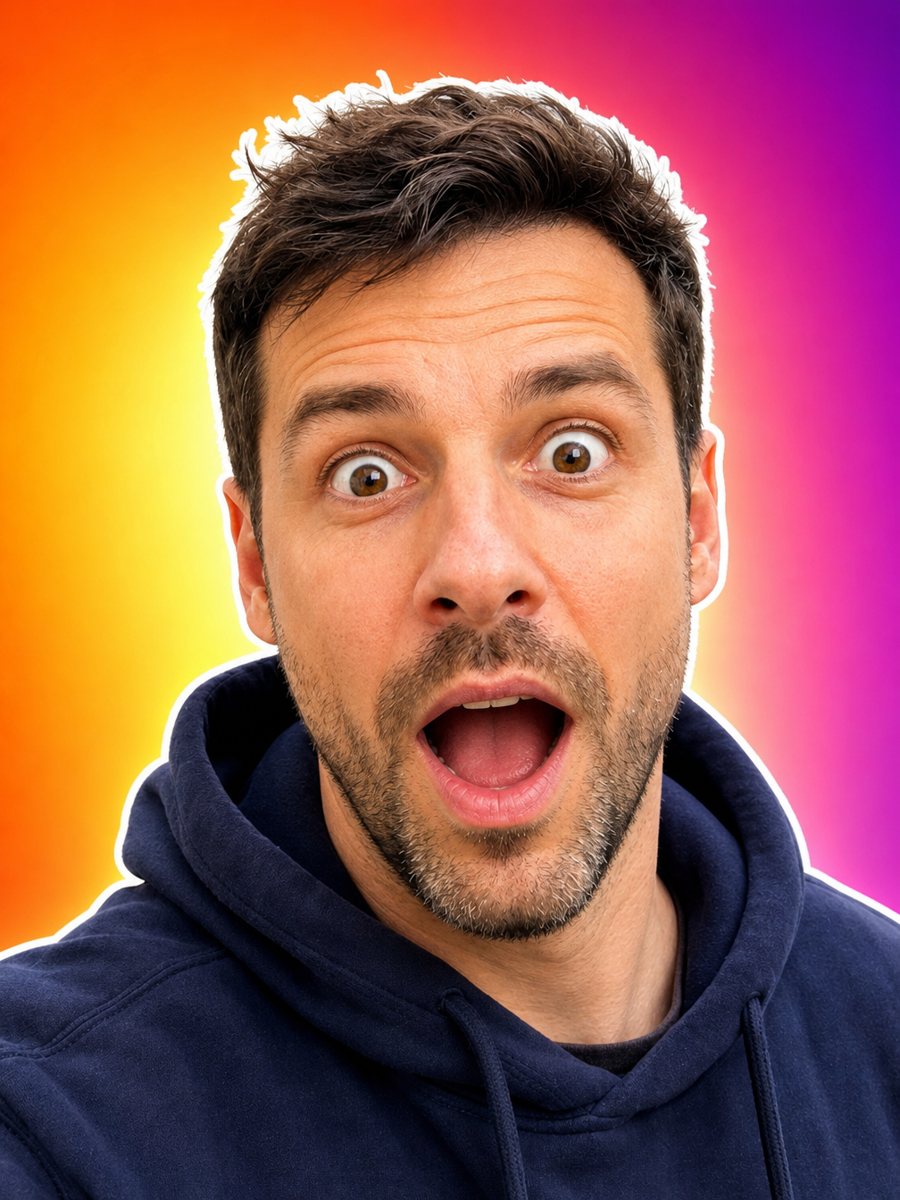 BeforeAfter
In short: Turn your photo into an expressive thumbnail portrait with a surprised face, white outline and bright background. Copy the prompt or open the Telegram bot.
- Where: the VisuMate bot in Telegram, no app or sign-up.
- Cost: 2 credits per image, 7 images free, then packs from 49 Telegram Stars.
- Time: 1 to 2 minutes per image, rerun with a new instruction at the same price.
When you need this
- You have a good video but your own photo looks too calm in the thumbnail.
- Cutting yourself out of a photo by hand takes time for every upload.
- You want a bold face on a bright background and you do not have a photographer.
How to do it
- 1
Tap the button on this page. Telegram opens the bot with the thumbnail style selected, press Start if it asks.
- 2
Send one clear photo of your face as a file. Add a caption like: orange background, shocked but smiling.
- 3
Wait 1-2 minutes, 2 credits are used. Check that the outline is clean around the hair and shoulders, then rerun if it is rough.
Try it on your own photo: 7 images are free, no sign-up.
Make it in TelegramThe prompt behind this style
Turn this photo into an expressive video thumbnail portrait. Keep the face recognizable. Exaggerated surprised expression with wide eyes and open mouth, saturated colors, crisp cutout with a thin white outline, bright gradient background. Vertical 3:4, no text.
Why exaggerated faces
A thumbnail is seen at a very small size next to many others. A clear face with a big expression and strong colors reads quickly, which is why many creators use it. The prompt asks for wide eyes, an open mouth, saturated colors and a thin white outline that separates the face from the background. The background is a bright gradient, so you can drop the cutout onto a video frame or keep it as it is. The prompt asks for no text.
Putting it into a thumbnail
Generate the face, download it, and place it in your design app next to your title text. The standard YouTube thumbnail size is 1280×720, and this image is vertical 3:4, so you will crop or position it. If the outline looks uneven, rerun the style. If the face looks too different from you, ask for a smaller expression in the caption. Keep the claims in your thumbnail honest and match the real content of the video. The bot does not write titles or edit video.
Tips
- Use a photo with a clear view of your face and shoulders and no one standing behind you.
- Name the background color you want in the caption to contrast with your video's theme.
- The expression is exaggerated on purpose, so say if you prefer something milder.
- Leave room on one side when you place the face, since the title text goes beside it.
- Check how it looks at the small size used in search results before you upload.
Questions and answers
Will the expression look natural?
It is exaggerated on purpose, with wide eyes and an open mouth. You can ask for a milder one in the caption.
Does it remove the background?
It produces a cutout look with a thin white outline on a bright gradient background.
Is the size right for YouTube?
The image is vertical 3:4. Crop or place it into a 1280×720 thumbnail in a design app.
Will it add text?
No. The prompt asks for no text. Add your title in a design app.
How much is one image?
2 credits. New users get 15 free credits.
Does the bot work in English?
Yes. It picks up your Telegram language on first launch and replies in English. You can switch the language any time with /lang.
More in "Photo styles"
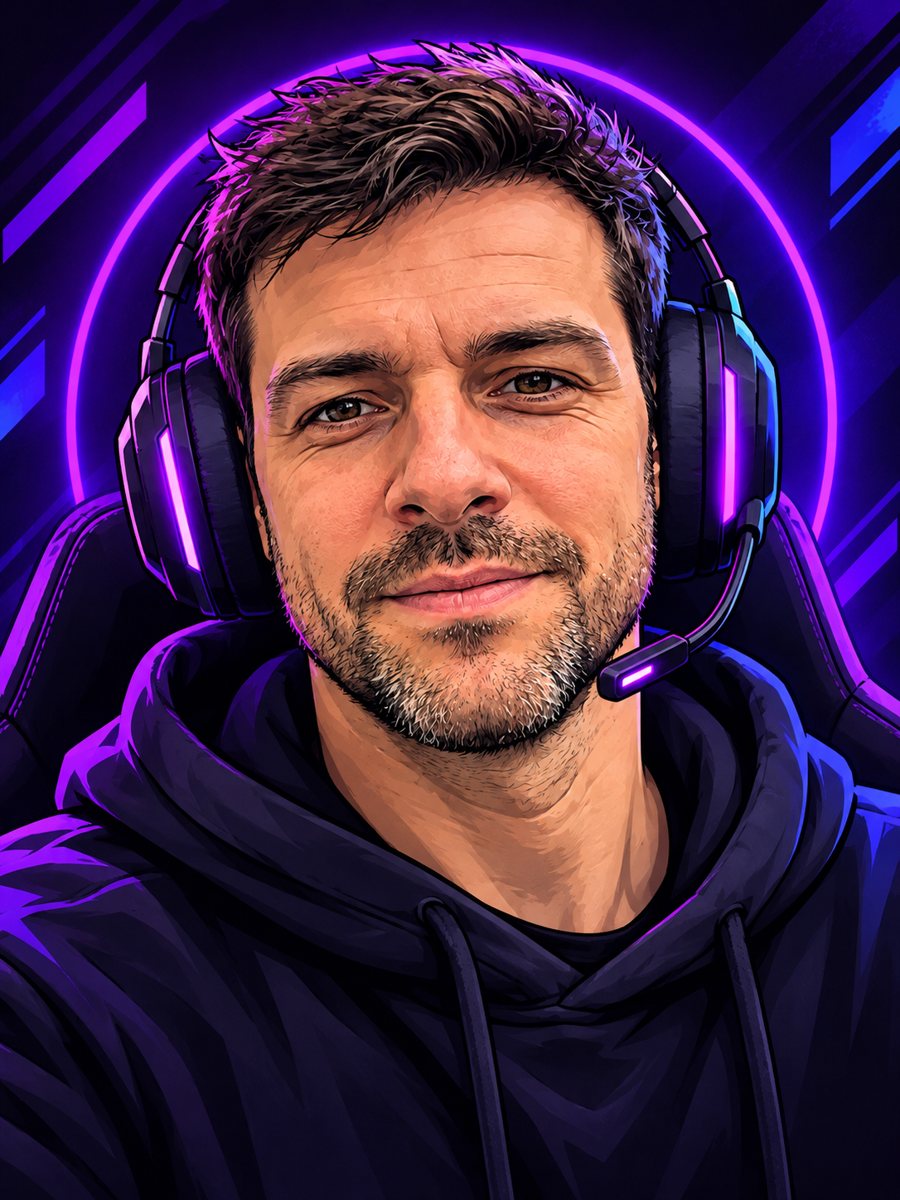 Create a cartoon streamer avatar from your photoTurn a photo into a bold cartoon streamer avatar with a headset and neon accents. Copy the ready prompt or...
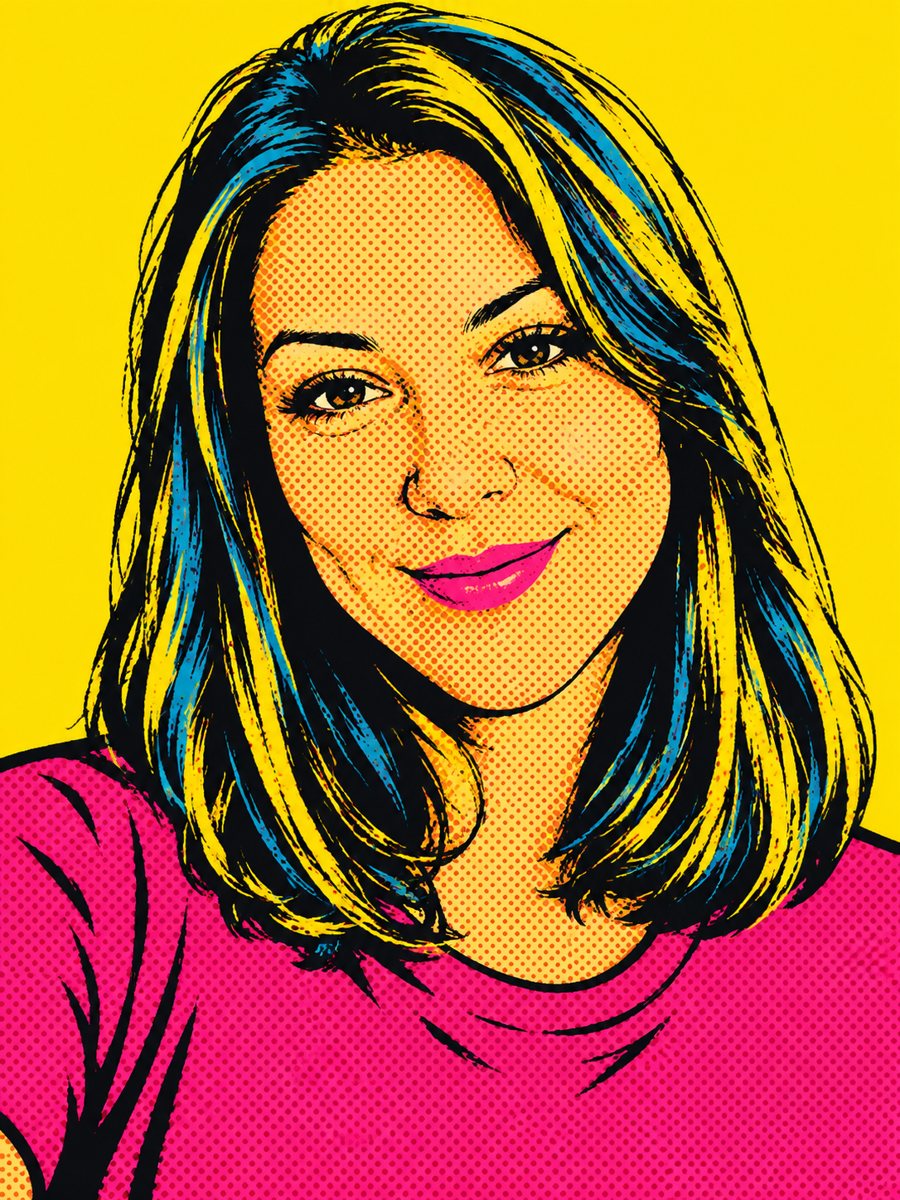 Create a pop art portrait from your photoMake a 1960s silkscreen pop art portrait from your photo with bold flat colors and halftone dots. Ready...
 Put yourself on a glossy fashion magazine coverTurn a photo into a glossy fashion magazine cover portrait with space for a title. Copy the ready prompt...
 Turn your photo into an action movie posterTurn a photo into a cinematic action movie poster with teal and orange grading, rain and explosions. Copy...