Turn your photo into a linocut print
You get a portrait that looks carved into linoleum and printed by hand: bold black ink shapes on cream paper, rough carved lines, no more than two colors and slightly uneven ink. Press the button, send a photo and wait about two minutes.
- 2 credits per image
- Result in 1–2 minutes
- No sign-up
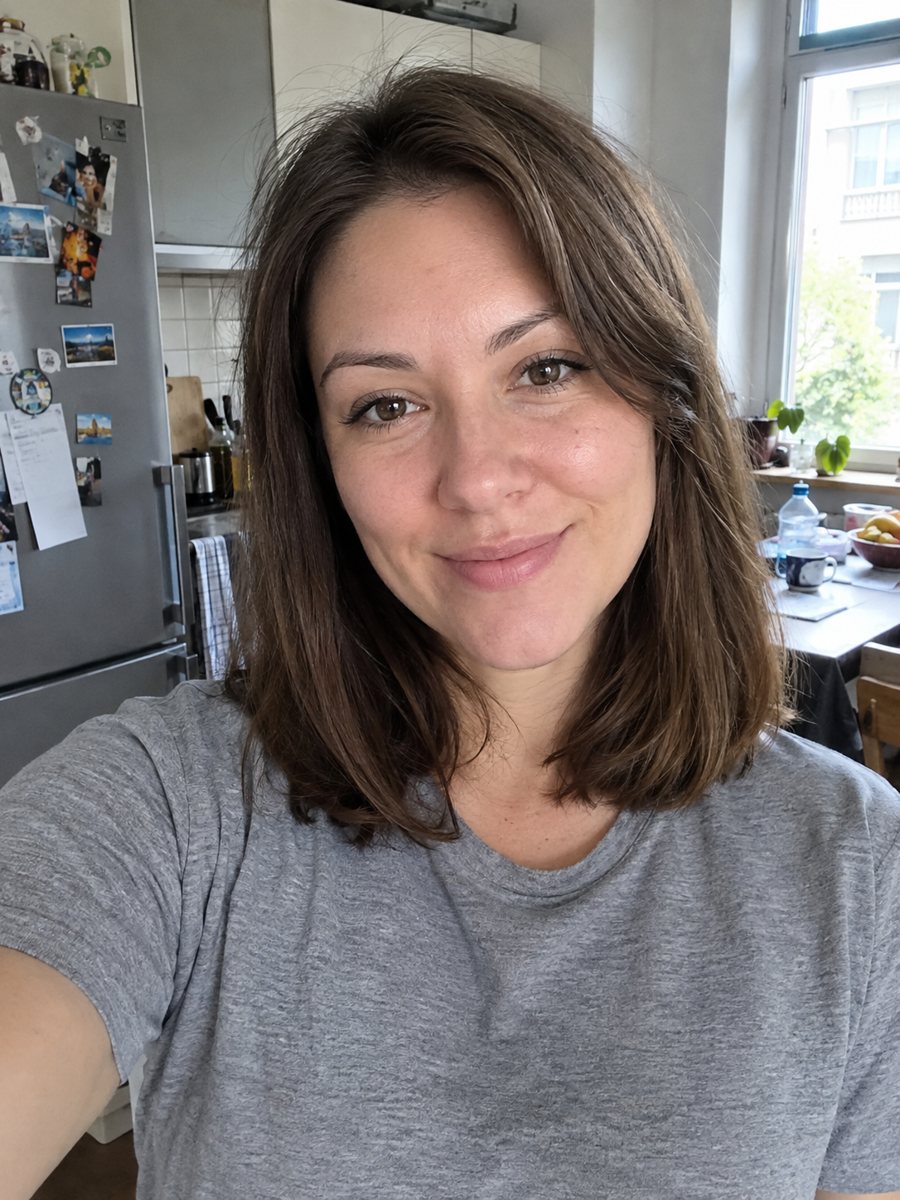
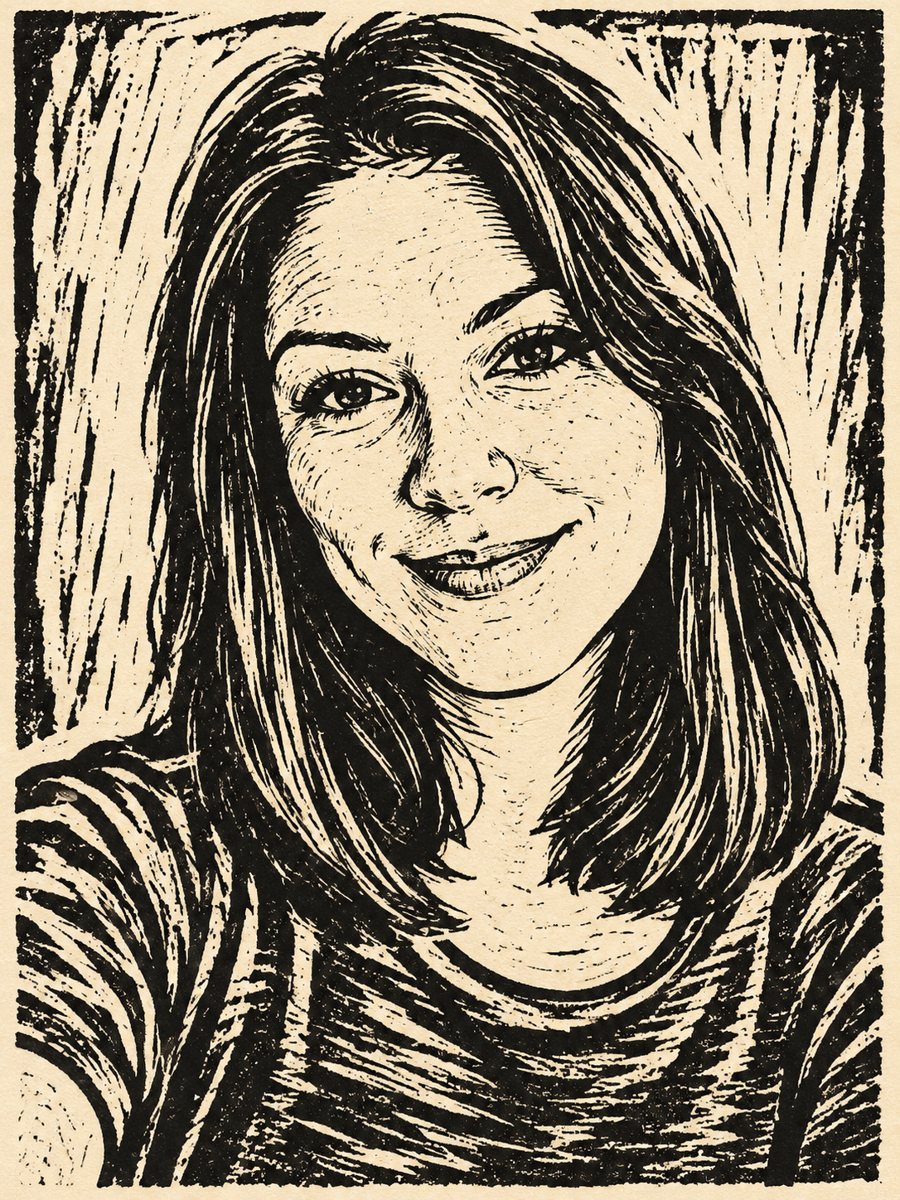 BeforeAfter
In short: Turn a photo into a hand carved linocut print with bold black shapes on cream paper. Copy the free prompt or use the Telegram bot, 7 images free.
- Where: the VisuMate bot in Telegram, no app or sign-up.
- Cost: 2 credits per image, 7 images free, then packs from 49 Telegram Stars.
- Time: 1 to 2 minutes per image, rerun with a new instruction at the same price.
When you need this
- You want a graphic portrait for a poster, a tote bag design or a band flyer.
- Smooth digital filters feel too clean and you want a rough handmade look.
- An art teacher or student needs a quick reference for the block print style.
How to do it
- 1
Tap the button above. The bot opens in Telegram with the linocut print portrait style chosen for you, press Start if needed.
- 2
Send your photo as a file. A short caption works, for example: black and red ink, bold shadows.
- 3
In 1 to 2 minutes you get the image and 2 credits are used. Check the carved lines, and rerun if something drifted.
Try it on your own photo: 7 images are free, no sign-up.
Make it in TelegramThe prompt behind this style
Turn this photo into a hand carved linocut print. Keep the face recognizable. Bold black ink shapes on cream paper, rough carved texture lines, two colors at most, slightly uneven ink coverage. Vertical 3:4, no text.
The linocut technique
In linocut, an artist cuts a design into linoleum, rolls ink over the surface and presses it on paper. Only the raised parts print, so there are no smooth gradients. The prompt asks for bold black shapes, cream paper, rough carved texture and uneven ink. Faces turn into flat black and white areas with cut lines for shading. The style is common in posters, album covers and packaging.
Getting better prints
The AI converts shadows into black blocks. A photo with a clear light side and a dark side gives the best structure. If too much black swallows the face, ask for less ink around the eyes. A second color adds a spot of accent. Mention the color in the caption. Cream paper is the default, but you can ask for white or kraft.
Limits
The result looks printed but is a digital image. Small details like stubble or lashes may merge into black areas. Line patterns can repeat in a way a real carver would avoid. It is not a file for cutting real linoleum. If the likeness drifts, rerun for 2 credits. When the image arrives, look at the carved lines first, since that is where drift shows up most.
Tips
- High contrast photos work best because linocut has no gray tones.
- Ask for a second ink color, such as red or teal, in the caption.
- Strong side light gives the carving clear black areas.
- Avoid busy backgrounds that will turn into noisy cut marks.
- Request a thick outline if the face feels too fragile.
Questions and answers
Can I use two colors?
Yes. The prompt allows two at most. Name them in the caption.
Can I print it on a shirt?
The image is a flat picture. Check the file resolution and printing rules of your shop.
Is it black and white?
Mostly. Black ink on cream paper is the default.
Will it look like a real carving?
It imitates the look. A real carved block would differ in many details.
Can I make a group portrait?
The prompt is for one person. Make single portraits and combine them yourself.
Does the bot work in English?
Yes. It picks up your Telegram language on first launch and replies in English. You can switch the language any time with /lang.
More in "Photo styles"
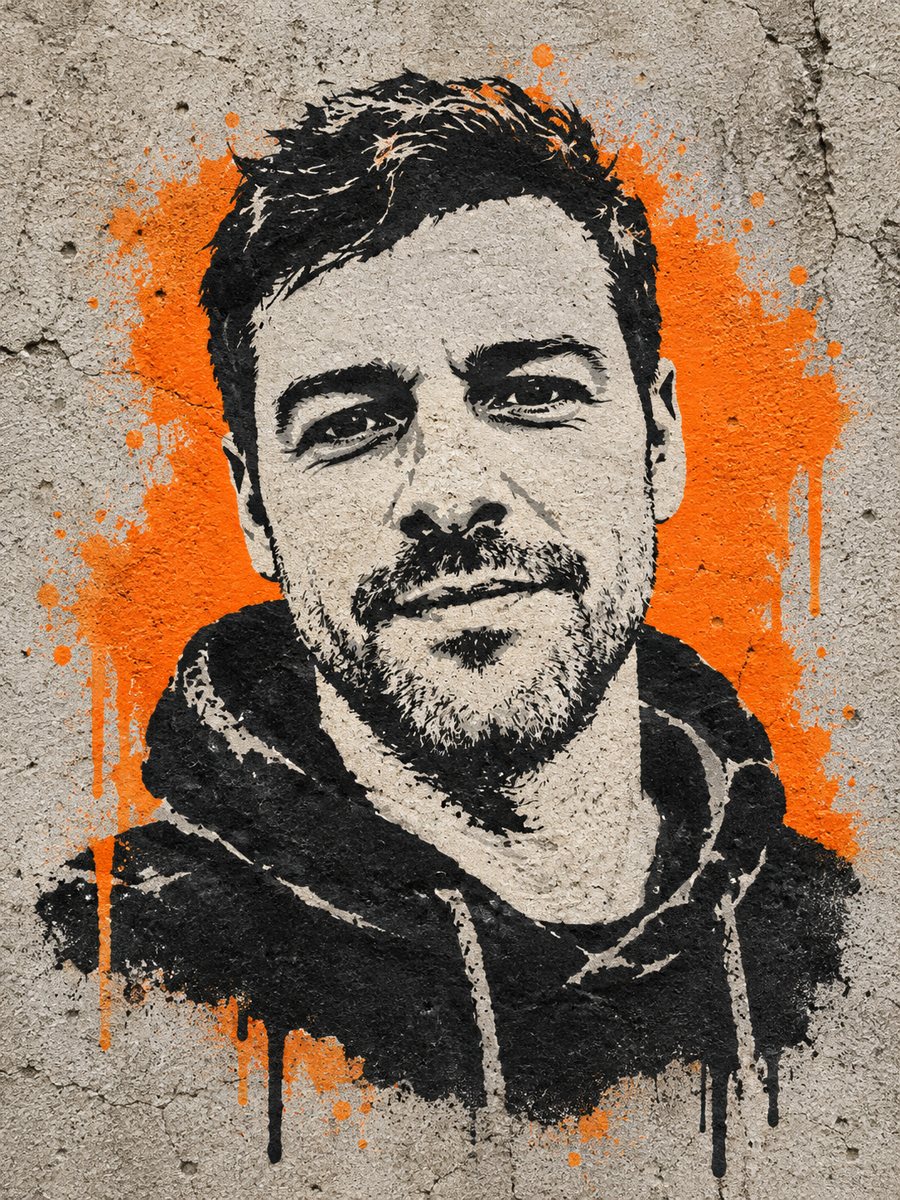 Get a stencil street art portrait sprayed on concreteTurn a photo into a sprayed stencil portrait on a concrete wall with flat colors and one bright accent....
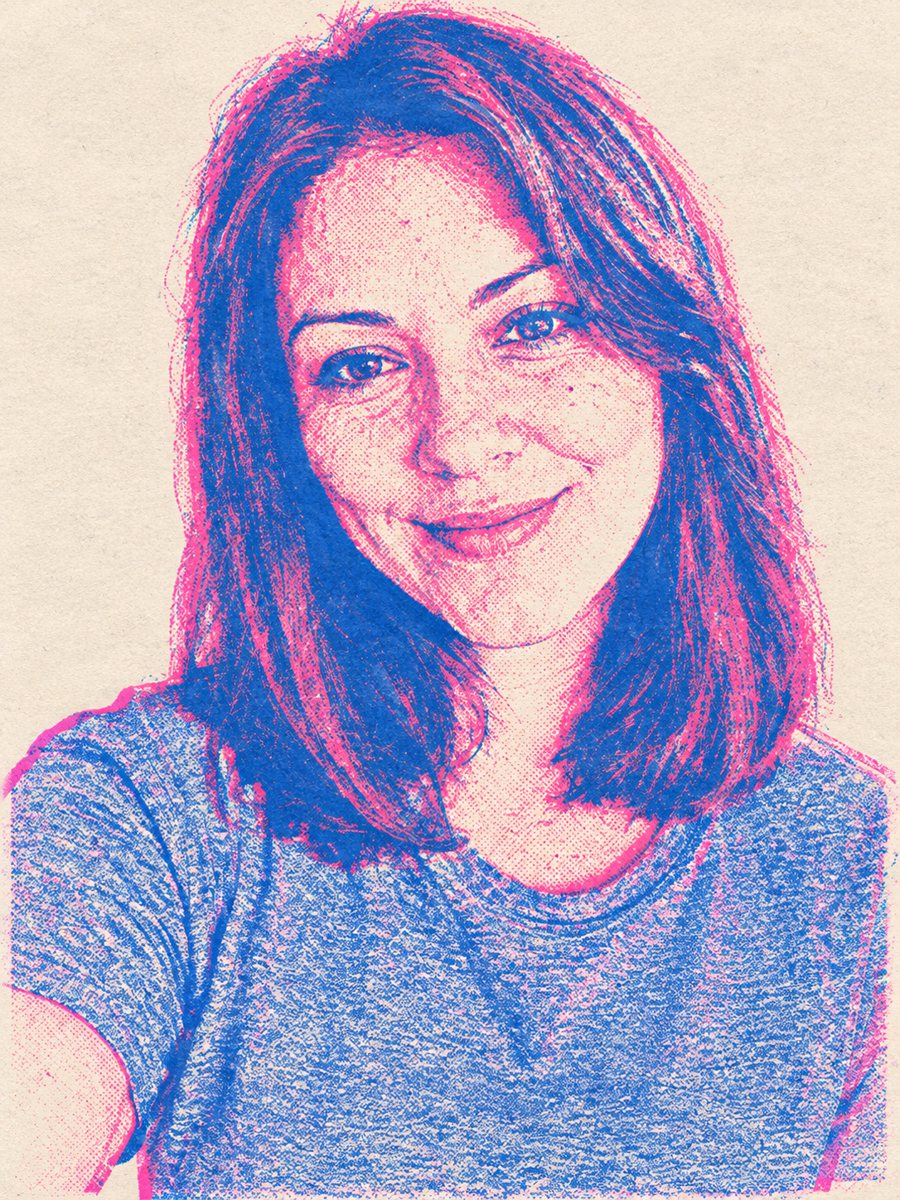 Turn your photo into a risograph-style printGet a two-color risograph portrait with pink and blue ink, grain and layer misregistration. Copy the ready...
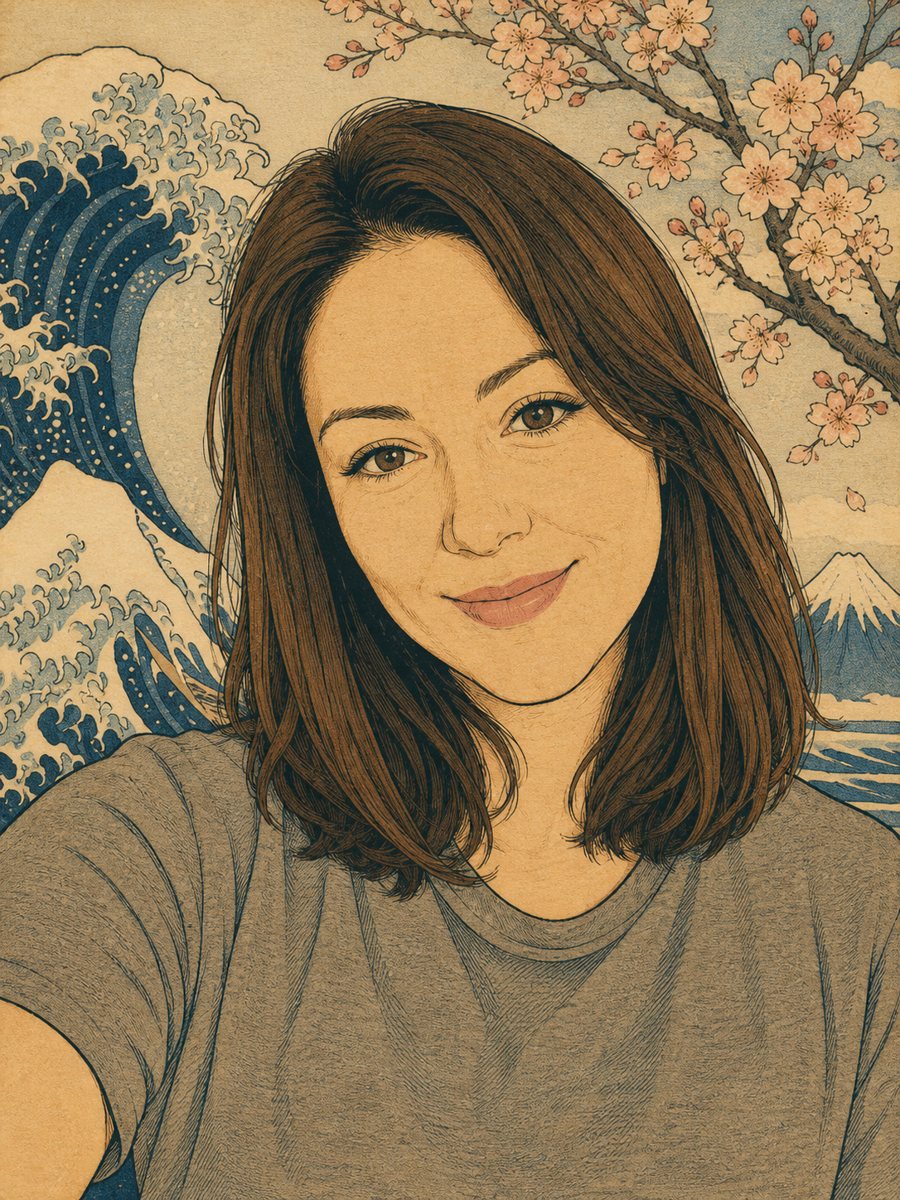 Turn your photo into a Japanese woodblock printRedraw a photo as an ukiyo-e woodblock print with indigo, ochre and cream colors. Copy the ready prompt or...
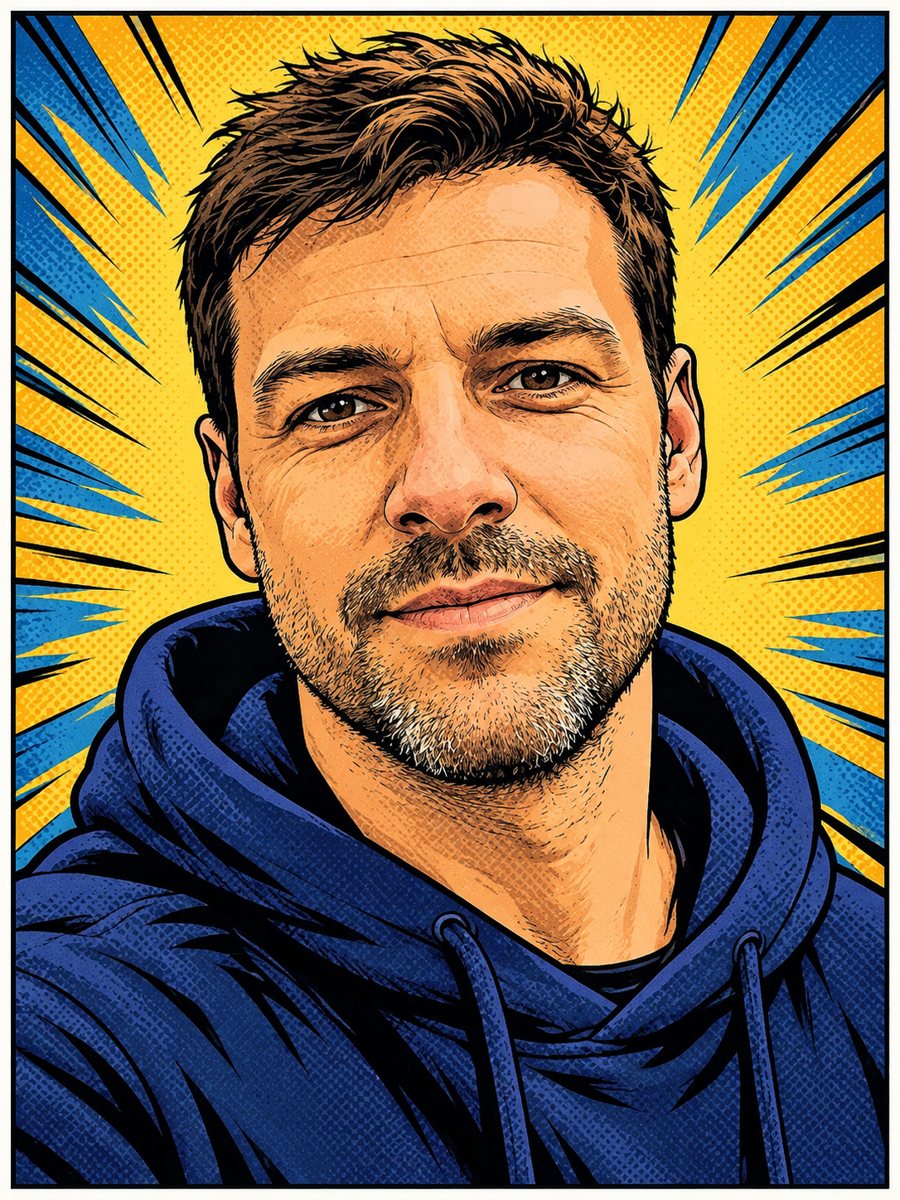 Turn your photo into a comic book panelRedraw your photo as an American comic book panel with bold ink outlines and halftone shading. Copy the...
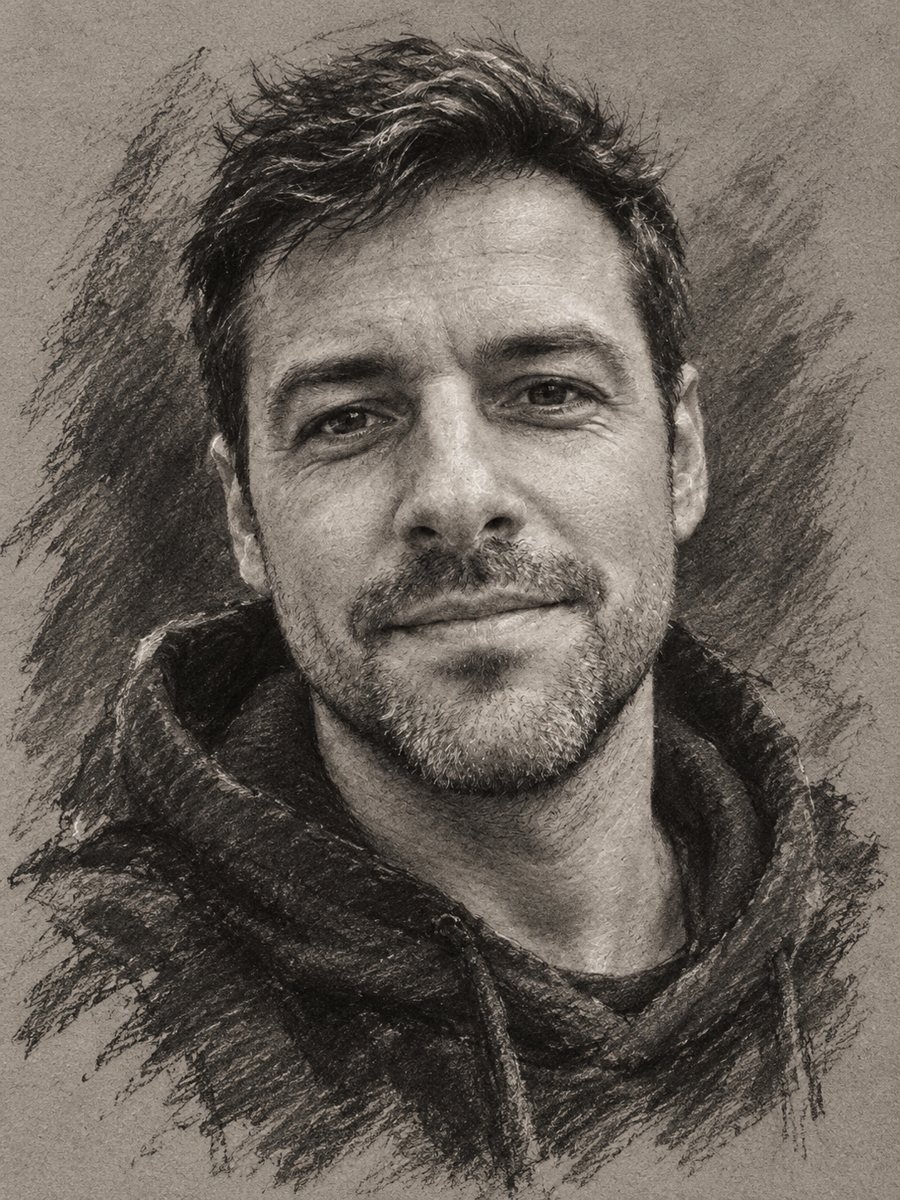 Turn your photo into a charcoal drawingConvert a portrait into an expressive charcoal sketch on gray paper with chalk highlights. Copy the ready...