Get a stencil street art portrait sprayed on concrete
Your photo becomes a stencil portrait sprayed on a rough concrete wall: two or three flat colors, hard edges, slight paint drips and one bright accent color. Your face stays recognizable. Press the button and send one photo.
- 2 credits per image
- Result in 1–2 minutes
- No sign-up
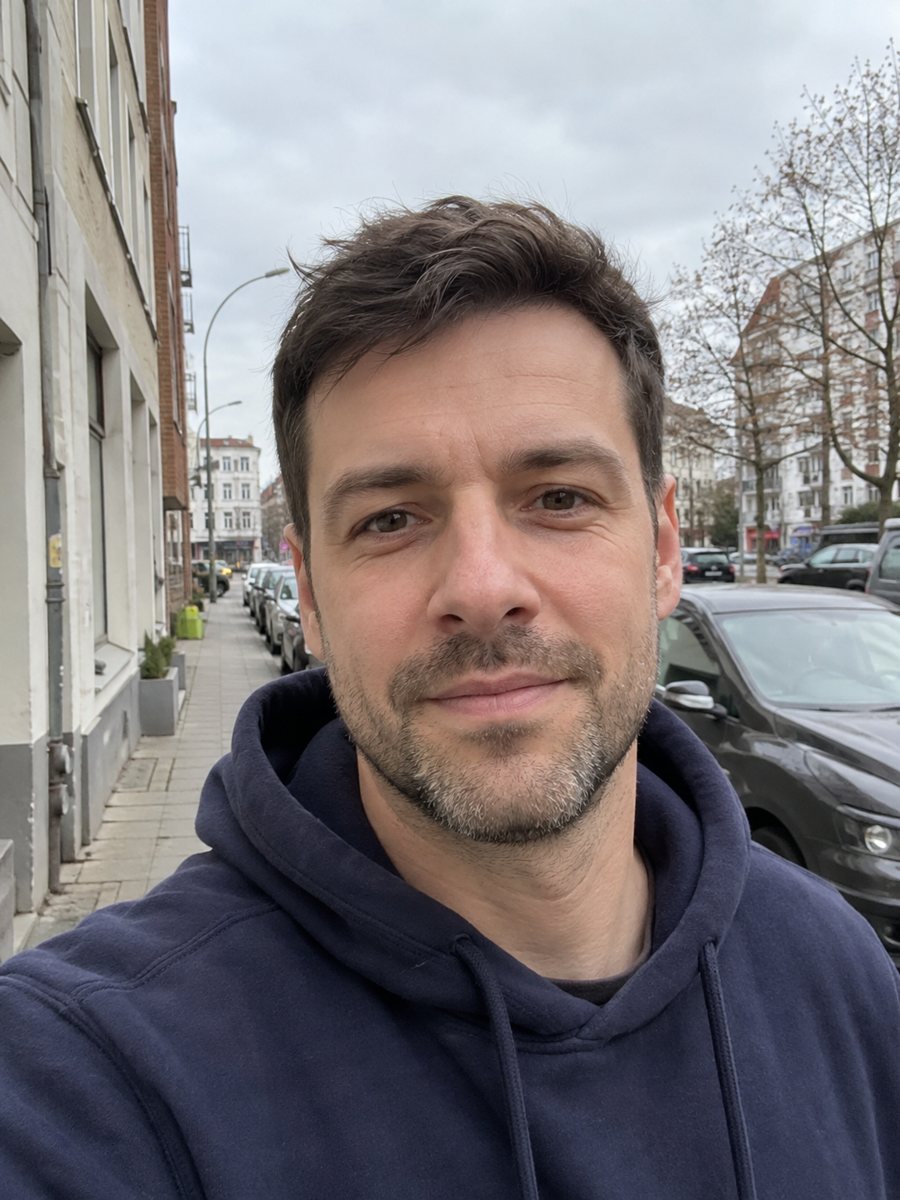
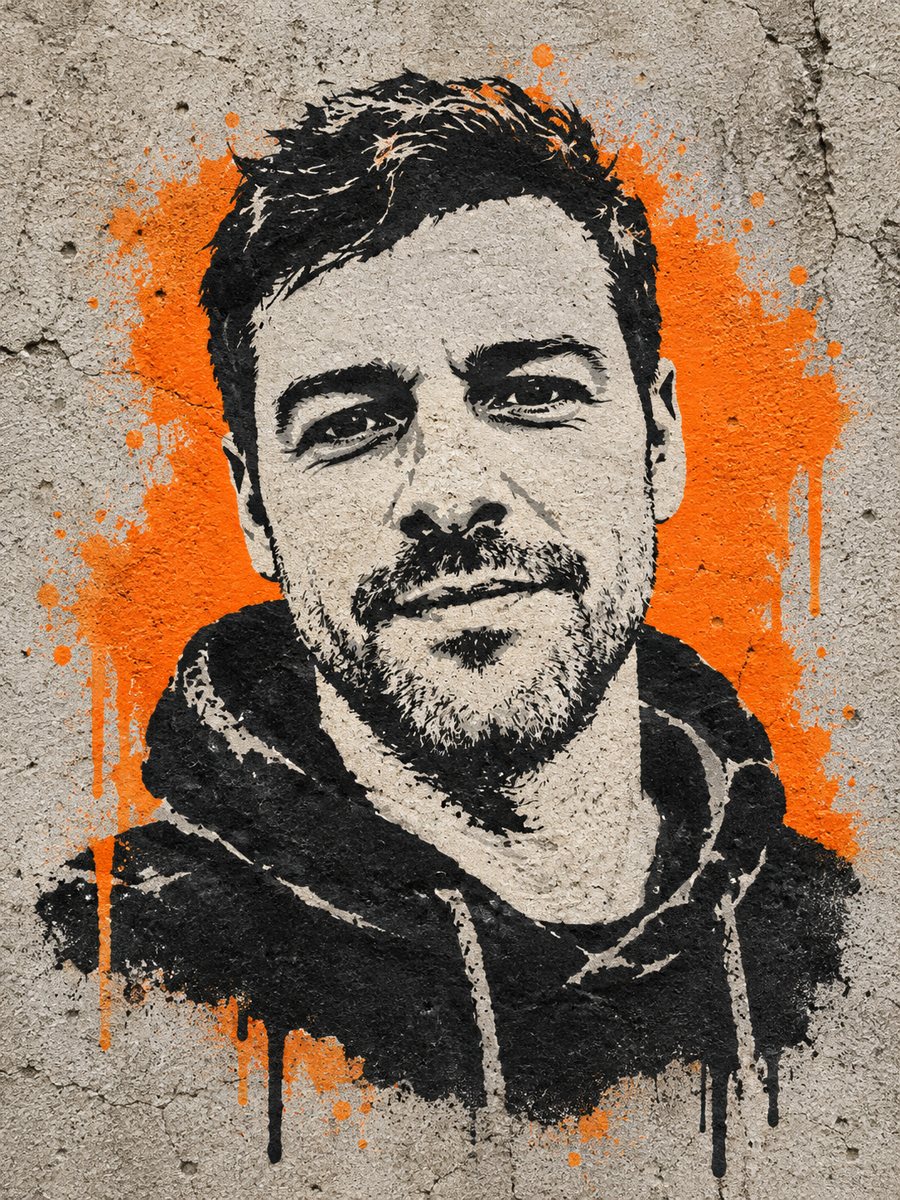 BeforeAfter
In short: Turn a photo into a sprayed stencil portrait on a concrete wall with flat colors and one bright accent. Copy the prompt or open the Telegram bot, 7 free.
- Where: the VisuMate bot in Telegram, no app or sign-up.
- Cost: 2 credits per image, 7 images free, then packs from 49 Telegram Stars.
- Time: 1 to 2 minutes per image, rerun with a new instruction at the same price.
When you need this
- You want a poster-style portrait with a gritty urban look.
- A gig flyer or a zine cover needs a stencil face.
- Full-color street art filters add too many tones and lose the stencil feel.
How to do it
- 1
Press the button on this page. The bot opens with the stencil style selected, tap Start if asked.
- 2
Send one photo as a file. In the caption you can write: red accent, black and white face, brick wall.
- 3
In 1-2 minutes the image arrives and 2 credits are used. Check that the main shadows still describe your face, and rerun if the face turned into blobs.
Try it on your own photo: 7 images are free, no sign-up.
Make it in TelegramThe prompt behind this style
Turn this photo into a stencil street art portrait sprayed on a concrete wall. Keep the face recognizable. Two or three flat colors, hard edges, slight paint drips, rough wall texture, a single bright accent color. Vertical 3:4, no text.
How a stencil differs from graffiti
Stencil art is cut from layers of paper or card, then sprayed through them. Each layer is one flat color, edges are sharp, and details collapse into bold shapes. The prompt asks for two or three flat colors, hard edges, slight drips and a single bright accent on a rough concrete wall. Faces turn into high contrast shapes with few midtones. Compared with the graffiti portrait style on this site, this one is calmer, simpler and more graphic.
Getting a readable face
With so few tones, the AI decides what to keep. A photo with strong side light helps, since it gives the stencil clear shadow shapes. If the result loses the eyes or mouth, ask for more detail in the face and fewer tones elsewhere. If it looks too clean, request more wear on the wall. The picture is vertical 3:4 with no text, so you can add a slogan yourself. Use it as a poster, a sticker base or a profile picture for an edgy project.
Tips
- A high contrast photo with a clear light and dark side makes the best stencil.
- Name the accent color, such as yellow or red, in the caption.
- Plain backgrounds in the source avoid clutter in the stencil layers.
- Ask for a brick wall instead of concrete if you prefer.
- Hair and glasses make strong shapes, so keep them visible.
Questions and answers
Will it look like a specific famous artist?
No. It follows the general stencil technique and copies no artist.
Can I choose the accent color?
Yes, name it in the caption.
Does it add slogans?
No. The prompt asks for no text.
Can I paint it on a wall?
The image is only a design. A real wall piece needs layers prepared by an artist and permission from the owner.
How much does a run cost?
2 credits, with 15 free credits for new users.
Is the bot in English?
The bot replies in English. English captions work and the button on this page opens the right mode.
More in "Photo styles"
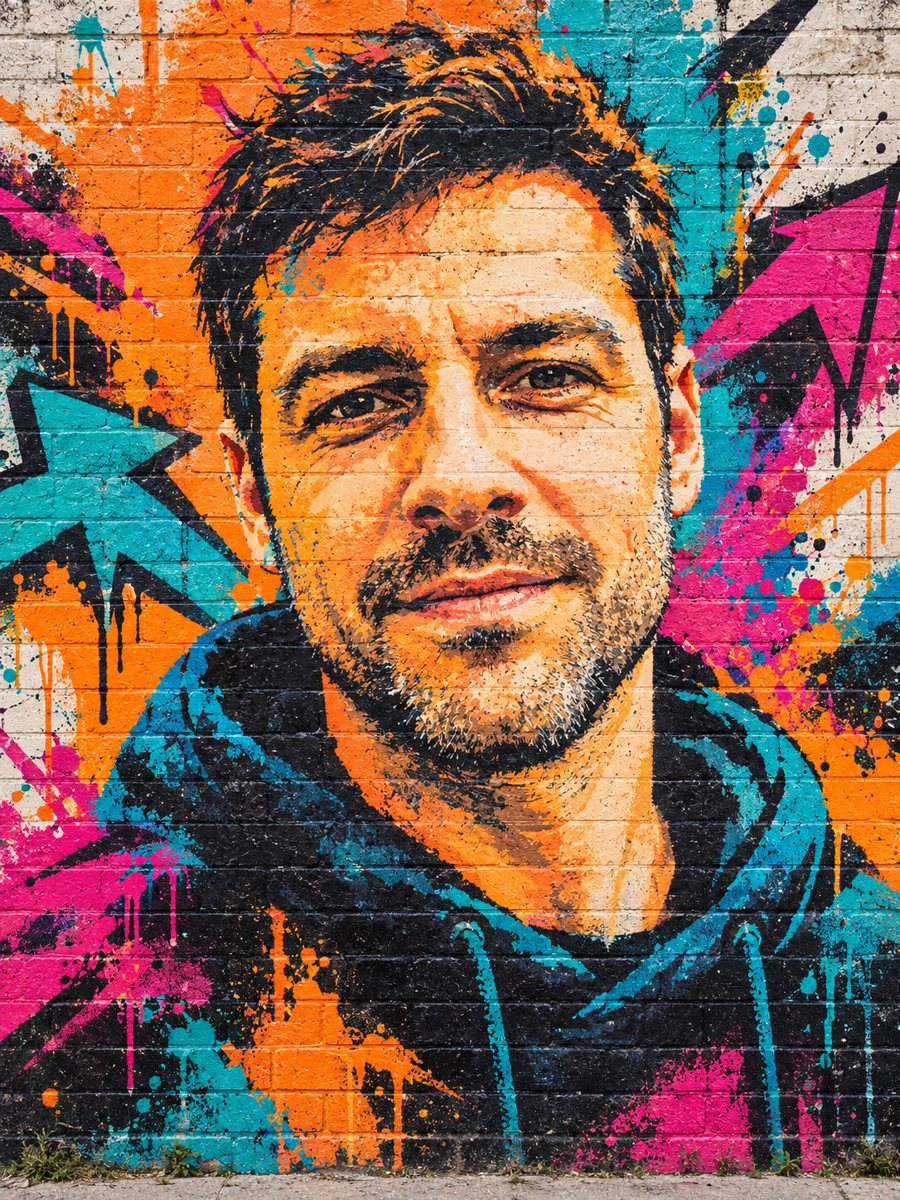 Turn your photo into a graffiti street art muralPaint your photo as a big graffiti mural on a brick wall with spray texture and vivid colors. Copy the...
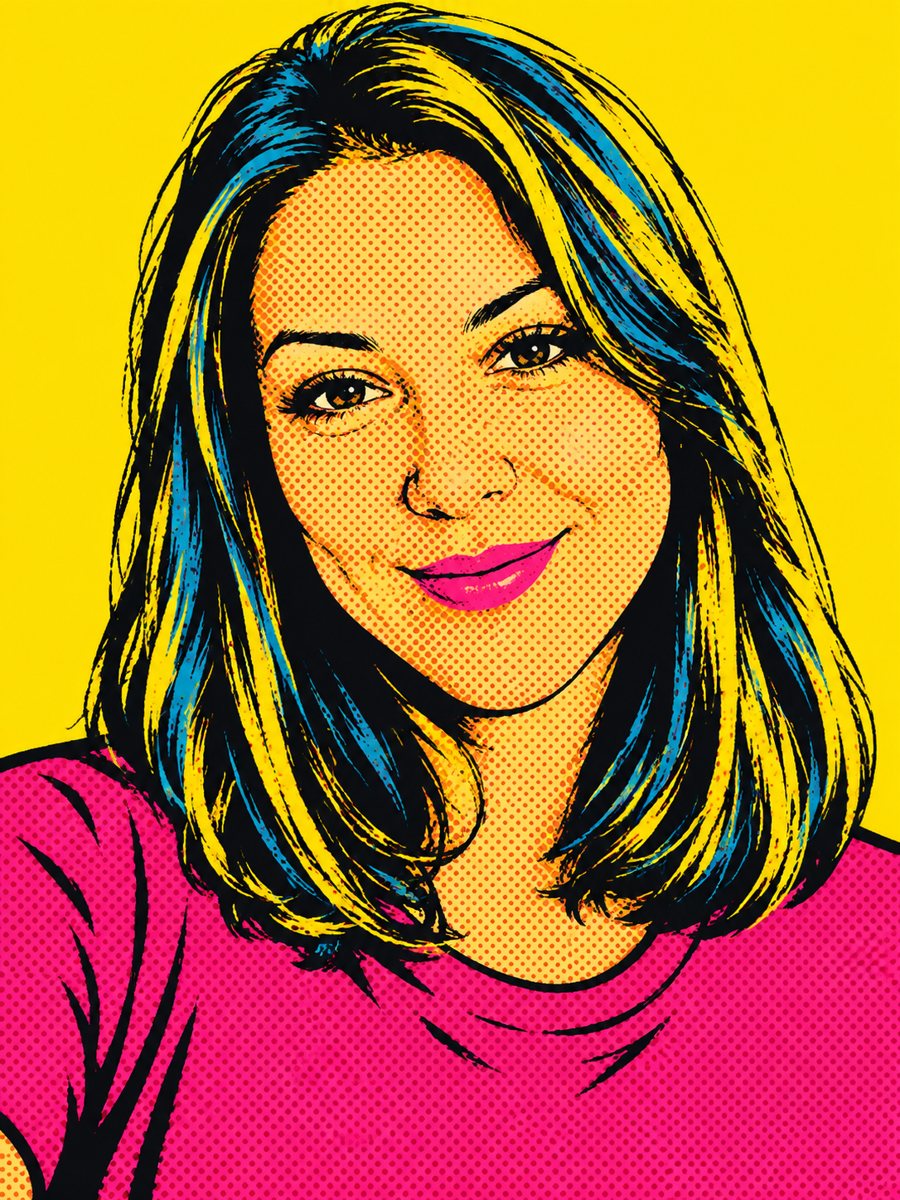 Create a pop art portrait from your photoMake a 1960s silkscreen pop art portrait from your photo with bold flat colors and halftone dots. Ready...
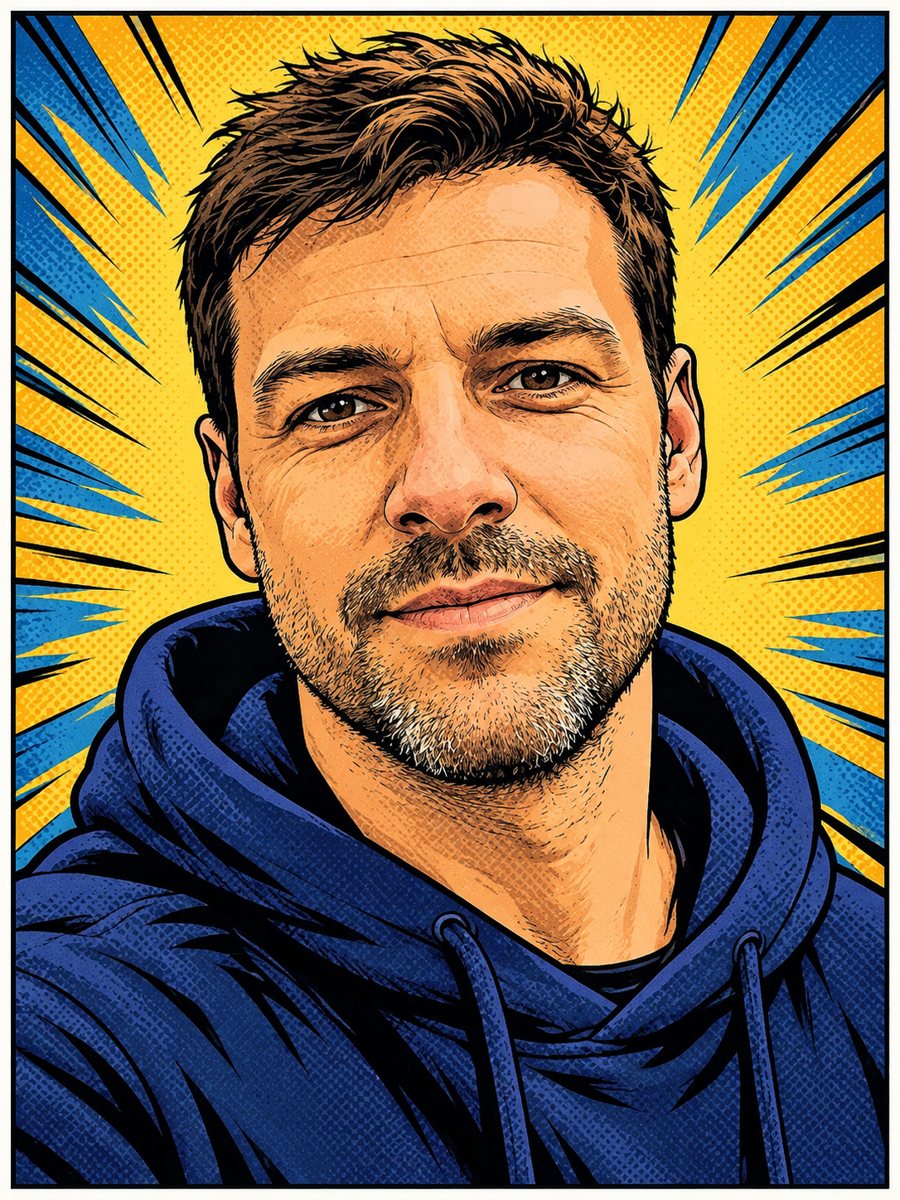 Turn your photo into a comic book panelRedraw your photo as an American comic book panel with bold ink outlines and halftone shading. Copy the...
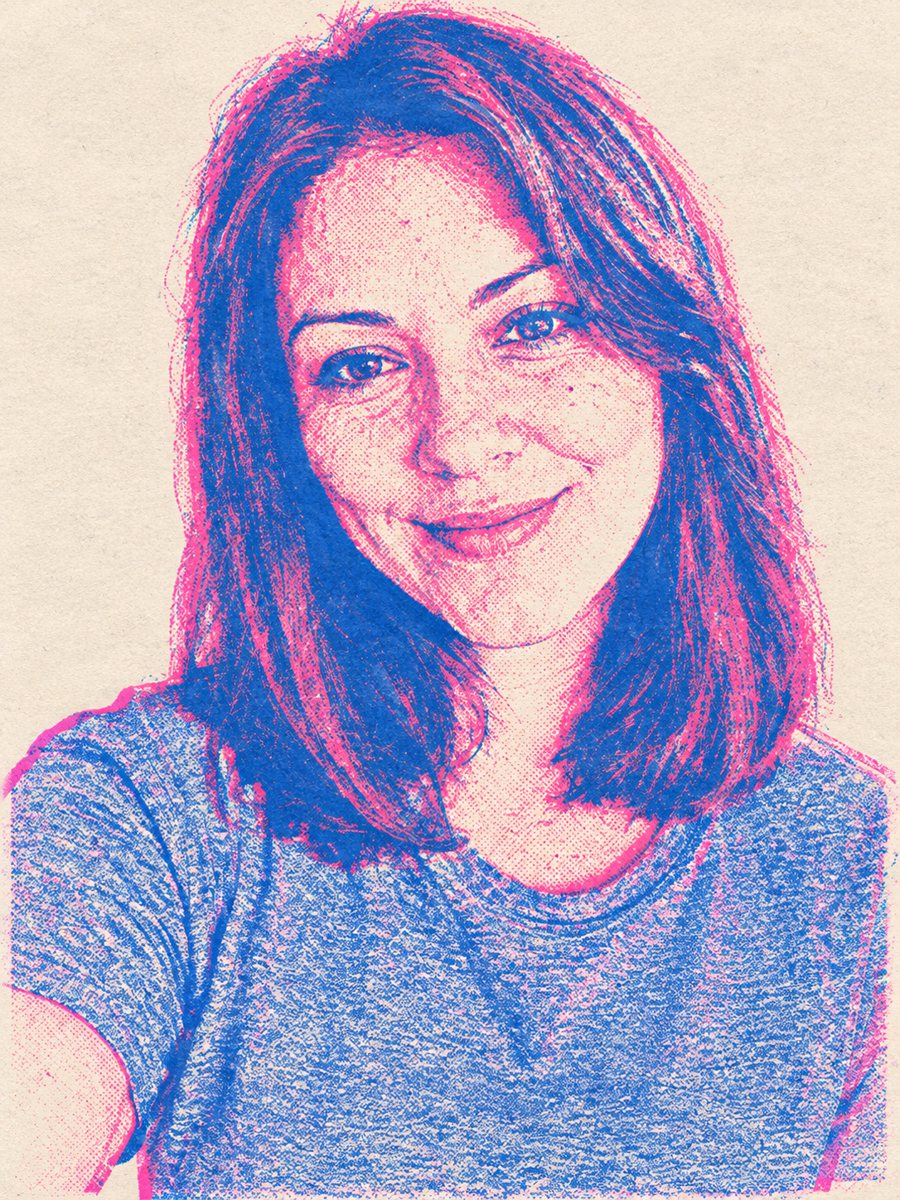 Turn your photo into a risograph-style printGet a two-color risograph portrait with pink and blue ink, grain and layer misregistration. Copy the ready...