Make a law firm headshot from your own photo
The bot restyles your photo into a professional legal portrait: a dark tailored suit, a white shirt and tie, a bookshelf or office softly blurred behind you, studio lighting and a calm, confident expression. Your face stays recognizable.
- 2 credits per image
- Result in 1–2 minutes
- No sign-up
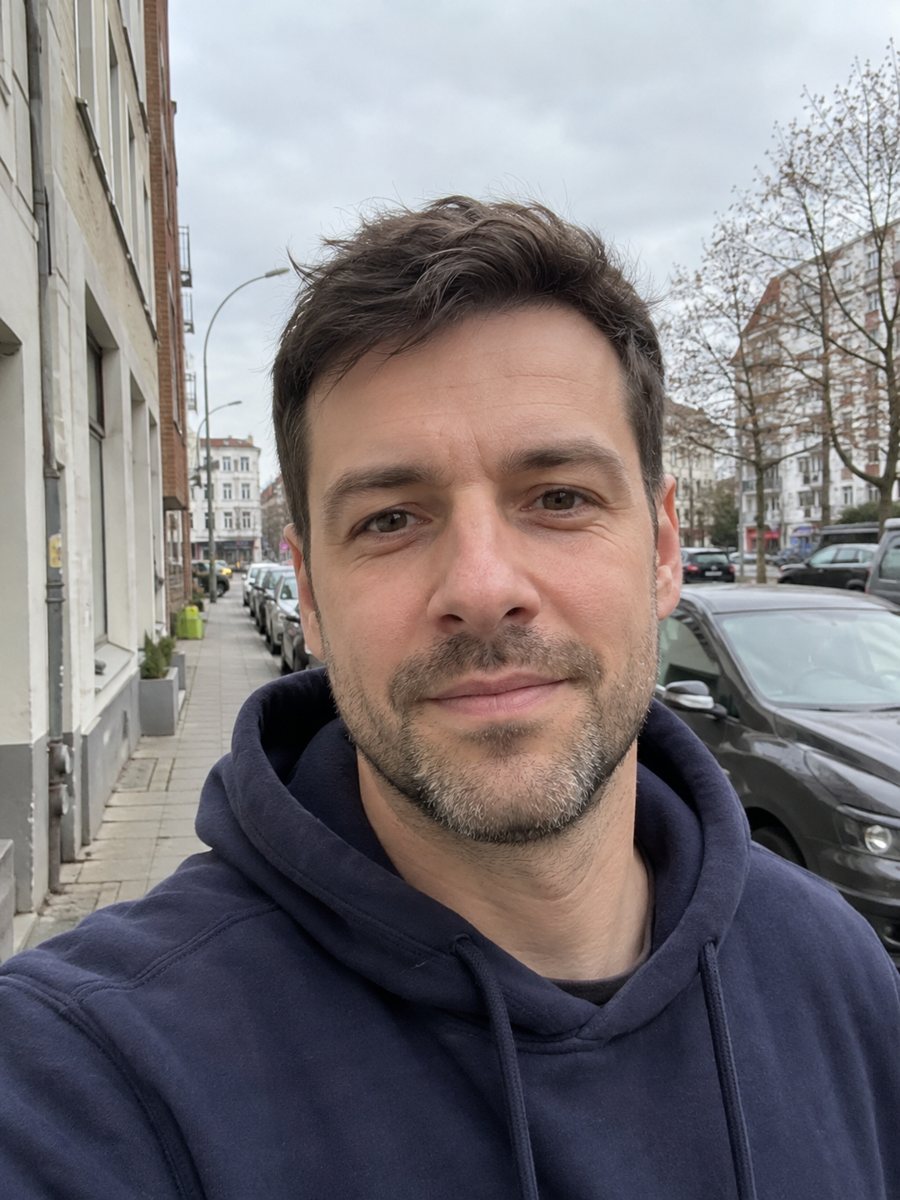
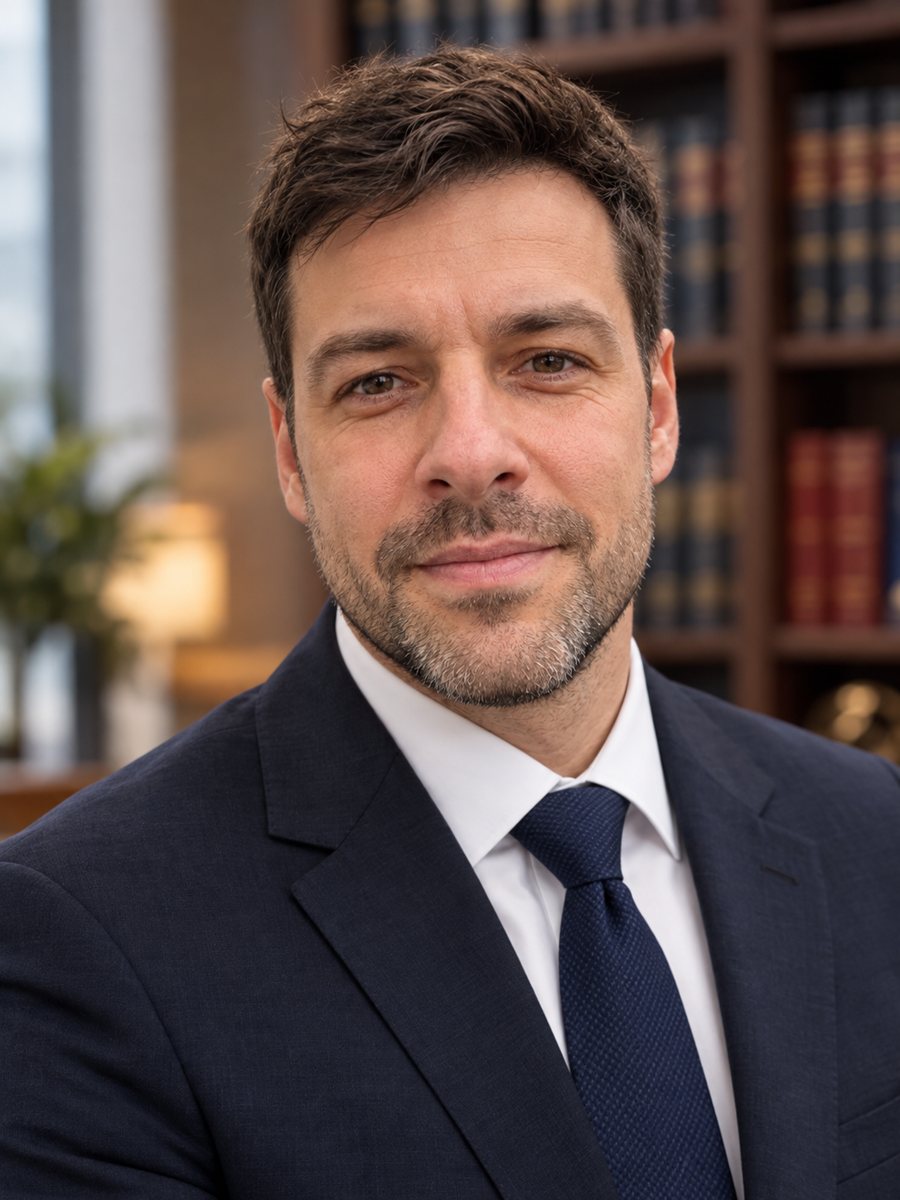 BeforeAfter
In short: Turn a photo into a law firm headshot with a dark suit, tie and a softly blurred bookshelf. Copy the ready prompt or open the Telegram bot, 7 images free.
- Where: the VisuMate bot in Telegram, no app or sign-up.
- Cost: 2 credits per image, 7 images free, then packs from 49 Telegram Stars.
- Time: 1 to 2 minutes per image, rerun with a new instruction at the same price.
When you need this
- Your firm's website needs a profile image before the next studio session.
- A conference speaker page asks for a headshot by tomorrow.
- Your current photo is a cropped vacation picture and looks out of place on a bar directory.
How to do it
- 1
Tap the button on this page. Telegram opens the bot with the lawyer headshot style chosen, press Start if it asks.
- 2
Send one front-facing photo as a file. In the caption you can write: charcoal suit, no tie, office with a window.
- 3
Wait 1-2 minutes, 2 credits are used. Compare the face, age and hairline with your photo, then rerun if anything changed.
Try it on your own photo: 7 images are free, no sign-up.
Make it in TelegramThe prompt behind this style
Turn this photo into a professional law firm headshot. Keep the face fully recognizable. Dark tailored suit, white shirt, tie, bookshelf or office background softly blurred, confident calm expression, studio lighting. Vertical 3:4, no text.
A formal portrait look
The prompt describes a classic law firm headshot: a dark tailored suit, white shirt, tie, a bookshelf or office in soft blur, studio lighting and a calm, confident face. The framing is a vertical 3:4 portrait from the chest up and carries no text. The AI replaces clothing and background and aims to leave your face as it is. Because everything around you is generated, details such as tie patterns and book spines are simplified.
Honest use for legal work
Legal advertising is regulated in many places, and a portrait should not mislead clients about who you are. Check that the generated face resembles you at your current age, and do not use the image to suggest a firm, title or office that is not yours. Where bar or firm rules require disclosure of edited or AI-made images, state it near the picture. This tool suits a draft profile, an internal directory or a placeholder, and many lawyers will still prefer a studio photograph for the main site.
Tips
- Use a photo with both shoulders visible, since the suit is drawn onto them.
- Choose bookshelf or plain office in the caption to avoid surprises.
- Women can ask for a tailored blazer instead of the tie in the caption.
- Check collars and lapels closely, as AI sometimes warps fabric edges.
- Look up your bar association's advertising rules before publishing any edited portrait.
Questions and answers
Is this a real photograph?
No, it is an AI-generated image based on your photo. Recommend disclosing AI editing where rules require it.
Will it keep my face?
It aims to keep your face fully recognizable. AI can drift, so compare and rerun if needed.
Can I get a female styling?
Yes. Describe a blazer, hairstyle or blouse in the caption.
Does it add a firm name?
No. The prompt asks for no text.
What does a run cost?
2 credits, and new users get 15 free credits.
Does the bot work in English?
Yes. It picks up your Telegram language on first launch and replies in English. You can switch the language any time with /lang.
More in "Photo styles"
 Create a professional headshot from your photoMake a polished headshot with a light gray backdrop, soft studio light and natural retouching. Ready...
 Create a doctor headshot from a regular photoTurn a photo into a medical headshot with a white coat, stethoscope and a blurred clinic. Copy the ready...
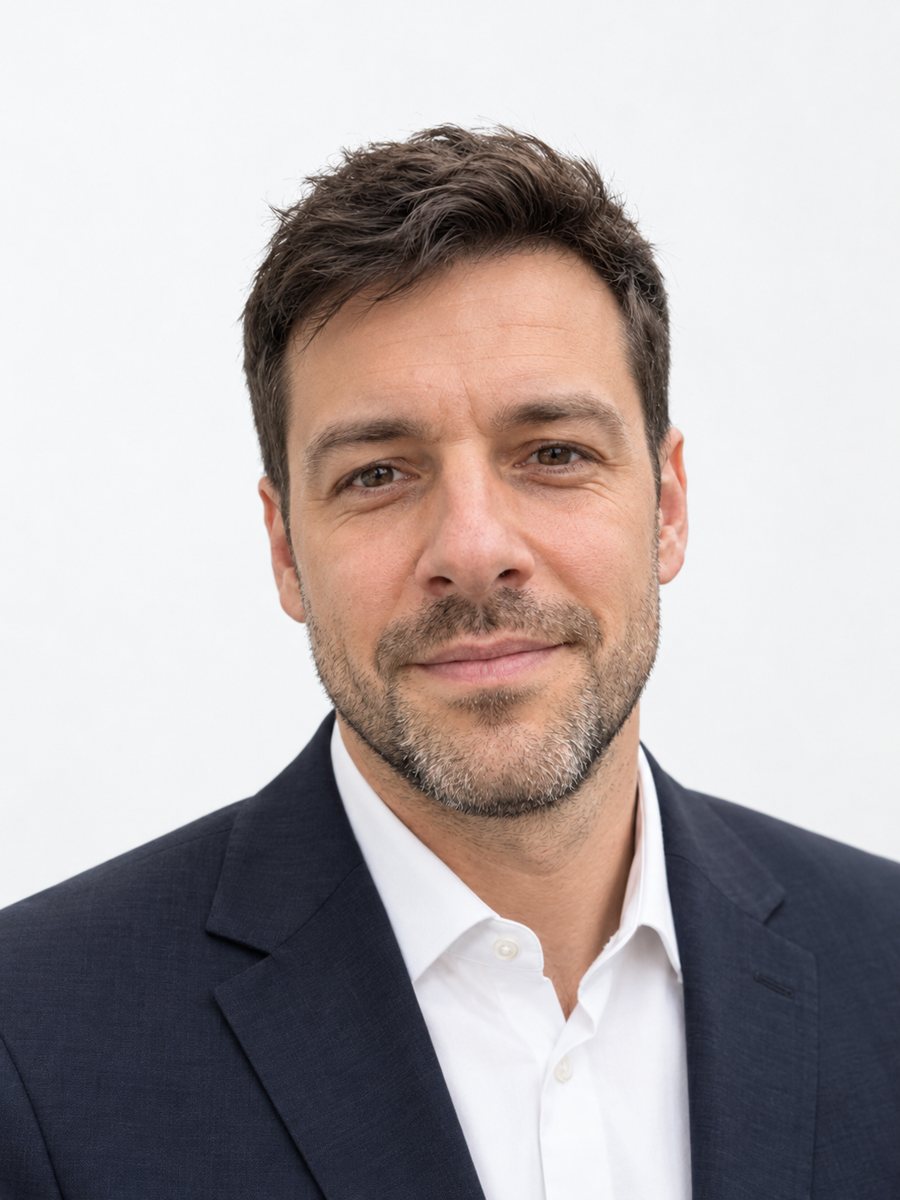 Make matching corporate team headshots from photosReshoot photos as consistent corporate team headshots with white backdrop, navy attire and the same...
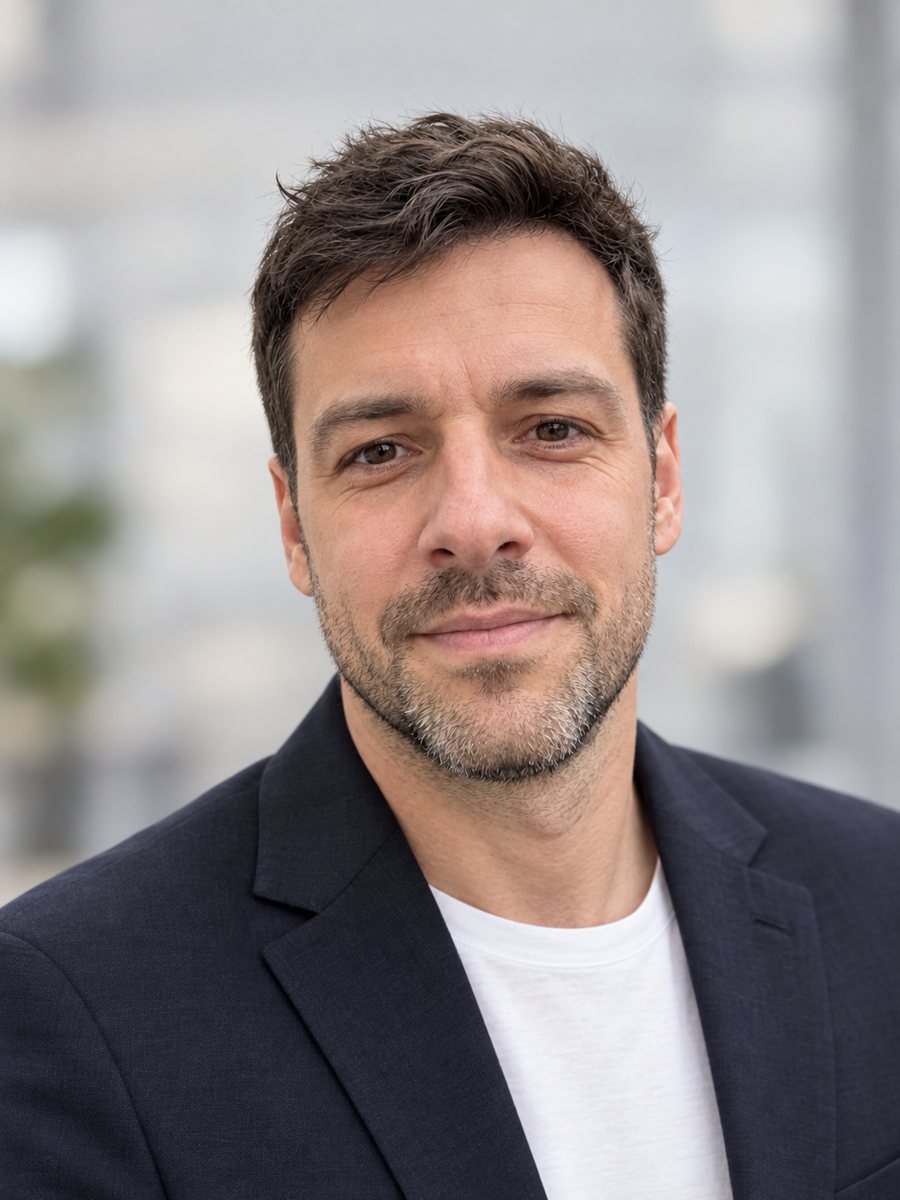 Make a LinkedIn headshot from a selfieTurn a casual selfie into a professional LinkedIn headshot with a blazer and a soft studio backdrop. Ready...