Turn your photo into a gold leaf portrait inspired by Klimt
The bot redraws your photo as an Art Nouveau portrait with ornamental gold leaf, mosaic shapes on the clothing and a warm gold and burgundy palette. Your face and hairstyle stay recognizable. Press the button, send a photo, and the style is applied.
- 2 credits per image
- Result in 1–2 minutes
- No sign-up

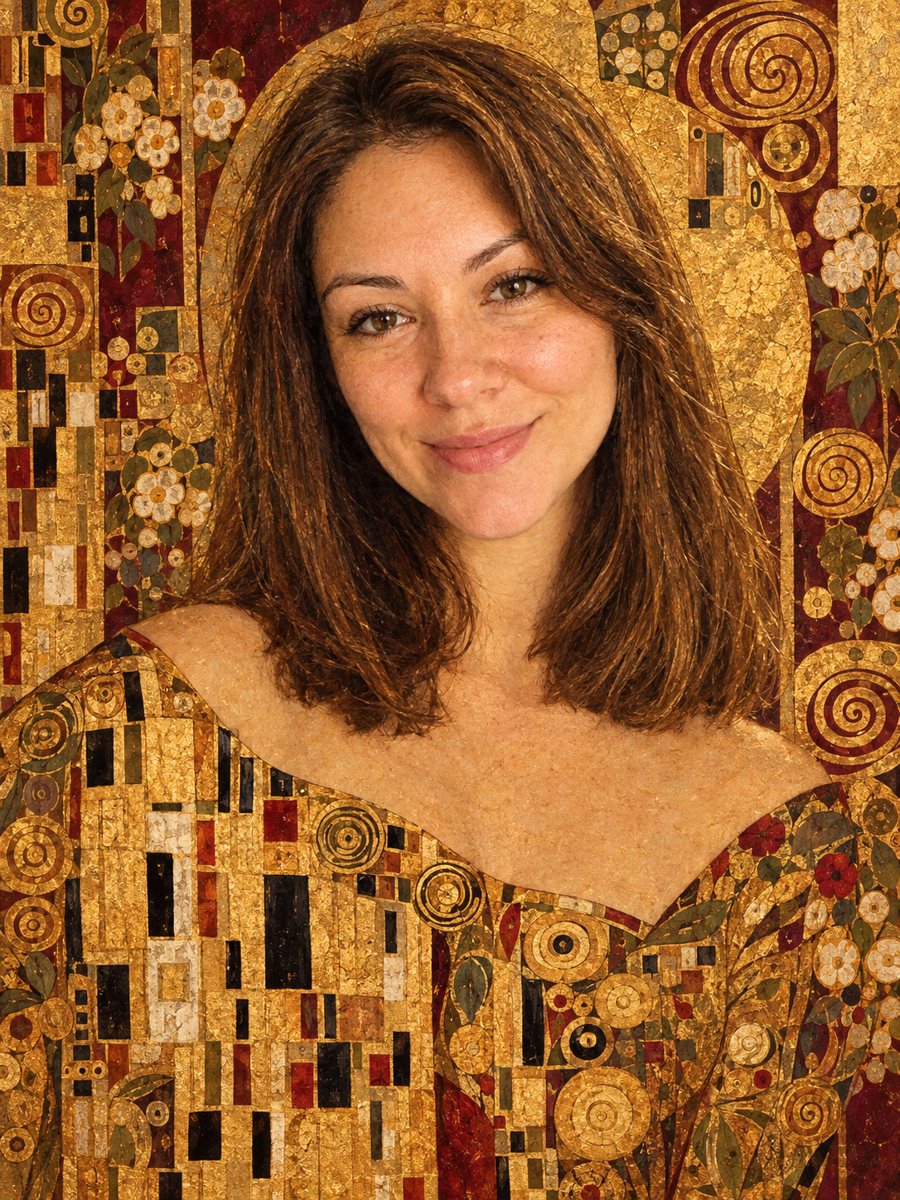 BeforeAfter
In short: Get a gold leaf portrait with mosaic patterns and a burgundy palette in the style of Gustav Klimt. Copy the prompt or open the Telegram bot, 7 images free.
- Where: the VisuMate bot in Telegram, no app or sign-up.
- Cost: 2 credits per image, 7 images free, then packs from 49 Telegram Stars.
- Time: 1 to 2 minutes per image, rerun with a new instruction at the same price.
When you need this
- You want a wedding or anniversary portrait with a luxurious, ornamental look.
- A plain studio photo feels flat and you would like a decorative version for the wall.
- You love Art Nouveau and want to see yourself inside one of those gold patterned paintings.
How to do it
- 1
Press the button on this page. The bot opens with the Klimt style selected, tap Start if Telegram asks.
- 2
Send one portrait as a file. In the caption you can add: darker red dress, more gold on the background.
- 3
After 1-2 minutes the image arrives and 2 credits are used. Look at how the gold patterns sit around your face and rerun if they cover it.
Try it on your own photo: 7 images are free, no sign-up.
Make it in TelegramThe prompt behind this style
Transform this photo into a portrait in the style of Gustav Klimt. Keep the face and hairstyle recognizable. Ornamental gold leaf patterns, mosaic-like geometric shapes on the dress and background, Art Nouveau elegance, warm gold and deep burgundy palette. Vertical 3:4, no text.
How the gold leaf effect works
Gustav Klimt painted flat gold areas next to very soft, realistic faces. The prompt follows that contrast: the face stays natural while the dress and background fill with geometric mosaic tiles, spirals and gold leaf texture. The palette leans on warm gold and deep burgundy. The AI invents the patterns, so every run gives a different arrangement of ornaments. Your hairstyle often blends into the decorative background, which is a normal part of the look. The output is a vertical 3:4 portrait without any lettering.
Where this portrait fits
A gold portrait suits a framed print, a gift card, an invitation cover or a profile picture for a creative account. It reads as decorative art, so it works less well where you need a straight likeness, such as a work badge. If the ornaments hide your face or the gold looks muddy, rerun with a caption asking for a simpler background and a clear face. Remember that the AI mixes ideas from the style and does not copy a specific painting.
Tips
- Choose a photo with visible shoulders. The AI needs clothing to decorate with mosaic patterns.
- A plain dark or light backdrop gives the gold ornaments room to appear.
- Name your preferred ornament in the caption: spirals, squares or floral shapes.
- Burgundy and gold are the default palette. Ask for deep green if you want a cooler version.
- For couples, send each person separately, since the style works best with one figure.
Questions and answers
Does it copy The Kiss or another famous painting?
No. The prompt describes the style in general terms. The patterns are generated fresh each time.
Can I change the colors?
Yes, mention the colors in the caption. The default is gold and burgundy.
Will my face look flat like in the original paintings?
The face is meant to stay soft and realistic while the decoration is flat and golden.
Is a full-length photo fine?
A portrait from the waist up gives the best result. A full-length shot makes the face small.
How much does it cost?
2 credits per image. New users get 15 free credits, which covers 7 images.
Do I need to read the bot menu?
The bot replies in English, and the link from this page opens the right mode.
More in "Photo styles"
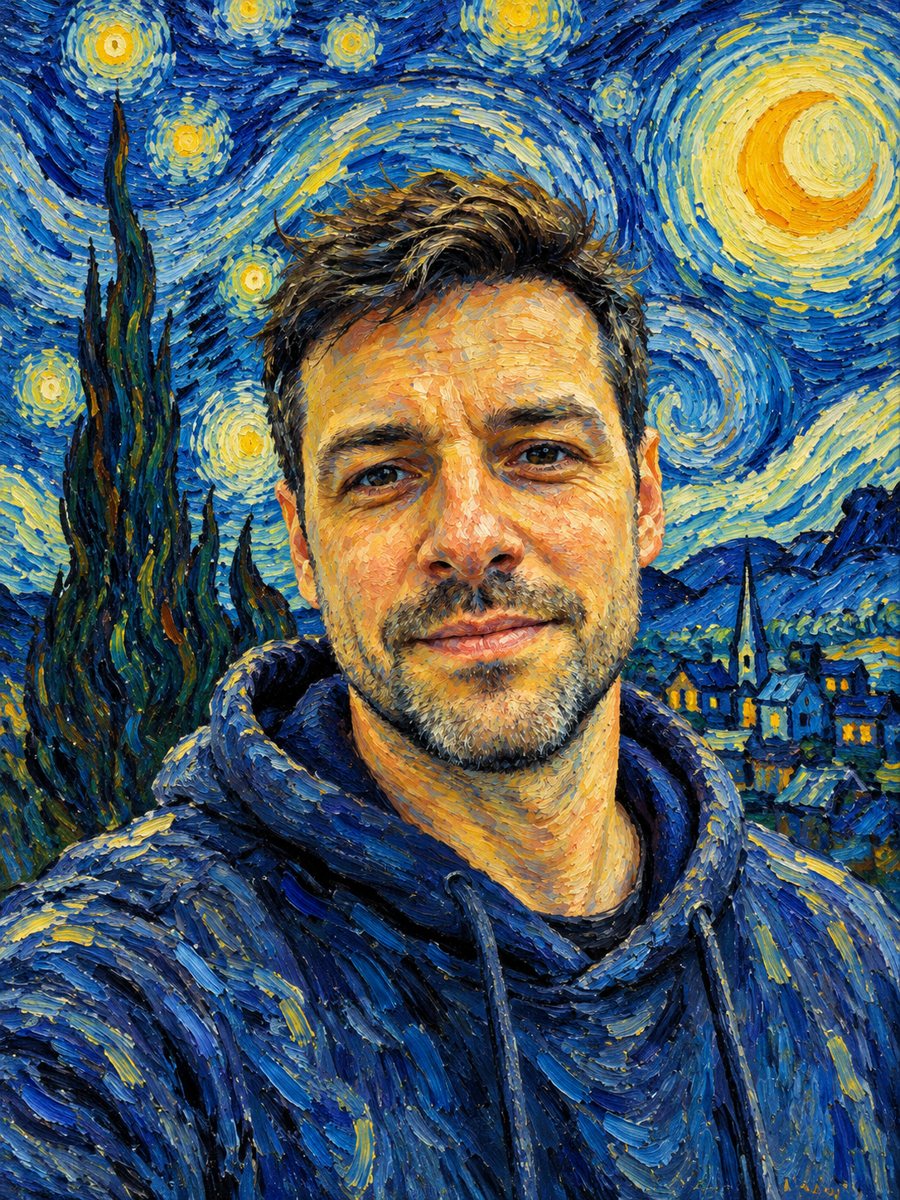 See yourself painted with swirling Van Gogh brushstrokesRepaint your photo with thick swirling brushstrokes and a starry sky. Copy the ready Van Gogh style prompt...
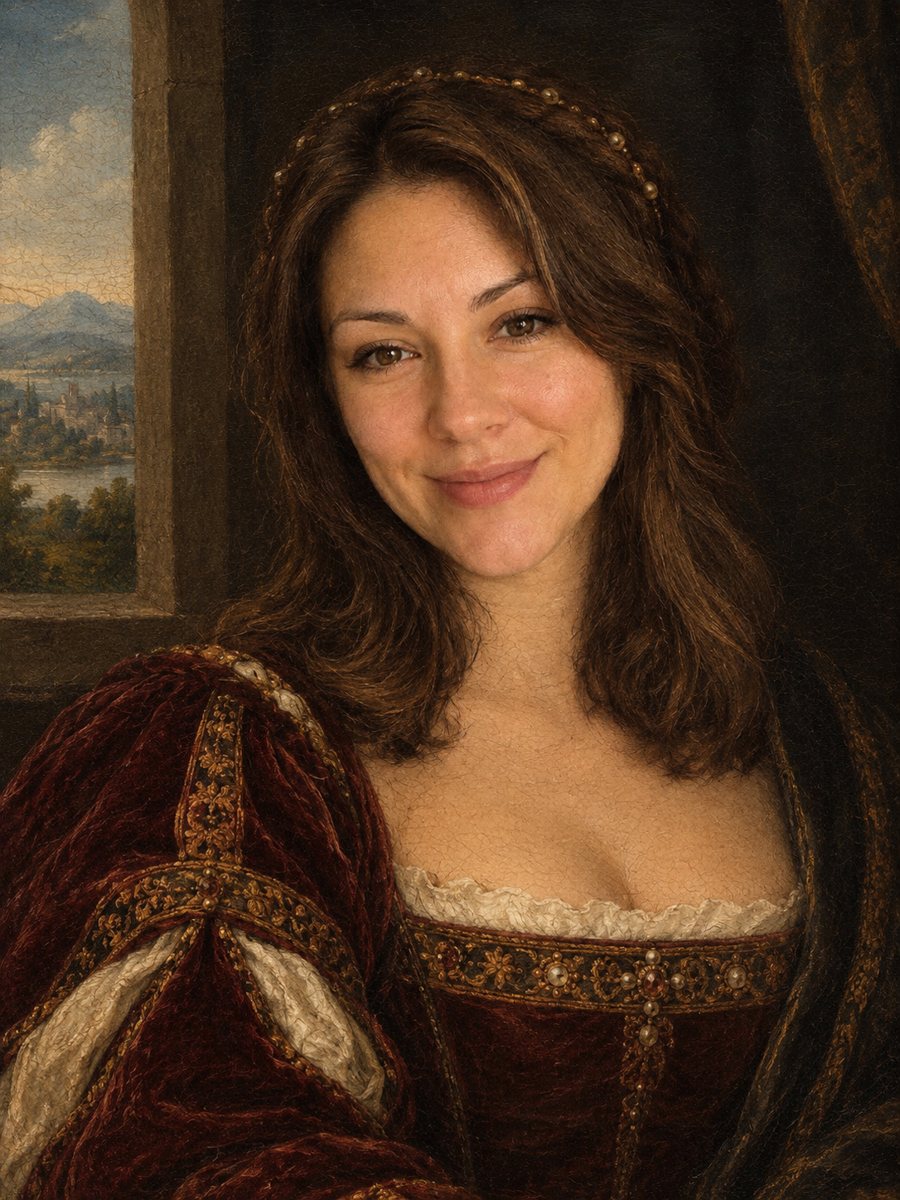 Turn your photo into a Renaissance paintingRepaint your photo as an early 1500s Renaissance portrait with period clothing and soft sfumato. Ready...
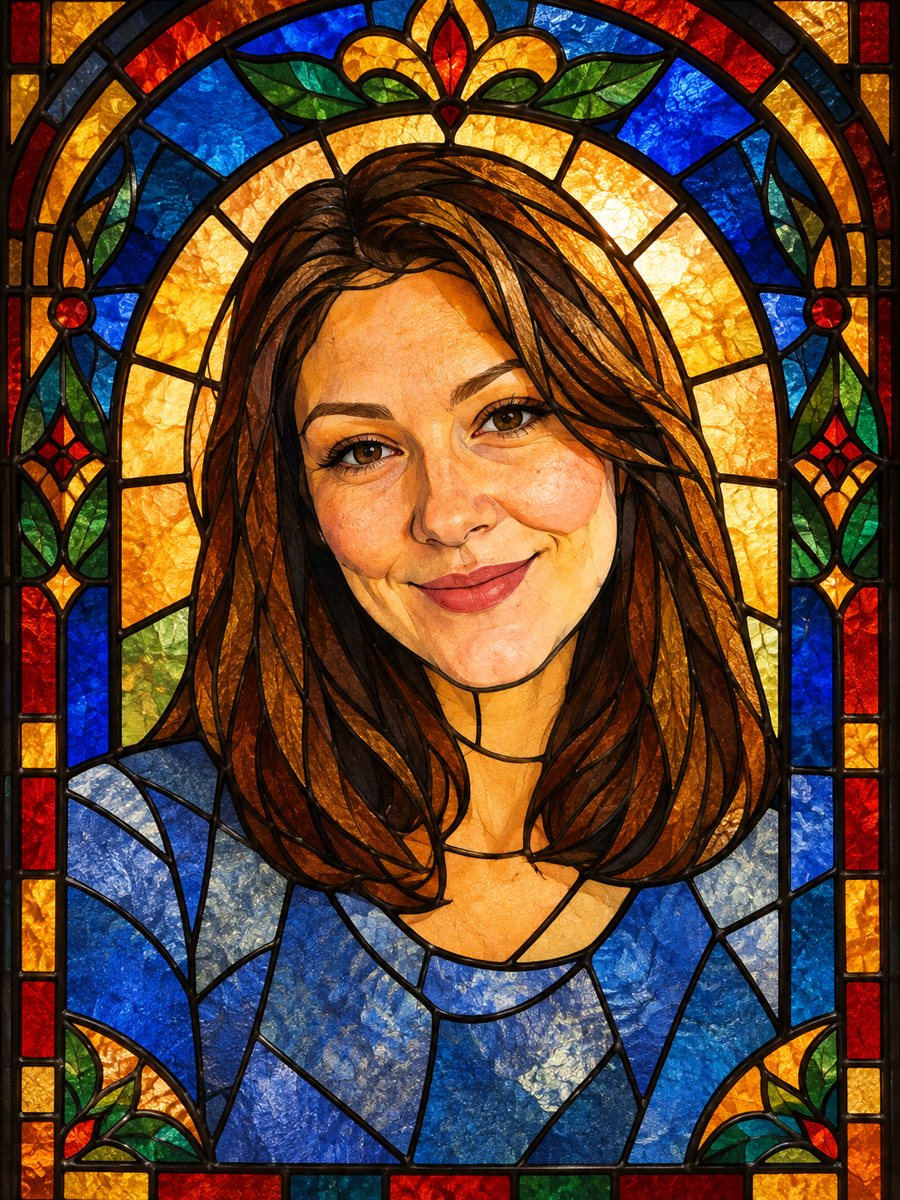 Turn your photo into a stained glass portraitTurn a portrait into a stained glass window with lead lines and jewel colors. Copy the ready prompt or...
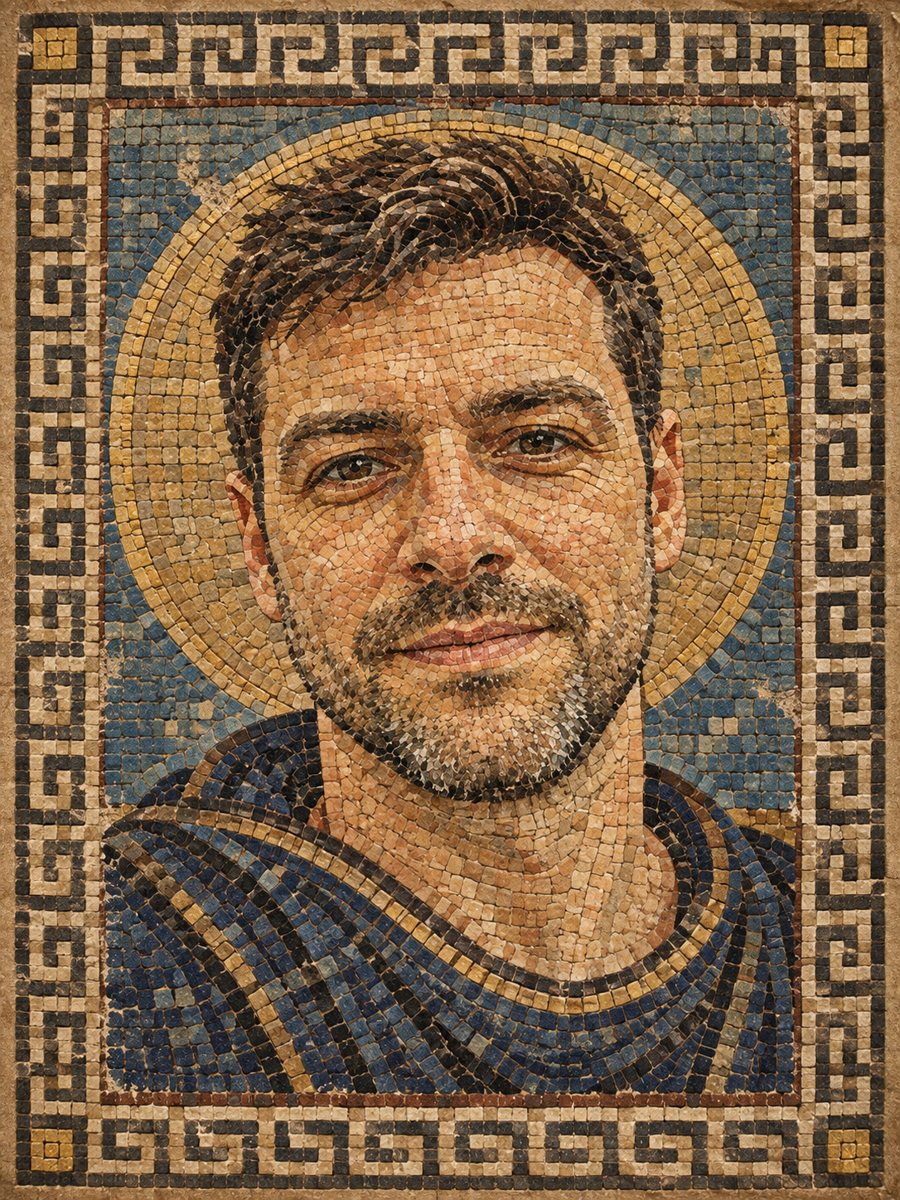 Turn your photo into a Roman style mosaic portraitTurn a photo into an ancient Roman style mosaic made of small stone and glass tiles. Ready prompt and...