Turn your photo into a glitch art portrait
Your photo is broken on purpose: horizontal pixel displacement, RGB channel shifts, scan lines and blocks of corrupted color on a dark background with neon fragments. The face stays readable. Press the button and send one photo.
- 2 credits per image
- Result in 1–2 minutes
- No sign-up
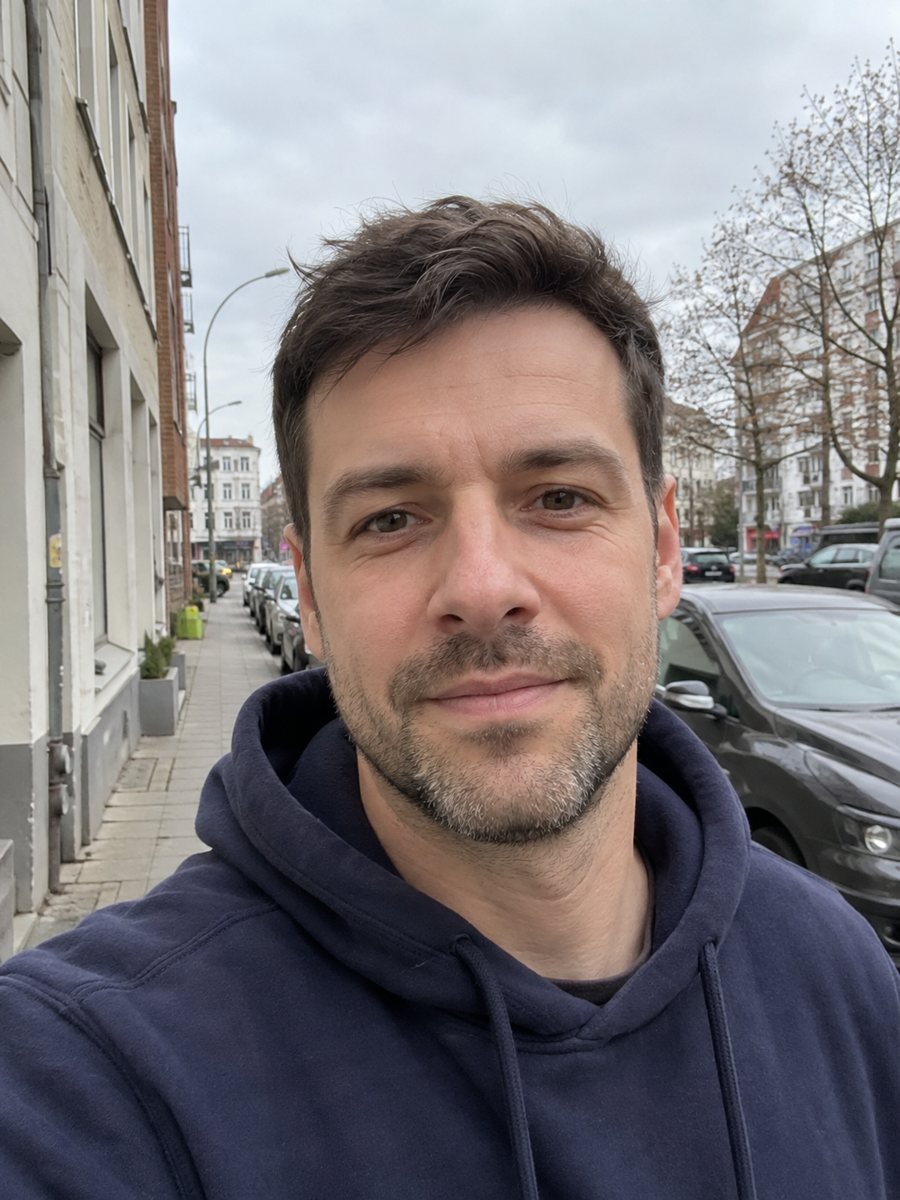
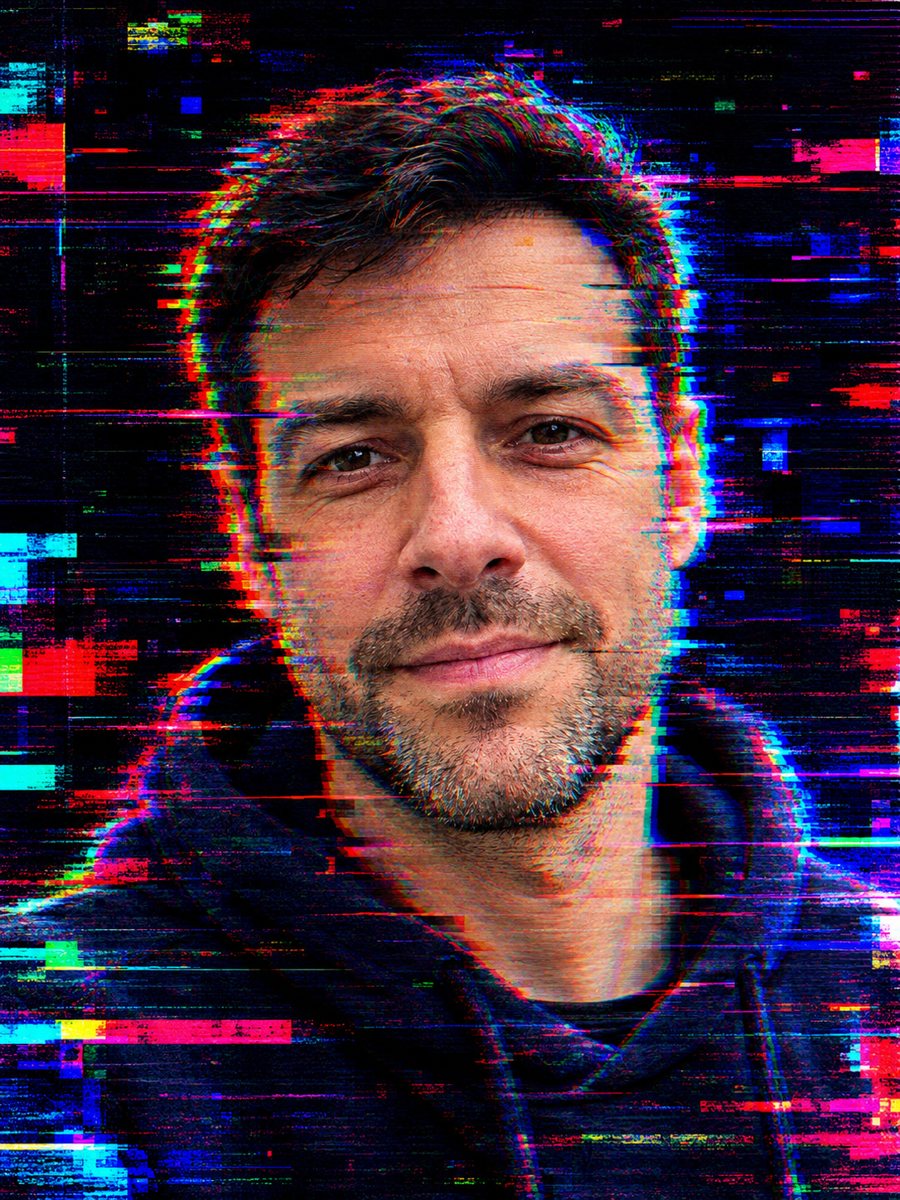 BeforeAfter
In short: Turn your photo into a glitch art portrait with RGB shifts, scan lines and neon fragments on a dark background. Copy the prompt or use the bot, 7 images free.
- Where: the VisuMate bot in Telegram, no app or sign-up.
- Cost: 2 credits per image, 7 images free, then packs from 49 Telegram Stars.
- Time: 1 to 2 minutes per image, rerun with a new instruction at the same price.
When you need this
- You need cover art for an electronic track or a video with a damaged signal look.
- A tech or gaming page wants a distorted portrait for a header.
- You like the digital error look and do not want to spend an hour in an editor.
How to do it
- 1
Use the button on this page to open the bot. The glitch art portrait style is preselected, so there is nothing to pick.
- 2
Send one photo as a file, so Telegram does not compress it. You can add a caption, for example: more cyan and magenta shifts, face readable.
- 3
Wait 1 to 2 minutes. The result costs 2 credits. Look closely at the face behind the shifts, then rerun if needed for another 2 credits.
Try it on your own photo: 7 images are free, no sign-up.
Make it in TelegramThe prompt behind this style
Turn this photo into a glitch art portrait. Keep the face recognizable. Horizontal pixel displacement, RGB channel shifts, scan lines, blocks of corrupted color, a dark background with neon fragments. Vertical 3:4, no text.
What glitch art does
Glitch art uses digital errors as a visual style: slices of the image shifted sideways, red green and blue layers pulled apart, scan lines and bright blocks of broken color. The prompt asks for these on a dark background while keeping the face recognizable. The result feels like a corrupted video signal. People use it for album covers, stream overlays, tech posters and profile images.
Controlling the chaos
The AI decides where to break the picture. If the eyes or mouth are lost, ask for the glitch to stay on the edges. If it looks too mild, ask for stronger shifts and more fragments. A dark background in the source photo helps the neon stand out. Because every pattern is random, you can run the style a few times and pick the version you like.
Limits
Heavy distortion reduces likeness, so the stronger the glitch, the harder the face reads. Very small details vanish. The picture is an imitation of digital errors and not a real corrupted file. For a clearer face, send a sharper photo and ask for a softer effect. A rerun costs 2 credits. When the image arrives, look at the face behind the shifts first, since that is where drift shows up most.
Tips
- A well lit face on a plain background survives the pixel shifts best.
- Ask for the glitch to affect the background more than the face.
- Name the neon colors: cyan, magenta, acid green.
- Add a note such as keep the eyes clear if the distortion hides them.
- Run it twice, because each glitch pattern is random.
Questions and answers
Is the glitch a real file error?
No. It is drawn by the AI as a style.
Can I animate it?
The result is a still image. You can animate it in a video editor.
Will my face stay recognizable?
The prompt asks for it, but strong glitches can hide details. Rerun if needed.
Can I pick the colors?
Yes. Mention them in the caption.
Is it good for an avatar?
Yes, if you ask for a clearer face and crop the vertical image.
More in "Photo styles"
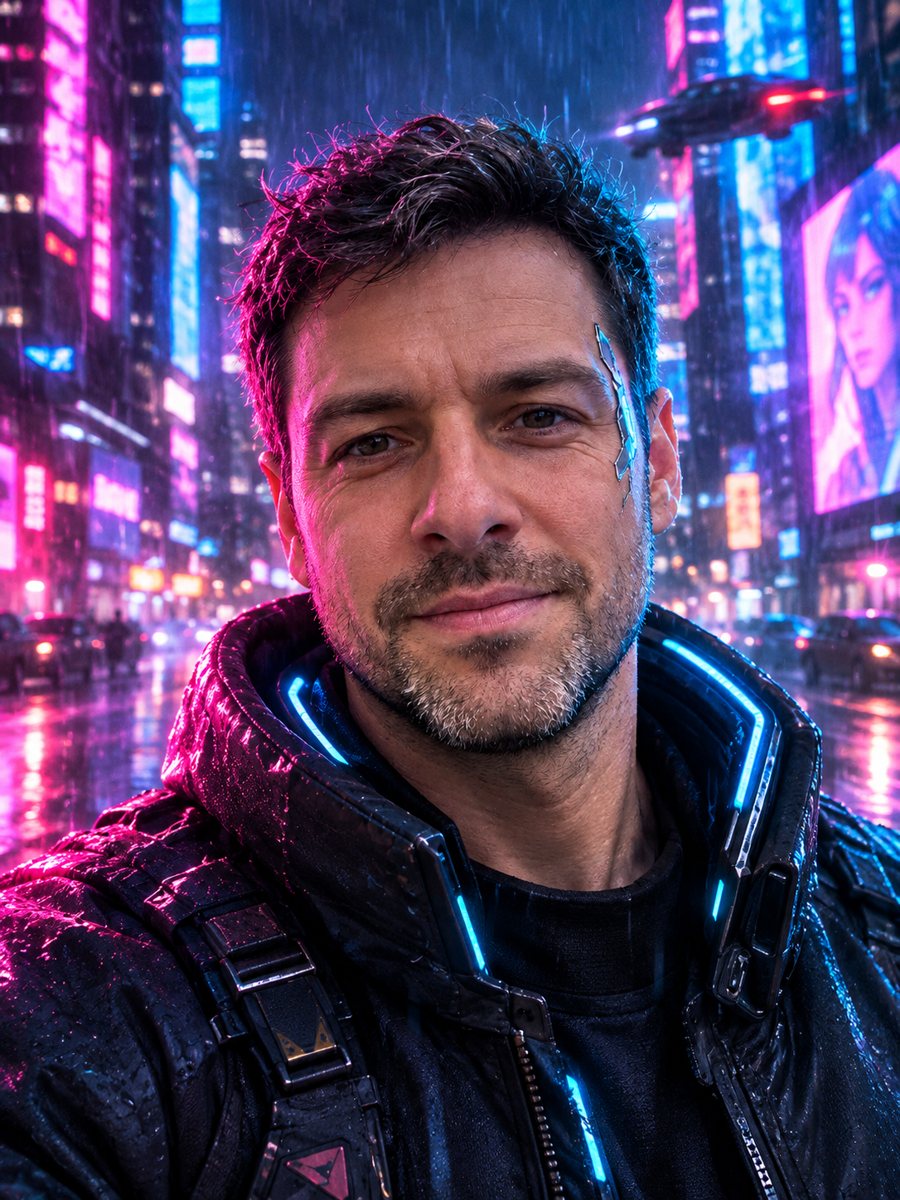 Turn your photo into a cyberpunk portraitTurn a photo into a neon-lit cyberpunk character in a rainy night city. Ready prompt, 2 credits per image,...
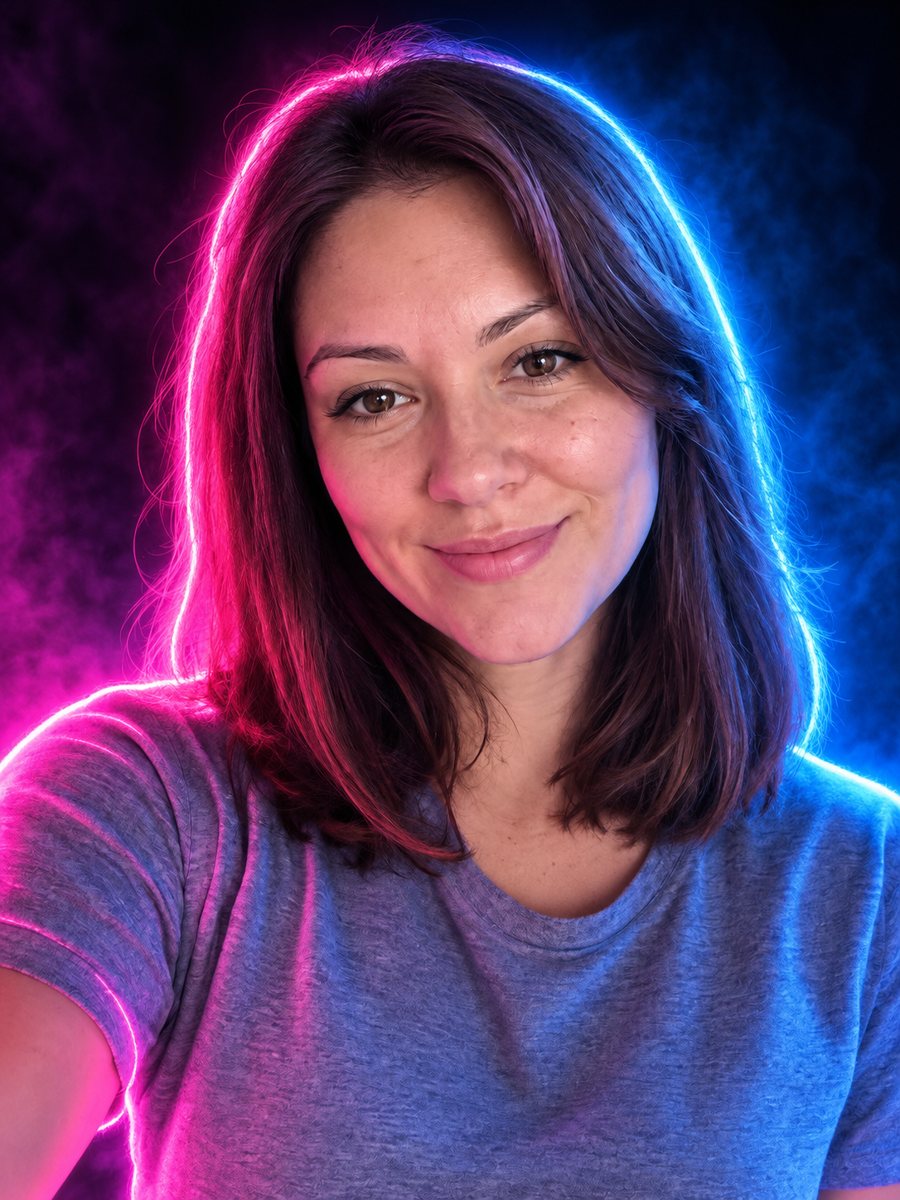 Turn your photo into a neon glow portraitTurn a portrait into a neon sign style image with pink and blue glowing outlines on a dark background....
 Turn your photo into a vaporwave portraitTurn your photo into a vaporwave portrait: pink and cyan light, marble bust, palms and a grid floor. Copy...
 Make a pixel art portrait from your photoConvert a photo into 16-bit pixel art with a limited palette and clean dithering. Ready prompt, 2 credits...
 Put your face on an 80s synthwave album coverGet an album cover portrait with neon pink and cyan light, a retro sunset grid and chrome. Copy the...