Turn your photo into a vaporwave portrait
You get your face in a vaporwave scene: pink and cyan gradient light, a classical marble bust and palm silhouettes behind you, a glowing grid floor and a soft VHS haze. Press the button, send one photo and the style is applied in a couple of minutes.
- 2 credits per image
- Result in 1–2 minutes
- No sign-up
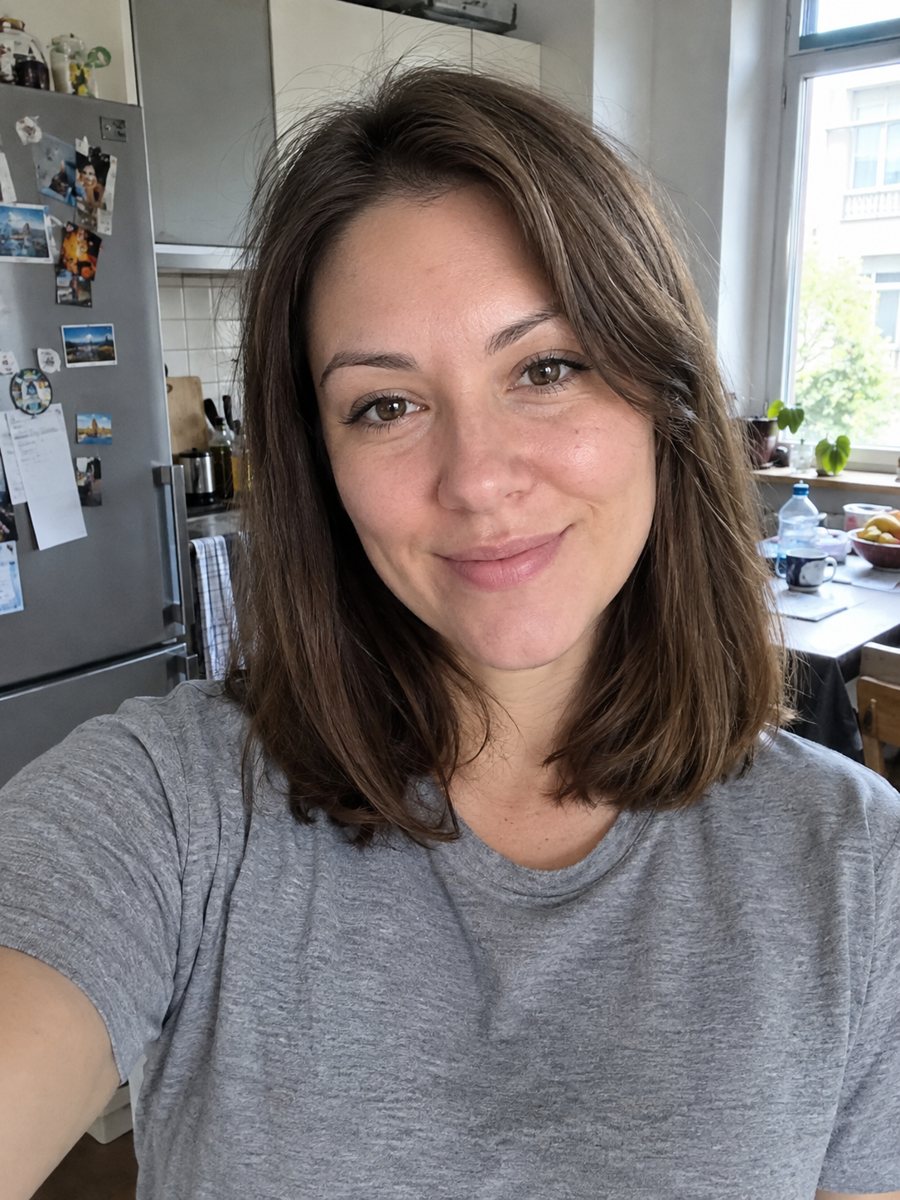
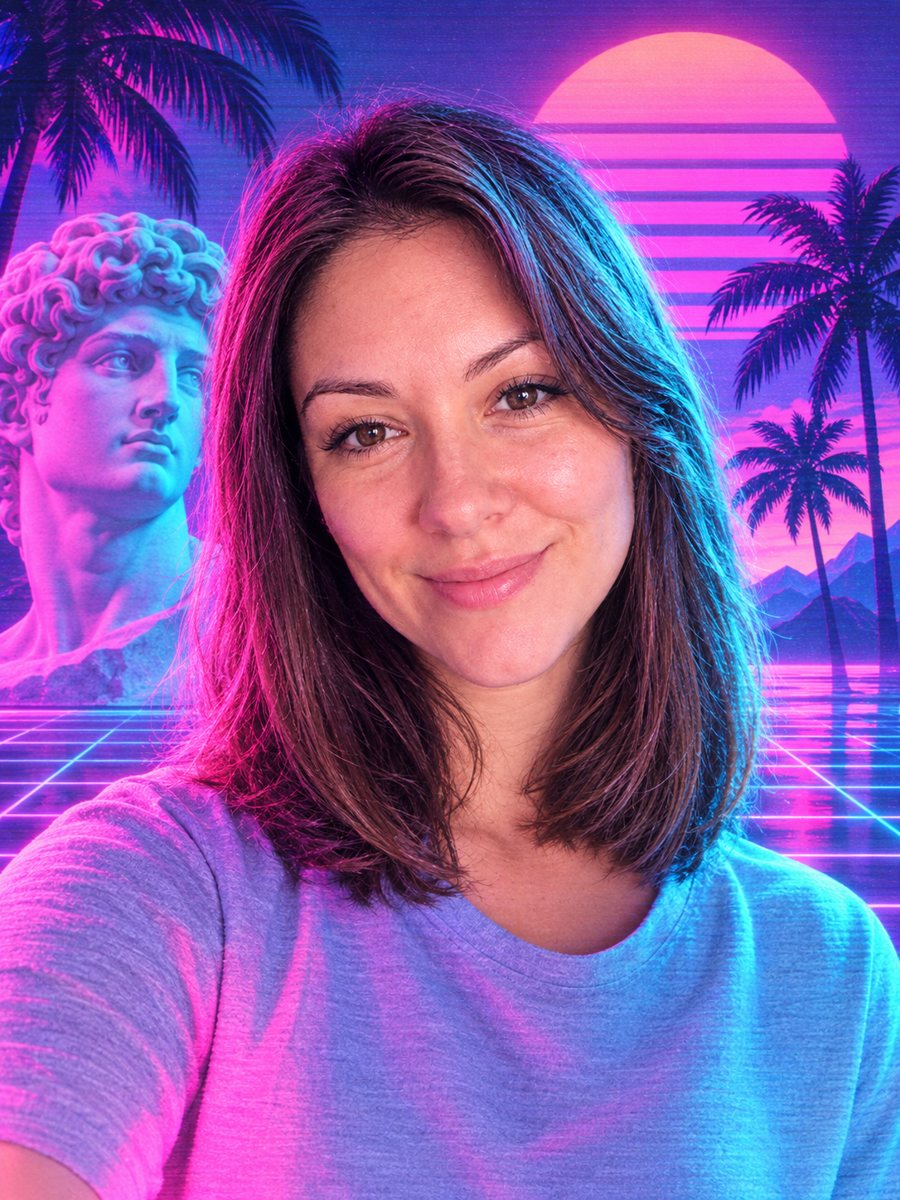 BeforeAfter
In short: Turn your photo into a vaporwave portrait: pink and cyan light, marble bust, palms and a grid floor. Copy the free prompt or use the Telegram bot.
- Where: the VisuMate bot in Telegram, no app or sign-up.
- Cost: 2 credits per image, 7 images free, then packs from 49 Telegram Stars.
- Time: 1 to 2 minutes per image, rerun with a new instruction at the same price.
When you need this
- You need cover art or a profile picture for a lo-fi or synth music page.
- Your photo is plain and you want a loud retro internet aesthetic.
- A poster for a themed party needs a face in a pink and cyan setting.
How to do it
- 1
Tap the button above. The bot opens in Telegram with the vaporwave portrait style chosen for you, press Start if needed.
- 2
Send your photo as a file. A short caption works, for example: more pink than cyan, sunset behind.
- 3
In 1 to 2 minutes you get the image and 2 credits are used. Check the marble bust, and rerun if something drifted.
Try it on your own photo: 7 images are free, no sign-up.
Make it in TelegramThe prompt behind this style
Turn this photo into a vaporwave aesthetic portrait. Keep the face recognizable. Pink and cyan gradient lighting, a classical marble bust and palm silhouettes in the background, a grid floor, soft VHS glow, 90s computer graphics feel. Vertical 3:4, no text.
What vaporwave looks like
Vaporwave comes from internet art of the 1980s and 1990s nostalgia: pastel gradients, Greek statues, palm trees, grids and glitchy video texture. The prompt combines pink and cyan lighting with a marble bust and a grid floor. Your face sits in the middle of this scene. People use the result for music covers, stream backgrounds, social avatars and posters. Use the caption to steer the marble bust, and rerun for 2 credits if the first try misses.
Steering the scene
The AI picks how many props to add. If the picture feels busy, write in the caption: only a grid and a pink sky. If you want a stronger glow, ask for brighter neon. The face is lit by the colored light, so skin tones shift toward pink and blue. That is part of the look, but if you want a more natural face, ask for softer color on skin.
Limits
This is an aesthetic illustration, not a photo. Hairstyles and clothing can change a little under the colored light. The marble bust may resemble your face or a generic statue. No text or Japanese characters are added. If the layout is not what you pictured, rerun it for the same 2 credits and compare the versions. When the image arrives, look at the marble bust first, since that is where drift shows up most.
Tips
- A bright face on a simple background keeps the neon from swallowing the features.
- Choose the dominant color in the caption: more pink, more cyan or more purple.
- Sunglasses in the source photo often fit the style and survive well.
- Ask for fewer objects if the scene gets crowded with palms and busts.
- Print with care: glowing gradients look different on screen and on paper.
Questions and answers
Will it add Japanese text?
No. The prompt asks for no text. You can add it in a design app.
Can I get only the colors without the statue?
Ask for just the pink and cyan lighting and the grid in the caption.
Is it good for an avatar?
Yes, crop the face area from the vertical image.
Does it work with a group photo?
The prompt is for one person. Send single portraits.
Why does my skin look blue?
The cyan light tints the face. Ask for softer skin tones in the caption.
Is the bot in English?
The bot replies in English, and the link from this page opens the right mode.
More in "Photo styles"
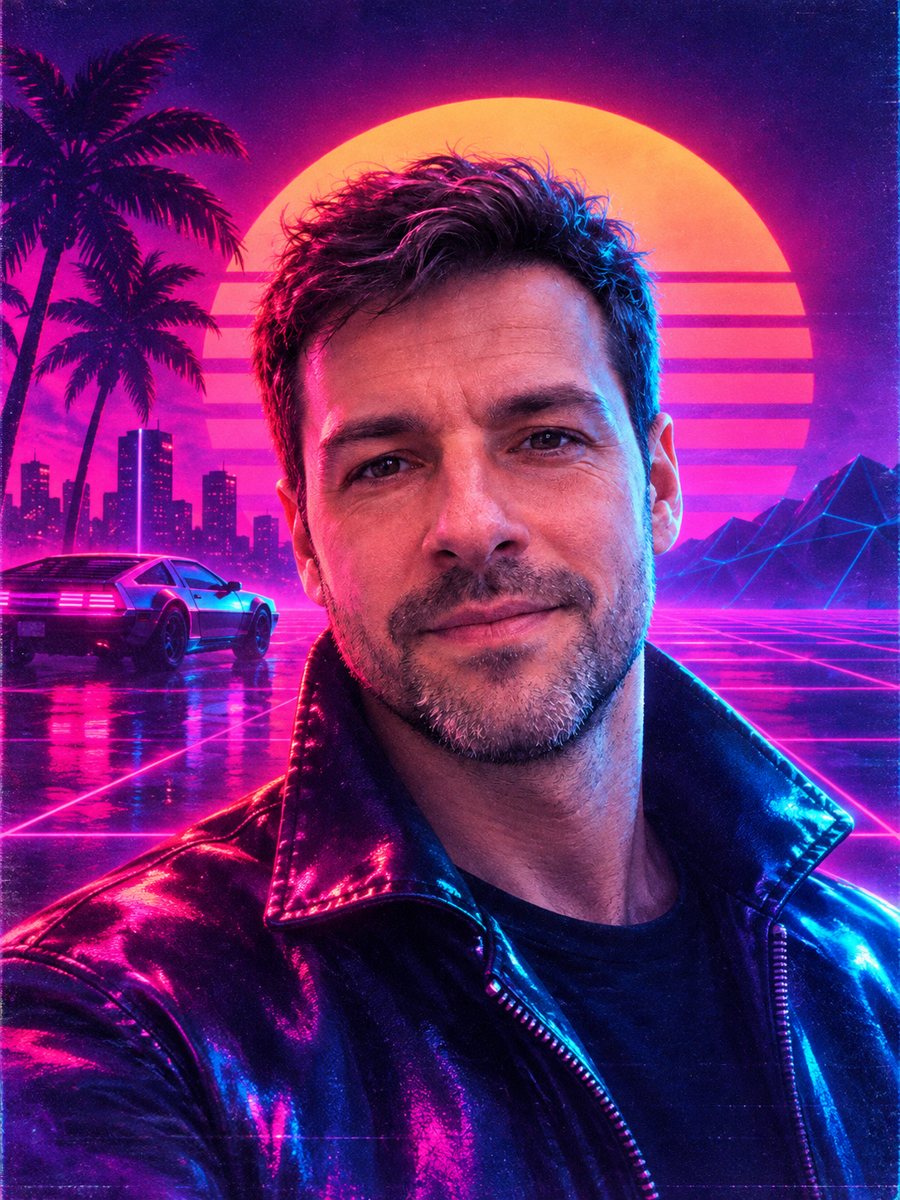 Put your face on an 80s synthwave album coverGet an album cover portrait with neon pink and cyan light, a retro sunset grid and chrome. Copy the...
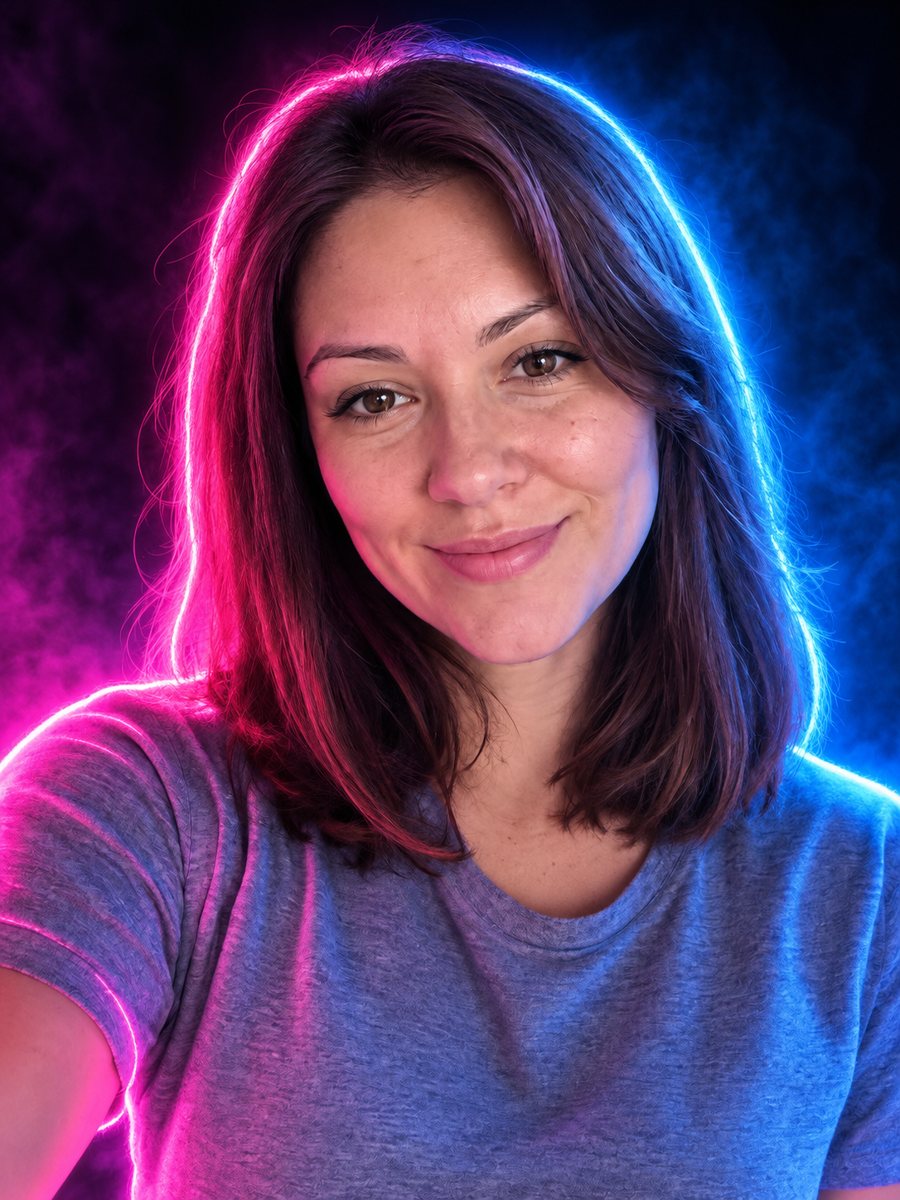 Turn your photo into a neon glow portraitTurn a portrait into a neon sign style image with pink and blue glowing outlines on a dark background....
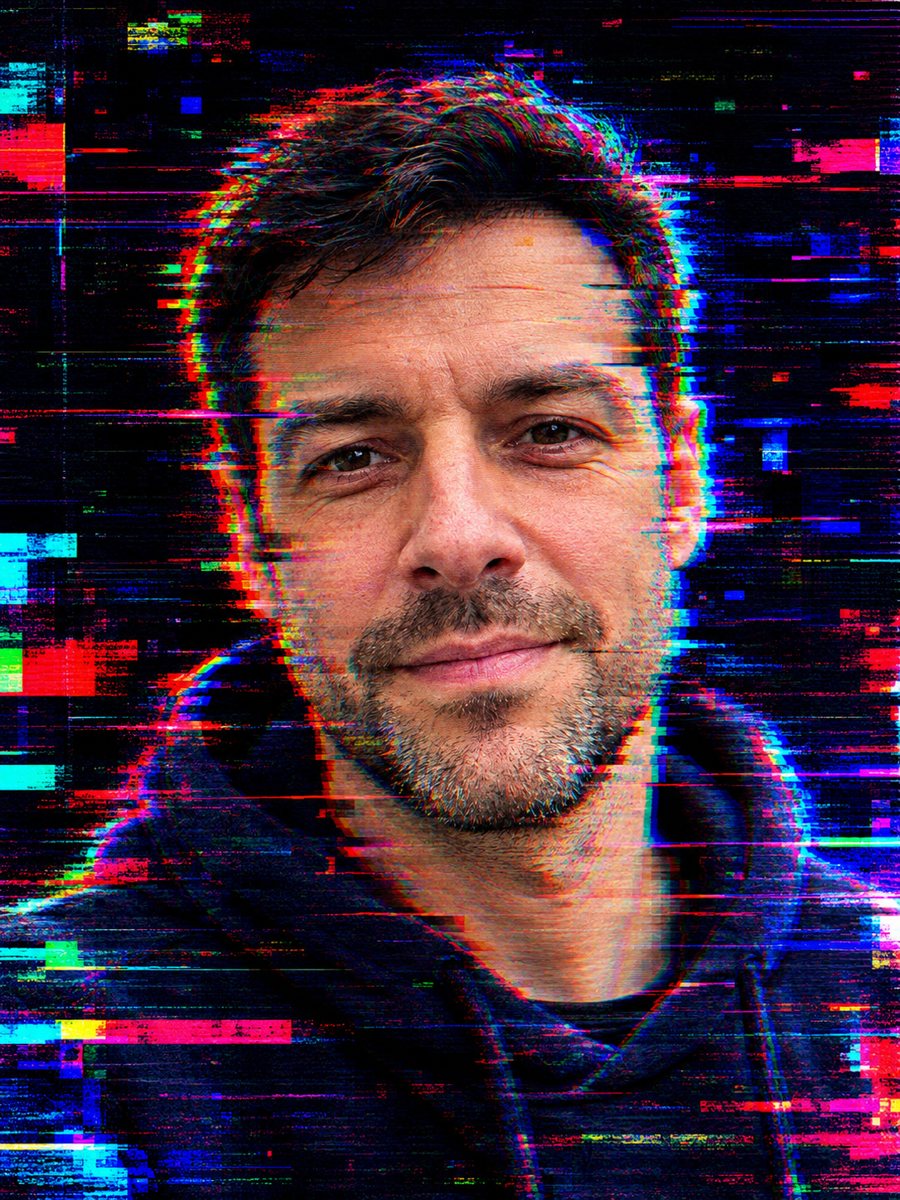 Turn your photo into a glitch art portraitTurn your photo into a glitch art portrait with RGB shifts, scan lines and neon fragments on a dark...
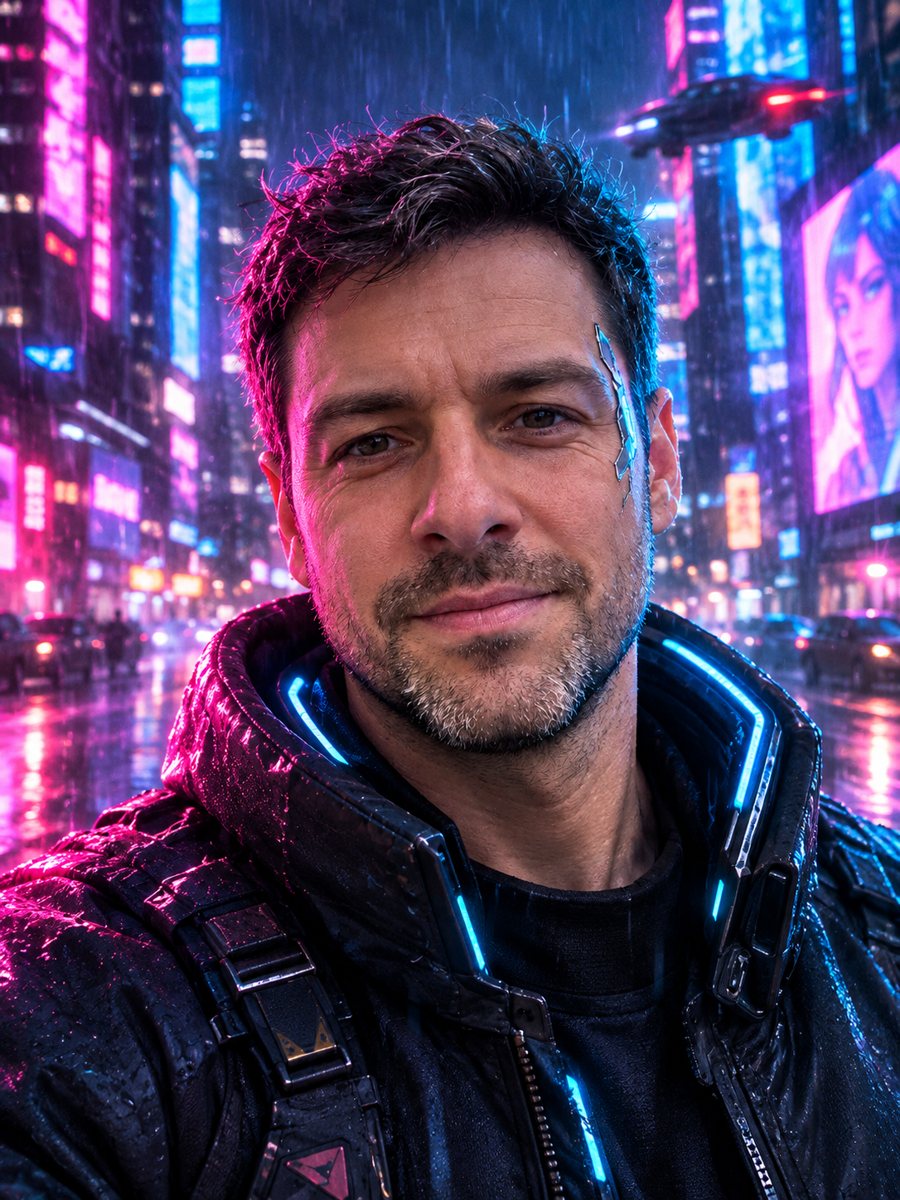 Turn your photo into a cyberpunk portraitTurn a photo into a neon-lit cyberpunk character in a rainy night city. Ready prompt, 2 credits per image,...
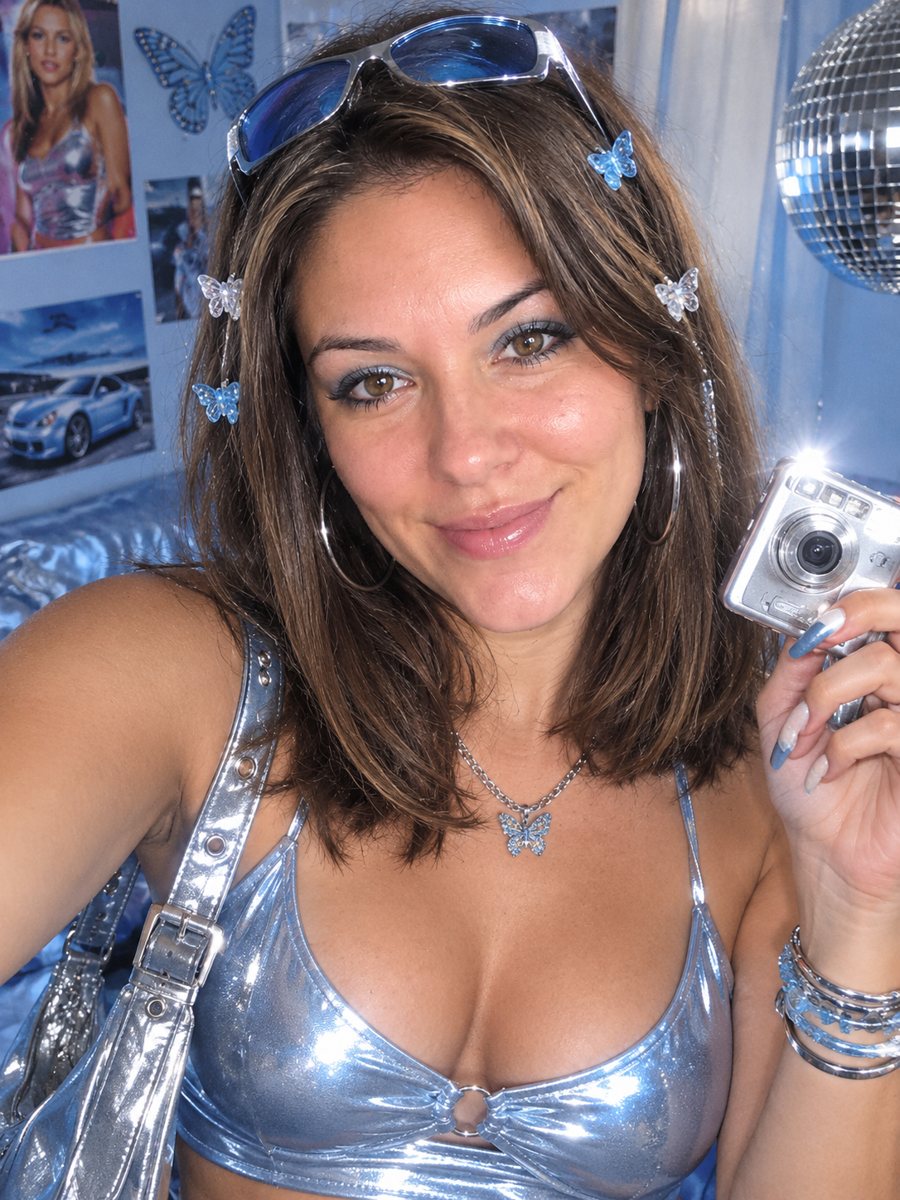 Turn your photo into a Y2K 2000s photo shootRestyle your photo as an early 2000s Y2K shoot with metallic clothes, butterfly clips and flash. Copy the...