Put your face on an 80s synthwave album cover
Your photo is restyled with neon pink and cyan lighting, a sunset over a glowing grid horizon, chrome reflections and a light haze with VHS-style color. The face remains recognizable. Open the bot with the button and send one photo.
- 2 credits per image
- Result in 1–2 minutes
- No sign-up
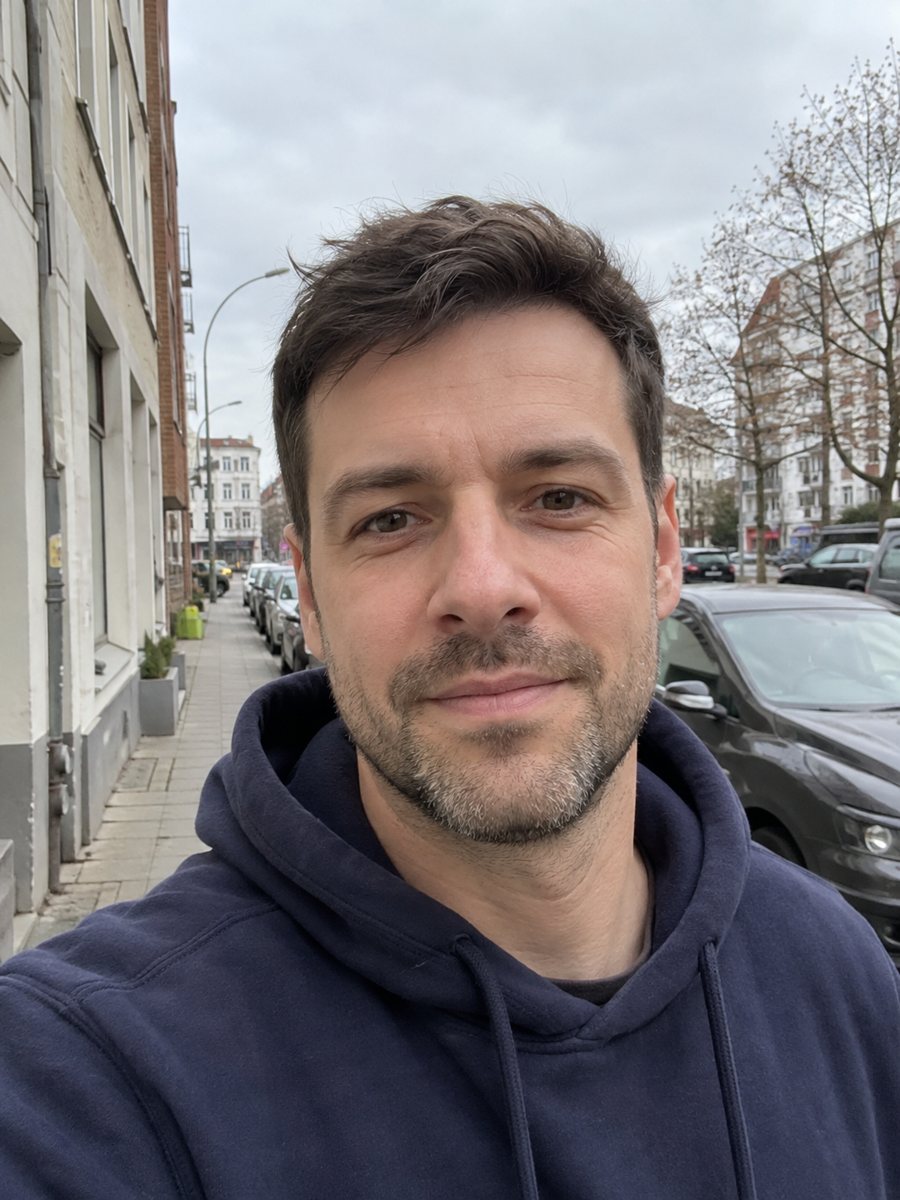
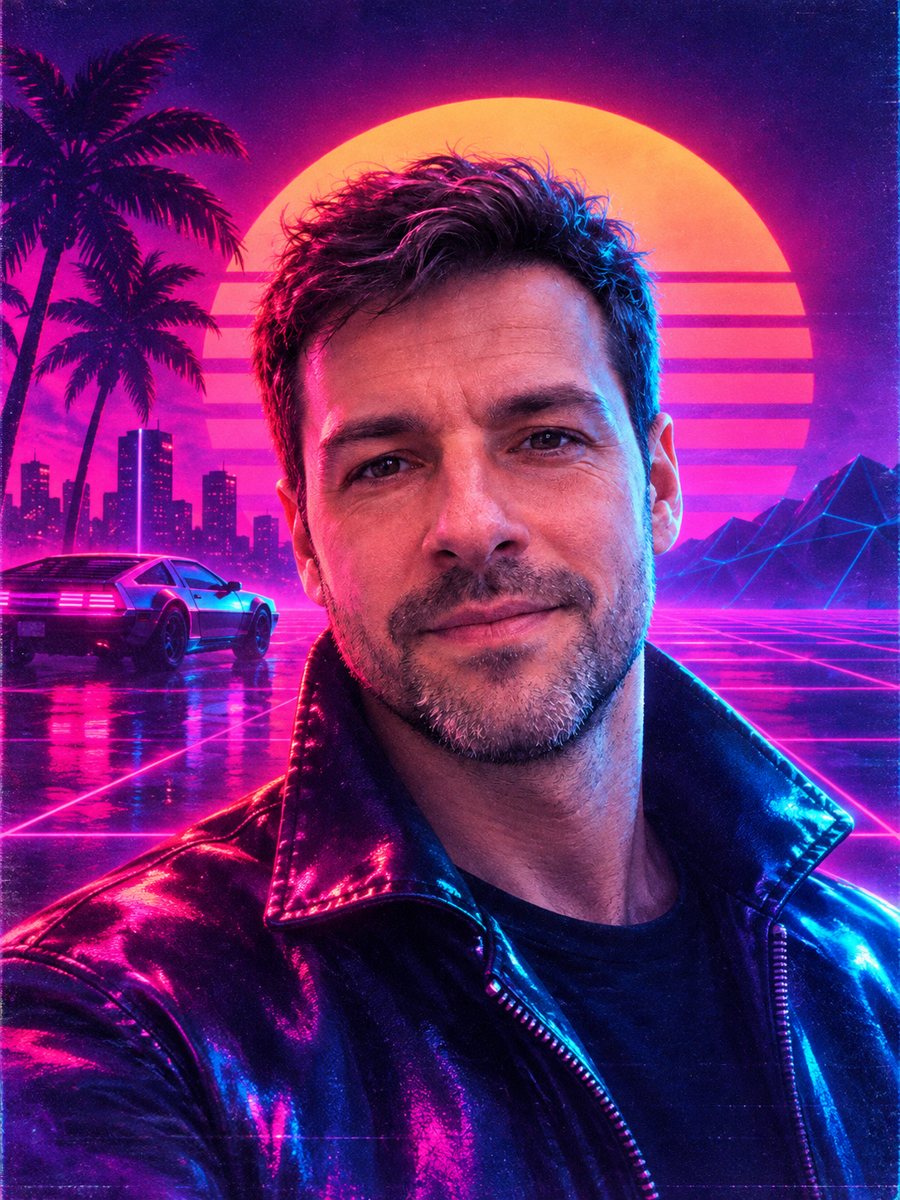 BeforeAfter
In short: Get an album cover portrait with neon pink and cyan light, a retro sunset grid and chrome. Copy the synthwave prompt or open the Telegram bot.
- Where: the VisuMate bot in Telegram, no app or sign-up.
- Cost: 2 credits per image, 7 images free, then packs from 49 Telegram Stars.
- Time: 1 to 2 minutes per image, rerun with a new instruction at the same price.
When you need this
- Your music project needs a cover or a profile picture with a retro look.
- You are planning a retro party and want a themed invite portrait.
- A neon effect in a regular photo editor just tints the image and ignores the background.
How to do it
- 1
Press the button on this page. The bot opens with the synthwave style selected, tap Start if it asks.
- 2
Send one photo as a file. Add wishes in the caption, like: purple sun, palm trees, sunglasses.
- 3
After 1-2 minutes the image is ready for 2 credits. Check that the neon colors do not wash out your skin tone, and rerun if they do.
Try it on your own photo: 7 images are free, no sign-up.
Make it in TelegramThe prompt behind this style
Restyle this photo as an 80s synthwave album art portrait. Keep the face recognizable. Neon pink and cyan lighting, retro sunset grid horizon, chrome reflections, light haze, VHS-era color grading. Vertical 3:4, no text.
The synthwave look explained
Synthwave borrows from 1980s sci-fi posters, arcade cabinets and music covers. The prompt asks for neon pink and cyan light on the face, a retro sun above a glowing perspective grid, chrome-like reflections and a faint haze. A VHS-era color grade softens edges and adds a slightly worn feel. The result is a vertical 3:4 portrait without text, so you can place your own title. The AI invents the horizon details, so each run shows a different sunset and grid.
Getting a cover-ready result
For album art, pick a photo where you face the camera with an intentional expression, since the style rewards a strong pose. Sunglasses work well because the lenses can reflect the grid. If colors look too heavy, ask for softer neon in the caption. If the face drowns in effects, ask for a clear face with light only on the edges. Check the image at thumbnail size before publishing, because streaming apps show covers very small.
Tips
- A photo with a dark or plain background lets neon lighting replace it cleanly.
- Say in the caption whether you want a sun, a city skyline or mountains on the horizon.
- Pink and cyan are the default. Ask for orange and purple for a different mood.
- Hair with some volume catches chrome highlights nicely.
- Leave room above your head if you plan to add a band name in a design app.
Questions and answers
Will it add text or a band name?
No. The prompt asks for no text. Add lettering yourself in a design app.
Is this the same as vaporwave?
They are neighbors. This prompt aims at the neon grid and sunset look of synthwave.
Can I change the colors?
Yes, name other colors in the caption, such as orange and violet.
Does it work with a group photo?
A single person works best. Groups may blend into the glow.
How long does it take?
Usually 1-2 minutes. A run costs 2 credits.
Does the bot work in English?
Yes. It picks up your Telegram language on first launch and replies in English. You can switch the language any time with /lang.
More in "Photo styles"
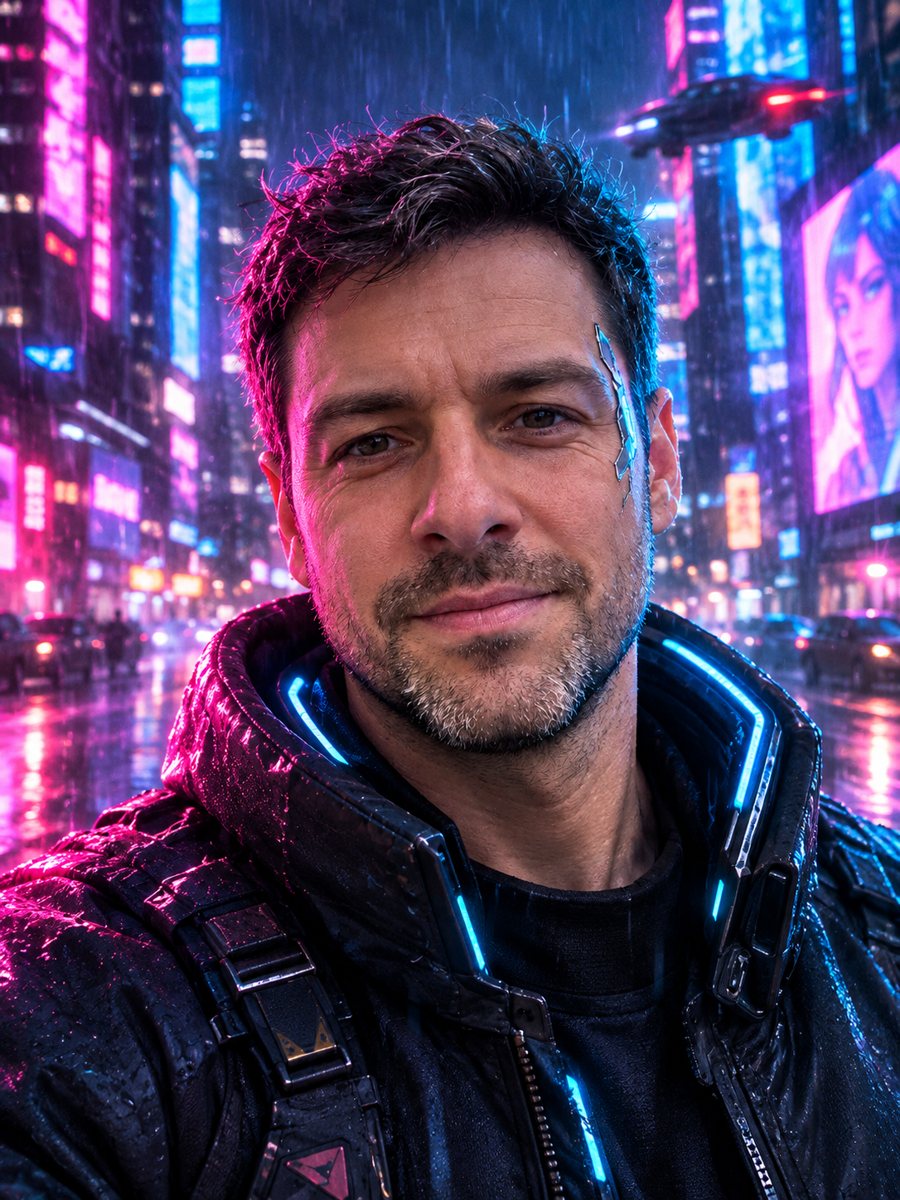 Turn your photo into a cyberpunk portraitTurn a photo into a neon-lit cyberpunk character in a rainy night city. Ready prompt, 2 credits per image,...
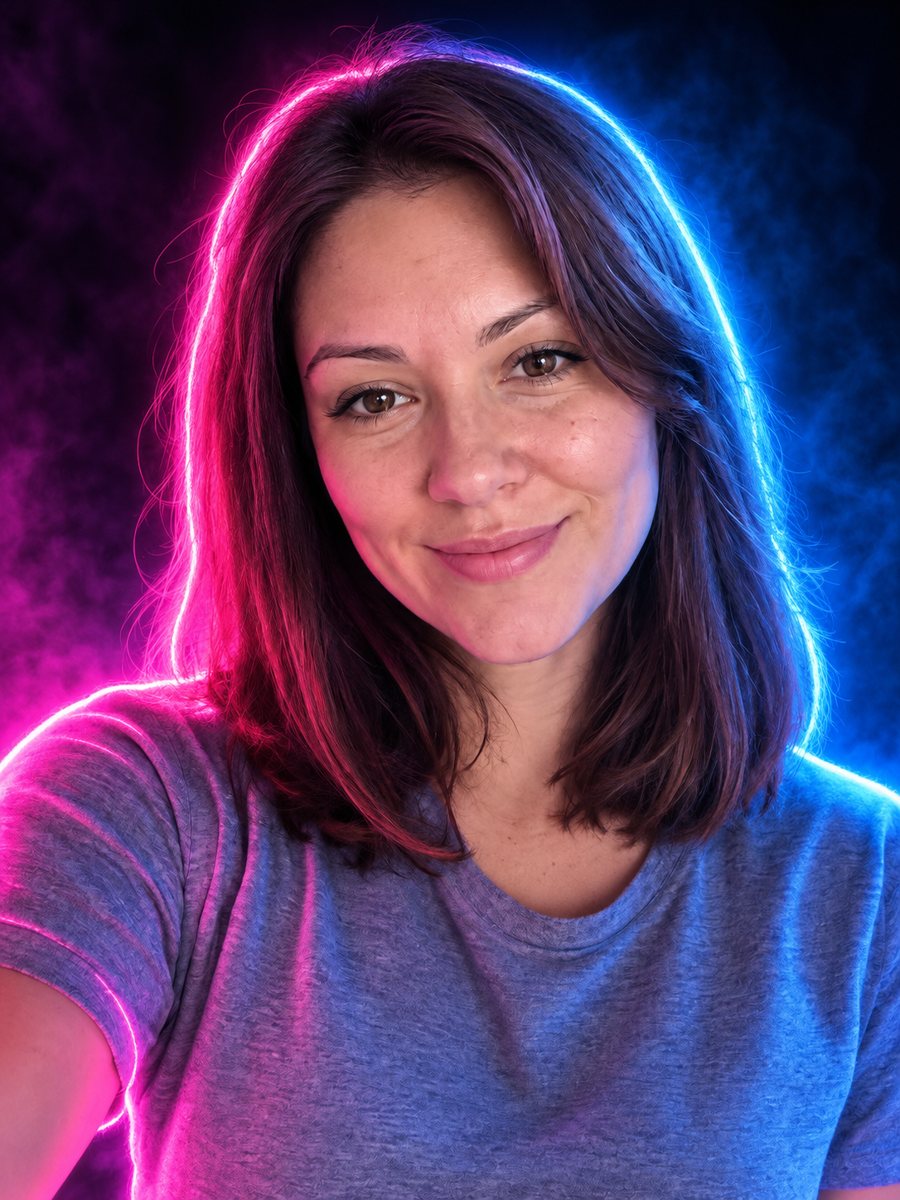 Turn your photo into a neon glow portraitTurn a portrait into a neon sign style image with pink and blue glowing outlines on a dark background....
 Step into the 1970s with a disco portrait of yourselfRestyle your photo as a 1970s disco portrait with big hair, a satin collar and glittering ball bokeh. Copy...
 Give your photo a vintage 1970s film lookGive your photo a 1970s color film look with grain, faded tones and a light leak. Ready prompt, 2 credits...