A GitHub profile picture that stays readable when tiny
On GitHub your avatar shows next to every comment, review and commit, usually at a thumbnail size. A clear face or a bold simple illustration is easier to recognize in a long thread. Send a selfie, pick portrait or illustration, and the bot makes a tidy square.
- 2 credits per image
- Result in 1–2 minutes
- No sign-up
In short: Make a clean GitHub profile picture from a selfie, a friendly portrait or a tasteful illustration that looks sharp at 40 pixels. Telegram bot, 7 images free.
- Where: the VisuMate bot in Telegram, no app or sign-up.
- Cost: 2 credits per image, 7 images free, then packs from 129 Telegram Stars.
- Time: 1 to 2 minutes per image, rerun with a new instruction at the same price.
- Credits never expire, there is no subscription and no auto-renew. You pay once for a pack inside Telegram with Stars.
When you need this
- Your default identicon sits next to your name in every pull request.
- A maintainer you respect has a friendly face and you want the same warmth.
- A hiring manager scrolls your profile and finds a blank gray square.
How to do it
- 1
Press the button to open @visumate_ai_bot in Telegram. No sign-up, and new users get 15 free credits, which is 7 images.
- 2
Send a front-facing selfie as a file. In the caption write: 'friendly flat illustration of me in a green hoodie, round glasses, solid mustard background, big head centered, simple shapes, clean edges'.
- 3
In 1-2 minutes the picture arrives for 2 credits. Shrink it to a small square on your screen and see whether you still recognize yourself.
Try it on your own photo: 7 images are free, no sign-up.
Make it in TelegramLight and dark themes
GitHub shows your picture on white and on near-black pages. A mid-tone solid backdrop such as mustard, coral or teal survives both. Very pale or very dark backgrounds disappear into one theme. Ask the bot for 'bold flat color, strong outline' and check the result on your own profile. If the face looks too detailed, rerun with 'simplified shapes'. Zoom out to small size before you save it.
Portrait or illustration
Photo portraits feel personal in code review, while illustrations keep some privacy. Pick what suits your comfort level and your community. A pet, a robot or an abstract mark also works, though a face tends to get more friendly replies on open source threads. The platform lists its own image rules, so look them up before you upload and keep the file in a common format.
Tips
- Use a solid backdrop color that stands out on both light and dark themes.
- Keep only two or three accessories.
- Center the face and fill the frame.
- Make one realistic and one illustrated version and see which feels like you.
Questions and answers
Can I use it for GitLab too?
Yes. Any site that accepts a square image works.
Should I show my real face?
That is your call. An illustration gives you a recognizable look with less exposure.
What does it cost?
2 credits per image. New users get 15 free credits, so 7 images cost nothing. After that packs start at 129 Telegram Stars, about $2.6 and credits do not expire.
Does the bot work in English?
Yes. It picks up your Telegram language on first launch. You can switch it any time with /lang.
What the bot does not do
- Works from one photo. Likeness depends on the photo you send, and some styles change features more than others.
- Does not make video or animation.
- Does not output a transparent PNG.
- Does not retouch passport or ID photos.
More in "Photo styles"
- A developer headshot for GitHub, talks and job applicationsCreate a clean developer headshot for GitHub, a portfolio or a conference page from a selfie. Telegram...
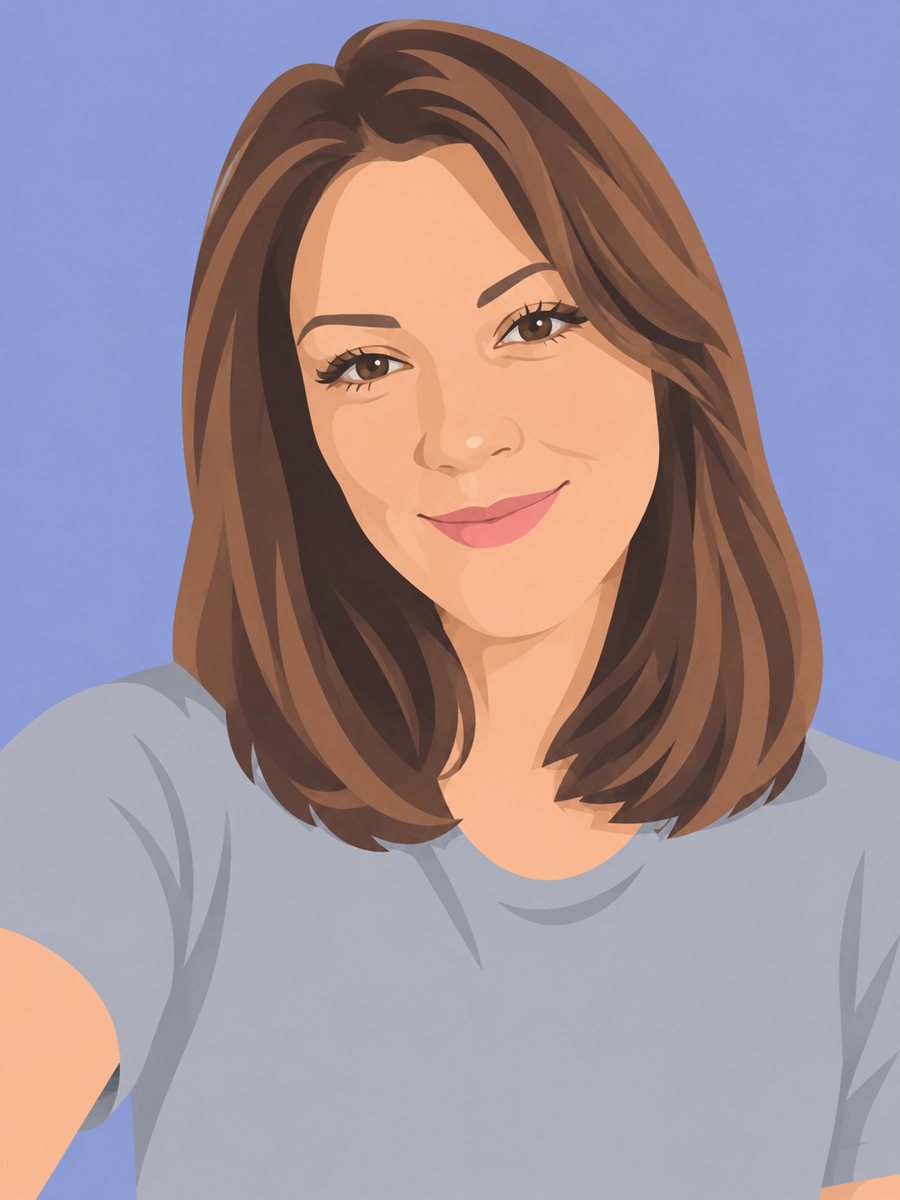 Redraw a photo as a flat vector-style illustrationRedraw your photo as a flat vector illustration with simple shapes and five colors. Copy the ready prompt...
- A work chat picture your team will recognizeMake a friendly Slack or Teams profile picture from a selfie, clean enough to read at tiny size in work...
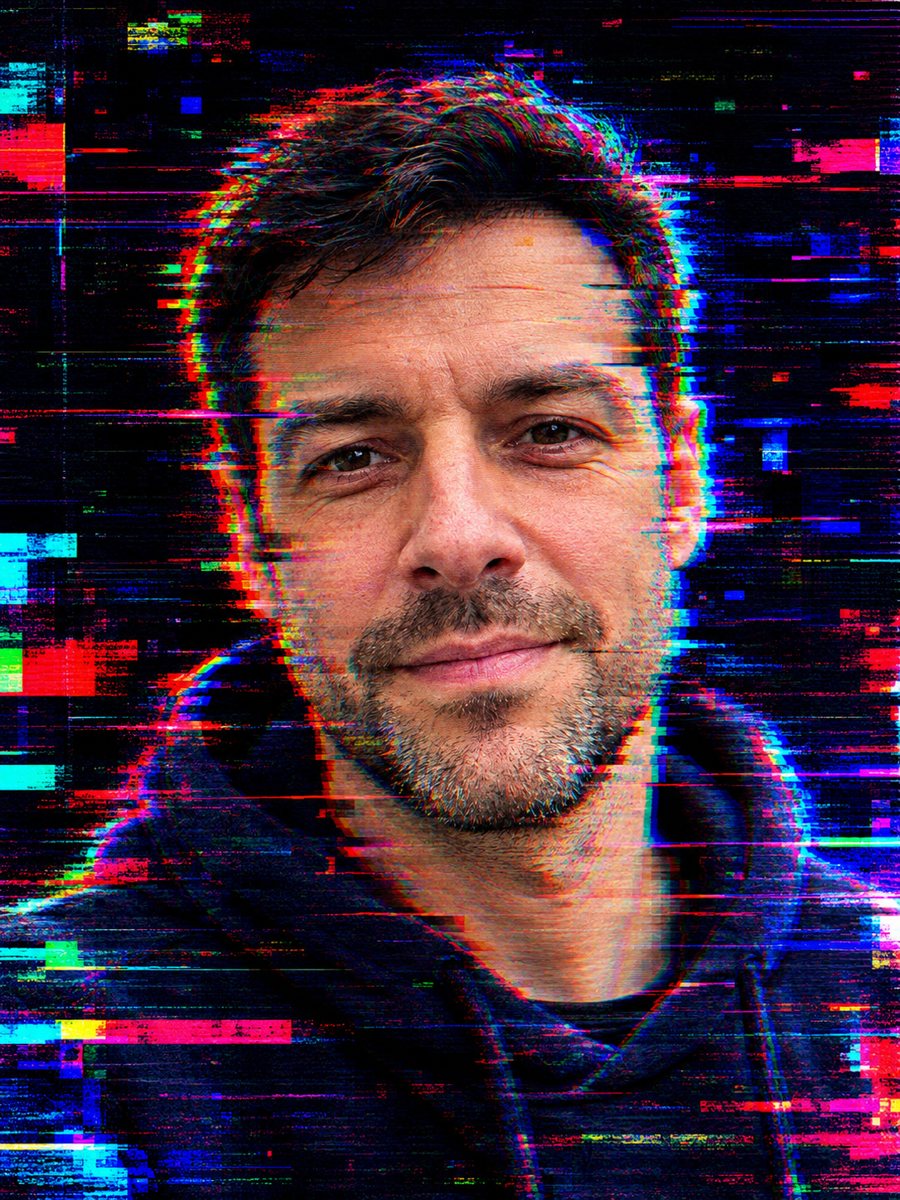 Turn your photo into a glitch art portraitTurn your photo into a glitch art portrait with RGB shifts, scan lines and neon fragments on a dark...
- A Gmail profile picture that makes emails feel personalCreate a clean Gmail and Google account profile picture with a neutral backdrop and a friendly smile that...
- A fifty-year anniversary card with gold and a long storyCreate a golden anniversary card from a couple photo, with warm gold light, soft flowers and an heirloom...