Make a cubist painting out of your photo
Your face is split into overlapping angular planes, painted in muted earth tones with a few bold accents on a visible canvas texture. The features still add up to you. Open the bot, send a photo and the cubist style is applied.
- 2 credits per image
- Result in 1–2 minutes
- No sign-up
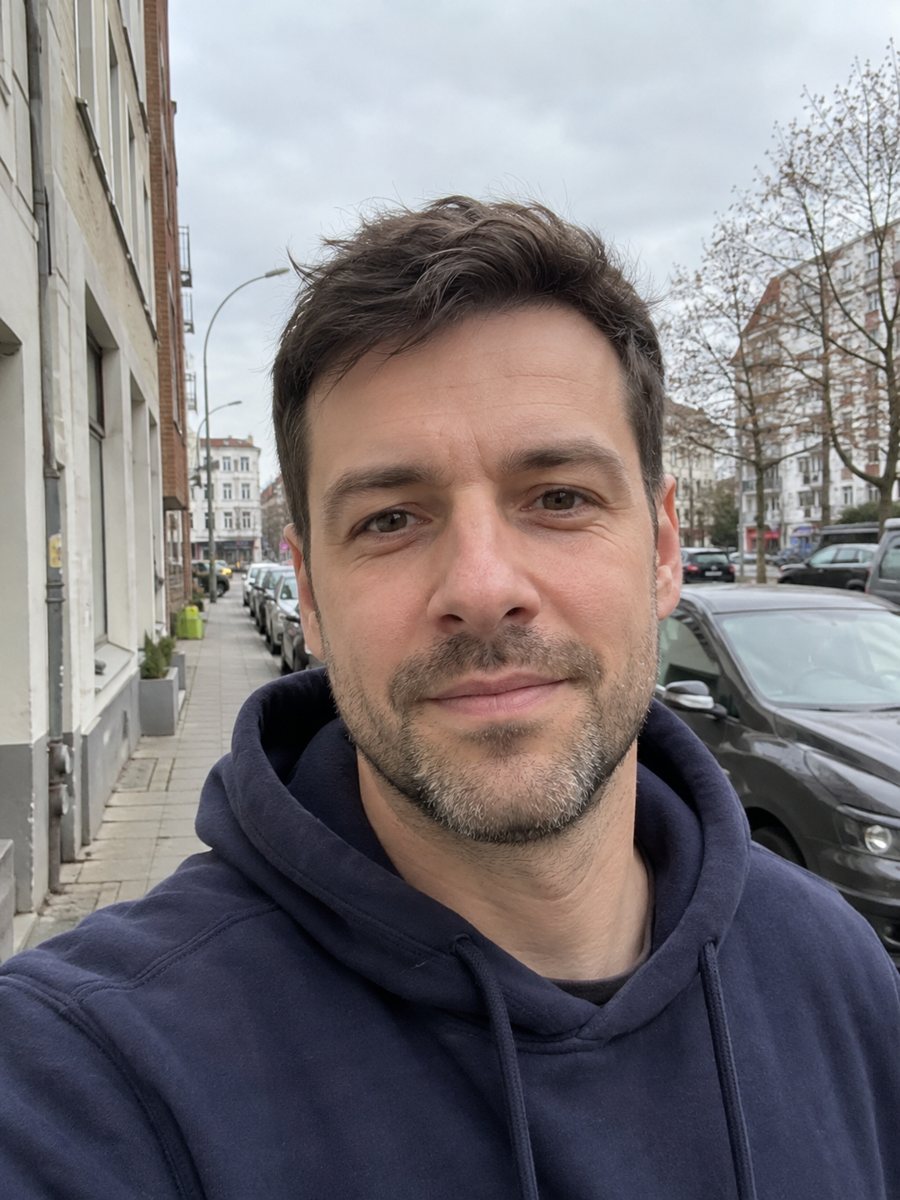
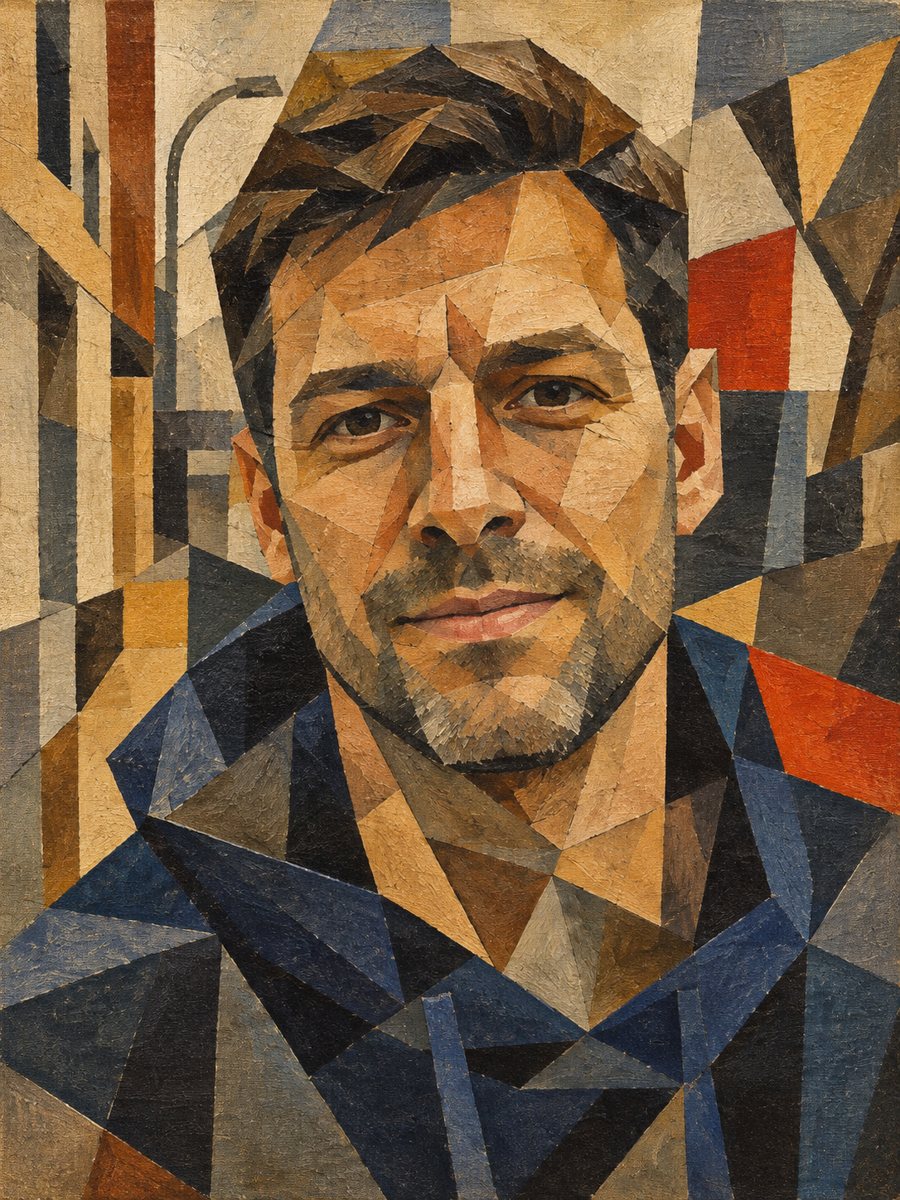 BeforeAfter
In short: Break your photo into overlapping angular planes in earthy tones, like an early 20th century cubist canvas. Copy the prompt or use the Telegram bot.
- Where: the VisuMate bot in Telegram, no app or sign-up.
- Cost: 2 credits per image, 7 images free, then packs from 49 Telegram Stars.
- Time: 1 to 2 minutes per image, rerun with a new instruction at the same price.
When you need this
- You want a bold abstract portrait for a studio wall or a record cover.
- Standard art filters look too smooth and you want a harsher, more geometric result.
- You teach or study art and want a quick example of how a photo breaks into planes.
How to do it
- 1
Tap the button. Telegram opens the bot with the cubist style chosen, press Start if needed.
- 2
Attach one photo as a file. Add a caption if you like, for example: more blue accents, keep my glasses.
- 3
Wait 1-2 minutes, 2 credits are used. Check whether the face still reads from fragments, and run again if it fell apart.
Try it on your own photo: 7 images are free, no sign-up.
Make it in TelegramThe prompt behind this style
Reinterpret this photo as a cubist painting in the spirit of early 20th century modernism. Keep the face recognizable through geometric fragments. Overlapping angular planes, muted earth tones with a few bold accents, visible canvas texture. Vertical 3:4, no text.
What cubism does to a photo
Early cubist painters showed a subject from several angles at once, splitting it into flat, overlapping shapes. The prompt asks for the same idea: geometric fragments, muted earth tones such as ochre, brown and gray, and a couple of bold accents. A rough canvas texture sits under everything. The AI chooses where to cut, so noses, eyes and mouths may appear from slightly different angles in one face. That is intentional for the style, and it gives each run a different composition.
Balancing likeness and abstraction
The more fragments, the less a viewer sees the original person. If your result is unreadable, send a sharper photo and add a caption such as: fewer fragments, clearer face. If it looks too tame, ask for stronger angles and a bolder accent color. Hair and clothing tend to become large flat shapes, which holds the picture together. This style prints well at large sizes, because the texture of the canvas has room to show.
Tips
- A clear side or three-quarter view gives the AI natural planes to cut along.
- Strong light and shadow on the face help the angular blocks appear.
- Name one accent color in the caption, such as a single red or teal.
- Avoid very busy backgrounds, since cubist planes will mix them into the face.
- Expect an abstract result. Rerun a couple of times and pick the one where you recognize yourself fastest.
Questions and answers
Will it look like Picasso?
It follows the general language of early cubism. It is a new image and does not copy any particular artist.
Why does my face look distorted?
Distortion is part of cubism. If it goes too far, ask for fewer fragments in the caption.
Can I choose the colors?
Mention them in the caption. The default is muted earth tones with a few bold accents.
Does it work with pets?
You can try it, but the prompt is written for people. Pet portraits have dedicated styles.
What size is the result?
A vertical 3:4 image with no text.
Does the bot work in English?
Yes. It picks up your Telegram language on first launch and replies in English. You can switch the language any time with /lang.
More in "Photo styles"
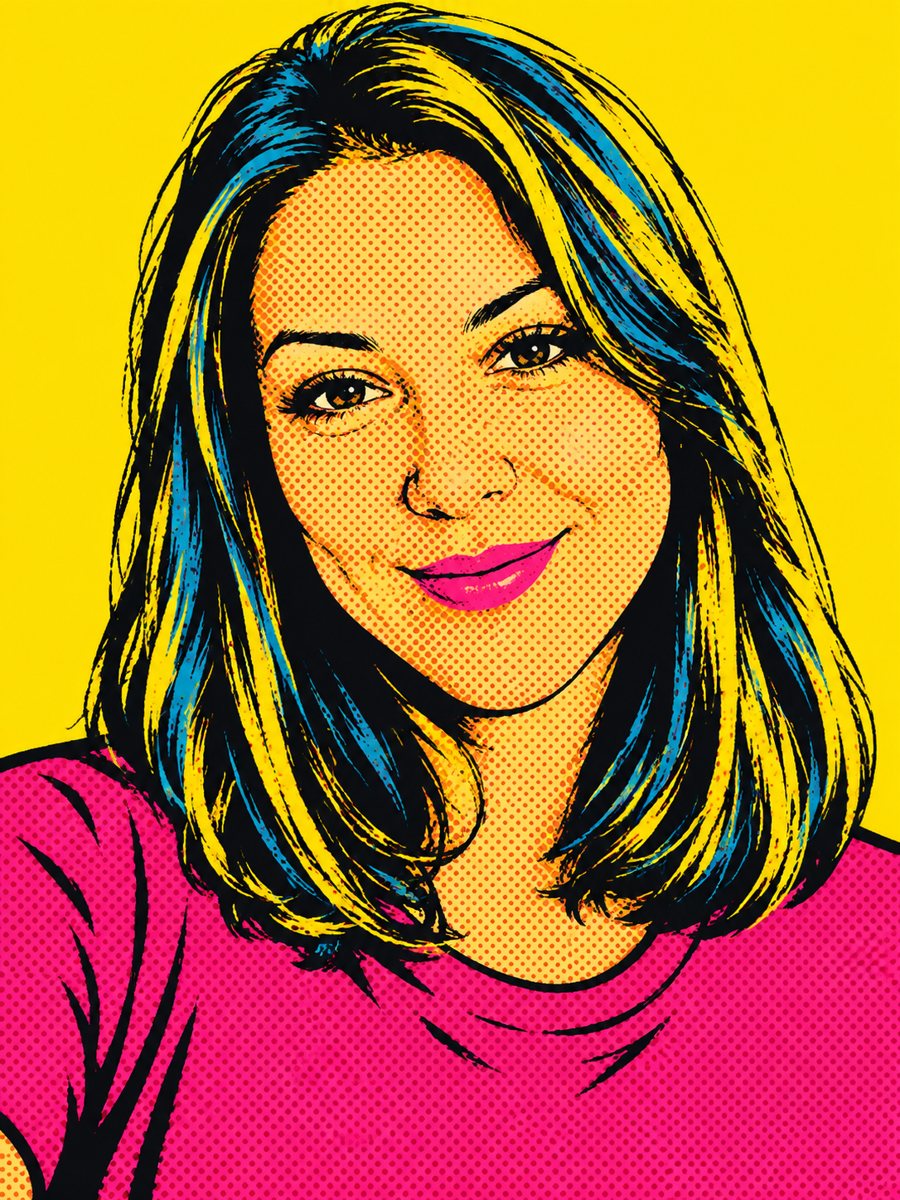 Create a pop art portrait from your photoMake a 1960s silkscreen pop art portrait from your photo with bold flat colors and halftone dots. Ready...
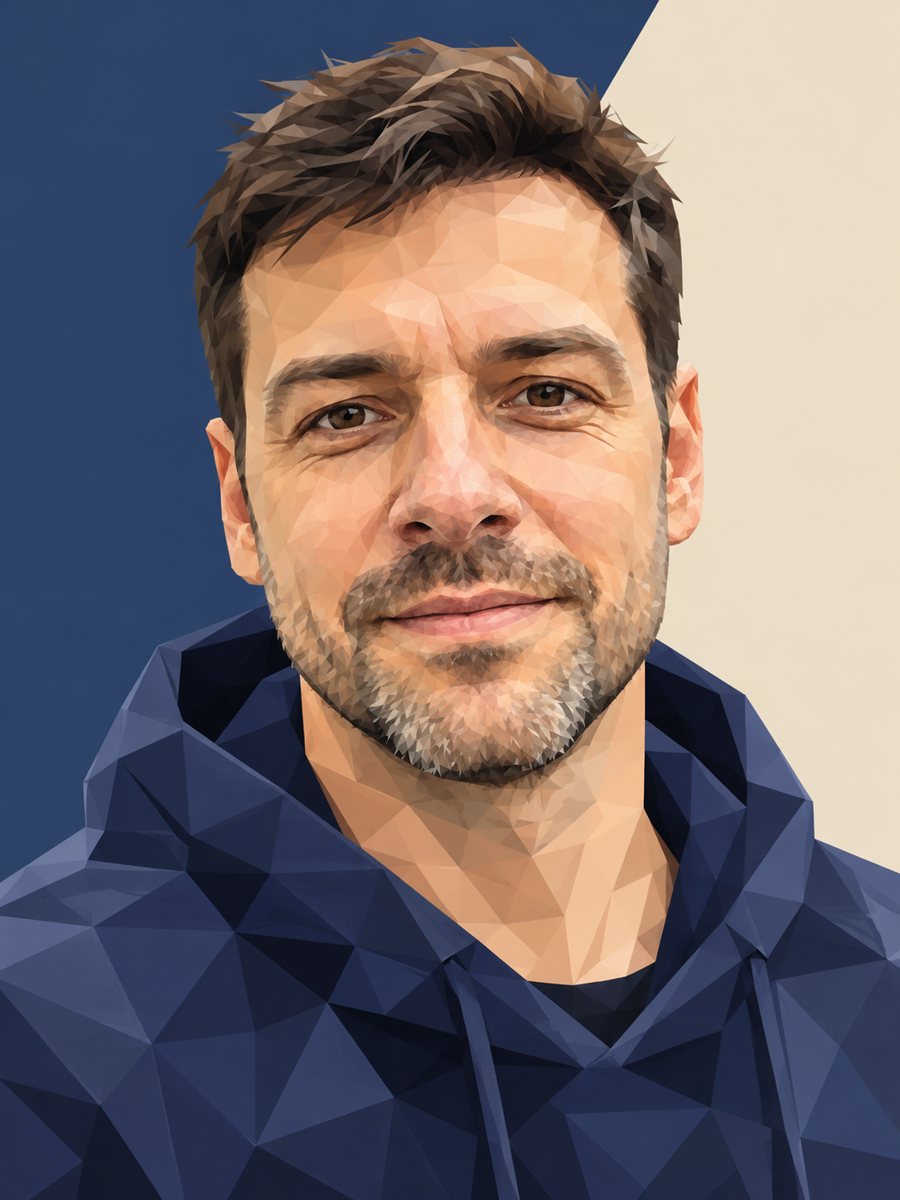 Turn your photo into a low poly portraitConvert a portrait into a low poly triangle image with smooth gradients and a clean two-tone background....
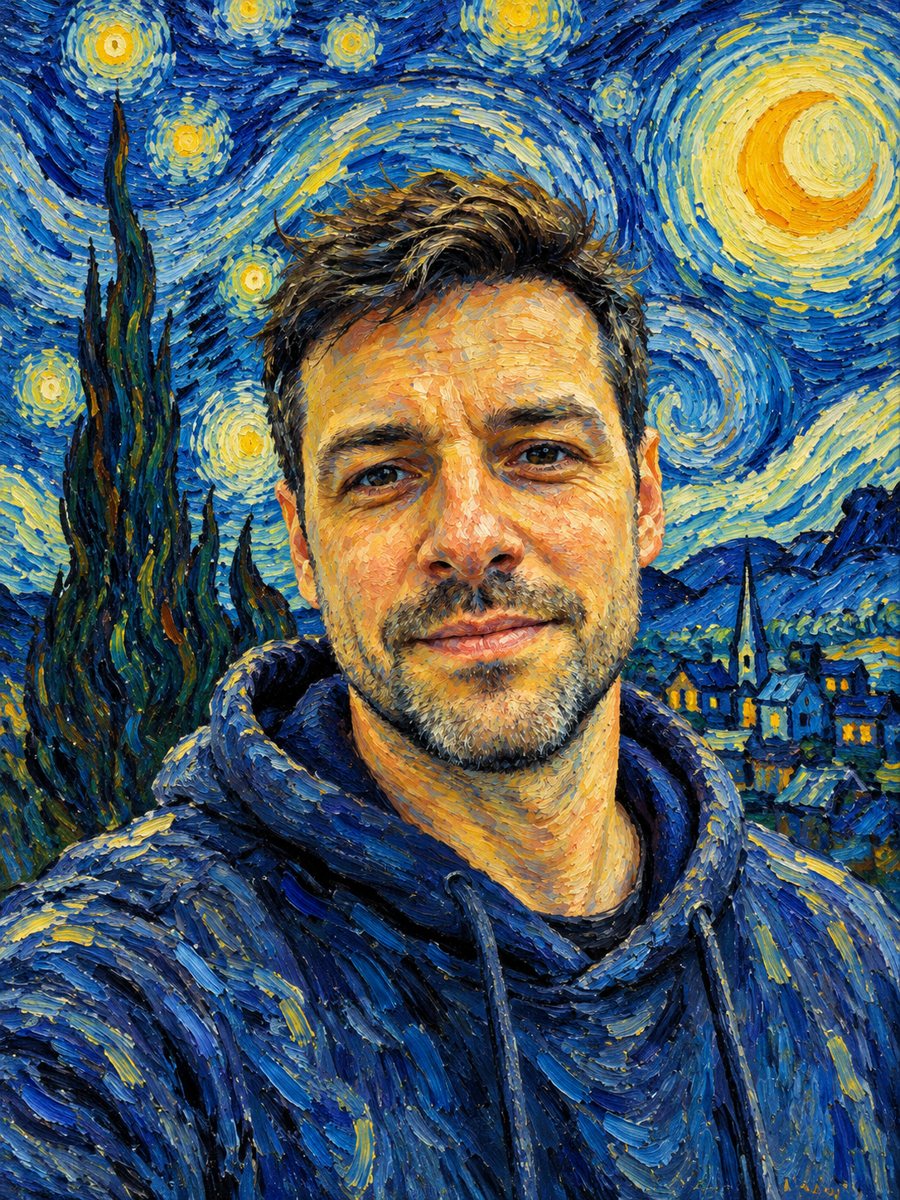 See yourself painted with swirling Van Gogh brushstrokesRepaint your photo with thick swirling brushstrokes and a starry sky. Copy the ready Van Gogh style prompt...
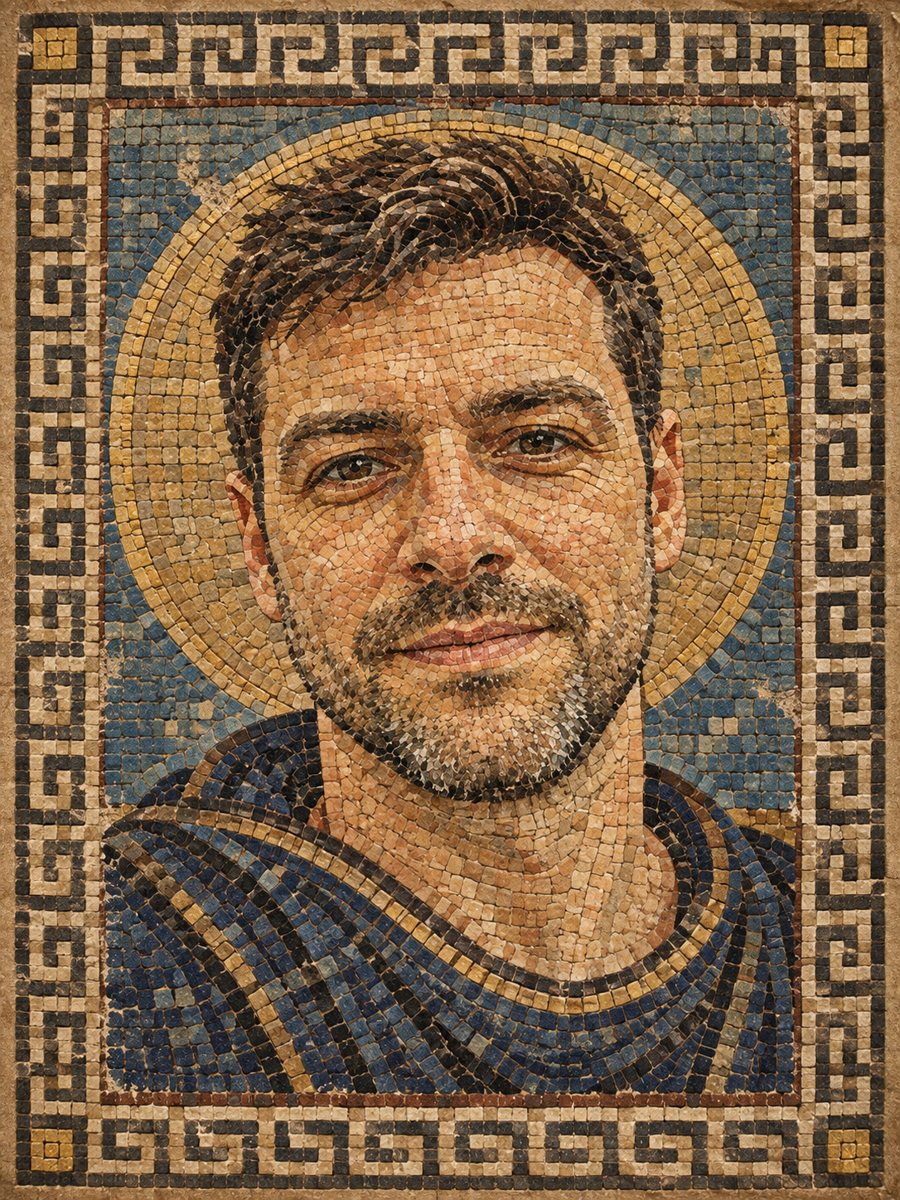 Turn your photo into a Roman style mosaic portraitTurn a photo into an ancient Roman style mosaic made of small stone and glass tiles. Ready prompt and...