Turn a photo into a child's crayon drawing
The bot redraws your photo like a child did it with crayons: thick waxy strokes, bright primary colors, slightly wobbly outlines and white paper showing through. It works for people and for pets. Press the button and send one photo.
- 2 credits per image
- Result in 1–2 minutes
- No sign-up
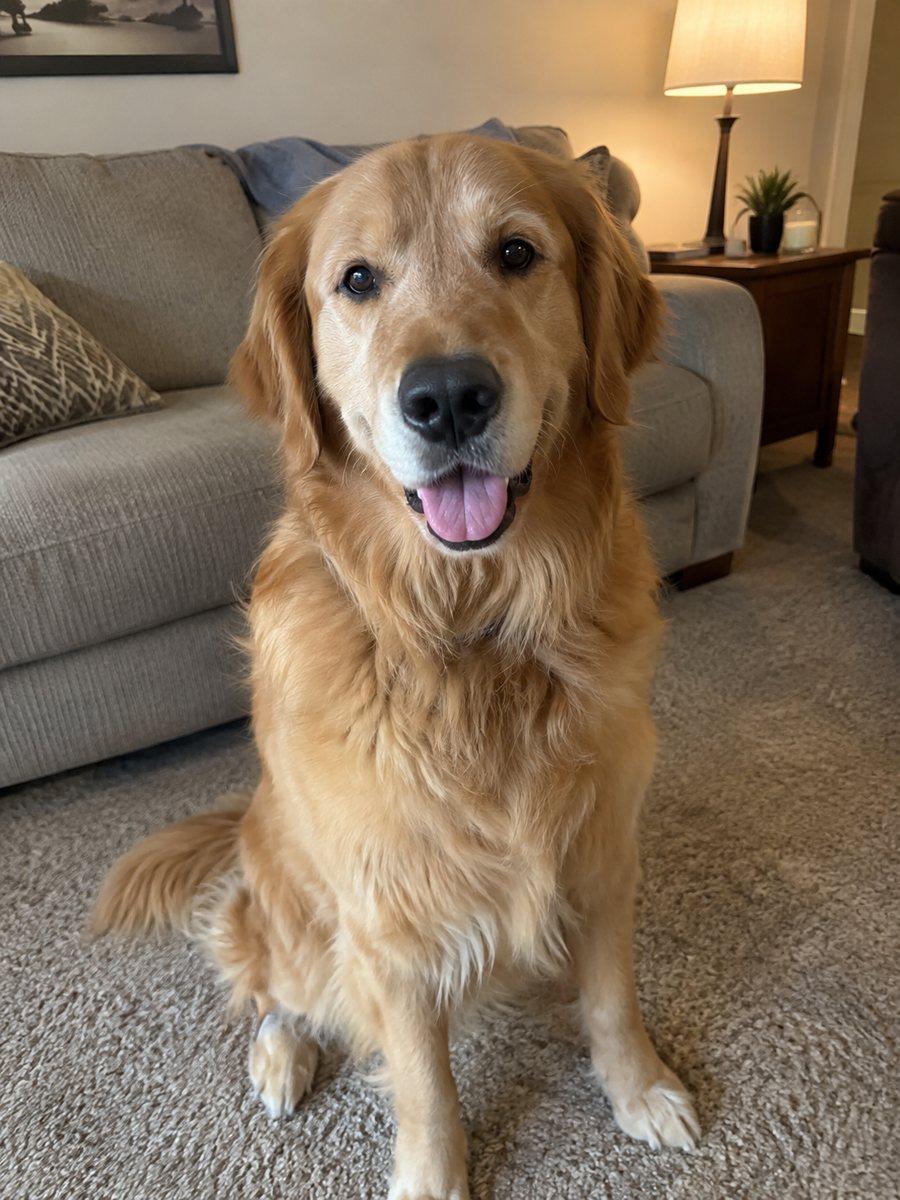
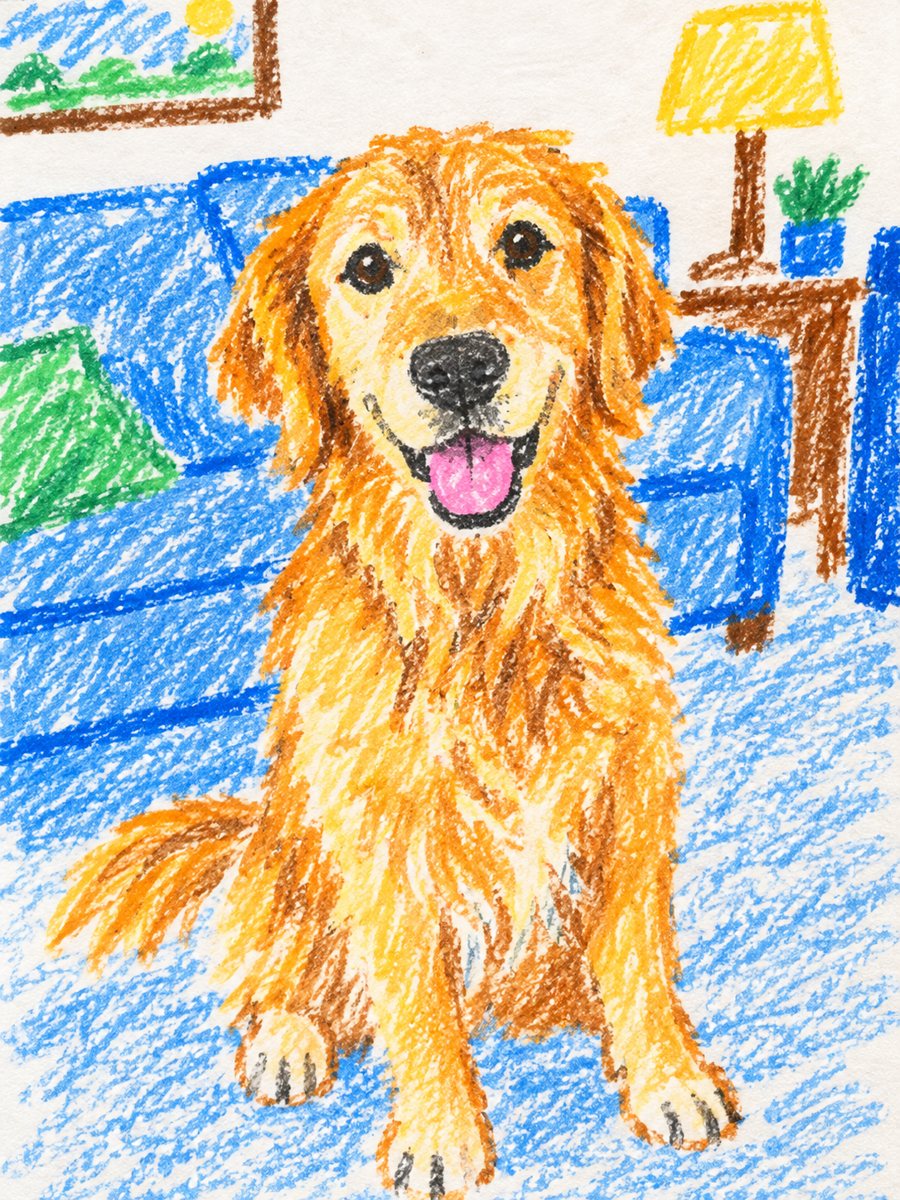 BeforeAfter
In short: Turn a photo of a person or a pet into a child's crayon drawing with waxy strokes and bright colors. Copy the free prompt or use the bot, 7 images free.
- Where: the VisuMate bot in Telegram, no app or sign-up.
- Cost: 2 credits per image, 7 images free, then packs from 49 Telegram Stars.
- Time: 1 to 2 minutes per image, rerun with a new instruction at the same price.
When you need this
- You want a funny card or a gift that looks like a kid drew your dog, cat or family.
- A children's party or a classroom project needs a naive drawing style.
- You want a playful avatar that does not look polished.
How to do it
- 1
Use the button on this page to open the bot. The crayon drawing from photo style is preselected, so there is nothing to pick.
- 2
Send one photo as a file, so Telegram does not compress it. You can add a caption, for example: red and yellow, a big sun in the corner.
- 3
Wait 1 to 2 minutes. The result costs 2 credits. Look closely at the waxy strokes, then rerun if needed for another 2 credits.
Try it on your own photo: 7 images are free, no sign-up.
Make it in TelegramThe prompt behind this style
Turn this photo into a child's crayon drawing. Keep the subject recognizable. Thick waxy crayon strokes, bright primary colors, slightly uneven outlines, white paper texture showing through. Vertical 3:4, no text.
The crayon look
Children draw with thick strokes, bold colors and simple shapes, and crayon wax leaves a rough texture and gaps where white paper shows. The prompt asks for these qualities with slightly uneven outlines. People, dogs and cats all turn into round heads, big eyes and bright patches of color. The result is cheerful and a bit silly. People use it for cards, party invites, scrapbook pages and fun profile pictures.
Better drawings
Naive drawings have few details, so the AI reduces your photo to its main shapes. A pet with a clear color pattern, such as black and white spots, gets a recognizable result. For people, hair color and clothing colors carry the likeness. Add a caption with the colors that matter. If the picture feels too neat, ask for messier lines and a larger scribble.
Limits
Likeness is loose on purpose, so expect a playful version, not a portrait. Faces may be simplified to dots and lines. Backgrounds can change. The result is a digital imitation and not a scan of a real drawing. If the main subject is lost, rerun with a simpler photo. A new run costs 2 credits. When the image arrives, look at the waxy strokes first, since that is where drift shows up most.
Tips
- A simple photo with one subject gives the clearest childlike shapes.
- Ask for a sun, grass or a house if you want a classic child drawing scene.
- Keep the subject large in the frame so the strokes stay readable.
- Say whether you want it for a person or for a pet in the caption.
- Pick a photo with a plain background, since the crayon style handles one or two big shapes better.
Questions and answers
Does it work for a dog or a cat?
Yes. It works for people and for pets. Mention the animal in the caption.
Can I add a sun and grass?
Yes, ask in the caption.
Will it look like a real child drew it?
It imitates the style, but a real drawing would differ.
Can I print it as a card?
Yes. Check the image for odd details first.
Can I get a group of people?
The prompt is for one subject. Group photos may lose features.
More in "Photo styles"
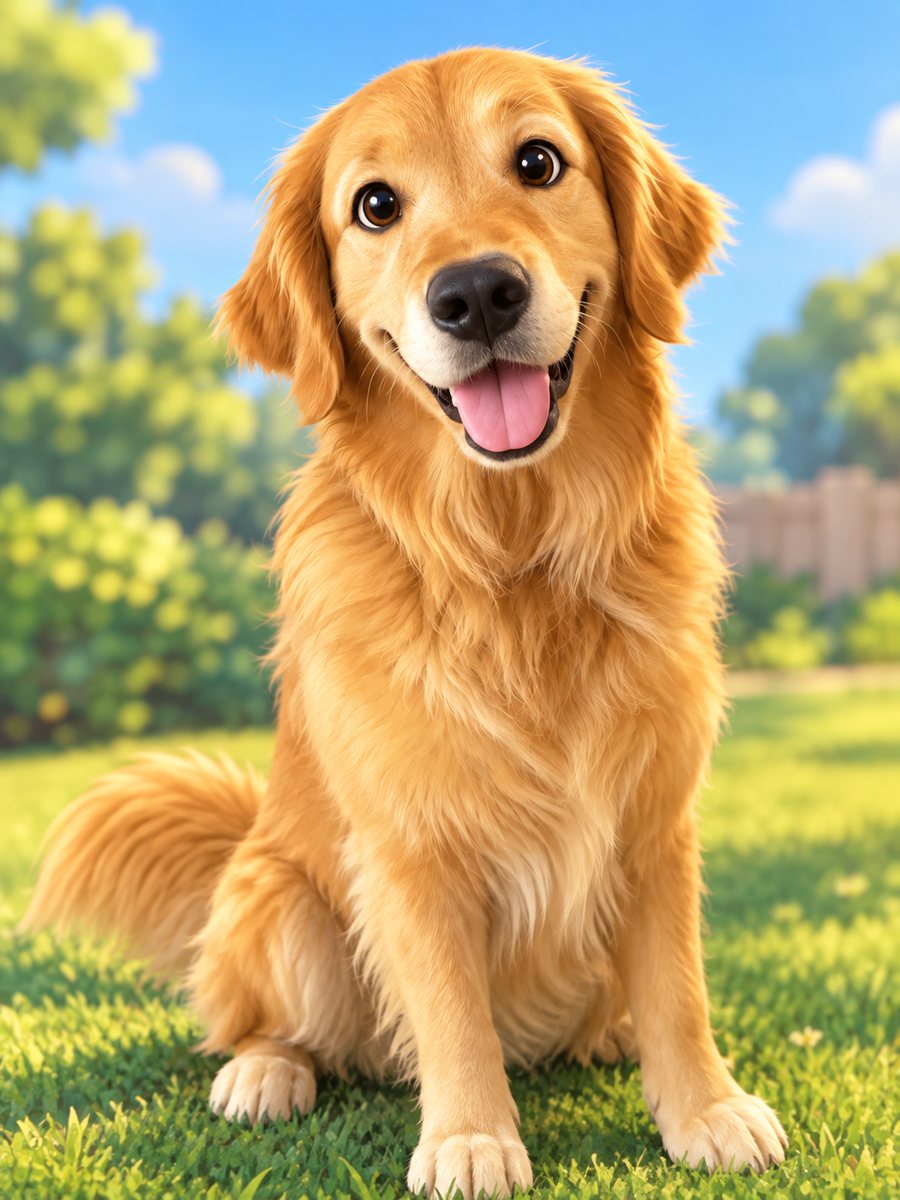 Turn your pet into a cartoon characterDraw your dog or cat as a cute animated movie character with big eyes and soft 3D shading. Ready prompt...
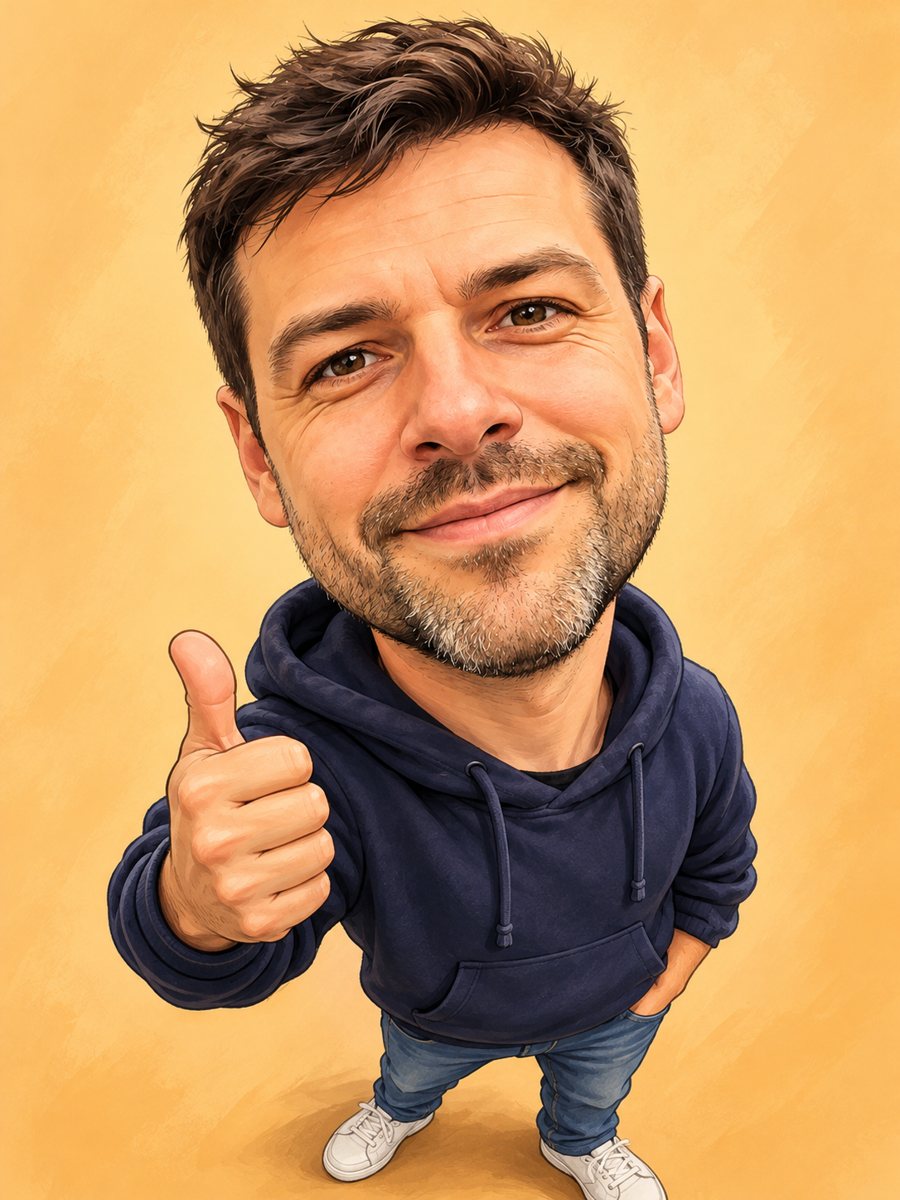 Turn your photo into a friendly caricatureDraw a friendly caricature of yourself or a friend with a big head, a big smile and a small body. Copy the...
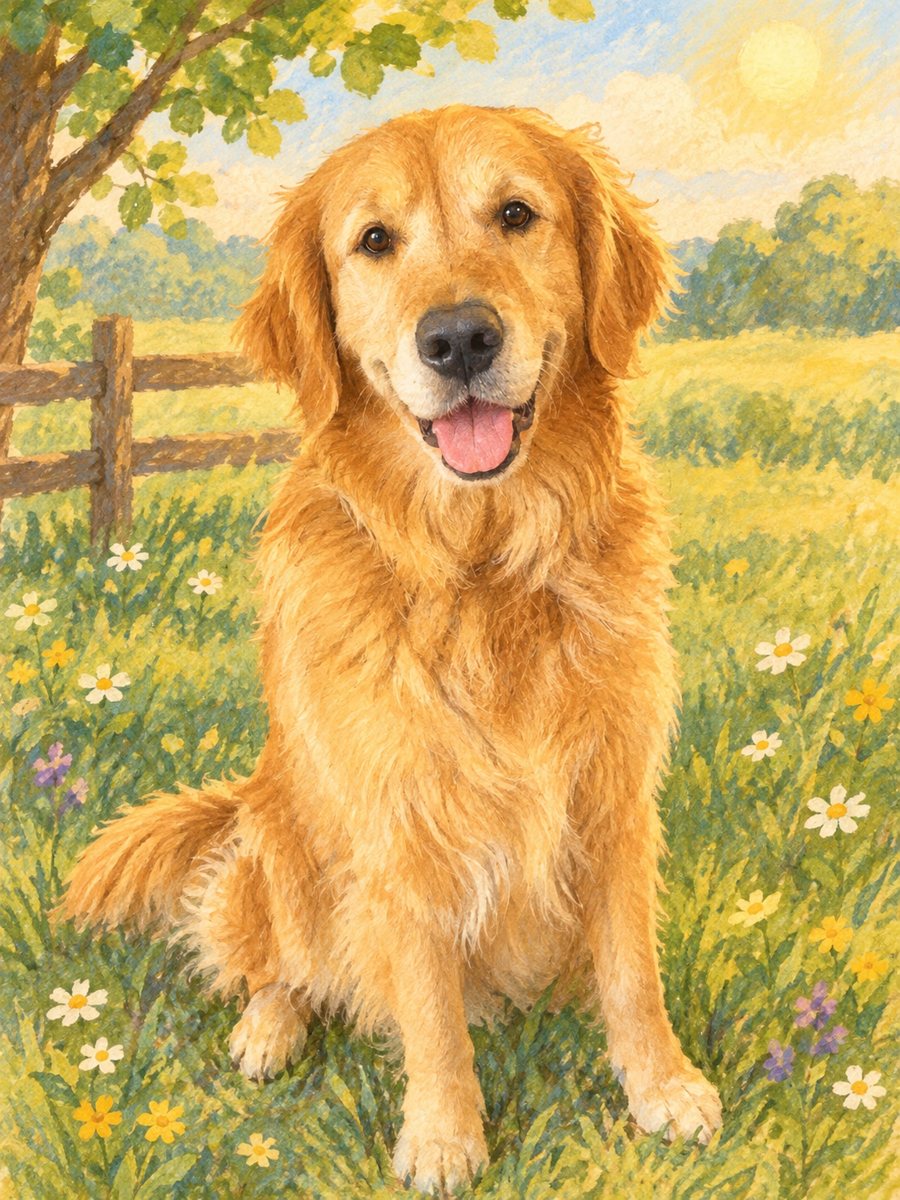 Turn a photo into a children's storybook illustrationMake a picture book illustration from a photo of a child, a pet or a toy with colored pencil texture....
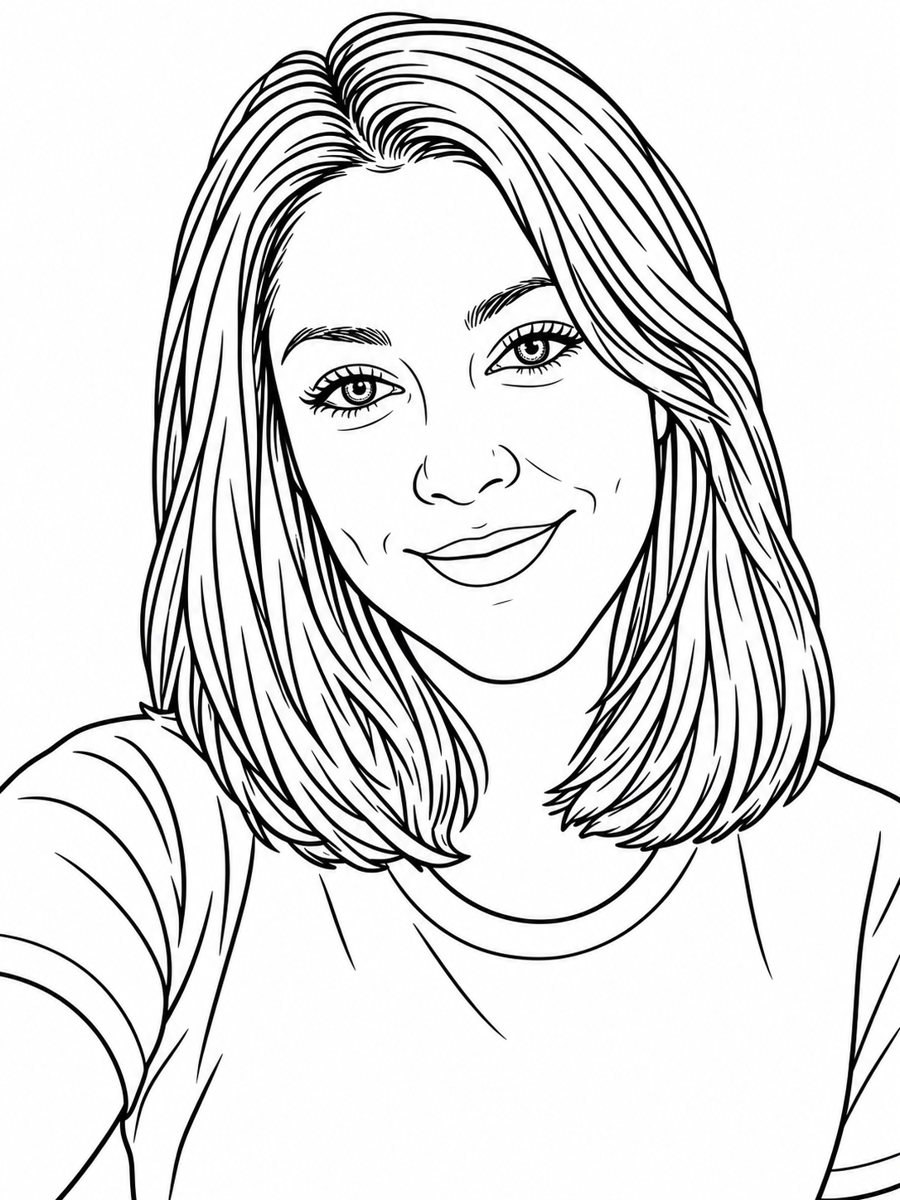 Turn a photo into a coloring book pageTurn a photo into a clean coloring book page with black outlines on white. Copy the free prompt or use the...
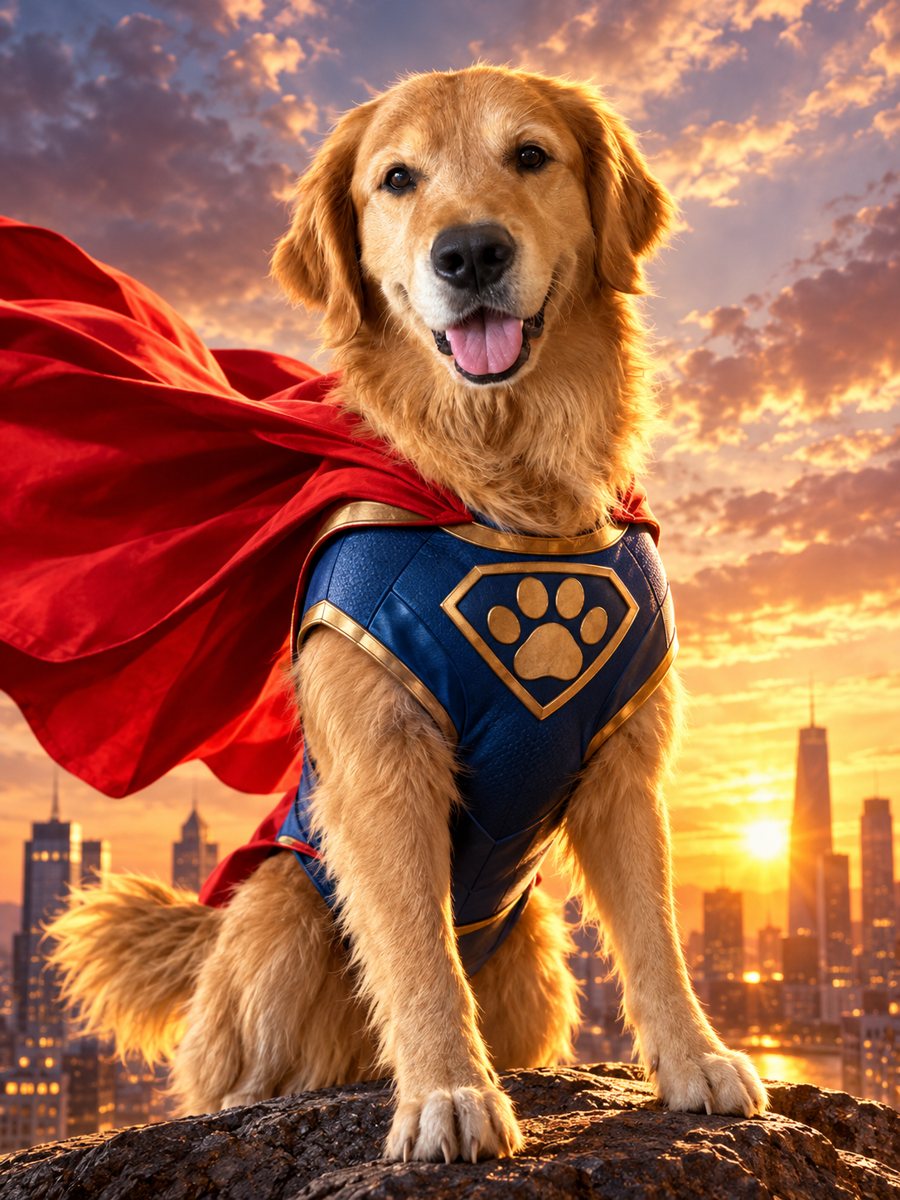 Turn your pet into a caped superheroTurn your dog or cat into a caped superhero over a sunset skyline. Copy the ready prompt or open the...