Turn your photo into a stop-motion clay character
Your photo becomes a handmade stop-motion claymation character with visible fingerprints in the clay, slightly uneven surfaces, big expressive eyes and a miniature set behind you in soft studio light. Your hairstyle, face shape and outfit stay recognizable.
- 2 credits per image
- Result in 1–2 minutes
- No sign-up
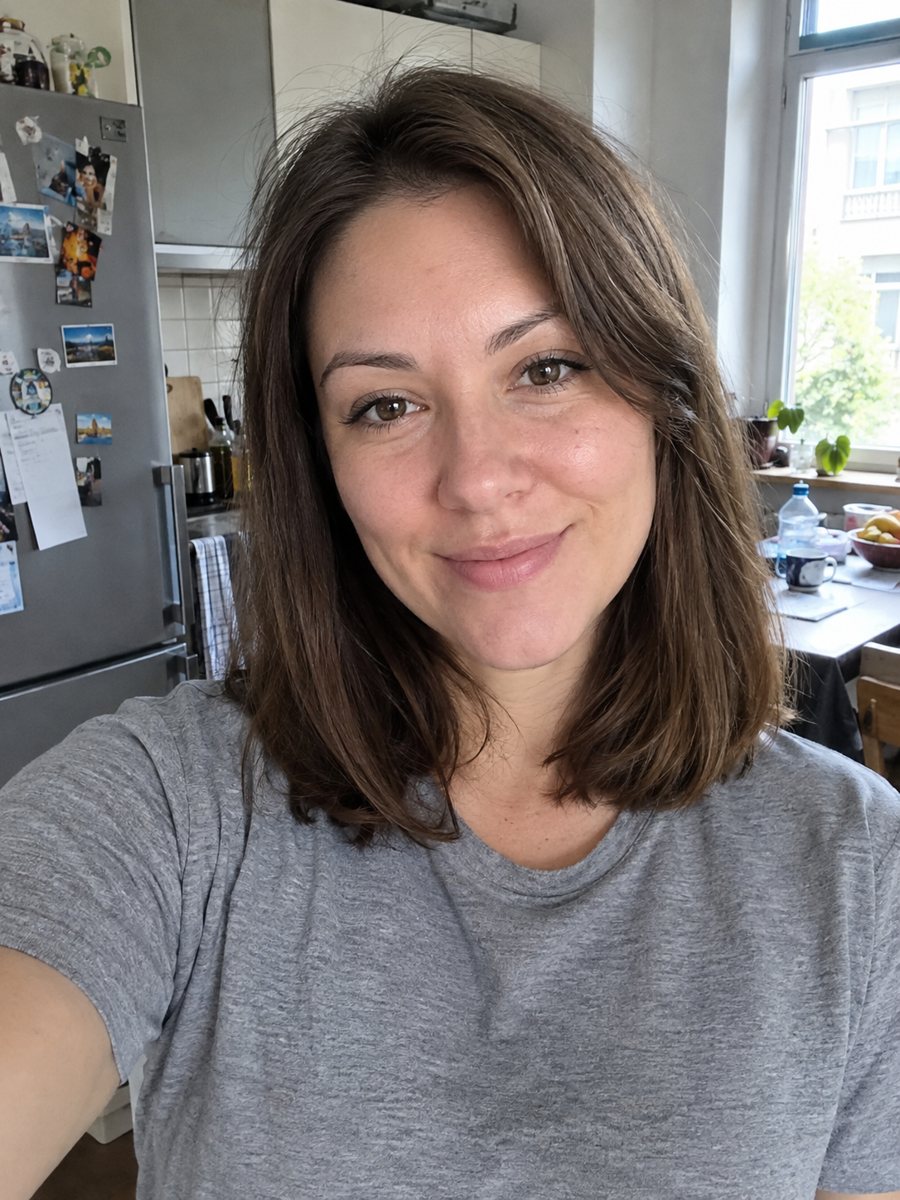
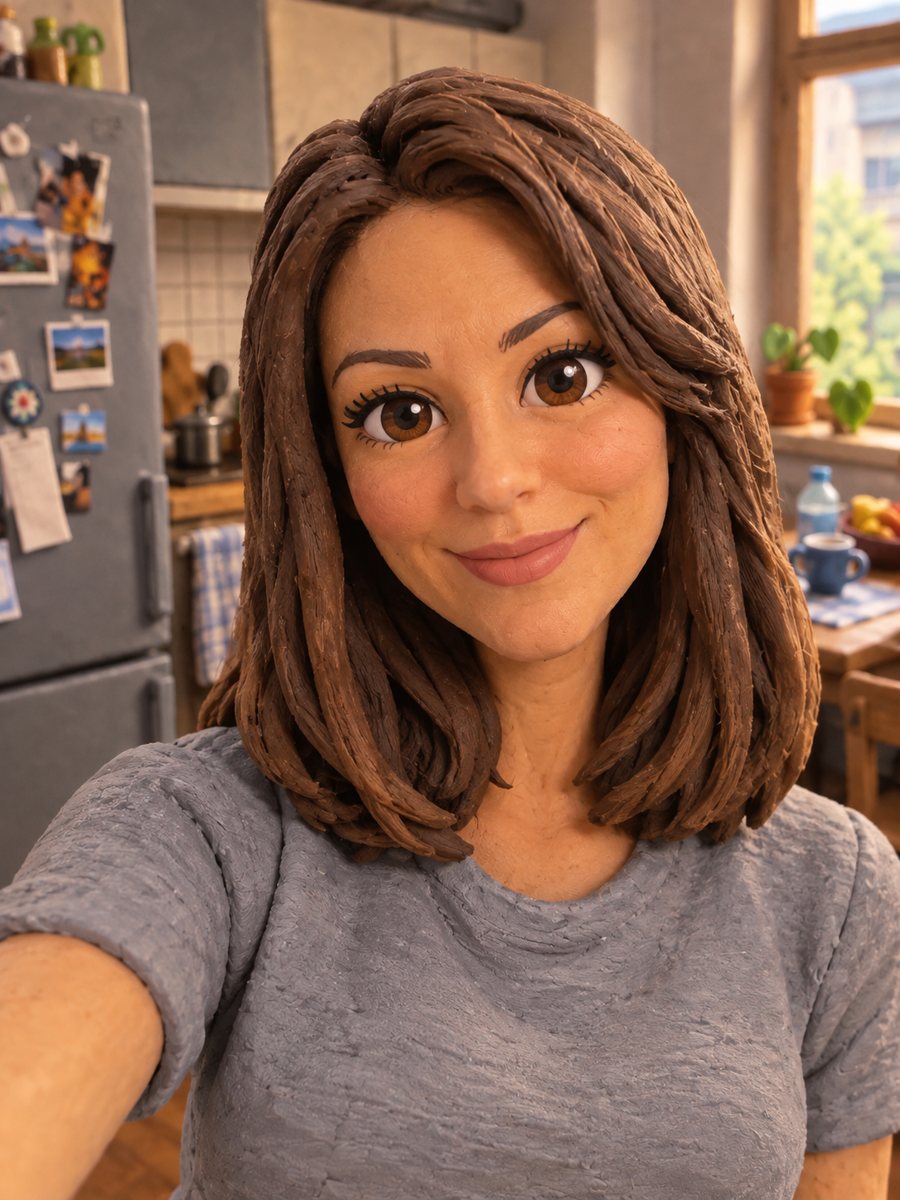 BeforeAfter
In short: Turn a photo into a stop-motion clay character with fingerprints and a miniature set. Copy the ready claymation prompt or open the Telegram bot, 7 free.
- Where: the VisuMate bot in Telegram, no app or sign-up.
- Cost: 2 credits per image, 7 images free, then packs from 49 Telegram Stars.
- Time: 1 to 2 minutes per image, rerun with a new instruction at the same price.
When you need this
- You want a handmade look for a gift, a card or a social post.
- Digital 3D styles look too clean and you prefer a tactile, imperfect feel.
- You are planning a short film idea and need a character look test.
How to do it
- 1
Tap the button on this page. Telegram opens the bot with the claymation style ready, press Start if it asks.
- 2
Send one photo as a file. In the caption you can write: bright yellow raincoat, small garden set.
- 3
Wait 1-2 minutes, 2 credits are used. Check the hairstyle and outfit against your photo, then rerun if the clay shapes lost them.
Try it on your own photo: 7 images are free, no sign-up.
Make it in TelegramThe prompt behind this style
Turn this photo into a stop-motion claymation character. Keep the hairstyle, face shape and outfit recognizable. Visible fingerprints in the clay, slightly uneven handmade surfaces, big expressive eyes, miniature set background, soft studio light. Vertical 3:4, no text.
The handmade clay look
The prompt asks for visible fingerprints, slightly uneven surfaces and a miniature set, the details you see in real stop-motion films. Eyes are large and expressive, shapes are rounded and a little lumpy, and light comes from a soft studio source, as if a tiny set were photographed on a table. Hair looks like sculpted clay, and clothing is simplified into smooth folds. These small imperfections are the point of the style.
Getting a good likeness
Because the face is sculpted by a rough hand, expect a cartoon cousin of yourself rather than a portrait. Keep the identifying features clear in the source photo, such as glasses, beard or a distinctive hairline. Add them to the caption if they get lost. Each run creates a new character, so you can compare versions and pick the one that feels closest. The result is a vertical 3:4 image with no text, which suits a poster, a card or a social post.
Tips
- Send a photo where your hairstyle and outfit are easy to see.
- Name the miniature set in the caption, such as a kitchen, a campsite or a tiny street.
- Bright, saturated clothing colors suit clay better than subtle patterns.
- Glasses and hats are drawn as sculpted pieces and usually survive.
- Run it twice if the eyes look odd. Clay faces vary a lot between runs.
Questions and answers
Is it animated?
No. The result is a still image.
Is the clay real?
No. It is an AI image made to look like clay.
Can I choose the miniature set?
Yes, describe it in the caption.
Will it look like a specific animation studio?
No. The style follows general stop-motion clay traits and has no link to any studio.
How much does a run cost?
2 credits. New users get 15 free credits.
Does the bot work in English?
Yes. It picks up your Telegram language on first launch and replies in English. You can switch the language any time with /lang.
More in "Photo styles"
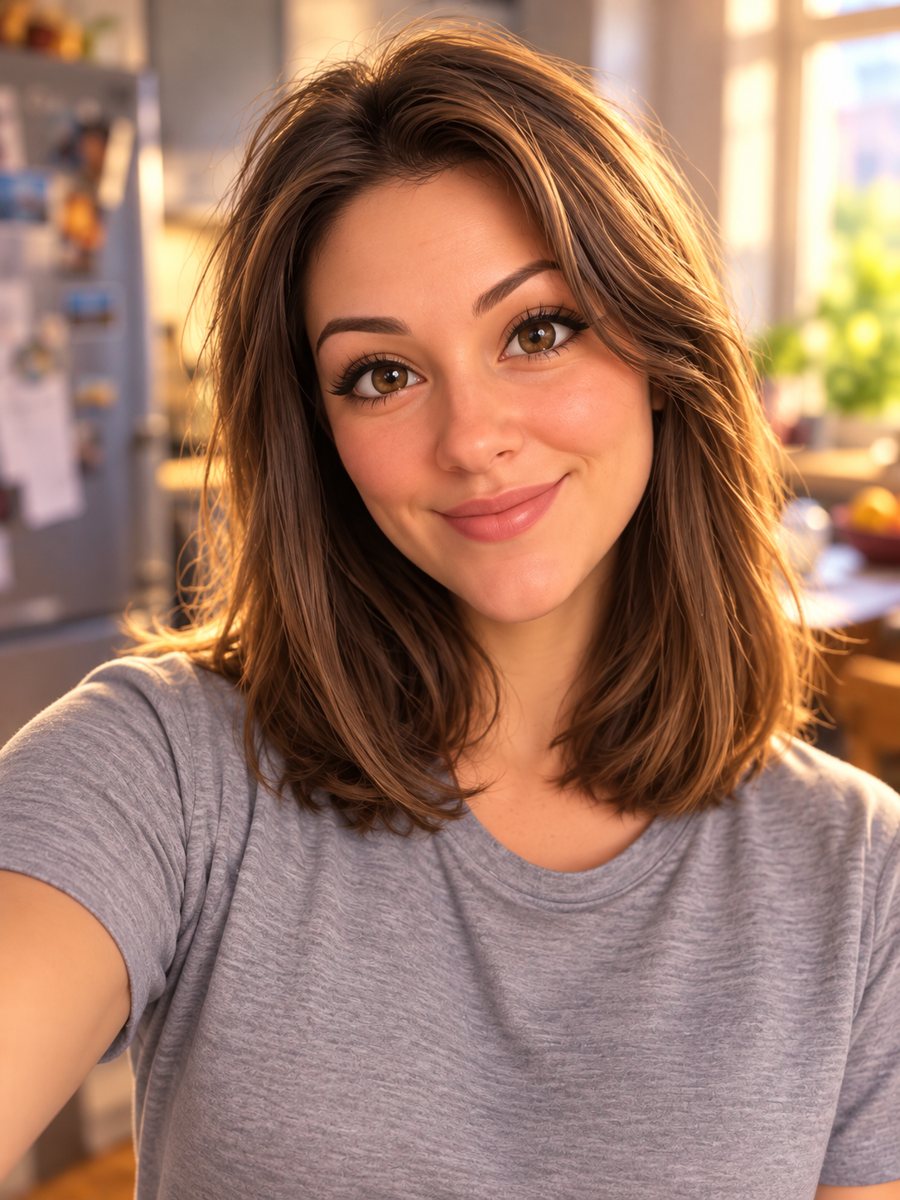 Turn your photo into a Pixar-style 3D characterTurn a selfie into a 3D animated movie character. Copy the ready prompt or open it in Telegram: 2 credits...
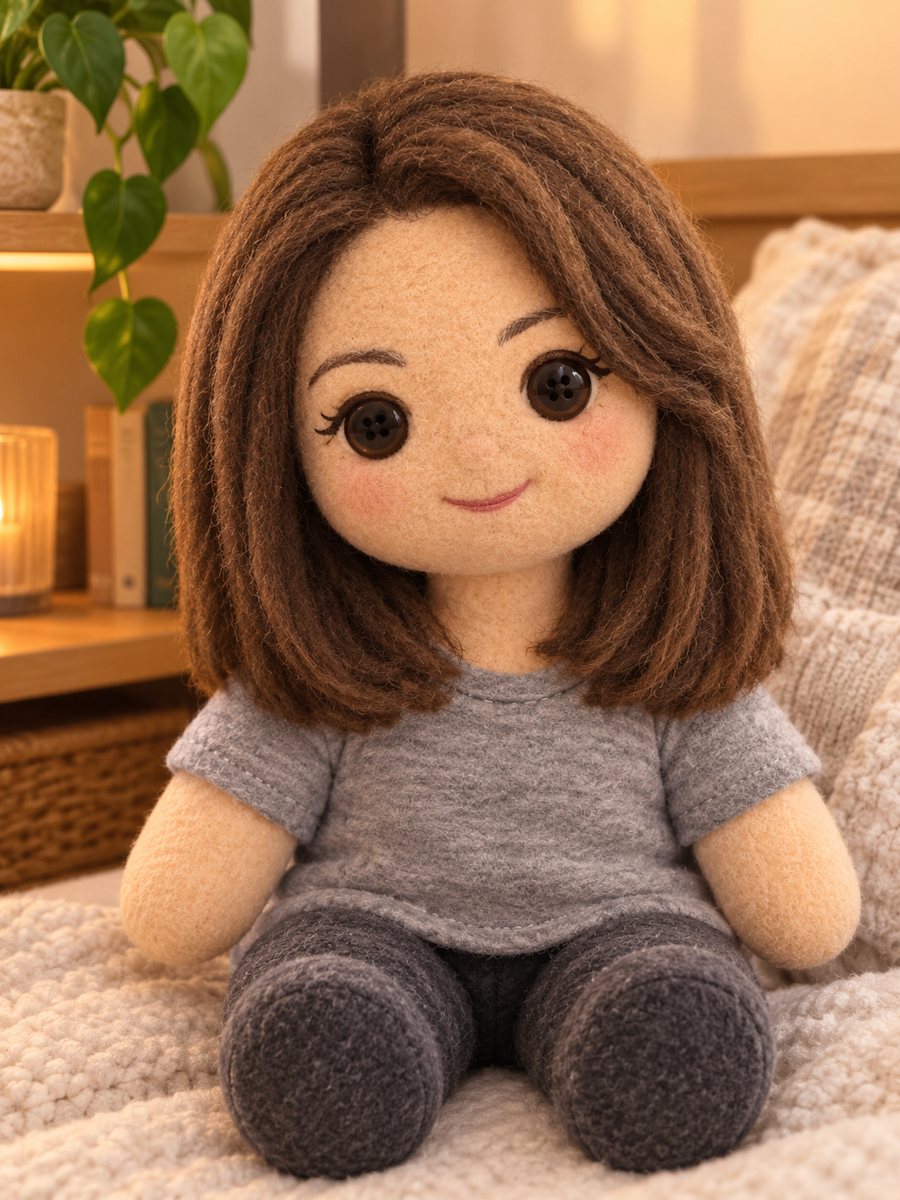 Turn yourself into a soft plush toyTurn a photo into a soft plush toy with fuzzy fabric, stitched details and button eyes. Copy the ready...
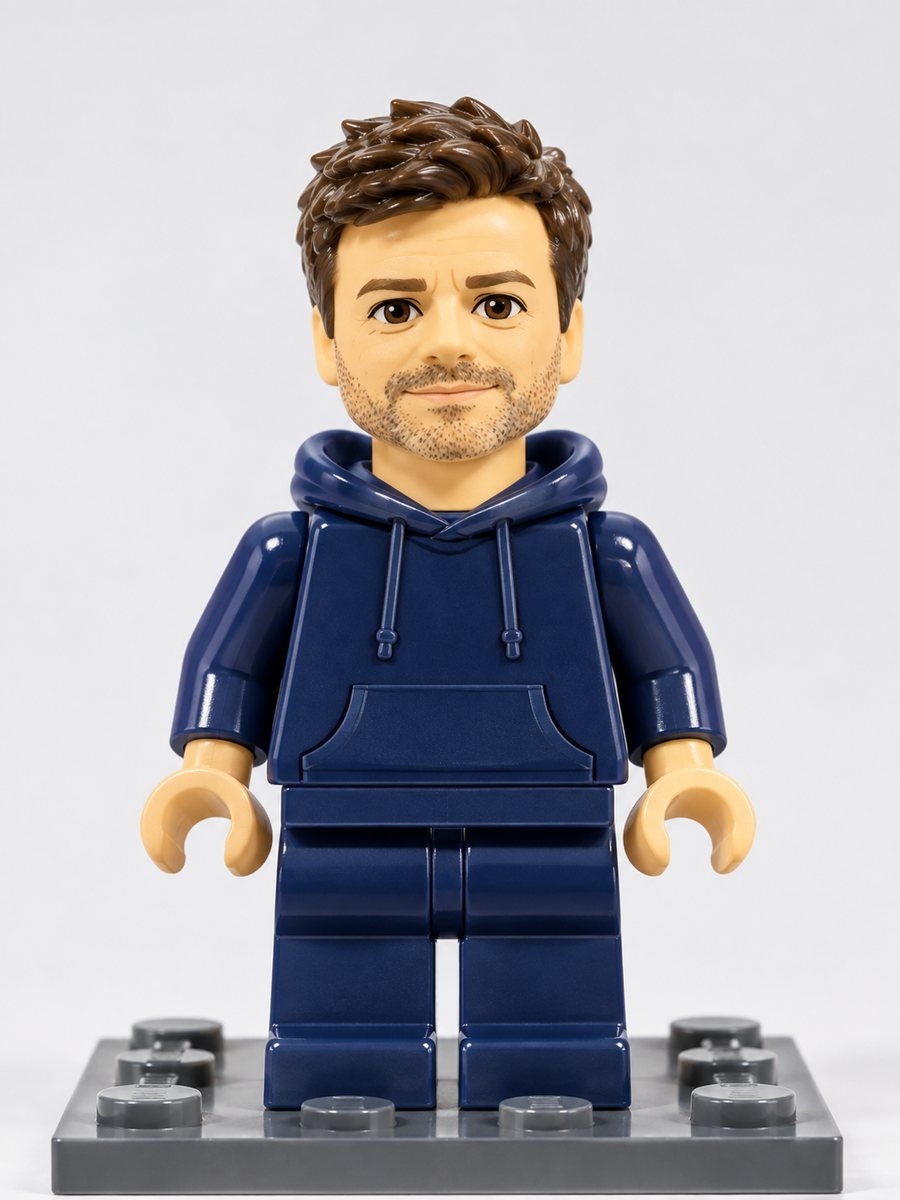 Turn yourself into a plastic brick minifigureTurn a photo into a plastic brick-style minifigure with your hair and outfit colors on a baseplate. Copy...
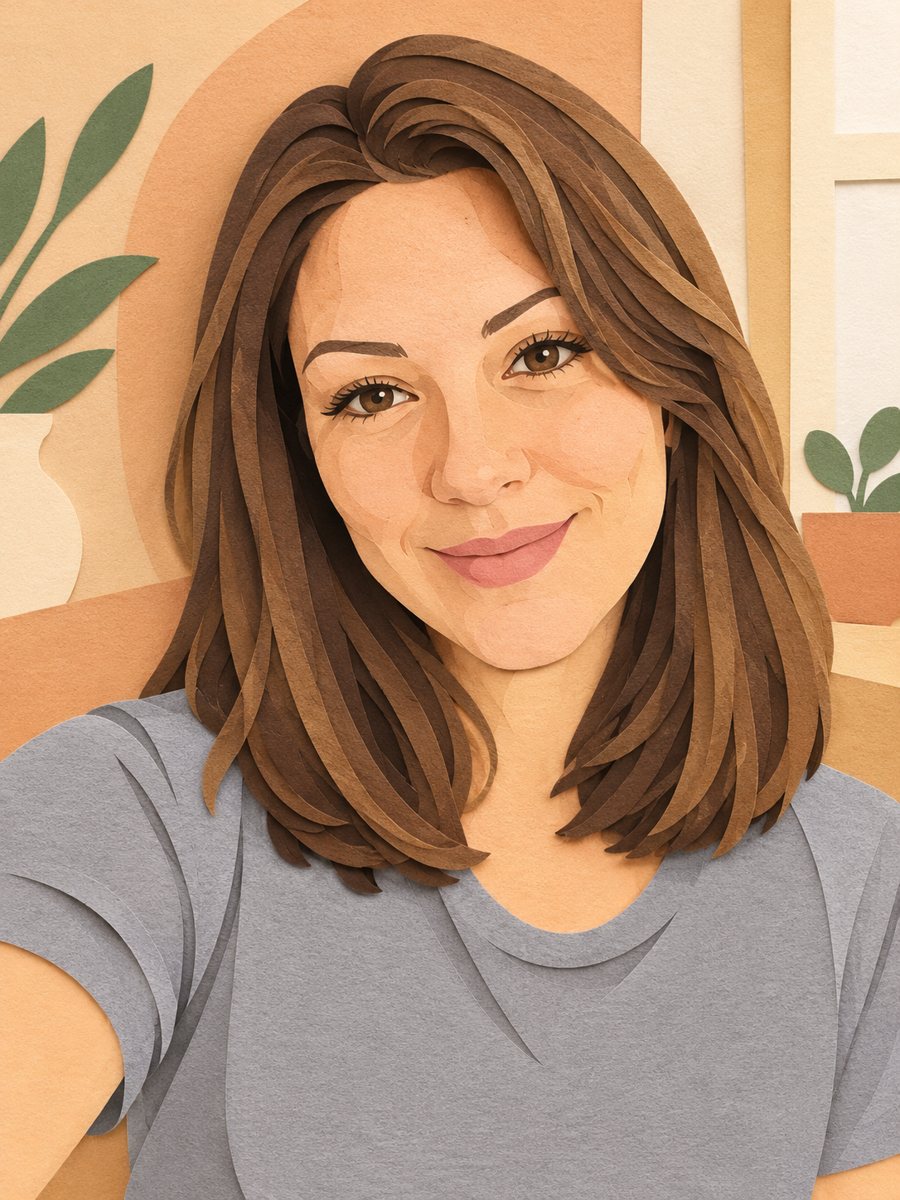 Turn your photo into a paper cut art portraitTurn a photo into layered paper cut art with soft shadows and a warm pastel palette. Copy the ready prompt...