Make a sticker from just a sentence
Stickers live or die by a clear shape and an outline. Write what should be on it, such as a grumpy cactus with a coffee mug, and the bot draws a flat, outlined sticker on a plain background, ready to cut or to print on a sheet.
- 2 credits per image
- Result in 1–2 minutes
- No sign-up
In short: Describe a sticker idea in a sentence and get a bold, die-cut style image with a white outline. Telegram bot, 7 images free for new users, no sign-up.
- Where: the VisuMate bot in Telegram, no app or sign-up.
- Cost: 2 credits per image, 7 images free, then packs from 49 Telegram Stars.
- Time: 1 to 2 minutes per image, rerun with a new instruction at the same price.
- Credits never expire, there is no subscription and no auto-renew. You pay once for a pack inside Telegram with Stars.
When you need this
- Sticker packs from stock sites look like everyone else's.
- Illustrators take days to deliver one design.
- You have the joke and the character in your head, but not the hands.
How to do it
- 1
Press the button to open @visumate_ai_bot in Telegram. No sign-up, and new users get 15 free credits, which is 7 images.
- 2
Write the idea in the chat: 'sticker of a sleepy raccoon holding a mug, thick white outline, flat colors, plain background'.
- 3
In 1-2 minutes you get the sticker for 2 credits. Make a set of five by changing the object each time.
Try it on your own photo: 7 images are free, no sign-up.
Make it in TelegramWhy simple wins
Stickers are small and seen on a laptop lid or a bottle from a meter away. A big shape and two or three colors communicate in a second. Avoid scenes with many objects. If the first run looks crowded, remove one element from the sentence and rerun, and keep trimming until the picture is readable at the size of a coaster.
From idea to sticker sheet
Run the same style sentence with different subjects to make a themed set: five office plants, six sleepy animals, a week of moods. Keep the style words identical and change only the subject. Then arrange the results on a sheet in a free layout app and send it to a print shop that cuts vinyl. Cut one sheet and stick the best on your laptop first, before printing more.
Tips
- Say 'die-cut white border' for the classic outline.
- One character and one prop per sticker keeps it readable.
- Ask for 'flat colors, no gradients' for printing on vinyl.
- Add 'no text' and put your caption in later.
Questions and answers
Do I get a cut line?
You get an image with an outline. Your print shop or cutting machine software can trace the cut path.
Can I turn a photo into a sticker instead?
Yes. See the photo to sticker page.
What does it cost?
2 credits per image. New users get 15 free credits, so 7 images cost nothing. After that packs start at 49 Telegram Stars and credits do not expire.
Does the bot work in English?
Yes. It picks up your Telegram language on first launch. You can switch it any time with /lang.
What the bot does not do
- Works from one photo. Likeness depends on the photo you send, and some styles change features more than others.
- Does not make video or animation.
- Does not output a transparent PNG.
- Does not retouch passport or ID photos.
More in "Photo styles"
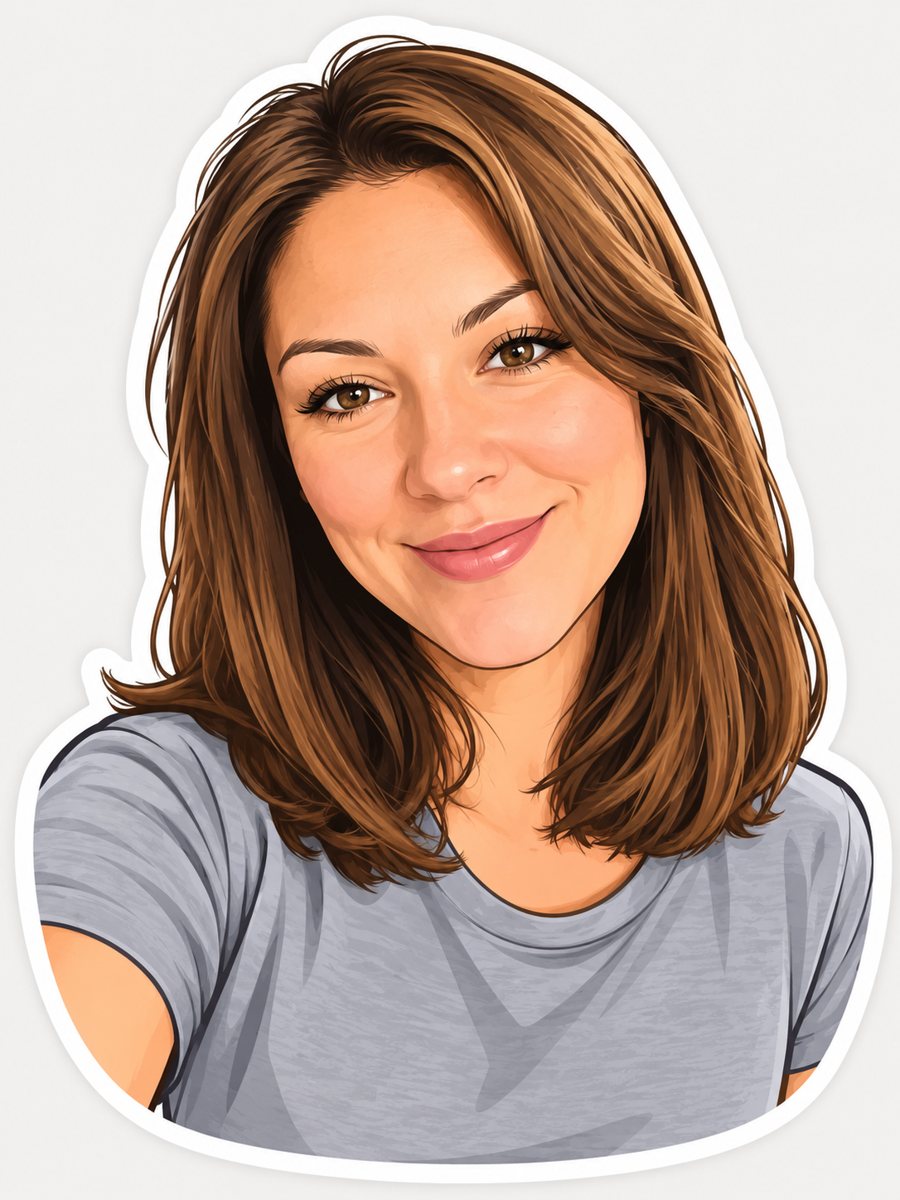 Turn your photo into a cartoon stickerTurn a photo into a cartoon sticker with a thick white outline and a cheerful expression. Copy the ready...
- A T-shirt graphic made from your photoTurn a photo into a T-shirt graphic with limited colors and clean edges that print well. Telegram bot, 7...
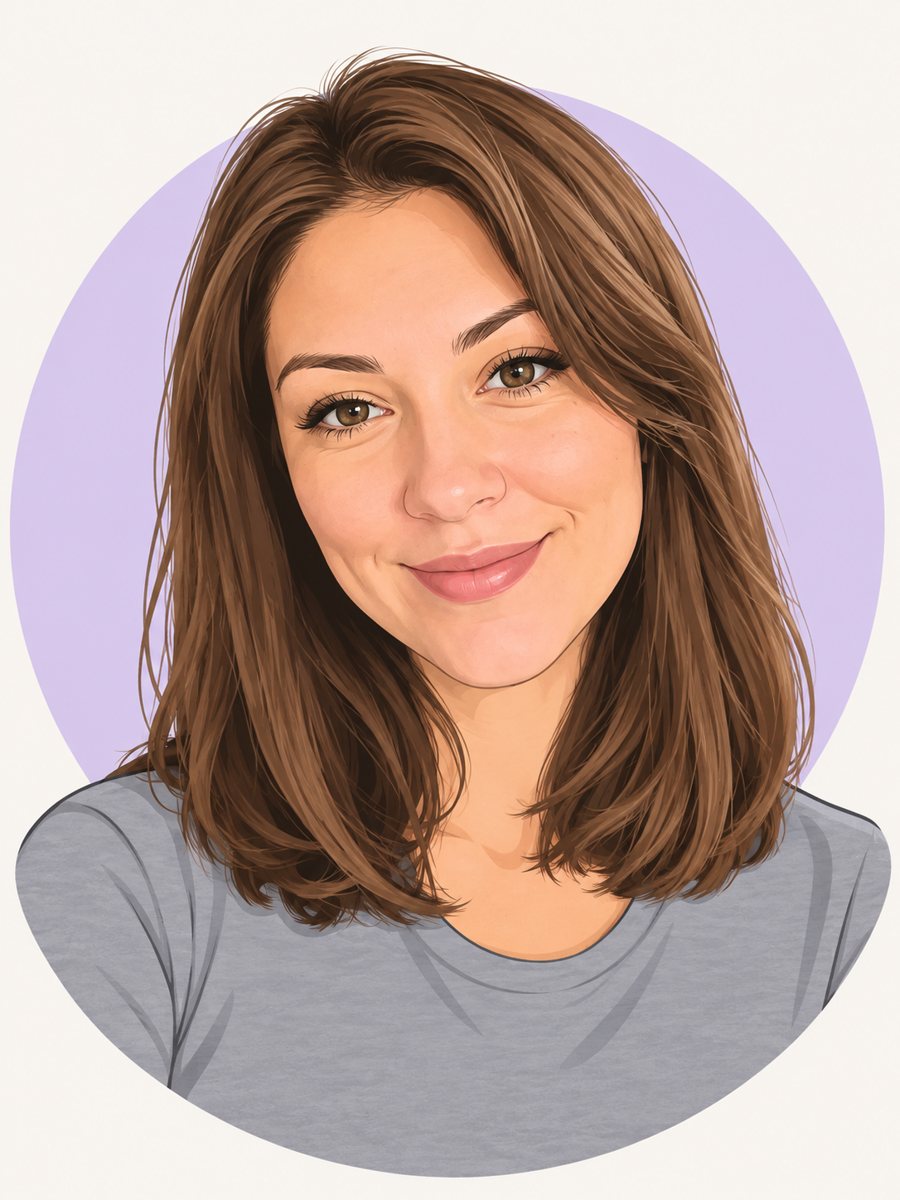 Make a cartoon avatar from your photoDraw a friendly cartoon avatar from your photo in clean vector style with a pastel circle background....
- AI wedding photo from two portraitsTurn two portraits into a wedding-style photo: formal outfits, soft light, a garden or hall backdrop. Copy...
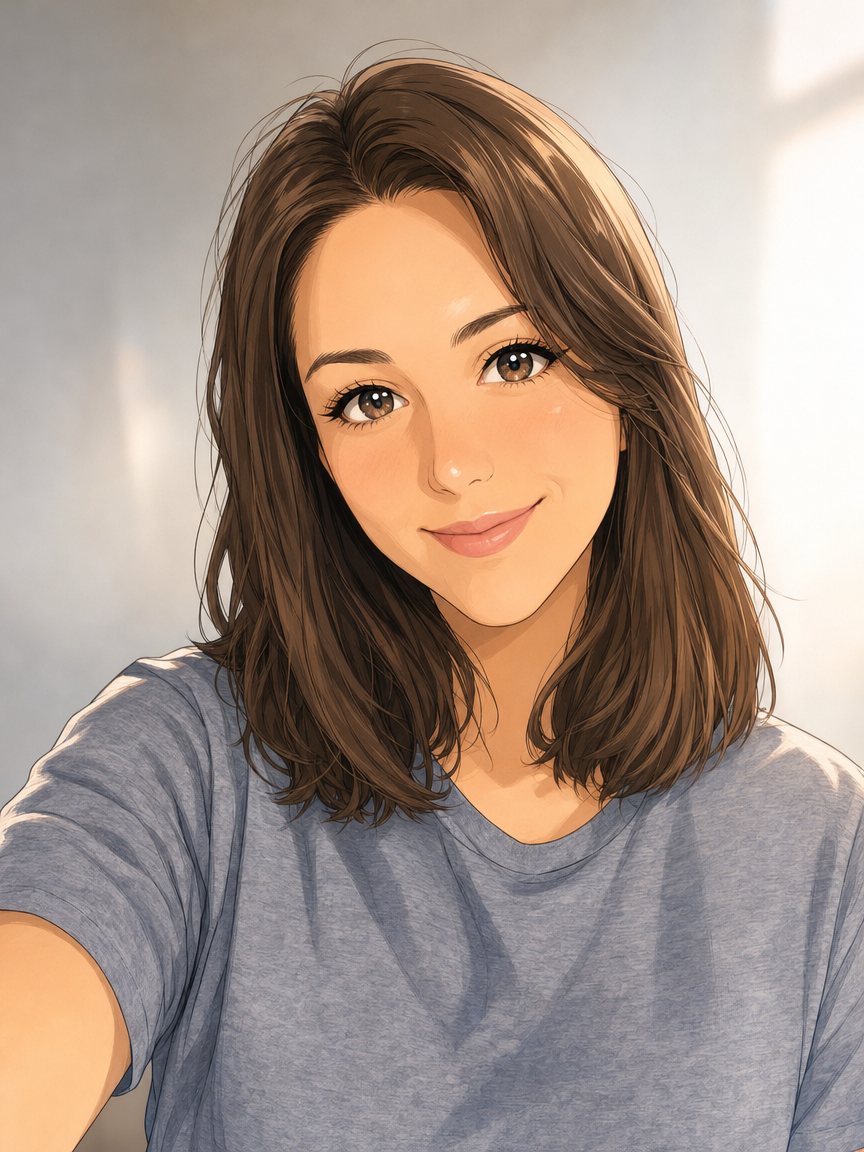 Make an anime portrait from your photoRedraw a photo as a polished anime illustration with clean line art and cel shading. Ready prompt, 2...
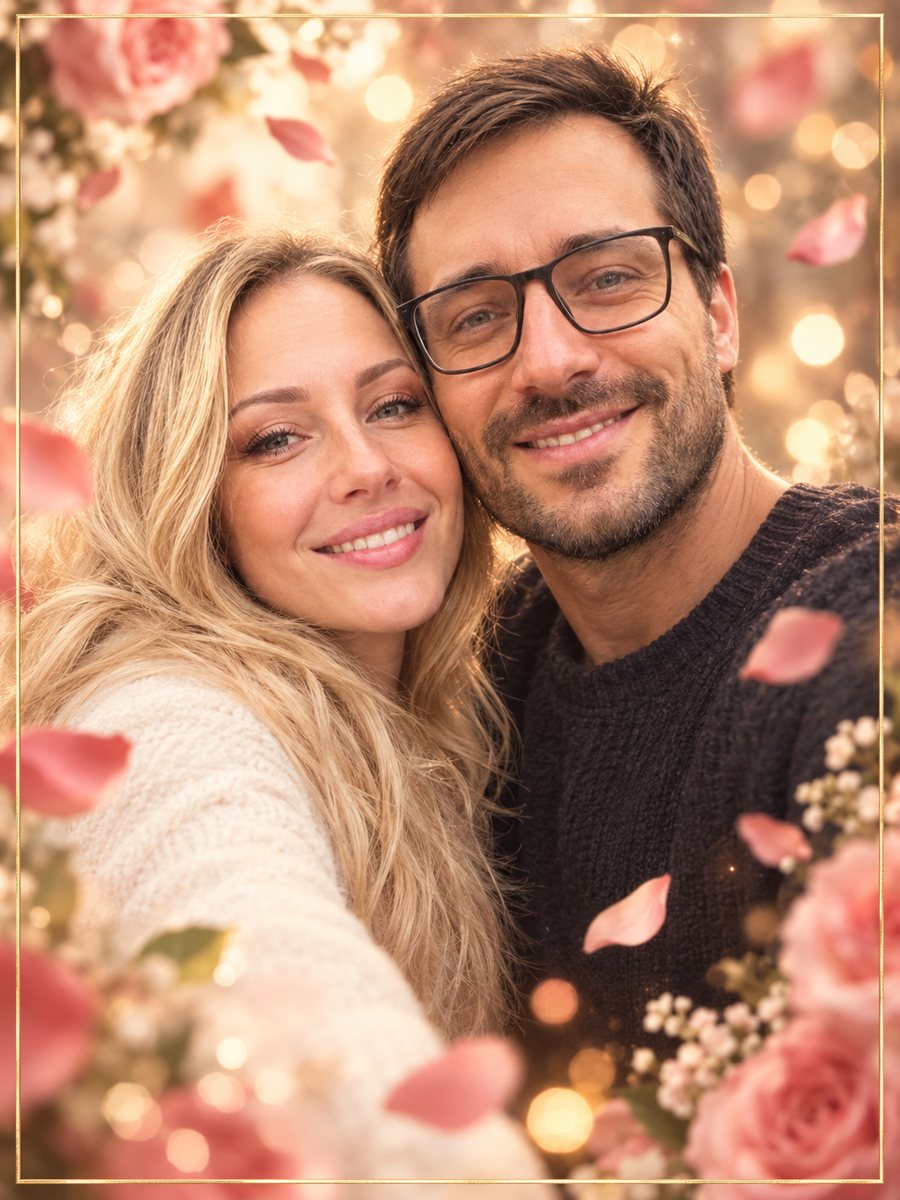 Make an anniversary card from a photo of two peopleTurn a photo of a couple into an anniversary card with rose petals, bokeh and a thin gold frame. Copy the...