AI wedding photo from two portraits
Send a photo of each partner and the bot draws a wedding-style portrait: formal outfits, warm light, a garden or ballroom backdrop. Good for save-the-date ideas and for visualising a theme before the shoot.
- 2 credits per image
- Result in 1–2 minutes
- No sign-up
In short: Turn two portraits into a wedding-style photo: formal outfits, soft light, a garden or hall backdrop. Copy the prompt or use the Telegram bot, 7 images free.
- Where: the VisuMate bot in Telegram, no app or sign-up.
- Cost: 2 credits per image, 7 images free, then packs from 49 Telegram Stars.
- Time: 1 to 2 minutes per image, rerun with a new instruction at the same price.
- Credits never expire, there is no subscription and no auto-renew. You pay once for a pack inside Telegram with Stars.
When you need this
- You want to preview a wedding look before booking a photographer.
- A save-the-date needs a picture and the couple is long-distance.
- You want a fun gift for an anniversary.
How to do it
- 1
Press the button to open @visumate_ai_bot in Telegram. No sign-up, and new users get 15 free credits, which is 7 images.
- 2
Send two portraits (as files) and in the caption describe the look: 'white dress, dark suit, garden at sunset'.
- 3
In 1-2 minutes you get the picture for 2 credits. Check both faces and rerun for a different setting.
Try it on your own photo: 7 images are free, no sign-up.
Make it in TelegramThe prompt behind this style
Create a wedding-style portrait of the two people in the attached photos. Keep both faces recognizable. Formal wedding outfits, soft golden-hour light, garden backdrop with blurred flowers, close and natural pose, photoreal. Vertical 3:4, no text.
What it is for
Concept art, invitations and gifts. The result is an AI illustration of a wedding portrait, not a record of a real event.
Tips for a better likeness
Use sharp source photos without sunglasses. If one face drifts, rerun with the same caption: each run is slightly different.
Tips
- Front-facing photos with soft light give the best likeness.
- Pick one setting per run: garden, beach, hall.
- Mention outfit colors so they match your theme.
- Treat it as concept art, not a replacement for a real shoot.
Questions and answers
Can I use it on an invitation?
Yes, add the text in an editor, because AI text on images can contain mistakes.
Does it work for same-sex couples?
Yes, describe the outfits you want in the caption.
What does it cost?
2 credits per image. New users get 15 free credits, so 7 images cost nothing. After that packs start at 49 Telegram Stars and credits do not expire.
Does the bot work in English?
Yes. It picks up your Telegram language on first launch. You can switch it any time with /lang.
What the bot does not do
- Works from one photo. Likeness depends on the photo you send, and some styles change features more than others.
- Does not make video or animation.
- Does not output a transparent PNG.
- Does not retouch passport or ID photos.
More in "Photo styles"
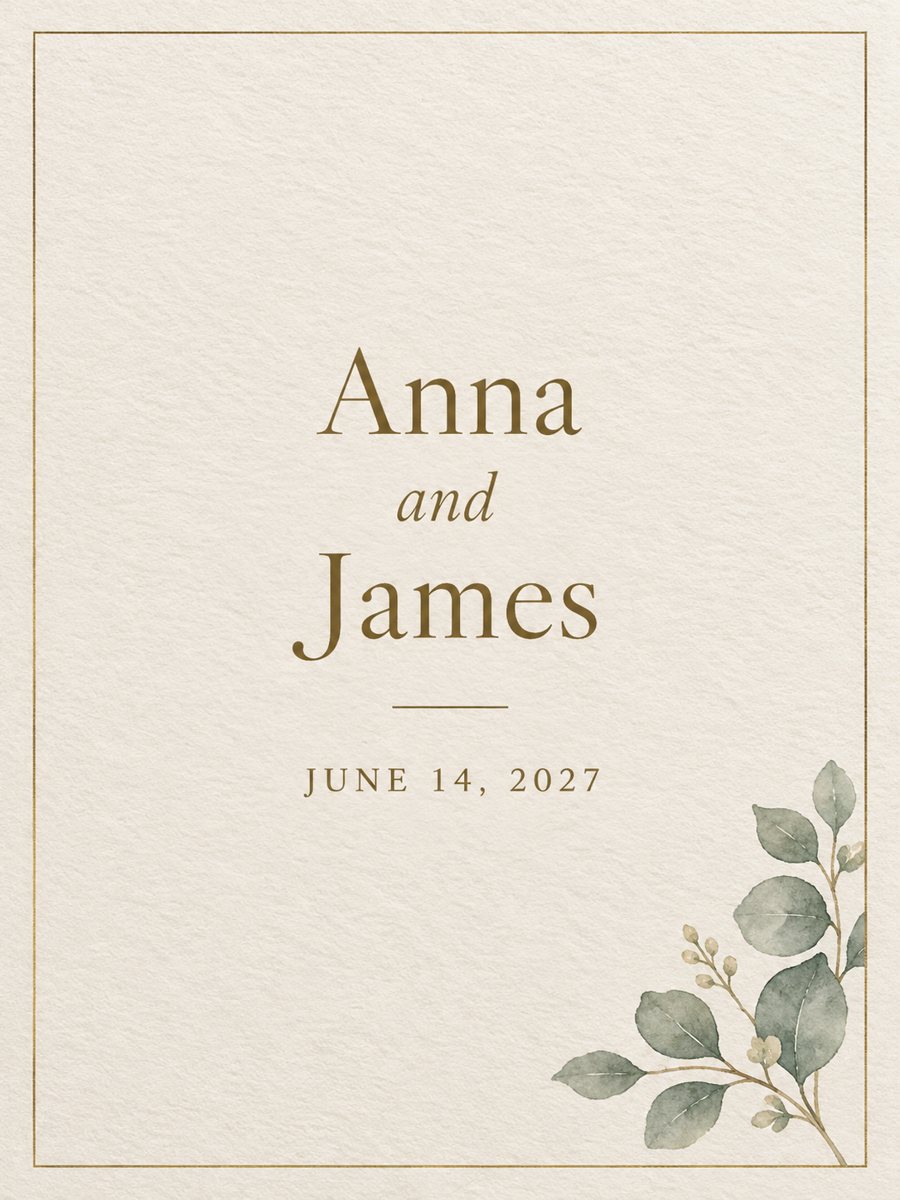 Make a wedding invitation from one line of textType the names and the date, get a minimal wedding invitation on cream paper with a gold border. Ready...
- Make one family portrait from separate photosCombine separate photos of family members into one family portrait. Copy the ready prompt or use the...
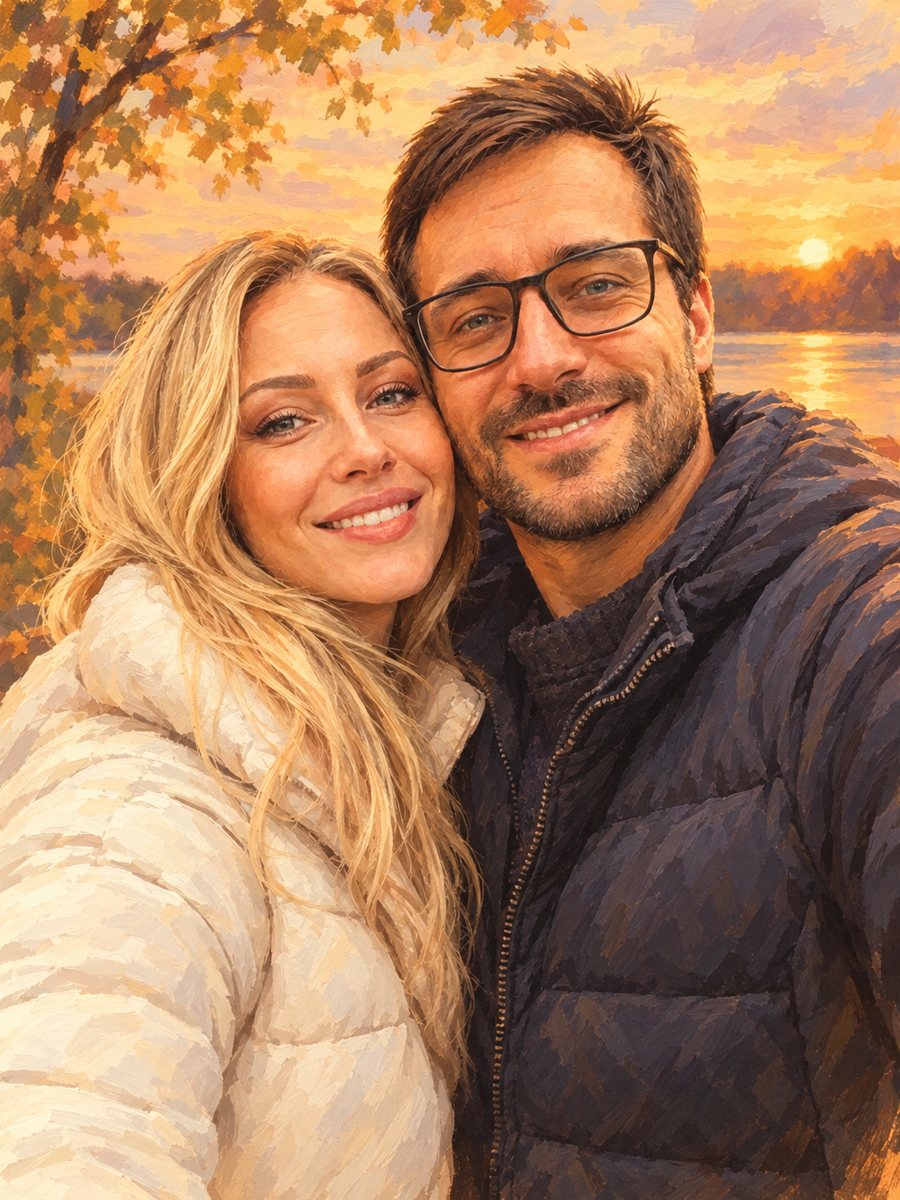 Turn your couple photo into a warm illustrationRedraw a couple photo as a warm digital illustration for an anniversary gift or a print. Copy the ready...
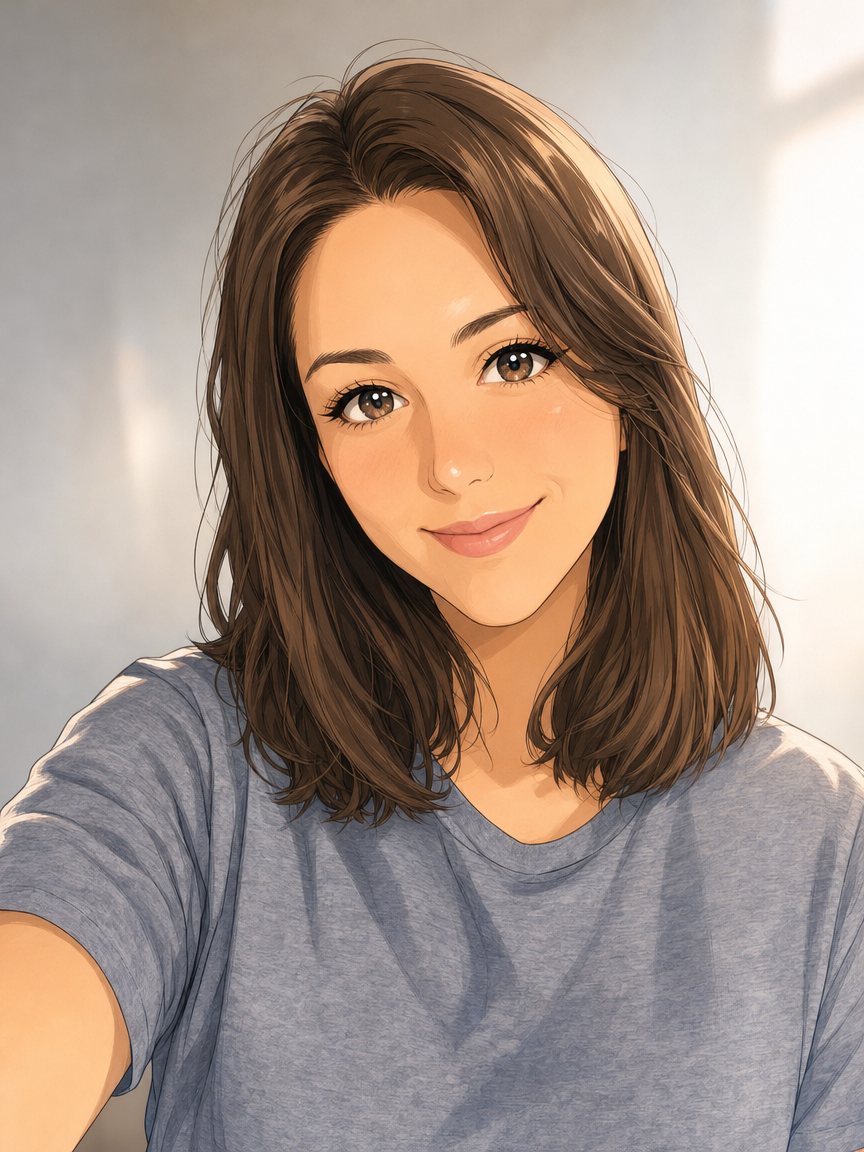 Make an anime portrait from your photoRedraw a photo as a polished anime illustration with clean line art and cel shading. Ready prompt, 2...
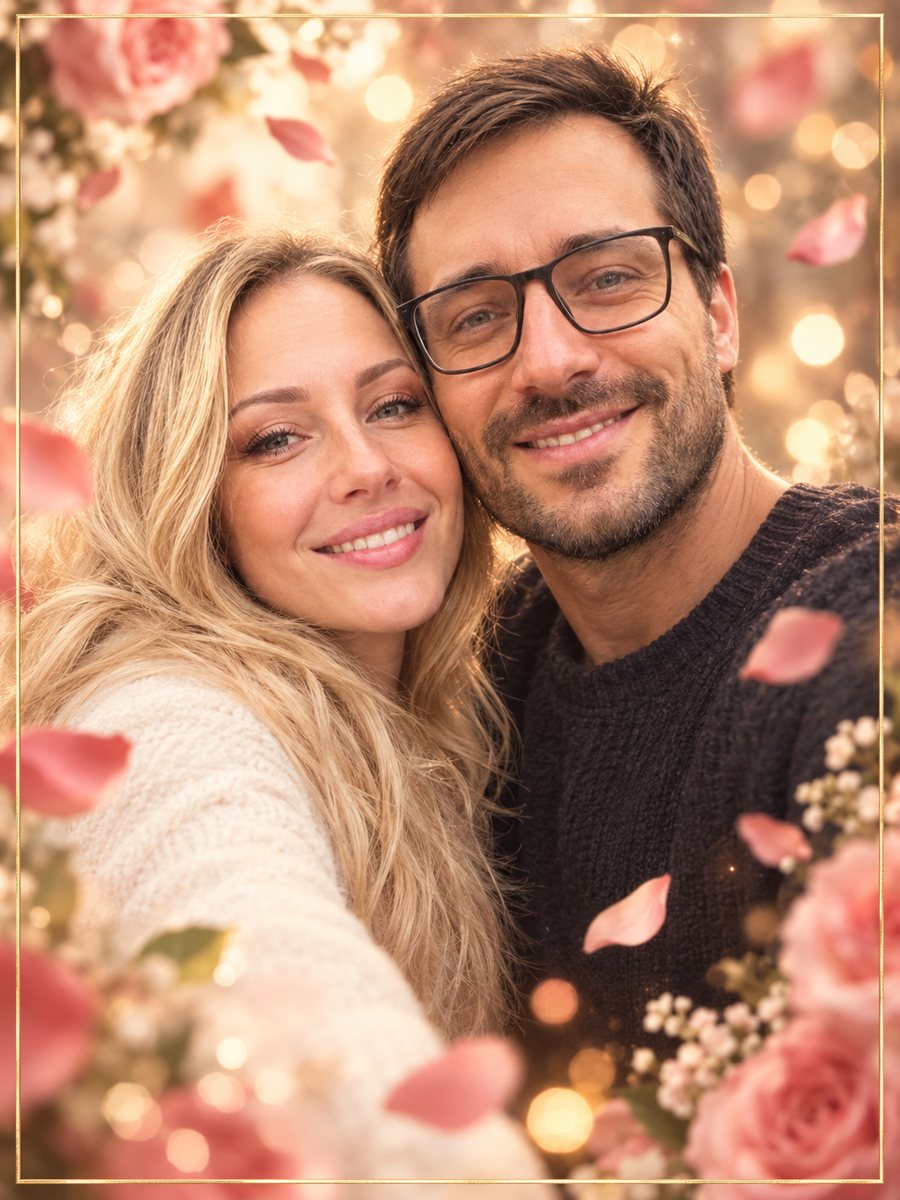 Make an anniversary card from a photo of two peopleTurn a photo of a couple into an anniversary card with rose petals, bokeh and a thin gold frame. Copy the...
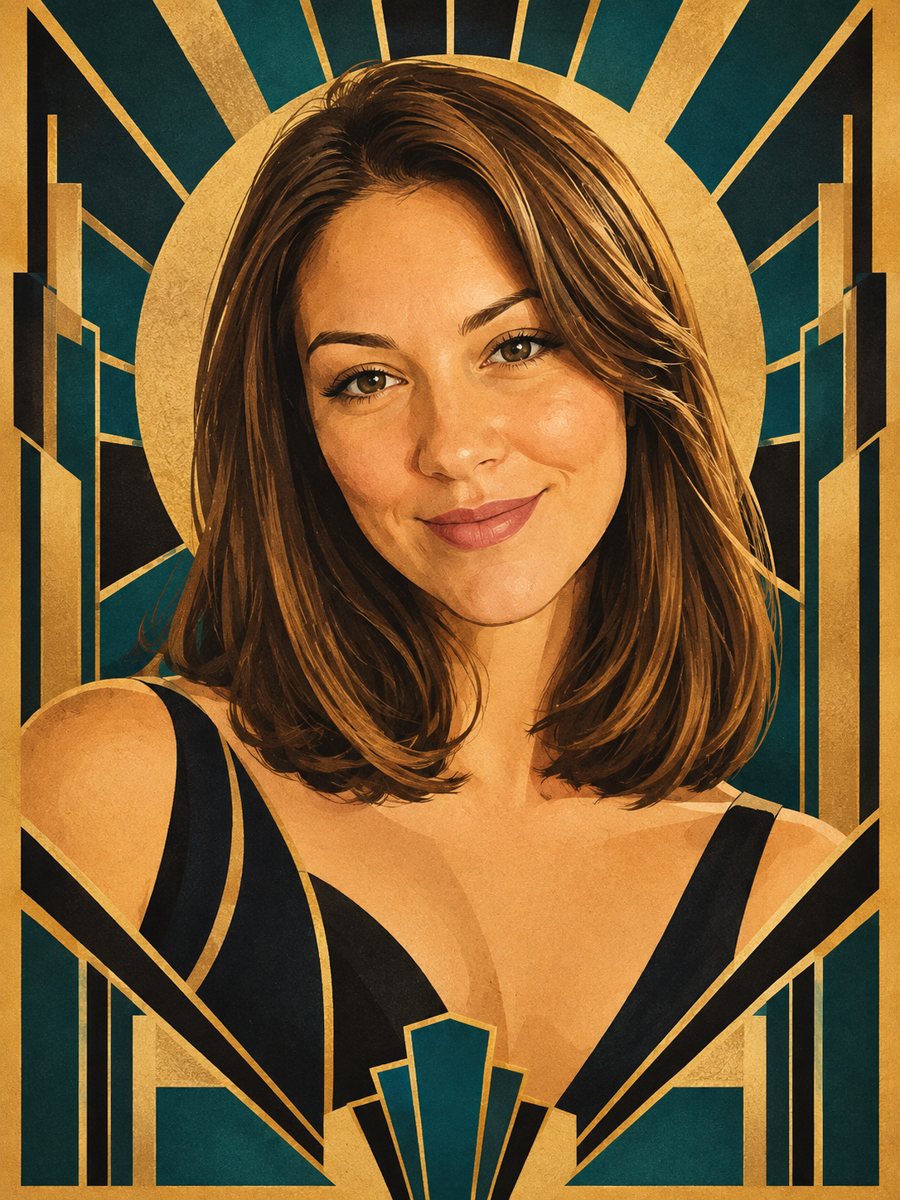 Make an art deco poster portrait from your photoMake a 1920s art deco poster portrait from your photo: sunbursts, gold and black, deep teal. Copy the free...