AI profile picture made for Instagram
Instagram shows your face in a circle about the size of a coin in comments. That changes what works: a tight crop, strong contrast and one clear background color. The bot builds the picture for that tiny stage.
- 2 credits per image
- Result in 1–2 minutes
- No sign-up
In short: Make an Instagram profile picture that survives the circle crop: bright, centered and readable at tiny size. Telegram bot, 7 images free for new users.
- Where: the VisuMate bot in Telegram, no app or sign-up.
- Cost: 2 credits per image, 7 images free, then packs from 49 Telegram Stars.
- Time: 1 to 2 minutes per image, rerun with a new instruction at the same price.
- Credits never expire, there is no subscription and no auto-renew. You pay once for a pack inside Telegram with Stars.
When you need this
- Wide photos shrink your face to a dot in the circle.
- A busy background makes you disappear in the comments list.
- A new niche needs a new look, but there is no time for a shoot.
How to do it
- 1
Press the button to open @visumate_ai_bot in Telegram. No sign-up, and new users get 15 free credits, which is 7 images.
- 2
Send one selfie as a file. In the caption describe the account: 'travel photographer, warm tones, shoulders and head, golden light'.
- 3
In 1-2 minutes you get the picture for 2 credits. Zoom out on your phone to see it at comment size.
Try it on your own photo: 7 images are free, no sign-up.
Make it in TelegramPersonal versus business
A personal account benefits from a warm, close portrait. A small shop may prefer an illustrated mascot or a styled avatar. The bot handles both, so you can compare a realistic and a cartoon version before you choose. Check how it looks next to your last post thumbnail. Close crops with the face filling most of the frame stay readable, while full-body shots turn into tiny figures.
Fitting the circle
The picture is rendered with space around the head. When you upload, Instagram crops around the center, so a centered subject stays whole. If the top of the hair is cut, move the crop down a few pixels in the upload screen. Brighter pictures tend to read better against the white and dark interface, so ask for a clean backdrop and moderate contrast that holds up in both light and dark mode. If you run several accounts, create the pictures in one session and keep the same lighting and framing so the whole family of profiles looks related.
Tips
- Place the eyes near the middle of the frame.
- Choose a background color that differs from your feed colors.
- Test the picture at 40 pixels wide before posting.
- Brand accounts can use a logo mark, personal ones do best with a face.
Questions and answers
Can I use a cartoon version?
Yes, name the style in the caption.
Will followers recognize me?
If you keep the face natural, yes.
How do I get a square file?
Ask for a square composition in the caption, and the bot centers the head.
What does it cost?
2 credits per image. New users get 15 free credits, so 7 images cost nothing. After that packs start at 49 Telegram Stars and credits do not expire.
Does the bot work in English?
Yes. It picks up your Telegram language on first launch. You can switch it any time with /lang.
What the bot does not do
- Works from one photo. Likeness depends on the photo you send, and some styles change features more than others.
- Does not make video or animation.
- Does not output a transparent PNG.
- Does not retouch passport or ID photos.
More in "Photo styles"
- AI profile picture makerMake a profile picture for Instagram, LinkedIn, Discord or Telegram from any selfie. Clean light, your...
 Upgrade your profile photo without changing youImprove a social media profile picture: fix exposure and white balance, blur a messy background to a warm...
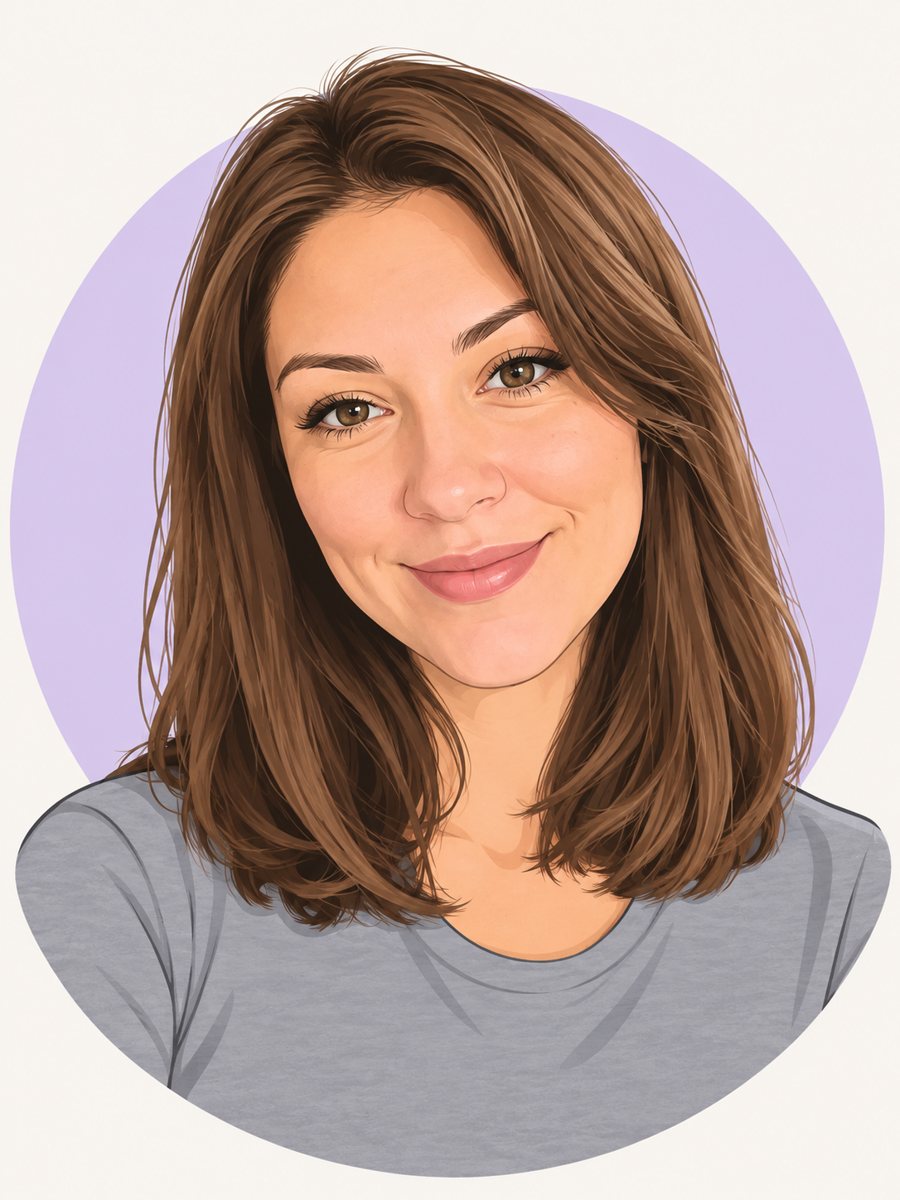 Make a cartoon avatar from your photoDraw a friendly cartoon avatar from your photo in clean vector style with a pastel circle background....
- A TikTok profile picture with personalityCreate a TikTok profile picture from a selfie: bold colors, expressive face, readable in the small comment...
- AI wedding photo from two portraitsTurn two portraits into a wedding-style photo: formal outfits, soft light, a garden or hall backdrop. Copy...
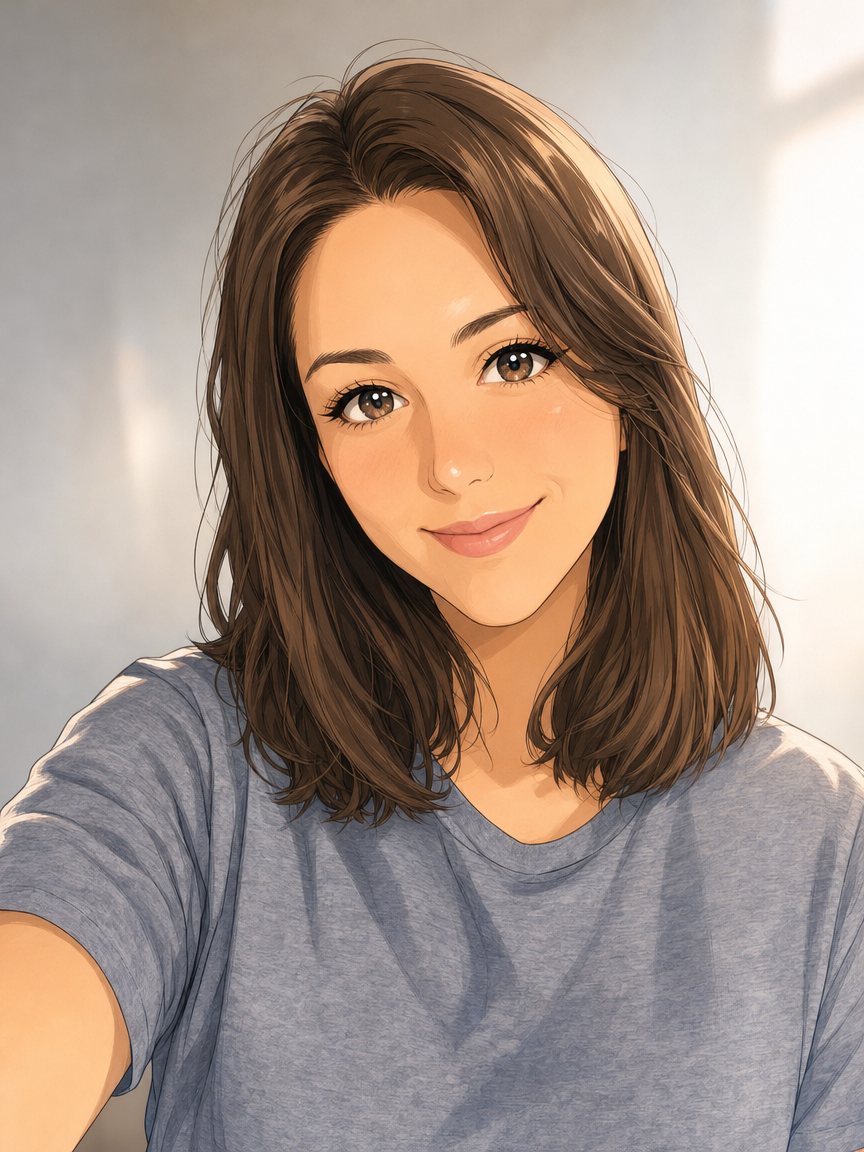 Make an anime portrait from your photoRedraw a photo as a polished anime illustration with clean line art and cel shading. Ready prompt, 2...