AI photo retouching that still looks like you
Good retouching is invisible. You send a portrait, name what bothers you, and the bot cleans it up while leaving pores, freckles and your actual face shape alone.
- 2 credits per image
- Result in 1–2 minutes
- No sign-up
In short: Retouch a portrait online: even skin tone, tidy flyaway hair, balanced light and no plastic look. Telegram bot with 7 images free and no sign-up required.
- Where: the VisuMate bot in Telegram, no app or sign-up.
- Cost: 2 credits per image, 7 images free, then packs from 49 Telegram Stars.
- Time: 1 to 2 minutes per image, rerun with a new instruction at the same price.
- Credits never expire, there is no subscription and no auto-renew. You pay once for a pack inside Telegram with Stars.
When you need this
- Beauty apps smooth skin until it looks like wax.
- A professional retoucher charges per photo, which adds up for a full set.
- You need a small fix, like a pimple or tired eyes, and a whole new face would be too much.
How to do it
- 1
Press the button to open @visumate_ai_bot in Telegram. No sign-up, and new users get 15 free credits, which is 7 images.
- 2
Send the portrait as a file. In the caption list what to fix: 'remove blemish on chin, soften under-eye shadows, keep skin texture'.
- 3
In 1-2 minutes you get the retouched picture for 2 credits. Compare it with the original at 100 percent zoom.
Try it on your own photo: 7 images are free, no sign-up.
Make it in TelegramThe prompt behind this style
Retouch the attached portrait with a light hand. Remove temporary blemishes, even out skin tone, reduce shine and under-eye shadows, tidy flyaway hairs. Keep natural skin texture, pores, freckles and the exact face shape. Do not change clothes, background or expression. Same framing, no text.
What it handles well
Blemishes, uneven tone, shine on the forehead, stray hairs across the face, tired-looking eyes and mild color casts from room lighting. These are the corrections a human retoucher would make in the first ten minutes. Typical requests include removing a pimple, calming redness, brightening tired eyes and taming a few loose hairs. Good light in the source photo makes every fix look more believable and natural.
Where to stop
Heavy reshaping of the jaw, nose or body is unwelcome here. People who meet you should recognize the photo. If you need a bigger change, such as new clothes or a new background, use the headshot pages instead. Always compare before and after at full size, because small changes are easy to miss on a phone screen and easy to overdo. Ask for one correction at a time when a photo has many issues, and review each result before you move on to the next fix on your list.
Tips
- List two or three fixes. Long lists make the result drift.
- Always add 'keep skin texture' to avoid the plastic effect.
- Retouch the photo before applying filters or color grading.
- Do not ask to change bone structure, it breaks likeness.
Questions and answers
Will skin look fake?
Rarely, if you ask to keep texture. The bot follows that instruction well.
Can I retouch a group photo?
It works best with one or two faces in the frame.
Is it good for wedding or event photos?
For single portraits from those events, yes. Check each face before sharing.
What does it cost?
2 credits per image. New users get 15 free credits, so 7 images cost nothing. After that packs start at 49 Telegram Stars and credits do not expire.
Does the bot work in English?
Yes. It picks up your Telegram language on first launch. You can switch it any time with /lang.
What the bot does not do
- Works from one photo. Likeness depends on the photo you send, and some styles change features more than others.
- Does not make video or animation.
- Does not output a transparent PNG.
- Does not retouch passport or ID photos.
More in "Photo styles"
 Upgrade your profile photo without changing youImprove a social media profile picture: fix exposure and white balance, blur a messy background to a warm...
 Create a professional headshot from your photoMake a polished headshot with a light gray backdrop, soft studio light and natural retouching. Ready...
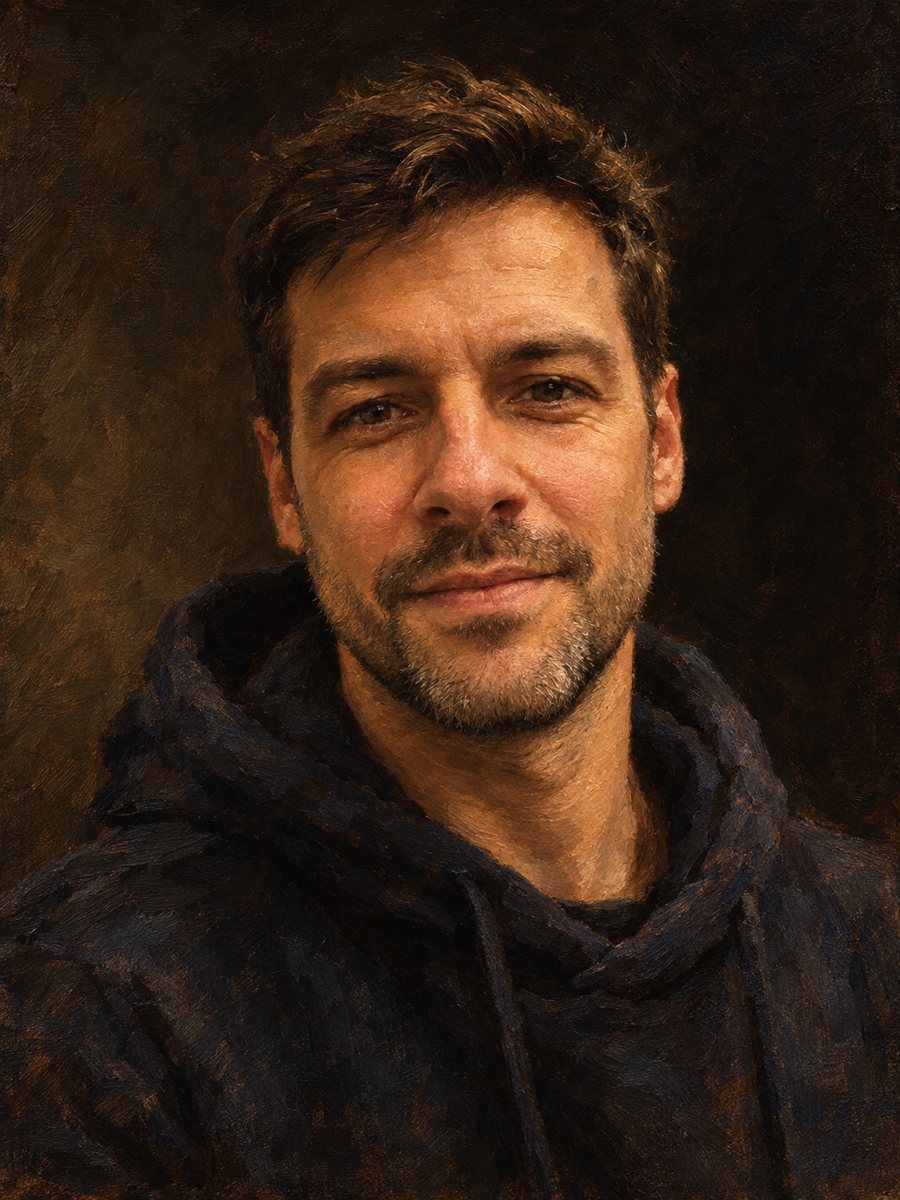 AI photo style prompts you can copyCopy-ready AI photo style prompts for portraits: oil, watercolor, pencil, pop art, pixel art and more. Use...
- AI profile picture made for InstagramMake an Instagram profile picture that survives the circle crop: bright, centered and readable at tiny...
- A TikTok profile picture with personalityCreate a TikTok profile picture from a selfie: bold colors, expressive face, readable in the small comment...
- AI profile picture makerMake a profile picture for Instagram, LinkedIn, Discord or Telegram from any selfie. Clean light, your...