Vinted photo requirements
Vinted does not need a studio, but it does ask for clear photos of the actual item. This page lists what sellers usually follow, how to shoot clothes at home and how to turn a phone photo into a tidy 3:4 picture.
- 2 credits per image
- Result in 1–2 minutes
- No sign-up
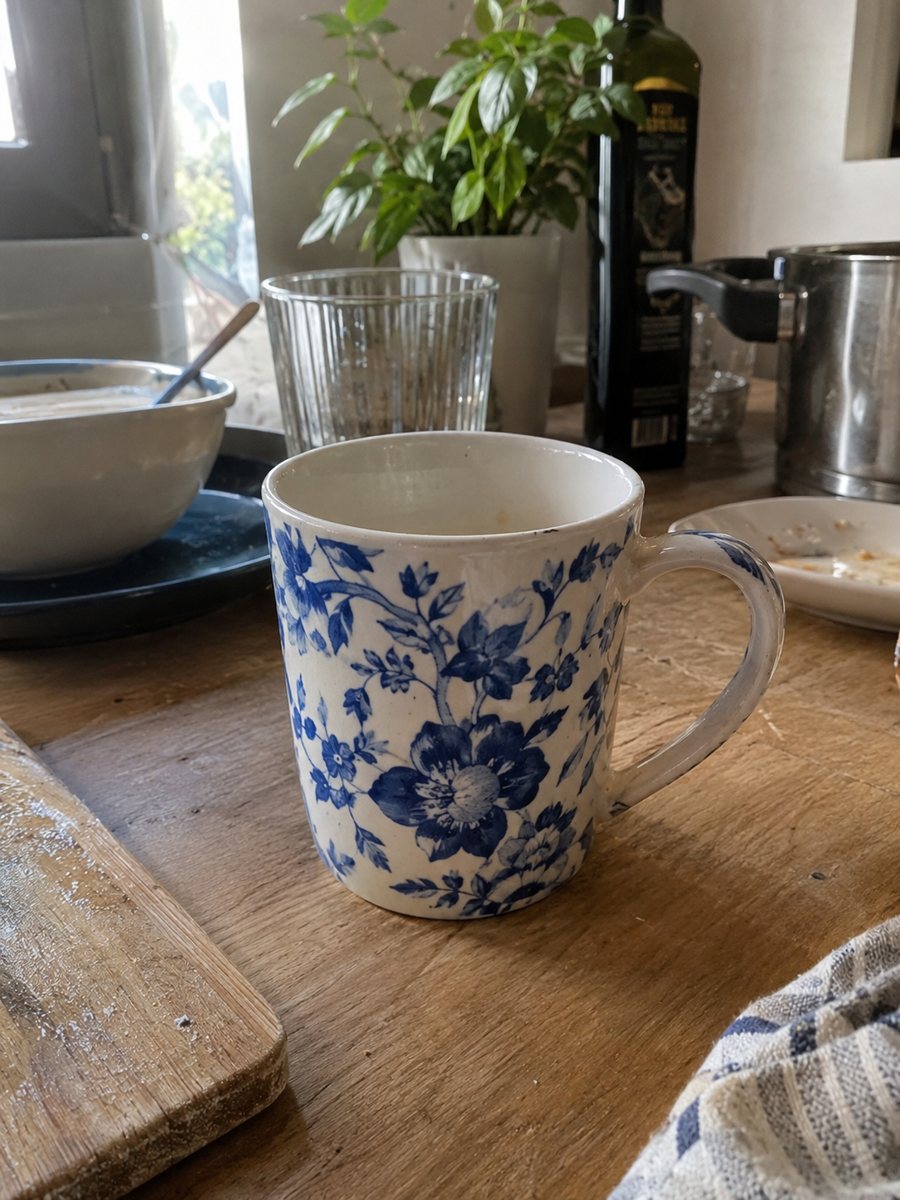
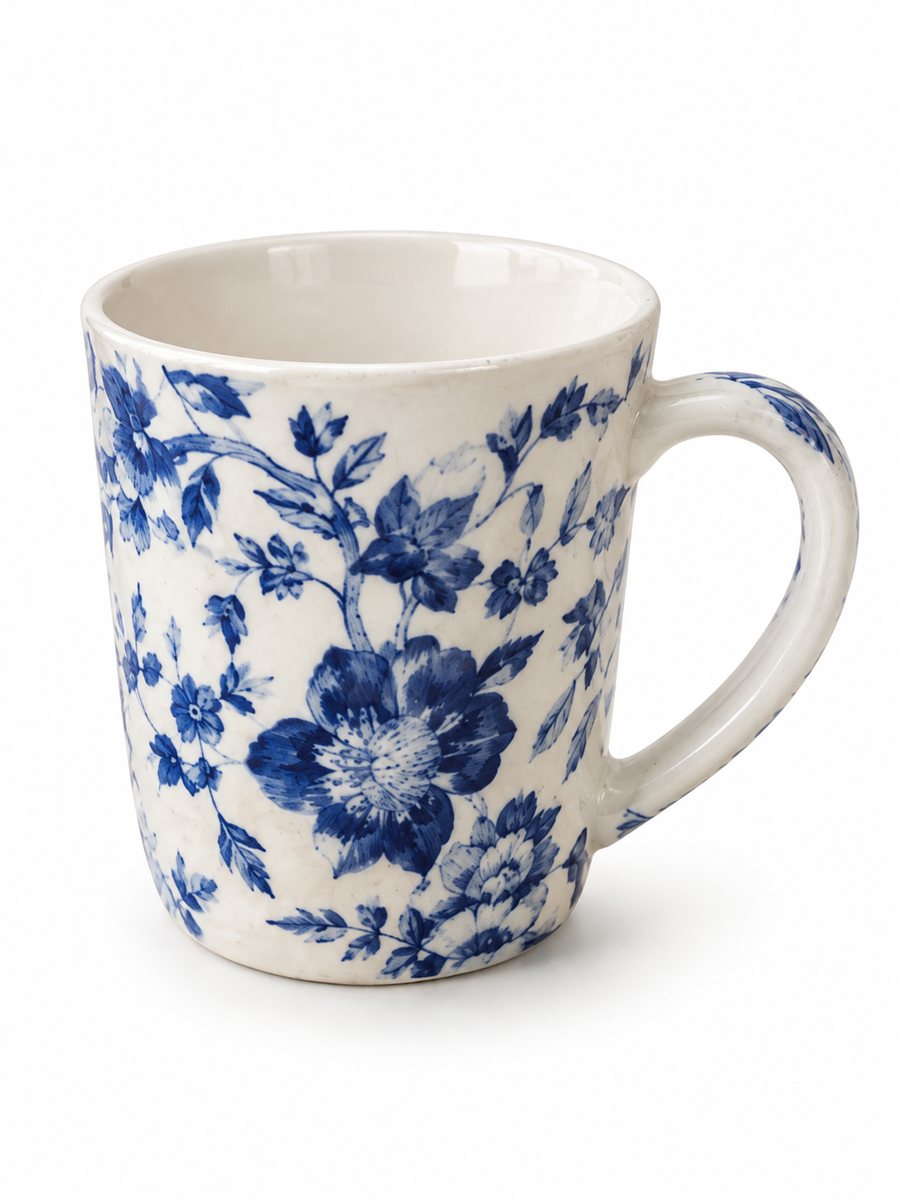 BeforeAfter
In short: Vinted photo requirements in plain words: a clear first picture, good light, plain background. Clean up a phone photo into a 3:4 image, from 49 Stars.
- Where: the VisuMate bot in Telegram, no app or sign-up.
- Cost: 2 credits per image, 7 images free, then packs from 49 Telegram Stars.
- Time: 1 to 2 minutes per image, rerun with a new instruction at the same price.
- Credits never expire, there is no subscription and no auto-renew. You pay once for a pack inside Telegram with Stars.
When you need this
- Buyers scroll past your listing because the first photo is dark.
- You are not sure how many angles to show.
- A crowded room is visible behind the item.
How to do it
- 1
Open @visumate_ai_bot with the button on this page and press Start. The link opens the product photo menu.
- 2
Send the photo of the item as a file (document). In the caption write what you need, for example: "plain light background, bright natural light".
- 3
You receive a vertical 3:4 image in 1–2 minutes. Download it and crop in an editor if you want another shape.
Try it on your own photo: 7 images are free, no sign-up.
Make it in TelegramWhat Vinted asks for
Vinted expects photos of the item you actually sell, in good light, with enough angles for a buyer to judge condition. The platform publishes its own photo rules and tips, and they change. Open the help center before you list. Sellers also follow a basic habit: no stock images, no heavy filters and no text over the picture. The bot cleans background and light but keeps your item as it is, which fits that habit when you describe the item honestly.
Size and shape
Vinted shows the first photo as a cover in the catalog, and sellers usually plan for a centered item with space around it. The bot returns a vertical 3:4 image. If the app crops your picture in an odd way, crop it yourself in a phone editor before you upload. A larger original is safer than a small one. Look at the listing preview on a phone and adjust the order of the pictures if the cover is weak.
Clothes, shoes and small items
For clothes, hang the item or lay it flat and smooth it by hand. For shoes, shoot both from the side and from the front. For small items such as jewelry, use daylight and a plain surface. The bot works best when the item is clearly visible in the original. If you want a person wearing the garment, you can ask for a generated model in the model preset, and the garment remains as it is.
Tips
- Show the real item and its real condition, with the label and any flaw in extra photos.
- Shoot in daylight and avoid the phone flash, which adds glare to fabric.
- Put the best front view first, since it is the cover in search.
- Keep the background simple and the same for all your items.
- Do not add text or watermarks to the pictures.
Questions and answers
What photo size does Vinted need?
Use a large, sharp original and check the current Vinted help center for the exact requirement.
Can I use edited pictures?
Light cleanup of background and light is common. Do not change the item itself, so the buyer gets what the photo shows.
Does the bot add text to pictures?
Only if you ask for an infographic. For clothing listings a plain picture is the better choice.
How much does a picture cost?
One image is 2 credits. The first 15 credits are free, and packs start from 49 Stars.
What if the bot changes a detail?
Run it again. It is AI, so a second try can come out closer to the original.
What the bot does not do
- Does not output a transparent PNG. The result is a finished 3:4 image with a background.
- Does not write listing copy, set prices or upload anything to your seller account.
- Does not guarantee exact marketplace pixel sizes: crop or resize the 3:4 image in any editor.
- Text on infographics is drawn by AI and can have letter errors in long phrases. Keep badges short and proofread.
More in "Product photos"
- Depop and Vinted clothing photosDepop and Vinted clothing photos: turn a flat lay of a secondhand piece into a worn studio picture. Show...
- Depop photo size and tipsDepop photo size and tips for sellers: square-friendly framing, a clear first picture, light and...
- Poshmark closet photosPoshmark closet photos: send a flat lay of an item and get it worn by a studio model. Cut, color and print...
- Marketplace photo requirementsMarketplace photo requirements for Amazon, Etsy and eBay in plain terms: background, size and text. Check...