Depop photo size and tips
Depop shows listings in a grid of small pictures, so the first photo does most of the selling. This page covers the shape to plan for, how to frame clothes, and how to turn a phone photo into a clean 3:4 image you can crop.
- 2 credits per image
- Result in 1–2 minutes
- No sign-up
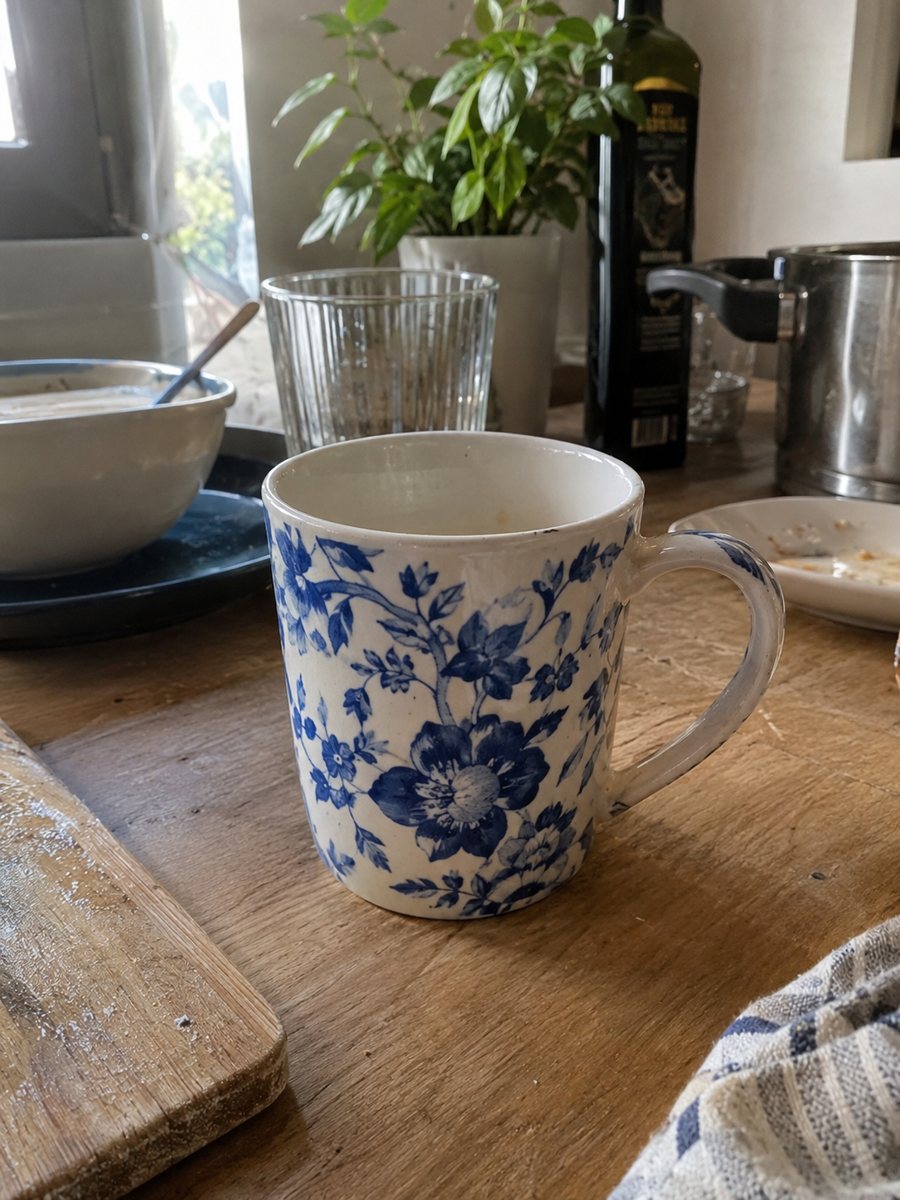
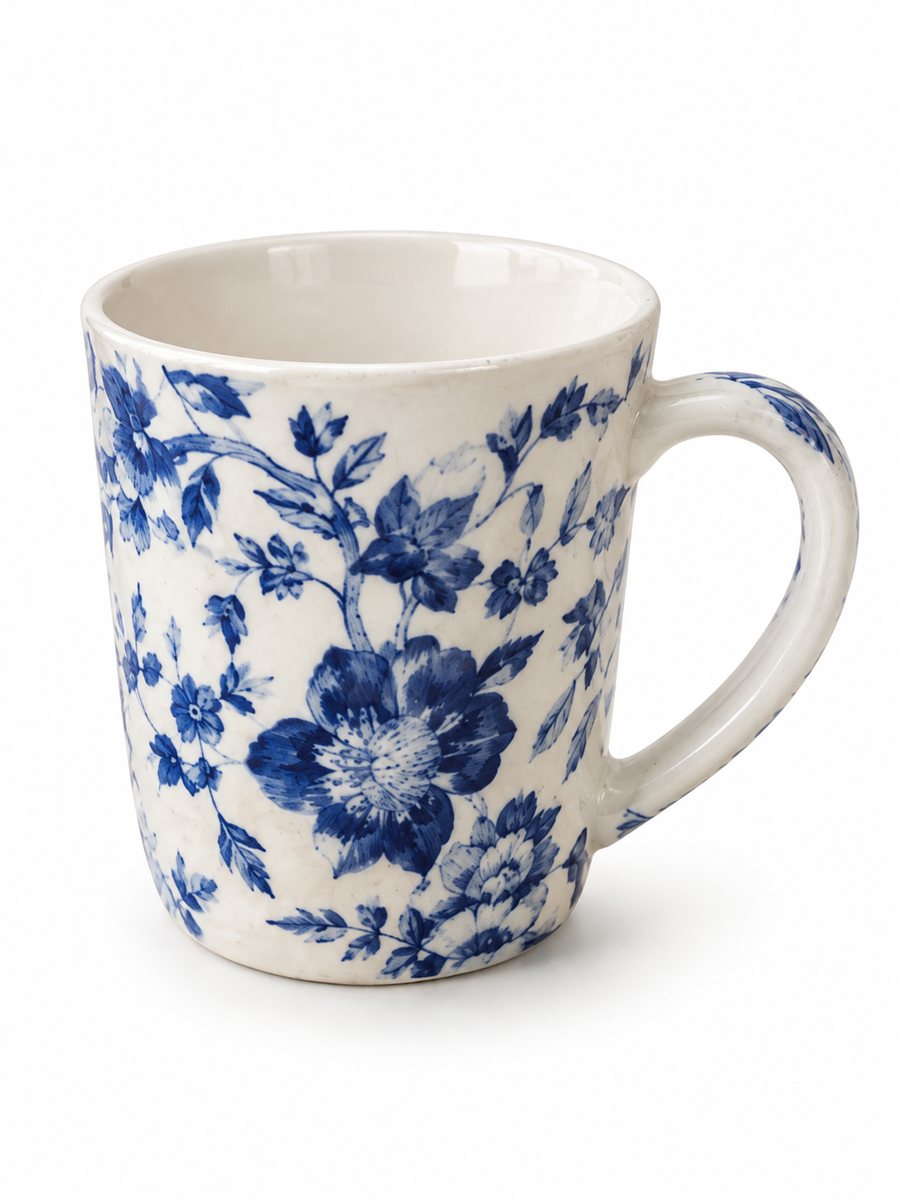 BeforeAfter
In short: Depop photo size and tips for sellers: square-friendly framing, a clear first picture, light and background. Make 3:4 shots from a phone photo, 7 free.
- Where: the VisuMate bot in Telegram, no app or sign-up.
- Cost: 2 credits per image, 7 images free, then packs from 49 Telegram Stars.
- Time: 1 to 2 minutes per image, rerun with a new instruction at the same price.
- Credits never expire, there is no subscription and no auto-renew. You pay once for a pack inside Telegram with Stars.
When you need this
- Your jacket looks tiny and creased in the grid.
- The sleeves get cut off when Depop crops the picture.
- Bedroom clutter shows behind the clothes in your photo.
How to do it
- 1
Open @visumate_ai_bot with the button on this page and press Start. The link opens the product photo menu.
- 2
Send the photo of the item as a file (document). In the caption write what you need, for example: "clean light background, soft daylight, clothes look neat".
- 3
Within 1–2 minutes you get a vertical 3:4 image. Download it and crop to a square if you want it to match the grid.
Try it on your own photo: 7 images are free, no sign-up.
Make it in TelegramShape and size
Depop displays listing photos as squares in the grid and browse feeds, and sellers usually plan for a square frame. Treat the exact pixel size as something to check on the Depop help page, because apps change. A big, sharp original is safer than a small one. The bot gives you a vertical 3:4 picture. Crop it to a square in a phone editor and keep the garment centered so no sleeve or hem gets cut.
Framing clothes
A flat garment on a bed or floor looks messy next to a neat grid. The bot can place your photo on a clean background and fix the light, and the garment itself stays the same, with its color, print and wrinkles. Hang the item on a door or lay it flat and straight before you shoot. For a look on a person, the model preset can show the same garment on a generated model, and the page about clothing on models explains that option.
What the grid does to your photo
In the grid only the first picture is visible, and it is small. Bold shapes, a plain background and a centered item read well at that size. Thin details and long captions do not. Put your best front view first and the label, back and flaws in later photos. Honest pictures of flaws save you returns and bad reviews. Preview the listing before you post.
Tips
- Plan the first photo for a square crop and leave space around the clothes.
- Take the original in daylight near a window and without a flash.
- Smooth the item before the photo, since the bot keeps the creases that are really there.
- Add a close-up of the label and any flaw as separate photos taken with your phone.
- Keep the same background across your shop so the profile grid looks tidy.
Questions and answers
What size should Depop photos be?
Plan for a square frame and a large, sharp original. Check the current Depop help page for exact pixels.
Does the bot produce square pictures?
No, the bot outputs a vertical 3:4 image. Crop it to a square in any editor.
Will the bot change my clothes?
It keeps the item, its color and print, and changes the background and light. Sometimes it needs a rerun.
Can I show the clothes on a model?
Yes, there is a model option in the bot menu. The garment stays the same and the model is generated.
How many photos can I try for free?
New users get 15 credits, and one image costs 2, so 7 images are free.
What the bot does not do
- Does not output a transparent PNG. The result is a finished 3:4 image with a background.
- Does not write listing copy, set prices or upload anything to your seller account.
- Does not guarantee exact marketplace pixel sizes: crop or resize the 3:4 image in any editor.
- Text on infographics is drawn by AI and can have letter errors in long phrases. Keep badges short and proofread.
More in "Product photos"
- Depop and Vinted clothing photosDepop and Vinted clothing photos: turn a flat lay of a secondhand piece into a worn studio picture. Show...
- Poshmark closet photosPoshmark closet photos: send a flat lay of an item and get it worn by a studio model. Cut, color and print...
- Marketplace photo requirementsMarketplace photo requirements for Amazon, Etsy and eBay in plain terms: background, size and text. Check...
- Facebook Marketplace photos with a clean backgroundFacebook Marketplace listing photos with a clean white background: send a phone picture of your item and...