Poshmark closet photos
A tidy closet listing starts with a good cover picture. Send a flat lay, describe the model and the bot shows the item worn in a studio.
- 2 credits per image
- Result in 1–2 minutes
- No sign-up
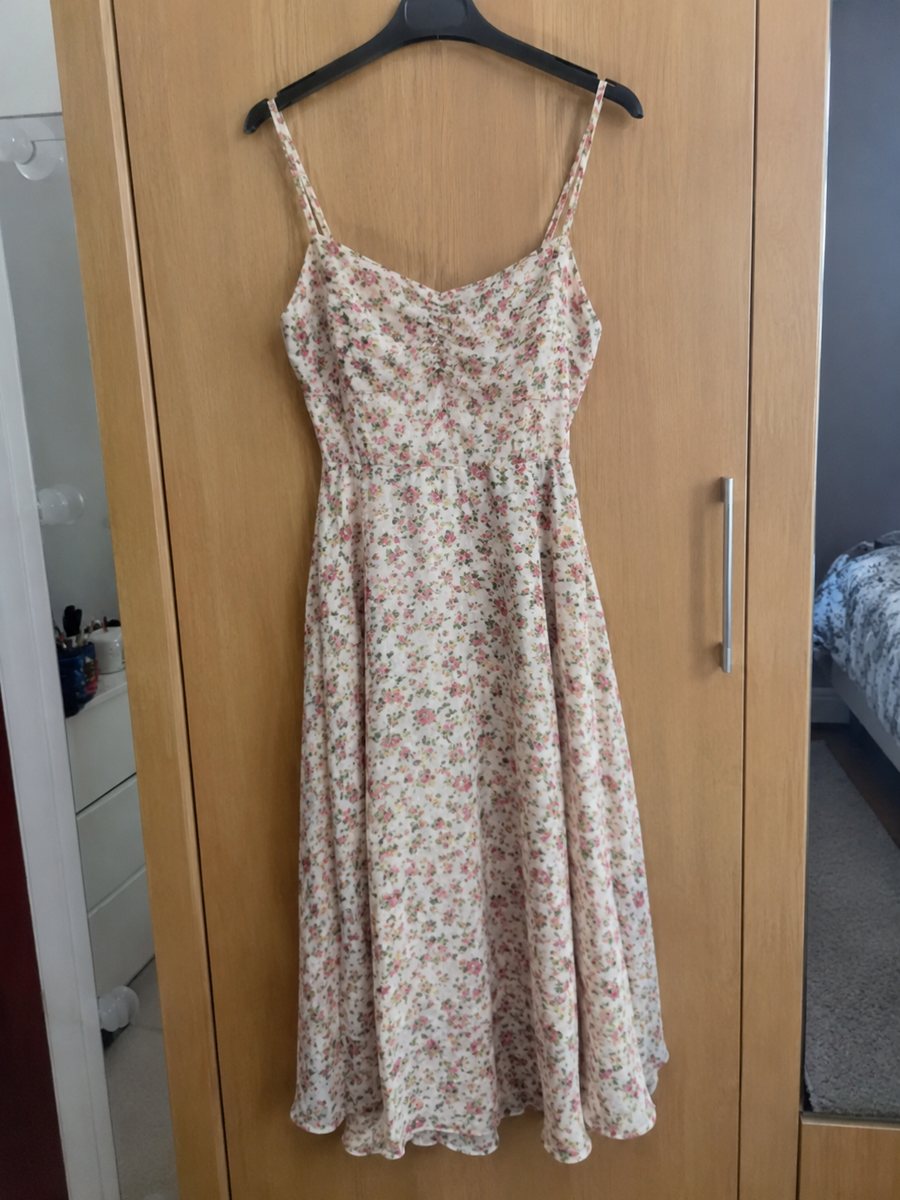
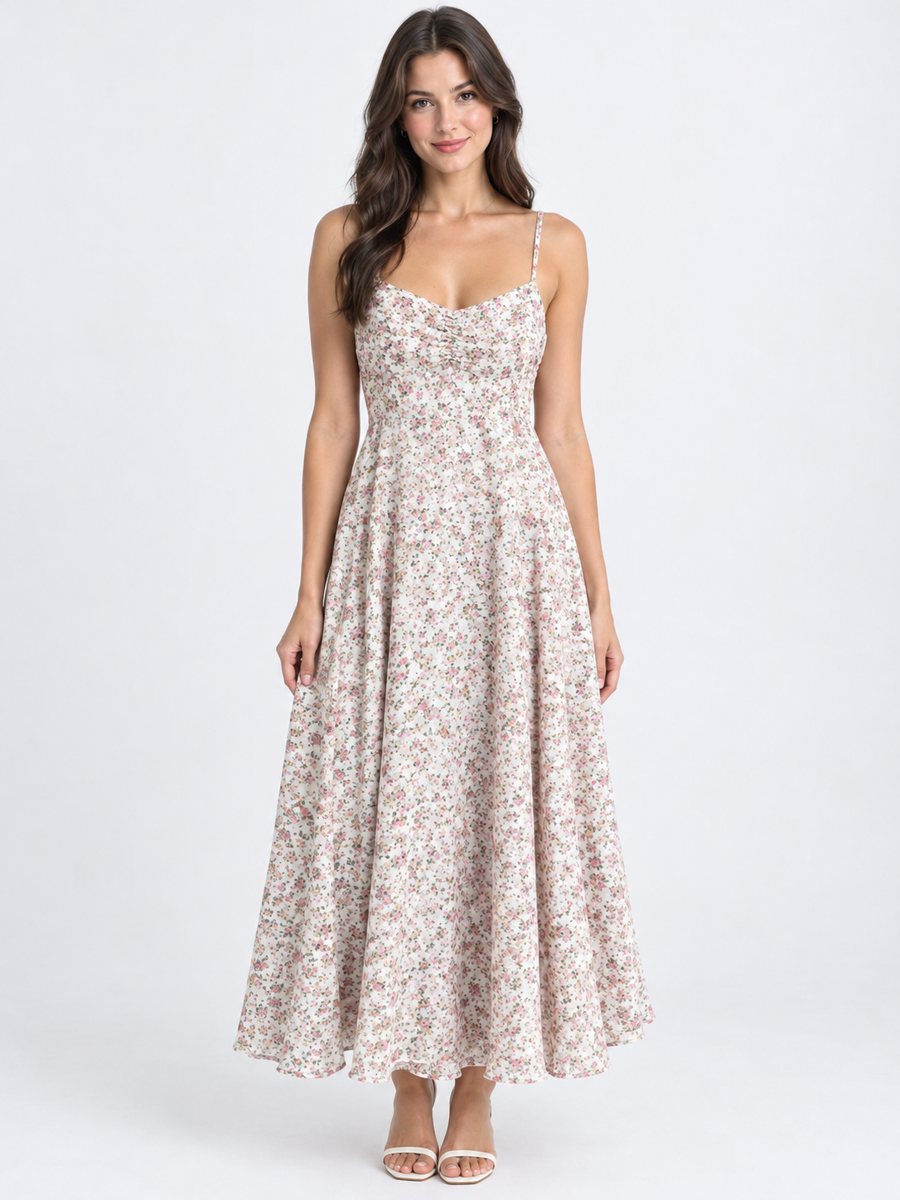 BeforeAfter
In short: Poshmark closet photos: send a flat lay of an item and get it worn by a studio model. Cut, color and print stay as in your photo. 7 images free.
- Where: the VisuMate bot in Telegram, no app or sign-up.
- Cost: 2 credits per image, 7 images free, then packs from 49 Telegram Stars.
- Time: 1 to 2 minutes per image, rerun with a new instruction at the same price.
When you need this
- Your closet has many items and each needs a cover.
- Mirror selfies are hard to keep consistent.
- You want a clean look across the closet.
How to do it
- 1
Open @visumate_ai_bot with the button on this page and press Start. The link opens the clothing-on-model mode.
- 2
Send the photo of the item as a file (document), laid flat or on a hanger. In the caption describe the model: "woman, 30, standing, casual pose".
- 3
In 1–2 minutes the vertical 3:4 image arrives in the chat. Compare cut, color and print of the item with the original, then download it or run again.
Try it on your own photo: 7 images are free, no sign-up.
Make it in TelegramA consistent closet
A closet looks professional when the cover photos share the same style. Use one caption pattern across items, and rerun results that look off. Add real photos of the tag, the brand label and any flaws as later pictures. Describe the model in the caption with gender, age range and a simple pose. Compare cut, color and print with the original, since AI can change small details.
Following platform rules
Check the current Poshmark photo guidelines for your category. Make sure the on-model picture reflects the real item, since misleading pictures cause returns. The bot does not post to your closet. You download and upload the image. The image comes back as a vertical 3:4 picture, so check how your listing crops it. Add real measurements to the listing, because a model picture shows style but not your sizing.
Tips
- Use one caption style for the whole closet.
- Add honest close-ups of tags and flaws.
- Photograph items flat in daylight.
- Check each result against the item.
Questions and answers
Does the bot upload to Poshmark?
No. You download the image and upload it yourself.
Is it a real person?
No. It is an AI generated model.
Does the bot write the listing text?
No. It makes the image only. It does not write listing copy, calculate prices or upload to your seller account.
Is the bot menu in English?
The bot replies in English, and the link from this page opens the right mode.
More in "Product photos"
- Men's clothing on model photosMen's clothing on model photos: send a flat lay or hanger shot and get the piece worn by a studio model....
- Kids clothing on model photosKids clothing on model photos: send a flat lay of children's wear and get it worn in a studio. Describe...
- Depop and Vinted clothing photosDepop and Vinted clothing photos: turn a flat lay of a secondhand piece into a worn studio picture. Show...
- Facebook Marketplace photos with a clean backgroundFacebook Marketplace listing photos with a clean white background: send a phone picture of your item and...