Electronics product photos on a white background
Cables, ports and buttons need a sharp, tidy picture. Send the phone photo and the bot puts the gadget on pure white with a soft shadow, with the shape and the controls kept.
- 2 credits per image
- Result in 1–2 minutes
- No sign-up
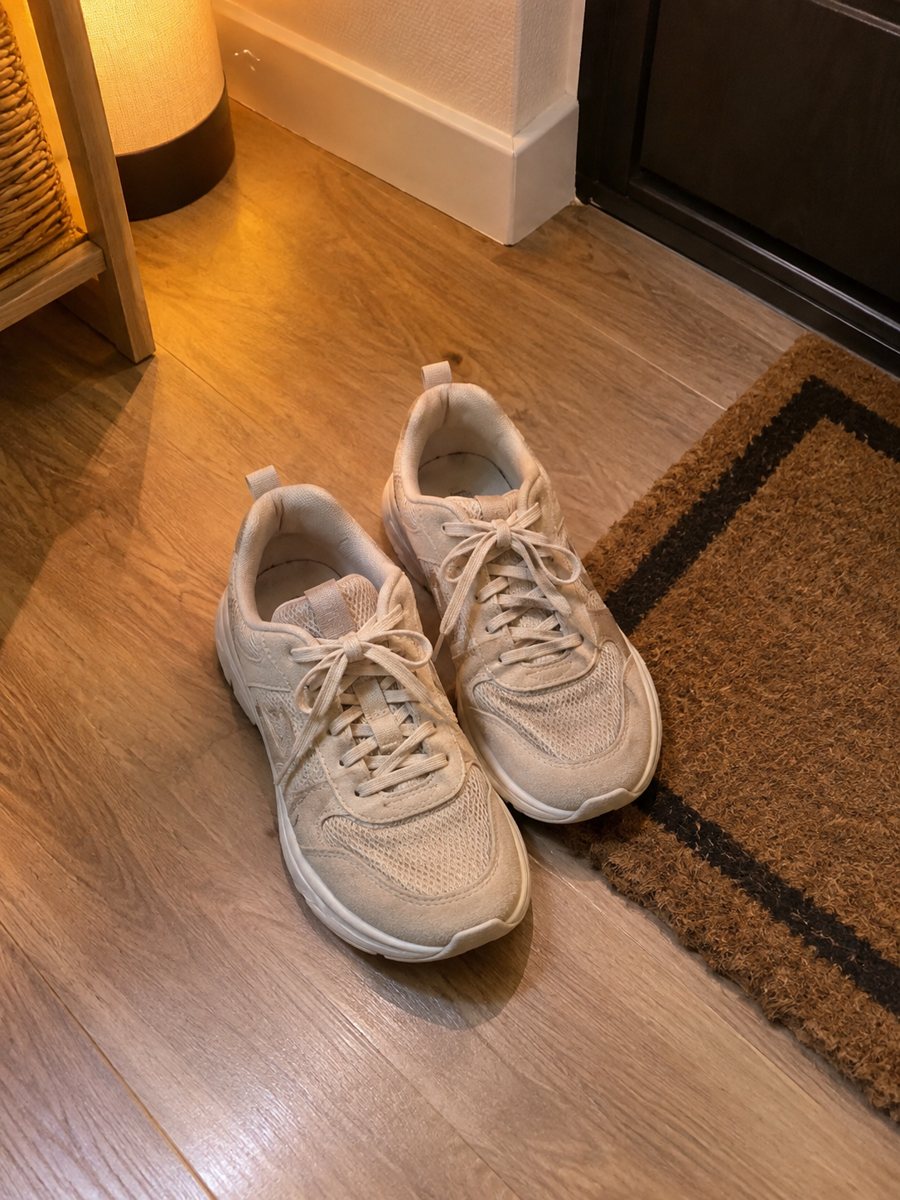
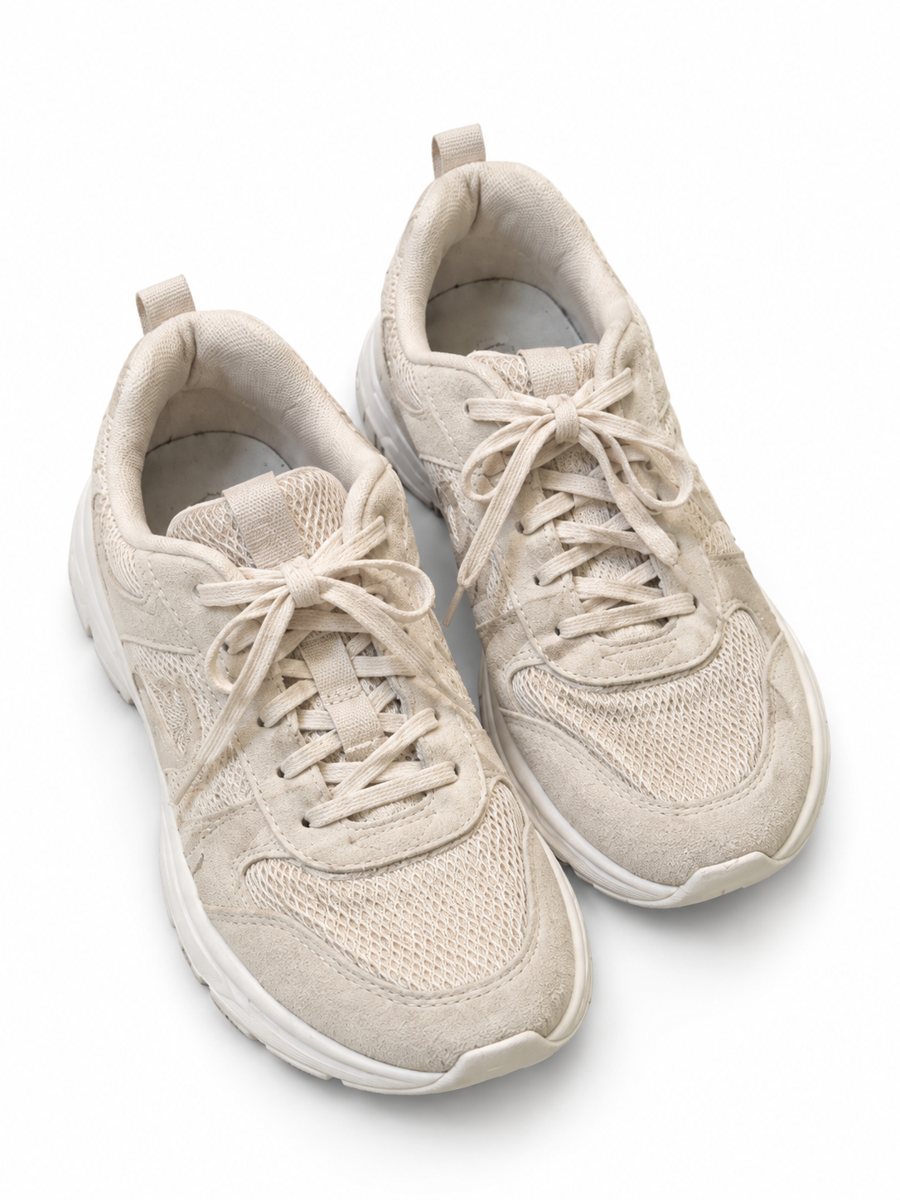 BeforeAfter
In short: Electronics product photos on white: headphones, chargers, speakers and gadgets from a phone picture to a clean 3:4 image in 1–2 minutes. 7 images free.
- Where: the VisuMate bot in Telegram, no app or sign-up.
- Cost: 2 credits per image, 7 images free, then packs from 49 Telegram Stars.
- Time: 1 to 2 minutes per image, rerun with a new instruction at the same price.
When you need this
- Black plastic shows fingerprints and dust in the photo.
- Cables are tangled and the outline is messy.
- A screen shows your reflection or your room.
How to do it
- 1
Open @visumate_ai_bot with the button on this page and press Start. The link opens the product-on-white mode.
- 2
Send the photo of the device as a file (document) so Telegram does not compress it. In the caption write: "pure white background, soft shadow, keep every button and port".
- 3
In 1–2 minutes the vertical 3:4 image arrives in the chat. Zoom in on the edges and the shadow of the device, then download it or run again.
Try it on your own photo: 7 images are free, no sign-up.
Make it in TelegramBlack devices and screens
Dark gloss plastic turns into a mirror. Use a large soft light and shoot a little off the front so the room does not appear on the surface. For a lit screen, mention it in the caption, but keep in mind that AI may redraw what is on a display, so do not rely on it for screen content. Each run takes 1 to 2 minutes, so you can send the next product while you wait.
Ports, text and model numbers
Buyers of electronics check ports and labels. Make the white picture for the cover and add plain phone photos of ports and the back label. Compare the number of ports and buttons in the AI result with the real device. If a port changed shape, rerun and name it in the caption. If the result is close but not right, rerun with a clearer caption, which costs another 2 credits.
Tips
- Blow off dust and wipe the device before you shoot.
- Coil the cable neatly or lay it in a simple curve.
- Turn the screen off unless you want it visible, and say that in the caption.
- Check ports, buttons and printed text on the result.
Questions and answers
Will it keep the screen content?
Not reliably. Screens are redrawn by AI, so use a switched-off screen or a separate screenshot image.
Can it show an accessory with the device?
Yes, send an album of up to 5 photos and the bot merges them. Check the result for missing parts.
How do I pay after the free images?
Inside Telegram with Stars, by card, Apple Pay or Google Pay. Packs start from 199 Stars and credits never expire.
How many images can I try for free?
New users get 15 free credits on first launch. One image costs 2 credits, so 7 images are free.
More in "Product photos"
- Toy product photos on a white backgroundToy product photos on a white background: send a phone picture of a plush, a block set or a figure and get...
- Book product photos on a white backgroundBook product photos on white: send a phone picture of a cover or a stack and get a clean 3:4 listing image...
- Kitchenware product photos on a white backgroundKitchenware product photos on white: pans, knives, bowls and gadgets from a phone picture to a clean 3:4...
- Sports gear in gym scenesSports gear gym scene photos: place bands, bottles or gloves in a gym or on a trail with a scene written...