Jeans on model product photo
Denim is bought on fit. Send a photo of the jeans, describe the model and the bot shows the pair worn, so shoppers see the cut and the wash.
- 2 credits per image
- Result in 1–2 minutes
- No sign-up
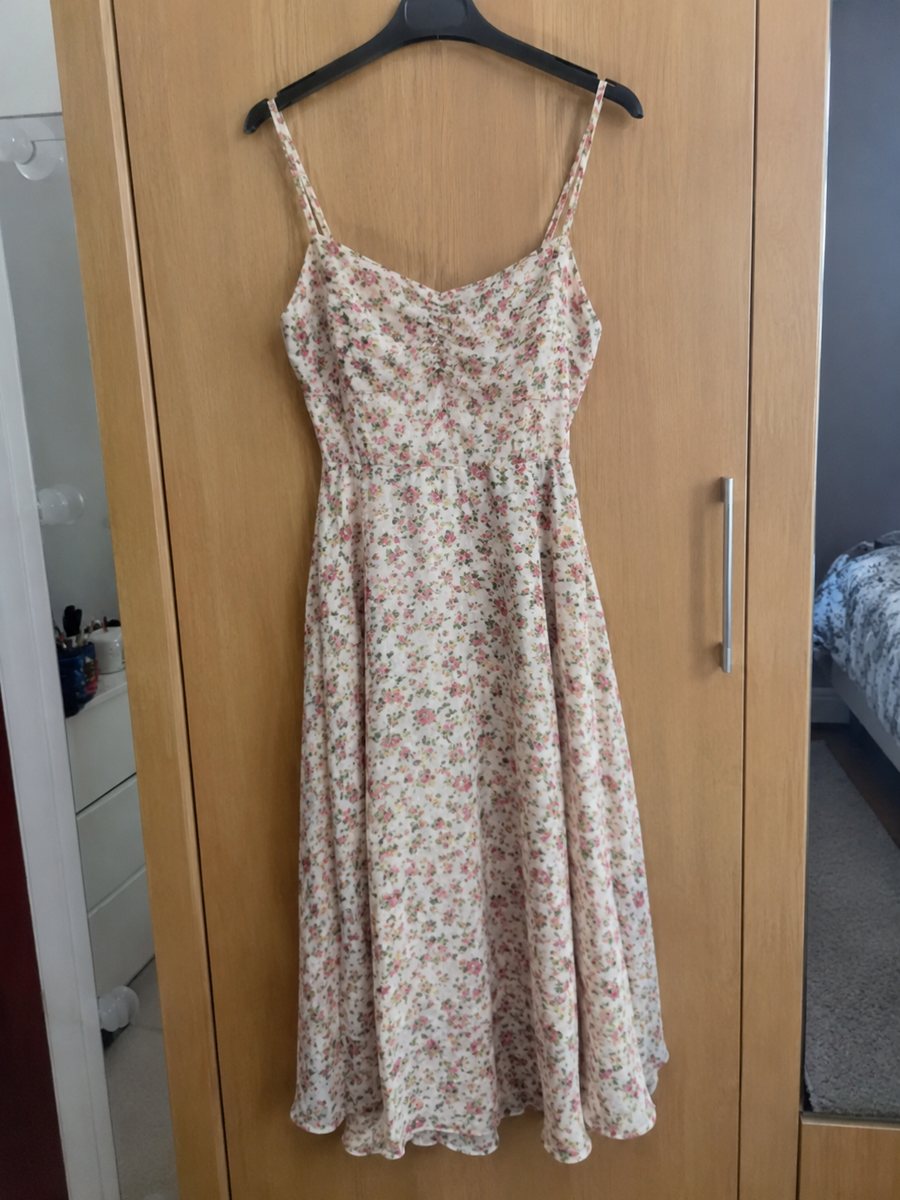
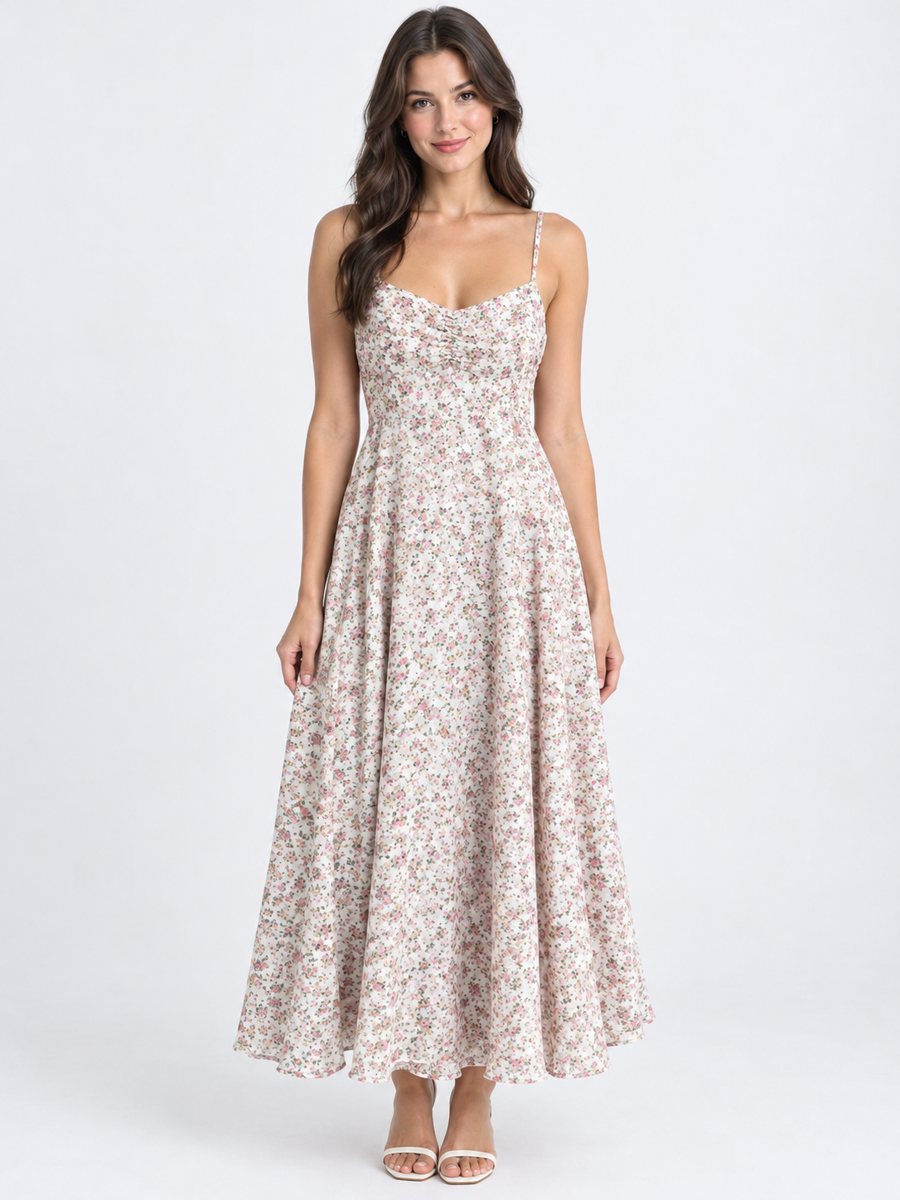 BeforeAfter
In short: Jeans on model product photo: send a flat lay or hanger photo and get the pair worn in a studio. Describe age and pose in the caption. 7 images free.
- Where: the VisuMate bot in Telegram, no app or sign-up.
- Cost: 2 credits per image, 7 images free, then packs from 49 Telegram Stars.
- Time: 1 to 2 minutes per image, rerun with a new instruction at the same price.
When you need this
- Buyers cannot tell the rise and leg shape from a flat photo.
- Wash color is hard to show on a hanger.
- Returns for fit are common in denim.
How to do it
- 1
Open @visumate_ai_bot with the button on this page and press Start. The link opens the clothing-on-model mode.
- 2
Send the photo of the jeans as a file (document), laid flat or on a hanger. In the caption describe the model: "woman, 27, standing, one hand in pocket".
- 3
In 1–2 minutes the vertical 3:4 image arrives in the chat. Compare cut, color and print of the jeans with the original, then download it or run again.
Try it on your own photo: 7 images are free, no sign-up.
Make it in TelegramFit and cut
The rise, leg width and length decide the fit. Check them in the result and compare them with the real pair. If the cut looks different, rerun with a clearer pose in the caption. A full standing pose shows proportions better than a cropped one. If the result is close but not right, change one word in the caption and run again for another 2 credits.
Wash and details
Check the fade, whiskering and the pocket stitching. Small details are where AI changes things. State size and fit honestly in the listing text. A model image shows style, while real measurements in a chart protect you from returns. Each run takes 1 to 2 minutes, so you can build a collection one item after another. Send the photo as a file, laid flat or on a hanger, so Telegram keeps the full detail of the garment.
Tips
- Lay the jeans flat with legs straight.
- Photograph in daylight to catch the real wash.
- Ask for a standing pose that shows the full length.
- Compare rise, pockets and stitching with the original.
Questions and answers
Can it show different sizes?
No. It shows the garment on an AI model. Put real measurements in the listing.
Does the wash color stay?
It is meant to stay. Compare with your original in daylight.
Do I need to register anywhere?
No sign-up. Open Telegram, press Start and send a photo. It works on a phone and on a desktop.
How long does one image take?
Usually 1–2 minutes. The result arrives in the chat, and you can download it or run the photo again.
More in "Product photos"
- Jacket on model ecommerce photoJacket on model ecommerce photo: send a flat lay or hanger shot and get the jacket worn in a studio. Cut,...
- Activewear on model photosActivewear on model photos: send a flat lay of leggings, a top or a set and get it worn by a studio model....
- Hoodie on model photosHoodie on model photos: send a flat lay or hanger shot, describe the model and get the hoodie worn in a...
- Book product photos on a white backgroundBook product photos on white: send a phone picture of a cover or a stack and get a clean 3:4 listing image...