Hoodie on model photos
Hoodies look shapeless when laid flat. Send a photo, describe the model and the bot shows the hoodie worn, with the fit and hood visible.
- 2 credits per image
- Result in 1–2 minutes
- No sign-up
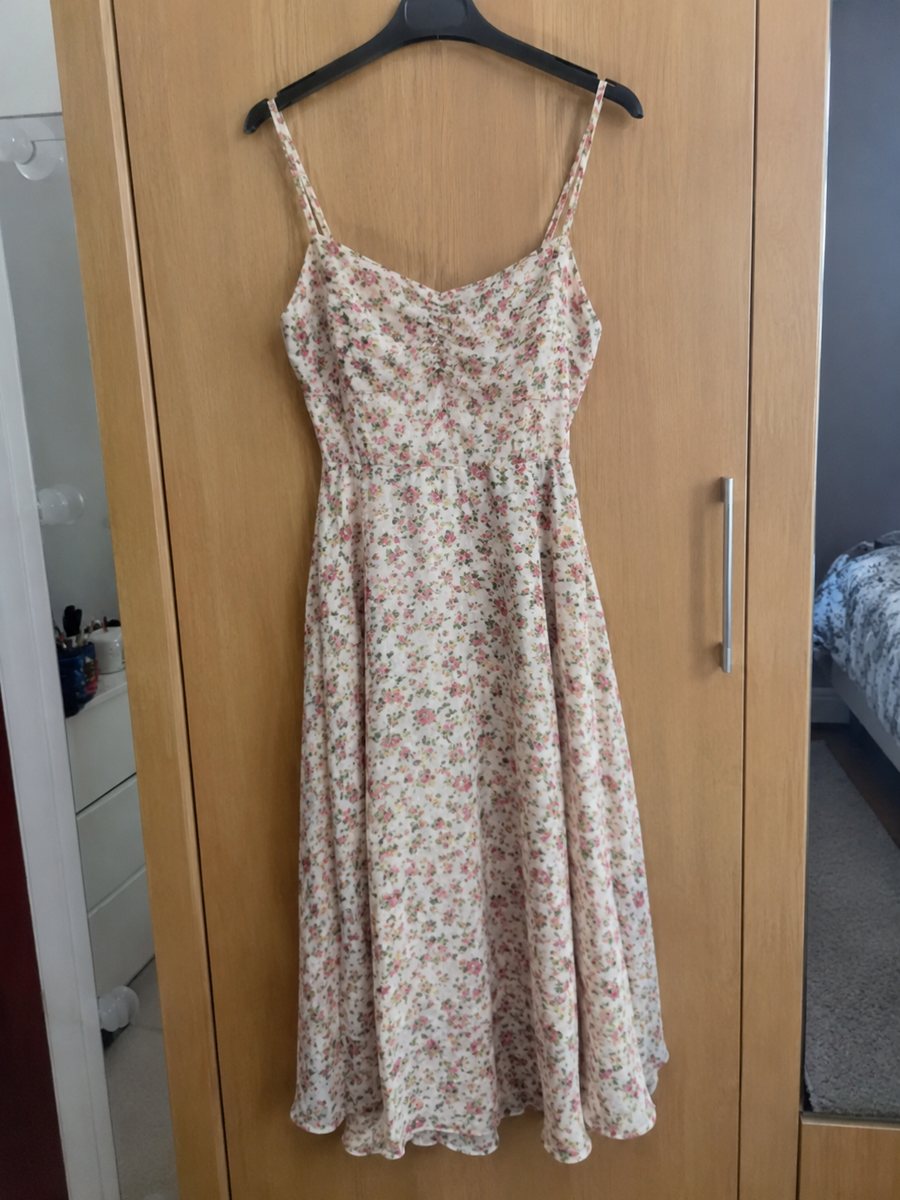
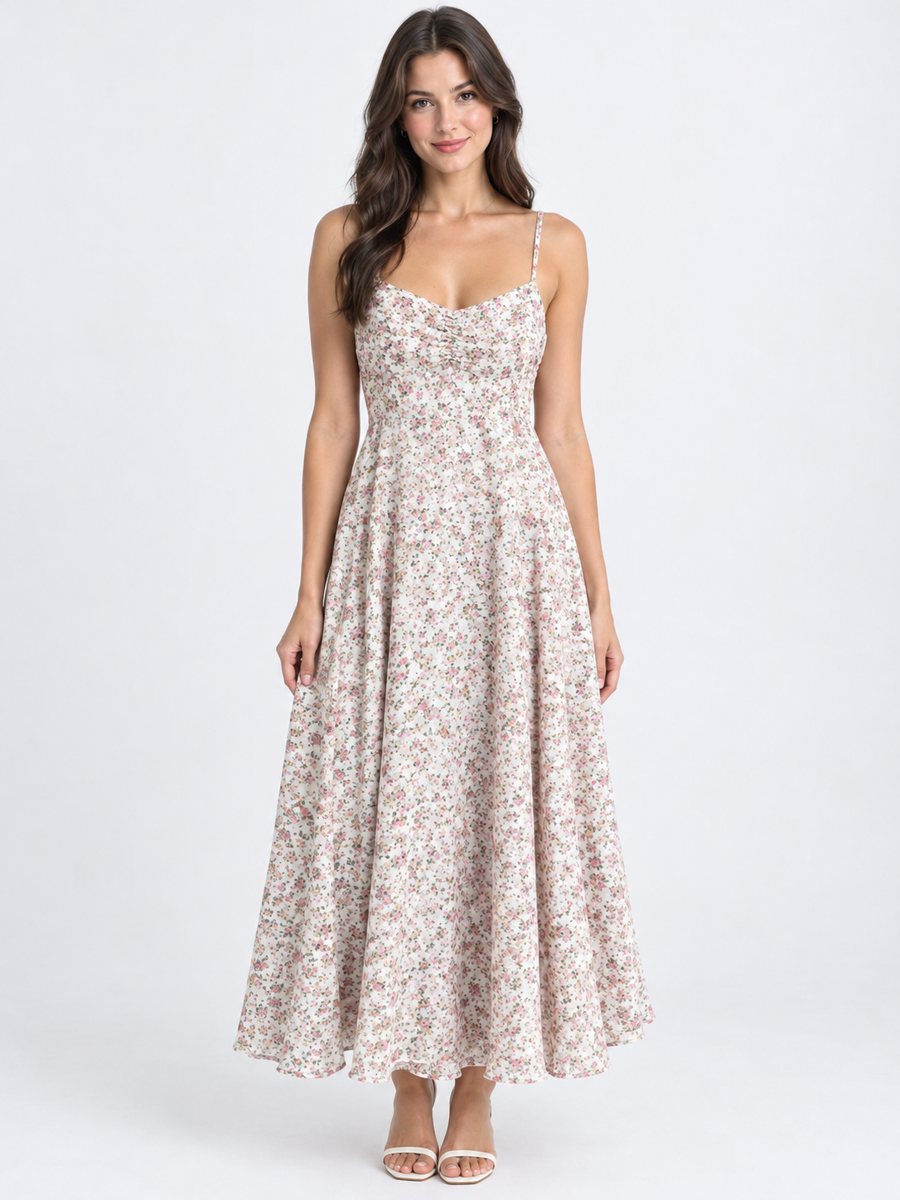 BeforeAfter
In short: Hoodie on model photos: send a flat lay or hanger shot, describe the model and get the hoodie worn in a studio. Cut and print stay. 7 images free.
- Where: the VisuMate bot in Telegram, no app or sign-up.
- Cost: 2 credits per image, 7 images free, then packs from 49 Telegram Stars.
- Time: 1 to 2 minutes per image, rerun with a new instruction at the same price.
When you need this
- Hoodie flat lays hide the real fit.
- Merch drops need quick pictures.
- Print placement is hard to judge from a flat shot.
How to do it
- 1
Open @visumate_ai_bot with the button on this page and press Start. The link opens the clothing-on-model mode.
- 2
Send the photo of the hoodie as a file (document), laid flat or on a hanger. In the caption describe the model: "man, 24, standing, hands in pockets".
- 3
In 1–2 minutes the vertical 3:4 image arrives in the chat. Compare cut, color and print of the hoodie with the original, then download it or run again.
Try it on your own photo: 7 images are free, no sign-up.
Make it in TelegramDetails that can change
Look at the hood shape, the drawstrings, the pocket and the print. These small parts are where AI most often changes things. If something looks different from your real hoodie, rerun or change the caption slightly. Keep the best result and compare it side by side with the original. Describe the model in the caption with gender, age range and a simple pose.
Merch and brands
If your hoodie carries a logo or text, check every letter. Brand logos can be redrawn by AI with small errors. For merch with a strict logo, use the on-model image as a lifestyle picture and keep a clean flat lay with the exact logo in the gallery. The image comes back as a vertical 3:4 picture, so check how your listing crops it.
Tips
- Lay the hoodie flat with sleeves straight.
- Show the front clearly, pocket and hood included.
- Describe the model and a simple standing pose.
- Check the drawstrings and the print.
Questions and answers
Can the hood be up?
You can describe the pose in the caption, but results vary. Compare with the product.
Will logos be exact?
They are meant to stay, but AI can redraw fine text. Check carefully.
How do I pay after the free images?
Inside Telegram with Stars, by card, Apple Pay or Google Pay. Packs start from 199 Stars and credits never expire.
How many images can I try for free?
New users get 15 free credits on first launch. One image costs 2 credits, so 7 images are free.
More in "Product photos"
- Jeans on model product photoJeans on model product photo: send a flat lay or hanger photo and get the pair worn in a studio. Describe...
- Jacket on model ecommerce photoJacket on model ecommerce photo: send a flat lay or hanger shot and get the jacket worn in a studio. Cut,...
- T-shirt on model photoT-shirt on model photo: send a flat lay and describe the model to get the tee worn in a studio. Print and...
- Toy product photos on a white backgroundToy product photos on a white background: send a phone picture of a plush, a block set or a figure and get...