Toy product photos on a white background
Toys come in odd shapes and bright colors. Send a phone picture and the bot places the toy on pure white with a soft shadow, keeping the shape and the color of the original.
- 2 credits per image
- Result in 1–2 minutes
- No sign-up
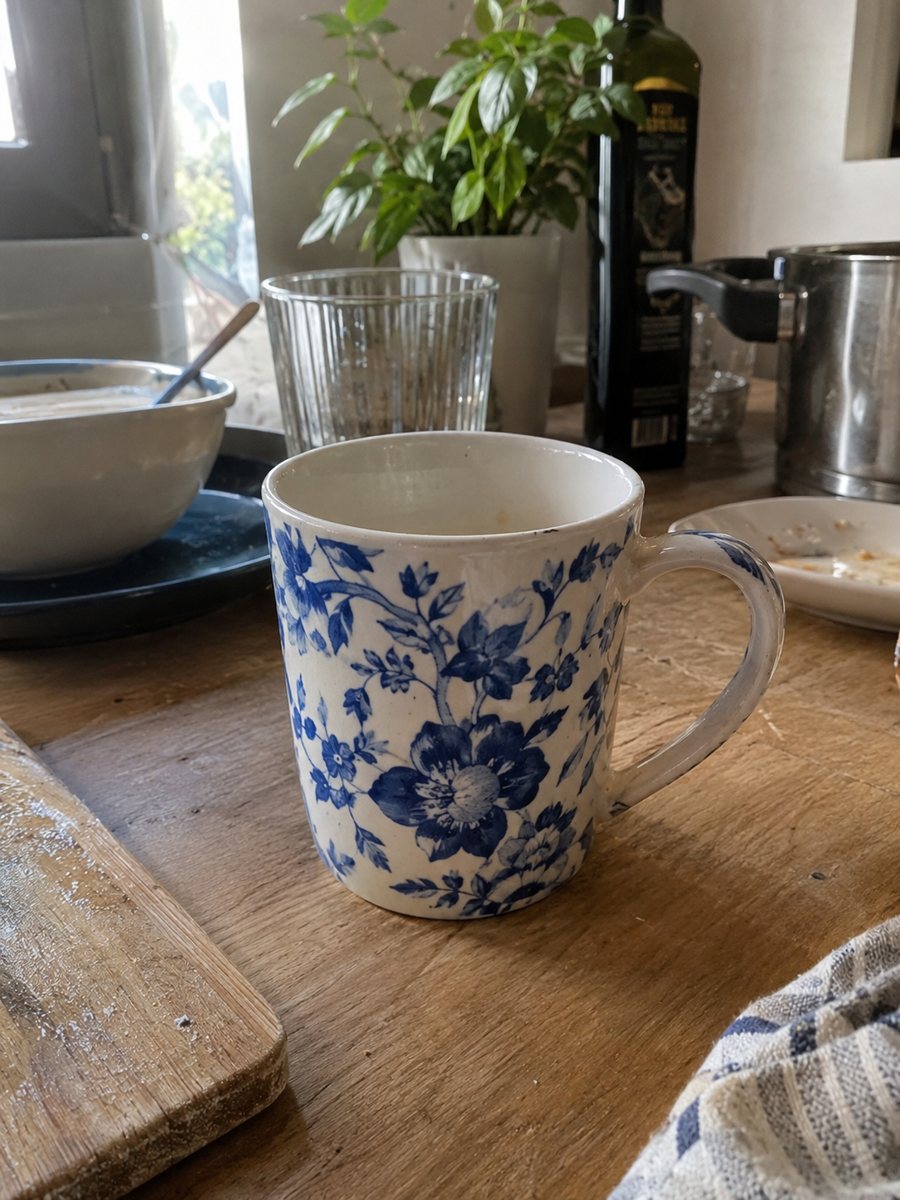
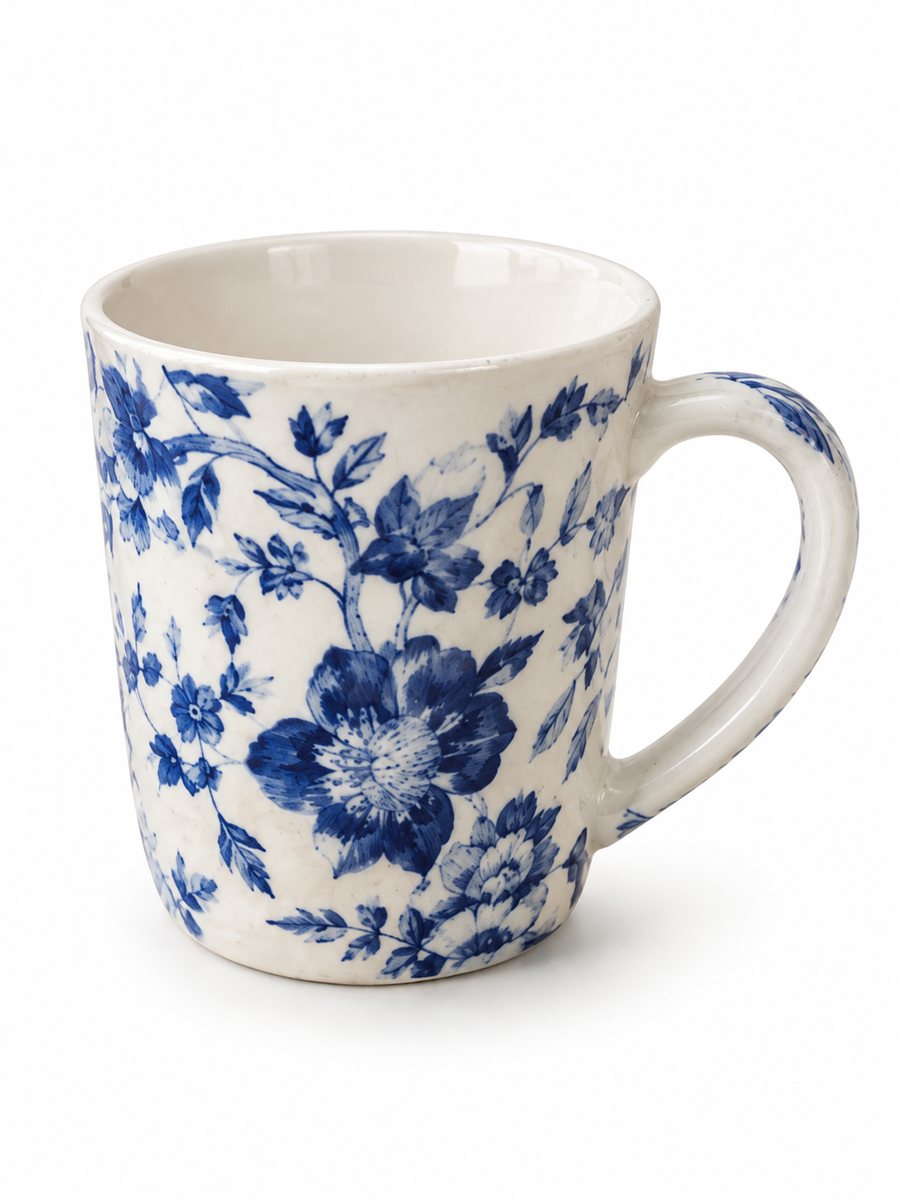 BeforeAfter
In short: Toy product photos on a white background: send a phone picture of a plush, a block set or a figure and get a clean 3:4 listing image. 7 images free.
- Where: the VisuMate bot in Telegram, no app or sign-up.
- Cost: 2 credits per image, 7 images free, then packs from 49 Telegram Stars.
- Time: 1 to 2 minutes per image, rerun with a new instruction at the same price.
When you need this
- A plush slumps and looks smaller than it is.
- Bright colors turn muddy in indoor light.
- A block set photographed on a rug is hard to count.
How to do it
- 1
Open @visumate_ai_bot with the button on this page and press Start. The link opens the product-on-white mode.
- 2
Send the photo of the toy as a file (document) so Telegram does not compress it. In the caption write: "pure white background, keep original colors, soft shadow".
- 3
In 1–2 minutes the vertical 3:4 image arrives in the chat. Zoom in on the edges and the shadow of the toy, then download it or run again.
Try it on your own photo: 7 images are free, no sign-up.
Make it in TelegramPlush, figures and sets
Soft toys need a little arrangement: prop the head, spread the legs and keep the face toward the camera. For figures, a three-quarter view shows the details. For sets, send an album of up to 5 photos and count the pieces in the result, since AI may miss a small block. A sharp, evenly lit source photo gives the cleanest result, so wipe the product and shoot near a window.
Color and honesty
Parents compare the picture with the toy that arrives. Write the real colors in the caption, compare the result with the item and avoid changing details such as the face or the clothes. This mode adds no text. Safety and age details belong in the listing text, written by you. Keep the same photo angle across similar products, since a uniform gallery looks more professional.
Tips
- Sit the plush upright and fluff it before the photo.
- Keep small parts together in the frame, and count them in the result.
- Use daylight so reds and blues stay true.
- Photograph the box separately and use it as a second image.
Questions and answers
Will the AI change my toy?
It should keep the object itself, but check the face, print and small parts. Rerun if anything changed.
Can I show the toy in a kid's room?
Yes, use the lifestyle scene mode and describe the room in the caption.
Do I need to register anywhere?
No sign-up. Open Telegram, press Start and send a photo. It works on a phone and on a desktop.
How long does one image take?
Usually 1–2 minutes. The result arrives in the chat, and you can download it or run the photo again.
More in "Product photos"
- Book product photos on a white backgroundBook product photos on white: send a phone picture of a cover or a stack and get a clean 3:4 listing image...
- Mug photos on a white backgroundMug photos on a white background: send a phone picture of a ceramic mug and get a clean 3:4 image with a...
- Electronics product photos on a white backgroundElectronics product photos on white: headphones, chargers, speakers and gadgets from a phone picture to a...
- Kitchenware lifestyle photosKitchenware lifestyle photos: place a pan, bowl or knife on a counter or a stove with a scene written in...