Book product photos on a white background
Glossy covers throw glare and a book on a bed looks crooked. Send the phone photo and get the book on pure white with a soft shadow, with the cover art and title kept.
- 2 credits per image
- Result in 1–2 minutes
- No sign-up
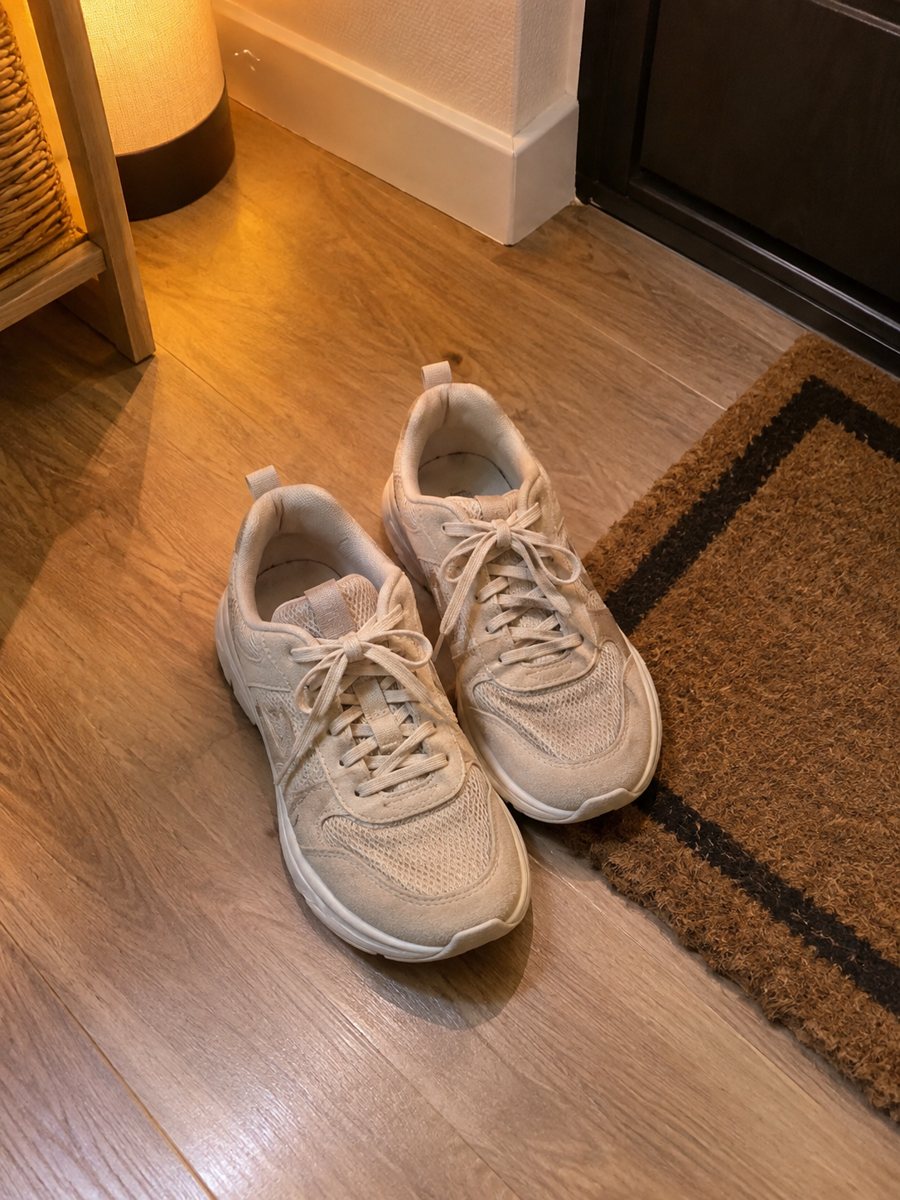
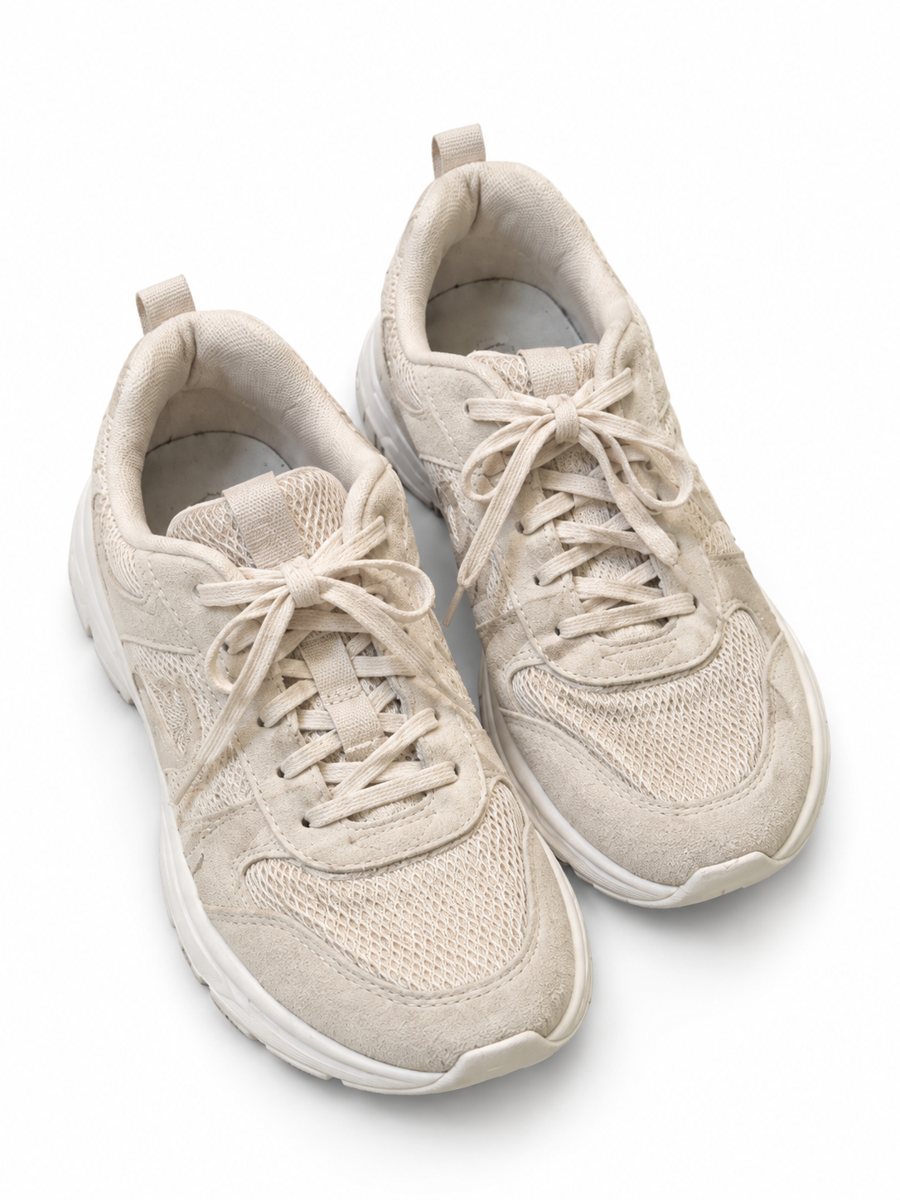 BeforeAfter
In short: Book product photos on white: send a phone picture of a cover or a stack and get a clean 3:4 listing image with a soft shadow, no glare. 7 images free.
- Where: the VisuMate bot in Telegram, no app or sign-up.
- Cost: 2 credits per image, 7 images free, then packs from 49 Telegram Stars.
- Time: 1 to 2 minutes per image, rerun with a new instruction at the same price.
When you need this
- The glossy cover shows a bright lamp reflection.
- The book lies at an angle and the spine looks bent.
- You list a stack of 30 used books and need all pictures to match.
How to do it
- 1
Open @visumate_ai_bot with the button on this page and press Start. The link opens the product-on-white mode.
- 2
Send the photo of the book as a file (document) so Telegram does not compress it. In the caption write: "pure white background, flat straight view, keep the cover exactly".
- 3
In 1–2 minutes the vertical 3:4 image arrives in the chat. Zoom in on the edges and the shadow of the book, then download it or run again.
Try it on your own photo: 7 images are free, no sign-up.
Make it in TelegramCovers, spines and glare
Photograph the cover from straight above, in daylight, away from lamps. Hold the phone parallel to the book so the shape stays rectangular. Glossy laminate bounces light, so tilt the book slightly until the glare leaves the title. The result can then keep the cover art without a bright blob across it. The image comes back as a vertical 3:4 picture, so check how your marketplace crops it in the gallery.
Used books and honest condition
Buyers of used books look for creases, stains and annotations. Use the white picture as the cover image and add phone photos of damage, the spine and the copyright page. Do not retouch wear off the book itself. Compare the title text in the result with the real cover, since AI can alter small letters. Send the photo as a file so Telegram keeps the full detail of your product.
Tips
- Shoot straight on, with the phone parallel to the cover.
- Take separate photos of the spine, back cover and the page edges.
- Photograph any damage honestly for used books.
- Check the title and author text on the result, because small type can change.
Questions and answers
Will the cover text stay exact?
Large titles usually do. Small print on covers can change, so compare with the original and show it in a plain photo too.
Can it make a stack of books?
Send an album of up to 5 photos and the bot merges them into one image. Check the titles and the count.
Does the bot write the listing text?
No. It makes the image only. It does not write listing copy, calculate prices or upload to your seller account.
Is the bot menu in English?
The bot replies in English, and the link from this page opens the right mode.
More in "Product photos"
- Mug photos on a white backgroundMug photos on a white background: send a phone picture of a ceramic mug and get a clean 3:4 image with a...
- Phone case product photos on a white backgroundPhone case product photos on a white background: send a picture of a case and get a clean 3:4 image with a...
- Toy product photos on a white backgroundToy product photos on a white background: send a phone picture of a plush, a block set or a figure and get...
- Art print wall mockupArt print wall mockup: send a picture of your print and describe the wall and the frame. The bot shows it...