Mug photos on a white background
A glossy mug in a kitchen catches the window, the lamp and your phone. Send the photo and the bot gives you the mug on pure white with a soft shadow, the handle and the print in place.
- 2 credits per image
- Result in 1–2 minutes
- No sign-up
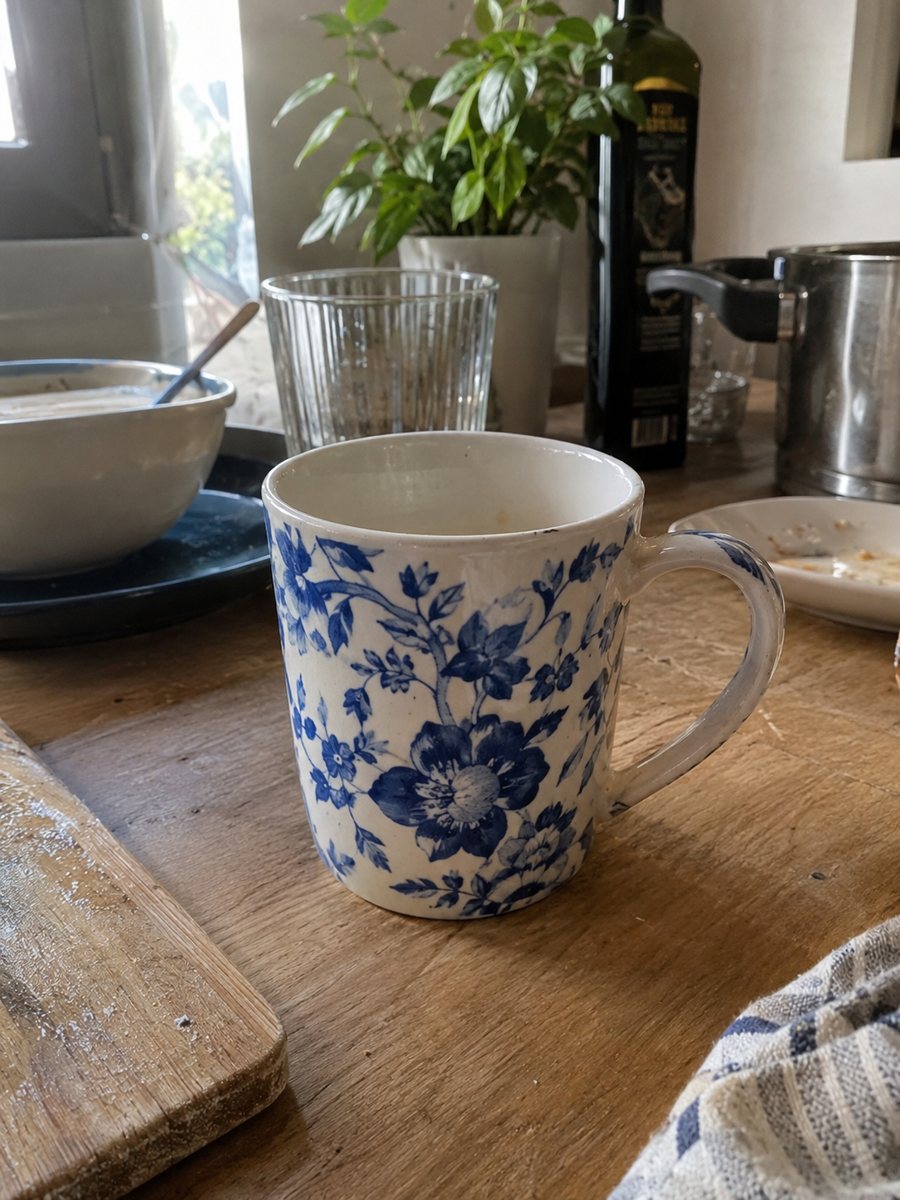
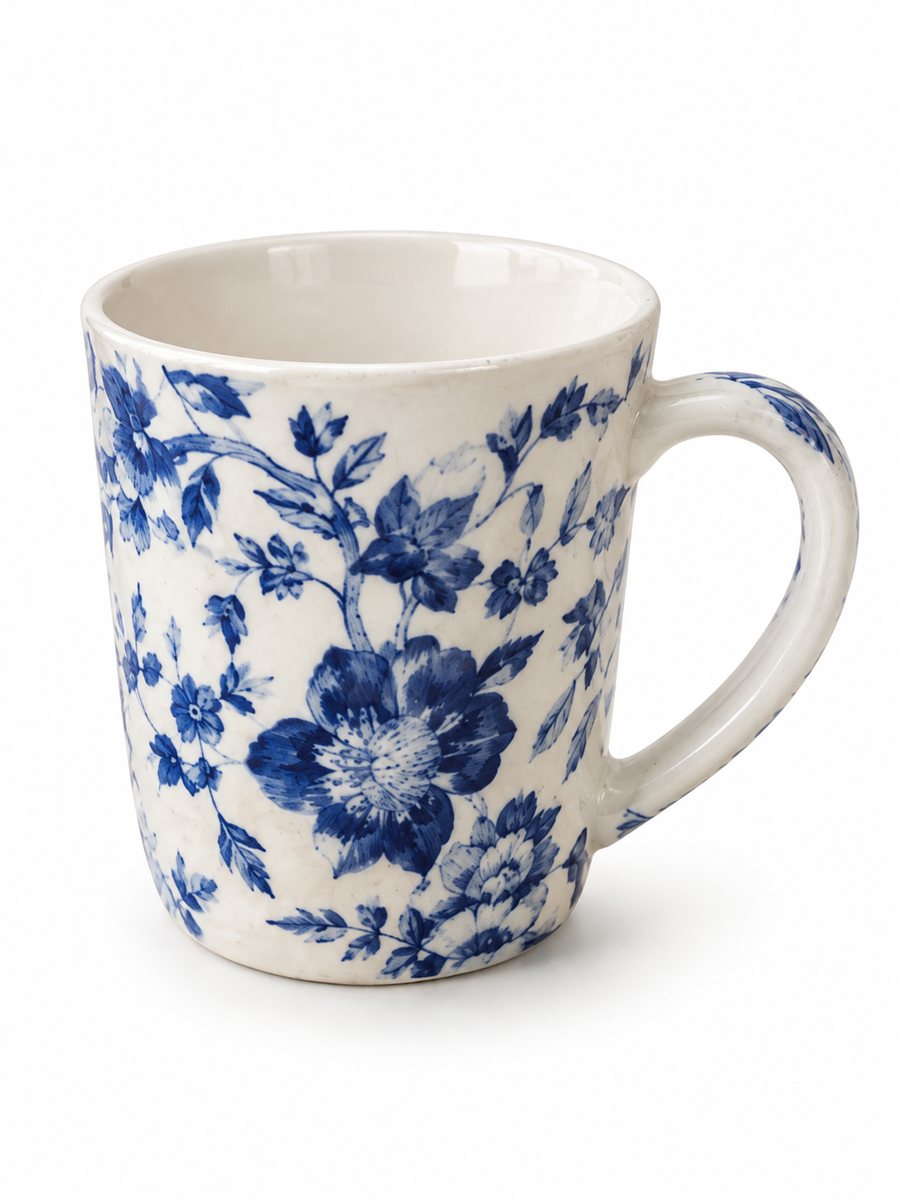 BeforeAfter
In short: Mug photos on a white background: send a phone picture of a ceramic mug and get a clean 3:4 image with a soft shadow and the print kept. 7 images free.
- Where: the VisuMate bot in Telegram, no app or sign-up.
- Cost: 2 credits per image, 7 images free, then packs from 49 Telegram Stars.
- Time: 1 to 2 minutes per image, rerun with a new instruction at the same price.
When you need this
- The ceramic shows a bright window stripe across the print.
- The handle points the wrong way and hides the design.
- You sell ten mug designs and need matching pictures.
How to do it
- 1
Open @visumate_ai_bot with the button on this page and press Start. The link opens the product-on-white mode.
- 2
Send the photo of the mug as a file (document) so Telegram does not compress it. In the caption write: "pure white background, handle on the right, keep the print and color".
- 3
In 1–2 minutes the vertical 3:4 image arrives in the chat. Zoom in on the edges and the shadow of the mug, then download it or run again.
Try it on your own photo: 7 images are free, no sign-up.
Make it in TelegramHandle, print and rim
A mug design usually wraps around. Choose the angle that shows the main print and a bit of the handle, and keep the rim visible. Photograph a second view for the back side. The AI keeps the object as you show it, so what you want shown must be visible in your phone photo. A real close-up of the material or the label is still worth adding as a later picture.
A set of designs that match
If you sell many designs, process all mugs with the same caption and the same angle. Use identical distance and light. Then the pictures look like one collection. Compare the printed text and colors on each result with the real mug, and rerun any image where the design shifted. Compare the result with your original on color, shape and any printed text before you publish.
Tips
- Turn the mug so the design faces the camera and the handle sits to the right.
- Shoot slightly above the rim to show the inside.
- Wipe fingerprints from glossy ceramic.
- Name the mug color in the caption so it does not shift.
Questions and answers
Does it keep the print on the mug?
It tries to, but check text and fine lines at full size. Show the real print in a close-up photo as well.
Can I show the mug with coffee?
Use the lifestyle scene mode and describe the table in the caption.
How many images can I try for free?
New users get 15 free credits on first launch. One image costs 2 credits, so 7 images are free.
Should I send the photo as a file?
Yes, send it as a document so Telegram does not compress it. A regular photo also works, but a file keeps more detail.
More in "Product photos"
- Phone case product photos on a white backgroundPhone case product photos on a white background: send a picture of a case and get a clean 3:4 image with a...
- Watch photos on a white backgroundWatch photos on a white background: send a phone picture of a wristwatch and get a clean 3:4 image with a...
- Book product photos on a white backgroundBook product photos on white: send a phone picture of a cover or a stack and get a clean 3:4 listing image...
- Product mockups from a real photoProduct mockups from a real photo: describe the setting and the bot builds a scene mockup around your...