Sunglasses product photos on a white background
Lenses reflect the photographer and the room. Send your phone picture and get the sunglasses on pure white with a soft shadow, the frame shape and lens tint kept.
- 2 credits per image
- Result in 1–2 minutes
- No sign-up
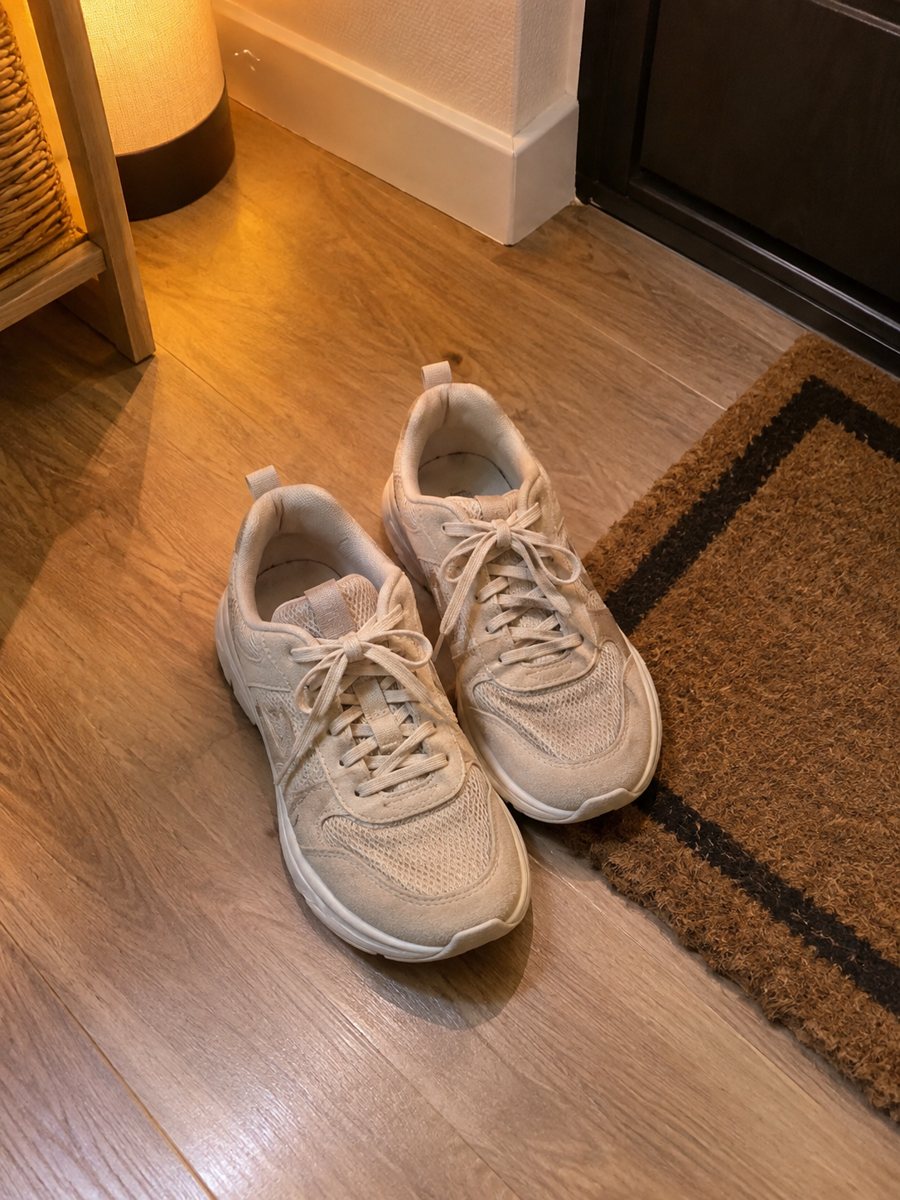
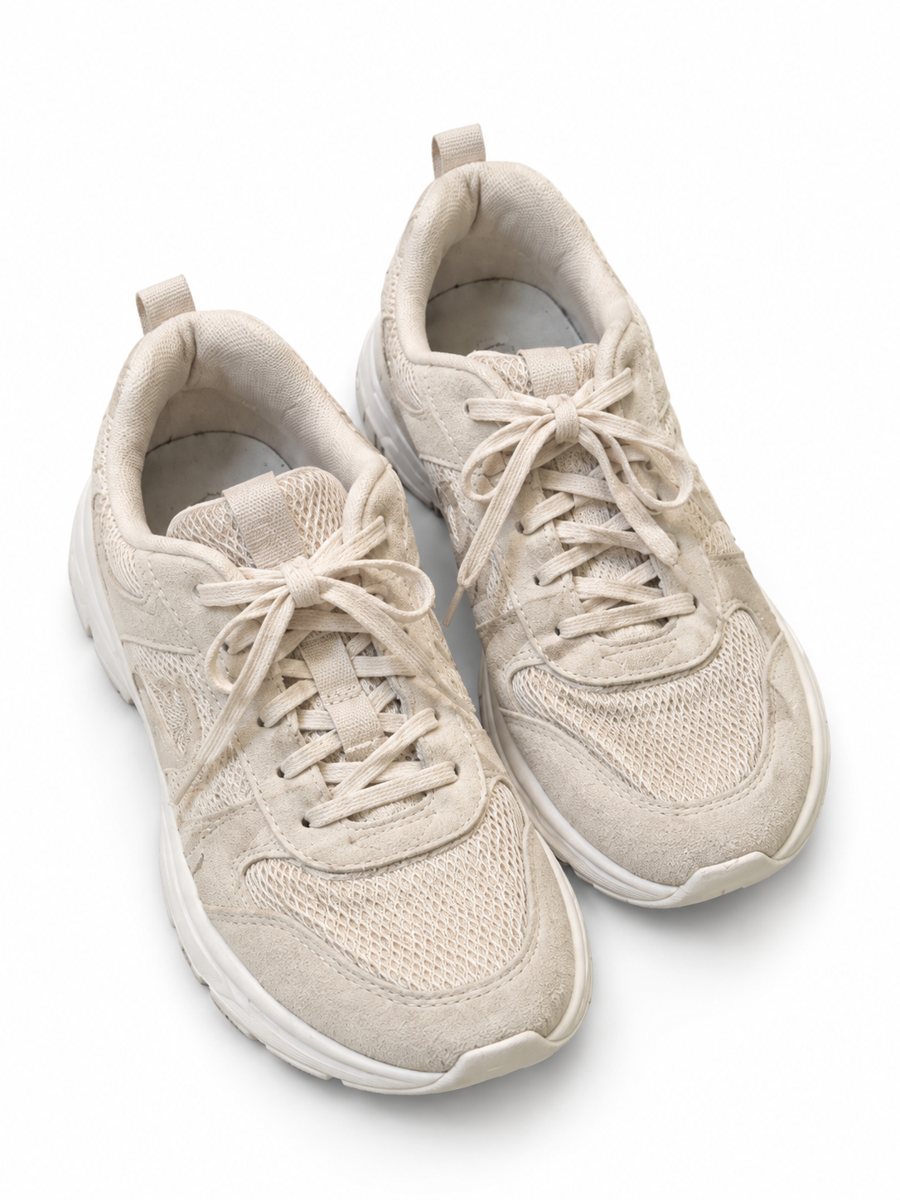 BeforeAfter
In short: Sunglasses product photos on white: send a phone picture and get a clean 3:4 image with a soft shadow, the frame shape and lens tint kept. 7 images free.
- Where: the VisuMate bot in Telegram, no app or sign-up.
- Cost: 2 credits per image, 7 images free, then packs from 49 Telegram Stars.
- Time: 1 to 2 minutes per image, rerun with a new instruction at the same price.
When you need this
- Your phone and your face appear in the lenses.
- The temples fold at odd angles and the pair looks uneven.
- Clear and tinted lenses lose their color in a plain cut-out.
How to do it
- 1
Open @visumate_ai_bot with the button on this page and press Start. The link opens the product-on-white mode.
- 2
Send the photo of the sunglasses as a file (document) so Telegram does not compress it. In the caption write: "pure white background, keep the lens tint and frame shape".
- 3
In 1–2 minutes the vertical 3:4 image arrives in the chat. Zoom in on the edges and the shadow of the sunglasses, then download it or run again.
Try it on your own photo: 7 images are free, no sign-up.
Make it in TelegramLenses and frames
Lenses are glossy and curved, so any bright object appears in them. Cover bright windows behind you with a curtain, and stand to the side of the pair. A symmetrical view, front or three-quarter, works best. Write the lens tint in the caption so the AI does not guess it. Keep the same photo angle across similar products, since a uniform gallery looks more professional.
A pair, an album and a model
One picture on white is the cover. A second image of the sunglasses worn by a model helps buyers judge size and fit, and the accessory-on-model mode does that. Check that the frame shape, the hinge details and any logo on the temple match the real pair before you publish. A sharp, evenly lit source photo gives the cleanest result, so wipe the product and shoot near a window.
Tips
- Open the temples fully and set the pair on a light sheet.
- Shoot from slightly above and from the front to avoid mirror effects.
- Use a matte surface behind the glasses.
- Name the lens color: gray, brown, mirrored, gradient.
Questions and answers
Does it keep mirrored lenses?
It tries, but mirror coatings are hard. Check the color and reflection, and rerun with the tint named in the caption.
Can I show the pair on a person?
Yes. See the sunglasses on model page for the accessory mode.
Should I send the photo as a file?
Yes, send it as a document so Telegram does not compress it. A regular photo also works, but a file keeps more detail.
Do I need to register anywhere?
No sign-up. Open Telegram, press Start and send a photo. It works on a phone and on a desktop.
More in "Product photos"
- Tool product photos on a white backgroundTool product photos on white: drills, wrenches, hand tools and sets from a phone picture to a clean 3:4...
- Car accessory product photos on a white backgroundCar accessory product photos on white: floor mats, phone holders, covers and gadgets from a phone picture...
- Watch photos on a white backgroundWatch photos on a white background: send a phone picture of a wristwatch and get a clean 3:4 image with a...
- Tools in a workshop sceneTools in a workshop scene: place a drill, a wrench or a hammer on a workbench with a scene written in the...