Seller photo workflow
A repeatable routine saves hours. Photograph once, then run the same photo through several modes to build a full gallery.
- 2 credits per image
- Result in 1–2 minutes
- No sign-up
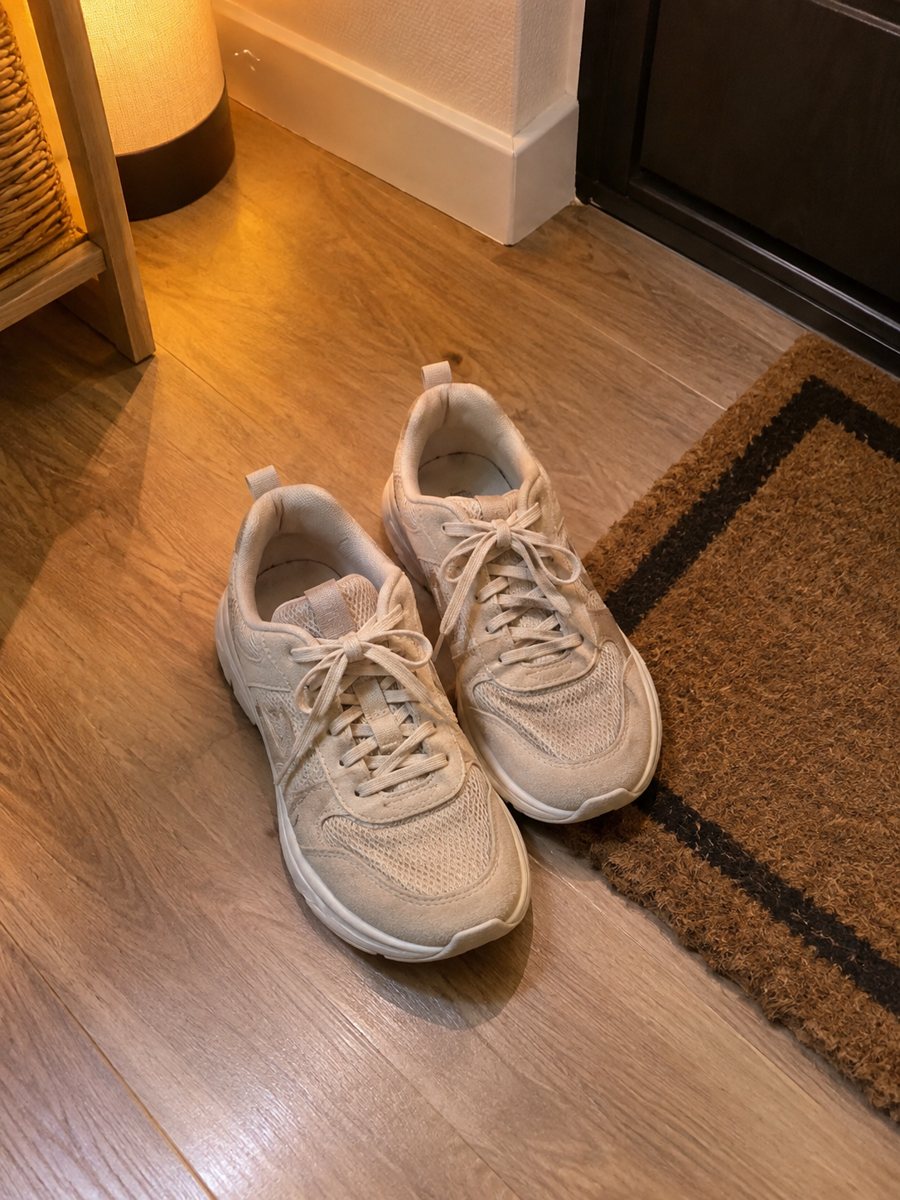
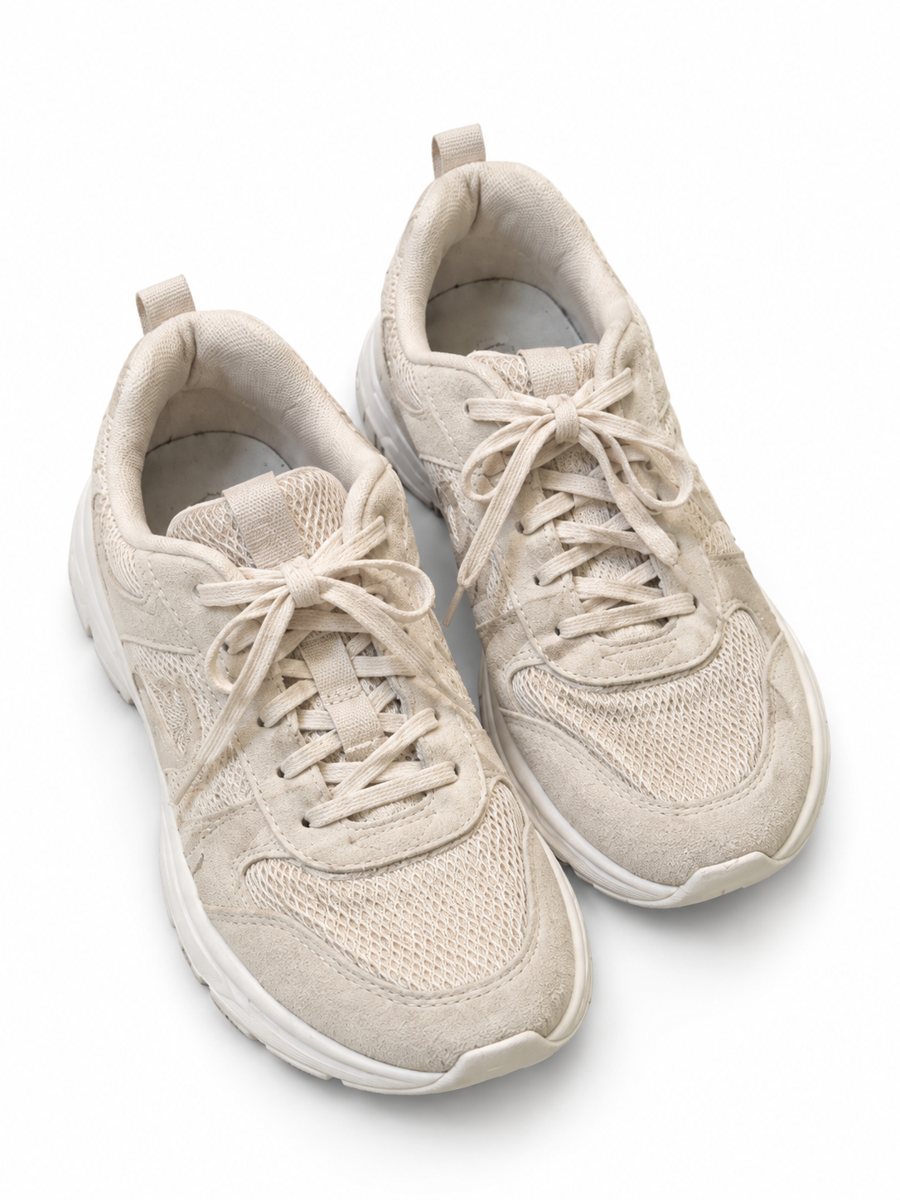 BeforeAfter
In short: Seller photo workflow: take one phone shot and make a white main image, a scene, an infographic and a worn shot. 1–2 minutes per image. 7 images free.
- Where: the VisuMate bot in Telegram, no app or sign-up.
- Cost: 2 credits per image, 7 images free, then packs from 49 Telegram Stars.
- Time: 1 to 2 minutes per image, rerun with a new instruction at the same price.
When you need this
- Each new product restarts the whole process.
- You lose time switching between tools.
- Your galleries differ from product to product.
How to do it
- 1
Open @visumate_ai_bot with the button on this page and press Start. The link opens the product photo menu.
- 2
Pick the mode that fits and send the photo of the product as a file (document). In the caption write: "product on a clean white background".
- 3
In 1–2 minutes the vertical 3:4 image arrives in the chat. Check the details of the product, then download it or run again.
Try it on your own photo: 7 images are free, no sign-up.
Make it in TelegramA routine you can repeat
Shoot all the products for the day in one session in the same light. Send each photo as a file with the right caption for the mode. Results arrive in 1–2 minutes each, so you can send the next product while you wait. Each run takes 1 to 2 minutes, so you can send the next product while you wait.
Checking and filing
Go through the results in a batch. Zoom in on edges, text and colors. Download the good ones and name them by product and picture number. Rerun the weaker ones with a clearer caption. Upload to the marketplace yourself, since the bot does not connect to your accounts. If a result is close but not right, rerun with a clearer caption for another 2 credits.
Tips
- Shoot all products in one session.
- Name files clearly so you can match them to results.
- Run white, scene and infographic for each.
- Check results in batches.
Questions and answers
How much time per product?
A few minutes of waiting per image, with several running one after another.
Is there a bulk upload?
You can send up to 5 photos as an album that is merged into one image. Otherwise each image is its own request.
Should I send the photo as a file?
Yes, send it as a document so Telegram does not compress it. A regular photo also works, but a file keeps more detail.
Do I need to register anywhere?
No sign-up. Open Telegram, press Start and send a photo. It works on a phone and on a desktop.
More in "Product photos"
- Product photos for marketplacesProduct photos for marketplaces: white background, studio shots, lifestyle scenes, infographics and...
- Marketplace photo requirementsMarketplace photo requirements for Amazon, Etsy and eBay in plain terms: background, size and text. Check...
- AI product photos vs a photoshootAI product photos vs a photoshoot: where AI saves time and money, where a real shoot still wins and how to...
- Baby product photographyBaby product photography: bottles, toys and accessories on a soft pastel backdrop with highlights and a...