AI product photos vs a photoshoot
AI is a good fit for many catalog pictures, while a real photographer still wins in some cases. Here is a plain comparison.
- 2 credits per image
- Result in 1–2 minutes
- No sign-up
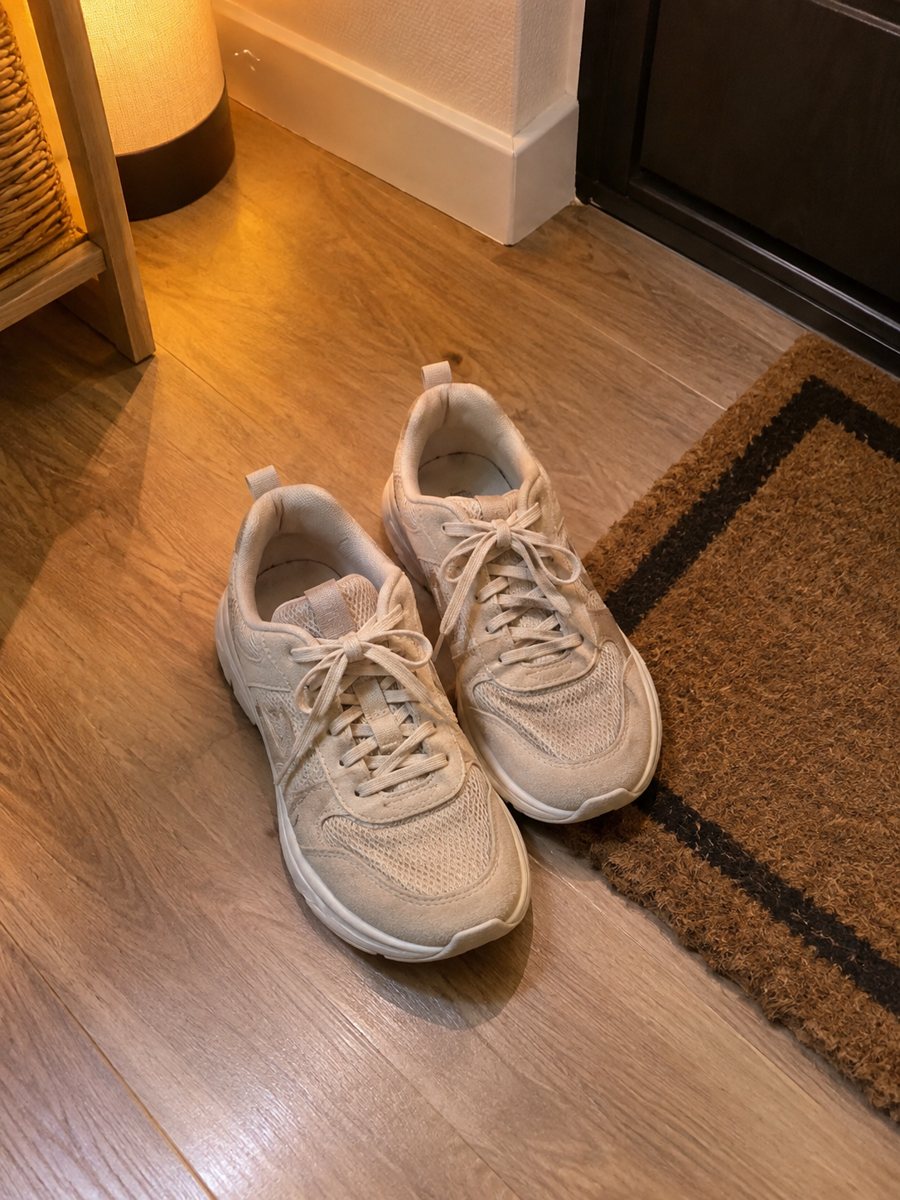
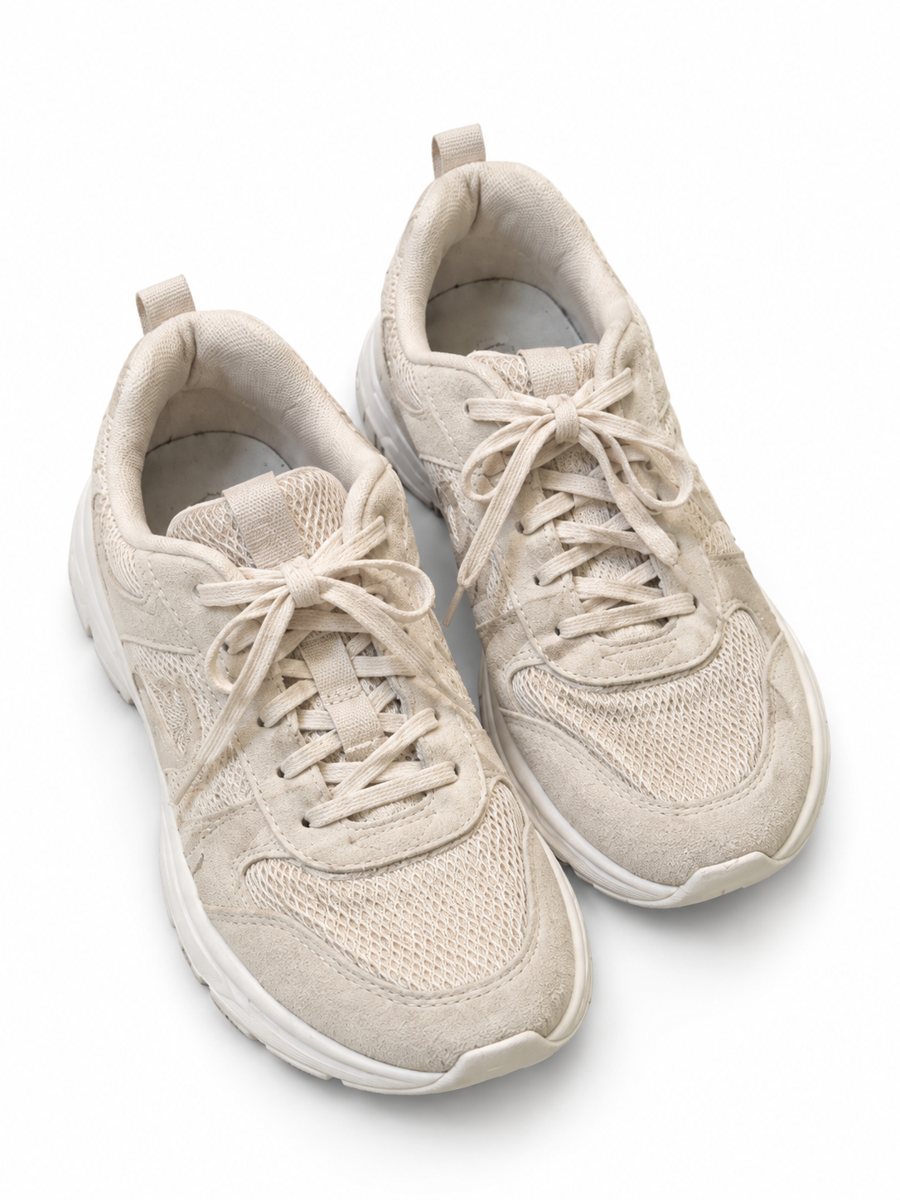 BeforeAfter
In short: AI product photos vs a photoshoot: where AI saves time and money, where a real shoot still wins and how to combine both for a gallery. 7 images free.
- Where: the VisuMate bot in Telegram, no app or sign-up.
- Cost: 2 credits per image, 7 images free, then packs from 49 Telegram Stars.
- Time: 1 to 2 minutes per image, rerun with a new instruction at the same price.
When you need this
- You wonder if AI pictures are good enough.
- A shoot is too costly for a large catalog.
- You fear that AI changes your product.
How to do it
- 1
Open @visumate_ai_bot with the button on this page and press Start. The link opens the product photo menu.
- 2
Pick the mode that fits and send the photo of the product as a file (document). In the caption write: "product on a clean white background".
- 3
In 1–2 minutes the vertical 3:4 image arrives in the chat. Check the details of the product, then download it or run again.
Try it on your own photo: 7 images are free, no sign-up.
Make it in TelegramWhere AI helps
AI helps when you have many items, tight budgets or a need for speed. A white background, a studio look or a scene each take 1–2 minutes. It also lets you test different looks before you commit to a real shoot. The bot makes images only. It does not write listing text, calculate prices or upload to your account. The bot replies in English. You can switch the language any time with /lang.
Where a real shoot wins
A photographer is better for hero campaigns, complex products and fine textures. AI can change details, so for products where exact detail sells, add real close-ups. Many sellers use AI for most pictures and a real photo for the details. Check the rules of your marketplace and category, since they change over time. Send the photo as a file so Telegram keeps the full detail of your product.
Tips
- Use AI for clean backgrounds, scenes and infographics.
- Use real photos for texture and fine detail.
- Compare every AI result with the product.
- Mix both in one gallery.
Questions and answers
Will AI change my product?
It is meant to keep it, but AI can alter details. Always compare.
Can I use both?
Yes. A mixed gallery works well.
Is the bot menu in English?
The bot replies in English, and the link from this page opens the right mode.
How do I pay after the free images?
Inside Telegram with Stars, by card, Apple Pay or Google Pay. Packs start from 199 Stars and credits never expire.
More in "Product photos"
- Seller photo workflowSeller photo workflow: take one phone shot and make a white main image, a scene, an infographic and a worn...
- Product photos for marketplacesProduct photos for marketplaces: white background, studio shots, lifestyle scenes, infographics and...
- Product photos with a phoneProduct photos with a phone: how to shoot a clean source photo, send it as a file and get a marketplace...
- Furniture product photosFurniture product photos with a studio look: a chair, table or shelf on a light gradient backdrop with a...